
Wordtune
AI assistant for writing and improving texts in English.
Overview
Wordtune
Description of the Wordtune neural network
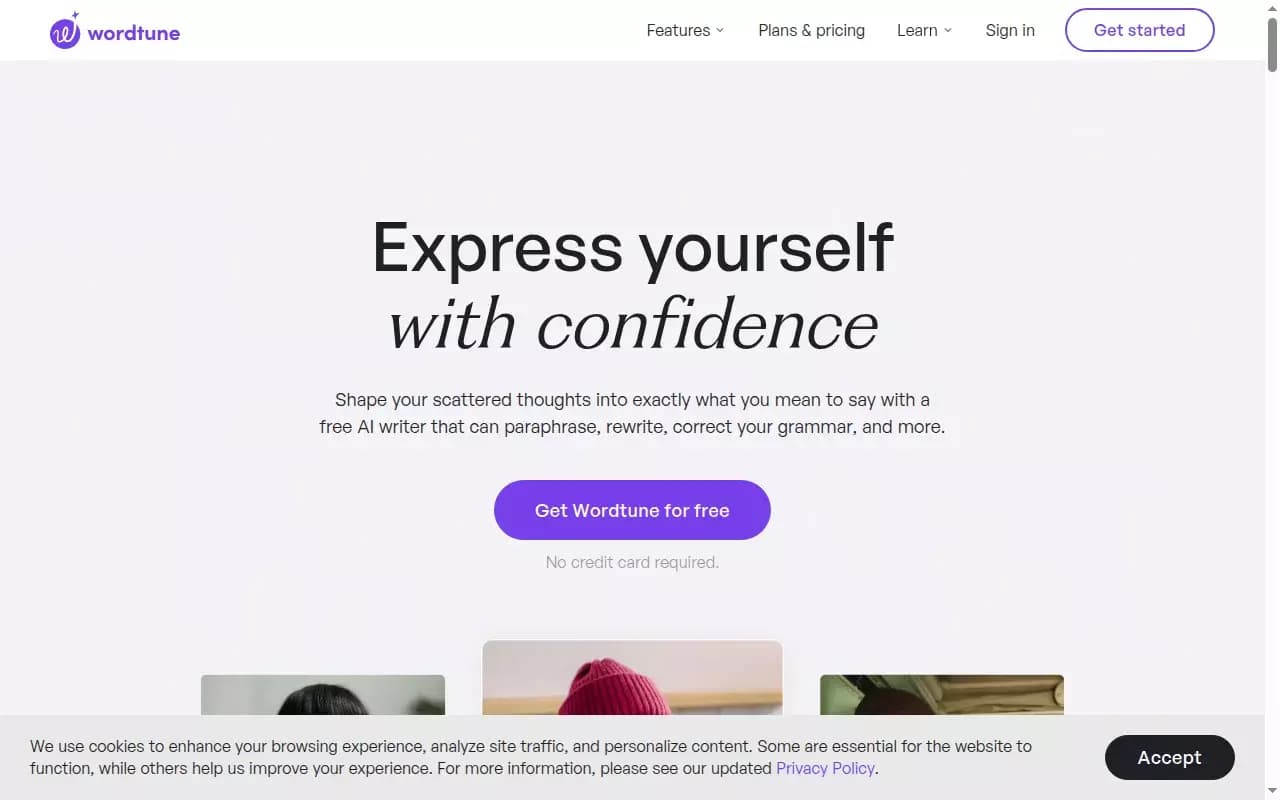
Wordtune is an AI assistant for writing and improving texts in English. Unlike ordinary spell checkers, this tool does not just point out errors but offers contextual rephrasing options, helping you find the right tone and style. Wordtune supports both formal and casual communication, letting you adapt your text to different situations with a single click.
In addition to basic paraphrasing, the service includes smart translation from several languages into English, a synonym generator, a long-document summarization feature, and fact-checking across multiple sources. The tool is available as a browser extension, a mobile app, and a web service, allowing you to work with text in almost any application.
Wordtune characteristics
| Characteristic | Value |
|---|---|
| Categories | Copywriting, Paraphrasing, Text generators, Summarization |
| Business model | Freemium |
| Interface language | English |
| Primary focus | Writing and improving texts in English |
| Platforms | Browser, mobile devices, web service |
| Additional features | Translation, summarization, fact-checking |
Who is the Wordtune neural network suitable for?
Students and researchers
Wordtune helps improve essays, academic papers, and research works. The summarization feature lets you quickly extract key points from long documents, saving time when preparing materials.
Copywriters and content managers
Professionals working with English texts can use Wordtune to diversify vocabulary, change tone, and improve style. The tool helps create more natural and persuasive texts for blogs, articles, and advertising materials.
Business people and managers
For those who conduct business correspondence in English, Wordtune offers phrasing options that sound confident and professional. The service also helps adapt letters to a formal or casual tone depending on the recipient.
How to use the Wordtune neural network?
Getting started with the service
Using Wordtune requires registration. After creating an account, the user gets access to a free plan that includes basic features. You can work with the service through the web interface, install a browser extension, or download the mobile app.
Main usage scenarios
Users can enter text directly in the Wordtune editor or select fragments in the browser while the extension is active. The service offers several rephrasing options to choose from. To change the tone, just click the appropriate button; to translate, paste the text in the original language.
Main Wordtune features
Paraphrasing and tone adjustment
Wordtune offers contextual rephrasing options for sentences. With one click, users can change the tone of a text from formal to casual and vice versa. The synonym generator helps diversify vocabulary and avoid repetition.
Smart translation and summarization
The service supports smart translation from Spanish, Chinese, Arabic, and Russian into English. The summarization feature condenses long documents, articles, web pages, and even YouTube videos, highlighting the most important points. Wordtune Read quickly summarizes academic papers, business reports, and blog posts for efficient understanding.
Fact-checking and text continuation
Wordtune checks facts against at least five sources, making the information it provides trustworthy. In addition, the neural network can continue a text for the user while preserving the original style and train of thought, which is especially useful when facing writer's block.
Real-time grammar and style checking
The service checks grammar, spelling, and style in real time, helping users avoid mistakes and improve overall writing quality. Unlike standard checkers, Wordtune offers not just corrections but alternative phrasings.
Advantages of Wordtune
Naturalness and accuracy
Wordtune helps you sound confident, natural, and accurate in English. Instead of mechanical corrections, the service offers meaningful options that improve readability and clarity.
Versatility and integration
The tool works everywhere: in the browser, on mobile devices, and in your favorite apps. The Chrome extension lets you use Wordtune directly in Gmail, Google Docs, social networks, and other web services without switching between windows.
Overcoming writer's block
The text continuation feature eliminates the dread of a blank screen. When it is hard to start or continue a thought, Wordtune suggests options that help keep the writing flow going.
Disadvantages of Wordtune
Free plan limitations
Wordtune operates on a Freemium model, and the free version has limits on the number of paraphrases and available features. Full access to many capabilities, such as advanced summarization or fact-checking, may require a paid subscription.
Focus on English
Despite having a translation feature into English, Wordtune is primarily aimed at users who write in English. For working with texts in other languages, the service's capabilities are limited.
What tasks does Wordtune solve?
Improving writing quality
Wordtune helps rephrase sentences, find synonyms, and change the tone of a text. The service checks grammar, spelling, and style in real time, making the text more professional and natural.
Working with information
The tool handles translation into English from a number of languages, as well as summarization of documents, articles, web pages, and videos. Fact-checking across multiple sources helps ensure information is reliable.
Creating content
Wordtune generates text continuations while preserving the user's style, which is useful for writing articles, essays, emails, and other online content. The service helps structure thoughts and improve the overall logic of the text.
Wordtune pricing
Wordtune is distributed under a Freemium model. The free plan includes basic paraphrasing features and a few uses per day. Specific prices for paid plans are not stated in the provided data. For up-to-date subscription pricing, it is recommended to visit the official website.
Wordtune terms of use
Registration is required to use the service. Users must create an account to access Wordtune's features. The free plan does not require entering payment details. The terms of paid subscriptions are set by the service owners and may change.
Wordtune availability
Wordtune works in the browser, on mobile devices, and in other applications. The Chrome extension provides quick in-browser access. The web service lets you use all features from any internet-connected device. The service is aimed at users writing in English and provides an English-language interface.
How Wordtune differs from alternatives
Contextual paraphrasing and tone control
Unlike many tools that simply replace words with synonyms, Wordtune offers contextual rephrasing options that take the meaning of the entire sentence into account. The ability to switch from formal to casual tone with one click sets the service apart.
Fact-checking and video summarization
Built-in fact-checking across multiple sources is a rare feature among writing tools. In addition, Wordtune can summarize not only texts and web pages but also YouTube videos, expanding its range of use compared with competitors.
Integration into workflows
Wordtune works as a browser extension, mobile app, and web service, making it usable in various scenarios, from writing emails to editing academic papers. This makes it more versatile than tools limited to a single platform.
Conclusion
Wordtune is an AI writing assistant for English that helps improve the style, tone, and accuracy of texts. Combining paraphrasing, translation, summarization, and fact-checking, the service suits students, copywriters, managers, and anyone who writes in English and wants to do it better. The Freemium model lets you try the basic features for free, while paid plans unlock broader functionality. Thanks to its availability in the browser, on mobile devices, and through the web interface, Wordtune easily integrates into everyday workflows.
Frequently asked questions

See also

AI tool for creating and paraphrasing texts with SEO optimization, supporting 26 languages.
Multilingual AI assistant for checking grammar, spelling, and text style.
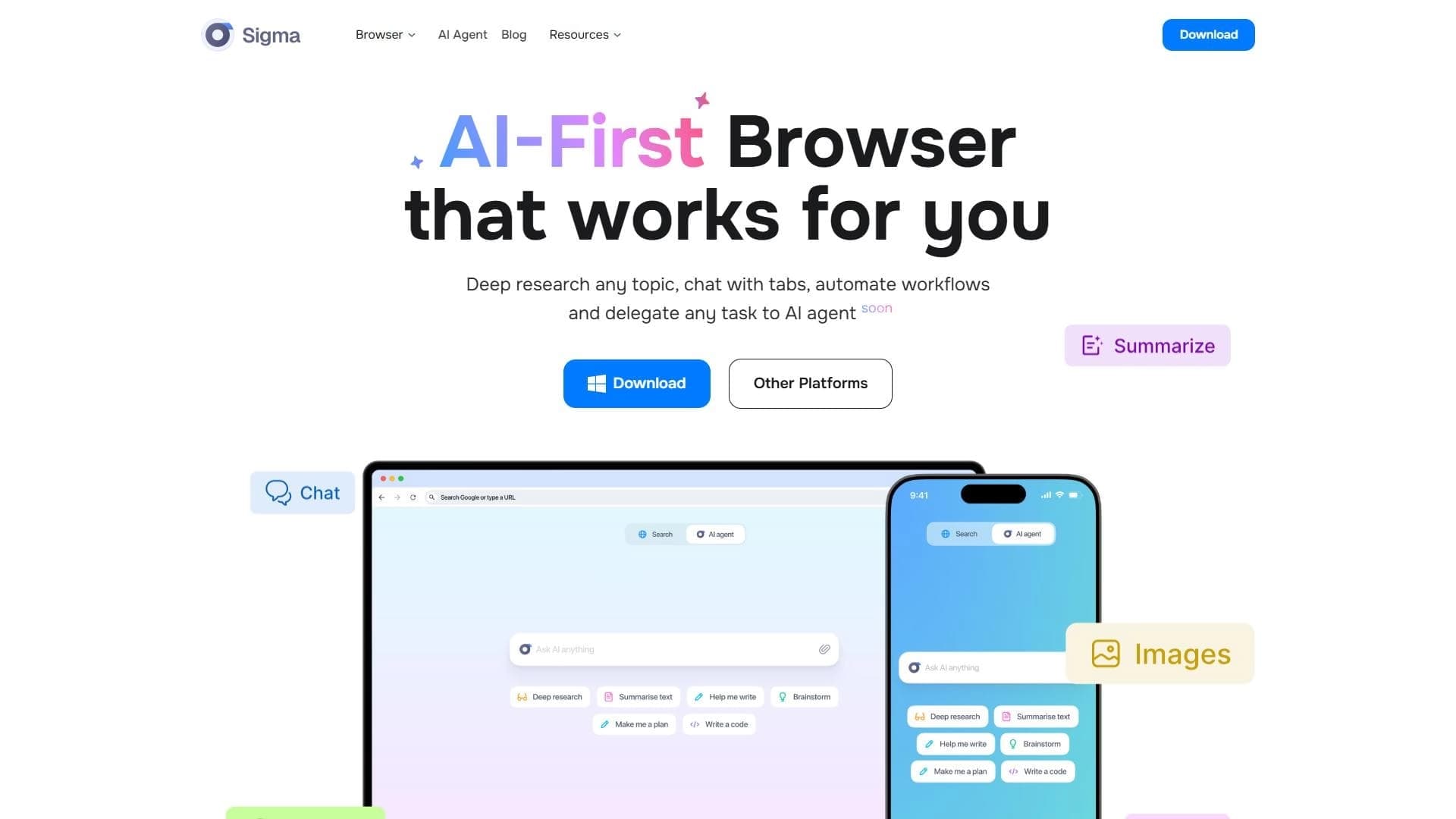

A browser with built-in AI tools for chatting with neural networks, generating texts and images, translating and summarizing pages.
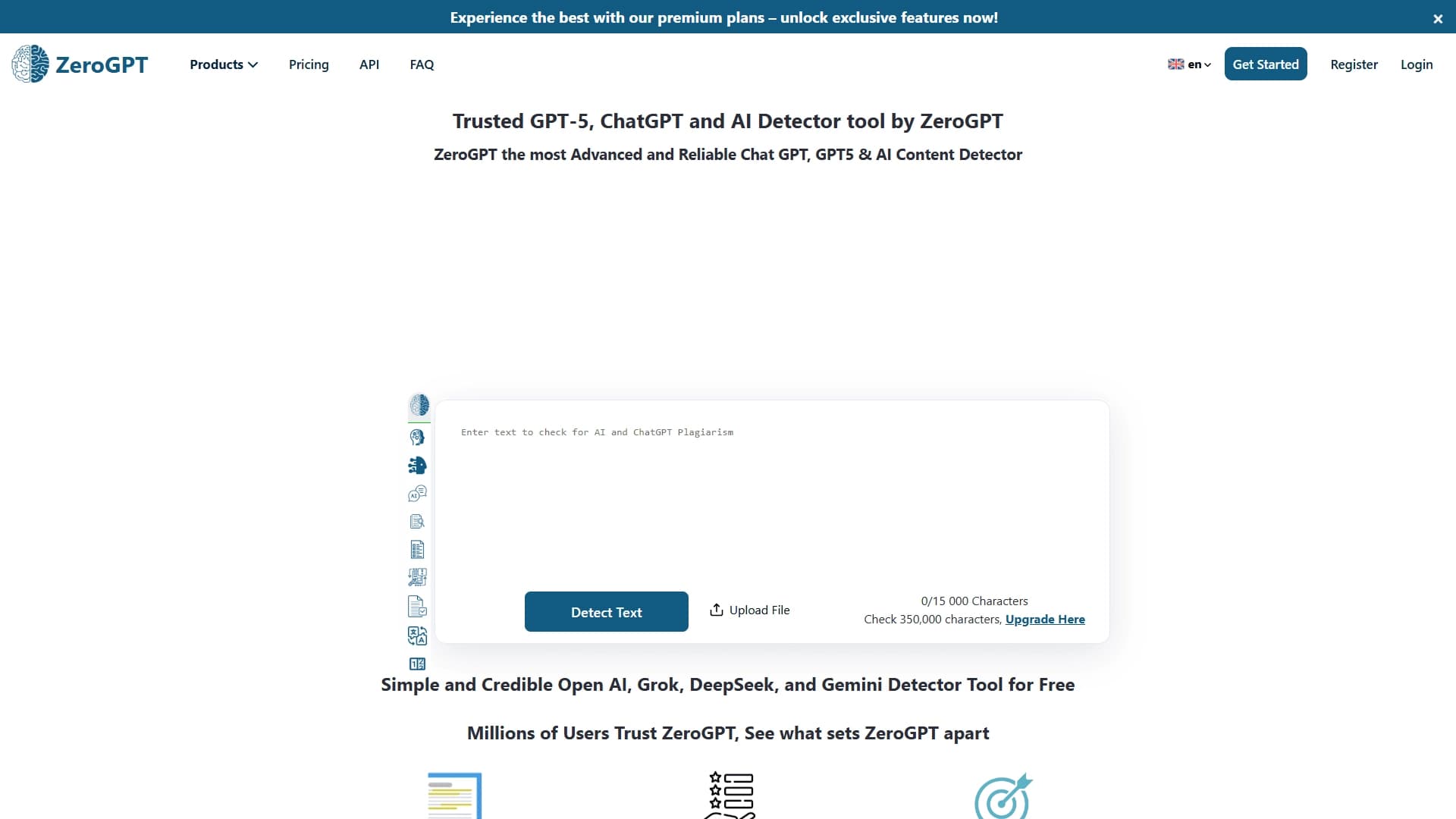

An online detector that determines whether text was created by a human or generated by neural networks.


AI assistant for checking grammar, spelling, and style of English text, available as a browser extension and web editor.


A service that generates and rewrites texts so that they are not recognized by AI detectors.
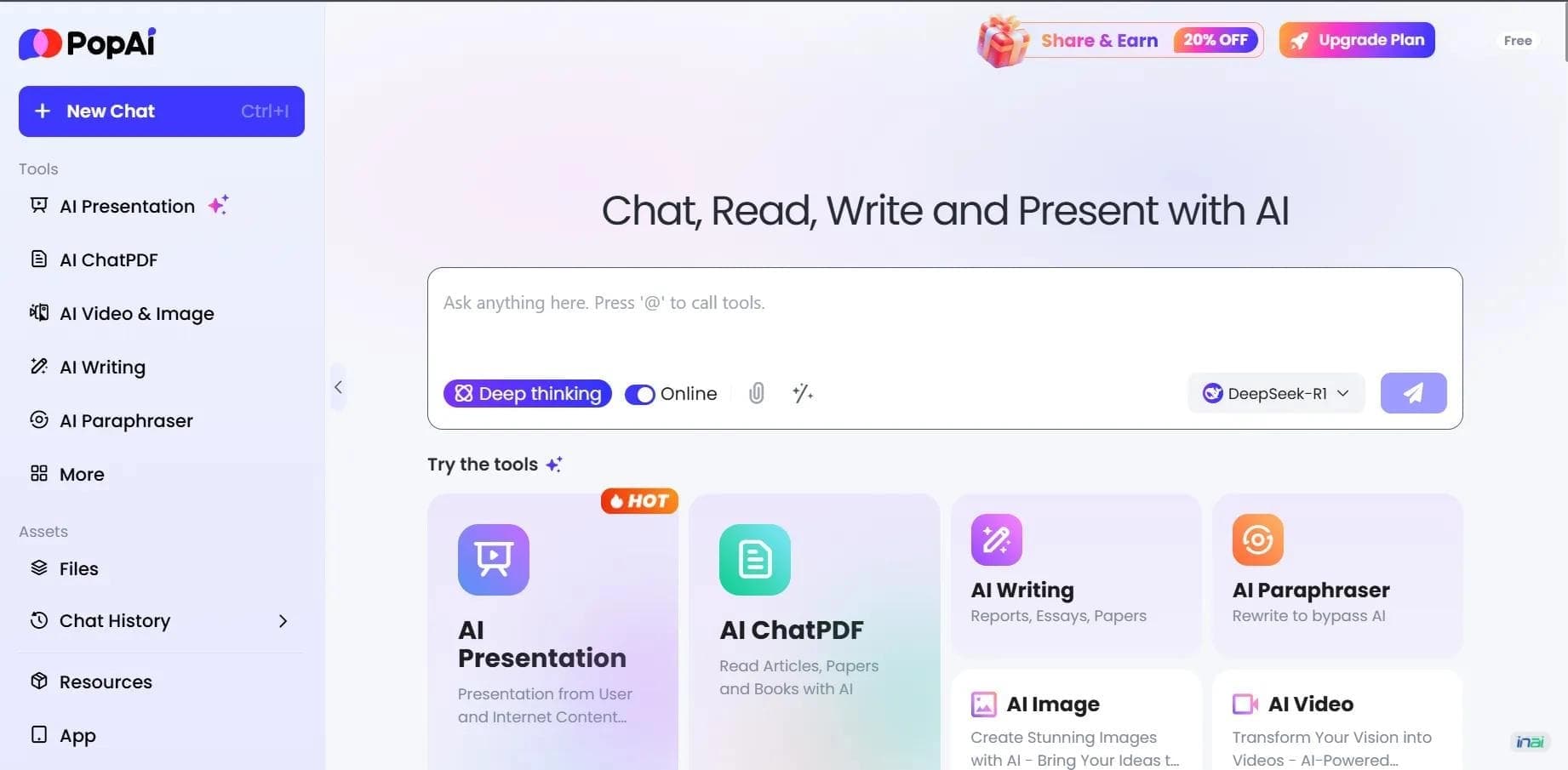

AI platform for working with documents, creating presentations, and generating images.

AI assistant for paraphrasing, grammar checking, and working with text in multiple languages.