
Voicemod
Real-time voice changer with a wide range of voice effects and a soundboard.
Overview
Voicemod
Voicemod AI Overview
Voicemod is a multifunctional real-time voice changer software designed for gaming, streaming, and voice communication. The application offers more than 150 ready-to-use voice filters that can be applied instantly without uploading or training the system. Voicemod is compatible with any program that uses a microphone and is available on Windows and macOS. In addition to its core voice-changing function, the service includes a browser-based Text to Song tool that turns entered text into a musical composition with a choice of virtual performers and arrangements.
Voicemod Specifications
| Characteristic | Value |
|---|---|
| Type | AI tool for audio processing, voice changer software |
| Category | Voice changing, Voice assistants, Entertainment, Music generation, Text to music |
| Business model | Freemium |
| Platforms | Windows, macOS, Web |
| Number of voices | More than 150 ready-to-use voices |
| Editorial rating | 9.3 out of 10 |
| User rating | 4.5 |
| Regional availability | May vary by region |
Who Is Voicemod AI For?
Gamers and streamers
The main audience of Voicemod is gamers and streamers who need to quickly change their voice during a game or live broadcast. The tool lets you create different voice characters and add creativity to online communication.
Bloggers and SMM managers
Voicemod will be useful for bloggers and SMM managers in creating content, voicing videos, and generating unusual voice effects. The tool helps diversify video materials and attract the audience's attention.
Creative enthusiasts and meme lovers
The browser-based Text to Song service is suitable for those who want to create musical memes, funny greetings, or simply experiment with turning text into a song without any special skills. The service is designed for an easy creative process and entertainment.
How to Use Voicemod AI?
For real-time voice changing
Just launch Voicemod on your computer, and it automatically connects to any application that uses a microphone — Discord, in-game chats, streaming platforms, and other programs. Once launched, the program works steadily and quickly, requiring no switching between applications or complex settings.
For generating music from text
The Text to Song service works directly in the browser without downloading additional software. The user enters text, chooses a melody and an AI performer, and the system generates a finished track in a few seconds. The whole process consists of three steps and is available on any device.
Core Features of Voicemod
Voice filter library
Voicemod offers more than 150 ready-made voices, from classic to unusual. Each effect can be fine-tuned by adjusting pitch, depth, adding noise, or echo, allowing you to create a unique sound.
Instant voice changing
The main feature of the tool is speed. The voice changes in real time without delays, with no need to upload samples or train the system in advance. The change happens instantly and reliably.
Text to Song — turning text into music
Voicemod's browser service lets you turn any text into a musical composition. Seven AI performers and many instrumental arrangements are available in pop, hip-hop, and classical genres. The service is completely free, requires no installation, and is regularly updated with new melodies and performers.
Integration with communication platforms
Voicemod is compatible with any program that uses a microphone, including Discord, game chats, streaming services, and messengers. Integration with social networks is also supported for quickly sharing created tracks.
Advantages of Voicemod
Speed and simplicity
Voicemod changes your voice instantly, without delays or loading the system. The interface is intuitive and requires no switching between programs or complicated setups. Using Text to Song takes just three steps.
Large library of effects
More than 150 ready-made voices for every taste, with flexible adjustment of each effect — in essence, the user gets the functionality of a personal recording studio without complex equipment.
Accessibility and free component
The application works on Windows and macOS, while the Text to Song service is available on any device through a browser. Track generation is completely free, without plans or subscriptions, and allows creating an unlimited number of compositions.
Easy sharing
Finished tracks can be easily published in messengers and social networks. Integration with popular platforms simplifies the distribution of created content.
Disadvantages of Voicemod
Text to Song limitations
The text-to-music service is limited to ready-made templates — there is no deep composition customization. Users cannot upload their own melodies even for a fee, which reduces the tool's flexibility for serious music work.
Regional restrictions
Access to Voicemod may be restricted in some regions, which can create additional inconvenience for users there.
What Problems Voicemod Solves
Fast real-time voice changing
The tool's main task is instantly changing your voice during online communication in games, streams, and voice chats. Voicemod lets you sound like different characters with no preparation or delays.
Creating voice characters
Users can create unique voice personas for games, streams, and creative projects using the extensive filter library and fine effect adjustments.
Generating music without skills
Text to Song solves the problem of turning text into a song for users without a musical background. It is suitable for creating memes, greetings, funny content, and creative experiments.
Audio processing and entertainment
Voicemod is used to process voice and music, adding creativity to everyday voice communication and helping entertain friends or an audience.
Voicemod Pricing
Voicemod is distributed under a Freemium model. There is a free version with a basic set of features, as well as paid plans with expanded capabilities. At the same time, the Text to Song service is completely free — it requires no subscriptions and allows creating an unlimited number of tracks without payment.
Voicemod Terms of Use
The Text to Song service has no explicit restrictions other than the inability to upload your own melodies. Users can create an unlimited number of tracks for free. The terms of use for the main Voicemod application for real-time voice changing are not detailed on the source websites.
Voicemod Availability
Voicemod is available on three platforms: Windows, macOS, and Web (browser version). The voice-changing application requires installation on a computer, while the Text to Song service works in any browser on any device. Access may be restricted in some regions.
How Voicemod Differs from Similar Tools
The main difference between Voicemod and its competitors is speed. The program changes your voice instantly, without delays, while other services may require uploading samples or training the system. In the music generation segment, Voicemod Text to Song wins through its simplicity and speed compared with Suno AI (more genres and customization, but a more complex interface) and Soundraw (instrumental tracks only, without vocals). However, Voicemod lags behind its analogues in depth of adjustment and flexibility of music creation. Other similar tools include iMyFone MagicMic, Rave DJ, Controlla Voice, and OpenVoice AI.
Conclusion
Voicemod is a fast and convenient tool for real-time voice changing with a large library of effects, aimed primarily at gamers and streamers. The additional browser-based Text to Song service offers a simple way to turn text into music for entertainment and creating fun content. With high ratings from users (4.5) and editors (9.3 out of 10), the tool remains accessible thanks to its freemium model, but it may have regional availability restrictions. For deep musical customization, it is worth considering more specialized platforms.
Frequently asked questions
Similar AI tools





See also
OpenAI's multimodal flagship model that works with text, images, audio, and video.
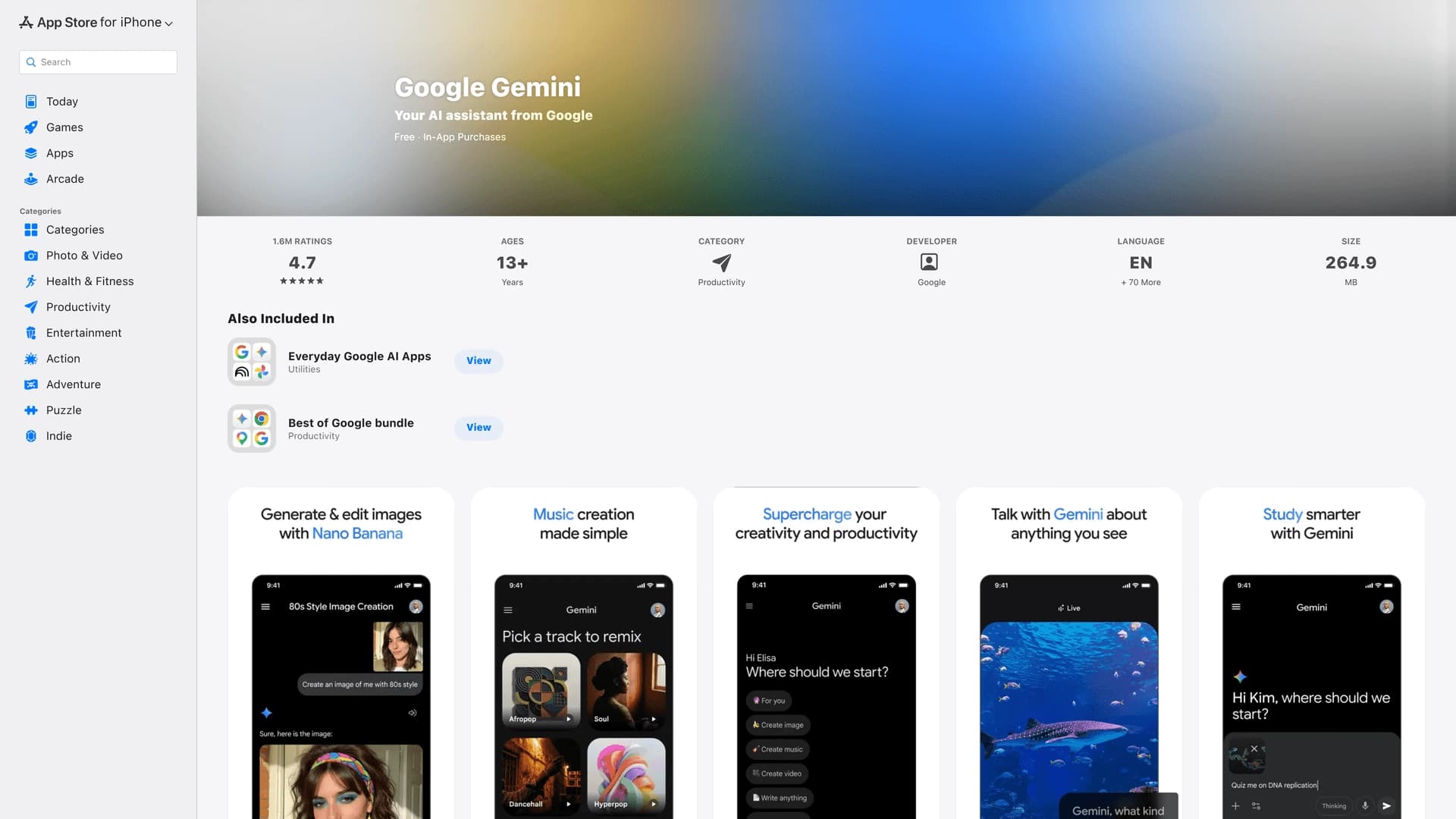

The official mobile app of Google's AI assistant for iPhone, working with text, voice, and camera.
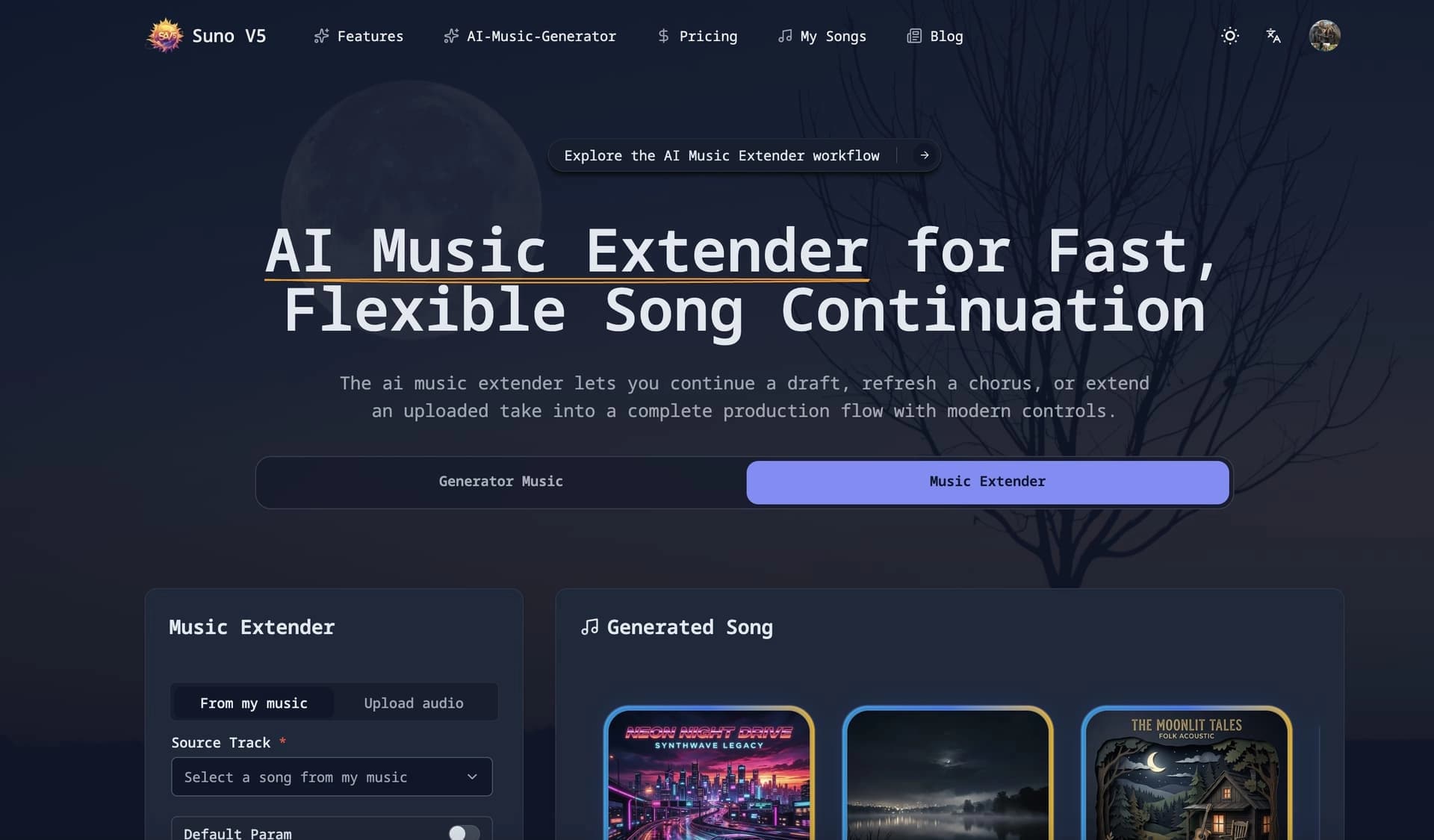

Web service for generating music from a text description based on the Suno V5 model.

Platform for automating phone call processing with an AI agent.
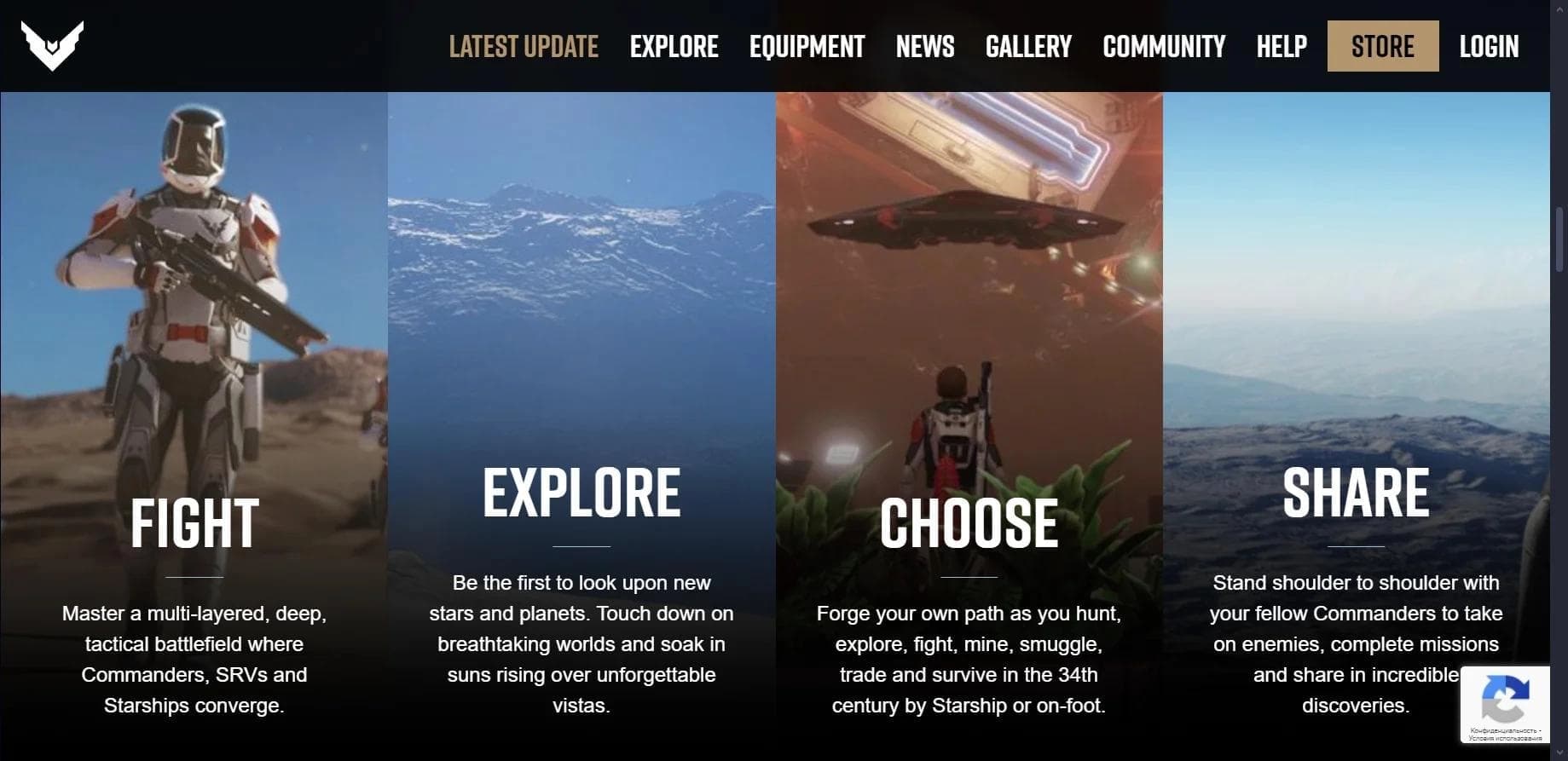

Multiplayer open-world space simulator using AI for NPC control and event generation.
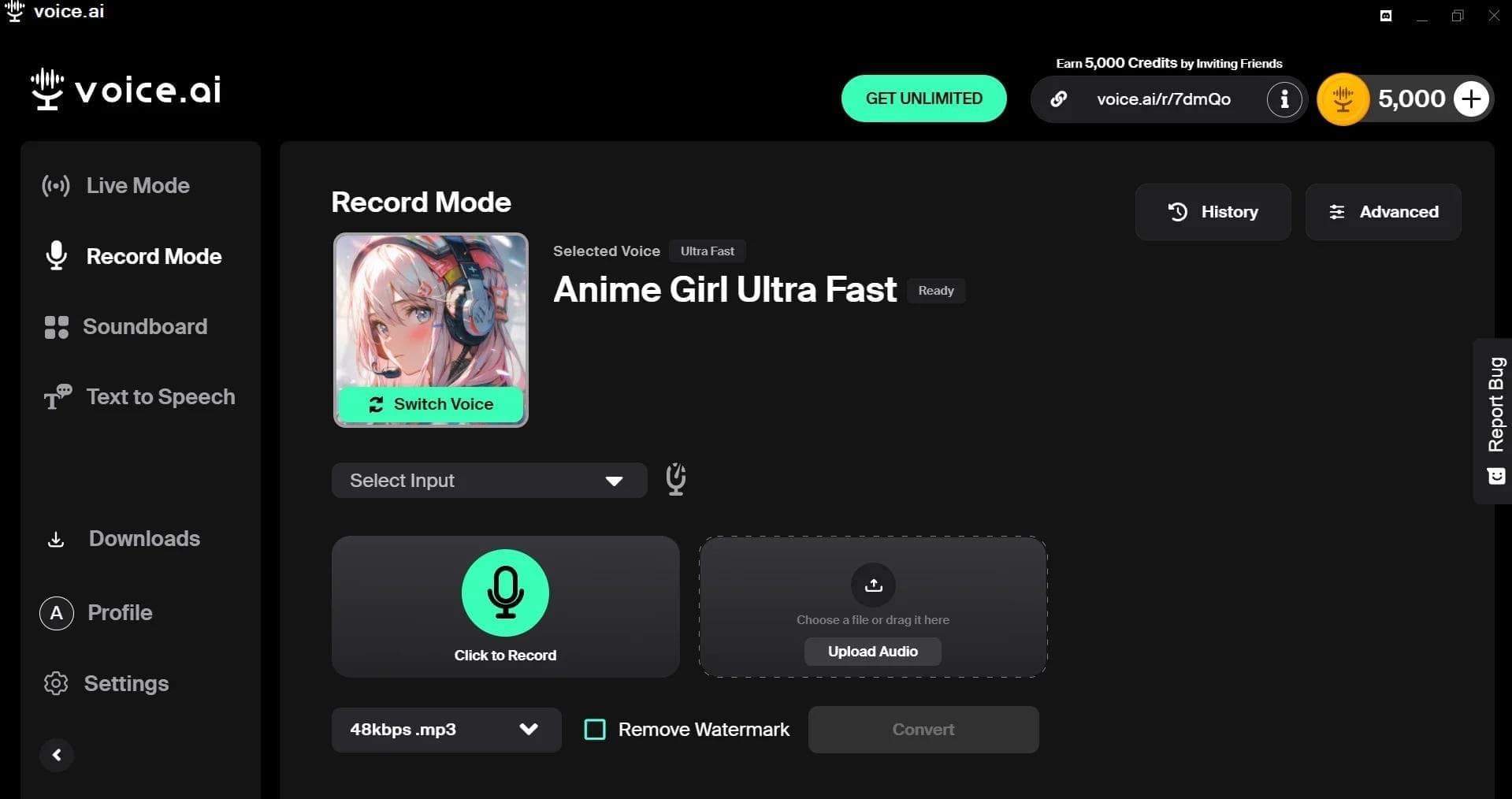

AI-powered platform for real-time voice changing and cloning.

Neural network from Stability AI for generating music and sound effects from a text description or uploaded audio.
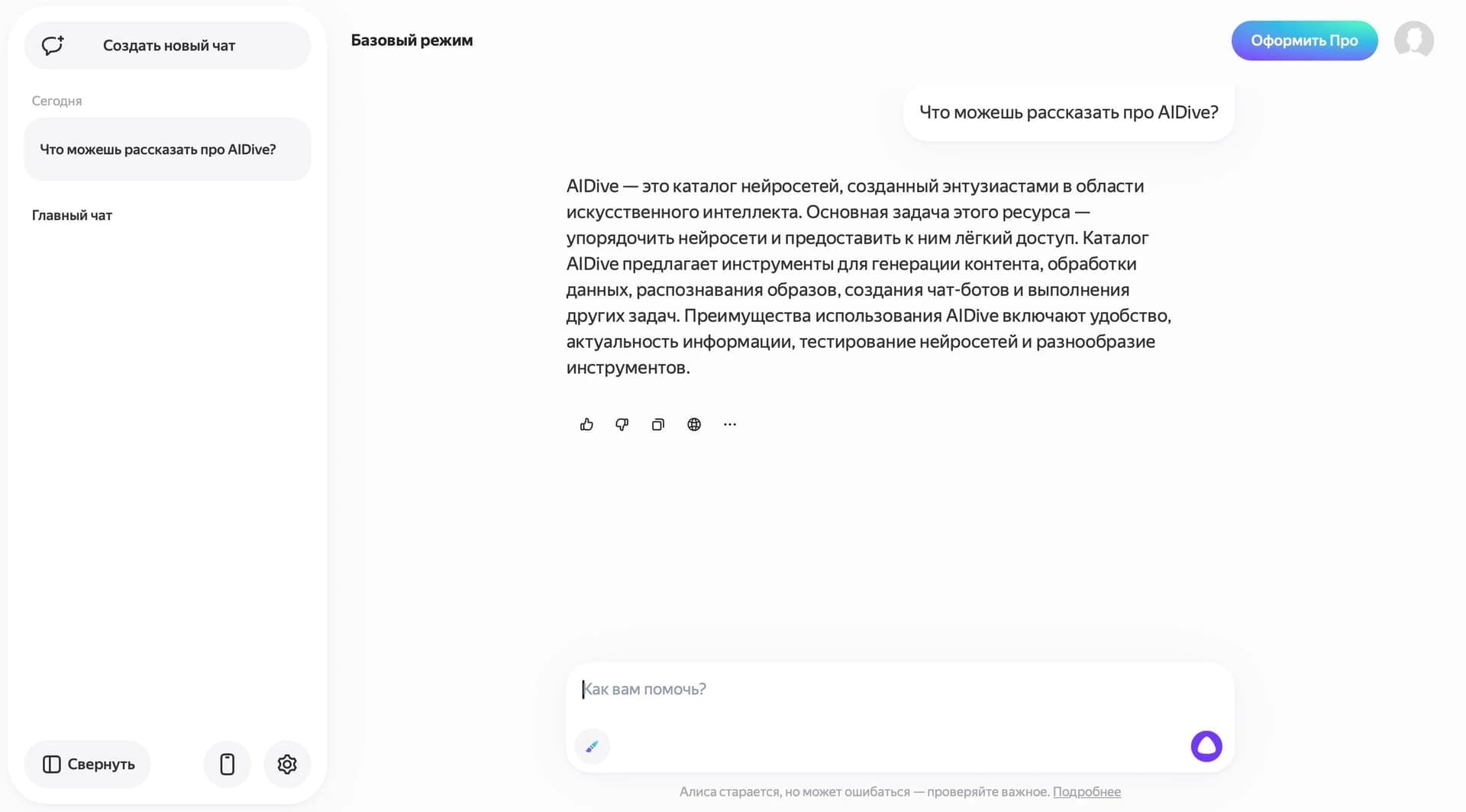

Yandex's multimodal voice assistant powered by the YandexGPT neural network that answers questions, generates texts and images, analyzes files, and controls the smart home.