

Vocal Remover
An online service for splitting audio files into vocal and instrumental components using neural network algorithms.
Overview
Vocal Remover
Description of the Vocal Remover neural network
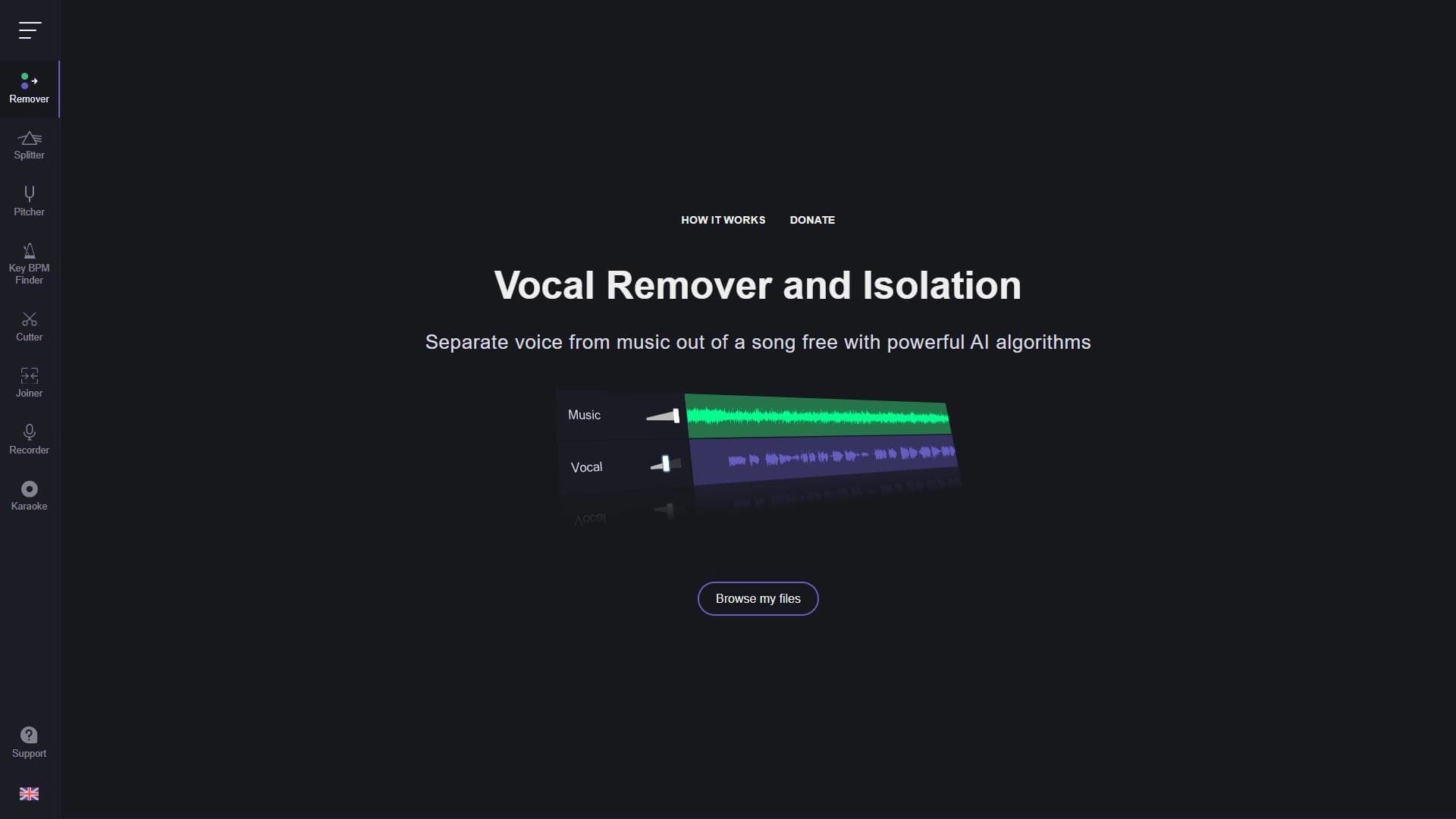
Vocal Remover is an online service that splits audio files into two components: a vocal track and an instrumental one. The tool works directly in the browser, with no need to install additional software on your computer.
The service is based on neural network algorithms that automatically recognize the voice and separate it from the musical accompaniment. After uploading a track, the user receives two ready-made files: a karaoke version of the song without vocals and an acapella with an isolated voice. Processing usually takes about ten seconds, and access to the service is completely free, despite the complexity and cost of such technology in general.
Vocal Remover features
| Feature | Value |
|---|---|
| Type | Online tool for separating vocals and music |
| Categories | Audio editing, Audio enhancement |
| Website | vocalremover.org |
| Works in browser | Yes, no installation required |
| Batch processing | Yes |
| Distribution model | Free |
| Catalog publication date | August 15, 2025 |
Who is the Vocal Remover neural network suitable for?
Musicians and sound engineers
Vocal Remover will be useful for musicians who need a clean backing track for rehearsals or recording their own vocals over a ready-made track. Sound engineers can also use the service to quickly separate tracks when preparing material.
DJs
For DJs, the tool opens up the ability to work with acapellas — isolated vocal parts that can be layered over other tracks when creating mixes and remixes.
Karaoke enthusiasts
Users who simply want to sing their favorite songs to a backing track will also find the service suitable. Just upload a track, and the karaoke version will be ready without any special skills.
How to use the Vocal Remover neural network?
Uploading a track
To get started, you need to upload an audio file through the service interface in the browser. No registration or software installation is required — everything happens on the website.
Selecting an option and waiting for the result
After uploading, you need to select the desired processing option and wait for the algorithms to finish. The files are processed automatically using neural network algorithms, usually within about ten seconds.
Getting the ready files
As a result of processing, the user receives two separate audio files: a version without vocals (backing track) and a version with isolated vocals (acapella). The service also supports batch processing — you can upload several tracks at once.
Key features of Vocal Remover
Removing vocals from a song
The service quickly removes the voice from an audio recording, leaving the clean instrumental part. This makes it possible to get a high-quality backing track from any song.
Creating backing tracks and acapellas
From a single track you can get both results at once: a karaoke version without vocals and an acapella with an isolated voice. Both files are created automatically during processing.
Batch processing of tracks
Vocal Remover supports simultaneous processing of several audio files, which saves time when working with large amounts of material.
Automatic processing with neural network algorithms
Track separation is performed automatically using neural network algorithms, without manual settings or user intervention in the process.
Advantages of Vocal Remover
High separation quality
Neural network algorithms ensure high-quality separation of vocals and the instrumental part with a minimum number of artifacts at the output.
Works in the browser without installation
The service does not require installing additional software — everything works through the browser, which is convenient for users with any level of technical background.
Free access
Despite the complexity and cost of the technology in general, the service can be used completely free of charge.
Disadvantages of Vocal Remover
File size and internet limitations
There may be limitations on the size of uploaded files. In addition, the service requires a stable internet connection — with an unstable connection or high load, the processing may take longer.
No offline mode
The tool is not suitable for offline use, as it fully depends on working in the browser and having network access.
Content and volume limitations
The service is not intended for processing files protected by copyright, nor is it suitable for working with large volumes of audio. Processing large amounts of material may take noticeably longer.
What tasks does Vocal Remover solve
The main task of the service is separating vocals and music in audio files. Related tasks are also solved on this basis: obtaining backing tracks for karaoke, extracting acapellas with an isolated voice, and creating karaoke versions of songs. Thus, the entire range of the tool's capabilities comes down to three practical scenarios: preparing a backing track, getting an acapella, and creating a karaoke track from any song.
Vocal Remover pricing
The service is distributed under a free model: Vocal Remover can be used without payment. This applies to all key functions, including splitting audio files into vocal and instrumental components and batch processing of tracks. No additional paid plans or prices are specified in the source data, so details of paid functionality, if any, remain outside the scope of this article.
Terms of use for Vocal Remover
Working with the service requires a stable internet connection — the tool functions exclusively in the browser and does not support offline mode. It is also worth considering that the service is not intended for processing files protected by copyright. When working with large volumes of audio or under high load on the service, the processing may take longer than usual.
Vocal Remover availability
Vocal Remover is a fully online tool available through the browser at vocalremover.org. No software installation is required to use it, which means you can work with the service from any device that has a browser and internet access. The absence of an installation requirement makes the tool equally convenient for users on different platforms.
How Vocal Remover differs from alternatives
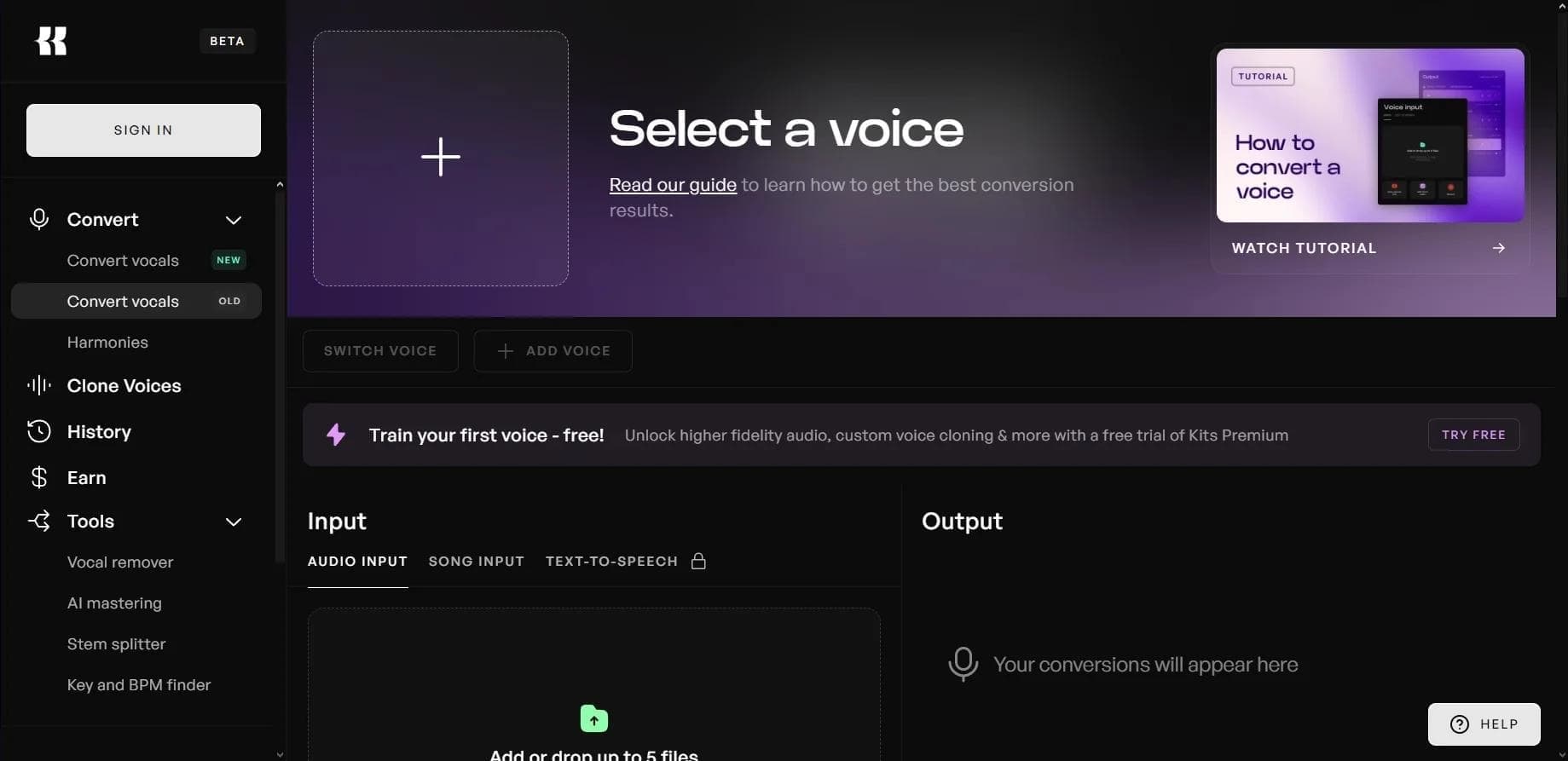
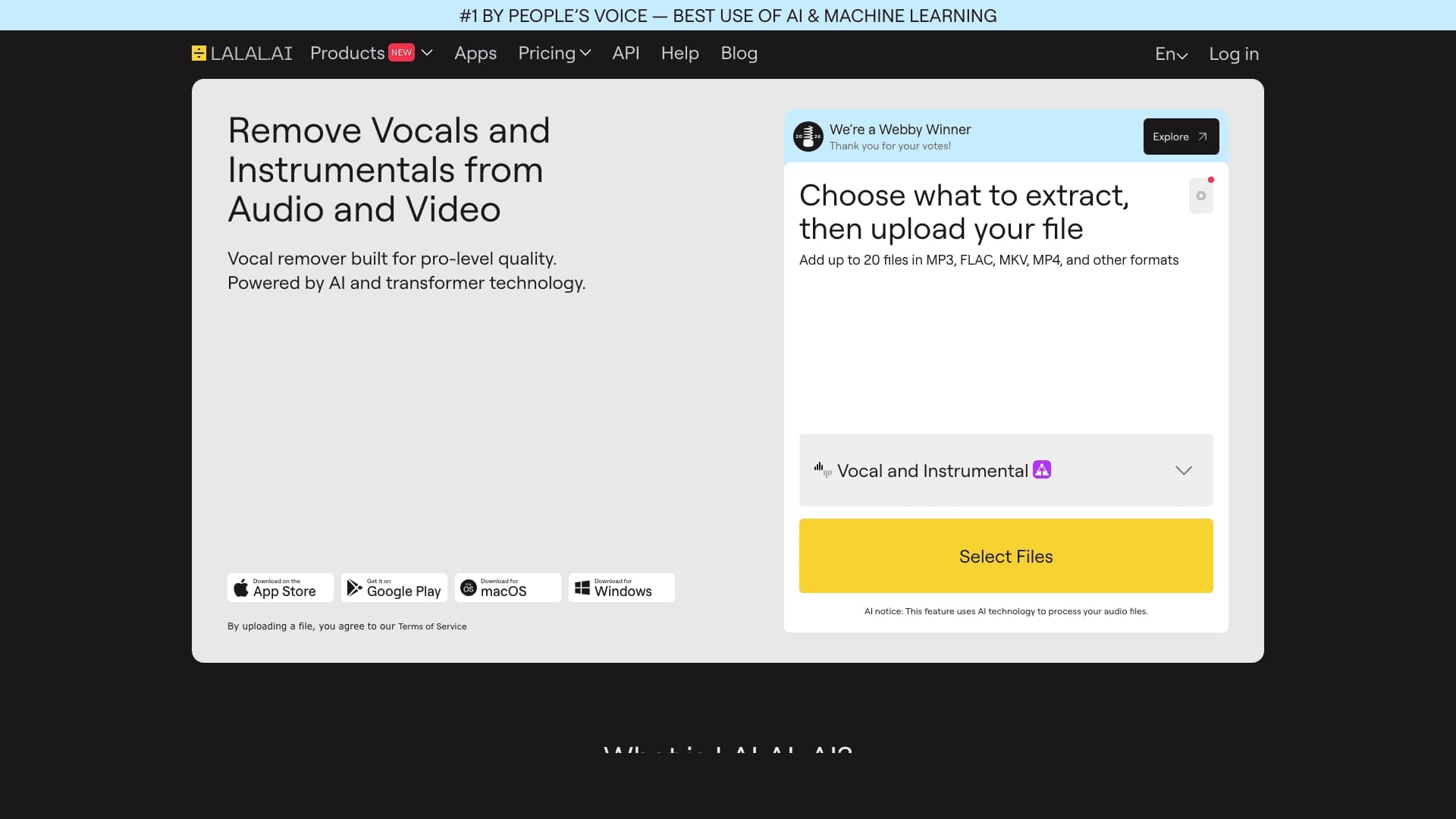
There are several similar services on the market for separating vocals and music, including Moises, PhonicMind, and LALAL.AI. The main difference of Vocal Remover lies in its simplicity and accessibility: the service works directly in the browser without installing programs, uses neural network algorithms for automatic processing, and is available for free. It supports batch processing of several tracks and produces both results — a backing track and an acapella — from a single file upload. At the same time, like any online tool, it has limitations on the size of uploaded files and requirements for a stable internet connection, while the characteristics and pricing models of alternatives may differ.
Conclusion
Vocal Remover is a simple and convenient online tool for separating vocals and music, suitable for quickly obtaining backing tracks and acapellas without installing software. The service works through the browser, processes tracks using neural network algorithms, supports batch upload, and is available for free. The main limitations are related to the size of uploaded files, the need for a stable internet connection, and unsuitability for offline use; however, for everyday tasks of musicians, sound engineers, DJs, and karaoke enthusiasts, it is a practical and accessible solution.
Frequently asked questions


See also

AI-powered platform for generating and editing images and videos.
Cloud platform for text-to-speech conversion with realistic AI-powered voices.


Cloud platform for launching AI applications directly in the browser without installation.


An AI-powered service for handling phone calls that transcribes conversations in real time and creates concise summaries of the discussion.
AI tool for musicians that lets you split audio recordings into separate tracks, change tempo and key, and generate full arrangements from a single audio track.
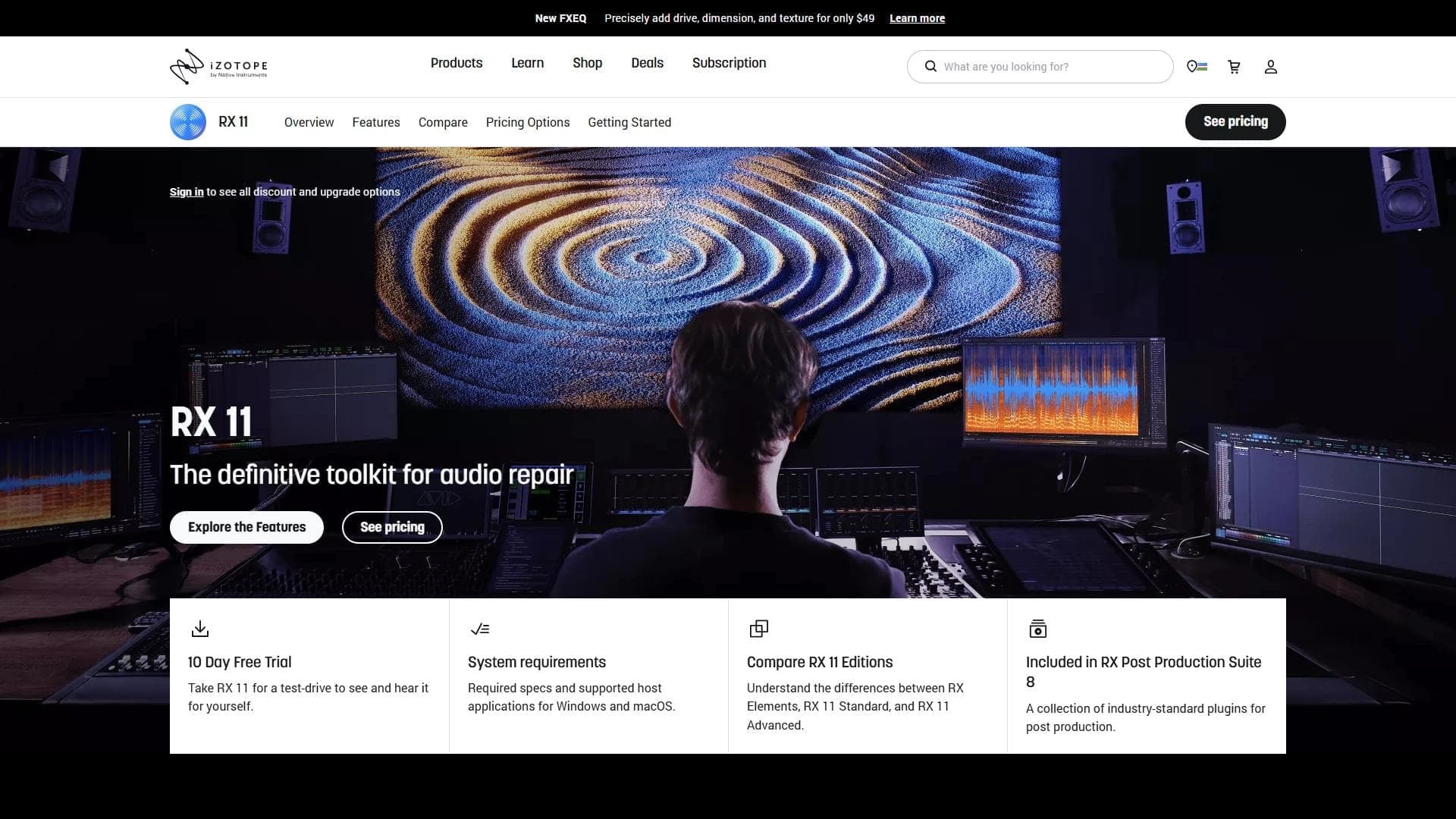

Professional audio restoration and cleaning software powered by machine learning.

Neural network from Stability AI for generating music and sound effects from a text description or uploaded audio.


Platform for recording, editing, and publishing podcasts and video content with built-in AI tools.