

Vmake
Online platform with AI tools for creating and processing product images and videos for e-commerce.
Overview
Vmake
Description of Vmake neural network
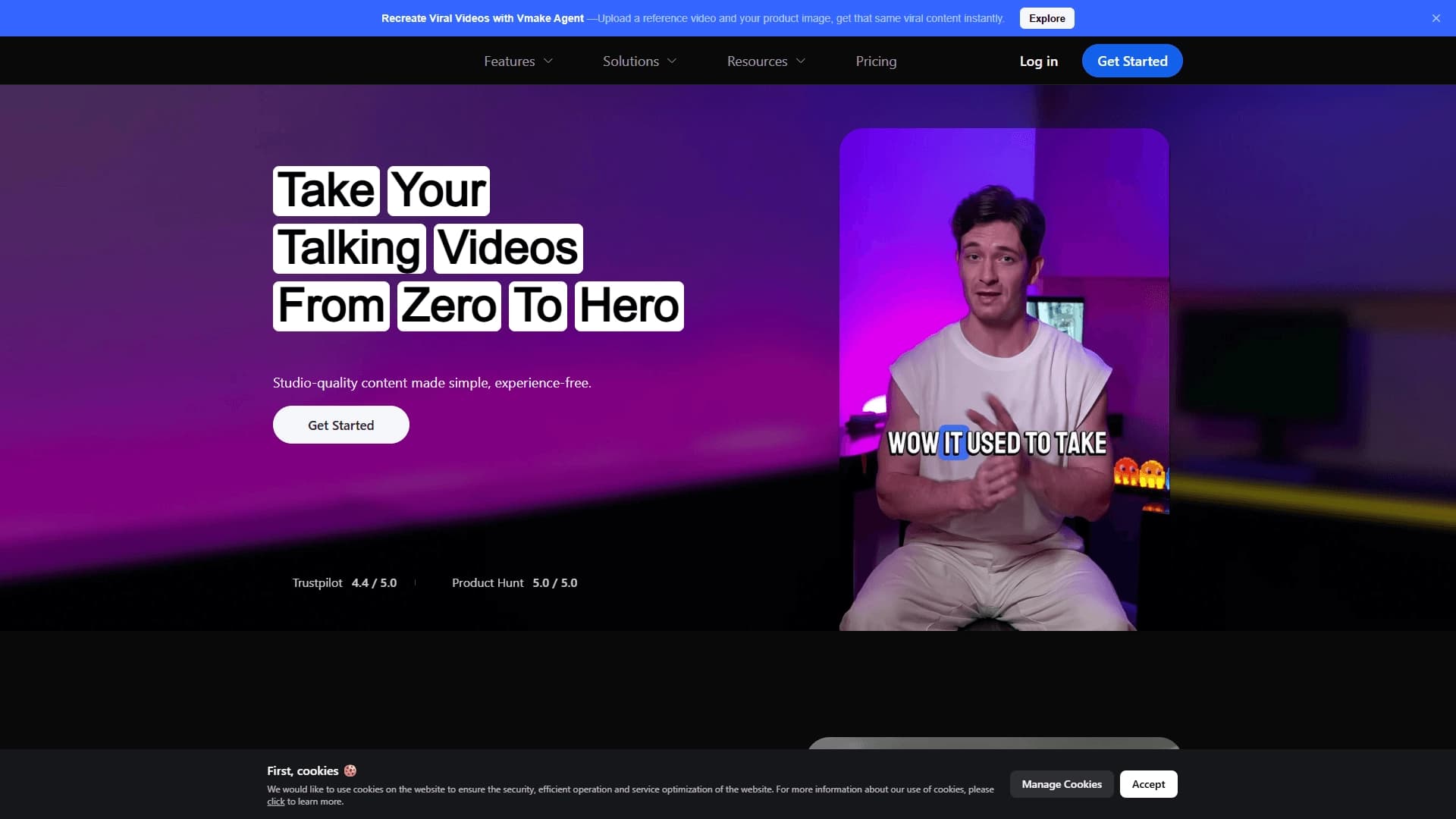
Vmake is an online AI-powered platform designed for processing and generating product images and videos in e-commerce. The service combines many tools: background removal and replacement, image and video quality enhancement, virtual clothing try-on on models, watermark removal, and subtitle generation.
The platform also includes an editor for so-called talking-head videos — interviews, educational videos, and reviews. It automatically removes logos and extraneous text, improves image resolution, and cleans up audio. Thanks to this feature set, Vmake lets you prepare quality content for catalogs and social media without professional shooting or complex editing.
Vmake characteristics
| Characteristic | Value |
|---|---|
| Type | AI platform for e-commerce, image and video editor |
| Categories | E-commerce, background removal, video enhancement, image editing, fashion |
| Platforms | Web, Android, iOS |
| Pricing model | Freemium (free plan + paid subscription) |
| Free plan | Yes |
| Editorial rating | 9.2 out of 10 |
| User rating | 4.2 out of 5 |
| Integration | API |
| Date added to catalog | August 27, 2024 |
Who is Vmake suitable for?
E-commerce business owners and sellers
The tool is primarily aimed at online stores, clothing brands, and marketplace sellers. Vmake helps quickly prepare product visuals without hiring photographers or renting a studio.
Content creators and experts
The platform is useful for content creators, experts, review authors, and personal brand authors who regularly record talking videos. They can produce more videos in less time without mastering complex professional editors.
Marketers and SMM managers
Vmake suits teams responsible for social media promotion: fast generation and processing of product images, creation of promo materials, and adapting videos for different platforms.
How to use Vmake?
Registration and choosing content type
To get started, simply register at vmake.ai. Not all functions require an account — some basic features are available without registration. After logging in, choose the type of content you plan to work with: images, videos, or virtual models.
Uploading files and editing
Next, upload your own files — product photos on a mannequin, model shots, or flat-lay images, as well as videos. Apply editing tools: background removal or replacement, quality enhancement, watermark removal, and other filters.
Saving and exporting the result
The finished result can be saved and exported for placement on an online store website or social media. If needed, processing can be automated via API.
Key features of Vmake
Image editing
The platform offers background removal and replacement in photos, resolution enhancement, image expansion, and creation of variations based on an uploaded photo. Watermark removal from images is also available.
Virtual fashion models
The AI Fashion Model feature turns photos of clothing on a mannequin or in flat-lay format into professional shots on virtual models. The model's appearance — skin color, facial features, and body type — can be customized to match the target audience.
Video processing
The platform's arsenal includes video enhancement up to Full HD, background and watermark removal from video, noise reduction, and dynamic subtitle generation from speech. These features are especially useful for talking-head videos.
Advantages of Vmake
All-in-one toolkit
Vmake combines many functions in a single service — from video enhancement and watermark removal to virtual model generation. This eliminates the need to use several different programs.
Resource savings
The main advantage is lower photo shoot costs (studio rental, photographer and model fees) and significantly faster content preparation. This helps bring new collections to market more quickly and makes products more attractive in catalogs.
Flexibility and accessibility
The service has mobile apps for Android and iOS, some key features work without registration, and the web version provides access from anywhere. In addition, several video generation methods are supported — from text, images, and existing video files.
Disadvantages of Vmake
Vmake is not open source, which limits the ability to customize functionality independently. As with most AI tools, the free version has limits on the number of options and a daily operation cap. Also, the platform description does not disclose details of advanced customization and professional settings, which may matter to some advanced users.
What tasks does Vmake solve?
Preparing content for stores
The main task is quickly creating professional product images for online stores and marketplaces, including generating virtual clothing try-ons on models. This improves catalog visuals and increases the likelihood of purchase.
Creating content for social media and promo
The platform is used to generate social media content, create promo videos, and increase brand awareness.
Improving existing videos
Vmake turns ordinary camera recordings into studio-quality content: removing unwanted elements, automatically generating subtitles, improving picture and sound, and adapting videos for different formats and branding.
Vmake pricing
Vmake operates on a freemium model — there is a free plan and a paid Pro subscription. Upon registration, 5 free credits are awarded.
The free plan includes video enhancement up to Full HD (up to 30 times per day for each function — enhancement, watermark removal, noise reduction, and background removal), image enhancement, video and audio transcription (3 times per day), AI animation generation (requires credits), and an AI video generator.
The Vmake Pro subscription includes auto-renewal and can be canceled at any time. It includes everything from the free plan plus additional credit-based access. Exact prices are listed on the vmake.ai/pricing page. No credit card is required for registration.
Terms of use for Vmake
Some features don't require registration — basic capabilities are available immediately. Using Pro features and the extended set of tools requires a paid subscription. Upon registration, free credits are awarded for the first period.
Vmake availability
Platforms and devices
The service is available as a web version at vmake.ai and as apps for Android and iOS, allowing you to edit content on a computer or smartphone.
Geography of use
Traffic analytics shows that the platform is popular among users from India, Korea, the USA, the Philippines, and Brazil. The interface language is not specified in the source data.
How Vmake differs from alternatives
The main difference of Vmake is combining a wide range of tools for both images and video in one platform. While many alternatives, such as Genroom, Claid AI, or PhotoAiD, focus on narrow tasks — model generation, photo enhancement, or background removal — Vmake covers the entire cycle of visual content preparation for e-commerce.
Among services with similar scope are Canva, Adobe Creative Cloud, Fotor, Crello, and Snappa. However, they are mostly positioned as universal design platforms, whereas Vmake specializes specifically in product content and solves e-commerce-specific tasks: virtual clothing try-on, background and watermark removal from photos and videos, and enhancement of product videos.
Conclusion
Vmake is a practical AI platform for e-commerce that lets you create high-quality product images and videos, saving time and money on professional photo shoots. Thanks to its comprehensive set of tools — from virtual clothing try-ons to video enhancement and smart subtitles — the service suits small and medium retail businesses, sellers, and content creators who want to quickly produce professional visuals for catalogs and social media without design or editing experience.
Pricing
Frequently asked questions


See also
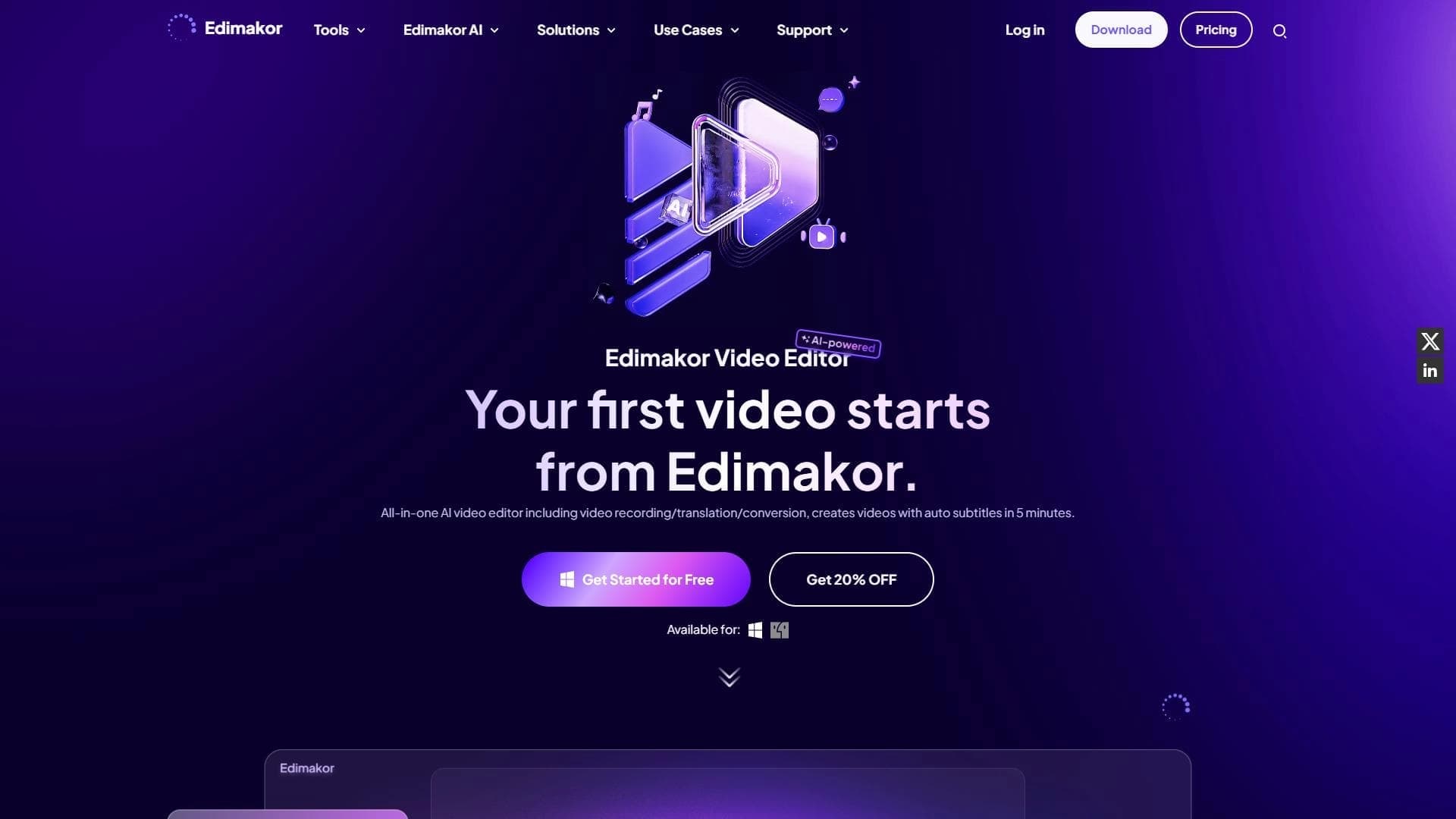

AI-powered desktop video editor for automatic subtitle generation and basic video editing.

Online video editor with AI tools for creating and editing videos directly in the browser.
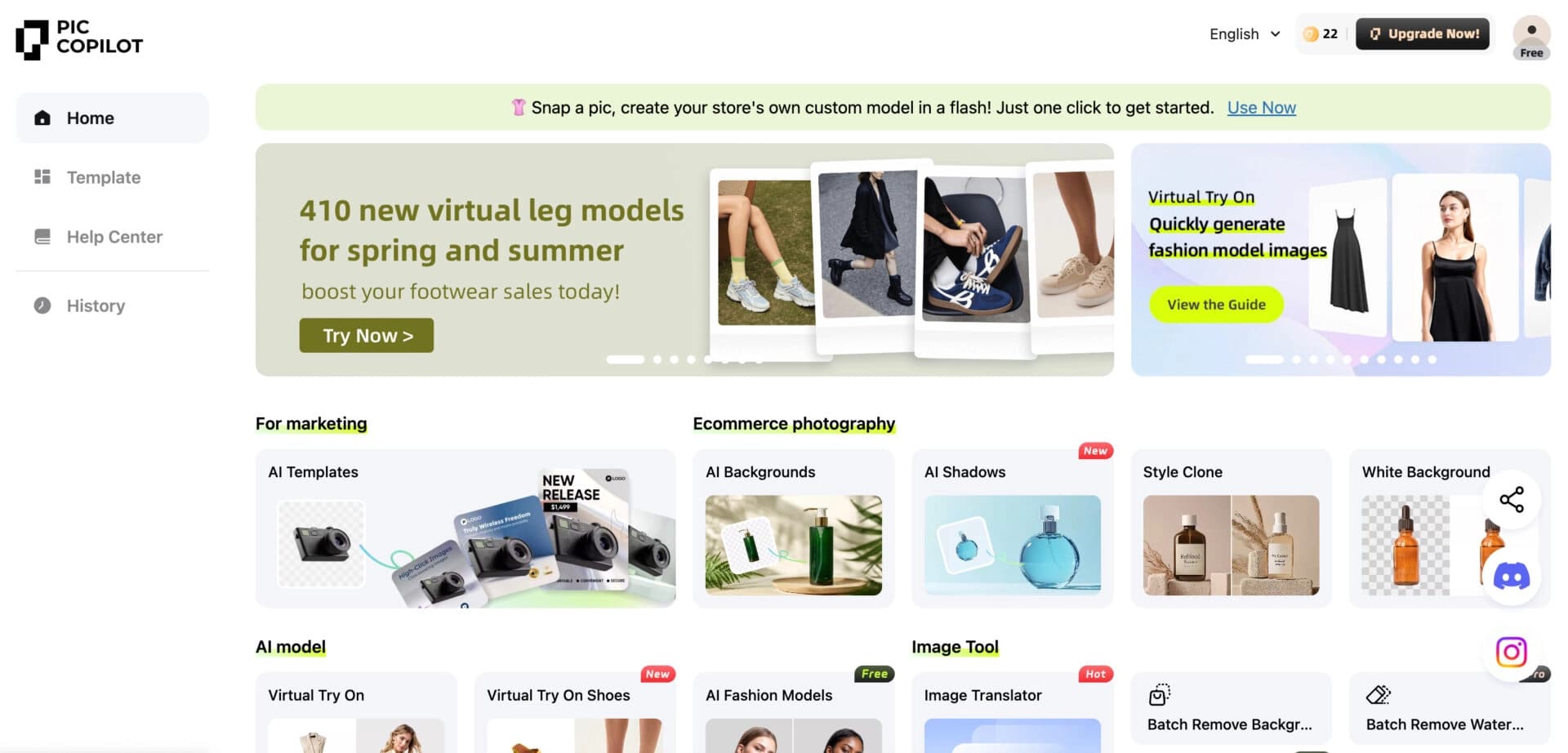

Neural network from Alibaba for processing and generating product images for online stores.
Screen recording tool with subsequent AI transcription and summarization of content.


Online photo editor with AI-powered features.
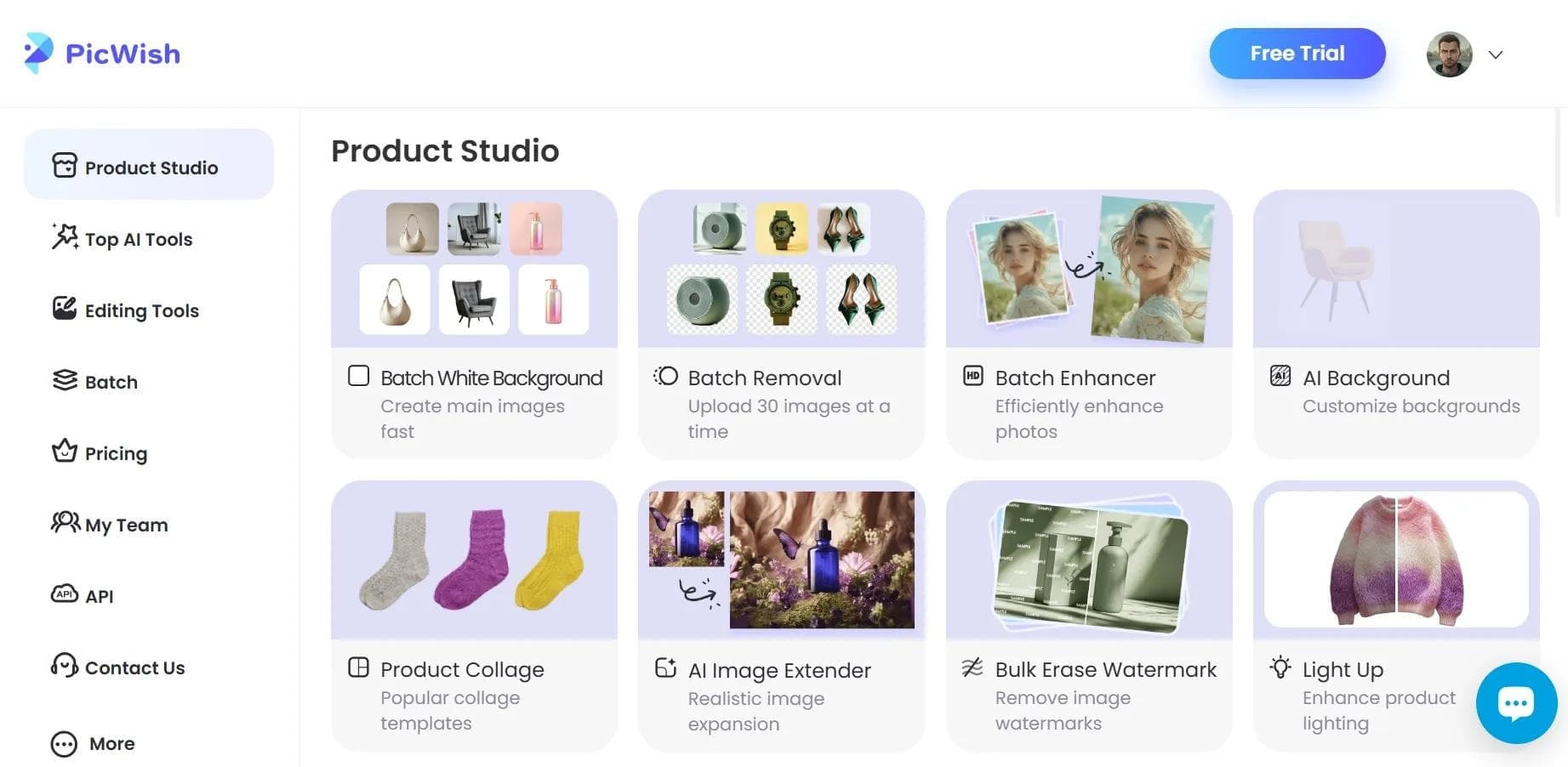

AI tool for automatic photo processing: background removal, quality enhancement, and image retouching.
AI-based tool for generating and editing images, as well as a mobile app for trying on clothes on your own photos.
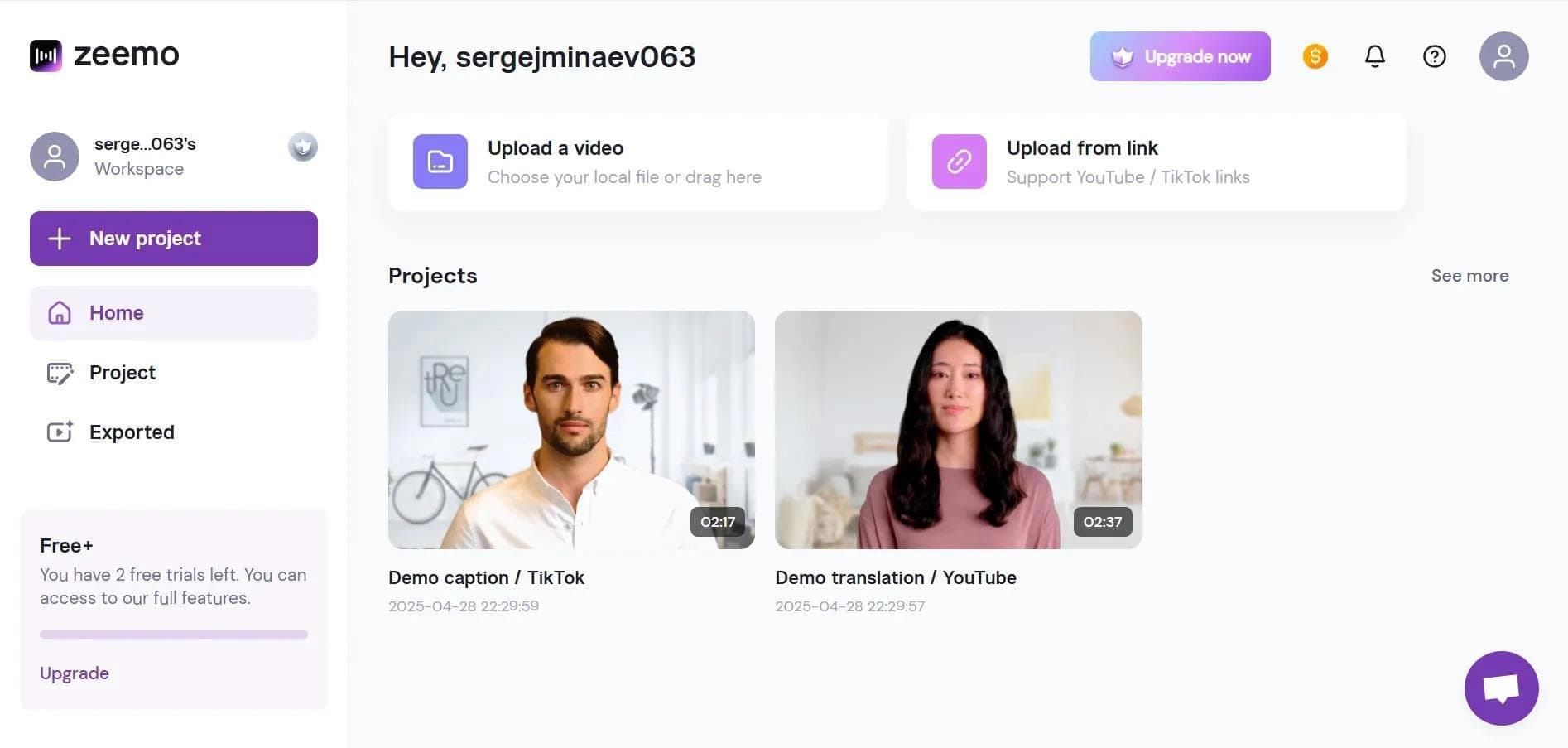

Neural network-based web service for automatic video subtitling and transcription.