

Vidnoz
Cloud platform for creating videos using AI avatars, synthesized speech, and automatic translation of clips into dozens of languages.
Overview
Vidnoz
Vidnoz AI description
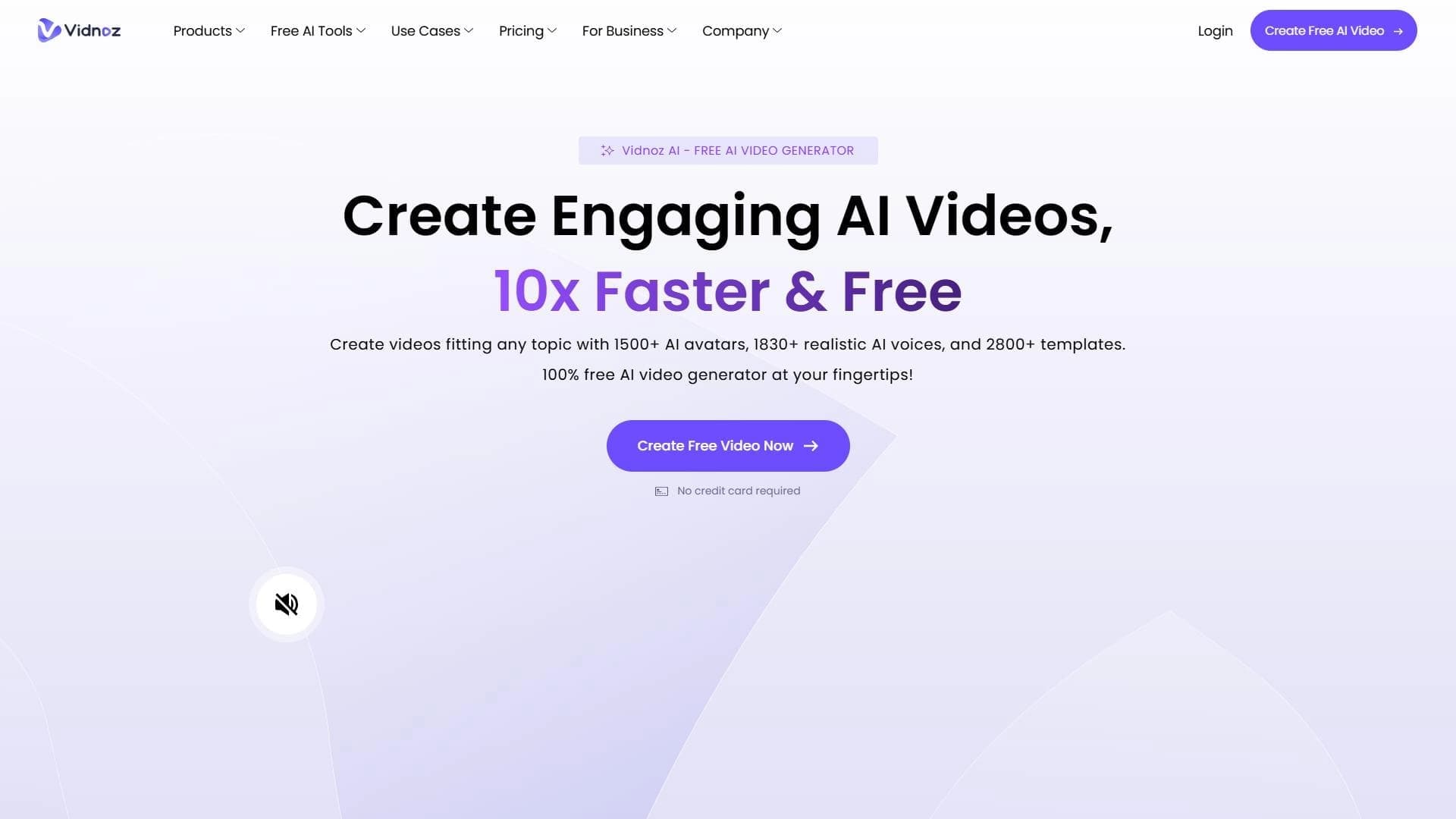
Vidnoz is a cloud-based platform for creating video content with artificial intelligence. The service lets you generate videos without editing skills and without hiring a production crew: the user chooses a script, template, and style, and the AI assembles a finished video with virtual avatars and synthesized speech.
The platform combines several areas. Along with video generation, it offers a tool for automatically translating videos into more than 140 languages, which can clone the speaker's voice and synchronize lip movements with the translated speech. A separate feature lets you create professional portrait photos from uploaded images. Thus, Vidnoz covers both video production and the preparation of images for profiles and marketing materials.
Vidnoz characteristics
| Characteristic | Value |
|---|---|
| Category | Video generation, video translation, AI avatars, portrait generation, tools for marketers |
| Type | AI-powered video creation platform (cloud service) |
| Platform | Web browser (works via the cloud) |
| Main products | Vidnoz AI and Vidnoz Flex |
| Supported translation languages | More than 140 |
| Supported video formats | M4V, MP4, MOV, WEBM |
| API availability | Yes |
| Distribution model | Freemium |
| Free plan | Yes, with limited capabilities |
| Credit card required | No |
| Lifetime plan | No |
Who is Vidnoz AI suitable for?
Business and marketing
The platform is designed for companies and marketing teams that need to regularly produce video content without hiring a production team and without the costs of studio filming.
Content creators and educators
Authors, influencers, and educators can use Vidnoz to translate their videos into other languages, reach an international audience, and create videos from scripts.
Professionals and job seekers
The portrait generation tool is suitable for business professionals, job seekers, and HR departments that need high-quality images for LinkedIn, social media, and corporate materials but do not have the option of a photo shoot.
How to use Vidnoz AI?
Creating videos with avatars
The user works in the browser without editing skills. You need to choose a template and enter text or a script — the AI avatar syncs with the text and voices it. Built-in tutorials are provided for learning, and the finished video is exported in standard formats.
Video translation
Upload a video from your device or via a link (for example, from YouTube), select the target language, and start processing. Subtitles can be edited to improve translation accuracy.
Portrait generation
Go to the portrait generator page, upload your photo, adjust the settings if necessary, and click “Generate.” After processing, you can download the resulting professional portraits in different styles.
Main features of Vidnoz
Video and avatar creation
Video generation using AI avatars, synthesized voice for text narration, a library of ready-made templates and avatars, and appearance customization: changing backgrounds, inserting images and logos.
Translation and voiceover
Video translation into more than 140 languages, voice cloning that preserves the intonations of the original speaker, lip synchronization for a natural look, and subtitle editing.
Other capabilities
Portrait photo generation from uploaded images, AI photo enhancement, video upload by URL, fast processing, and server-side cloud computing.
Vidnoz advantages
Saving time and money
Video and portrait creation happens without a production crew and without a professional photo shoot. According to the service, portrait generation saves up to 80% of costs compared with studio photography.
Ease of use
The service works through a browser on different devices, requires no editing or animation skills, and the resulting videos and portraits are high quality.
Extensive translation capabilities
Support for more than 140 languages, voice cloning, lip synchronization, and no strict limits on duration or file size in the free version.
User experience
The service has generated millions of portraits, which indicates user trust and interface convenience.
Vidnoz disadvantages
Free version limitations
Free access is provided with limited capabilities. In the case of portrait generation, only the initial image creation is free, with no explicit mention of a full-featured free tier.
Technical dependencies
A stable internet connection is required, and new users may need time to learn all the platform's features.
Lack of openness
There is no open source code or public GitHub repository, no links to Android and iOS mobile apps, and public information about data privacy and security is limited.
What problems does Vidnoz solve?
Creating video content
Generating videos with AI avatars from a script, creating voiceovers for videos, and preparing video materials without hiring a production team.
Translation for an international audience
Translating videos into different languages, adapting content for international markets, creating voiceovers that preserve the speaker's voice, and improving video accessibility for viewers around the world.
Image preparation
Creating business photos for profiles, generating portraits for LinkedIn, avatars for social media, as well as images for marketing materials and corporate websites.
Vidnoz pricing
The service operates on a freemium model. Free access is provided to the main features, including video translation and basic editing tools. Free AI portrait creation with limited features is available for testing the service.
Paid portrait generation plans start at USD 14.99 per month (Starter plan): it includes 5 styles, 40 portraits, and 1536×2304 resolution. The Normal plan costs USD 24.99 and provides 12 styles and 120 portraits, while Premium costs USD 34.99, with 22 styles and 220 portraits. No credit card is required to use the service.
For video translation, paid plans start at USD 19.99 per month and unlock unlimited translations and advanced settings.
Terms of use for Vidnoz
Using the service requires visiting the Vidnoz website and having an internet connection. To generate portraits, you need to upload your photo. The free version lets you test the service before purchasing a subscription, and there are no strict limits on video duration or file size in the free version. The materials mention the question of whether account registration is required, but the service pages do not provide a clear answer.
Vidnoz availability
The platform works through a web browser on different devices as a cloud service. According to analytics, website traffic mainly comes from Japan, Taiwan, Italy, Brazil, and the United States, meaning the service is available in different countries. The interface is in English and has a language switcher. Android and iOS mobile apps are not listed, and official social media pages and a contact email are not mentioned in the sources.
How Vidnoz differs from alternatives
HeyGen and Rask are mentioned among competitors in video translation. Unlike HeyGen, whose free plan is limited to videos of up to a minute and a small set of voices, Vidnoz imposes no strict limits on duration or file size in the free version. Compared with Rask, which supports more than 130 languages and restricts the trial version, Vidnoz supports more than 140 languages and also offers voice cloning and lip synchronization. For portrait generation, competitors include AI-Portrait, NVIDIA AI Headshot Generator, PortraitAI, and HeadshotPro.
Conclusion
Vidnoz is a cloud platform that combines AI avatar video creation, video translation into more than 140 languages with voice cloning and lip synchronization, and professional portrait generation from uploaded photos. The service is aimed at users without editing skills — from business professionals and marketing teams to content creators and educators who need high-quality video content without hiring a production crew. Thanks to its freemium model with free access to core features, Vidnoz is suitable both for quick testing and for regular content production.
Pricing
Frequently asked questions

See also
AI tool for generating and editing videos based on a text description or source video material.

AI platform for automating video editing, including face replacement, video translation, and avatar creation.

AI-based web service for creating and processing videos, including face swapping, text-to-video generation, and animation.

Generative neural network from Adobe for creating and editing images, vectors, and videos based on text.
Browser-based AI platform for quickly generating videos and images from text or photos.

AI tool for creating and planning video content for social media.

Generative model that creates interactive video in real time, where the user can influence what happens through text commands.
Screen recording tool with subsequent AI transcription and summarization of content.