

UniConverter AI
A universal tool for converting, editing, and enhancing videos and images using AI features.
Overview
UniConverter AI
UniConverter AI Description
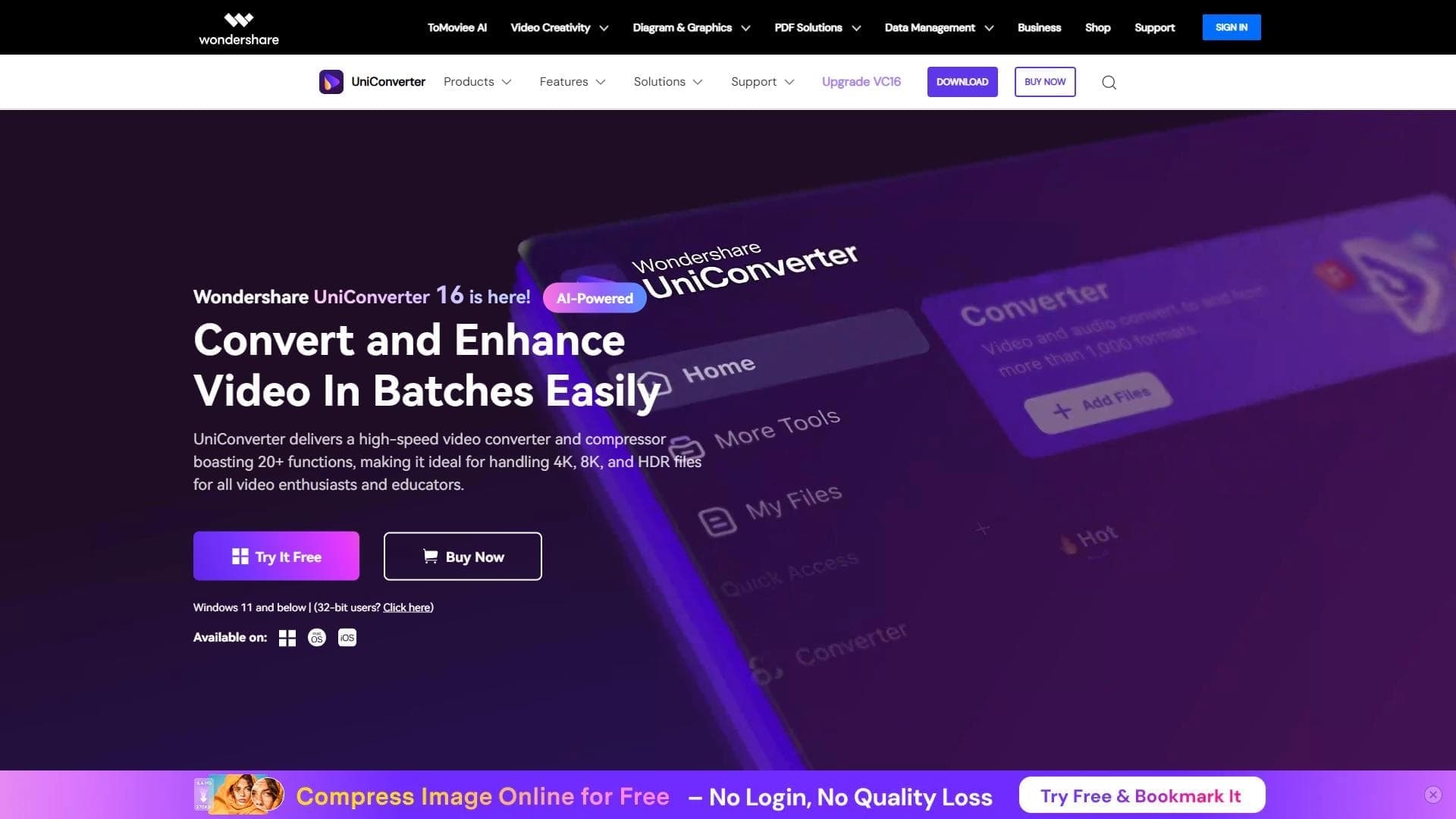
UniConverter AI is an all-in-one desktop solution from Wondershare that combines video and image conversion, editing, and enhancement with artificial intelligence. The program supports more than 1,000 formats, including modern 4K and 8K HDR, and can process up to 20 files simultaneously. In addition to basic video editor functions, the tool features AI modules for enhancing material quality, noise reduction, watermark removal, and audio track separation. Users also get screen recording, GIF animation creation, and DVD burning. The product is positioned as a universal tool for both beginners and professional users.
UniConverter AI Specifications
| Specification | Value |
|---|---|
| Type | All-in-one tool for video and image processing |
| Categories | Video editing, video enhancement, photo enhancement, audio editing |
| Platforms | Windows, macOS |
| Supported formats | MP4, MOV, AVI, MKV, and more than 1,000 others |
| Maximum resolution | 4K/8K HDR |
| Batch processing | Up to 20 files simultaneously |
| Distribution model | Freemium |
| Developer | Wondershare Technology Group Co., Ltd. |
Who Is UniConverter AI For?
Video professionals and content creators
The tool is designed for video editors, film producers, and anyone who regularly works with video files in different formats. Batch processing and high-resolution support make the program useful for professional work.
Bloggers and digital marketers
For content creators and marketers, UniConverter AI offers fast conversion, lossless compression, and AI enhancement of materials. Screen recording and GIF creation are also in demand when preparing ads and training materials.
Teachers and students
The educational audience can use the program to prepare instructional videos, convert materials into the required formats, and do basic editing. The simplicity of core operations makes the tool accessible to users without deep technical knowledge.
How to Use UniConverter AI
Installation and first launch
To get started, download and install the application on a Windows or macOS computer. The trial version is available without registration or entering credit card details, so you can evaluate the functionality before purchasing.
Importing and configuring files
Once the program is launched, import media files, select the desired output format, and adjust processing settings if needed. AI features are activated in a dedicated section of the program.
Exporting the result
The final step is clicking the "Convert" button and saving the finished file to your computer or burning it to DVD via the built-in disc burning module.
Key Features of UniConverter AI
Video conversion and compression
The program converts video into dozens of formats at high speed thanks to GPU acceleration. Compression preserves the original quality, which is important for saving disk space.
AI quality enhancement
A dedicated module provides AI-powered features: video quality enhancement, noise removal, watermark removal, and vocal/music separation from the audio track.
Recording and content creation
UniConverter AI includes tools for recording video from the computer screen, creating GIF animations from selected fragments, and burning video files to DVD.
Video editing
Basic editing functions let you trim, merge, and apply effects to video without third-party video editors.
Advantages of UniConverter AI
Wide support for formats and resolutions
The program works with more than 1,000 video and audio formats, including 4K, 8K, and HDR, without quality loss during conversion. This makes it a universal solution for working with any media files.
High speed and batch processing
Hardware GPU acceleration makes conversion fast. The ability to process up to 20 files simultaneously saves significant time when handling large volumes of material.
High-quality AI tools
Built-in AI modules noticeably improve video and image quality, remove noise and watermarks, and separate audio tracks — tasks that usually require separate specialized programs.
Drawbacks of UniConverter AI
High system load
Comfortable operation, especially with 4K and 8K material, requires a powerful computer. On machines with weak specifications, slowdowns and freezes are possible.
Complex interface for beginners
Despite the convenience of basic operations, the abundance of features and settings can confuse users who are new to video editors. Mastering all the capabilities takes time.
Paid license
The full version of the program is paid, and the free trial has significant limitations. This can be an obstacle for users on a limited budget.
What Tasks Does UniConverter AI Solve?
- Converting video to various formats, including 4K and 8K HDR
- Compressing video files without losing the original quality
- Enhancing video quality and removing noise with AI
- Removing watermarks from video
- Separating vocals and music from the audio track
- Recording video from the computer screen
- Creating GIF animations from video fragments
- Burning DVD discs
- Batch processing up to 20 files simultaneously
- Basic video editing (trimming, merging, effects)
UniConverter AI Pricing
Free trial version
UniConverter AI follows a freemium model. The free trial is available for 7 days without requiring credit card details. However, the trial mode has limitations: conversion is limited to 1/3 of the video length, DVD burning to 1/3 of the length, downloads are capped at 480P quality, and screen recording is time-limited.
Paid plans
For full access to the functionality, several paid plans are available:
- Monthly Plan — billed monthly
- Yearly Plan — billed annually
- 2-Year Plan — billed for two years
- Perpetual Plan — one-time payment (perpetual license)
An automatic 10% discount applies to all plans.
Terms of Use for UniConverter AI
No registration is required to start using the trial version. Full unrestricted use is only possible after purchasing a paid license. The trial version has several limitations: only 1/3 of the source video length is converted, DVD burning is also limited to 1/3 of the length, maximum download quality is 480P, and screen recording has restrictions. Detailed terms of use and the license agreement are available on the developer's official website.
UniConverter AI Availability
Supported platforms
The application is available for Windows and macOS. Mobile versions on Google Play or the App Store are not officially mentioned.
Interface languages
The interface is available in Russian. The full list of supported languages is not specified on the official website.
How UniConverter AI Differs from Alternatives
Comprehensive approach
Unlike narrowly focused converters such as HandBrake or Freemake Video Converter, UniConverter AI combines conversion, editing, AI enhancement, screen recording, and DVD
Frequently asked questions
See also

A platform for creating talking videos with a teleprompter, AI-generated scripts, subtitles, and avatars.
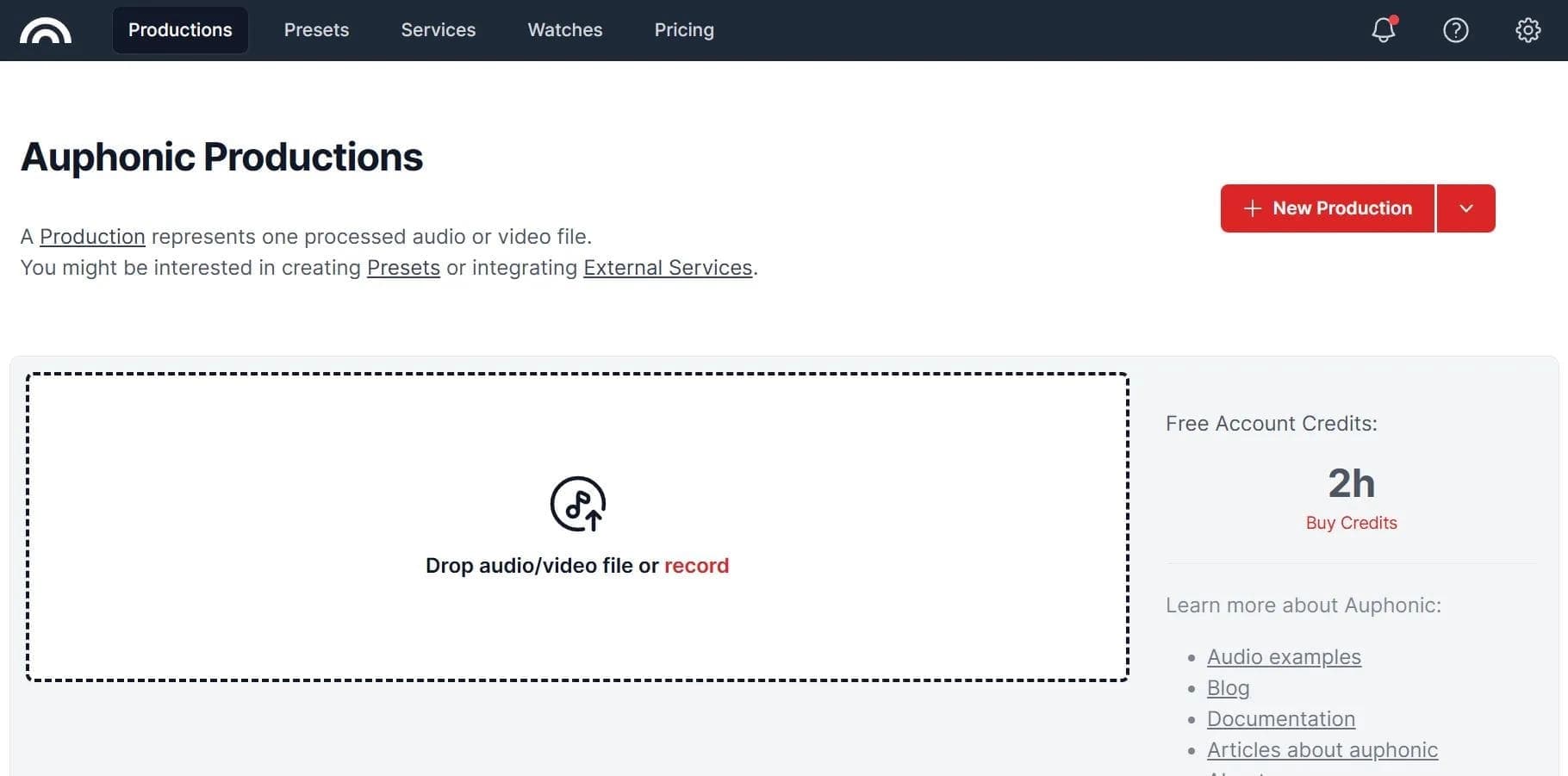

Cloud service for automatic audio post-processing that normalizes volume and removes noise and pauses.
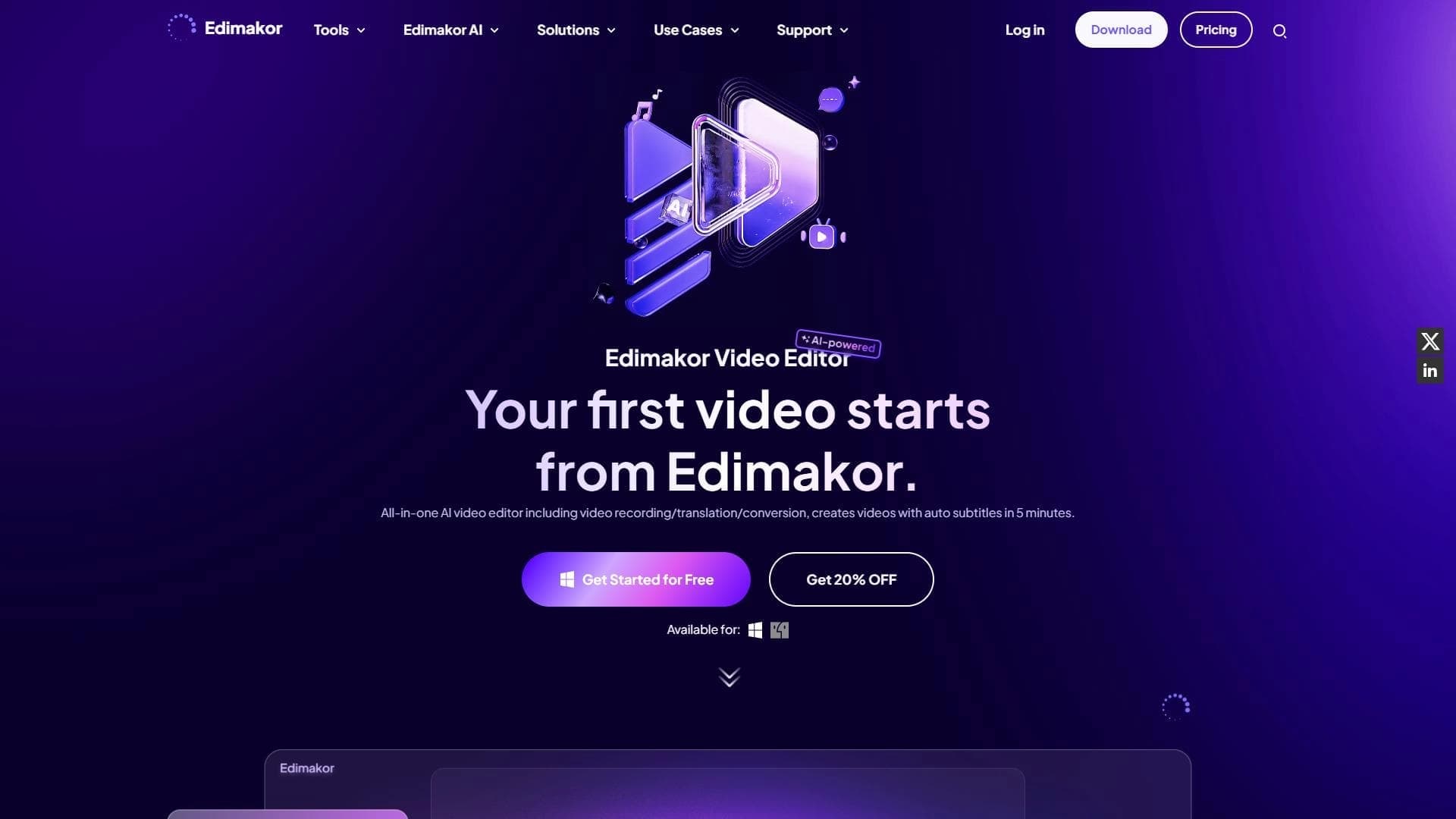

AI-powered desktop video editor for automatic subtitle generation and basic video editing.

Online video editor with AI tools for creating and editing videos directly in the browser.

A platform that combines several video creation tools in a single chat interface, from script generation to editing and voiceover.

Mobile app for photo and video editing using AI and an extensive library of filters.
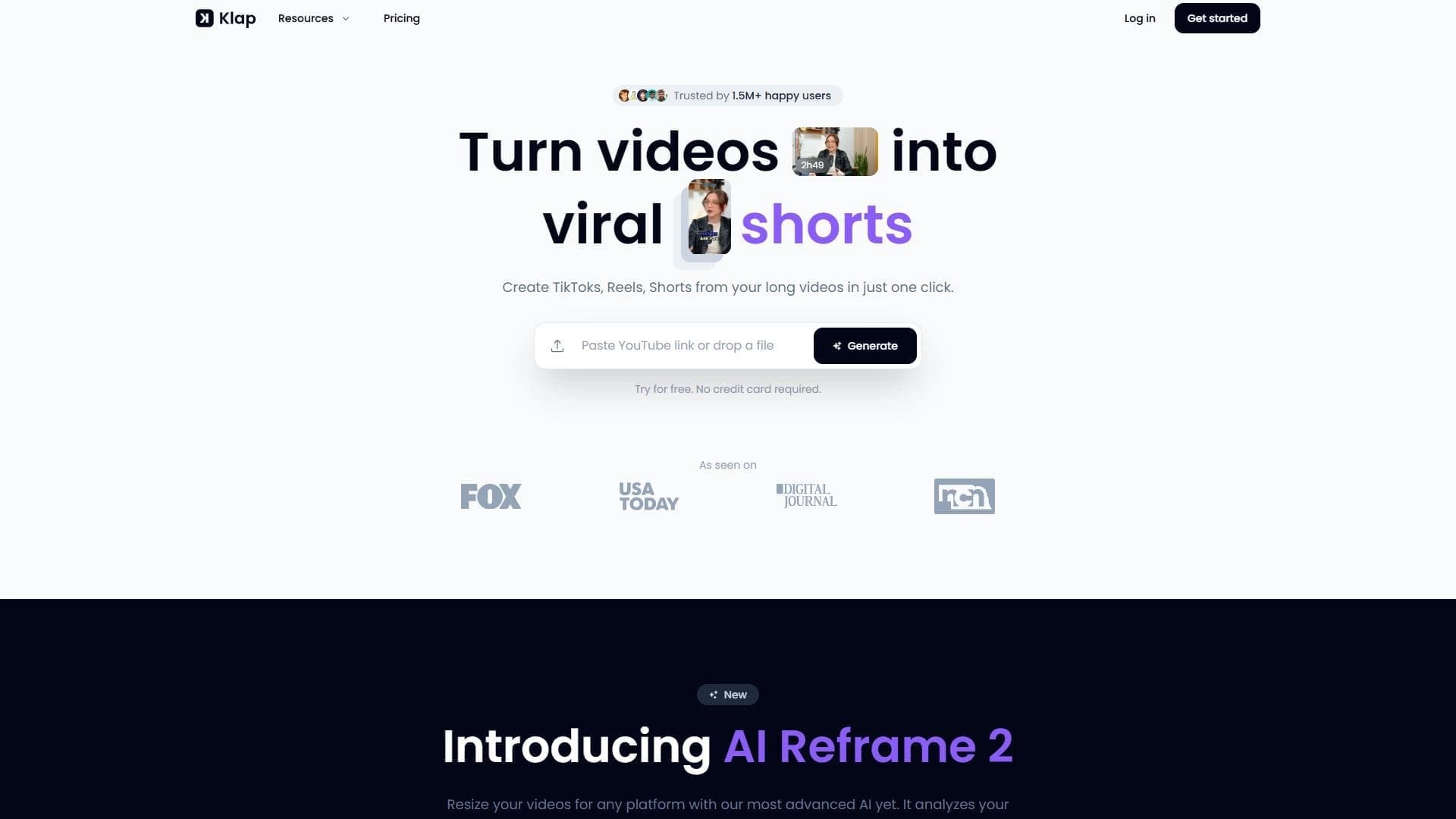

AI tool for automatically cutting long videos into short clips for TikTok, Reels, and YouTube Shorts.
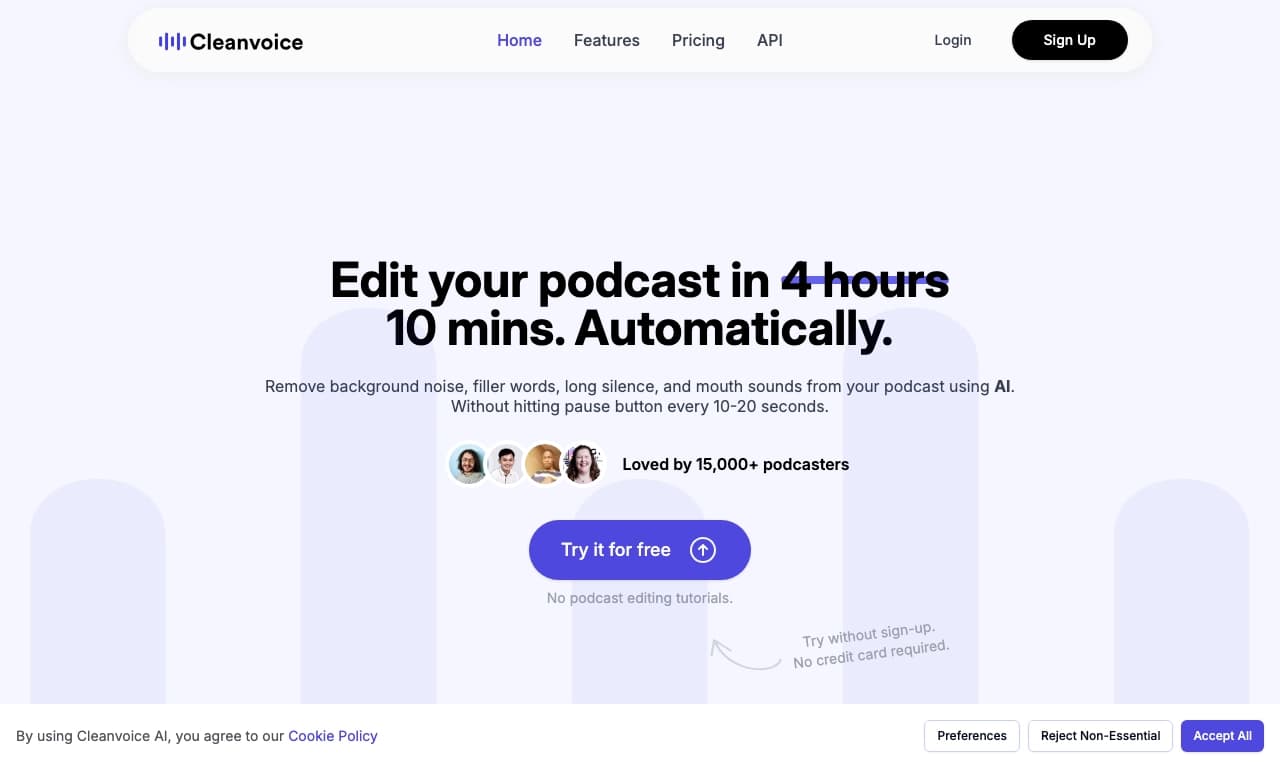

Neural network for automatic cleaning of audio recordings from filler words, noises, and pauses.