

Submagic
AI tool for creating short vertical videos with automatic subtitles, editing, and effects for social platforms.
Overview
Submagic
Submagic Overview
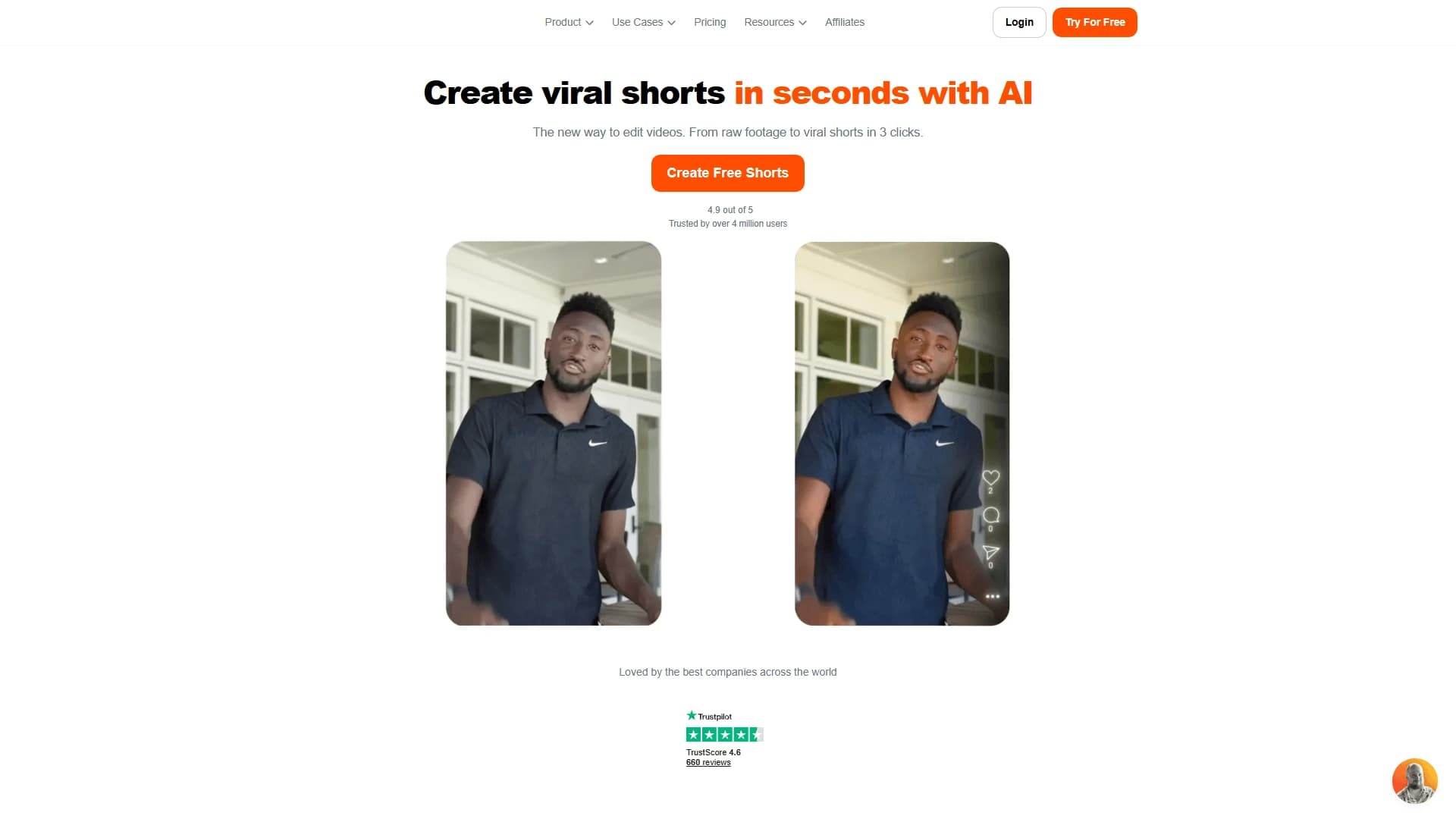
Submagic is an AI tool for creating short vertical videos for social platforms such as TikTok, Instagram Reels, and YouTube Shorts. The service automates most of the routine editing work: it generates stylized subtitles, cuts long videos into short clips, adds B-roll, zoom, transitions, and sound effects.
The main idea of Submagic is to turn source material into a finished, styled clip literally in a few clicks, without requiring professional video editing skills from the user. Additionally, the service offers a built-in subtitle translator and an API for batch video processing, making it a convenient tool for individual creators as well as agencies and media companies.
Submagic Specifications
| Characteristic | Value |
|---|---|
| Type | AI tool for creating short videos and automated editing |
| Categories | Video creation, video editing, auto-subtitles, social media |
| Platforms | Web |
| Distribution model | Freemium |
| Editorial rating | 9.1 out of 10 (according to NeuroFolder criteria) |
| User rating | 4.8 out of 5 |
| Website | submagic.co |
| Supported languages | Any language (including built-in subtitle translator) |
Who is Submagic for?
SMM managers and marketers
Submagic is primarily aimed at social media promotion specialists. It suits SMM managers who need to regularly publish short videos for TikTok, Reels, and Shorts and save time on manual editing.
Bloggers and content creators
The tool is designed for content creators of any level, from beginners to advanced videomakers. Bloggers, coaches, e-commerce project owners, and startup representatives who shoot videos for YouTube, TikTok, or Reels can use Submagic to quickly produce ready-made videos.
Agencies and media companies
Thanks to its API, the service is also suitable for teams processing dozens or hundreds of videos — agencies and media companies that need automated batch content processing.
How to use Submagic?
Registration and getting started
To get started, you need to register (or open the service via the link on submagic.co). It only takes a few clicks to get results, so even a beginner can use the service without special training.
Uploading video
The main usage scenario is simple: the user uploads a source video to the service, then Submagic automatically generates subtitles, performs editing, and adds visual effects. The finished edited video with subtitles and styling is produced in seconds.
Automation without manual work
The entire process — from speech recognition to adding stylized subtitles and effects — is performed automatically using AI algorithms, so the user doesn't need to manually set timecodes or choose styling.
Key Features of Submagic
Automatic AI subtitles
Submagic automatically recognizes speech in videos and adds stylized subtitles. The styling can be customized: users can choose font, color, and animation to make subtitles look professional and catch viewers' attention.
Smart editing and clip cutting
The service performs smart editing: it makes cuts, dynamic framing, automatically inserts B-roll (additional video fragments and images), zooms, GIFs, transitions, and sound effects. The Magic Clips feature automatically cuts long videos — podcasts, streams, and webinars — into short highlights for TikTok, Reels, and Shorts, selecting the most engaging moments.
Built-in translator and API
The service includes a translator that localizes subtitles into another language, allowing one video to be distributed to different audiences. For agencies and media companies, an API is provided to automate batch processing of dozens or hundreds of videos in workflows.
Advantages of Submagic
Time savings on editing
The main advantage of the service is significant time savings on manual editing. Instead of spending a long time on subtitles, cuts, and effects, the user uploads material and gets a finished video in seconds.
Increased engagement and retention
Stylized subtitles and dynamic styling improve video perception and increase viewer retention thanks to clear speech and engaging visuals. This helps consistently publish videos and grow reach and audience on social media.
Professional results and flexible capabilities
The subtitles generated by the service look like they were made by a designer. The tool works with videos in any language, supports batch processing via API, and suits creators of all levels — from individual authors to marketing teams.
Drawbacks of Submagic
A notable limitation is that the service may require a VPN in some regions. Also, keep in mind that detailed terms of use, restrictions, and exact pricing for paid plans are not disclosed in the available source data, so you should check them on the official website before using the service.
What tasks does Submagic solve?
Creating short videos for social media
Submagic helps quickly create engaging videos for Reels, Shorts, and TikTok by automatically adding subtitles and styling them attractively.
Automating routine editing
The service takes over cutting long videos into short clips, inserting B-roll, zooms, transitions, and sound effects, saving users from tedious technical work.
Localization and scaling content
Thanks to its built-in translator, Submagic allows localizing videos into other languages, and the API enables batch processing of large numbers of videos, making it useful for agencies and media companies.
Submagic Pricing
The service operates on a freemium distribution model: Submagic has a free plan that lets you explore basic features. Specific prices for paid plans and details of the paid trial are not specified in the available source data, so you should check the exact subscription cost on the official website submagic.co.
Terms of Use for Submagic
Explicit terms of use — such as registration requirements, limits on the volume of processed videos, or other requirements — are not described in detail in the available source data. It is only known that the service works on a freemium model with a free plan, and to start you need to register or open the service via a link. Before using it, we recommend reviewing the terms on the official website.
Submagic Availability
Submagic is available as a web service at submagic.co and works with videos in any language. Regarding regional availability, access may be restricted in some regions and require a VPN. No explicit platform restrictions are stated in the source data; however, the service itself is a web application.
How is Submagic different from alternatives?
Submagic stands out with its comprehensive approach to creating short videos: the service doesn't just add subtitles but fully automates editing — from speech recognition to clipping and adding B-roll, zooms, and transitions. The key difference is the combination of several features in one tool: stylized multilingual subtitles, automatic cutting of long videos into highlights (Magic Clips), a built-in subtitle translator, and an API for batch video processing in agency workflows.
Similar services on the market include Lazylines AI, Joineo, Magic Hour, Spikes Studio, and Clips AI. Submagic differs from many competitors in its wide range of automation capabilities — from subtitle styling to batch processing — making it a versatile solution for content creators and media companies.
Conclusion
Submagic is a versatile AI tool for automatically creating short vertical videos for TikTok, Reels, and YouTube Shorts. The service independently generates stylized multilingual subtitles, cuts long videos into clips, adds B-roll and visual effects, and supports localization through a built-in translator and batch processing via API. Thanks to its freemium model and ease of use, it
Frequently asked questions
Similar AI tools





See also

Neural network-based web service for automatic video subtitling and transcription.

A platform that combines several video creation tools in a single chat interface, from script generation to editing and voiceover.

Mobile app for photo and video editing using AI and an extensive library of filters.

AI tool for automatically cutting long videos into short clips for TikTok, Reels, and YouTube Shorts.

Multifunctional AI platform for content creation: generation of texts, images, videos, and presentations.
Screen recording tool with subsequent AI transcription and summarization of content.


Platform for recording, editing, and publishing podcasts and video content with built-in AI tools.

A platform for creating talking videos with a teleprompter, AI-generated scripts, subtitles, and avatars.