

SteosVoice
Neural network-based speech synthesis service that converts text into realistic voices and supports voice cloning.
Overview
SteosVoice
About the SteosVoice Neural Network
SteosVoice is a neural-network speech synthesis service that converts text into naturally sounding speech. The platform, also known as CyberVoice, lets you create high-quality voiceovers without recording your voice manually.
At its core, the service has a library of more than 40 voices, including announcer-style and game-style options. Users can adjust tone, pitch, and speed of speech, as well as clone voices for their own tasks. The service is available through a web interface and a Telegram bot, and supports Russian alongside other languages.
SteosVoice operates on a freemium model: basic features are free with restrictions, while paid plans unlock additional functions, including audio file downloads and commercial use.
SteosVoice Specifications
| Specification | Value |
|---|---|
| Type | Text-to-speech synthesis, voice generation |
| Category | Text to speech, voice cloning, text voiceover |
| Formerly known as | CyberVoice |
| Platforms | Web, Android, iOS, Mac, Windows |
| Business model | Freemium |
| Editorial rating | 8.5 out of 10 |
| User rating | 5.0 |
Who Is the SteosVoice Neural Network Suitable For?
Content Creators and Bloggers
The service suits YouTubers, podcasters, and video content authors who need high-quality voiceovers without recording their own voice. Because it is available through a Telegram bot, the tool is easy to integrate into everyday workflows.
Businesses and Developers
Business users can use SteosVoice to voice corporate materials and customer support. Indie game and mod developers use the service to voice characters and create interactive content.
Hobbyists and Beginners
Free access via the Telegram bot is a good fit for anyone who wants to try speech synthesis without spending money. No special equipment is required to get started — just text and a selected voice.
How to Use the SteosVoice Neural Network?
Registration and Sign-in
The first step is to visit the service website and register. You can also sign in through the Telegram bot, which is convenient for free use.
Setting Up a Voiceover
Enter or upload the text you want to convert to speech. Choose a suitable voice from the library, then adjust the tone, pitch, and speed to your preferences.
Generation and Download
Generate the audio and preview the result. After checking it, you can save the finished file — downloads are available on paid plans and are provided in high quality.
Key SteosVoice Features
Text-to-Speech Synthesis
The service's core function is converting text into natural speech using neural voices that preserve intonation and realistic delivery.
Voice Cloning
The platform supports voice cloning, making it possible to create unique voice characters or reproduce a particular speaking style.
Voice Library and Settings
The service offers a large, constantly expanding library of more than 40 voices — both announcer and game-oriented. Tone, pitch, and speed can be adjusted, and multiple languages are supported.
Access Through Multiple Channels and API
SteosVoice is available through a website and a Telegram bot. Developers can integrate it through the API, and finished voiceovers can be used in various applications and projects.
SteosVoice Advantages
High-Quality Sound
The service provides high-quality neural synthesis with natural intonation. Output files are high quality (44.1 kHz WAV), which matters for professional use.
Flexible Pricing and Accessibility
Free access is available via the Telegram bot with a daily character limit, and paid plans start at a low price. Registration and the free plan do not require a credit card.
Multilingual Support
The service supports Russian and other languages, making it convenient for a broad audience. The web interface and Telegram bot are easy to use and do not require special configuration.
Wide Range of Use Cases
Paid plans allow commercial use, making the service suitable for video voiceovers, podcasts, games, and business material. It is also used by popular YouTube bloggers.
SteosVoice Disadvantages
Free Plan Limitations
The free plan has a daily character limit, so you cannot actively use the service without paying. Full-fledged use requires a paid subscription.
Missing Options
The service has no open source code and no direct browser extension. Pricing details and some customization information are placed on separate pages rather than openly available on the homepage.
What Tasks Does SteosVoice Handle?
Content Creation
The tool is suitable for voicing videos and podcasts, creating voice greetings and stream donations, and recording audiobooks.
Localization and Games
The service can localize videos into other languages, voice characters in indie games and mods, and create interactive content.
Informational Content
SteosVoice is used to voice news and articles and to create audio support for clients in business.
SteosVoice Pricing
Free Plan
Available through the Telegram bot with a daily character limit. No credit card required.
Paid Plans
The Basic plan costs $2 per month and includes about 1,222 minutes of speech. The Standard plan is $6 per month (about 3,833 minutes), and Premium is $10 per month (up to 6,650 minutes). All paid plans include audio file downloads and commercial use. There is no lifetime license.
SteosVoice Terms of Use
Free Access
Free use requires access to the Telegram bot and is subject to a daily character limit.
Paid Plans
Paid plans require monthly payment. Registration on the website is required; paid plans unlock file downloads and the right to commercial use.
SteosVoice Availability
The service is available through a website and a Telegram bot, as well as apps for Android, iOS, Mac, and Windows. It supports Russian and other languages, making it suitable for users in different regions.
How SteosVoice Stands Out from Alternatives
SteosVoice stands out from its competitors primarily through its convenient access model and support for multiple languages. Unlike many other solutions, it offers free access through a Telegram bot with limits, which is convenient for trying out the tool. Its advantages include low-priced paid plans (from $2 per month) with commercial use included.
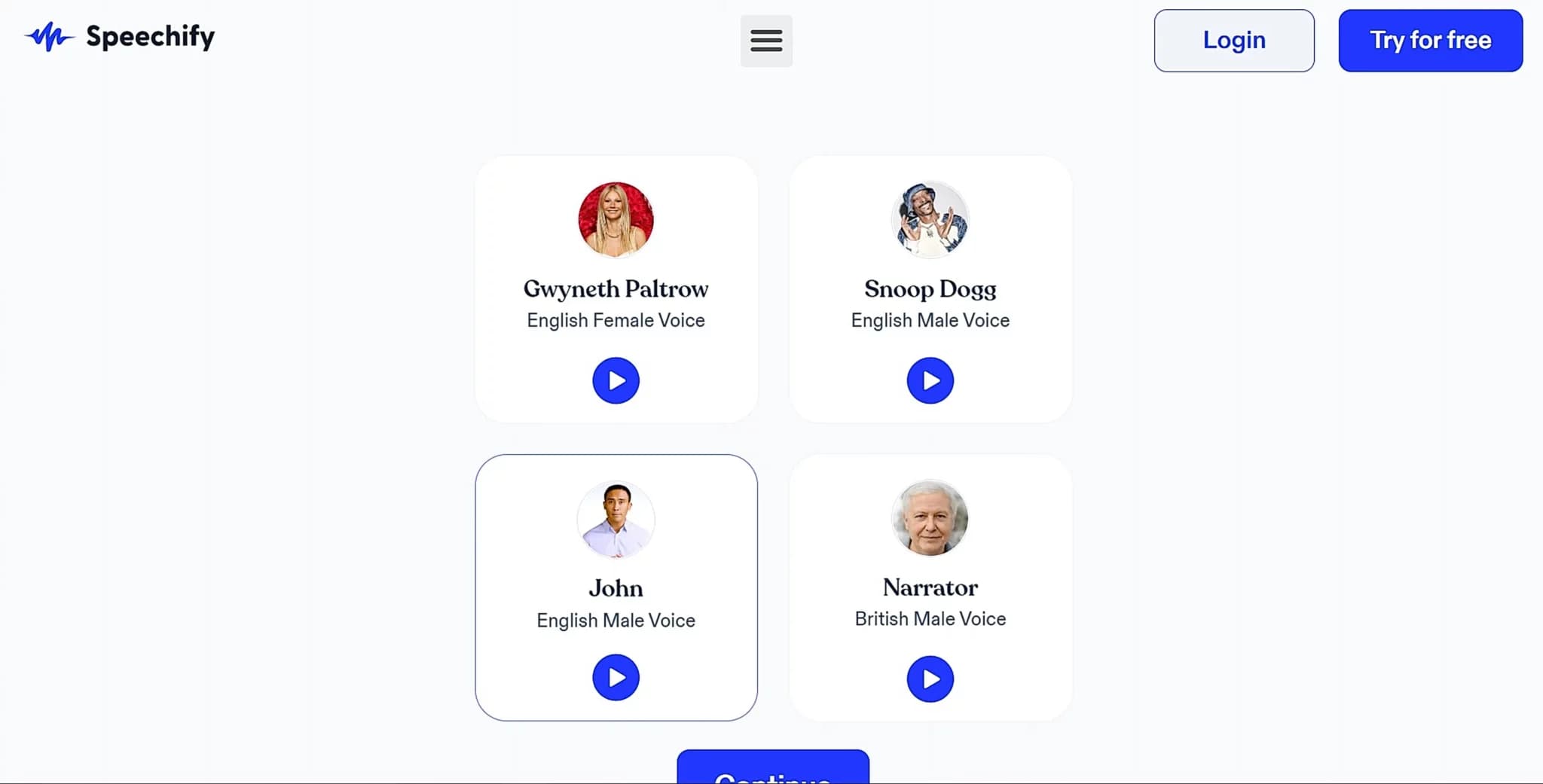
The platform also stands out with voice cloning and a broad library of more than 40 voices, including announcer and game styles. Competing services on the market include Typecast, Listnr, FineVoice, Play.ht, and Speechify, as well as VeraVoice and Zvukogram.
Conclusion
SteosVoice is a high-quality, affordable speech synthesis tool that suits both hobbyists, thanks to free access through the Telegram bot, and professionals, thanks to inexpensive plans with a commercial license. With a wide selection of voices and voice cloning, it lets you handle a broad range of voiceover tasks — from videos and podcasts to games and business materials — without special equipment.
Pricing
Frequently asked questions



See also
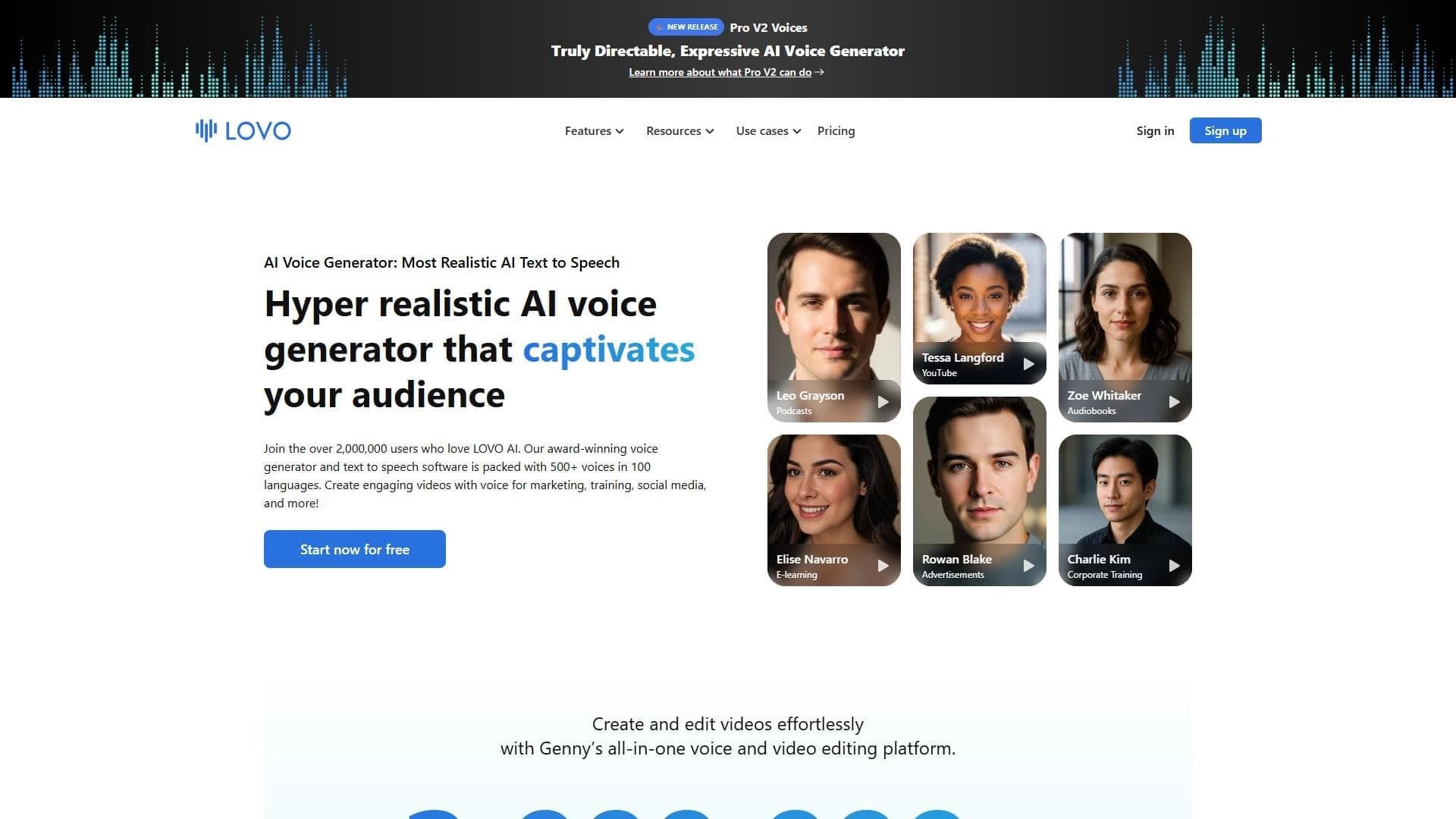

Platform for speech synthesis and creating voiceovers using neural networks.
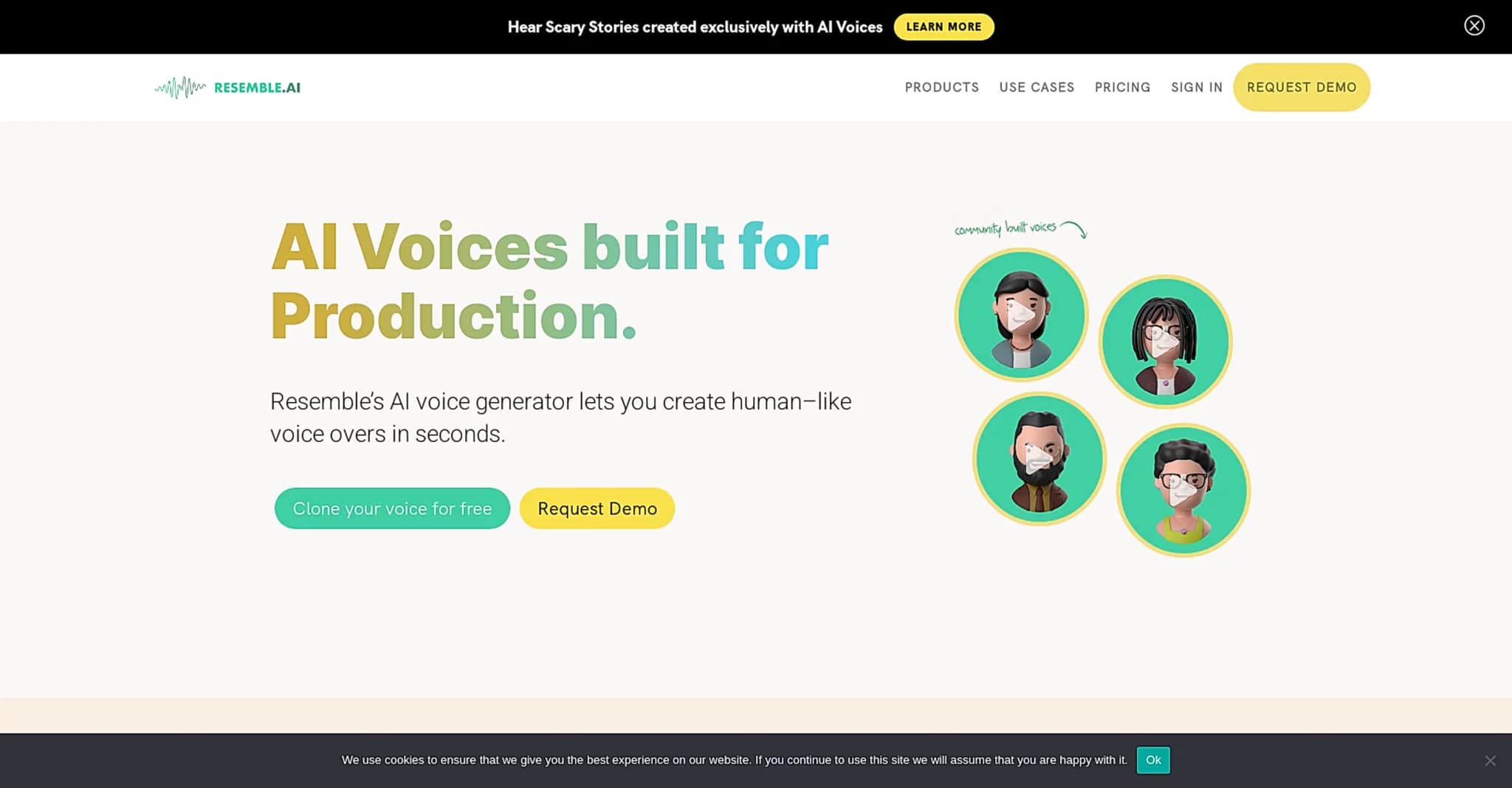

A platform for voice cloning, speech synthesis, and audio editing with deepfake protection.
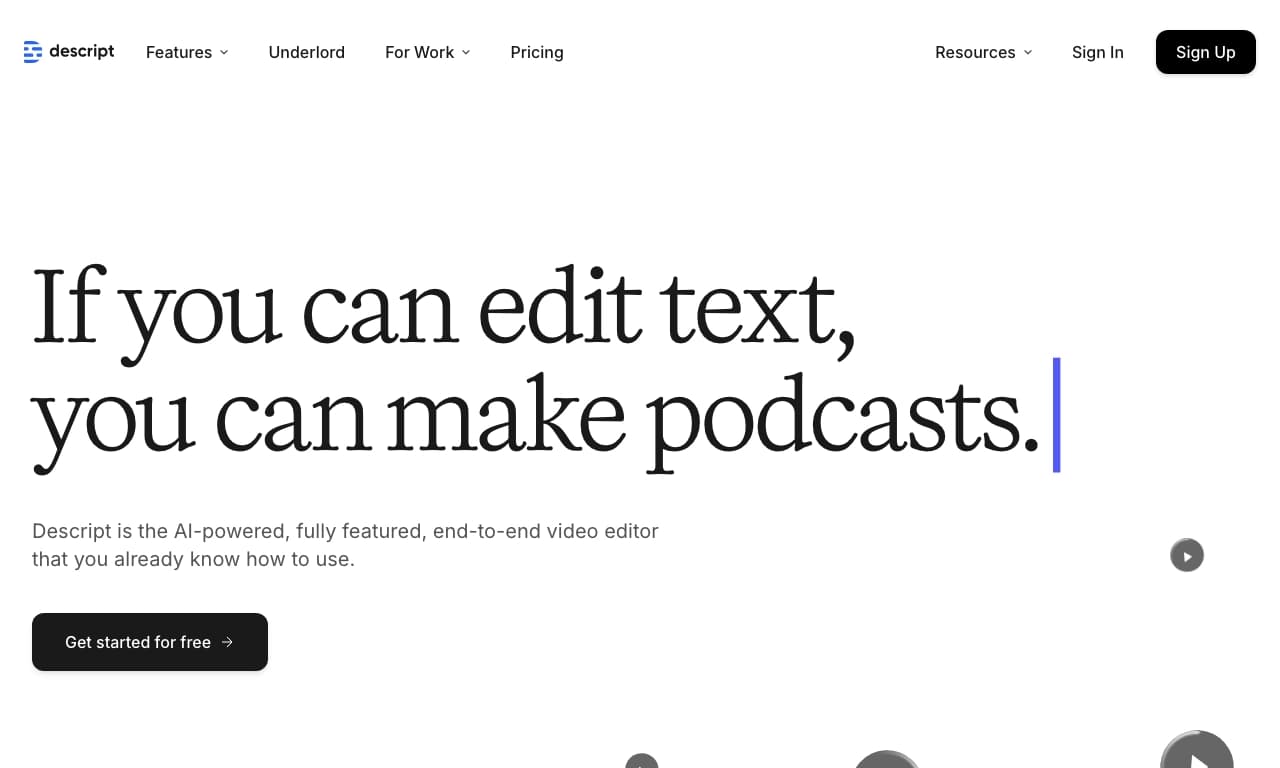

A platform for editing videos and podcasts, where changes are made through a text transcript of the audio track.
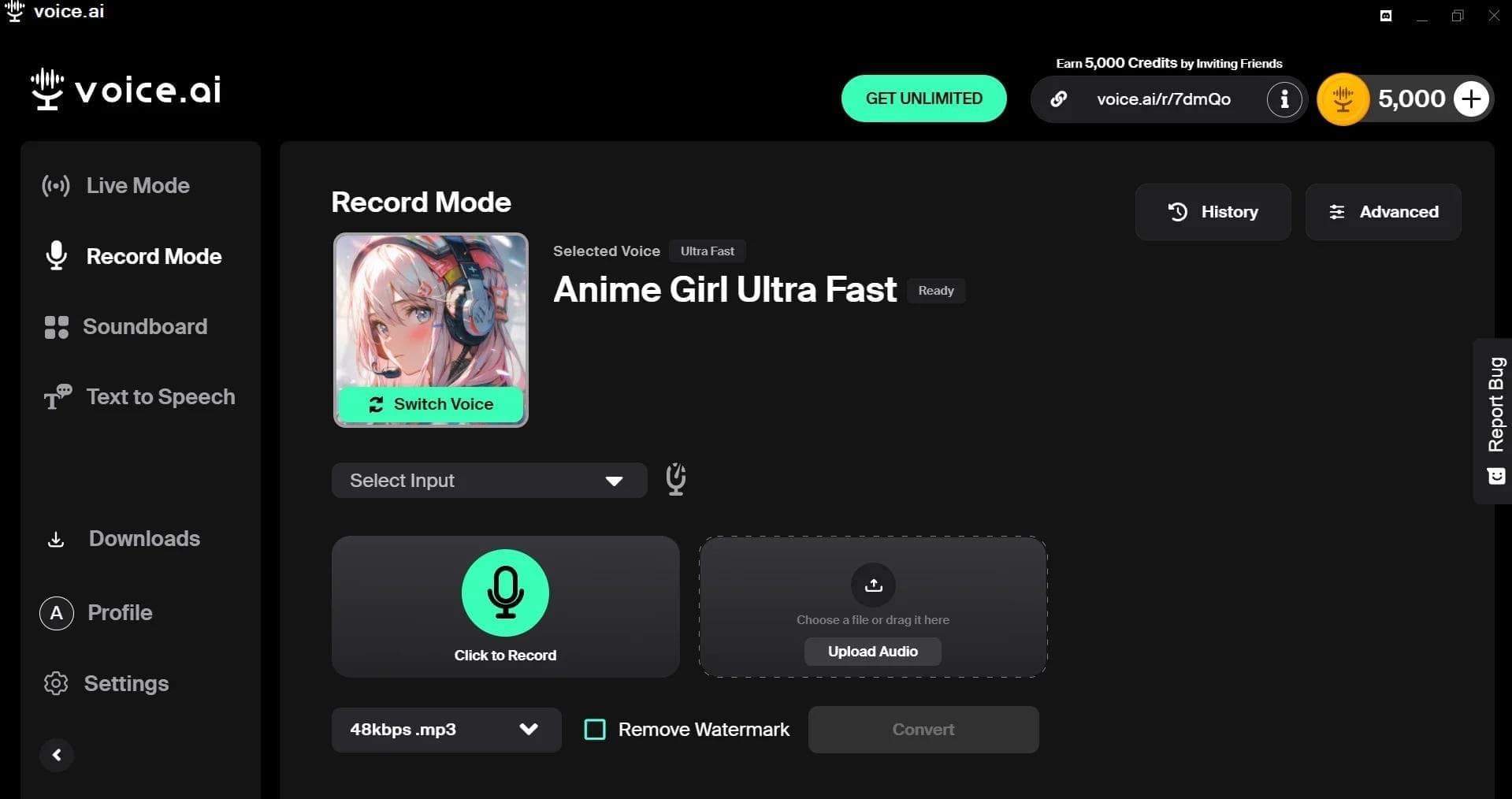

AI-powered platform for real-time voice changing and cloning.

AI-powered platform for speech synthesis and virtual avatar creation.
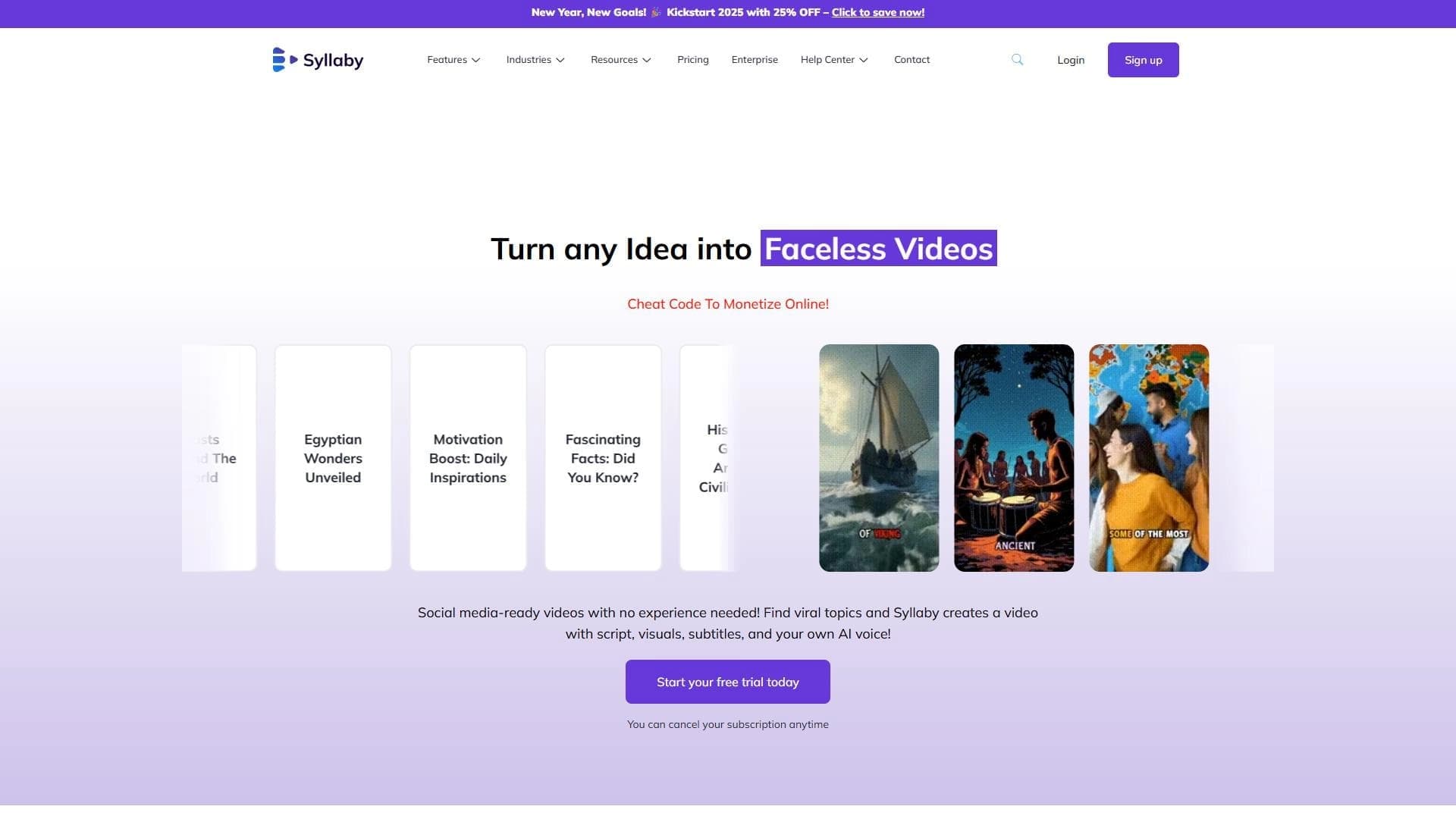

AI tool for creating and planning video content for social media.
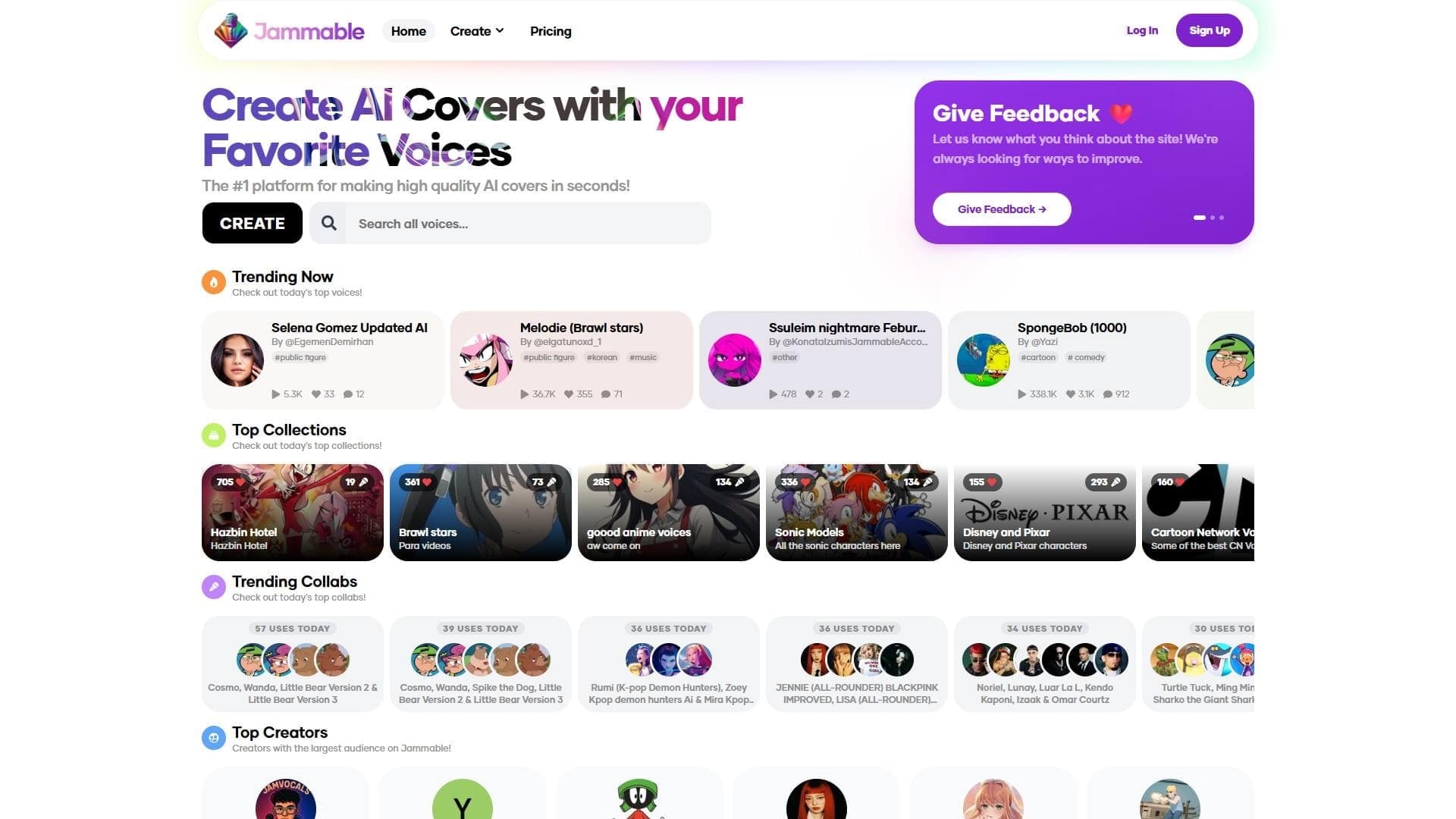

A web platform for creating AI covers, allowing you to overlay celebrity and character voices onto any songs.


Platform for recording, editing, and publishing podcasts and video content with built-in AI tools.