Stable Diffusion
Open-source neural network for generating images and videos from text prompts, which can be run locally.
Overview
Stable Diffusion
Stable Diffusion Neural Network Description
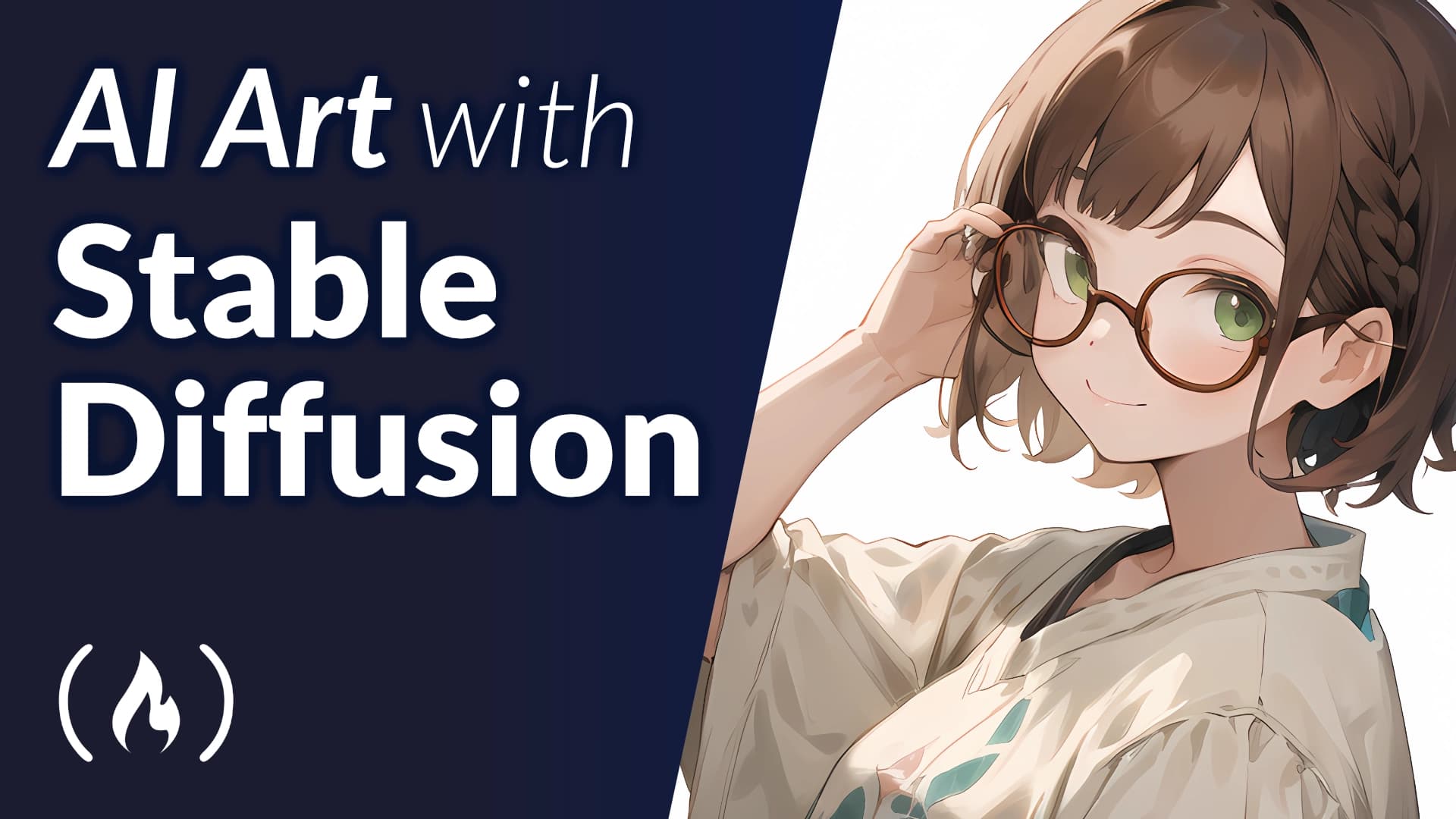
Stable Diffusion is a family of open-source machine learning models developed by Stability AI. The main purpose of the tool is to generate high-resolution images based on text descriptions. Unlike fully cloud-based services, Stable Diffusion can be installed on your own hardware, giving the user full control over settings and no limits on the number of generations.
The technology is based on diffusion models that can create both photorealistic images and abstract art. In addition to generating static images, the neural network can create videos from text or static images (Stable Video Diffusion), as well as synthesize audio tracks and 3D models. Version 3 of the models supports advanced techniques, including Inpainting, Outpainting, ControlNet, and LoRA.
Stable Diffusion Characteristics
| Characteristic | Value |
|---|---|
| Type | Neural network for generating images from text prompts |
| Developer | Stability AI |
| Year of release | 2022 |
| License | Open source |
| Resolution | Up to 2048x2048 pixels |
| Generation speed | 1 image in 5–30 seconds |
| Language support | Russian and English |
| Supported graphics cards | NVIDIA, AMD, Intel |
| Minimum requirements (VRAM) | from 4 GB |
| Required disk space | 15 GB |
| Monthly website visits | 110M |
| Rating | 4.14 / 5.0 (based on 14 reviews) |
Who is Stable Diffusion suitable for?
Designers and artists
Graphic designers, digital artists, and illustrators can use Stable Diffusion to create visual content, prototypes, and artworks with a unique style. The ability to customize through additional models and plugins allows the tool to be adapted to specific creative tasks.
Developers and researchers
Thanks to its open source code and availability on GitHub, Stable Diffusion is suitable for web developers and researchers who need API integration or work with models on their own hardware. The tool allows experimenting with settings and training custom models.
Marketers and content creators
Marketing agency employees, content creators, and social media specialists can quickly generate images for campaigns, covers, and banners. The neural network supports commercial use, which is important for professional projects.
Beginners in AI generation
For those just getting acquainted with generative AI, online services with simple interfaces are available (e.g., Playground AI or Hugging Face). However, local installation and advanced configuration require time to learn.
How to use Stable Diffusion?
Online services
The easiest way is to use web interfaces such as DreamStudio (Stability AI's official service), Hugging Face, or Playground AI. Simply register, enter a text prompt, and click "Generate." Some services are free but have speed limits or watermarks.
Local installation on a PC
To install on your own computer, download the installer from the t2i-gui website, run the file, and follow the instructions. The process takes 10–30 minutes. After installation, simply enter a text prompt and click Generate. When working locally, the user manages models and generation parameters themselves, and the number of images is limited only by the hardware's power.
Via API
Developers can integrate Stable Diffusion into their projects via API. To do this, you need to get access on the official Stability AI website. Both cloud API versions and enterprise solutions for deployment on your own servers are available.
Main features of Stable Diffusion
Text-to-image generation
The neural network creates images based on text descriptions with deep parameter customization: style, detail, composition. Supports 30 styles, including photorealism, anime, and digital art.
Image editing
- Inpainting — replacing objects in an existing image.
- Outpainting — automatically extending the background beyond the original frame.
Advanced techniques
- ControlNet — generation from sketches, 3D models, and other references.
- LoRA — micro-models for quick stylization without full retraining.
- Seed fixation — creating variations of a single image while preserving composition.
Video and audio generation
- Stable Video Diffusion — creating videos from text prompts or animating static images.
- Riffusion — generating music from text descriptions.
Advantages of Stable Diffusion
Open source and local launch
The main advantage is the ability to install on your own hardware. This provides complete freedom: no generation limits, offline operation, and full control over settings. The source code is available on GitHub, and the community has created over 500 model modifications.
Flexibility and customization
Stable Diffusion supports a huge number of additional models, plugins, and settings. Users can train their own models for a brand or project, connect ControlNet for precise composition control, and LoRA for quick stylization.
Free to use
With local installation, the neural network is completely free. You only pay for hardware or third-party online services. For commercial use, it's important to consider the licenses of specific models, but base versions allow commercial use.
Russian language support
The interface and text prompts work in Russian, making it easier for Russian-speaking users.
Disadvantages of Stable Diffusion
Difficult for beginners
Installing and configuring the local version requires time and technical knowledge. Without understanding generation parameters, the result may be poor. Unlike Midjourney, where everything works "out of the box," Stable Diffusion requires deeper learning.
Hardware requirements
For comfortable local work, you need a graphics card with at least 4 GB VRAM (more is recommended). With weak hardware, generation will be slow, and some advanced features may be unavailable.
Many interfaces
There is no single official interface — there are dozens of shells and services, which can be confusing at the start. Users have to choose a suitable interface themselves and figure out its features.
Regional restrictions
In some countries, regional restrictions may apply, which may require a VPN to access the official website and certain online services. This creates additional inconvenience for users in those regions.
What tasks does Stable Diffusion solve?
Creating visual content
Generating images for websites, games, marketing materials, and social media. Full customization of style and detail for a specific project is possible.
Editing and refining images
Replacing objects in existing photos (inpainting), extending the background (outpainting), creating variations of a single image with seed fixation.
Creating video and animation
Generating videos from text descriptions, animating static images, processing and adapting existing videos with AI.
Experiments and learning
Exploring the capabilities of generative AI, experimenting with visuals, training custom models for a unique brand or project style.
Stable Diffusion Pricing
Free options
- Local installation (Open Source) — completely free. You only pay for hardware.
- Hugging Face — free, but slow.
- Playground AI — unlimited, but with watermarks.
Paid online services
- DreamStudio (official service) — from $10 per 1000 credits.
- Other online services — from $5 to $15 per month.
API and enterprise solutions
API and enterprise integration prices — available on request from developers. Fully isolated solutions for deployment on your own servers are available.
Terms of use for Stable Diffusion
For cloud use
Simply register on the chosen service. Some platforms (e.g., Stable Diffusion Web) allow anonymous work without creating an account.
For local launch
Requires a graphics card with 4+ GB VRAM and 15 GB of free disk space. The installation process takes 10–30 minutes. When working locally, no internet is needed.
Commercial use
Stable Diffusion can be used in commercial projects, but it's important to consider the licenses of specific models. The base version allows commercial use, but some modifications may have restrictions (e.g., up to $1M in revenue).
Stable Diffusion Availability
Platforms
- Web versions: DreamStudio, Hugging Face, Playground AI, Stable Diffusion Web.
- Desktop: local installation on PC (Windows, Linux).
- Mobile apps: there is no official smartphone app.
Regional restrictions
In some countries, regional restrictions may apply, which may require a VPN to access the official website stability.ai and certain online services. With a local installation, there are no restrictions — the neural network works without an internet connection.
Graphics card support
NVIDIA, AMD, and Intel graphics cards are supported. For comfortable work, a graphics card with 6+ GB VRAM is recommended.
How does Stable Diffusion differ from alternatives?
Local launch
The main difference from Midjourney, DALL-E, and other cloud services is the ability to install on your own hardware. This provides full control over settings, no limits, and offline operation.
Open source
The source code is available on GitHub, allowing the community to create modifications, fine-tune models, and develop plugins. There are over 500 community modifications.
Advanced features
Stable Diffusion supports techniques that are unavailable or limited in alternatives: Inpainting, Outpainting, ControlNet, LoRA, Seed fixation, Riffusion (music generation). This makes the tool more flexible for professional tasks.
Price
With local installation — completely free. Cloud alternatives (Midjourney, DALL-E) require a monthly subscription. However, the free nature comes at the cost of configuration complexity and hardware requirements.
Conclusion
Stable Diffusion is one of the most flexible and popular models for image generation, available both through online services and for local installation. Open source code, support for advanced techniques (ControlNet, LoRA, Inpainting), and full customization make it a powerful tool for designers, developers, and artists. The main trade-offs are the learning curve and hardware requirements when working locally. For commercial use, it's important to consider the licenses of specific models, but base versions are suitable for professional projects.