

Spikes Studio
AI service for automatically turning long videos into short clips for social media.
Overview
Spikes Studio
Description of Spikes Studio AI
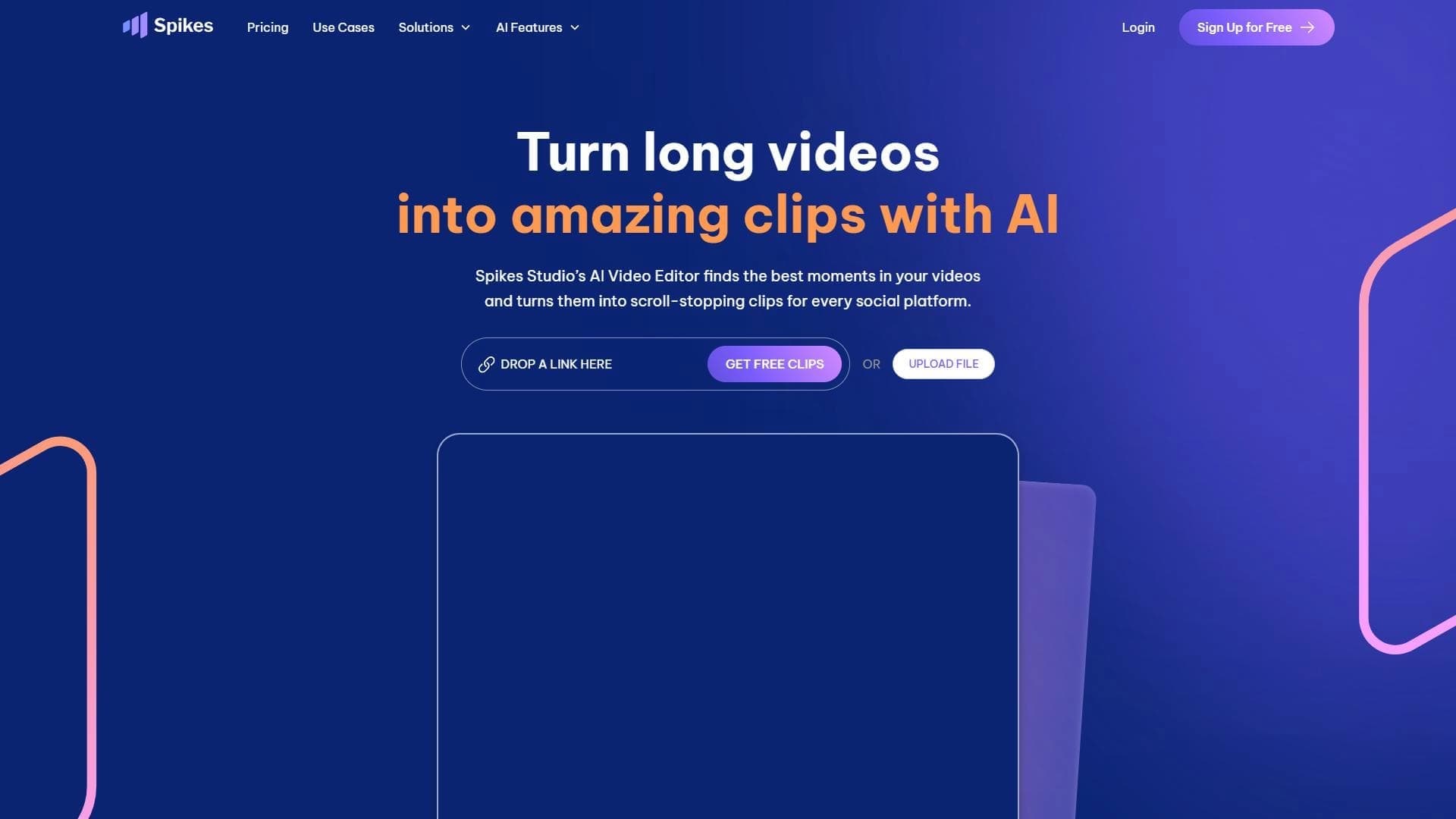
Spikes Studio is a cloud-based AI service that automatically turns long video recordings into short clips for social media. Instead of manual editing, the service analyzes the source material itself, picks out the key and most striking moments, and compiles them into ready-to-publish videos.
The tool is aimed at content creators: long streams, podcast recordings, or full-length videos can quickly be adapted for YouTube Shorts, TikTok, and Instagram Reels. Spikes Studio automatically adds subtitles and can also generate hashtags and descriptions, which makes preparing posts much easier. The service works with videos up to 72 hours long and supports more than 99 languages, and it can be accessed via a browser and the Spikes GO mobile app.
Spikes Studio specifications
| Characteristic | Value |
|---|---|
| Type | AI-based clip generator / video editor |
| Category | Video editing, Video enhancement, YouTube, Subtitles |
| Platforms | Web, mobile app (Spikes GO), browser extension, API |
| Target platforms | YouTube (Shorts), Twitch, TikTok, Instagram Reels, Twitter, Facebook, Telegram, WhatsApp |
| Maximum source video duration | Up to 72 hours |
| Number of supported languages | More than 99 |
| Interface language | Russian (according to some sources); other sources indicate no Russian localization |
| Free plan availability | Yes (limited version) |
| Paid plan pricing | From $14 to $32.99 per month (depending on source) |
| Trial version | Yes |
| Mobile app | Yes (Spikes GO) |
| Browser extension | Yes |
| API availability | Yes |
| Registration required | Required for the cloud version; not required for basic scenarios |
| Editor's rating | 7.8 out of 10 |
| User rating | 4.8 out of 5 (according to one source) |
Who is Spikes Studio AI suitable for?
Content creators and bloggers
Spikes Studio is primarily designed for authors who regularly publish videos on social networks. YouTube bloggers, streamers, podcasters, and short-form video creators can quickly turn long recordings into a series of short clips, saving time on manual cutting and editing.
Social media influencers
Influencers and active users who need to maintain a constant presence on social media use the service to quickly split long-form content into individual posts optimized for Reels, Shorts, and other short formats.
Users without editing experience
The service is also suitable for people who have no experience with video editors. You simply upload the material — smart algorithms pick out the key moments and assemble a finished clip, so no serious video-editing skills are required.
How to use Spikes Studio AI?
Getting started
To use the service, you need to create an account on the official website spikes.studio. After creating an account, you can start uploading source videos. Built-in instructions and training materials help new users get comfortable with the interface.
Creating clips
After uploading a long video, you start the processing: the AI automatically analyzes the content, highlights the key and most striking moments, and edits them into short clips. Once generated, the videos can be edited — you can adjust the cuts and add captions and hashtags if needed.
Publishing and distribution
Finished clips can be saved in original quality, downloaded to your phone via QR code, or posted directly to social networks. You can work through the web version on your computer or through the Spikes GO mobile app to handle tasks on the go.
Key features of Spikes Studio
Automatic cutting and clip generation
The main function of the service is turning long videos into short viral clips. The AI itself selects the important and striking parts of the content, compiles them into videos, and optimizes the format and aspect ratio for the requirements of specific social platforms. Batch processing is supported, allowing you to work with many videos at once.
Automatic subtitles and text
The system automatically adds subtitles with high speech-recognition accuracy (estimated by some at over 99%). In addition, the service can generate hashtags and descriptions for posts and supports more than 99 languages, helping to adapt content for different audiences.
Editing tools and stream processing
The service includes a video editor with advanced capabilities that lets you refine the generated clips and adjust their duration. Automatic processing of Twitch live streams deserves special mention — stream recordings are turned into ready-to-publish videos.
Advantages of Spikes Studio
Time savings on editing
The service significantly speeds up short-form content creation. According to the developers, processing a long video can take much less time than manual editing — for example, a 24-hour video is converted in under 10 minutes. This removes the need to cut and stitch fragments manually.
Simplicity and accessibility
Spikes Studio requires no video-editing experience and no special software installation — a stable internet connection and uploaded material are enough. The service is available on the web platform, through a mobile app, and as a browser extension, and live-stream processing happens automatically.
User support
Round-the-clock technical support is provided through Discord, which is convenient for active content creators. It is also noted that the AI learns the user's preferences and personalizes results over time, making clips better suited to the author's specific style.
Disadvantages of Spikes Studio
Limitations of the free version
The free plan is significantly limited: according to some data, it only processes videos with a source length of up to 30 seconds; according to others, it provides 30 minutes of total editing time per month. Full work with long videos requires a paid subscription.
Pricing and inconsistent data
The paid version requires a monthly fee, and different sources cite different prices — from $14 to $32.99 per month. Some features, such as automatic hashtags and descriptions, are reportedly still in development and not fully implemented according to some sources.
Technical limitations
The service works only with video content and requires a constant internet connection because it is a cloud platform. In addition, one of the sources provides only a single user review, which gives little data for objectively assessing the service's reliability.
What tasks does Spikes Studio solve?
Creating short viral content
The main task of the service is turning long videos, streams, and podcasts into short clips for TikTok, Instagram Reels, and YouTube Shorts. The tool helps cut material into separate posts and creates highlights from stream recordings.
Automating subtitles and posts
Spikes Studio automatically applies subtitles to clips and generates hashtags and descriptions, making it easier to prepare content for publication and increasing its visibility and audience engagement. Videos are also optimized for the requirements of different social platforms.
Adapting content for different audiences
Thanks to support for more than 99 languages and adjustable clip duration, the service helps adapt the same material to different platforms, audiences, and language markets. Automatic processing of live streams makes it easy to prepare videos based on streams for later review and publication.
Spikes Studio pricing
Free plan
Spikes Studio operates on a freemium model with a free version. Data on its limitations varies: in one case, it supports only videos with a source length of up to 30 seconds; in another, it offers 30 minutes of total editing time per month. In any case, the free plan is heavily limited.
Paid plans
Paid plans start from $14 per month, although some sources mention a price of $32.99 per month. In one pricing model, three tiers are offered: Basic (from $0 per month), PRO+ (around $10 per month), and Enterprise (from $120 per month), with annual payment providing a significant discount. It is best to check the exact terms and prices on the official website.
Spikes Studio terms of use
To use the cloud version of the service, you generally need to create an account on the website, after which you can upload videos and create clips. However, according to one source, registration is not required for basic scenarios. Technical support is available around the clock via Discord.
Availability of Spikes Studio
The service is primarily accessible through the website spikes.studio and is a cloud platform that requires a stable internet connection. In addition, a Spikes GO mobile app is available for working on the go, along with a browser extension and an API for integration. All major publishing platforms are supported (YouTube, TikTok, Instagram Reels, Twitch, as well as Twitter, Facebook, Telegram, and WhatsApp). Information about interface languages is contradictory: some sources indicate Russian language support, while others indicate there is none, and the service itself processes content in more than 99 languages.
How is Spikes Studio different from alternatives?
Spikes Studio stands out from competitors primarily for its high processing speed and ability to work with very long source material — up to 72 hours of video. Many alternatives limit upload file length or require more manual editing. An additional advantage is automatic subtitle addition with high accuracy, a feature some competing solutions lack.
The service also stands out for automatic Twitch live-stream processing, support for batch video editing, and multilingual support — working with more than 99 languages. Among services considered similar in purpose are Lazylines AI, Joineo, Magic Hour, Submagic, and Clips AI, although an accurate comparison of their capabilities with Spikes Studio depends on the user's specific needs.
Conclusion
Spikes Studio is a cloud-based AI service that automatically turns long videos, streams, and podcasts into short clips for social media. Its main strengths are high processing speed, support for materials up to 72 hours long, highly accurate automatic subtitles, and multilingual support for more than 99 languages. The tool is suitable for bloggers, streamers, and content creators who want to quickly adapt material for YouTube Shorts, TikTok, and Instagram Reels without deep editing skills. At the same time, you should consider the limitations of the free version, the need for a paid subscription for full use, and conflicting data about pricing and Russian interface support — these details are best confirmed directly on the service's official website.
Pricing
Frequently asked questions
Similar AI tools


See also

A platform for creating talking videos with a teleprompter, AI-generated scripts, subtitles, and avatars.
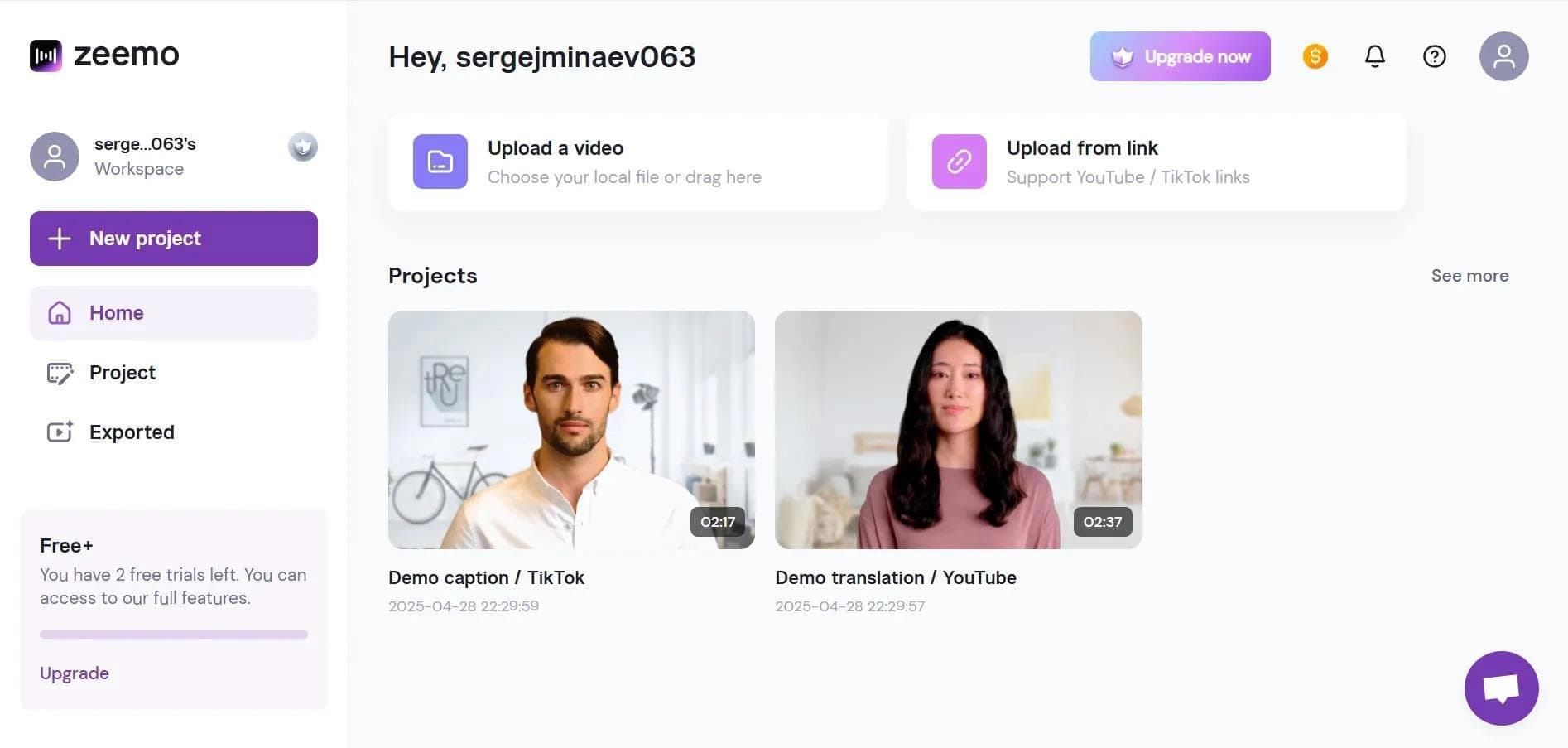

Neural network-based web service for automatic video subtitling and transcription.
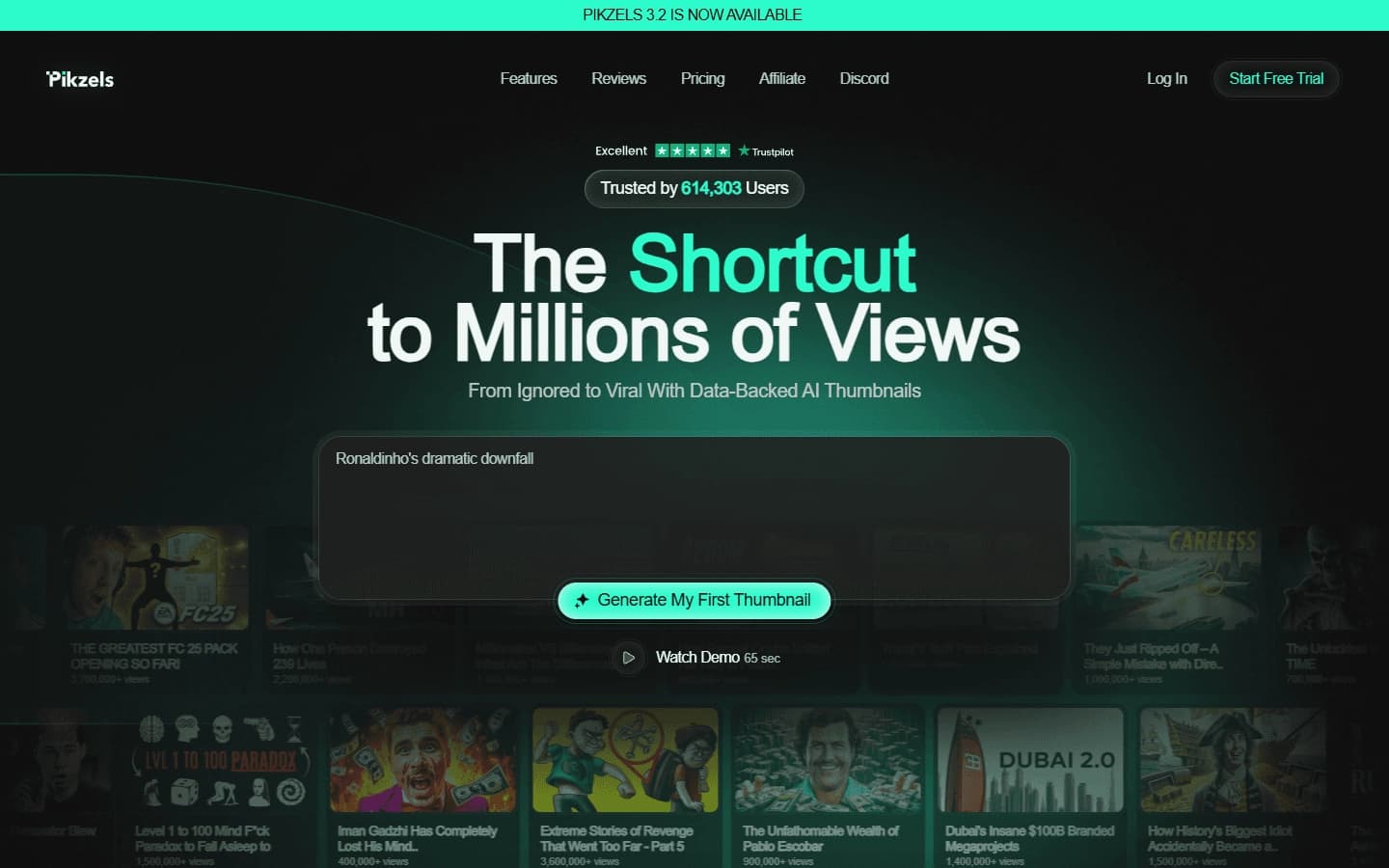

AI service for creating covers and titles for YouTube channels.
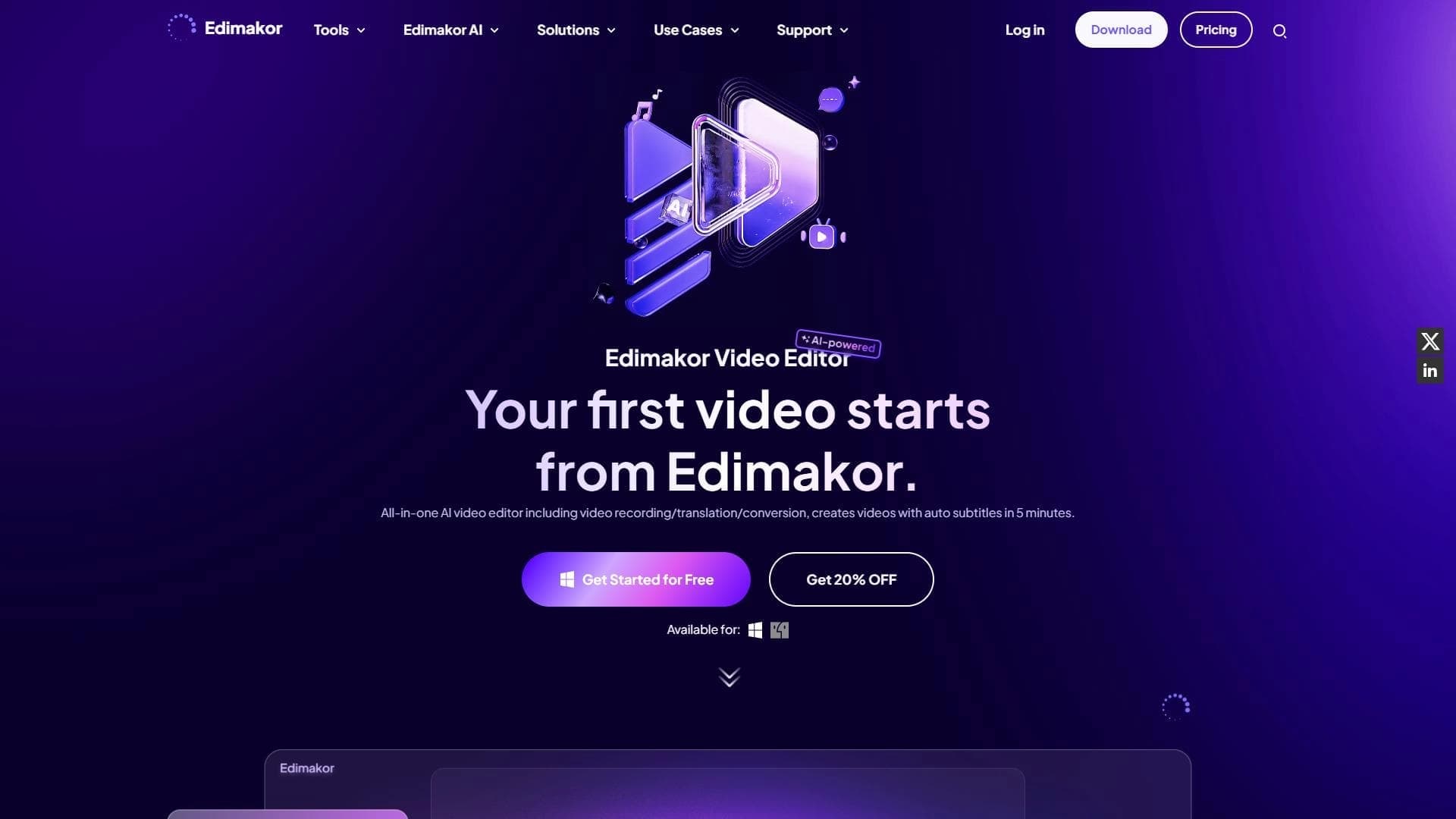

AI-powered desktop video editor for automatic subtitle generation and basic video editing.

Online video editor with AI tools for creating and editing videos directly in the browser.

A platform that combines several video creation tools in a single chat interface, from script generation to editing and voiceover.

Mobile app for photo and video editing using AI and an extensive library of filters.
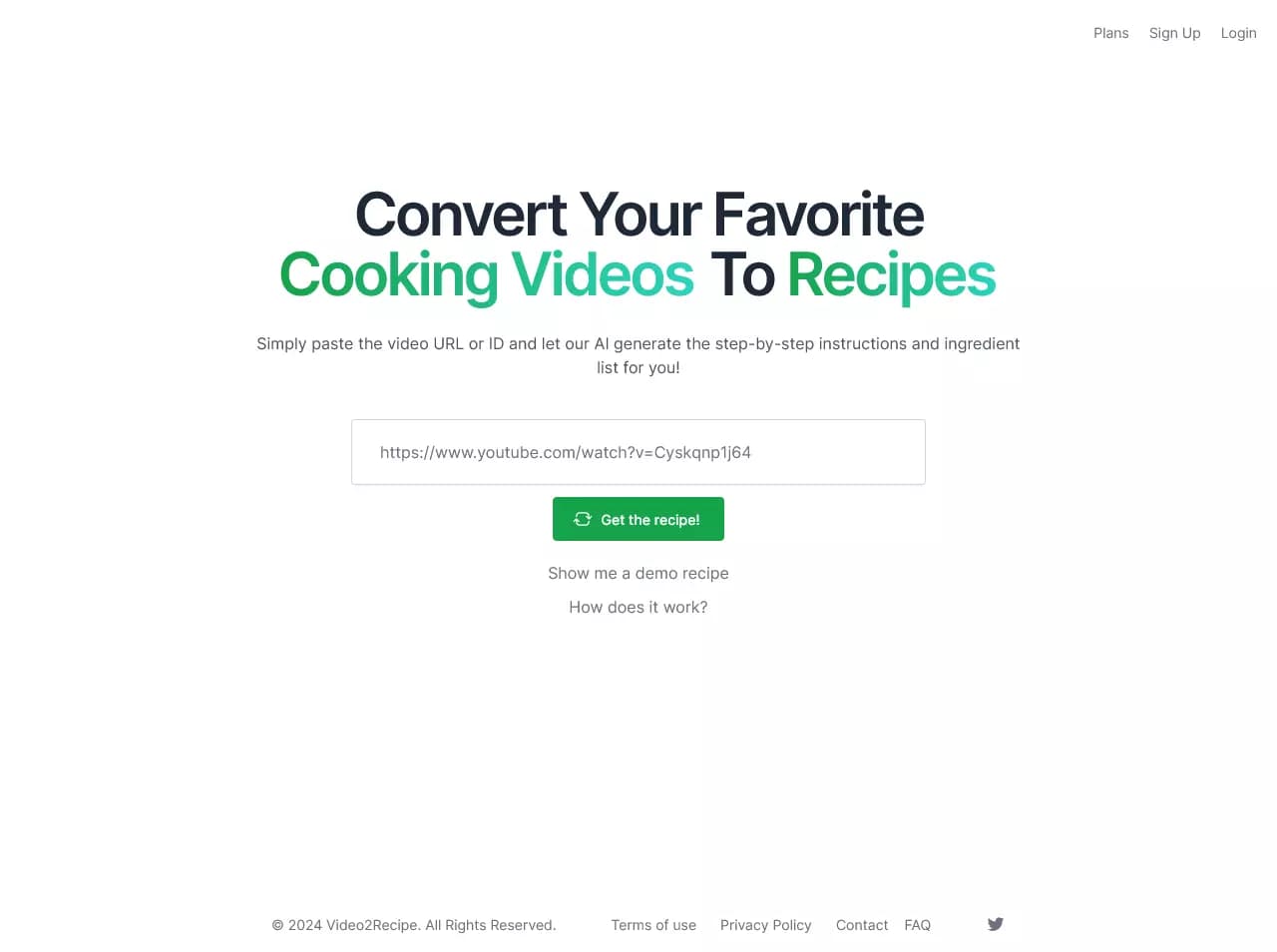

AI-powered service that converts cooking videos into step-by-step text recipes with ingredient lists.