

Spellbox
Neural network for generating, explaining, and fixing program code in various programming languages.
Overview
Spellbox
Description of the Spellbox neural network
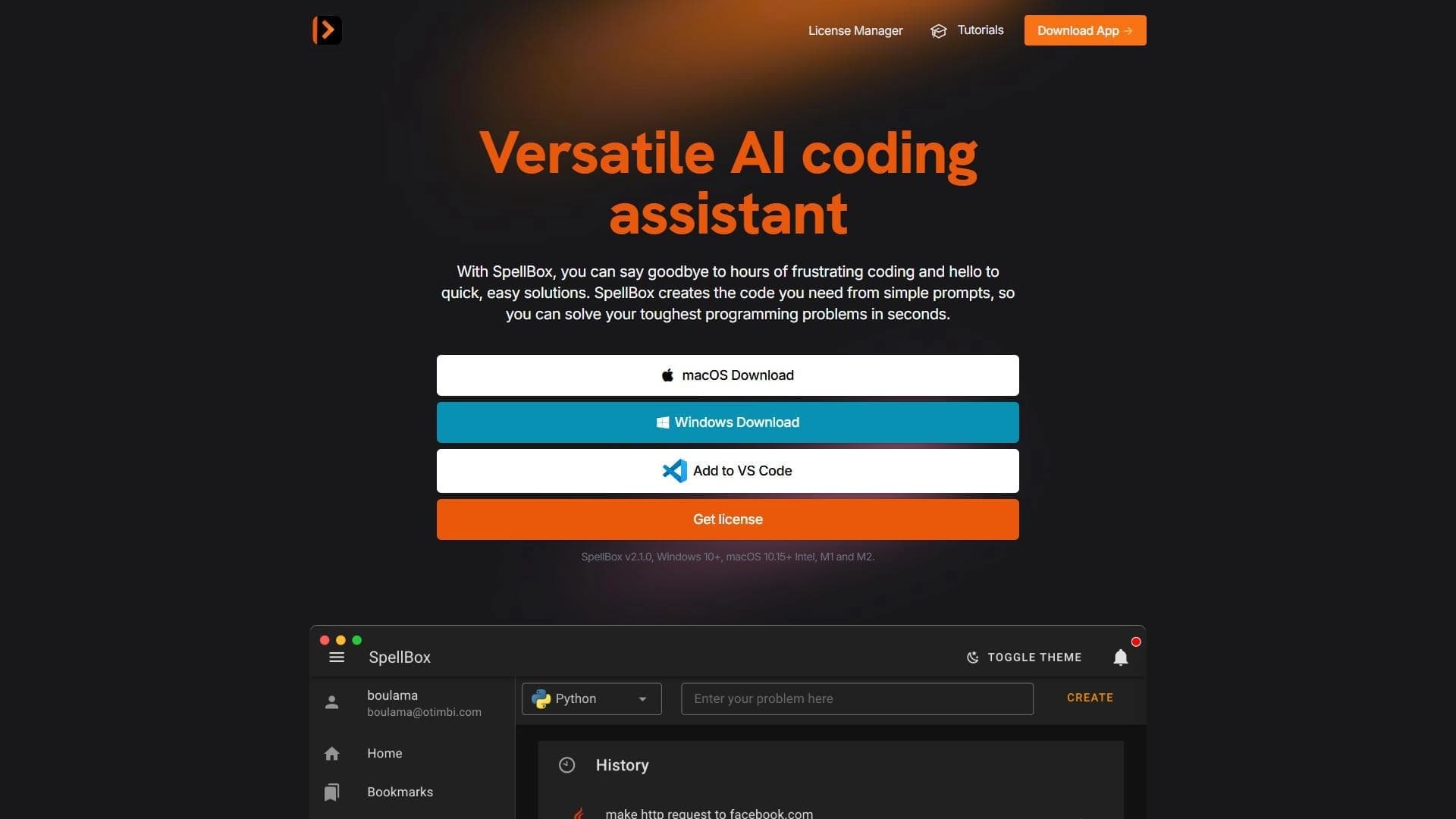
Spellbox is an AI tool designed to help programmers work with code. The neural network generates ready-made solutions based on a text description of a task, can explain written code in plain language, and helps fix errors. The service supports several popular programming languages, including Python, JavaScript, and Java.
How the service works
The user enters a query in natural language, describing a task or problem. Based on this, Spellbox generates ready-made code and, if necessary, explanations for it. This approach allows users to quickly get solutions to common tasks without lengthy searching and manual debugging.
Usage formats
The tool is available as a web service and also has integration with the VS Code editor. In addition to code generation, the neural network can suggest optimizations, improve existing code, and write comments. A useful feature is saving frequently used code snippets for quick access.
Spellbox characteristics
| Characteristic | Value |
|---|---|
| Type | Tool for programming automation |
| Categories | Code generation, Code assistants, Code explanation and analysis |
| Programming languages | Python, JavaScript, Java, and others |
| Distribution model | Freemium (subscription for ongoing access, free trial period) |
| Platforms | Web service, VS Code integration |
| Work format | Natural language query input |
| Website | spellbox.app |
Who is the Spellbox neural network suitable for?
Experienced programmers
The tool is suitable for developers who want to speed up routine operations, get alternative approaches to solving problems, and recommendations for code optimization. Spellbox helps them focus on the creative aspects of development by offloading some routine work to the neural network.
Beginners and students
For beginners and students, the neural network helps master programming: it explains code in clear language, quickly solves common tasks, and allows them to learn new concepts. For those looking to improve their programming skills, Spellbox becomes a convenient learning assistant.
How to use the Spellbox neural network?
Entering a query
To get started, simply describe a task or problem in natural language. The user enters a text query, and Spellbox generates the corresponding code or a ready-made solution. The process is intuitive and accessible even to those just starting to learn programming.
Working with the VS Code editor
With the VS Code integration, you can work with code right in your familiar development environment. Additionally, the service lets you save frequently used code snippets for quick access in recurring tasks.
Main features of Spellbox
Code generation
The neural network creates code in various programming languages based on a text description of a task — from simple basic examples to complex algorithms. The service offers optimized and efficient solutions to the tasks at hand.
Explanation and fixing
Spellbox can explain how existing code works in plain language, helping users understand the logic of what's written. Automatic error fixing and recommendations for code improvement are also available.
Additional help
The tool helps write code comments and suggests alternative approaches and optimization methods. The artificial intelligence is constantly trained and updated to provide up-to-date solutions.
Advantages of Spellbox
Saving time and effort
Spellbox reduces time spent on routine tasks, allowing developers to focus on the creative aspects of their work. Quickly getting ready-made solutions eliminates lengthy searching and manual debugging.
Ease of learning
The tool has an intuitive workflow accessible even to beginners. It's easy to start using the service without spending a long time learning a complex interface.
High accuracy of results
The service offers high-quality and useful solutions, and for experienced professionals — alternative approaches and optimization methods. This makes Spellbox useful for both beginners and professionals.
Disadvantages of Spellbox
Subscription limitations
A subscription is required for ongoing access to the service. This may be a barrier for users who only need occasional use of the tool.
Limited customization
Customization options for a specific project are limited, which doesn't always suit experienced developers with special requirements. In addition, there is a risk of becoming dependent on the neural network's hints instead of solving problems independently.
What tasks does Spellbox solve?
Creating and improving code
The tool helps create code from a text description, solve complex programming tasks, and improve existing code. Automatic error fixing and comment writing are included.
Learning and testing ideas
Spellbox is suitable for learning new programming concepts and quickly testing ideas. Explaining how code works in clear language simplifies learning and helps you understand new topics faster.
Solving common tasks
The service effectively handles common tasks, saving users from lengthy searches for solutions. The tool is most useful for routine operations and learning new languages.
Spellbox pricing
Payment model
The service operates on a freemium model. Ongoing access requires a subscription costing about $60 per year. Paid plans may vary depending on usage volume and additional features, such as priority support and extended customization options.
Free trial period
A free trial period is available for newcomers, allowing them to evaluate the tool's capabilities before purchasing a paid subscription. The exact terms and duration of the trial period are not specified in the source data.
Terms of use for Spellbox
The tool is distributed under a subscription model. A free trial period is available to users; however, the source data does not explicitly state whether mandatory registration is required. A paid subscription is required for ongoing use of the service.
Spellbox availability
The service works as an online tool and is accessible through a web browser. There is also integration with the VS Code editor. Interface languages are not specified in the source data. Information about geographic availability restrictions is also absent.
How Spellbox differs from alternatives
Spellbox stands out among many AI assistants for programming by combining several functions in one tool: code generation, plain-language explanations, error fixing, and comment writing. An important feature is VS Code integration and the ability to save frequently used code snippets, which simplifies a developer's daily work.
Furthermore, the service targets a wide audience — from experienced programmers to students and beginners — offering different levels of support: from learning assistance to solution optimization for professionals. The freemium distribution model with a trial period sets it apart from fully paid alternatives, allowing users to try the tool without investment.
Conclusion
Spellbox is a useful AI tool for developers that generates code from a text description, explains it in plain language, fixes errors, and helps improve existing solutions. The service supports several popular programming languages, has VS Code integration, and is available as a web service. It's useful both for experienced programmers looking to speed up routine tasks and for students and beginners learning programming. The freemium model with a free trial period makes the tool accessible for getting acquainted, while the paid subscription provides ongoing access to its features. Spellbox is most effective for working on common tasks and learning new programming languages.
Pricing
Frequently asked questions


See also

Open-source AI agent for developers, available in the terminal, IDE, and as a desktop application.

AI-powered code editor that analyzes your entire project and helps you write, rewrite, and optimize code.

AI assistant for programmers, working through your own API key and supporting popular language models.
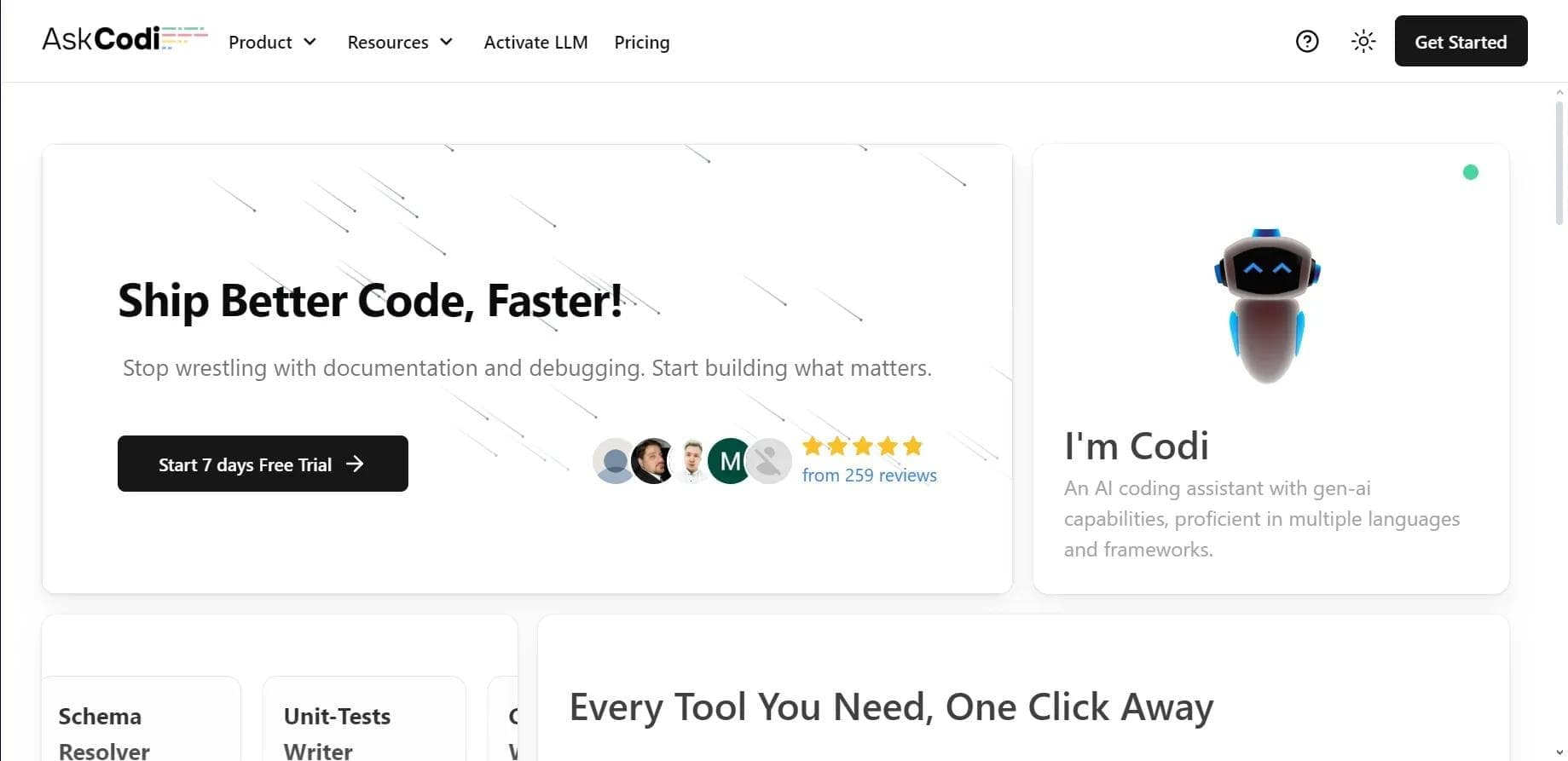

AI assistant for developers that generates, explains, and refactors code, as well as creates documentation and tests from natural language descriptions.
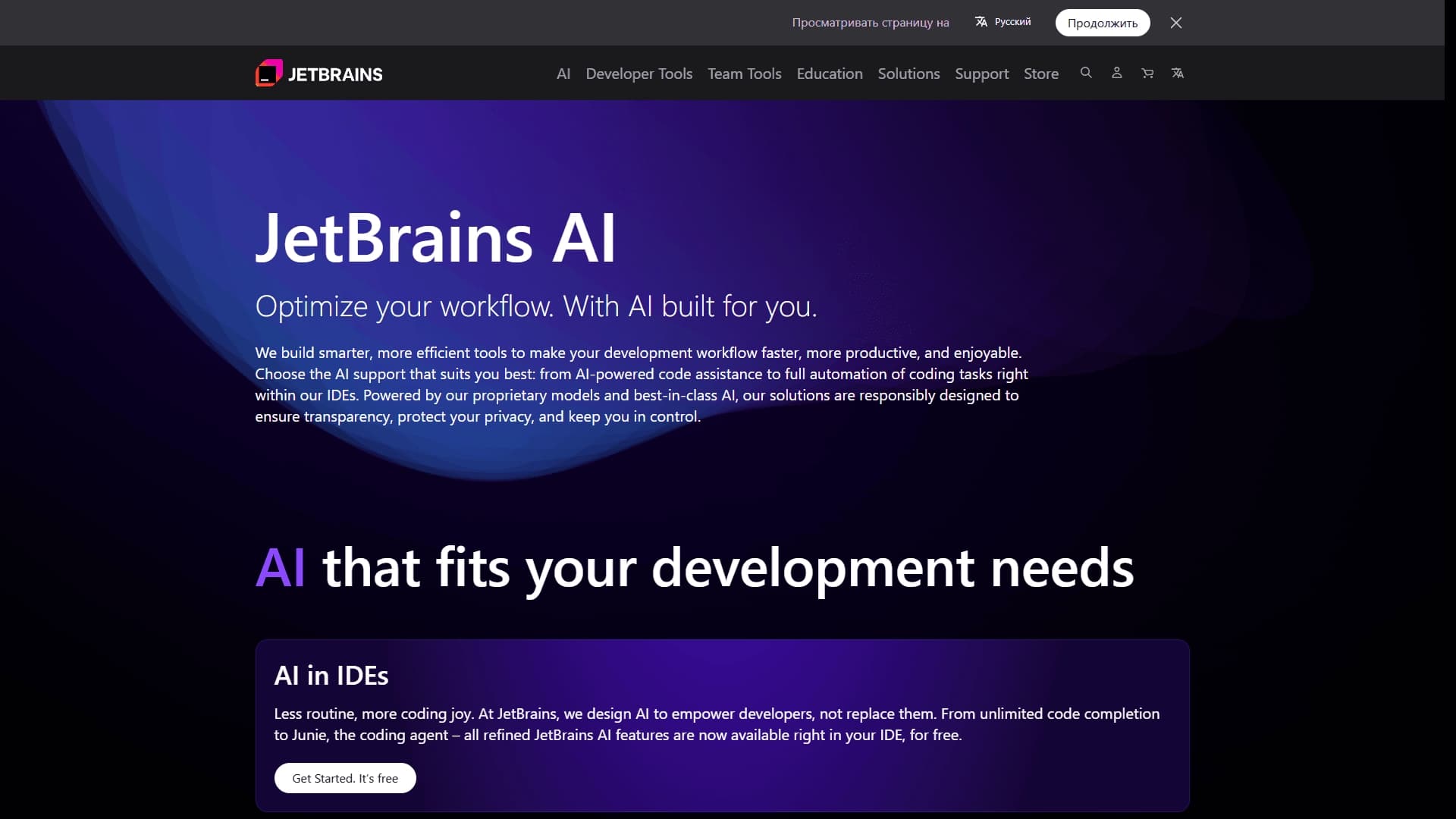
A set of AI tools built into JetBrains IDEs to help with writing, refactoring, and understanding code.
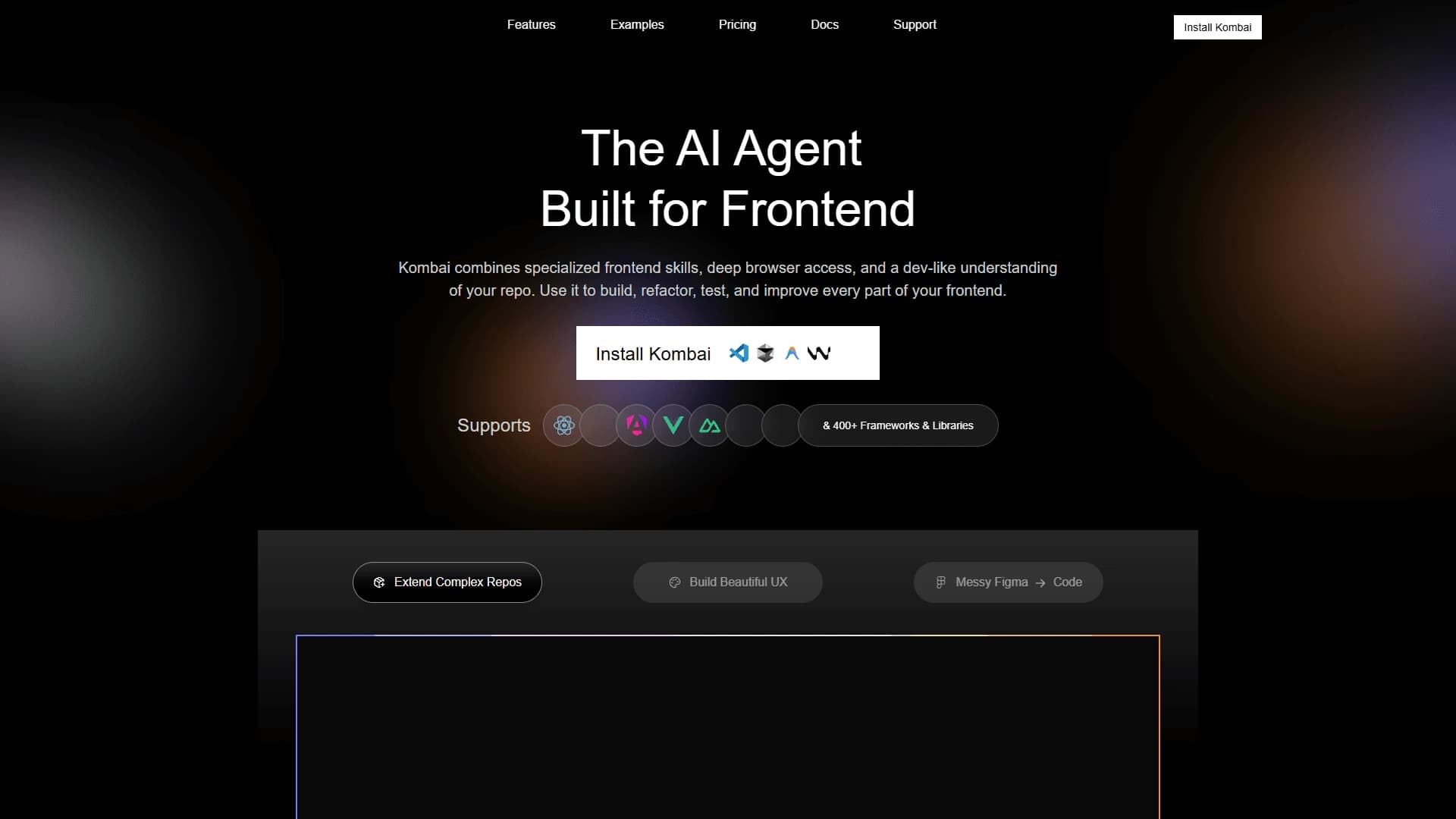
AI tool for automatically converting layouts from Figma into HTML, CSS, and React components, as well as for creating and refactoring interfaces.

AI assistant for developers that automates routine programming tasks.

AI agent for software development assistance, capable of writing, fixing, and reviewing code.