
Sider
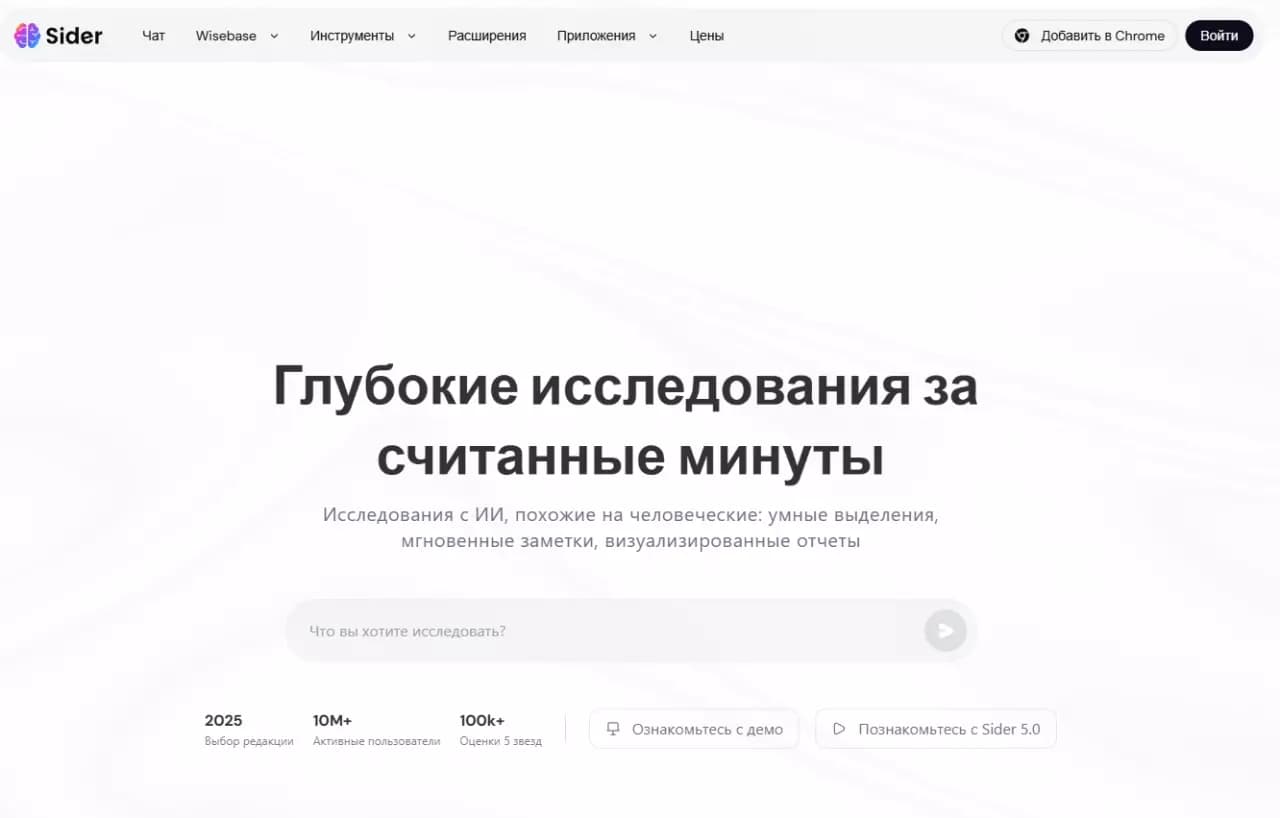
Browser extension that combines multiple language models in a single sidebar for working with web content.
Overview
Sider
Description of the Sider neural network
Sider is a browser extension that combines several popular language models in a single interface. Instead of keeping dozens of tabs open with different AI services, the user gets a unified sidebar where they can switch between GPT-4o, Claude, Gemini and DeepSeek with literally one click.
The tool is designed as a universal assistant for working with web content: it can translate text, analyze uploaded PDF files, images and videos, and also generate and edit texts directly in the browser. At the same time, the sidebar does not interfere with the main work — it neatly integrates into the interface and is available at any moment.
Sider is distributed under a freemium model: the basic functionality is available for free, and the service is also released as mobile and desktop applications, in addition to the main browser version.
Sider characteristics
| Characteristic | Value |
|---|---|
| Type | AI assistant / multi-model panel |
| Category | Productivity, copywriting, text translation |
| Business model | Freemium (free basic plan) |
| Supported models | GPT-4o, Claude 3, Gemini 1.5, DeepSeek, Llama |
| Format | Browser extension (sidebar), mobile and desktop applications |
| Platforms | Chrome, Safari, Edge, iOS, Android, macOS, Windows |
| Interface | Supports Russian language |
| Free plan available | Yes |
| Registration | Account creation required |
Who is the Sider neural network suitable for?
Students and researchers
Those who constantly work with large volumes of documents and scientific materials will find Sider useful for analyzing PDF files, extracting key information and getting quick answers to questions about the content of texts. Combining several models allows choosing the most suitable tool for each task.
Content professionals
Copywriters and translators will find in Sider a convenient tool for creating and improving texts, instant translation, grammar and style checking. Help with wording will come in handy when writing emails, reports and other work materials.
Anyone who wants to quickly switch between AI models
Sider is suitable for any user who values speed and doesn't want to keep many tabs open with different services. A single interface with instant switching between models saves time and simplifies work.
How to use the Sider neural network?
Installation
First of all, you need to install the Sider browser extension or download the mobile or desktop application from the official website. Versions are available for Chrome, Safari, Edge, iOS, Android, macOS and Windows.
Account setup
After installation, you need to create or log into your account. At this stage, you can configure preferred AI models and enable the necessary functions to adapt the tool to your tasks.
Working with content
The sidebar integrates into the browser and does not interfere with the main work. Just select text on a web page to get help from AI: translate, shorten, check or rephrase. This way you can analyze documents, translate text and generate content without switching between tabs.
Main features of Sider
Working with texts
Sider offers a wide range of tools for text work: generating and editing texts in real time, instant translation between many languages, shortening long texts to brief summaries, as well as checking grammar, style and searching for plagiarism. The tool helps create emails, articles and other types of content.
Document and content analysis
The built-in ChatPDF allows you to interact with PDF documents: ask questions about their content and extract key information. Sider can also analyze images and videos — for example, explain charts or recognize recipes.
Multi-model chat
Sider combines GPT-4o, Claude, Gemini and DeepSeek in one interface, allowing you to switch between them. A group chat is available in which several AI models are used simultaneously to solve one task.
Image processing
In addition to analyzing visual content, the service offers tools for image processing: removing or replacing backgrounds, as well as converting text to image.
Advantages of Sider
All models in one place
The main advantage of Sider is combining popular AI models in a single interface. There's no need to keep many tabs open with different services: everything is available in one sidebar.
Convenience and speed
Instant switching between models with one click saves time. The sidebar does not interfere with the main work in the browser and is always at hand.
Wide availability
Sider supports many platforms: Chrome, Safari and Edge browsers, iOS and Android mobile apps, as well as desktop versions for macOS and Windows. The service is available in Russian, and free use is available without restrictions on various devices.
Disadvantages of Sider
The source data does not list any disadvantages of the service, so only those limitations that follow from the available information are noted here. Using Sider requires registration — creating an account. In addition, although the basic version is distributed free of charge, detailed information about paid plans and their limitations is not disclosed in available sources, so it is difficult to assess the full picture of pricing and possible restrictions.
What tasks does Sider solve?
Combining access to AI models
Sider solves the problem of combining access to different language models in a single interface. Instead of several open tabs, the user switches between GPT-4o, Claude, Gemini and DeepSeek with one click.
Processing content without breaking focus
The tool allows you to translate and analyze content directly in the browser without distracting from your current work. This includes translating texts on the fly, extracting key information from PDFs and analyzing visual content — images and videos.
Creating and improving texts
Sider helps with writing emails, reports and other texts, providing hints on structure and wording. The service also increases productivity when reading, writing and interacting with text information on the internet.
Sider pricing
Sider operates on a freemium model. The basic version with core functionality is provided for free, and one of the sources notes that free use is available without restrictions on Android, iOS, Windows and macOS. Detailed information about paid plans and their cost is not disclosed in the available data, so it is impossible to accurately describe the pricing policy of paid subscriptions.
Terms of use of Sider
To start working with Sider, registration is required — creating an account. At the same time, one of the sources notes that the service is positioned as completely free on various platforms. Detailed terms of use are not disclosed in the available data; it is only known that the site uses cookies and Yandex Metrica to collect statistics.
Availability of Sider
Sider is available on many platforms. In addition to the main version as a browser extension for Chrome, Safari and Edge, there are mobile applications for iOS and Android, as well as desktop applications for macOS and Windows. The interface supports Russian. Specific interface languages and possible regional restrictions are not specified in the available sources.
How Sider differs from analogues
The main difference between Sider and most similar solutions is its multi-model architecture. Instead of being tied to a single language model, the service combines GPT-4o, Claude, Gemini and DeepSeek in a single sidebar, allowing you to instantly switch between them with one click. This makes it a convenient tool for comparing the results of different models and choosing the best option for a specific task.
In addition, Sider stands out for its wide platform coverage: it is available not only as a browser extension, but also as a mobile and desktop application, while supporting Russian. Unlike narrowly specialized analogues focused only on translation or only on working with documents, Sider combines many functions — from translation and PDF analysis to image processing and group chat with several models — in one free solution.
Conclusion
Sider is a multi-model AI assistant in the form of a browser panel that combines GPT-4o, Claude, Gemini and DeepSeek, allowing you to switch between them without opening many tabs. The tool is suitable for students, researchers, copywriters and anyone who wants to quickly translate text, analyze documents, images and videos, as well as generate and edit content directly in the browser. Thanks to support for many platforms, the Russian language and a free basic plan, Sider is a practical and accessible solution for everyday work with web content.
Frequently asked questions

See also
AI editor for creating, editing, and publishing content with templates and prompts.

Financial platform with an AI assistant for managing accounting, taxes, and budgets.

Platform for interview preparation with AI mock interviews and real-time support.
Enterprise language model platform focused on privacy and on-premise deployment.


AI assistant for creating short summaries of videos, PDF documents, and web pages.


AI email assistant that helps quickly draft messages, adapting to the user's style.
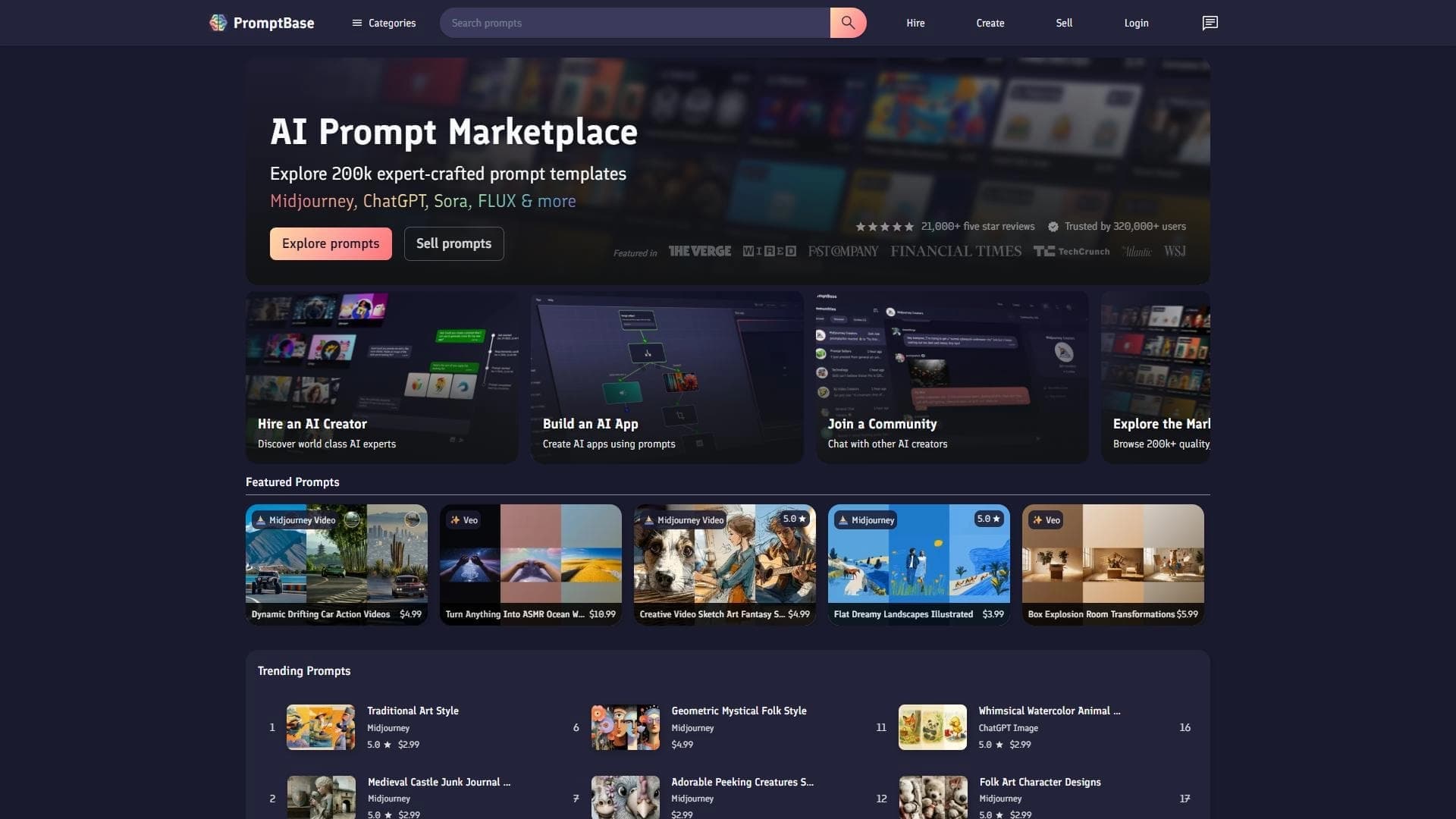

Marketplace where users buy and sell ready-made prompts for popular AI models.
A sales automation platform that combines customer prospecting, deal management, and AI-powered forecasting.