
TopMediai®
Многофункциональная AI-платформа для преобразования текста в речь, смены голоса и редактирования видео.
Место в рейтингах
Обзор
TopMediai®
Описание нейросети TopMediai®
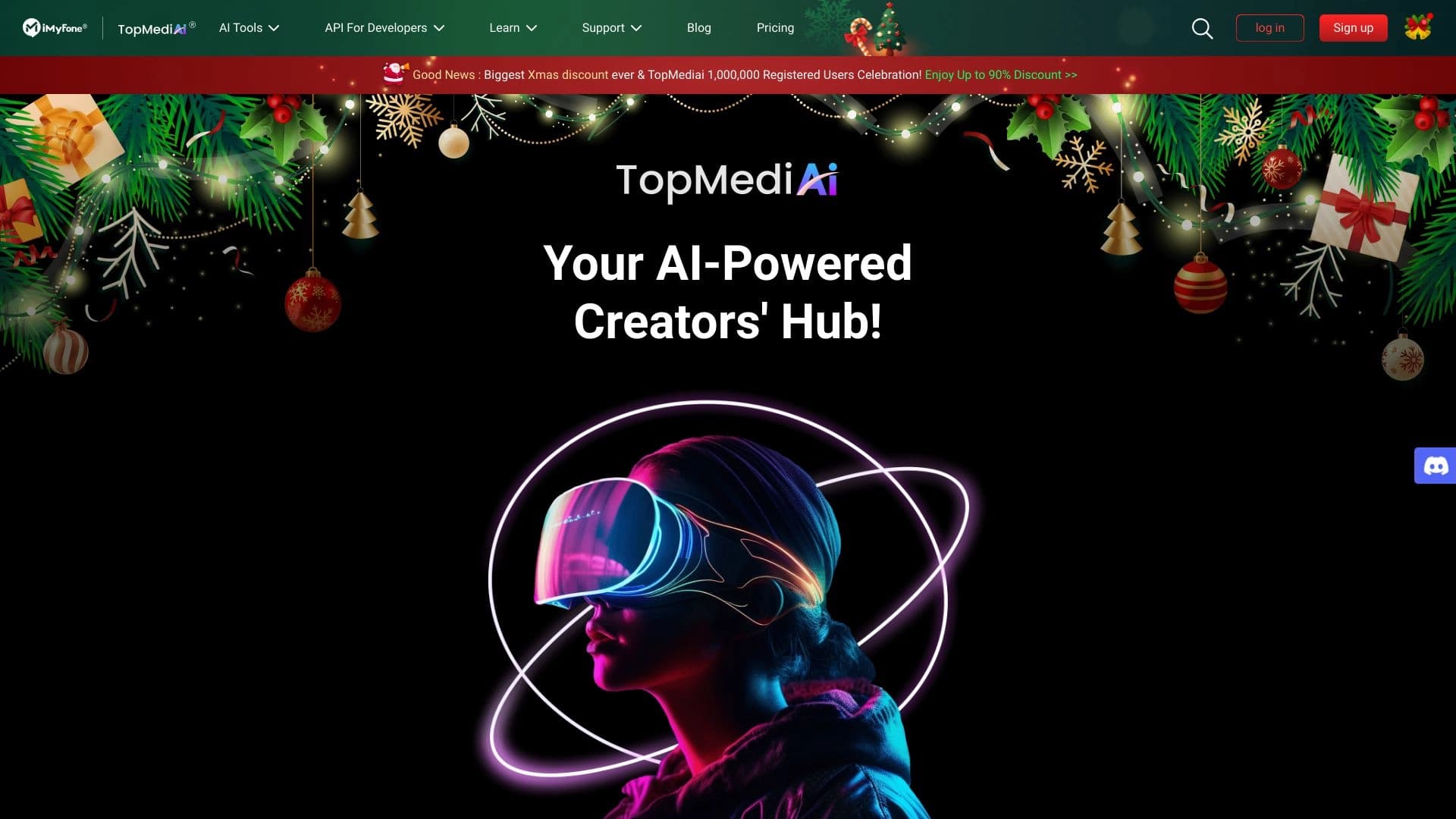
TopMediai® — это многофункциональная онлайн-платформа, объединяющая несколько AI-инструментов для работы с аудио- и видеоконтентом. В основе сервиса лежат три ключевых направления: преобразование текста в речь (Text-to-Speech), смена голоса и редактирование видео.
Пользователям доступно более 3200 реалистичных синтезированных голосов, которые поддерживаются на 190+ языках. Такой масштабный выбор позволяет озвучивать контент практически для любой аудитории, независимо от её языковой принадлежности. Сервис создан для того, чтобы упростить процесс создания качественных голосовых озвучек и видеоматериалов.
Платформа одинаково хорошо подходит как для профессиональных проектов, требующих высокого качества озвучки, так и для личного использования. Благодаря комплексному подходу, пользователям не приходится переключаться между несколькими сервисами — все основные задачи по работе с голосом и видео можно решить в одном месте.
Характеристики TopMediai®
| Характеристика | Значение |
|---|---|
| Тип | AI-инструменты для создания контента |
| Категория | Text-to-Speech, Voice Changer, Video Editing, AI Music |
| Платформы | Web |
| Ценовая модель | Freemium |
| Наличие бесплатного тарифа | Да |
| Количество голосов | Более 3200 |
| Поддерживаемые языки | Более 190 |
| Компания | TopMediai |
| Дата добавления на Creati.ai | 16 июня 2024 |
| Открытый исходный код | Нет данных |
| Мобильное приложение | Отсутствует |
Для кого подходит нейросеть TopMediai®?
Контент-креаторы и видеоредакторы
Основная аудитория сервиса — люди, которые регулярно создают и редактируют видеоконтент. Благодаря встроенным инструментам озвучки и смены голоса, создатели видео могут добавлять голосовое сопровождение к роликам без привлечения дикторов и записи в студии.
Маркетологи и менеджеры социальных сетей
Для цифровых маркетологов и SMM-специалистов TopMediai® открывает возможность быстро готовить рекламные и информационные ролики с профессиональной озвучкой. Широкая языковая поддержка позволяет адаптировать контент для международных аудиторий.
Подкастеры и преподаватели
Подкастеры могут экспериментировать со сменой голоса в своих выпусках, а преподаватели — создавать учебные материалы с озвучкой. Сервис также помогает генерировать образовательный контент, делая процесс обучения более доступным и наглядным.
Как использовать нейросеть TopMediai®?
Пошаговая инструкция
Процесс работы с платформой построен на простых и понятных шагах. Сначала необходимо ввести текст, который планируется преобразовать в речь. Далее выбирается желаемый голос и язык из доступного каталога. При необходимости можно настроить дополнительные параметры синтеза, чтобы добиться нужного звучания.
Предпросмотр и загрузка
Перед скачиванием готового файла предусмотрена функция предварительного прослушивания — достаточно нажать кнопку «Прослушать», чтобы оценить результат. Если озвучка устраивает, аудиофайл можно скачать и использовать в своих проектах. Весь процесс не требует специальных технических знаний, что делает сервис доступным для новичков.
Основные функции TopMediai®
Text-to-Speech
Главная функция сервиса — преобразование текста в естественную речь. Синтез выполняется на основе более 3200 реальных голосов, что позволяет подобрать звучание под конкретный проект и целевую аудиторию.
Voice Changer и AI Music
Вторая значимая функция — изменение голоса. Она пригодится для подкастов, развлекательного контента и творческих экспериментов. Дополнительно платформа предлагает инструменты для работы с музыкой, включая создание каверов.
Редактирование видео
Помимо работы с голосом, TopMediai® позволяет редактировать видеофайлы прямо в браузере. Это превращает сервис в комплексное решение, объединяющее несколько этапов подготовки контента в одном месте.
Преимущества TopMediai®
Комплексный набор инструментов
Главное преимущество платформы — сосредоточение нескольких AI-инструментов в одном сервисе. Пользователю не нужно искать отдельные решения для озвучки, смены голоса, создания музыки и редактирования видео.
Высокое качество и доступность
Синтезированные голоса отличаются натуральностью и высоким качеством аудиовыхода. При этом сервис предлагает доступные цены и бесплатные пробные версии, что снижает порог входа для новых пользователей. Наличие API позволяет интегрировать возможности платформы в собственные проекты и приложения.
Удобство использования
Интерфейс не требует специального обучения — разобраться в нём можно практически сразу. Поддержка более 190 языков и нескольких методов клонирования голоса открывает широкие возможности для работы с международным контентом.
Недостатки TopMediai®
Ограничения платформы
К недостаткам сервиса стоит отнести отсутствие мобильных приложений в Google Play и App Store — работать можно только через веб-версию. Кроме того, нет информации об открытом исходном коде платформы, что может быть важно для технически подкованных пользователей.
Условно-бесплатная модель
Часть функций доступна только после регистрации или оформления подписки. Некоторые возможности, например скачивание готовых аудиофайлов и техническая поддержка, включены в более дорогие тарифные планы. Это ограничивает бесплатное использование сервиса.
Какие задачи решает TopMediai®
Создание и озвучка контента
Платформа решает главную задачу — генерацию качественной озвучки для видео, роликов и презентаций. Также с её помощью можно создавать образовательные материалы и контент для социальных сетей с голосовым сопровождением.
Творческие и маркетинговые проекты
Для творческих задач сервис предлагает смену голоса для подкастов и эксперименты с музыкальными каверами. Для маркетинговых нужд доступно редактирование рекламных роликов и подготовка готовых к публикации материалов с профессиональным звучанием.
Цены TopMediai®
Бесплатный тариф
TopMediai® работает по модели Freemium. Бесплатный план имеет ограничения: доступно 1000 символов текста, но без возможности скачивания аудио и без технической поддержки. Для оформления бесплатного тарифа кредитная карта не требуется.
Платные тарифы
Стоимость подписки начинается от 4.99 USD в месяц для тарифа Basic. Далее идут тарифы Premium за 8.99 USD, Plus за 16.99 USD и Pro (для создания AI-каверов) за 59.99 USD в месяц. Также предусмотрен пожизненный план. Сервис регулярно предлагает скидки на первую неделю и первый месяц использования.
Условия использования TopMediai®
Для полного доступа к ряду функций платформы может потребоваться регистрация или оформление подписки. Бесплатный тариф даёт возможность познакомиться с базовыми возможностями сервиса, но полноценная работа с загрузкой готовых файлов и расширенным функционалом доступна только на платных планах. Предусмотрены бесплатные пробные версии, позволяющие оценить платные возможности перед покупкой.
Доступность TopMediai®
TopMediai® доступна исключительно как веб-платформа — собственного мобильного приложения у сервиса нет. Интерфейс поддерживает множество языков (более 190), что делает сервис удобным для международной аудитории. Наибольший трафик платформа получает из США (7.32%), Японии (5.5%), Индии (5.16%), Тайваня (4.38%) и Пакистана (4.25%).
Чем отличается TopMediai® от аналогов
Масштаб голосовой библиотеки
Главное отличие от многих конкурентов — внушительная библиотека из более чем 3200 голосов с поддержкой свыше 190 языков. Это заметно больше, чем у большинства сервисов в этой нише, и позволяет подобрать голос практически под любой проект.
Комплексность versus профильность
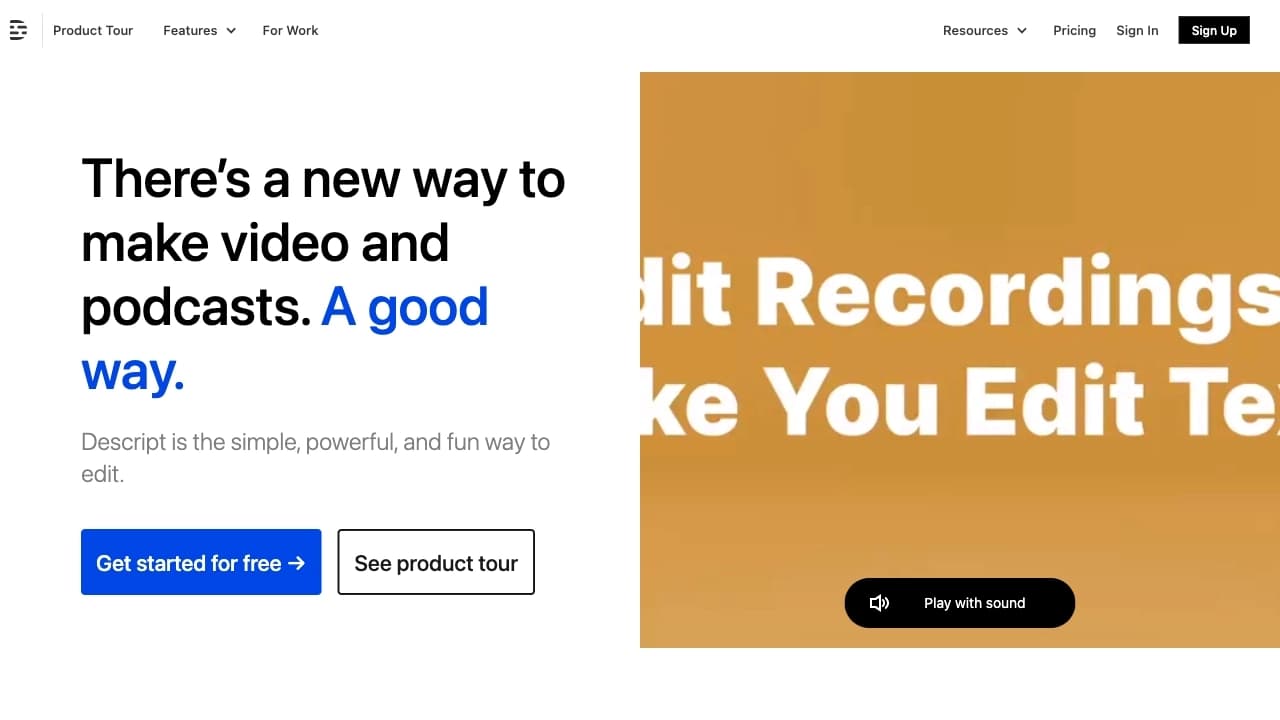
В отличие от нишевых решений, которые фокусируются на одной задаче (например, только Text-to-Speech или только изменение голоса), TopMediai® объединяет озвучку, смену голоса, редактирование видео и музыкальные функции в единой платформе. Конкуренты вроде Descript, Murf.ai, Speechelo, Animaker или Lovo.ai часто закрывают лишь часть этих сценариев, тогда как здесь пользователь получает всё в одном интерфейсе.
Заключение
TopMediai® — это комплексный онлайн-инструмент для создания контента с акцентом на преобразование текста в речь, смену голоса и редактирование видео. Сервис предлагает большое количество голосов и языков, имеет бесплатный тариф и доступные цены на подписку. При этом для полноценного использования потребуется оформление платного плана, а отсутствие мобильных приложений может стать ограничением для некоторых пользователей. В целом платформа подходит как для профессиональных проектов, требующих качественной озвучки, так и для личного творчества.
Тарифы
Часто задаваемые вопросы

Смотрите также

Платформа для создателей контента, объединяющая управление ссылками, email-маркетинг, онлайн-магазин и аналитику в одном визуальном редакторе без программирования.


Сервис для превращения статичных изображений в видео с пением и синхронизацией губ с помощью ИИ.


Онлайн-сервис на базе ИИ для быстрого создания презентаций по заданной теме или загруженному документу.
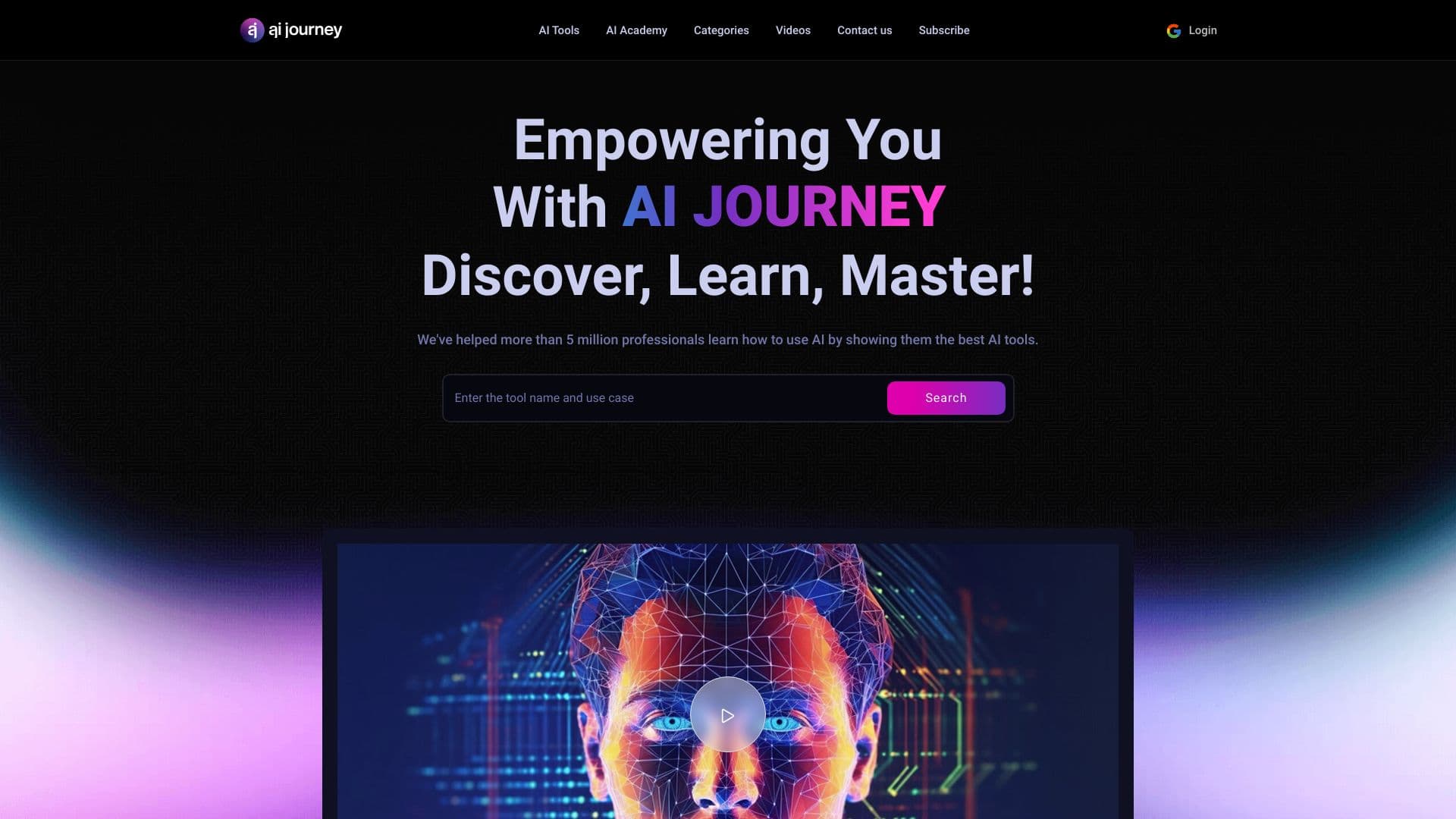
AIJOURNEY — это каталог и поисковая платформа для подбора AI-инструментов, которая ежедневно обновляется.
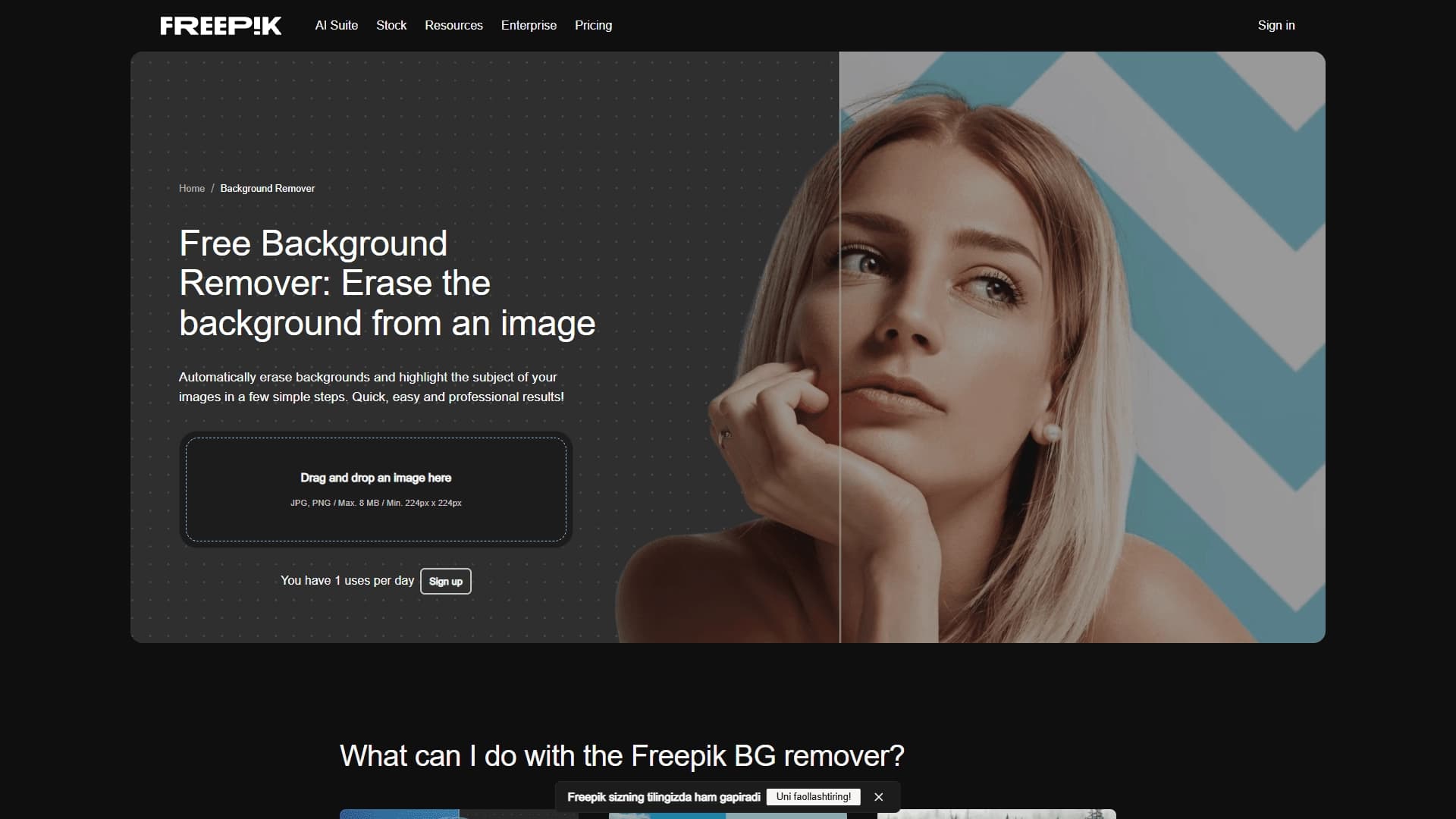
Инструмент для генерации и редактирования изображений с помощью искусственного интеллекта, включая удаление фона и создание видео.


Сервис для живых диалогов с ИИ, включающий генерацию текста, голоса и распознавание речи.
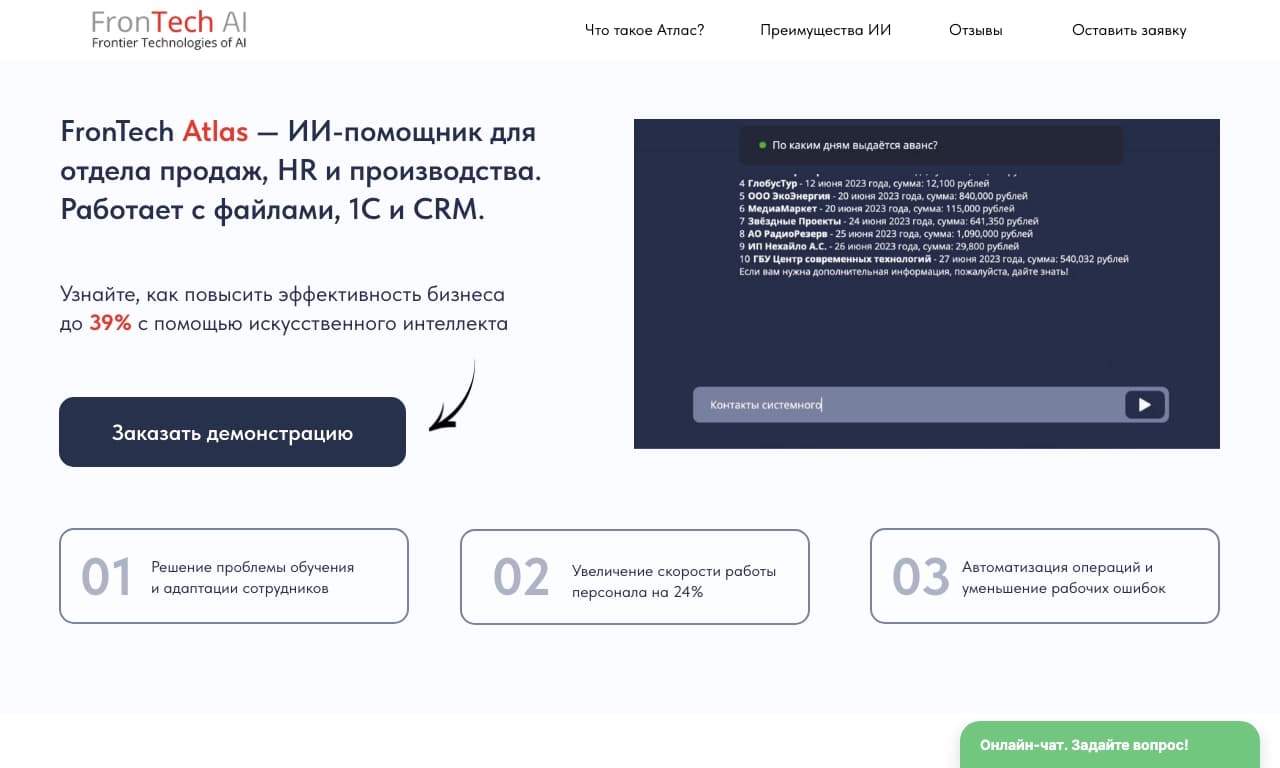
Корпоративный ИИ-ассистент для анализа данных и автоматизации бизнес-задач, обучаемый на собственных данных компании.

Онлайн-инструмент для замены лиц на фото, видео и GIF без регистрации и водяных знаков.