
ScreenApp
Screen recording tool with subsequent AI transcription and summarization of content.
Overview
ScreenApp
Description of the ScreenApp neural network
ScreenApp is a tool that combines screen recording with artificial intelligence capabilities. With it, users can record what is happening on their screen and then automatically convert speech from the resulting recording into text. AI algorithms then take over processing the transcript and generate a brief summary of the video content.
This approach is especially useful when working with long materials: webinars, online lectures, presentations, and meetings. Instead of rewatching an entire recording, users can simply refer to a ready-made text transcript and a concise digest of key points. This significantly saves time and simplifies finding the information you need in your recording archive.
ScreenApp characteristics
| Characteristic | Value |
|---|---|
| Purpose | Screen recording, speech-to-text transcription, summarization |
| Key technologies | Artificial intelligence for speech recognition and summary generation |
| Main function | Converting speech from video recordings into text |
| Additional capabilities | Creating subtitles, summaries, internal documentation |
| Working with long videos | Simplifying the processing of webinars and long recordings |
Who is the ScreenApp neural network for?
Specialists working with video recordings
The tool will be useful for those who regularly record their screens: teachers, trainers, authors of educational courses, and content creators. Automatic transcription saves them from manually converting video into text and helps them prepare materials for classes or publications faster.
Participants in meetings and webinars
For people who host or attend online meetings and webinars, ScreenApp helps capture the content of discussions. A brief summary after the recording makes it easy to recall key agreements and decisions without listening to the recording again.
Teams maintaining internal documentation
For departments that need to preserve the outcomes of meetings and gatherings, the service simplifies the creation of summaries and documentation. The ready-made transcript and summary can serve as a basis for minutes and internal memos.
How to use the ScreenApp neural network?
Screen recording
The first step is to start recording what is happening on your screen. ScreenApp allows you to capture video whose speech will later be processed by artificial intelligence.
Automatic transcription
Once the recording is complete, the service independently converts speech into text. Users do not need to transcribe the video manually — the recognition is performed by AI.
Getting a summary and working with materials
Based on the transcript, the tool generates a brief summary of the content. The resulting texts can then be used to create subtitles, summaries, or internal documentation, depending on the task at hand.
Main functions of ScreenApp
Screen recording
The core functionality of the service is recording video from the screen. This is the foundation on which all further work with materials is built.
AI speech-to-text transcription
The tool's main function is automatically converting speech from recordings into text using artificial intelligence. Transcription eliminates the need for manual typing.
Summarization and creation of additional materials
The tool generates a brief summary of the recording's content. Based on the transcript, users can also prepare subtitles, summaries, and internal documentation, which expands the range of possible use cases for the service.
Advantages of ScreenApp
Saving time on video processing
Automatic transcription and summarization eliminate manual work with long recordings. This is especially valuable for webinars and lengthy materials that are inconvenient to process by hand.
Convenience of working with long recordings
The ability to get a brief summary of the content simplifies working with large volumes of video. Instead of watching everything in full, it is enough to review a digest of the key points.
Versatility of use
Transcripts and summaries can be used for a variety of purposes — from creating subtitles to preparing internal documentation. One tool covers several types of tasks at once.
Disadvantages of ScreenApp
Detailed information about the service's disadvantages is not available in public sources. It should be noted that the range of features and limitations depends on the settings of a specific account and the current version of the product. For an accurate assessment of drawbacks, it is recommended to check the details and pricing terms on the service's official website.
What tasks does ScreenApp solve?
Converting speech into text
The tool solves the core task — automatically converting speech from video recordings into text format. This saves users from manually transcribing interviews, lectures, and meetings.
Condensing long materials
Through summarization, the service helps reduce voluminous recordings to a concise summary. This simplifies analyzing webinars and long videos without the need to watch them in full.
Preparing supporting materials
Based on transcripts and summaries, users can create subtitles, summaries, and internal documentation. The tool covers the need to produce accompanying text materials for video recordings.
ScreenApp pricing
Reliable data on the cost of using ScreenApp is not available in the source materials. For up-to-date information on prices, available plans, and payment terms, it is recommended to visit the service's official website, where current offers and subscription rates are published.
Terms of use for ScreenApp
Specific terms of use for the service are not disclosed in the provided sources. Typically, such details as account requirements, permissible recording volumes, restrictions on feature usage, and data processing policies are defined by the service's rules. Accurate information should be checked in the documentation and on the platform's official resource.
ScreenApp availability
Information about the availability of ScreenApp on various platforms, in different countries, and in different language versions is not provided in the source data. Since the distribution model of the tool is not specified, the question of how the service is accessed — via a web interface or a separate application — remains open. It is recommended to check availability and access methods on the product's official website.
How ScreenApp differs from alternatives
The main feature of ScreenApp is combining screen recording and artificial intelligence capabilities in a single tool. The service not only captures video but also immediately handles speech transcription and generates a brief summary of the content. This chain of actions — recording, transcription, summarization — is carried out within one unified workflow.
Thanks to the integration of these stages, users get finished text materials almost immediately after recording, without transferring files between different programs. Additionally, transcripts can be used to create subtitles and documentation, making the tool a versatile solution for working with video content.
Conclusion
ScreenApp is a practical tool that combines screen recording, automatic speech transcription, and content summarization in a single workflow. It helps convert speech from video recordings into text, create concise summaries of long materials, and prepare subtitles, notes, and internal documentation. The solution will be useful for educators, participants in online meetings, content creators, and teams that need to preserve and analyze the content of video recordings without unnecessary effort.
Frequently asked questions


See also

Neural network-based web service for automatic video subtitling and transcription.

AI-powered desktop video editor for automatic subtitle generation and basic video editing.

Online video editor with AI tools for creating and editing videos directly in the browser.

A platform that combines several video creation tools in a single chat interface, from script generation to editing and voiceover.

Mobile app for photo and video editing using AI and an extensive library of filters.
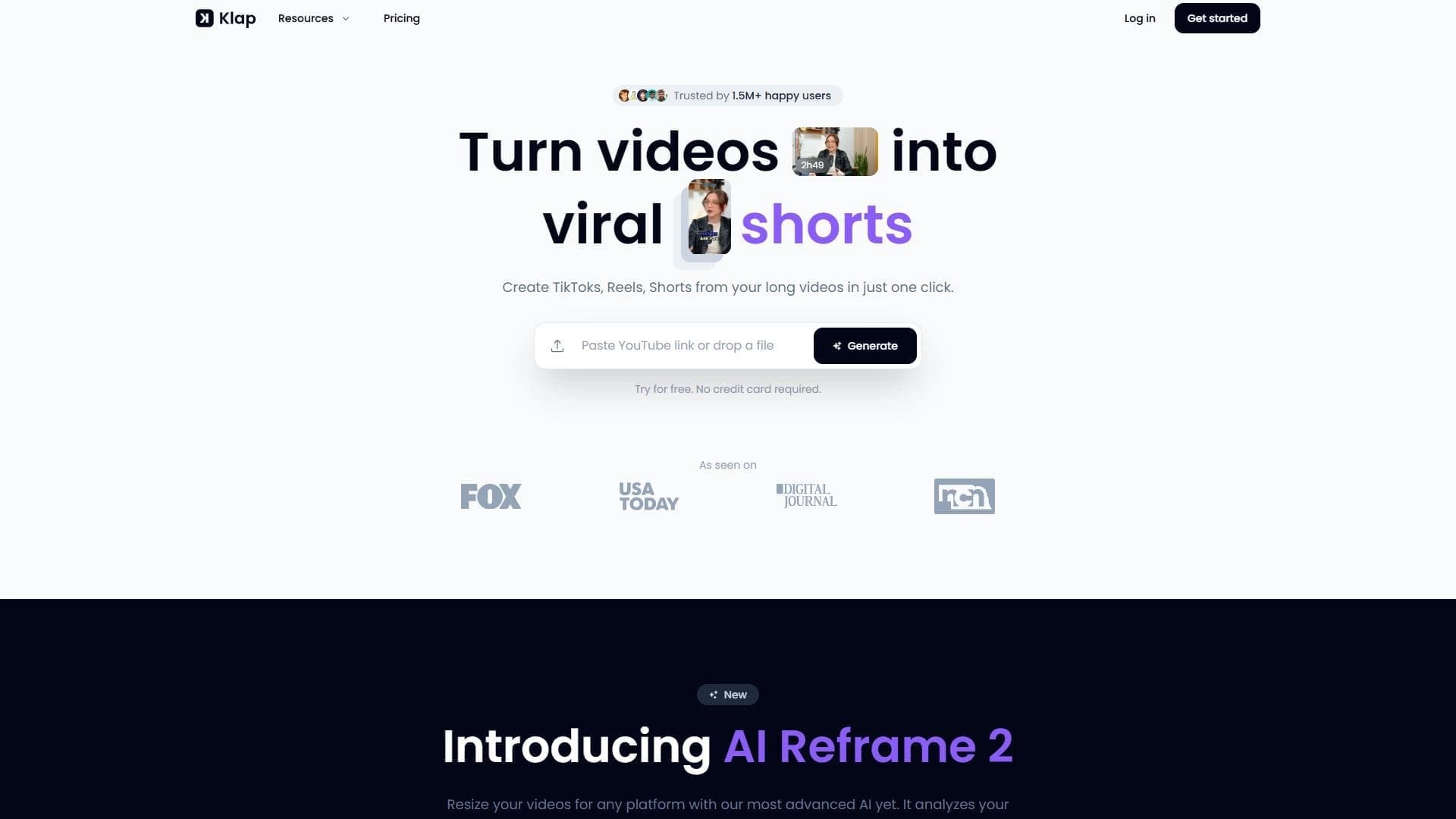

AI tool for automatically cutting long videos into short clips for TikTok, Reels, and YouTube Shorts.


Platform for recording, editing, and publishing podcasts and video content with built-in AI tools.

A platform for creating talking videos with a teleprompter, AI-generated scripts, subtitles, and avatars.