Reface AI
Mobile app and web service for face swapping in videos, photos, and GIFs using neural networks.
Overview
Reface AI
Description of Reface AI
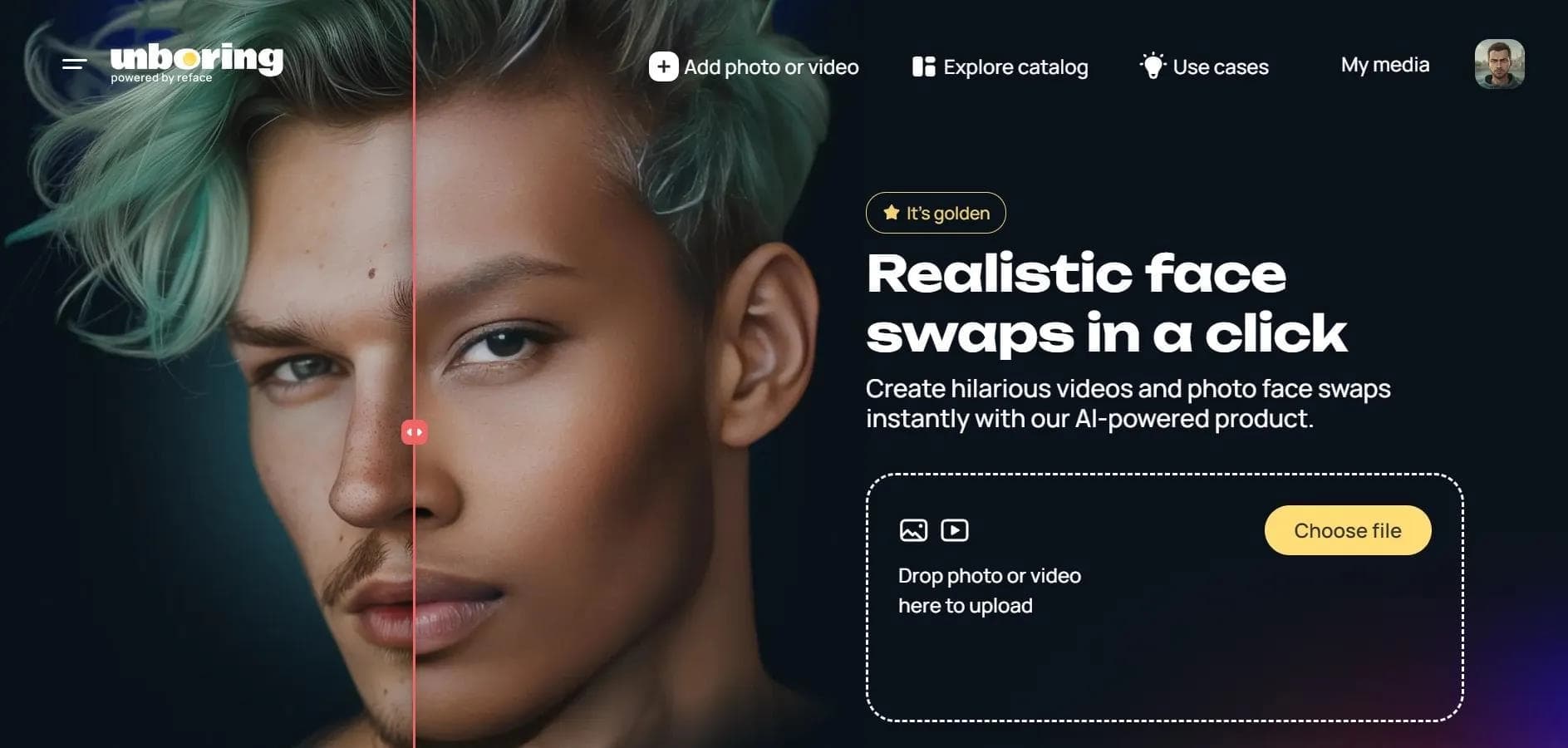
Reface AI is an ecosystem of mobile apps and web services powered by artificial intelligence that specializes in face swapping in videos, photos, and GIF animations. The neural network technology automatically matches facial expressions from the source image to the target, ensuring realistic results. In addition to the main face-swapping product, the ecosystem includes apps such as Revive (animating still photos with lip sync), Restyle (transforming images and videos with AI filters), and Ink AI (creating and trying on tattoos). The service is geared toward entertainment, viral content creation, and social media promotion.
Reface AI Specifications
| Characteristic | Value |
|---|---|
| Rating | 4.5 / 5.0 |
| Editorial rating | 8.1 out of 10 |
| Platforms | Web, iOS, Android |
| Categories | Face swap videos, Avatars, AI photo shoot, Animation and cartoons |
| Distribution type | Freemium (free with limitations) |
| Interface languages | Russian, English |
| Number of users | Over 3 million |
| Transformations | Speech → video (avatar) |
Who is Reface AI for?
Social media users
Reface AI is primarily designed for those who want to create creative and entertaining content for social media. The app makes it easy to turn an ordinary selfie into a funny video featuring a well-known character or meme, helping to attract audience attention and increase engagement.
Meme creators and viral content makers
Thanks to its wide range of templates and personalization options, the app is suitable for generating memes with your own face. Users can animate photos, add popular audio tracks, and create short viral clips without special editing skills.
How to use Reface AI?
For mobile devices (iOS, Android)
To get started, download the app from the App Store or Google Play. After installation, you need to sign up with a Google account or email. Then upload a good-quality selfie, choose a video, GIF, or animation template, and tap the apply button. The final result can be saved to your device or shared directly on social media.
For the web version
The Reface AI web interface is available through a desktop browser. An account is required to sign in. Users can upload images and videos for face swapping, create avatars, and generate content. Note that access may require a VPN in some regions.
Key features of Reface AI
Face swapping in videos and GIFs
The app's key feature is replacing the user's face with the face of a character from ready-made video templates or uploaded clips. The neural network automatically adapts expressions, head movements, and facial features to deliver highly realistic results.
AI avatar generation
The app lets you create up to 48 stylized portraits from just 10 uploaded photos. These avatars can be used for social media profiles, messengers, or as creative content.
Animating static photos
The Revive feature (available in a separate app in the ecosystem) brings static images to life: faces in photos start moving in sync with a selected audio track. Users can use ready-made audio templates or record their own sound. Animating pets' faces is also supported.
Additional features
The app offers one-click gender swap, filters and effects, personalized memes with your own face, and integration into advertising content.
Advantages of Reface AI
High processing quality
The app processes videos in resolutions up to 1080p while preserving detail and naturalness. Processing time for a single clip is up to 10 seconds, so you can get finished content quickly.
Ease of use
The interface is available in Russian and English. The app regularly updates its template library with fresh characters, memes, and audio tracks. Social media integration makes it easy to publish finished content.
Drawbacks of Reface AI
Free version limitations
The free plan has significant limits on the number of operations and available features. A paid subscription is required for full use.
Technical limitations
The app supports videos up to 15 seconds long. A constant internet connection is required because processing happens on servers. In some regions, a VPN may also be required to access the service.
What tasks does Reface AI solve?
Creating entertainment content
The service's main purpose is face swapping in videos, photos, and GIF animations to create funny and memorable clips