

Quillbot
AI assistant for paraphrasing, grammar checking, and working with text in multiple languages.
Overview
QuillBot
Description of QuillBot
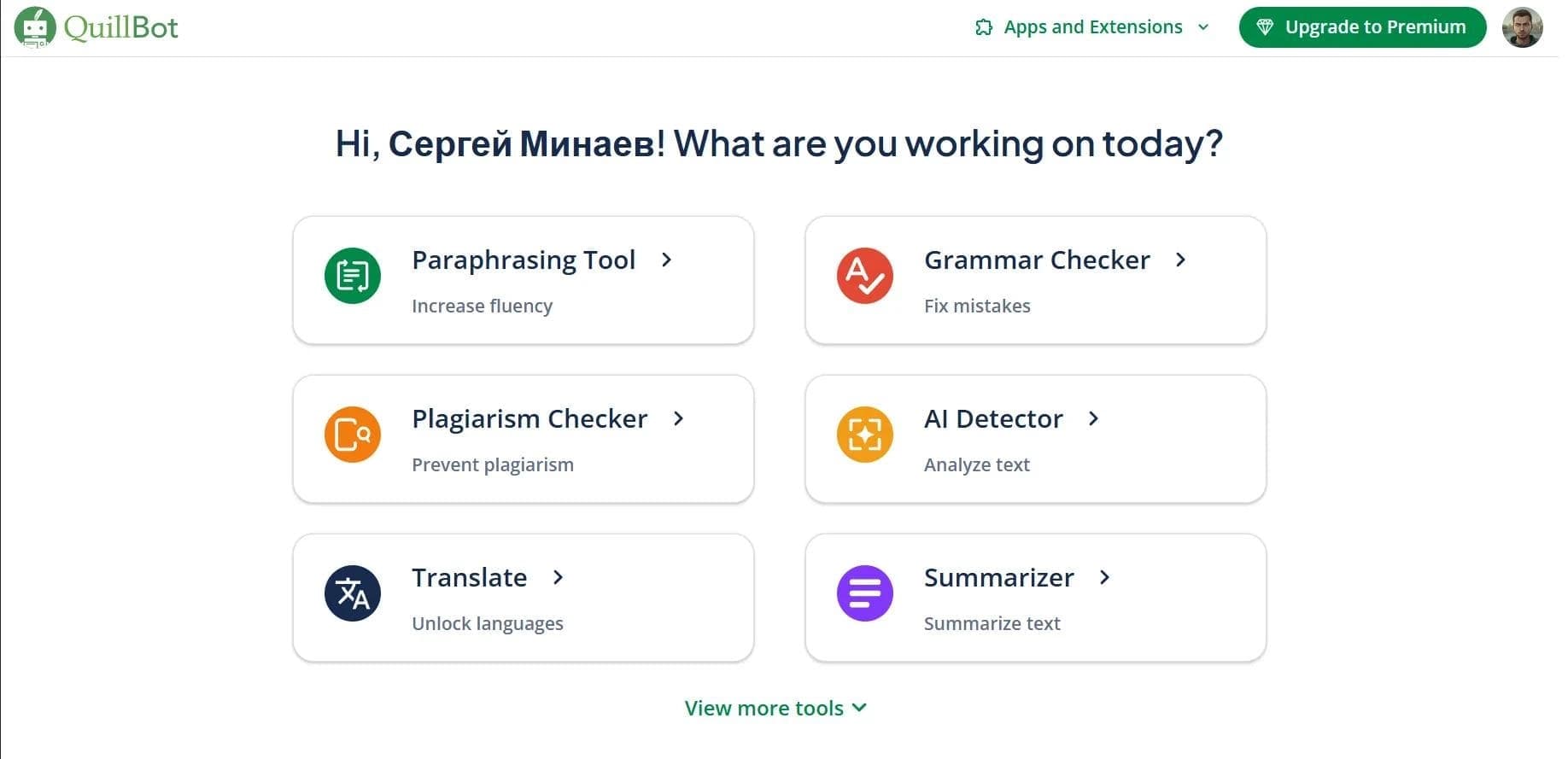
QuillBot is a multifunctional AI assistant for working with text that combines several key tools in one platform. The neural network allows you to paraphrase text with adjustable style, check grammar and spelling, shorten lengthy materials, detect AI-generated content, translate texts, and generate citations with automatic source formatting.
The tool is available as a web version, browser extensions (Chrome, Edge, Safari), desktop applications (macOS, Windows), mobile applications (iOS, Android), and a built-in AI keyboard. QuillBot supports integration with Google Docs and Microsoft Word, and also provides additional capabilities for working with images, PDFs, and presentations. The service operates on a freemium model and is suitable for academic, professional, and creative tasks.
QuillBot Features
| Feature | Value |
|---|---|
| Type | AI for paraphrasing, grammar checking, and text optimization |
| Categories | Text paraphrasing, grammar checking, summarization, AI assistants, AI detectors |
| Platforms | Web, extensions for Chrome, Edge, Safari, Word; apps for iOS, Android, macOS, Windows |
| Supported interface languages | 23 languages, including Russian |
| Distribution model | Freemium |
| Free plan | Yes (limit: 125 words for paraphrasing, 2 modes) |
| Premium cost | Varies by plan; current pricing is available on the official website |
Who Is QuillBot Suitable For?
Students and Educators
QuillBot is useful for academic work: paraphrasing helps avoid plagiarism, and the citation generator simplifies source formatting. The summarizer allows you to quickly extract the key points from lengthy study materials.
Professionals and Business Owners
The tool is suitable for preparing business documentation, business correspondence, cover letters, and professional reports. Grammar and style checking helps maintain high-quality texts.
Content Creators and Marketers
Content creators can use QuillBot to write social media posts, blogs, and email newsletters. The paraphrasing and text humanization modes allow you to quickly adapt materials for different platforms.
How to Use QuillBot?
Via the Website
To get started, you need to register on the QuillBot website, select the desired tool (paraphrasing, grammar checking, summarization, etc.), paste the text into the workspace, configure the processing mode, and run the process. The finished result can be saved or exported.
Via Browser Extensions and Applications
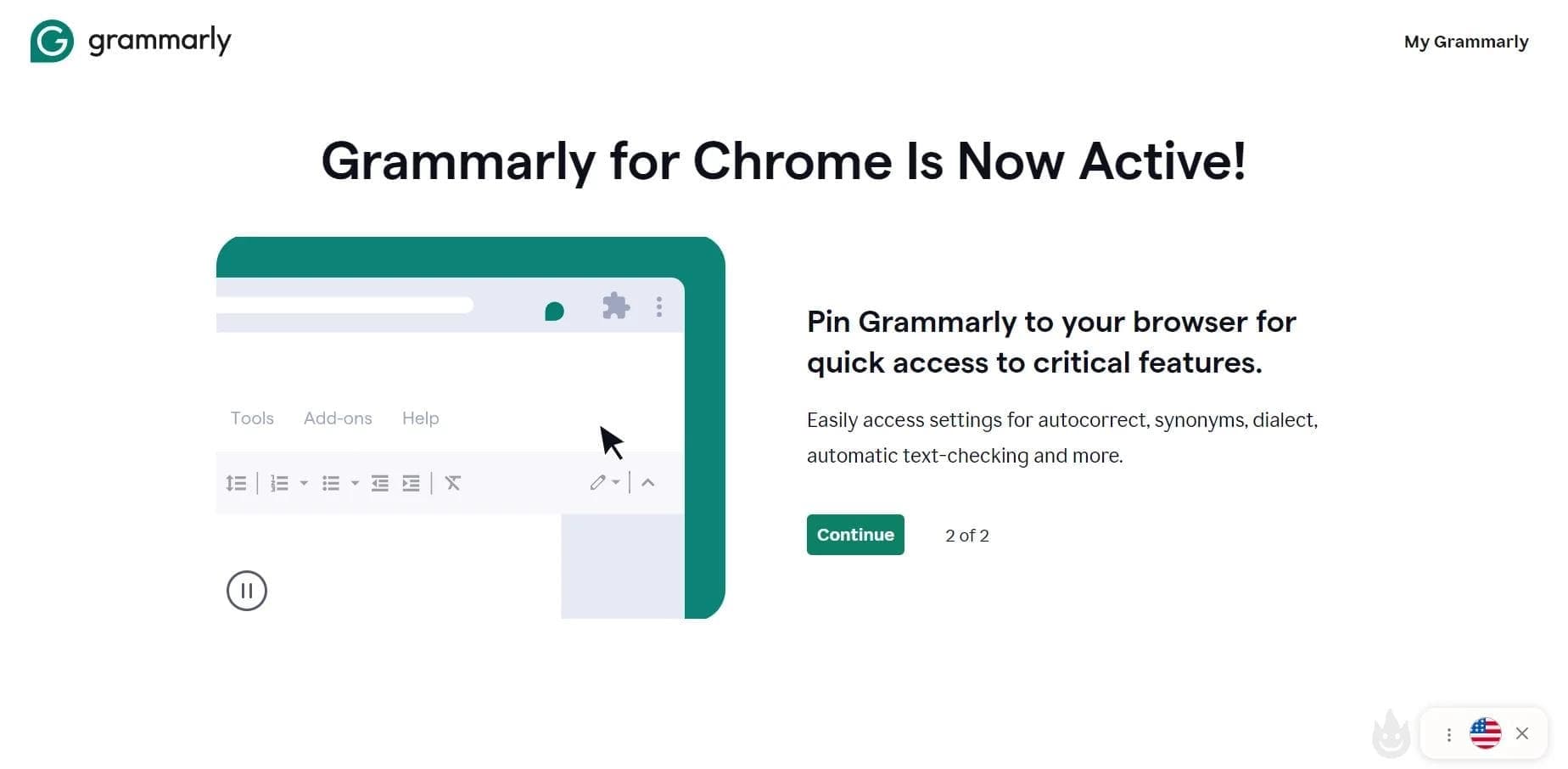
QuillBot is available as an extension for Chrome, Edge, Safari, and as applications for iOS, Android, macOS, and Windows. The Chrome extension has a rating of 4.5 and more than 6 million users. Integration with Google Docs and Microsoft Word is also available, allowing you to work with text directly in your familiar editors.
Key Features of QuillBot
Paraphrasing and Text Humanization
The main function of the service is paraphrasing text while preserving the original meaning. There are 10 paraphrasing modes available, including the Humanize mode, which makes machine-generated text more natural and human-like. The free version offers 2 modes, while Premium offers all 9 or 10 depending on the plan.
Grammar Checking and AI Detector
The tool corrects spelling and grammar errors in real time. The AI content detector determines whether text was created by artificial intelligence, with a claimed accuracy of up to 100%. Plagiarism checking covering 100 languages is also implemented.
Summarization and Translation
The summarizer allows you to shorten lengthy materials up to 6000 words, with the option to add custom instructions. The translator supports 40 languages. Citation generation with automatic source formatting is also available.
Additional Tools
In addition to working with text, QuillBot includes an AI image generator, image editor, background removal, format converter, AI image detector, presentation slide builder, PDF tools (editing, merging, splitting, conversion, ChatPDF), and a converter for Word, Excel, and PowerPoint files. A built-in AI chat for generating ideas and research is also available.
Advantages of QuillBot
Full Content Workflow Coverage
QuillBot combines tools for working with text, images, PDFs, and documents, allowing you to handle most tasks in one service —
Frequently asked questions











See also


AI assistant for checking grammar, spelling, and style of English text, available as a browser extension and web editor.
A sales automation platform that combines customer prospecting, deal management, and AI-powered forecasting.
AI editor for creating, editing, and publishing content with templates and prompts.

Financial platform with an AI assistant for managing accounting, taxes, and budgets.

Platform for interview preparation with AI mock interviews and real-time support.
Enterprise language model platform focused on privacy and on-premise deployment.


AI assistant for creating short summaries of videos, PDF documents, and web pages.
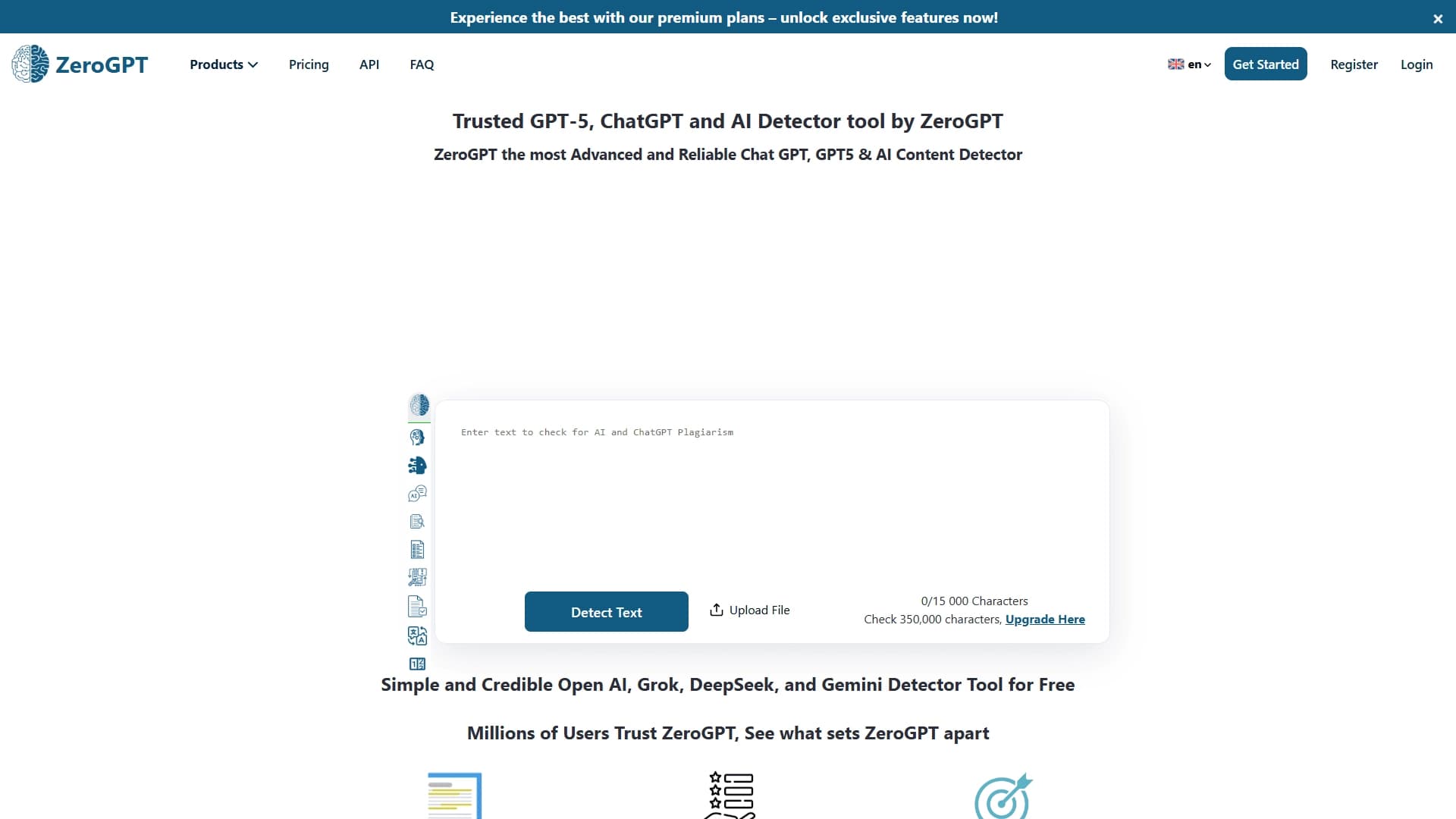

An online detector that determines whether text was created by a human or generated by neural networks.