

Upword
ИИ-сервис для автоматического создания кратких выжимок из длинных текстов и видео.

Обзор
Upword
Описание нейросети Upword
Upword — это онлайн-сервис на базе искусственного интеллекта, который помогает быстро находить, анализировать и обобщать большие объёмы информации. Используя возможности модели GPT-4, инструмент автоматически создаёт краткие выжимки из длинных текстов и видеоматериалов — от научных статей и отчётов до новостей и роликов на YouTube.
Главная задача Upword — ускорить обработку данных и сделать исследовательский процесс заметно эффективнее. Сервис не просто сокращает текст, а выделяет в нём ключевые мысли и формирует структурированные обзоры, на основе которых можно вести заметки и даже создавать собственные документы. По заявлению разработчиков, инструмент позволяет работать с информацией до 10 раз быстрее, выступая в роли своего рода персонального ассистента для учёбы и анализа больших массивов данных.
Характеристики Upword
| Характеристика | Значение |
|---|---|
| Тип инструмента | AI-сервис для создания кратких выжимок из текстов и видео |
| Базовая модель | GPT-4 |
| Категории | Суммаризация, Исследования, Расширения для браузера, Продуктивность, Управление знаниями |
| Форма распространения | Онлайн-платформа и браузерное расширение для Chrome |
| Бизнес-модель | Freemium (бесплатная пробная версия) |
| Дата первой публикации | 20.05.2024 |
| Дата последнего редактирования | 03.06.2026 |
Для кого подходит нейросеть Upword?
Студентам и исследователям
Upword прежде всего ориентирован на студентов, исследователей и учёных, которым регулярно приходится работать с объёмными академическими статьями и профессиональными публикациями. Сервис помогает быстро улавливать суть материала и сокращать время, потраченное на чтение.
Аналитикам и бизнес-экспертам
Инструмент будет полезен финансовым аналитикам и бизнес-экспертам, которые обрабатывают рыночные отчёты, аналитические обзоры и новостные потоки. Возможность быстро выделять ключевые данные и создавать на их основе документы упрощает подготовку отчётов и принятие решений.
Всем, кто работает с большими объёмами информации
В целом сервис подходит любому человеку, чья работа или учёба связаны с необходимостью перерабатывать большие массивы текста и видео. Upword адресован тем, кто ценит время и хочет получать понятную структурированную выжимку вместо долгого чтения исходников.
Как использовать нейросеть Upword?
Установка и подготовка
Для работы с Upword удобнее всего установить расширение для браузера Chrome. После этого можно либо загружать документы в сервис напрямую, либо вставлять в него нужный текст для обработки.
Создание выжимки
После загрузки или вставки материала сервис автоматически анализирует содержимое и показывает готовое итоговое резюме с выделенными ключевыми мыслями. Пользователю остаётся только проверить результат и при необходимости скорректировать его.
Редактирование и совместная работа
Полученный обзор можно редактировать — вносить правки, подчёркивать важное и дополнять заметками. Готовым документом легко поделиться с другими людьми или предоставить им доступ для совместного редактирования.
Основные функции Upword
Автоматическая суммаризация контента
Сервис умеет сокращать не только тексты, но и видеоматериалы, включая ролики на YouTube и записи лекций. Благодаря этому быстро обрабатываются и академические статьи, и профессиональные публикации, и новостные материалы.
Создание документов на основе выжимок
Одна из ключевых особенностей Upword — возможность создавать новые документы (отчёты, эссе, блоги) прямо на основе суммаризированных данных. Это превращает инструмент из простого «сокращателя» текста в полнофункциональный рабочий ассистент.
Работа с заметками и совместное редактирование
Upword поддерживает ведение заметок, подчёркивание важных фрагментов и перевод документов. Сервис также позволяет организовать совместную работу над текстами с доступом для редактирования и обменом результатами.
Обучающие материалы и поддержка
Для пользователей доступны обучающие материалы и техподдержка, помогающие быстрее освоить инструмент и раскрыть его продвинутые возможности.
Преимущества Upword
Работа на базе GPT-4
Использование современной языковой модели позволяет получать качественные и осмысленные выжимки, которые точнее отражают суть исходного материала по сравнению со многими более простыми суммаризаторами.
Быстрота и эффективность обработки
Upword позволяет анализировать и синтезировать информацию существенно быстрее — обработка данных ускоряется до 10 раз ускореннее за счёт суммаризации, заметок, подчёркивания и перевода документов в едином рабочем пространстве.
Безопасность и удобство
Сервис обеспечивает защиту данных — доступ к материалам имеет только сам пользователь. Понятный интерфейс и уникальная функция создания документов на основе выжимок делают работу комфортной и продуктивной.
Недостатки Upword
Ограничение по браузеру
Инструмент доступен в основном через расширение для браузера Chrome, что ограничивает его использование на других платформах и в иных браузерах.
Время на освоение продвинутых функций
Хотя базовый сценарий прост, для полноценного использования продвинутых возможностей — создания документов, совместной работы и ведения заметок — пользователю потребуется время на освоение сервиса.
Какие задачи решает Upword
Работа с учебными и научными материалами
Upword помогает быстро обрабатывать научные статьи и академические публикации, делая учёбу и исследования заметно менее трудоёмкими.
Анализ отчётов, новостей и видео
Сервис позволяет быстро создавать выжимки из отчётов, новостных материалов и видеороликов, а также проводить анализ рыночных отчётов и профессиональных публикаций.
Организация знаний и создание контента
Инструмент упрощает поиск и анализ информации, помогает систематизировать знания и проводить исследования, предоставляя персонализированные выводы. На основе обработанных данных Upword позволяет создавать отчёты, эссе и блоги.
Цены Upword
Upword работает по модели freemium — сервис предоставляется бесплатно в рамках пробной версии. Более детальная информация о ценообразовании и доступных тарифных планах в исходных данных не раскрывается.
Условия использования Upword
В условиях использования сервиса особое внимание уделяется безопасности данных: доступ к загружаемым материалам имеет только сам пользователь. Сервис доступен как онлайн-платформа, так и через браузерное расширение для Chrome. Более подробные сведения о лицензионных условиях и ограничениях в исходных данных не приводятся.
Доступность Upword
Upword работает через расширение для браузера Chrome, а также доступен как онлайн-сервис. Это делает инструмент удобным для работы как на стационарном компьютере, так и в облачном веб-интерфейсе. Основное ограничение связано с тем, что расширение привязано именно к браузеру Chrome.
Чем отличается Upword от аналогов
Главное отличие Upword от других инструментов суммаризации, таких как SMMRY, Scholarcy или Quillbot, заключается в использовании современной модели GPT-4 — это обеспечивает более качественные и осмысленные выжимки. Кроме того, в отличие от многих конкурентов, Upword поддерживает совместную работу над текстами и общий доступ для редактирования, а также обладает уникальной функцией создания новых документов на основе суммаризированных данных. Благодаря этому Upword выступает не просто как сокращатель текста, а как полноценный рабочий инструмент для исследований и создания контента.
Заключение
Upword — это многофункциональный инструмент на базе GPT-4 для автоматического создания кратких выжимок из больших текстов и видео. Ориентированный на студентов, исследователей и аналитиков, сервис позволяет заметно ускорить обработку информации, вести заметки, работать над документами совместно и создавать на основе выжимок собственные отчёты и материалы. Несмотря на ограничение в виде работы через расширение для Chrome, Upword представляет собой удобное и эффективное решение для всех, кто регулярно сталкивается с большими объёмами данных.
Часто задаваемые вопросы
Похожие нейросети



Смотрите также


Инструмент, встраиваемый в Microsoft Word, который с помощью нейросетей автоматизирует создание, редактирование и анализ юридических контрактов.

Многофункциональная AI-платформа для создания контента, объединяющая синтез речи, генерацию текста, создание аватаров и редактирование видео.


AI-ассистент для создания кратких конспектов видео, PDF-документов и веб-страниц.


Онлайн-платформа на базе ИИ для быстрого создания текстового контента, включая блоги, статьи и посты для соцсетей.


ИИ-помощник для работы с электронной почтой, интегрирующийся с Gmail и Outlook.

Облачная платформа для создания видео с помощью ИИ-аватаров, синтезированной речи и автоматического перевода роликов на десятки языков.
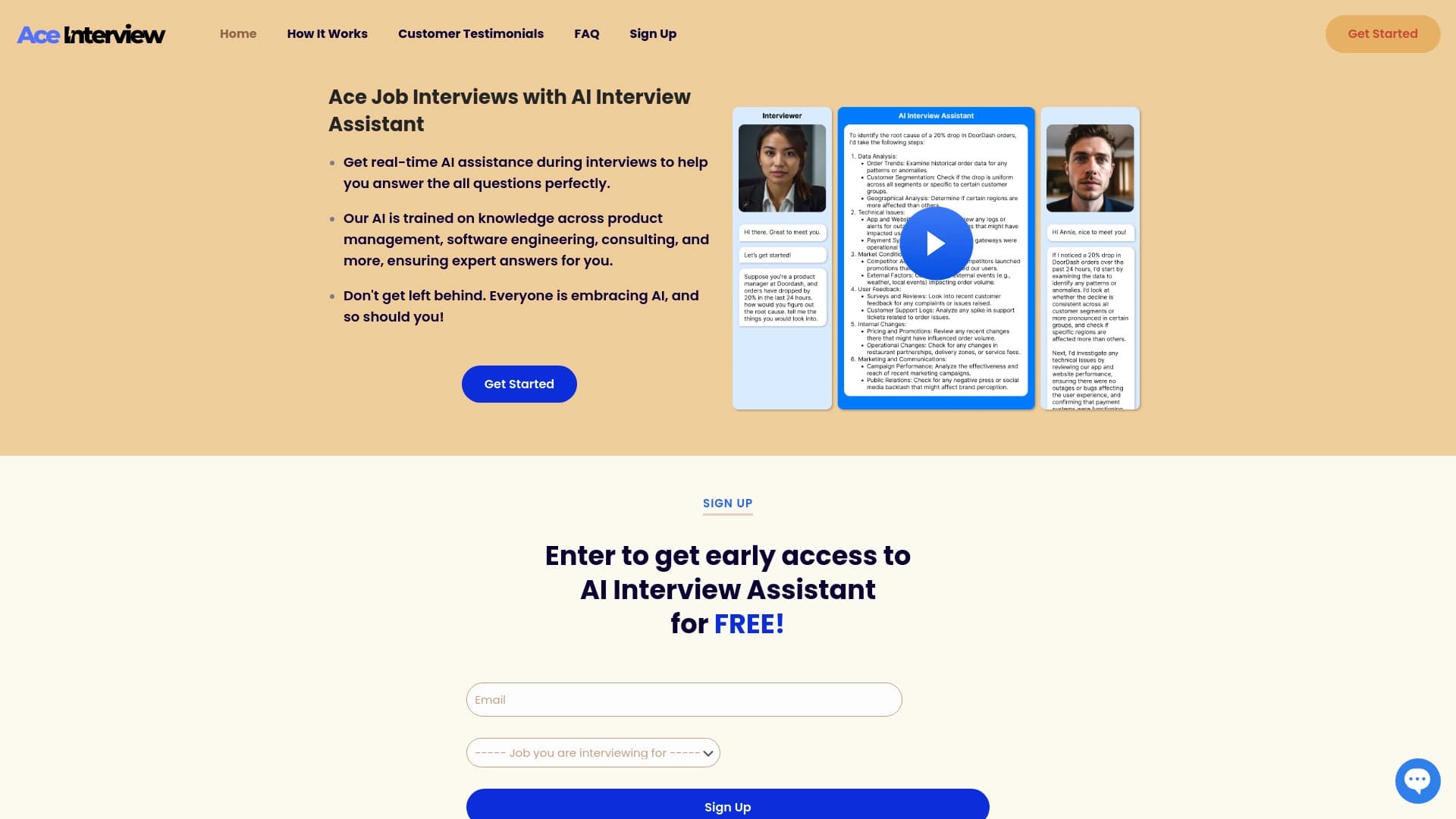

AI-ассистент для подсказок в реальном времени во время онлайн-собеседований.
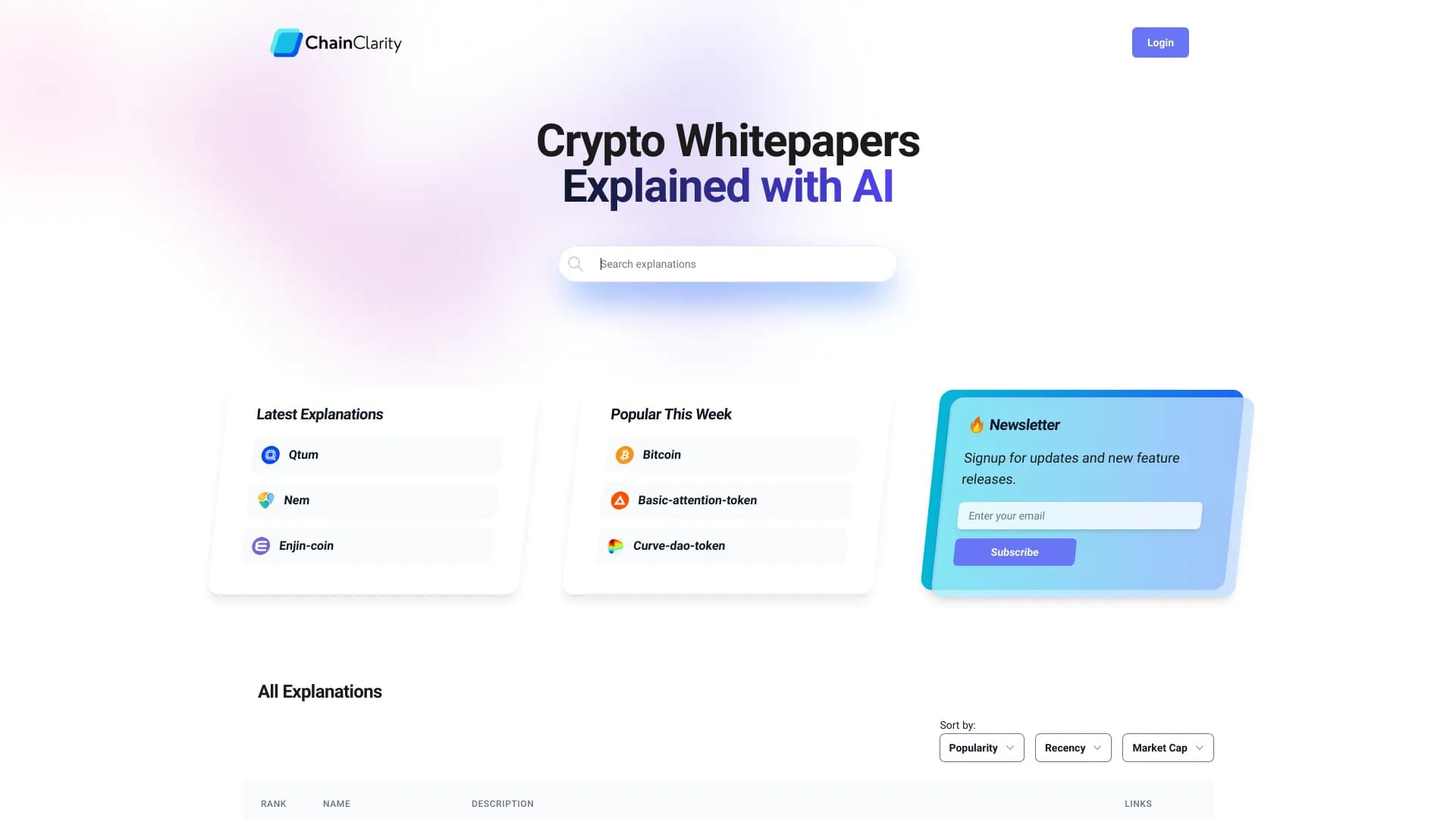
Сервис на базе ИИ, который упрощает технические документы криптовалютных проектов для широкой аудитории.