
Pi
Terminal AI agent for programming that dynamically adapts to developer tasks.
Overview
Pi
Description of the Pi neural network
Pi is an AI agent that works directly in the terminal and is designed to help programmers write, debug, and refine code. Unlike many other tools, Pi does not impose ready-made workflows on the user, but dynamically adapts to the specific tasks of the developer.
The tool supports more than 15 language model providers, allowing you to choose a suitable model for each individual task. Session history is organized in the form of trees, and the context is configured through special instruction files. The agent's functionality is extended with TypeScript modules; an interactive TUI mode and an SDK for embedding are also available.
Pi specifications
| Characteristic | Value |
|---|---|
| Type | Terminal agent for programming |
| Categories | Coding assistants, Developer tools, AI agent |
| Supported providers | Anthropic, OpenAI, Google, Azure, Bedrock, Mistral, Groq, Cerebras, xAI, Hugging Face, Ollama and others (15+) |
| Operating modes | Interactive TUI, print/JSON, RPC, SDK |
| Extensibility | TypeScript extension system |
| Session history | Tree-structured with the ability to return to any point |
| Export | HTML or GitHub gist |
| Integration | RPC, SDK, npm, git |
Who is the Pi neural network suitable for?
Developers who work in the terminal
Pi is primarily intended for programmers who are used to working with the terminal and want to have an AI assistant right in their working environment, without switching between different applications.
Users of multiple language models
The tool is suitable for developers who work with different language model providers and want to switch between them within a single session, choosing a model for a specific task.
Specialists who value flexible customization
Pi is designed for those for whom customization matters: the ability to configure the context, extend functionality with modules, and adapt the tool to their own workflow.
How to use the Pi neural network?
Managing models during a session
Pi is controlled through the command-line interface. Models can be changed right in the middle of work: using the /model command or the Ctrl+L key combination, and favorite models are switched with Ctrl+P.
Session history and navigation
Session history is stored in the form of trees. Using the /tree command, you can return to any point of previously done work, which is convenient when exploring different approaches to one task.
Exporting results
A completed session can be exported to HTML or published as a GitHub gist, which simplifies sharing work results with colleagues or saving them for further use.
Key features of Pi
Customization on the fly
On request, the tool itself assembles commands, tools, providers, or a custom interface, adapting to the developer's current situation without the need for manual configuration.
Support for multiple AI providers
Pi works with more than 15 language model providers, including Anthropic, OpenAI, Google, Azure, Bedrock, Mistral, Groq, Cerebras, xAI, Hugging Face and Ollama, giving freedom of model choice.
Flexible context management
The context is configured through special files — AGENTS.md, SYSTEM.md and Skills — which allows setting the agent's behavior for a specific project or task.
Four operating modes and extensibility
The tool offers an interactive TUI, print/JSON and RPC modes, as well as an SDK for embedding. Functionality is extended through a TypeScript module system, and sessions are exported to HTML or GitHub gist.
Advantages of Pi
The tool adapts to the developer
Pi's main advantage is that it adapts to the user rather than the other way around. Internally, it is a minimalist harness without sealed scenarios that could not be changed.
Freedom to choose models
The ability to change models on the fly right during a session allows you to select the optimal model for a specific task and not be tied to a single provider.
Tree-structured session history
Storing history in the form of trees gives you the ability to return to any point of your work, which is especially useful when comparing different solution options for one task.
Disadvantages of Pi
The tool is focused exclusively on the terminal, so it will not suit all categories of users, but only developers who are comfortable working with the command line. The distribution model and pricing policy are not specified in open sources, which makes it difficult to estimate the cost of use and licensing terms in advance. In addition, full use of TypeScript extensions and flexible configuration requires a certain level of technical expertise.
What tasks does Pi solve?
Automation and assistance in programming
Pi's main task is automation and assistance in programming through the terminal: writing code, debugging it, and refining it with language models.
Working with different AI models in one interface
The tool solves the problem of combining multiple language model providers in a single working interface, relieving the developer of the need to switch between different services.
Flexible configuration of the environment for specific tasks
Pi allows you to configure the working environment for specific tasks — through instruction files, extension modules, and switching models on the fly.
Pi pricing
Information about Pi usage prices is not specified in open sources. No data was provided on subscription costs, pricing plans, or usage-based payment mechanism, so it is currently impossible to estimate the cost of the tool.
Pi terms of use
Pi's terms of use are not disclosed in the provided sources. There is no information about licensing agreements, restrictions on commercial use, registration requirements, or other rules for using the tool.
Pi availability
Pi is available as a terminal application. For embedding and integration, operation through RPC, SDK, npm and git is supported, which allows connecting the tool to existing workflows and projects of the developer.
How Pi differs from alternatives
The main difference between Pi and similar tools is that it was built around the idea of adapting to the user rather than the other way around. Internally, it is a minimalist harness, without "hardwired" functions that could not be changed or disabled. This philosophy makes the tool maximally customizable: the developer can change models on the fly, configure the context through instruction files, extend capabilities with TypeScript modules, and choose one of four operating modes — from interactive TUI to SDK.
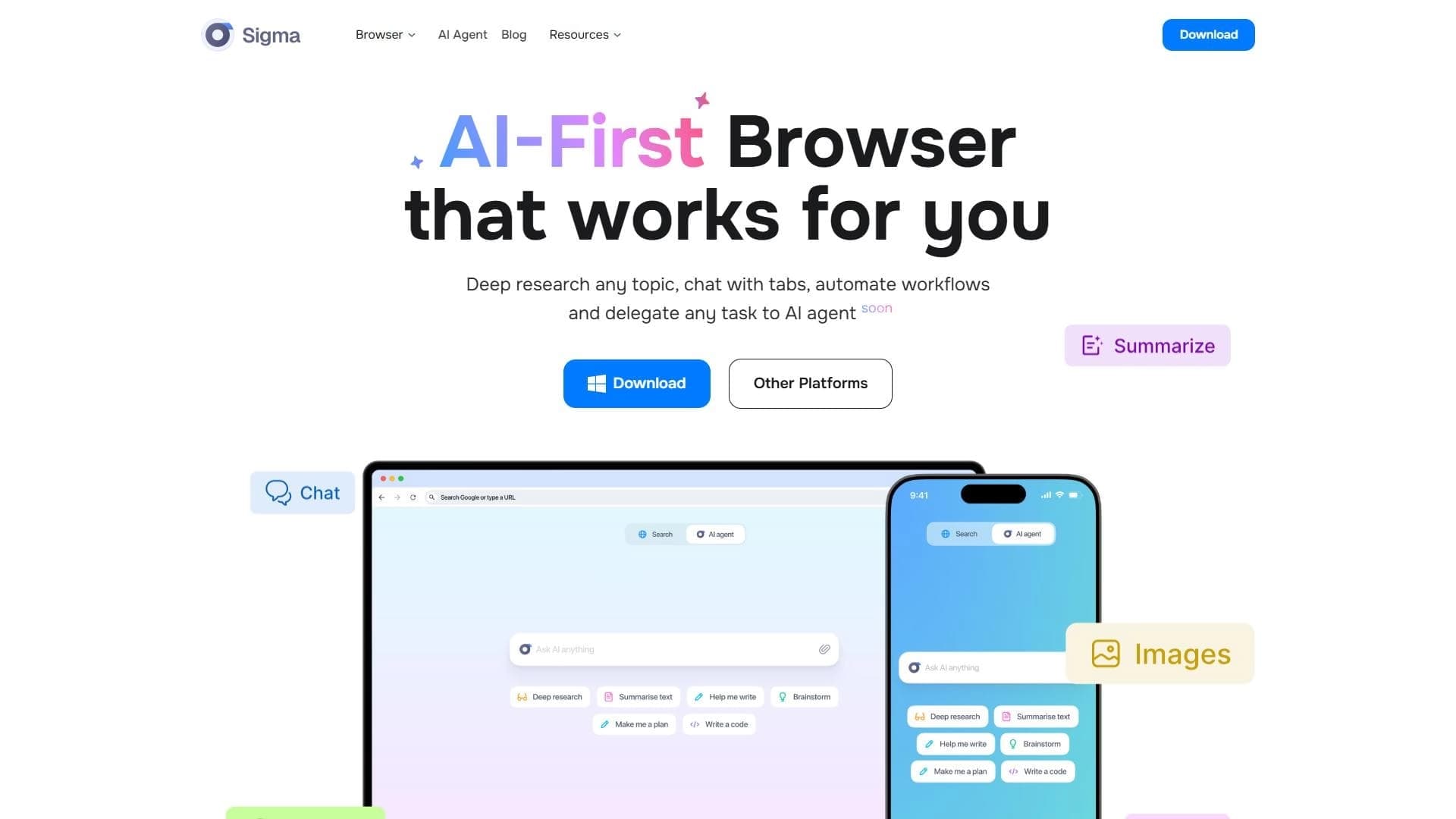
Combined with tree-structured session history and support for more than 15 language model providers, this sets Pi apart from alternatives such as Mimesis, GPT For Me, Go Charlie and Sigma AI Browser, which offer more rigidly defined workflows.
Conclusion
Pi is a terminal AI agent for programming that is maximally customized to the developer: it allows changing models on the fly, storing session history in the form of trees with the ability to return to any point, flexibly configuring the context through instruction files, and extending functionality with TypeScript modules. Support for more than 15 language model providers and several operating modes make it a flexible tool for those who want an AI assistant to adapt to their workflow rather than the other way around.
Frequently asked questions

See also

Open-source platform for integrating data from various sources into data warehouses and analytics systems.
A sales automation platform that combines customer prospecting, deal management, and AI-powered forecasting.
AI editor for creating, editing, and publishing content with templates and prompts.

Financial platform with an AI assistant for managing accounting, taxes, and budgets.

Platform for interview preparation with AI mock interviews and real-time support.
Enterprise language model platform focused on privacy and on-premise deployment.


AI assistant for creating short summaries of videos, PDF documents, and web pages.

A workflow automation platform that connects thousands of apps without requiring coding.