
Mix Check Studio
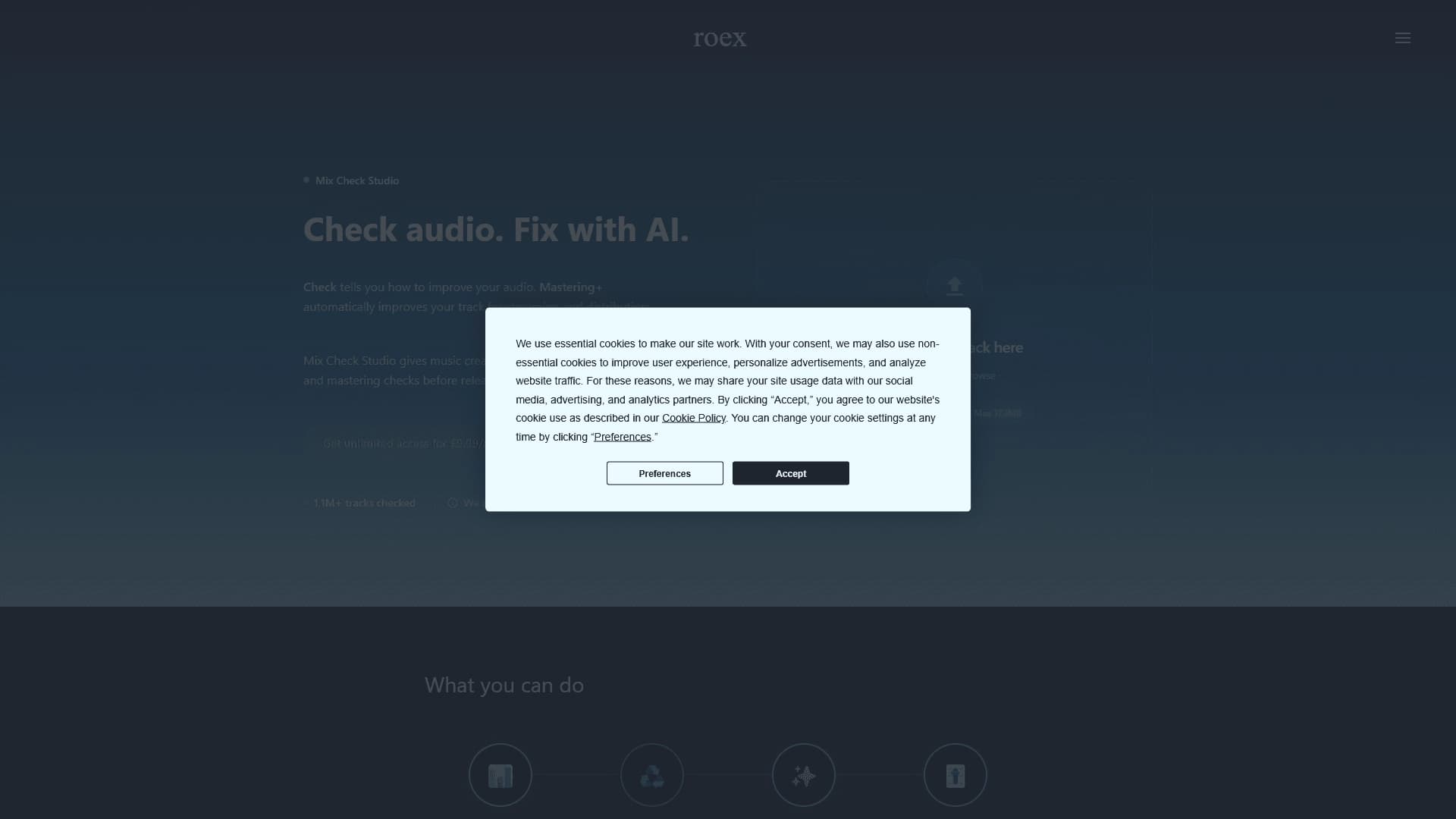
AI-powered online service for objective assessment and improvement of audio mix and mastering quality.
Overview
Sorry, I received an image instead of text. I need to write the article myself as text content. Let me create the article manually, following all the requirements.
Mix Check Studio
Description of the Mix Check Studio AI
Mix Check Studio is a web tool from RoEx designed for automatic quality checking of audio mixes and mastering using artificial intelligence. The service analyzes an uploaded track against a number of key parameters, including clarity, balance, loudness, and tonality, and then provides an objective assessment and recommendations for improving the sound.
The main value of the service is that it allows musicians and sound engineers to look at their work from the outside, without subjective bias. The tool helps understand how ready a track is for publication on streaming platforms, and also offers an additional Mastering+ feature to speed up achieving the final sound.
Mix Check Studio characteristics
| Characteristic | Value |
|---|---|
| Type | Online service (web application) |
| Developer | RoEx |
| Category | Audio editing, Audio quality enhancement |
| Purpose | AI-powered mix and mastering checking |
| Distribution model | Freemium |
| Availability | Website mixcheck.studio |
Who is the Mix Check Studio AI suitable for?
Musicians and performers
Indie musicians and performers who mix and master their tracks on their own will find the service useful for objectively checking finished material before a release. Without a professional ear or mastering experience, they can assess how well their track meets modern standards.
Sound engineers and producers
Professionals can use the tool as an additional source of feedback when working on mixes. AI analysis helps identify issues that might have slipped past subjective listening and speeds up iterations for improving the sound.
Content creators for streaming
People preparing material for publication on platforms like Spotify will find the service useful for checking whether a track meets streaming platform requirements, including acceptable loudness levels and tonal balance.
How to use the Mix Check Studio AI?
Step 1: Upload an audio file
To get started, simply upload the track's audio file to the service website mixcheck.studio. The service accepts material through a web interface, with no need to install additional software.
Step 2: Get a diagnostic report
After the upload, the service automatically analyzes the track and produces a diagnostic report. The report shows the state of the mix across various parameters and specific areas worth improving.
Step 3: Refine and prepare for release
Based on the recommendations received, you make adjustments to the mix. If necessary, you can use the Mastering+ feature to speed up the process of achieving the finished track sound.
Key features of Mix Check Studio
Analysis of key track parameters
The service evaluates audio material across four main parameters: clarity, balance, loudness, and tonality. This provides a comprehensive picture of mix quality.
Diagnostic report with recommendations
The result of the analysis is a detailed report indicating exactly what should be improved in the track. The recommendations help identify weak points in the mix without needing to consult third parties.
Preparation for streaming platforms
The tool checks whether the material meets the requirements of streaming services such as Spotify. This helps avoid unpleasant surprises after loudness normalization on platforms.
Additional Mastering+ processing
The optional Mastering+ feature provides additional track processing to achieve a more "finished" and polished sound, speeding up the path to the final result.
Advantages of Mix Check Studio
Objective assessment with AI
The main advantage of the service is unbiased, objective checking of a mix or master. Artificial intelligence evaluates the track against set criteria without the influence of personal preferences.
Protection from streaming issues
The service helps identify and fix issues that may arise after sound normalization on streaming platforms. This saves time and nerves when preparing a release.
Browser accessibility
Since Mix Check Studio works as a web application, there is no need to install heavy software — just open the site in a browser.
Disadvantages of Mix Check Studio
Limited information about functionality
Officially available information about the service is limited to the capabilities described above. Detailed information about the depth of analysis, supported file formats, and the accuracy of recommendations is not fully disclosed in public sources.
Dependence on an internet connection
Like any online service, Mix Check Studio requires a stable internet connection to upload files and receive analysis results. No offline mode is provided.
Does not replace a professional
Despite the usefulness of the tool, AI analysis cannot fully replace an experienced sound engineer. In complex cases, creative decisions still remain with the human.
What problems does Mix Check Studio solve?
Identifying issues in the mix
The service helps identify typical mix problems: lack of clarity, incorrect distribution of energy across frequencies, and tonal imbalance. This is especially valuable for those who cannot always hear such nuances on their own.
Checking compliance with modern references
The tool compares the track's loudness and tonal balance with modern standards and references. This helps ensure the material sounds current and competitive.
Preparing a release for platforms
Mix Check Studio helps prepare material for publication on streaming services such as Spotify, reducing the risk of rejection or sound quality degradation after normalization is applied on the platform.
Mix Check Studio pricing
The service is distributed on a freemium model, meaning basic capabilities are available for free, while extended features require an additional fee. Specific plans, feature sets in the free and paid versions, and the cost of paid subscriptions are not disclosed in public sources.
Terms of use for Mix Check Studio
Mix Check Studio is an online service from RoEx, accessed through the website. To get started, the user needs to upload an audio file through a browser. The service operates on a freemium model: some functionality is available for free, while additional features such as Mastering+ likely require payment. Detailed licensing terms and usage rules are not described in available sources.
Availability of Mix Check Studio
The service is available online via the website mixcheck.studio. Since it is a web application, it works on any device with a browser and internet access, without the need to install specialized software. No geographic restrictions for using the service are indicated in available sources.
What makes Mix Check Studio different from alternatives
Mix Check Studio stands out among similar solutions primarily due to its narrow specialization: the service is fully focused on AI-powered checking of mix and mastering quality, rather than on creating or editing sound. This makes it a convenient tool specifically for final material checks before a release.
Another difference is the integration of preparation for streaming platforms such as Spotify. The service not only analyzes quality but also checks whether the material meets the requirements of specific platforms, helping musicians avoid problems after publication.
Finally, the Mastering+ feature allows users not only to get diagnostics but also to use automated sound refinement within a single service, speeding up the entire process from analysis to a final finished track.
Conclusion
Mix Check Studio is a convenient online tool from RoEx for objective AI-powered checking of mix and mastering quality. The service analyzes tracks against key parameters, provides practical recommendations, and helps prepare material for publication on streaming platforms. For musicians who want to evaluate their work without subjective bias and avoid issues after sound normalization on services like Spotify, Mix Check Studio will be a useful assistant at the final stage of release preparation.
Frequently asked questions


See also

AI-powered platform for generating and editing images and videos.
Cloud platform for text-to-speech conversion with realistic AI-powered voices.


Cloud platform for launching AI applications directly in the browser without installation.


An AI-powered service for handling phone calls that transcribes conversations in real time and creates concise summaries of the discussion.
AI tool for musicians that lets you split audio recordings into separate tracks, change tempo and key, and generate full arrangements from a single audio track.
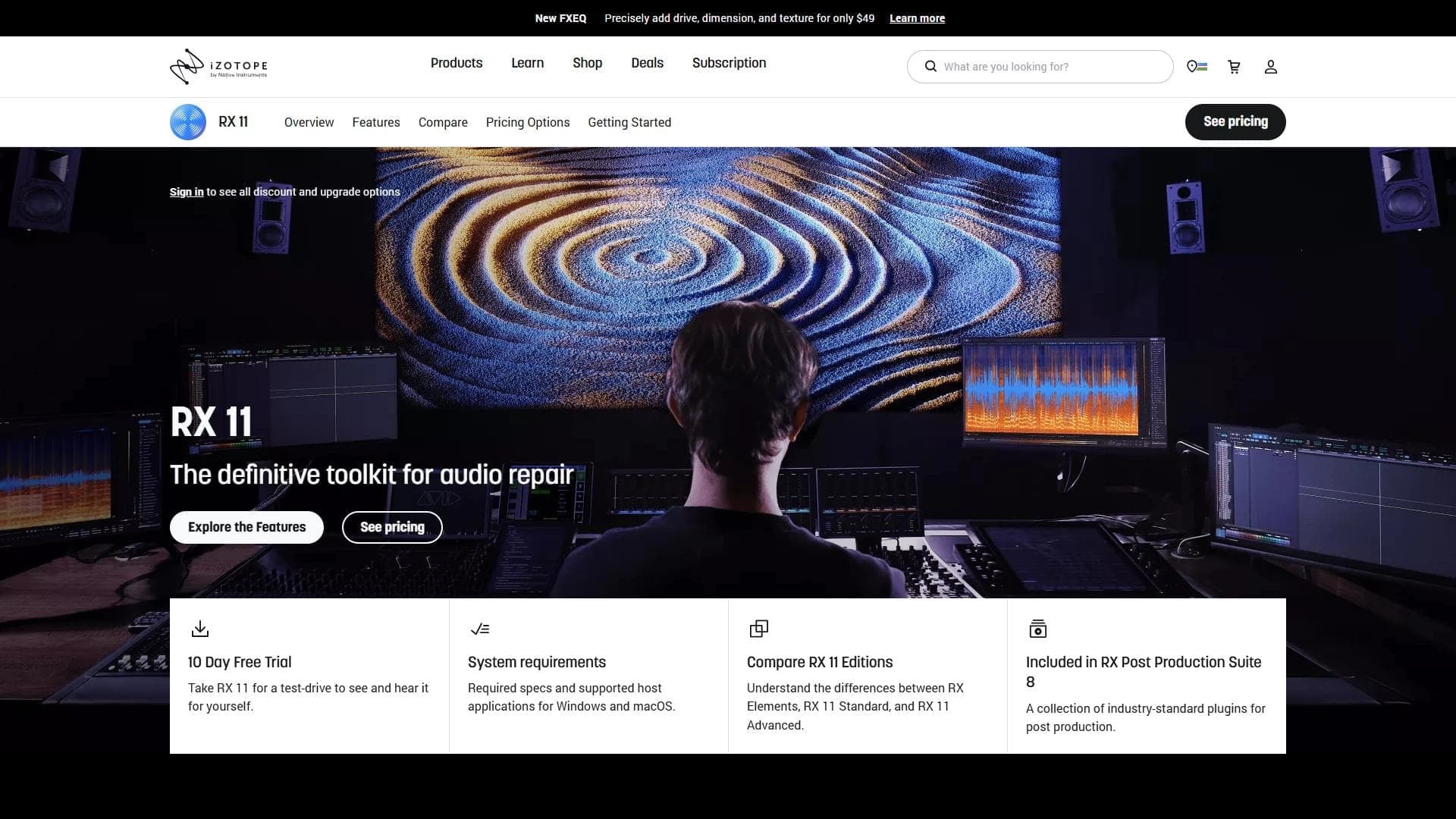

Professional audio restoration and cleaning software powered by machine learning.

Neural network from Stability AI for generating music and sound effects from a text description or uploaded audio.


Platform for recording, editing, and publishing podcasts and video content with built-in AI tools.