

Microsoft Copilot
A universal AI assistant from Microsoft based on GPT-4o and DALL-E 3 for generating text, images, and code, as well as working with Office applications.

Overview
Microsoft Copilot
Description of the Microsoft Copilot neural network
Microsoft Copilot is a universal AI assistant developed by Microsoft based on GPT-4o and DALL-E 3 models. The tool is designed for generating texts, images, and program code, as well as for deep integration with Microsoft Office applications. Copilot can analyze data in Excel, create presentations in PowerPoint, work with email in Outlook, and documents in Word.
The neural network is available through the web interface at copilot.microsoft.com, a dedicated Windows 10/11 app, a mobile app for iPhone, and an official Telegram bot (@CopilotOfficialBot). The tool supports plugins, real-time collaboration with a team, and can process up to 300 pages of information at a time.
Version and updates
The current version of Microsoft Copilot is 2.0. Since the product was launched, more than 700 updates have been released and over 150 new features added, indicating the tool's active development.
Models and technologies
Microsoft Copilot is built on two key models from OpenAI: the GPT-4o language model (also known as Prometheus) for text processing and generation, and the DALL-E 3 model for creating and editing images from text descriptions. This allows the assistant to work with multimodal data — text, images, and voice.
Microsoft Copilot characteristics
| Characteristic | Value |
|---|---|
| Type | AI assistant |
| Developer | Microsoft |
| Version | 2.0 |
| Base models | OpenAI GPT-4o and DALL-E 3 |
| Categories | AI assistants, Chatbots, Image generation, Text generation, Personal assistant |
| Integration | Microsoft Office (Excel, PowerPoint, Outlook, Word, OneDrive, Teams) |
| Platforms | Windows 10/11, Web, iPhone (App Store), Telegram, macOS |
| Number of updates | More than 700 |
| New features | More than 150 |
| Website | copilot.microsoft.com |
| Distribution model | Freemium |
| Rating | 4.3 |
| Editors' score | 8.3 out of 10 |
Who is Microsoft Copilot suitable for?
Office workers and managers
Microsoft Copilot is primarily aimed at office employees who work with the Microsoft 365 suite on a daily basis. Business analysts, marketers, sales managers — anyone who creates reports, presentations, analyzes data, and handles business correspondence — can significantly speed up routine tasks with the AI assistant.
Microsoft ecosystem users
The tool suits those who already actively use Microsoft services — Windows, Office, OneDrive, Outlook. Copilot's deep integration into these products lets users work with familiar interfaces without having to learn new platforms.
Users who need a simple chat assistant
Microsoft Copilot is also suitable for those looking for a simple AI assistant for everyday tasks: answering questions, searching for information, generating ideas, writing emails, making plans. The iPhone app and Telegram bot make the tool accessible without lengthy setup.
How to use Microsoft Copilot?
Via web interface
Access to Microsoft Copilot through copilot.microsoft.com requires signing in with a Microsoft account or Entra ID. The service works through the Microsoft BizChat dialog window. The web version provides limited functionality compared to full Microsoft 365 integration.
In Windows 10/11
To use Copilot in Windows, you need to install a current version of Windows 10 or 11. The tool can be downloaded from GitHub and run as a standalone program. In Windows, Copilot is built directly into the system and is available through a side panel.
In Microsoft 365 apps
Microsoft Copilot is integrated directly into Microsoft 365 apps — Word, Excel, PowerPoint, and Outlook. No special actions are required: the tool is built into the app interfaces and is available to Microsoft 365 subscribers. In Word it helps compose documents, in Excel — analyze data, in PowerPoint — create presentations, in Outlook — manage email.
On mobile devices and Telegram
The Microsoft Copilot app is available in the App Store for iPhone. Just install it and start asking questions. Telegram users have access to the official bot @CopilotOfficialBot, which works as a universal AI assistant right in the messenger interface. A macOS client is also available.
Main features of Microsoft Copilot
Text generation and answering questions
Microsoft Copilot writes texts in different languages on a given topic, answers questions, and explains complex topics. The tool can process large volumes of data — voice messages, images, and texts up to 300 pages. The assistant supports uploading files for content analysis.
Image generation
Based on the DALL-E 3 model, Copilot creates and edits images from text descriptions. The user can describe the desired picture, and the neural network generates the corresponding visual content.
Creating presentations and analyzing data in Excel
The tool automatically generates professional PowerPoint slides with design and content. In Excel, Copilot automates data analysis, quickly builds charts, creates pivot tables and diagrams, using Python capabilities as well.
Outlook integration and information search
Microsoft Copilot can gather information from Outlook email and provide brief summaries of messages. The tool also helps find products in online stores by description, compose recipes, provide workout plans, diets, and health tips.
Creating custom agents
Through Copilot Studio, users can create their own AI agents to automate workflows. The base Copilot Studio package costs $200 per month and includes about 25,000 messages.
Voice interaction and Copilot Vision
The tool supports voice interaction (multimodal mode — text, images, voice). The Copilot Vision feature allows analyzing visual content, such as screen content or uploaded images.
Advantages of Microsoft Copilot
Integration with the Microsoft 365 ecosystem
Copilot's main advantage is deep integration with Microsoft Office apps: Word, Excel, PowerPoint, Outlook, Teams, and OneDrive. The assistant is built directly into the interface of these programs and works with user data in real time via Microsoft Graph.
Plugin support and collaboration
The tool supports additional modules and plugins that extend its functionality. Copilot allows teams to work on projects online in real time, which is especially important for business users.
Free access to GPT-4o
Microsoft Copilot provides free access to a chat based on GPT-4o with file upload capability. For many basic tasks and everyday requests, this is sufficient, which favorably distinguishes the tool from fully paid alternatives.
Availability on different platforms
Copilot is available through a web interface, a dedicated Windows app, an iPhone mobile app, a Telegram bot, and a macOS client. Users can choose the most convenient way to interact.
Disadvantages of Microsoft Copilot
Dependency on a Microsoft 365 subscription
The full functionality of Microsoft Copilot, including integration with Office apps, is available only to Microsoft 365 subscribers. The free web version provides limited capabilities.
High cost of enterprise plans
The base Copilot Studio package for creating custom agents costs $200 per month (about 25,000 messages). Microsoft 365 Copilot is a paid add-on to Microsoft 365 commercial plans and costs from $30 per month per user.
Changing functionality
Features, models, and free-tier limits may change over time. For complex professional tasks, Microsoft Copilot may lag behind tools such as ChatGPT, Claude, and Gemini. Users who need stable access to a specific model or enterprise capabilities are advised to check current terms inside the app and account.
What tasks does Microsoft Copilot solve?
Generating texts and media content
Copilot writes texts on various topics, generates answers to questions, and creates images from descriptions. The tool helps compose emails, come up with ideas, develop plans, write recipes, and provide health and fitness tips.
Writing and executing program code
Microsoft Copilot can automatically generate, insert, and execute code. This makes it a useful tool for developers working in the Microsoft ecosystem.
Data analysis and report creation
In Excel, Copilot automates data analysis, builds charts, diagrams, and pivot tables. In PowerPoint — generates professional slides with design and content. In Word — composes documents, reports, and summaries. In Outlook — manages email, composes messages and replies based on context.
Processing large volumes of information
The tool can process up to 300 pages of text at a time, work with voice messages and images. It can gather information from Outlook email and provide brief summaries of messages, saving time when dealing with large volumes of correspondence.
Microsoft Copilot pricing
Free plan
The free Copilot Chat based on GPT-4o is available to all users through the web interface, mobile app, and Telegram bot. The free plan includes answering questions, text generation, analyzing uploaded files, and creating images.
Paid plans
- Copilot Pro — $20 per month. Provides advanced capabilities, including priority access to models and higher limits.
- Microsoft 365 Copilot — from $30 per month. A paid add-on to Microsoft 365 commercial plans that unlocks full integration with Word, Excel, PowerPoint, Outlook, and Teams.
- Microsoft 365 Business Basic — from $6 per user per month.
- Microsoft 365 Business Standard — from $12.50 per user per month.
- Microsoft 365 E3/E5 — from $20 per user per month.
- Copilot Studio — base package $200 per month (about 25,000 messages) with pay-per-use overage.
Terms of use for Microsoft Copilot
For Microsoft 365 subscribers
The full functionality of the neural network, including integration with Office apps, is available to Microsoft 365 subscribers. No special actions are required to use Copilot in applications — the tool is built directly into the program interface. The Microsoft 365 subscription is commercial, and its terms are governed by an agreement with Microsoft.
For Telegram and iPhone users
To use the Telegram bot, you just need a messenger account and to find the bot @CopilotOfficialBot. No registration inside the bot is required. For iPhone, you need to install the app from the App Store. It is recommended to check current terms inside the app and account if you need stable access to a specific model or enterprise capabilities.
Availability of Microsoft Copilot
Platforms
Microsoft Copilot is available on the following platforms:
- Windows 10/11 — a standalone app built into the operating system.
- Web interface — copilot.microsoft.com.
- iPhone — app in the App Store.
- Telegram — official bot @CopilotOfficialBot (cross-platform).
- macOS — standalone client.
Integration with Microsoft 365
Copilot integration with Microsoft 365 apps (Word, Excel, PowerPoint, Outlook, Teams) requires a commercial Microsoft 365 subscription and is available under enterprise and business plans.
How is Microsoft Copilot different from analogs?
Deep integration with Microsoft 365
The main difference between Microsoft Copilot and other AI assistants is built-in integration with the Microsoft ecosystem. Copilot works directly inside Word, Excel, PowerPoint, and Outlook, using user data through Microsoft Graph. Competitors such as ChatGPT, Claude, and Gemini do not have a similar level of integration with office applications, although they may outperform Copilot in complex professional tasks.
Free access to GPT-4o
Unlike many analogs, Microsoft Copilot provides free access to a chat based on GPT-4o. This favorably distinguishes it from ChatGPT (whose free version uses an older model) and other paid services. However, for complex professional tasks, Copilot may trail the paid versions of ChatGPT, Claude, and Gemini.
Availability on different platforms
Microsoft Copilot is available on more platforms than many analogs: Windows, web, iPhone, Telegram, macOS. The Telegram bot is a convenient solution for users who prefer not to install additional apps. Among Copilot's analogs are ChatGPT, Gemini, and Claude.
Conclusion
Microsoft Copilot is an official AI assistant from Microsoft based on GPT-4o and DALL-E 3 models, deeply integrated into the Office and Windows ecosystem. The tool suits a wide range of users: from office employees and business analysts to ordinary users who need a simple chat assistant for everyday tasks. Copilot is available free of charge in its basic version, while full functionality with Microsoft 365 integration is unlocked via subscription. With all its advantages, Copilot is not without drawbacks: the limited free version, dependence on a Microsoft 365 subscription, and the high cost of enterprise plans can be an obstacle for some categories of users.
Pricing
Frequently asked questions
Similar AI tools






See also
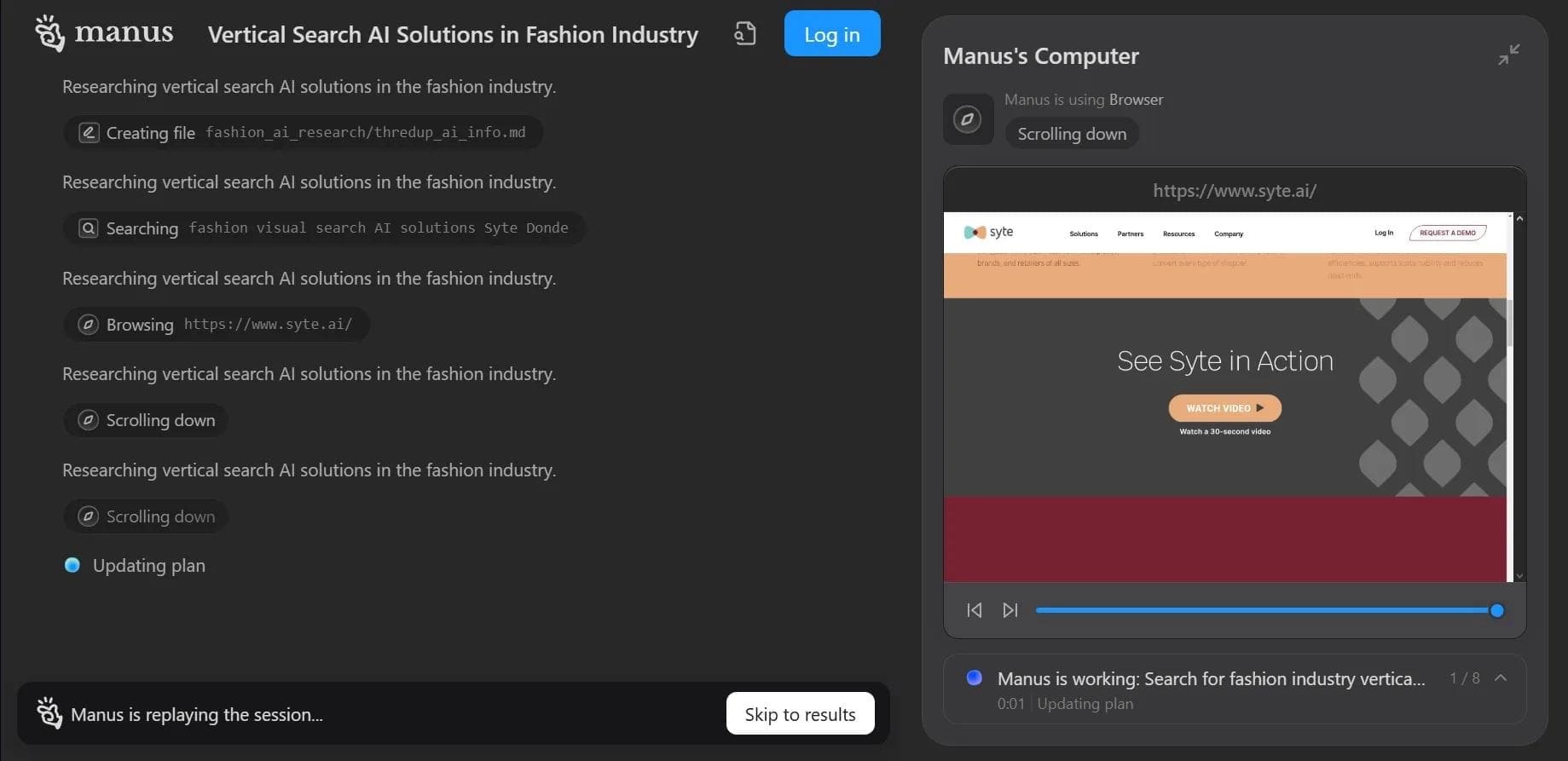

Autonomous cloud-based AI agent that independently plans and executes complex multi-step tasks based on a textual description of the goal.


Multimodal neural network from Google that processes text, images, code, and audio in a conversational format.
An open-source desktop AI agent that stores conversation history in a local knowledge base and automatically pulls relevant context into new discussions.

A set of built-in AI features in the Figma editor for automating routine designer tasks.
A service that translates legal documents from professional legal language into plain, easy-to-understand text.
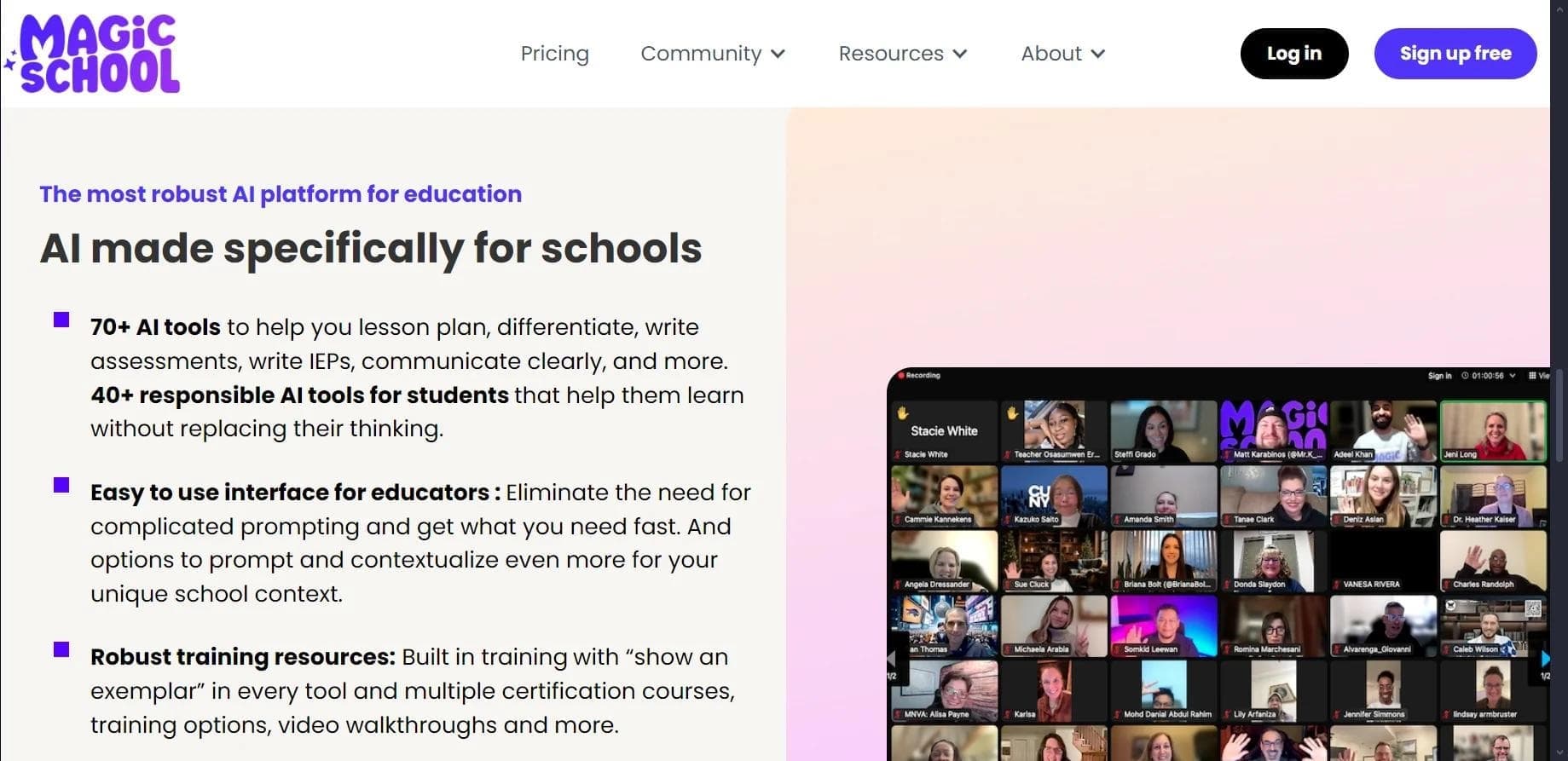

AI platform for automating educational tasks for teachers and students.

A community for daily discovery and discussion of new technology products.
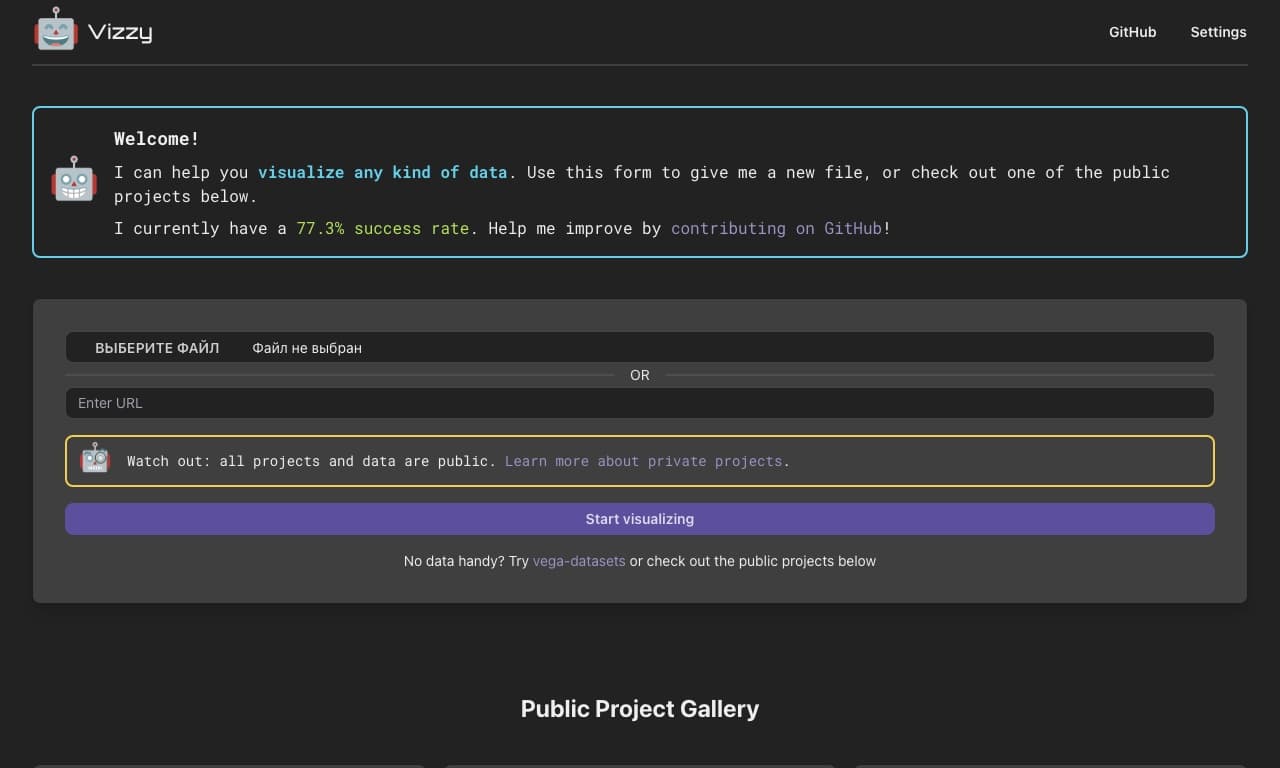
AI tool for rapid data visualization via OpenAI API, transforming heterogeneous datasets into detailed graphical representations.