

Figma AI
Набор встроенных AI-функций в редакторе Figma для автоматизации рутинных задач дизайнера.
Обзор
Figma AI
Описание нейросети Figma AI
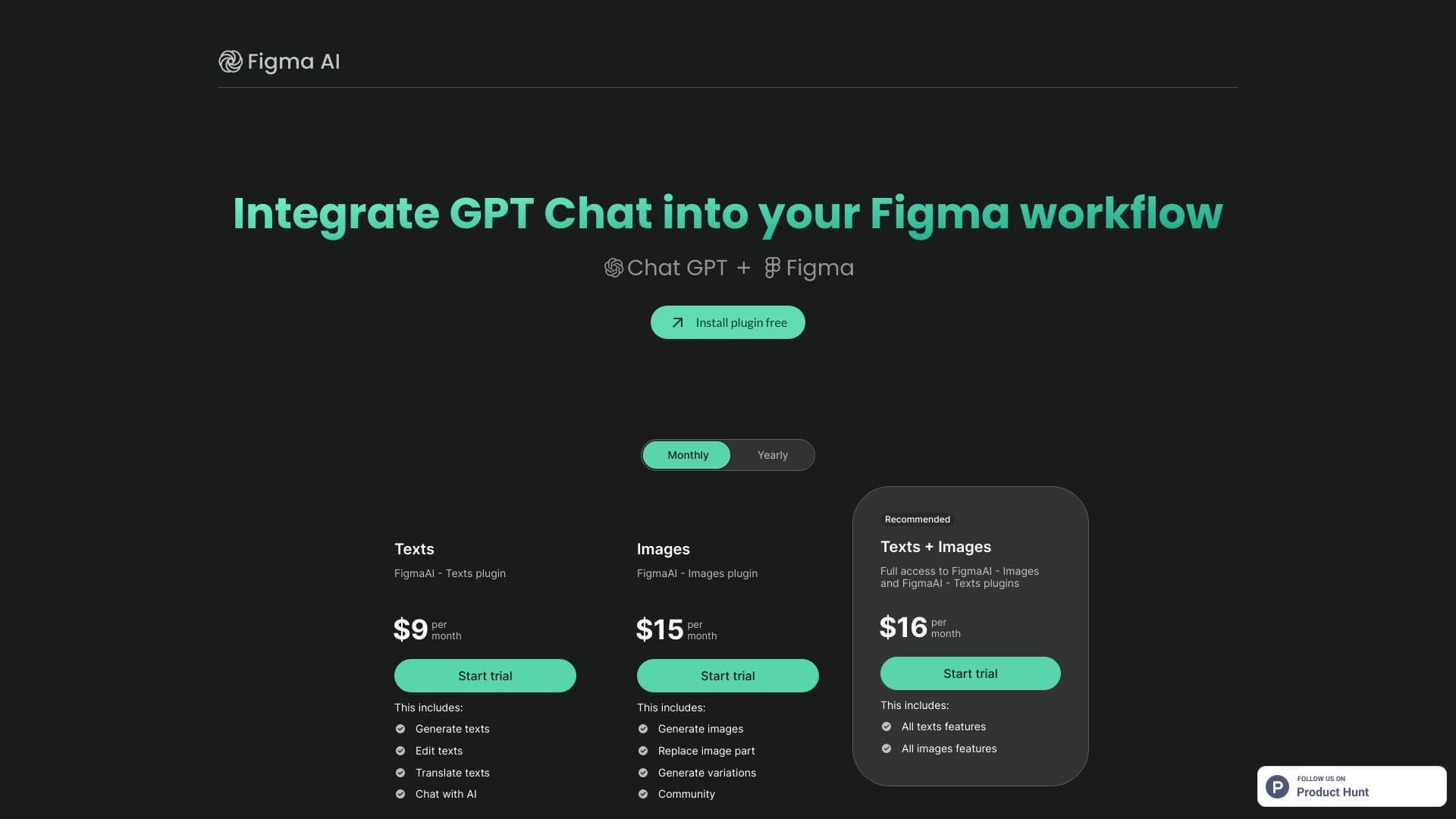
Figma AI — это встроенный набор функций искусственного интеллекта внутри редактора Figma, предназначенный для автоматизации рутинных задач дизайнера. Инструмент позволяет переименовывать слои, удалять фон, генерировать контент-заглушки, создавать черновые макеты по текстовому описанию, редактировать визуальные и текстовые элементы, а также выполнять массовое редактирование. Figma AI работает непосредственно в знакомом интерфейсе Figma без необходимости устанавливать сторонние плагины и использует кредитную систему для доступа к AI-возможностям. Инструмент не создаёт полноценные интерфейсы с нуля, а ориентирован на ускорение работы с уже существующими проектами и улучшение передачи контекста в разработку.
Характеристики Figma AI
| Характеристика | Значение |
|---|---|
| Тип | Встроенный слой ИИ в дизайн-редакторе |
| Платформы | Web (браузер) |
| Разработчик | Figma |
| Модель распространения | Freemium |
| Доступ из России | Только с VPN |
| Оценка редакции | 8.1 из 10 |
| Рейтинг пользователей | 4.2 / 5.0 |
| Интеграция | Figma (встроенные функции, без установки плагинов) |
| Наличие бесплатного тарифа | Есть (Starter — 500 AI-кредитов в месяц) |
Для кого подходит нейросеть Figma AI?
Дизайнеры всех направлений
Figma AI будет полезен для дизайнеров и всех видов деятельности, связанных с проектированием интерфейсов, графическим дизайном и веб-дизайном. Инструмент подходит как для опытных специалистов, желающих ускорить рутинные операции, так и для начинающих, которым нужна помощь в организации рабочего процесса.
Специалисты, работающие в Figma
Поскольку Figma AI встроен непосредственно в редактор Figma, он ориентирован в первую очередь на пользователей, которые уже работают в этой среде. Инструмент доступен без установки дополнительных плагинов и не требует переключения между сервисами.
Как использовать нейросеть Figma AI?
Доступ к функциям
Функции Figma AI доступны прямо в интерфейсе редактора Figma без установки сторонних плагинов. Вызвать нужную функцию можно через главное меню или контекстный вызов, например, для переименования слоёв, удаления фона или генерации текста-заглушки. Для создания черновых макетов необходимо текстом описать желаемый интерфейс.
Кредитная система
Использование AI-функций расходует AI-кредиты, лимит которых обновляется ежемесячно. На бесплатном плане Starter предоставляется 500 кредитов в месяц с лимитом 150 кредитов в день. При интенсивном использовании потребуется перейти на платный тариф или приобрести дополнительный пакет кредитов.
Работа с русским языком
Текстовые функции Figma AI поддерживают русскоязычные запросы, хотя интерфейс самой Figma остаётся на английском языке. Это позволяет российским дизайнерам формулировать задачи и описания на родном языке.
Основные функции Figma AI
Генерация макетов и контента
Figma AI позволяет создавать черновые макеты по текстовому описанию прямо на холсте. Кроме того, инструмент генерирует реалистичный контент-заглушку — текст, имена, числа и аватары, что значительно ускоряет наполнение макетов данными.
Автоматизация рутинных операций
Инструмент автоматически переименовывает слои, применяет автолейаут и расставляет аннотации. Это избавляет дизайнера от монотонной работы по организации файловой структуры проекта, что особенно актуально при передаче макетов разработчикам.
Работа с изображениями
Figma AI поддерживает удаление фонов, расширение изображений и изоляцию объектов. Эти функции позволяют быстро подготавливать графические элементы без обращения к внешним редакторам.
Интеграция с AI-агентами для разработки
Инструмент обеспечивает интеграцию с AI-агентами через MCP-сервер, что позволяет передавать дизайн-контекст и компоненты в кодовые инструменты для разработки, сокращая потери информации при передаче макета.
Преимущества Figma AI
Встроенная интеграция
Figma AI встроен в инструмент, которым команда уже пользуется — не нужно осваивать новый сервис или переключаться между программами. Все функции доступны непосредственно в знакомом интерфейсе Figma.
Автоматизация рутины
Инструмент автоматизирует рутинные задачи дизайнера (переименование слоёв, заглушки, удаление фонов), а не творческие процессы. Это позволяет сосредоточиться на содержательной работе, не отвлекаясь на монотонные операции.
Улучшение передачи контекста
Передача дизайн-контекста в разработку через AI-агентов сокращает потери информации при передаче макета. Разработчики получают более структурированный и понятный файл.
Бесплатный уровень для ознакомления
Бесплатный тариф Starter с 500 AI-кредитами в месяц позволяет оценить возможности инструмента без финансовых вложений. Для лёгкого знакомства этого объёма кредитов достаточно.
Недостатки Figma AI
Кредитная система
Кредитная система Figma AI непрозрачна и становится дорогой при интенсивном использовании. Лимиты кредитов строго соблюдаются с марта 2026 года, при превышении требуется доплата.
Ограничения генерации
AI не генерирует с нуля полноценные интерфейсы — для работы нужна основа. В отличие от некоторых аналогов, Figma AI не предназначен для создания завершённых дизайн-решений с пустого листа.
Сложности для российских пользователей
Оплата платных тарифов затруднена для пользователей из России — требуется зарубежная карта или посредник. Кроме того, доступ к Figma AI из России возможен только с использованием VPN.
Бета-статус части функций
Некоторые функции Figma AI, такие как Figma Make и Figma Sites, всё ещё находятся в статусе бета-версии, что может означать неполную стабильность или ограниченную функциональность.
Какие задачи решает Figma AI
Автоматизация рутинных задач дизайнера
Figma AI автоматизирует переименование слоёв, удаление фонов, расстановку аннотаций и применение автолейаута. Эти операции отнимают значительное время при работе над сложными проектами, и их автоматизация ускоряет рабочий процесс.
Генерация контента-заглушки для наполнения макетов
Инструмент создаёт реалистичные текстовые заглушки, имена, числа и аватары, что позволяет быстро наполнить макеты данными без ручного ввода или копирования из внешних источников.
Создание черновых макетов по текстовому описанию
Figma AI позволяет быстро создавать черновые варианты интерфейсов на основе текстового описания, что полезно на этапе прототипирования и поиска идей.
Передача контекста в разработку
Инструмент помогает подготавливать дизайн к разработке, передавая контекст и компоненты в кодовые инструменты через AI-агентов, что сокращает потери информации при передаче макета.
Цены Figma AI
Figma AI предлагает несколько тарифных планов, различающихся по объёму AI-кредитов и доступным функциям:
- Starter — бесплатно, 500 AI-кредитов в месяц, лимит 150 кредитов в день.
- Professional — от $15 в месяц за редактора (при оплате за год).
- Organization — от $55 в месяц за редактора (при оплате за год).
- Enterprise — от $90 в месяц за редактора (при оплате за год).
- AI Credit Add-on — от $120 в месяц за команду.
На бесплатном плане 500 кредитов в месяц хватает для лёгкого знакомства с инструментом. Для регулярного использования рекомендуется как минимум Professional-план.
Условия использования Figma AI
Доступ к Figma AI определяется планом подписки и остатком AI-кредитов. С марта 2026 года лимиты кредитов строго соблюдаются, при превышении лимита требуется доплата. Для российских пользователей оплата может потребовать зарубежной карты или посредника. Figma AI не является отдельным продуктом — это набор встроенных AI-функций внутри обычной Figma.
Доступность Figma AI
Figma AI работает через браузер на платформе Web. Интерфейс Figma выполнен на английском языке, однако AI-функции понимают русскоязычные запросы. Для пользователей из России инструмент доступен только с использованием VPN. Оплата платных тарифов для российских пользователей может быть затруднена из-за необходимости зарубежной карты или посредника.
Чем отличается Figma AI от аналогов
В отличие от Google Stitch или Galileo AI, Figma AI не генерирует интерфейсы с нуля, а автоматизирует рутинные задачи в рамках существующего дизайна. Google Stitch, например, нужен на этапе идеации, тогда как Figma AI предназначен для работы с уже готовым файлом. Figma AI — это именно встроенный набор AI-функций внутри существующего редактора, а не отдельный сервис или плагин. Среди других аналогов можно отметить Canva AI, RoomGPT, Метранпаж и Logo Diffusion.
Заключение
Figma AI — это встроенный набор AI-функций внутри Figma, который автоматизирует рутинные задачи дизайнера и помогает готовить дизайн к разработке, но не предназначен для генерации интерфейсов с нуля. Инструмент ориентирован на пользователей, уже работающих в Figma, и позволяет ускорить такие операции, как переименование слоёв, удаление фонов, генерация контента-заглушки и создание черновых макетов. Бесплатный тариф Starter с 500 AI-кредитами в месяц даёт возможность ознакомиться с функционалом, однако для регулярного использования потребуется платный план. Основным ограничением для российских пользователей является необходимость VPN и сложности с оплатой.
Тарифы
Часто задаваемые вопросы
Похожие нейросети



Смотрите также


Платформа для генерации и редактирования изображений и видео на основе искусственного интеллекта.


Бесплатный веб-инструмент от Google, который с помощью машинного обучения превращает грубые наброски в аккуратные иконки и иллюстрации.

Набор мультимедийных AI-инструментов для редактирования и улучшения фото, видео и PDF-документов.


Платформа на основе ИИ для создания логотипов и фирменного стиля.


Инструмент для генерации 3D-моделей на основе текстового описания, изображений или набросков.

Платформа для диалогов с ИИ-персонажами, включая готовых и созданных пользователем.

Cabina AI — это единая платформа для работы с разными генеративными нейросетями, позволяющая создавать тексты, изображения и видео.


Сервис на базе ИИ для автоматической генерации текстового контента различного формата.