

Letterly
App for converting voice recordings into structured text using AI.
Overview
Letterly
About Letterly AI
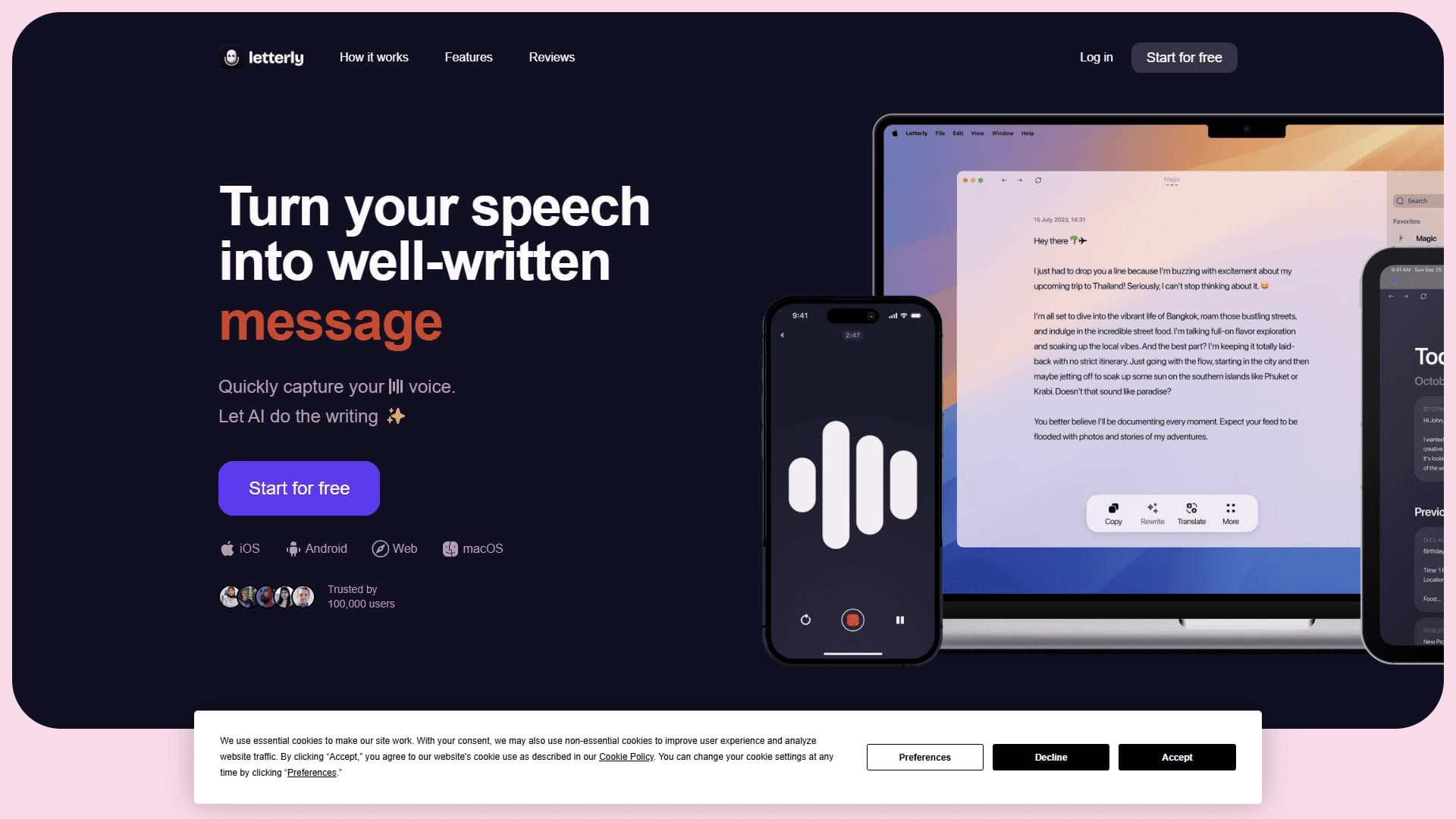
Letterly is a cross-platform AI-powered service that turns spoken words into neat, structured text. The tool works simply: the user presses the record button, says their thoughts aloud, and the AI automatically recognizes the speech, formats it into readable text, and improves the style and wording.
Unlike simple speech recognition systems, Letterly does not just transcribe audio—it edits the result: it structures sentences, removes unnecessary words, and makes the text ready to use. The app is available on multiple platforms—iOS, Android, web, and macOS—and syncs data across devices. The service supports more than 90 languages and works offline, and it also integrates with popular services Google Docs and Notion.
Letterly characteristics
| Characteristic | Value |
|---|---|
| Type | Mobile and desktop app for speech-to-text conversion |
| Categories | Speech recognition, speech-to-text, transcription, productivity |
| Platforms | iOS, Android, web, macOS |
| Number of users | More than 100,000 |
| Language support | More than 90 (over 100 in some sources) |
| Rephrasing options | More than 25 |
| Distribution model | Freemium, free plan available |
| Offline operation | Yes |
| Device synchronization | Yes |
| Integrations | Google Docs, Notion |
Who is Letterly AI suitable for?
Professionals and business people
The tool is useful for anyone who regularly records ideas, plans, and meeting outcomes. Instead of typing long texts on a phone, you can simply say your thoughts aloud, and the AI will turn them into structured text—handy for managers, journalists, and specialists of various profiles.
Students
Letterly is suitable for students who want to quickly take notes, make summaries, and organize study material. Topics spoken aloud become neat text that is easy to edit and organize.
Writers and content creators
Authors, bloggers, and social media managers can use the service for generating ideas, brainstorming, and preparing posts. Spoken drafts quickly become finished texts for publications, letters, and messages.
How to use Letterly AI?
Installation and first launch
Download the Letterly app from the App Store or Google Play (the service is also available on the web and macOS). Open the app and create an account or sign in to an existing one—registration is required to get started.
Voice recording
Tap the Record button to start capturing your voice and speak clearly into the device microphone. The app supports recording with the screen off, and some devices offer a widget for quick launch.
Processing and editing
When recording is finished, the AI automatically converts the speech into structured text. If needed, you can edit the result, use the rephrasing options, then save the text or share it.
Main Letterly features
Speech-to-ready-text conversion
The service’s main function is quickly turning voice recordings into structured, ready-to-use text. The AI does more than merely transcribe audio—it formats it into clean sentences.
Style improvement and rephrasing
The AI automatically improves the style, structure, and wording of the text. Users have access to more than 25 rephrasing options, making it easy to choose the right tone for messages, emails, or posts.
Multilingual support and offline mode
The service supports more than 90 languages, making it useful for a variety of language tasks. The ability to work offline lets you dictate text even without a stable internet connection, while built-in synchronization keeps data in sync across devices.
Letterly advantages
Saves time on typing
One of the main advantages is that you no longer need to type long texts on your phone. Just say your thoughts aloud, and the app will turn them into neat, readable text within seconds.
Simple interface and high processing quality
The interface is extremely simple and intuitive, and the processing quality is high: the AI not only recognizes audio but also improves the style and wording. User ratings and the editors’ review confirm the solution’s reliability.
Wide range of use cases
Letterly suits many tasks: notes, communication, content creation, journaling, transcription, and brainstorming. The service works offline, syncs between devices, and integrates with Google Docs and Notion.
Letterly disadvantages
Like many freemium services, Letterly has limitations on the free plan, and the full range of features is available for a paid fee. Offline recognition and full synchronization may require broader access to the device microphone and storage. In addition, recognition quality depends on speech clarity, background noise, and language, so in challenging conditions the result may require manual editing. Exact details about free-plan limits and pricing are not disclosed in the source materials.
What tasks does Letterly solve?
Notes and organizing thoughts
The service is ideal for quickly writing down notes, ideas, plans, to-do lists, and shopping lists. Spoken drafts become structured text that is easy to organize.
Messages and content
Letterly helps you quickly compose messages, emails, comments, and social media posts. Those who keep a personal journal can also dictate entries by voice instead of typing them manually.
Work and study
The tool is suitable for creating summaries and transcribing meeting notes, as well as for generating ideas and brainstorming. Students and professionals use it to quickly capture and organize important thoughts.
Letterly pricing
Letterly operates on a freemium model: there is a free plan that does not require a credit card. The free version lets you explore the core features of the service, while expanded functionality is available via a paid subscription. Current prices and plan terms are available on the official website letterly.app.
Letterly terms of use
Registration or an account login is required to use the service. The free plan does not require payment details, and when switching to a paid plan, standard subscription terms apply. The app requests access to the device microphone for voice recording, and offline mode and synchronization require the appropriate storage permission. Exact privacy policy details and plan restrictions are described on the official website.
Letterly availability
Letterly is a cross-platform solution available on iOS, Android, the web, and macOS. The app supports more than 90 languages (some sources mention more than 100) and works offline with data synchronization between devices. The service is available worldwide, requires no VPN, and integrates with Google Docs and Notion.
How Letterly differs from alternatives
The main difference between Letterly and many speech recognition systems is its approach to text processing. Most similar tools (for example, Otter.ai, Google Speech-to-Text, Whisper AI) are limited to simple audio transcription, while Letterly additionally improves the style and wording, turning raw speech into a ready-to-use structured text.
Convenience also plays an important role: you just press record and say your thoughts—no need to manually correct the transcript. More than 25 rephrasing options, support for more than 90 languages, and offline operation set the service apart from competitors. Integrations with Google Docs and Notion, as well as a wide choice of platforms (iOS, Android, web, macOS), make Letterly a versatile solution for various scenarios—from personal notes to professional transcription.
Conclusion
Letterly is a convenient cross-platform service that turns spoken words into structured text with automatic style improvement. The tool suits a wide range of tasks—from notes and journals to messages, emails, and meeting transcription. Support for more than 90 languages, offline operation, device synchronization, and integrations with Google Docs and Notion make it a practical solution for professionals, students, and content creators. Thanks to the free plan and simple interface, Letterly is accessible to anyone who wants to stop typing texts by hand on their phone.
Frequently asked questions
See also
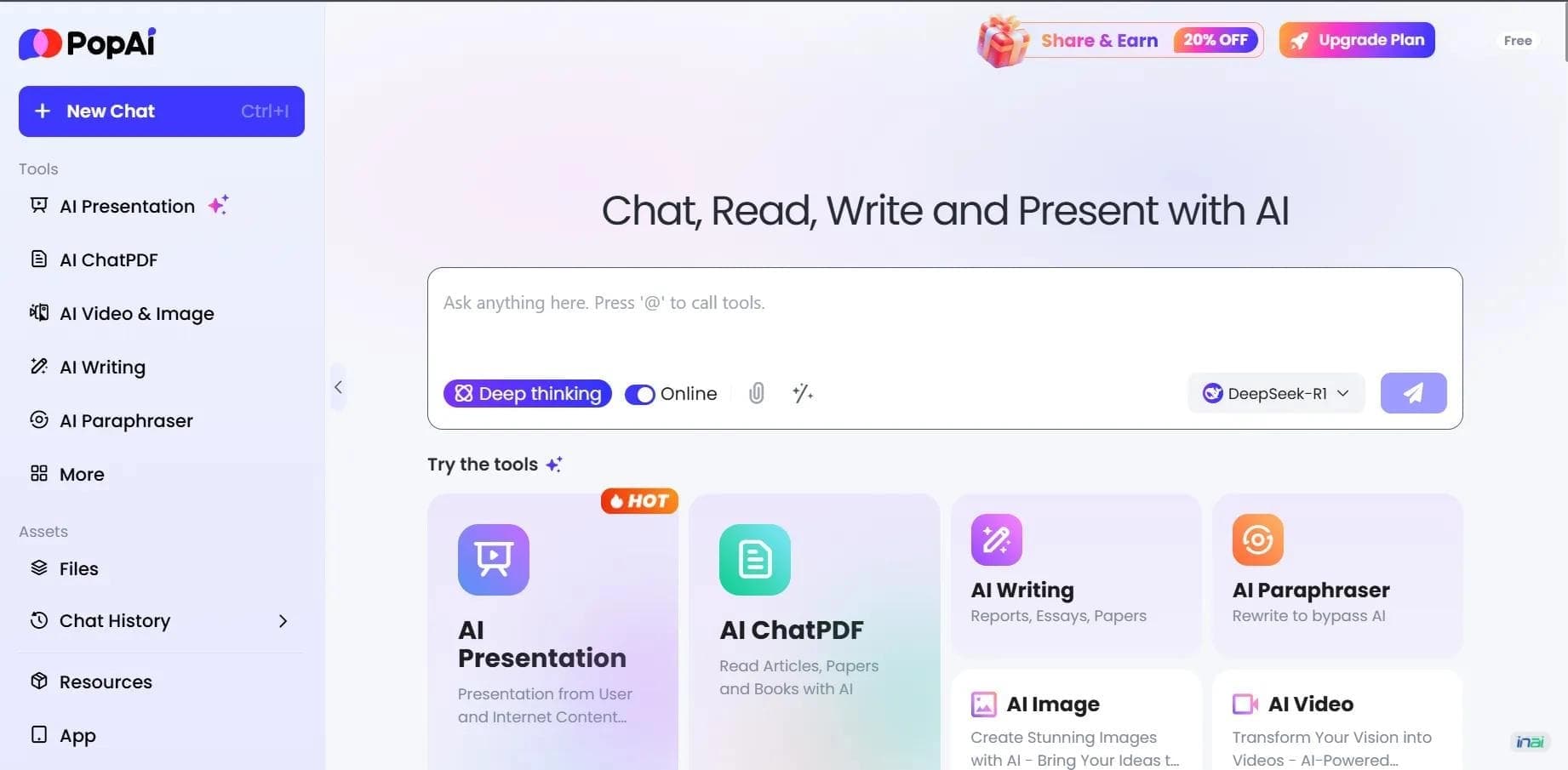

AI platform for working with documents, creating presentations, and generating images.
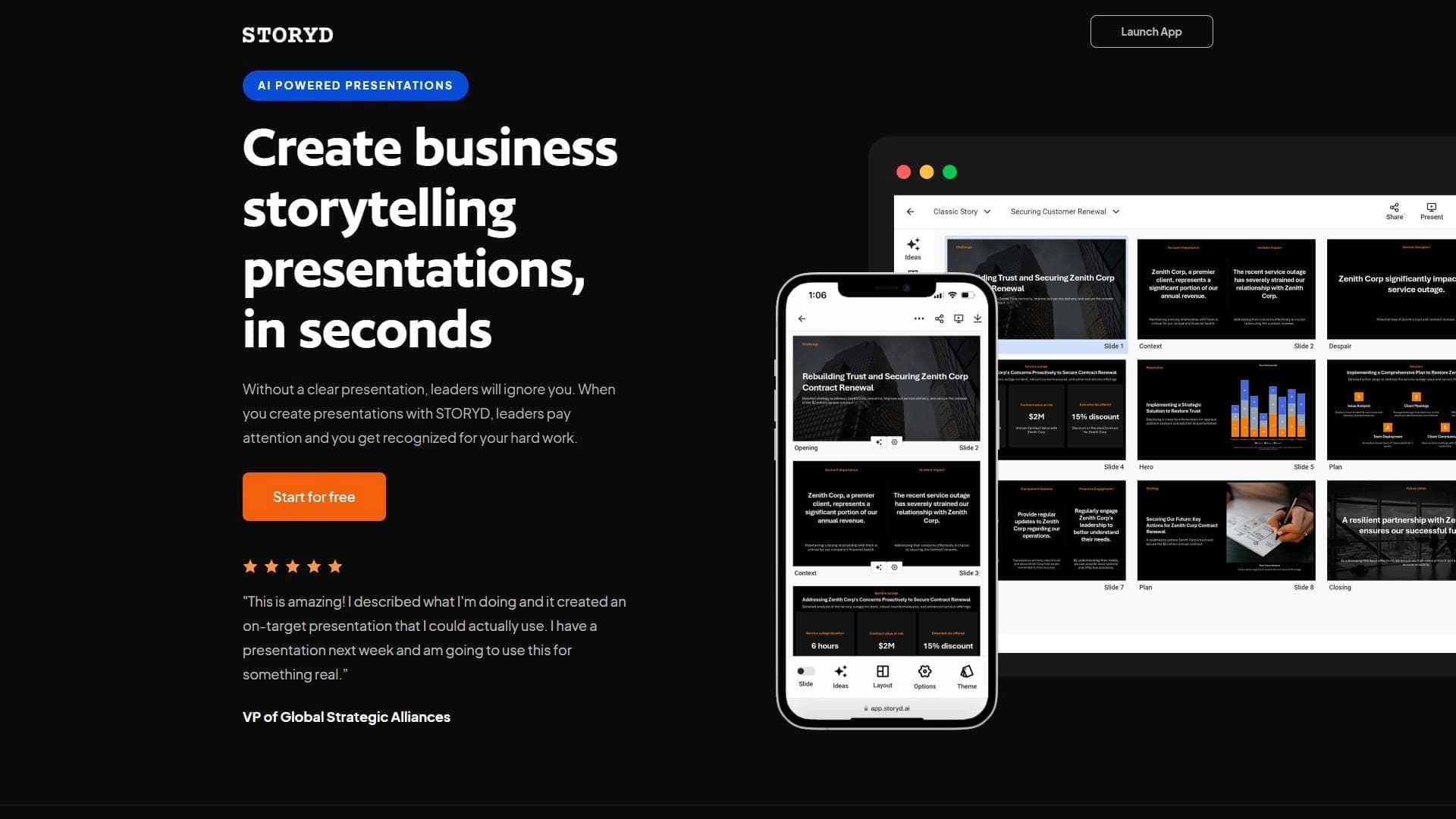

An AI-powered service that turns a brief topic description or bullet points into a structured business presentation in seconds.
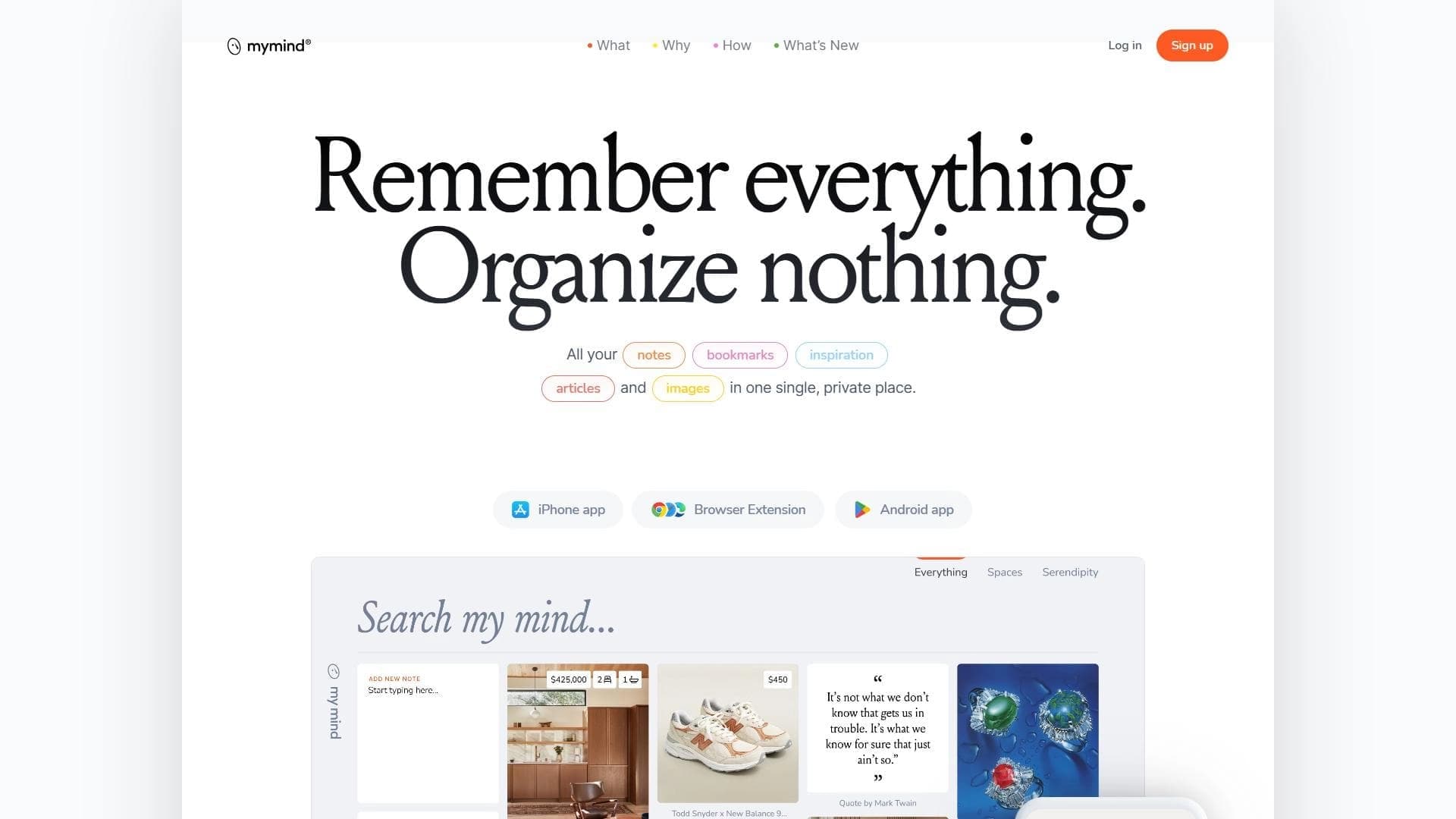

A service for storing and organizing digital information with automatic neural network-based sorting.
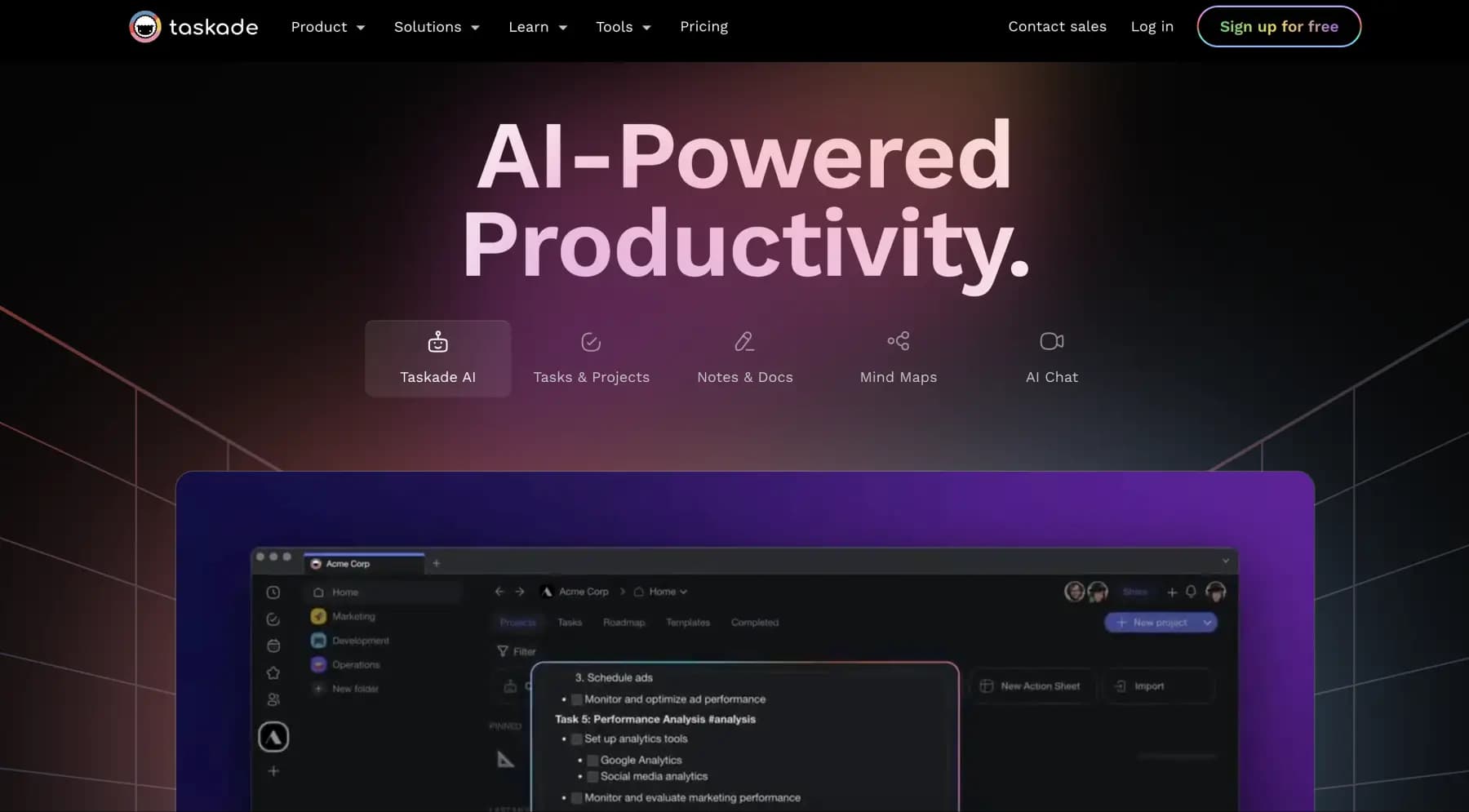
A platform for managing projects and tasks with built-in AI agents and visualization of work in various formats.


AI email assistant that helps quickly draft messages, adapting to the user's style.
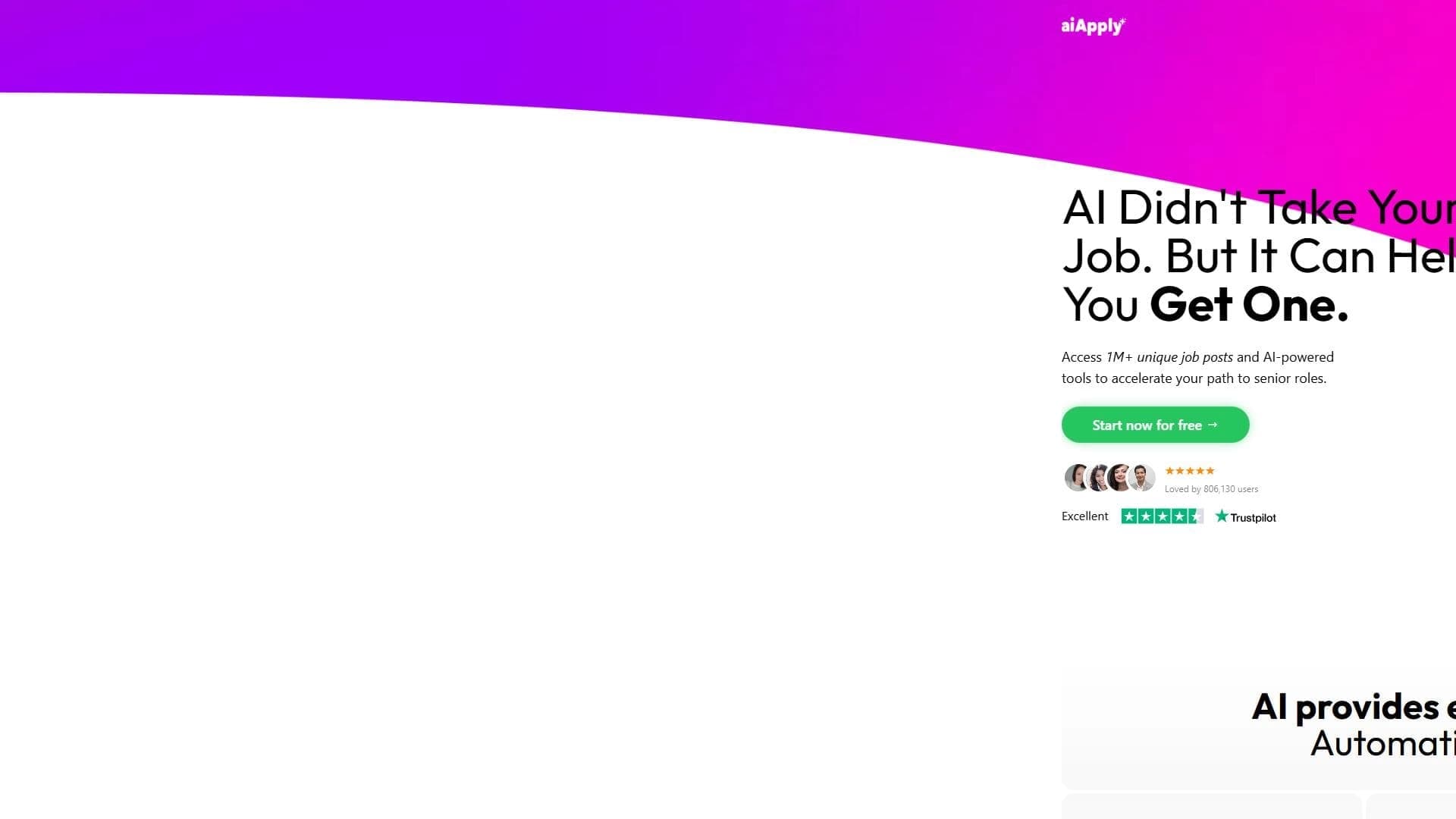

A web service that automates job search using artificial intelligence.
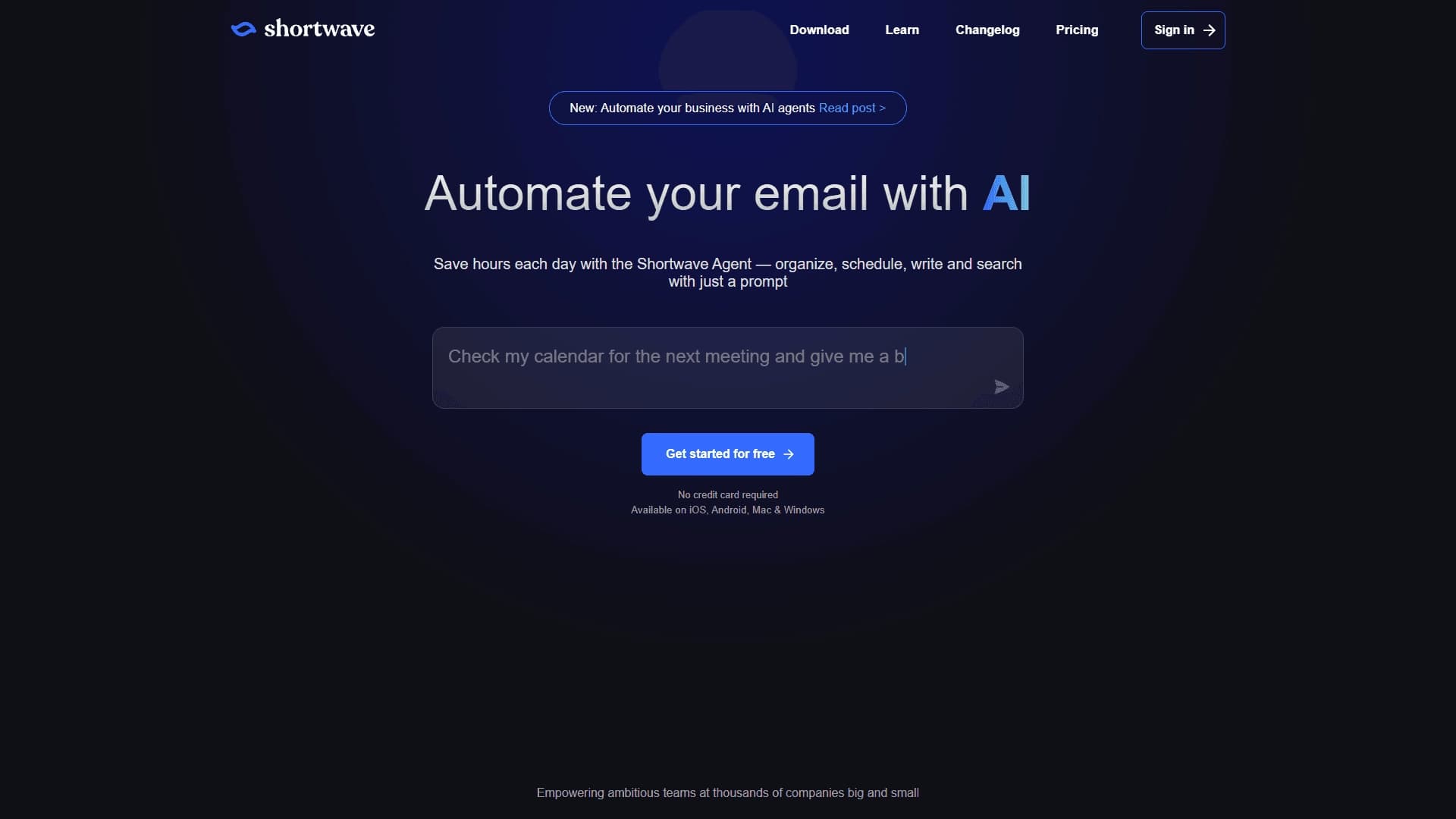

An AI assistant for working with email that automates message sorting and helps quickly compose replies.


Free online platform with over 150 AI tools for working with PDFs, images, videos, and text.