

Jan
Open-source desktop application for running language models locally on your device.
Overview
Jan
Jan AI Description
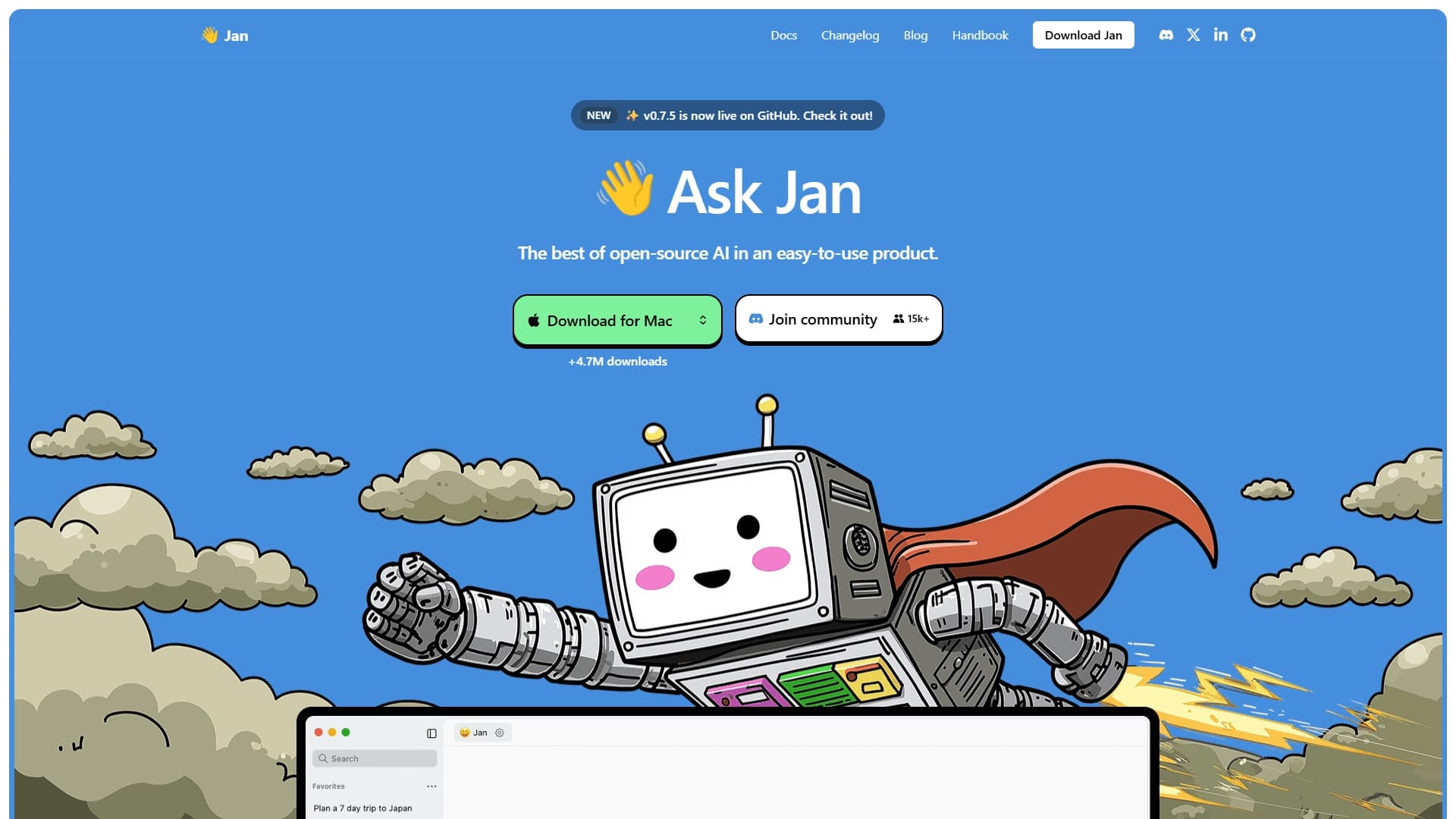
Jan is an open-source desktop application that lets you run artificial intelligence language models directly on your device. The app works on Mac, Windows, and Linux, giving users the ability to interact with AI models (such as LLaMA 3, Mistral, and Gemma) without needing an internet connection. Unlike cloud services, Jan does not send data to third-party servers, ensuring complete privacy. At the same time, the app supports connecting cloud models such as GPT and Claude, with the ability to switch between local and cloud solutions in a single interface.
Architecture and how it works
Jan is built as a local AI client that downloads and runs language models directly on the user's computer. To get started, you just need to download the app, install it, and download a model of your choice from the built-in hub. After that, the app operates autonomously, without contacting external servers. If needed, you can connect cloud API services compatible with the OpenAI format and switch between local and remote models.
Open source
Jan's source code is fully available on GitHub, allowing the developer community to study, modify, and improve the app. The project is actively evolving, with more than 4.7 million downloads and thousands of community contributors. This openness ensures the tool's transparency and gives users confidence that their data is not used without their knowledge.
Jan Features
| Feature | Value |
|---|---|
| Type | Local AI assistant, autonomous alternative to ChatGPT |
| Categories | AI assistants, Chatbots, Open source neural networks, Free neural networks, Personal assistant |
| Platforms | Mac, Windows, Linux (desktop apps; mobile version in development) |
| Language models | LLaMA 3, Mistral, Gemma and other open models; support for cloud models GPT, Claude |
| Free plan | Yes (open source, local operation) |
| Open source | Yes |
| User rating | 4.6 |
| Editorial rating | 8.8 out of 10 |
| Works offline | Yes (model must be downloaded in advance) |
Who is Jan AI suitable for?
Privacy-conscious users
Jan is primarily designed for those who do not want to send their data to third-party servers. If you work with confidential information, have correspondence that requires secrecy, or simply do not trust cloud services, running models locally on your own device is the optimal solution.
Developers and technical professionals
The app suits specialists who need a local AI assistant for writing code, debugging, or studying documentation. Jan supports integration with an API server compatible with OpenAI, allowing it to be used as a backend solution for your own projects.
Users with unstable internet
If you often find yourself in places without a stable internet connection — for example, while traveling, on trips, or in remote areas — Jan keeps your AI assistant working without the need to go online. Just download the model in advance, and the app will run fully autonomously.
How to use Jan AI?
Installing the app
To get started, download the Jan desktop app from the official website or from the GitHub repository, choosing the version for your operating system (Mac, Windows, or Linux). Installation is done in the standard way, as with any other app. Once launched, the app is ready for configuration.
Downloading and running a model
The app interface includes a built-in model hub where you can download one or more supported language models (for example, LLaMA 3, Mistral, or Gemma). Once downloaded, the model is activated and you can immediately start working with it — asking questions, requesting coding help, or generating text. To work offline, the model must be downloaded in advance.
Connecting cloud models
If you need access to more powerful commercial models, such as GPT from OpenAI or Claude from Anthropic, you can connect them via API integration. In the app settings, enter your access key for the cloud service, and then switch between local and cloud models in a single interface as needed.
Key features of Jan
Local chat with language models
Jan provides an intuitive chat interface similar to familiar AI assistants. You can converse with the model in a dialogue format, ask questions, request explanations of complex concepts, or simply have a conversation. All processing happens on your device, with no data sent to the cloud.
File and document support
The app supports experimental work with files — you can upload PDF documents and text files, ask questions about them, request analysis, or extract key information. This feature is still in development but is already available for basic use.
Custom assistants and API server
Jan lets you create customizable AI assistants for specific tasks. You can adjust model parameters, set system instructions, and save configurations for different use cases. In addition, the app includes a local API server compatible with the OpenAI format, allowing you to integrate Jan into your own applications and scripts.
Advantages of Jan
Complete privacy and autonomy
Jan's main advantage is the ability to work without an internet connection. All data stays on your device, is never transmitted anywhere, and is not used by third-party servers. This is especially important when working with confidential information, personal correspondence, or commercial data.
Open source and free access
The project is completely free, with no subscriptions, limits, or dependence on cloud services. The open source code lets the community check it for vulnerabilities, add new features, and adapt the app to their own needs. The lack of usage fees makes Jan accessible to a wide range of users.
Flexibility and customizability
The ability to switch between local and cloud models in one interface, create custom assistants, and use the API server makes Jan a flexible tool. Users decide for themselves which model to use, when to go online, and how to set up the assistant for specific tasks.
Disadvantages of Jan
Hardware requirements
Comfortable work with modern language models requires a fairly powerful computer. Models like LLaMA 3 or Mistral need a decent amount of RAM (8 GB or more recommended) and a capable processor. On weaker devices, performance may be slow, and some models may be unavailable.
File handling limitations
The document processing feature (PDF, text files) is still at an experimental stage. This means its stability and accuracy may not match commercial cloud solutions. Users who need reliable file analysis should keep this in mind.
Mobile version not yet available
The mobile version of the app has not been released yet, although its development has been announced.
What tasks does Jan solve?
Confidential communication and text generation
Jan lets you interact with an AI model without worrying about data leaks. You can use it to create texts, write emails or articles, or simply have a conversation — all information stays on your device. When there is no internet, the app works as a fully functional offline assistant.
Coding and development assistance
The app is suitable for programming-related tasks: writing code, debugging, explaining algorithms, and generating documentation. Jan can act as a local developer assistant that works without delays or dependence on cloud services.
Working with confidential documents
Thanks to local operation, Jan is suitable for analyzing documents containing commercial or personal secrets. You can upload PDFs and text files, ask questions about them, and extract information — with the assurance that the data never leaves your computer.
Jan Pricing
Jan is completely free. The app is open source and requires no subscriptions, monthly payments, or usage limits. All features, including local model operation, cloud API integration, and assistant customization, are available at no cost. The only possible expenses relate to purchasing cloud API keys (for example, for GPT from OpenAI) if you decide to connect commercial models, but the app itself remains free.
Jan Terms of Use
Jan is an open-source project distributed under the terms specified in the repository license on GitHub. The app is provided "as is," without any warranties from the developers. Users are solely responsible for choosing and using language models, as well as for configuring their device security. No registration or account creation is required to use the app. When using cloud models via API, the terms of the respective third-party services apply.
Jan Availability
The app is available for installation on Mac, Windows, and Linux operating systems. Desktop versions can be downloaded from the official project website or from the GitHub repository. The mobile version is in development and has not been released yet. For offline work, a language model must be downloaded in advance from the built-in hub.
How Jan differs from alternatives
Jan is an open alternative to cloud services like ChatGPT. Its key difference is the ability to run AI models fully locally without sending data to third-party servers. While most alternatives (ChatGPT, GigaChat, Kupid AI, and others) operate exclusively through the cloud and require a constant internet connection, Jan preserves user privacy and autonomy. At the same time, it is not limited to local models only: you can connect the same cloud services if you wish, getting a unified interface for switching between different types of models. Open source also sets Jan apart from commercial products, making it transparent and customizable.
Conclusion
Jan is a free open-source desktop application designed for running language models locally on Mac, Windows, and Linux devices. It provides complete privacy and autonomy, allowing you to work with AI without an internet connection and without sending data to third-party servers. Support for cloud models, customizable assistants, and API integration make Jan a flexible tool for communication, coding help, text generation, and document analysis. The app is aimed at users who value control over their data, but it requires sufficiently powerful hardware for comfortable use.
Frequently asked questions

See also

Autonomous cloud-based AI agent that independently plans and executes complex multi-step tasks based on a textual description of the goal.

Multimodal neural network from Google that processes text, images, code, and audio in a conversational format.
An open-source desktop AI agent that stores conversation history in a local knowledge base and automatically pulls relevant context into new discussions.

A set of built-in AI features in the Figma editor for automating routine designer tasks.
A service that translates legal documents from professional legal language into plain, easy-to-understand text.
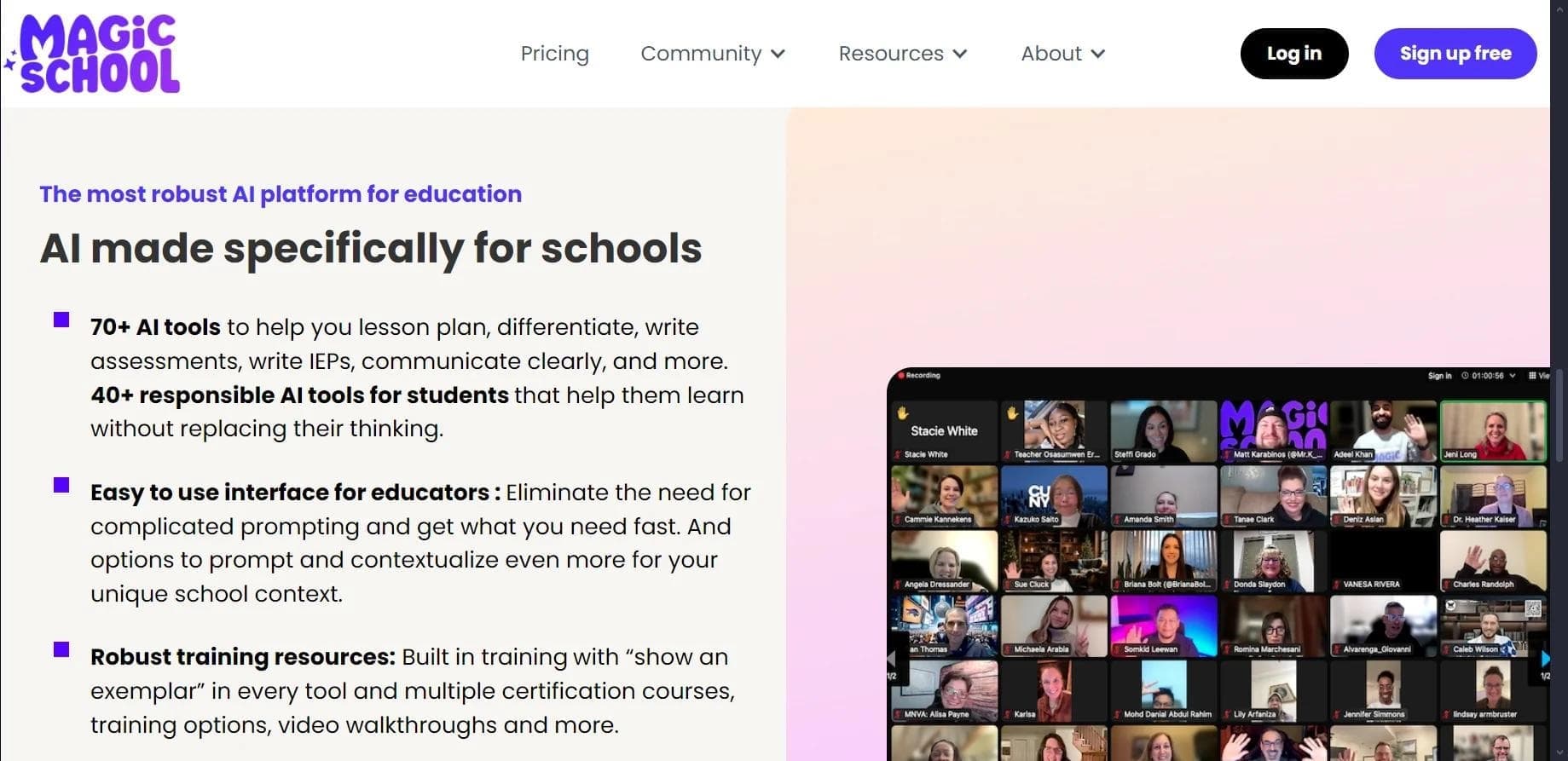

AI platform for automating educational tasks for teachers and students.

A community for daily discovery and discussion of new technology products.
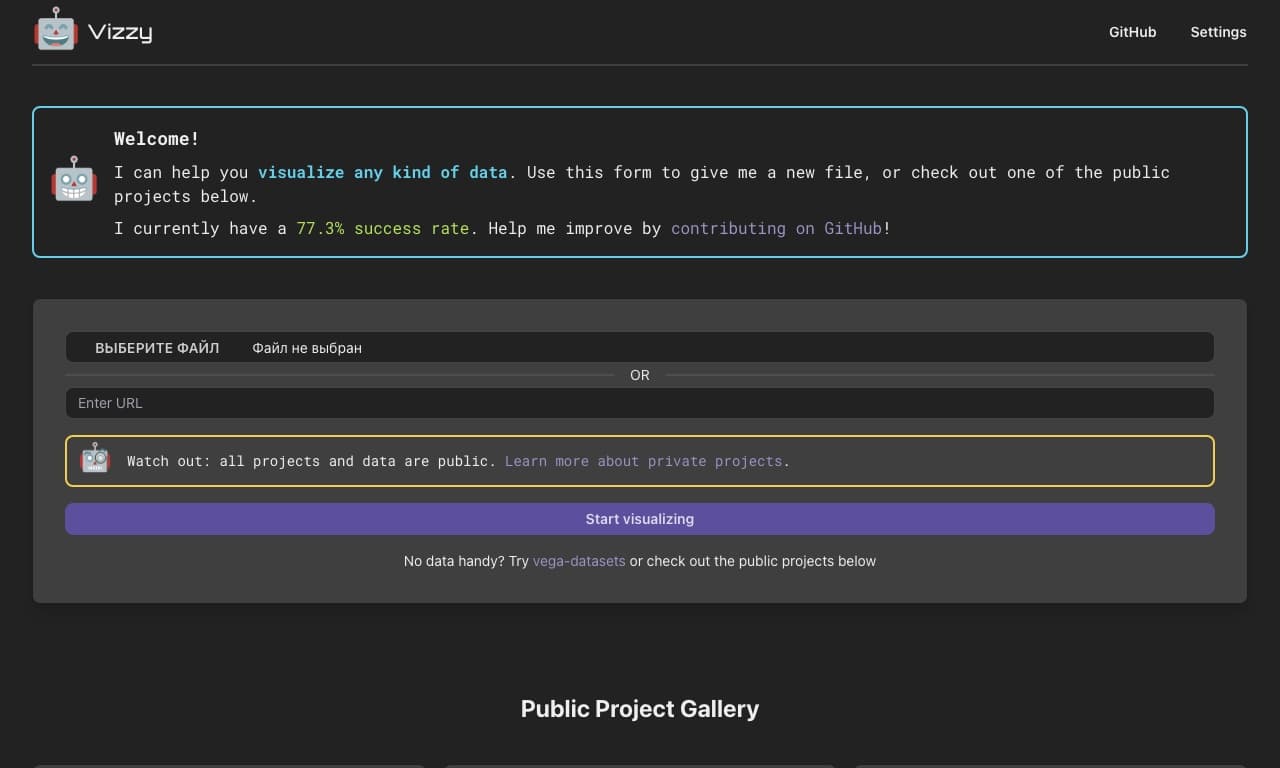
AI tool for rapid data visualization via OpenAI API, transforming heterogeneous datasets into detailed graphical representations.