

iZotope RX
Professional audio restoration and cleaning software powered by machine learning.
Overview
iZotope RX
Description of iZotope RX neural network
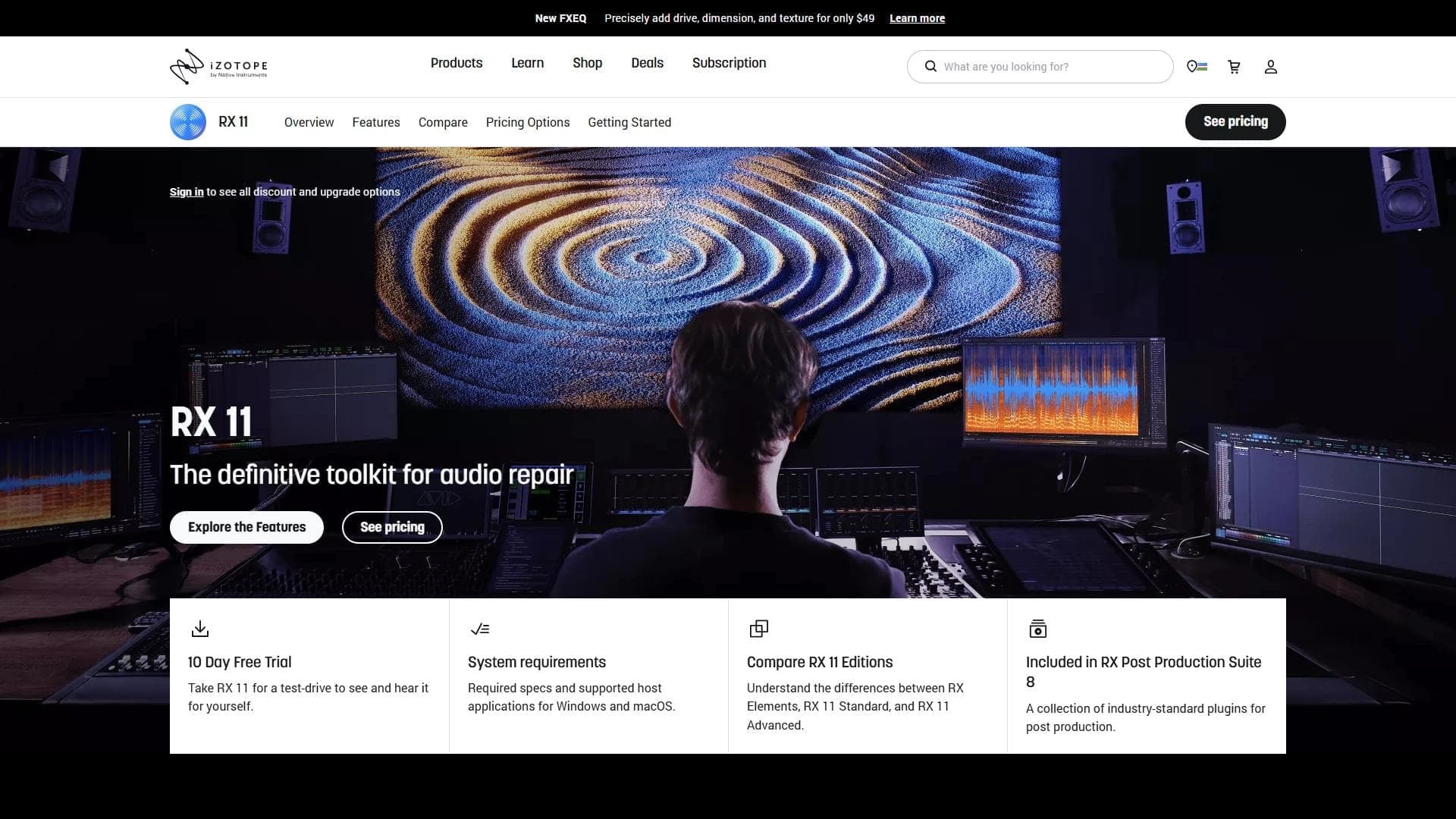
iZotope RX is a professional audio restoration and processing software powered by machine learning algorithms. The tool can automatically detect and eliminate a wide range of sound defects: noise, clicks, crackle, echo, and other interference. The package includes more than 20 specialized plug-ins that can be used either standalone or inside other audio editors via VST and AU interfaces. Thanks to intelligent algorithms, iZotope RX makes it possible to restore audio material without losing the quality of the original recording.
iZotope RX specifications
| Characteristic | Value |
|---|---|
| Type | Software for audio restoration and processing |
| Category | Audio quality enhancement, Audio editing |
| Platforms | Modern computer (VST/AU plug-in support) |
| Number of plug-ins | More than 20 |
| Distribution model | Paid |
Who is iZotope RX neural network suitable for?
Musicians and sound engineers
iZotope RX will become an indispensable assistant for professional sound engineers and musicians working with recording and mixing tracks. The tool lets you quickly clean tracks of unwanted noise and artifacts while preserving the clarity and detail of the original sound.
Content creators
Podcasters, video bloggers, lecturers, and other content creators also actively use iZotope RX to process voice recordings. The program helps remove background noise, clicks, and echo, which is especially important when recording in less-than-ideal acoustic conditions.
How to use iZotope RX neural network?
Launch and workspace
After launching the program, a workspace opens with a visualization of the audio file. The user sees a spectrogram and a timeline, which makes it easy to assess the condition of the audio track and identify areas with defects.
Navigating the tools
Correction and analysis tools are grouped by category: noise, reverb, clicks, crackle, and other types of interference. This approach simplifies finding the right module even for new users. There is also quick access to plug-ins and ready-made presets.
Integration with other editors
iZotope RX supports working as a set of VST/AU plug-in modules. This means the plug-ins can be invoked directly inside your familiar DAW (digital audio workstation) — Pro Tools, Logic Pro, Cubase, Ableton Live, and others.
Key features of iZotope RX
Automatic detection and correction of defects
The key feature of iZotope RX is the use of machine learning to automatically identify audio problems. The algorithms analyze the signal spectrum and locate areas containing noise, clicks, crackle, echo, and other interference. After detection, the program offers correction options.
Noise removal and audio restoration
Built-in modules effectively remove stationary and non-stationary noise, eliminate reverb, and suppress clicks and crackle. At the same time, the quality of the source material is preserved as much as possible thanks to intelligent processing.
More than 20 specialized plug-ins
The package includes an extensive library of tools for various tasks, from spectral editing to clipped-signal restoration. Each plug-in solves a specific problem — whether it is hiss, hum, wind noise, or microphone ring.
Real-time processing
Recent program updates introduced accelerated real-time audio processing. This is especially useful when working with large files or in situations where you need fast results without a long wait.
Advantages of iZotope RX
Automated restoration without quality loss
The main advantage of iZotope RX is its ability to automatically restore audio without reducing the quality of the original material. Intelligent algorithms target problem areas precisely without affecting clean fragments of the recording.
Improved defect detection algorithms
In the latest updates, the automatic audio artifact detection algorithms have been significantly improved. The program has become more accurate at identifying types of interference and suggesting appropriate ways to eliminate them.
Clear interface for new users
After the updates, the iZotope RX interface has become more intuitive and friendlier for beginners. Grouping tools by category, presets, and training materials help even those who have never worked with professional audio software get up to speed quickly.
Disadvantages of iZotope RX
Hardware requirements
The main limitation of the program is the need to use a modern computer for stable operation. Audio processing with machine learning algorithms requires significant computing resources, so older machines may experience delays and reduced performance.
What tasks does iZotope RX solve?
Restoring defective audio files
The program can revive even badly damaged recordings: it removes noise, clicks, crackle, echo, hum, hiss, and other artifacts that appeared during recording or digitization.
Cleaning up sound for professional work
Sound engineers, musicians, and content creators use iZotope RX for final track cleanup before publishing or mixing. The tool helps achieve the cleanest possible sound without excess noise.
Processing both finished recordings and live sound
iZotope RX is suitable for working not only with already recorded files but also with real-time streaming audio, which expands its range of applications.
iZotope RX pricing
iZotope RX is distributed under a paid model. Specific prices and license options are not stated in the provided source data. For current pricing information, we recommend visiting the developer's official website.
Terms of use for iZotope RX
The program is a commercial product and requires the purchase of a license. Detailed terms of use, including possible subscription or perpetual license options, are not disclosed in the available source data. We recommend checking the terms on the iZotope official website.
iZotope RX availability
iZotope RX can be installed on modern computers via the developer's official website. The program supports working as VST/AU plug-ins, ensuring compatibility with most popular audio editors and digital audio workstations.
How iZotope RX differs from alternatives
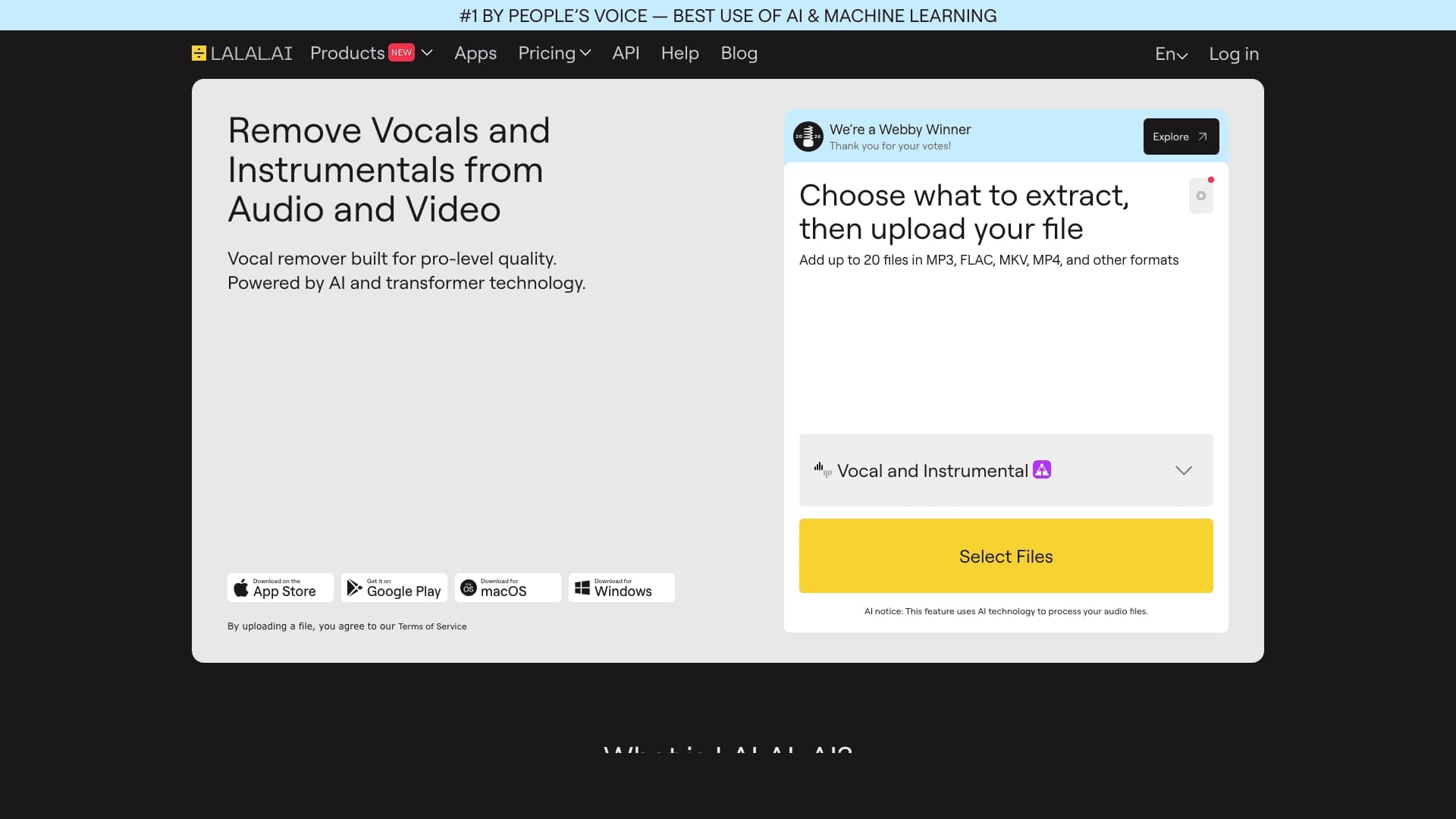
The main difference between iZotope RX and solutions such as LALAL.AI, Moises, PhonicMind, or VoiceToInstrument lies in the depth and specialization of the tool. While alternatives are more often focused on separating audio tracks (for example, isolating vocals from music), iZotope RX provides a full set of professional tools for fine audio restoration and cleaning sound from any type of interference. The program uses machine learning specifically to detect and eliminate defects, not to isolate sound sources. In addition, iZotope RX offers more than 20 highly specialized plug-ins and deep integration with professional audio editors via VST/AU, making it more of an engineering tool for working with sound than a consumer solution.
Conclusion
iZotope RX is a professional tool for automatic audio restoration and cleanup based on machine learning. The program suits both experienced sound engineers and content creators, effectively removing noise, clicks, echo, and other defects without losing the quality of the original recording. More than 20 built-in plug-ins, VST/AU support, and a user-friendly interface make iZotope RX one of the leading solutions in audio restoration.
Frequently asked questions

See also
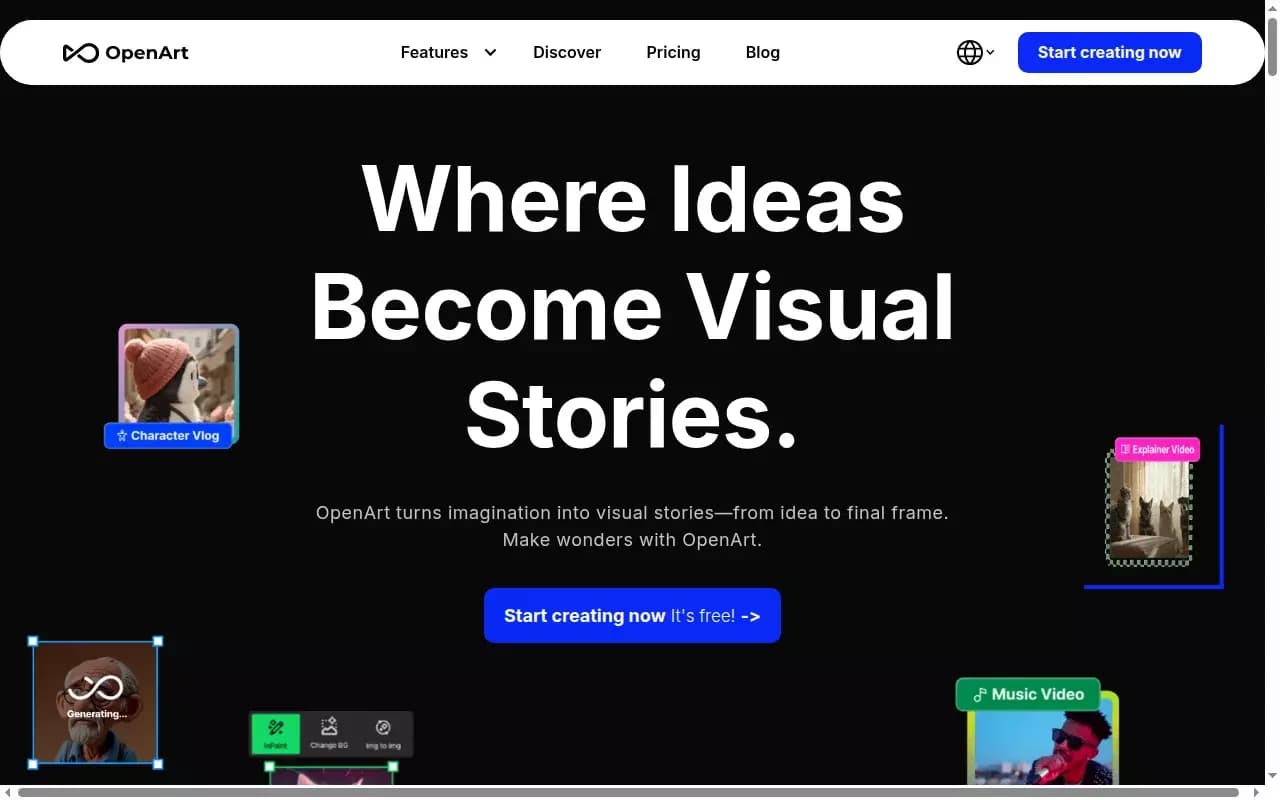

AI-powered platform for generating and editing images and videos.
Cloud platform for text-to-speech conversion with realistic AI-powered voices.


Cloud platform for launching AI applications directly in the browser without installation.


An AI-powered service for handling phone calls that transcribes conversations in real time and creates concise summaries of the discussion.
AI tool for musicians that lets you split audio recordings into separate tracks, change tempo and key, and generate full arrangements from a single audio track.

Neural network from Stability AI for generating music and sound effects from a text description or uploaded audio.


AI-based online service for converting written text into realistic speech.


Platform for recording, editing, and publishing podcasts and video content with built-in AI tools.