

HitPaw Voice Changer
A real-time voice changer program with over 200 AI effects.
Overview
HitPaw Voice Changer
Description of HitPaw Voice Changer AI
HitPaw Voice Changer is a desktop application for Windows and macOS that lets you change your voice in real time. The tool uses more than 200 AI-powered voice effects, making it suitable for voice calls, online meetings, gaming, and streaming. Users can also upload audio and video files for later processing. The interface is designed for a wide audience, from beginners to professional content creators. HitPaw Voice Changer is part of the HitPaw product ecosystem, which also includes image tools (AI Marvels), avatar tools (AI Avatar), and a video editor (Edimakor).
Purpose and use cases
The program is designed for real-time voice changing. Main use cases include: voice calls in messengers, online meetings and conferences, multiplayer games with built-in voice chat, and live streams on streaming platforms. HitPaw Voice Changer integrates with most popular communication apps and services.
Technology foundation
The app works by replacing the audio device: the user selects the virtual audio input "HitPaw Virtual Audio Input" in the settings of the target program (game, messenger, recording software), and all voice changes are then applied on the fly. This approach does not require additional hardware or complex audio system configuration.
HitPaw Voice Changer characteristics
| Characteristic | Value |
|---|---|
| Tool type | AI Voice Changer, AI Voice Over, AI Voice Enhancer, AI Vocal Remover |
| Platforms | macOS, Windows |
| Editorial rating | 7.8 out of 10 |
| User rating | 4.7 out of 5 |
| Pricing model | Paid |
| Free plan | None |
| Free trial | Not specified |
| Lifetime plan | No |
| Social media | TikTok, YouTube, Facebook, LinkedIn, Twitter, Instagram |
| Date added to catalog | June 17, 2024 |
Who is HitPaw Voice Changer AI for?
Gamers and streamers
The primary audience for HitPaw Voice Changer is gamers who want to diversify gameplay by changing their character’s voice in multiplayer games. Streamers use the tool to create comedic moments during live broadcasts, attract viewers’ attention, and add interactive elements to their streams.
Content creators
Bloggers and video makers use the program for voice-over, sound effects, and dubbing. The tool suits both amateur and professional use, for example, adding unique speech patterns to characters in animated videos.
Users of online communication
Any user who takes part in voice calls, online meetings, or various voice chats can experiment with voice masks. HitPaw Voice Changer lets you change your voice in real time during conversations, which suits both entertainment and work purposes (for example, anonymous participation in discussions).
How to use HitPaw Voice Changer AI?
Installation and setup
The process starts with downloading and installing the app on Windows or macOS. After launching the program, you need to set up the virtual audio input. This is a key step: in the settings of the target program (for example, a game or messenger), select "HitPaw Virtual Audio Input" as the audio input device.
Choosing a voice effect
Once the audio input is set up, the user can choose from more than 200 voice effects in the built-in library. Effects are grouped into categories: animals, characters, robots, cartoon voices, and others. A preview is available: the program lets you record a short clip or start speaking right away to evaluate the result.
Real-time usage
After selecting a voice effect, all changes are applied instantly. The user can start speaking into the microphone, and their voice will be transformed in real time in the target program. Similarly, users can upload audio or video files: the program will process them by applying the selected effect and produce the finished result.
Key features of HitPaw Voice Changer
Over 200 AI-based voice effects
The library includes effects of various types: from simple masks (raising/lowering pitch) to complex imitations of voices of well-known characters, animals, and robots. Effects are created using AI algorithms, which ensures natural-sounding output.
Real-time voice changing
The main function of the program is latency-free voice transformation. The user does not notice a difference between their original voice and the processed one, which is critical for games, streams, and voice calls.
Audio and video file upload support
HitPaw Voice Changer allows uploading finished audio and video files for later voice changing. This is convenient for offline content creation: the user can record a voice-over and then apply the desired effect to it.
User-friendly interface
The app has a simple, intuitive interface. All key controls (effect selection, audio input/output configuration, preview listening) are on the main screen. This makes the program accessible to users without technical experience.
Advantages of HitPaw Voice Changer
Real-time voice changing with no noticeable delay
The program processes the audio stream with minimal latency, making it suitable for dynamic scenarios such as games, streams, and voice chats. The delay is virtually unnoticeable to conversation participants.
Wide selection of voice effects
A library of over 200 AI effects covers most popular scenarios: from realistic voices to funny or fantastical masks. Users do not need to download extra packages or plugins.
Easy setup and use
No special knowledge or skills are required to use HitPaw Voice Changer. Setting up the virtual audio input takes less than a minute, and applying effects is a matter of clicking the desired item in the list.
Suitable for gaming and streaming
The tool is specifically optimized for scenarios where stable, uninterrupted operation matters. Thanks to virtual audio device support, it works with popular games, streaming platforms, and recording software.
Drawbacks of HitPaw Voice Changer
Not an open-source tool
HitPaw Voice Changer is proprietary software. Users do not have access to the source code, which may matter to those who prefer open-source software or want to customize the functionality.
A paid license may be required for full functionality
The program is distributed under a paid model. Although trial access exists, a license is required to use all 200 effects and key features. There is no free plan.
Limited advanced AI customization options
Users who need fine-grained voice adjustments (precise control over timbre, formants, attack, reverb)
Frequently asked questions

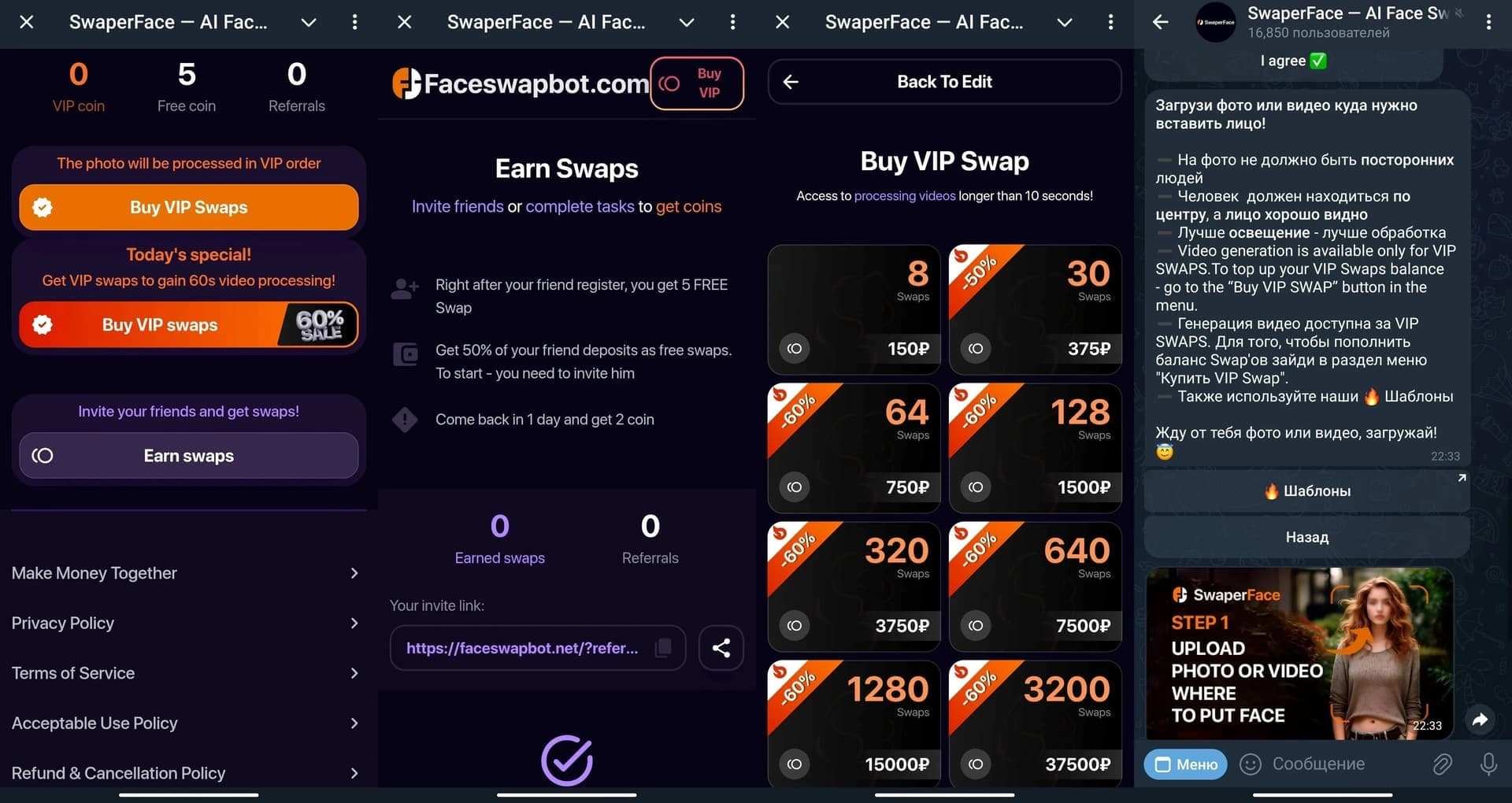

See also
OpenAI's multimodal flagship model that works with text, images, audio, and video.
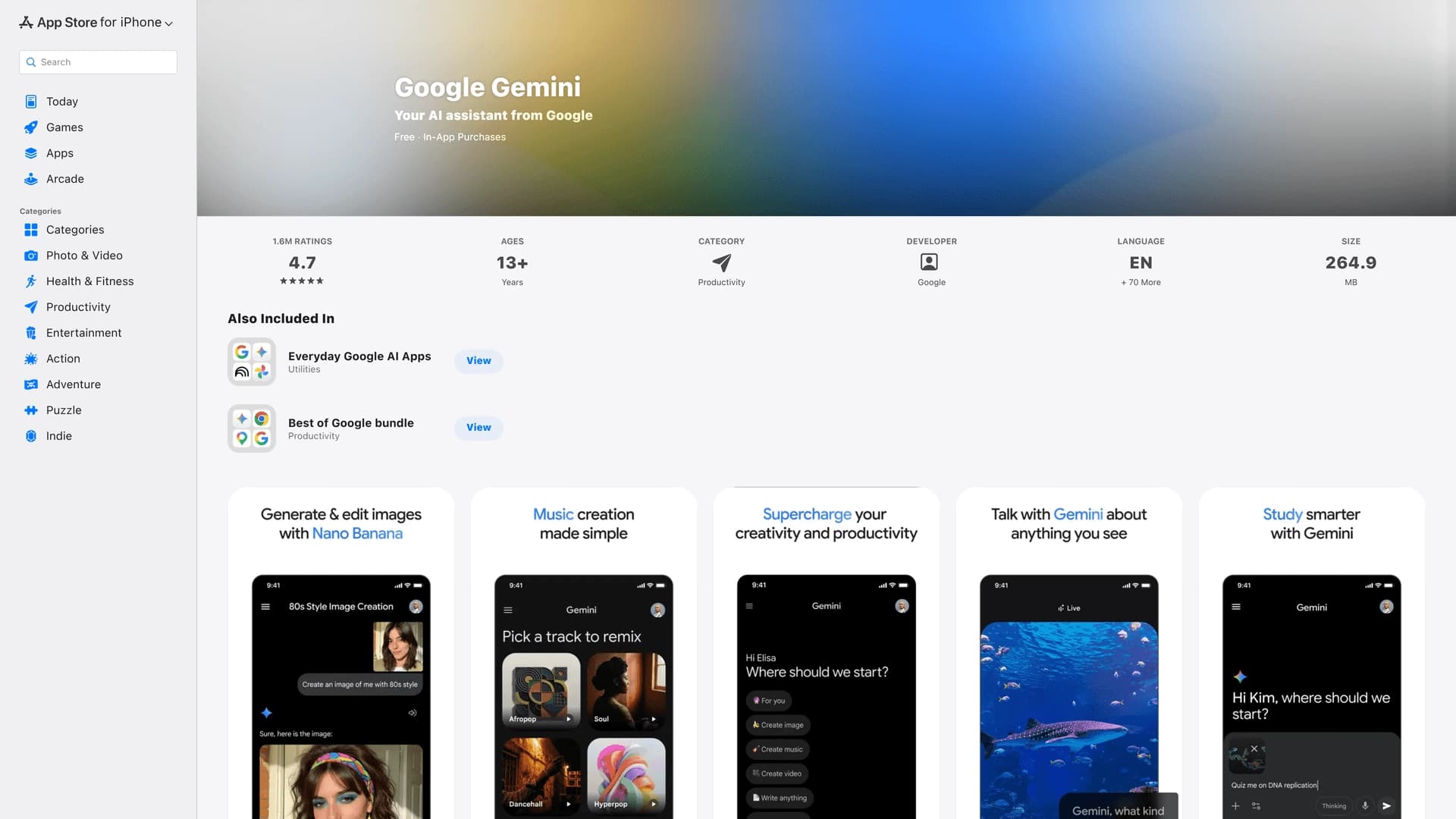

The official mobile app of Google's AI assistant for iPhone, working with text, voice, and camera.


Platform for recording, editing, and publishing podcasts and video content with built-in AI tools.
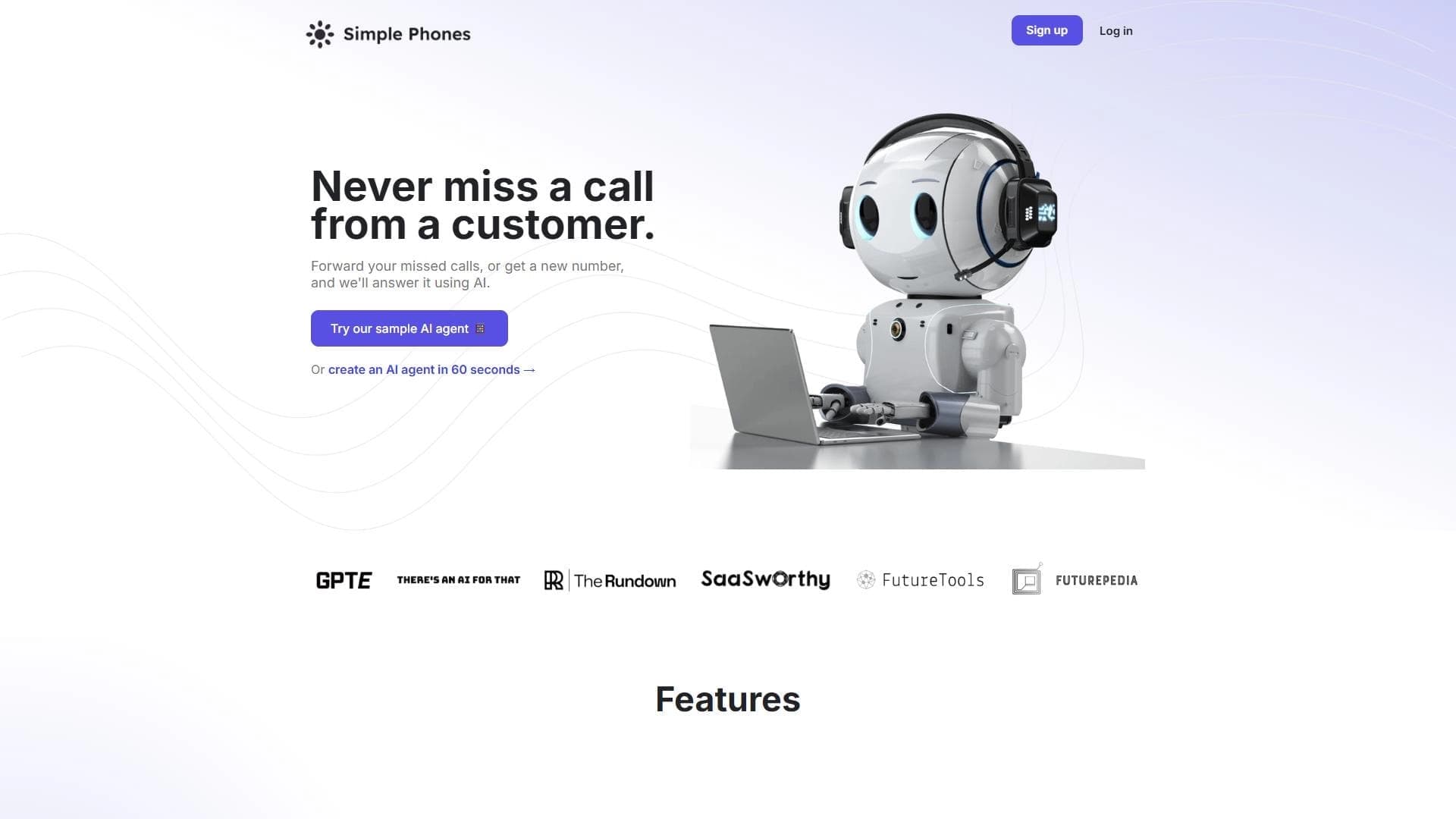
Platform for automating phone call processing with an AI agent.
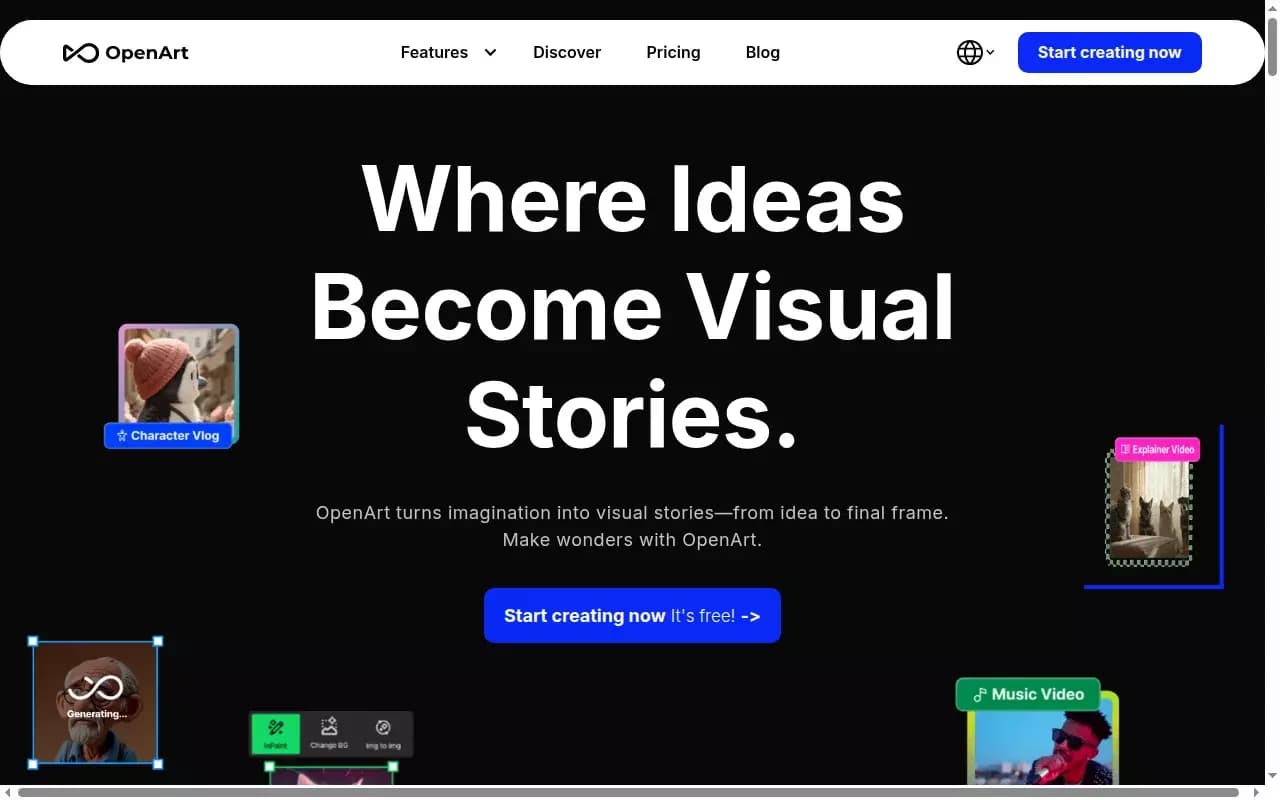

AI-powered platform for generating and editing images and videos.
Cloud platform for text-to-speech conversion with realistic AI-powered voices.
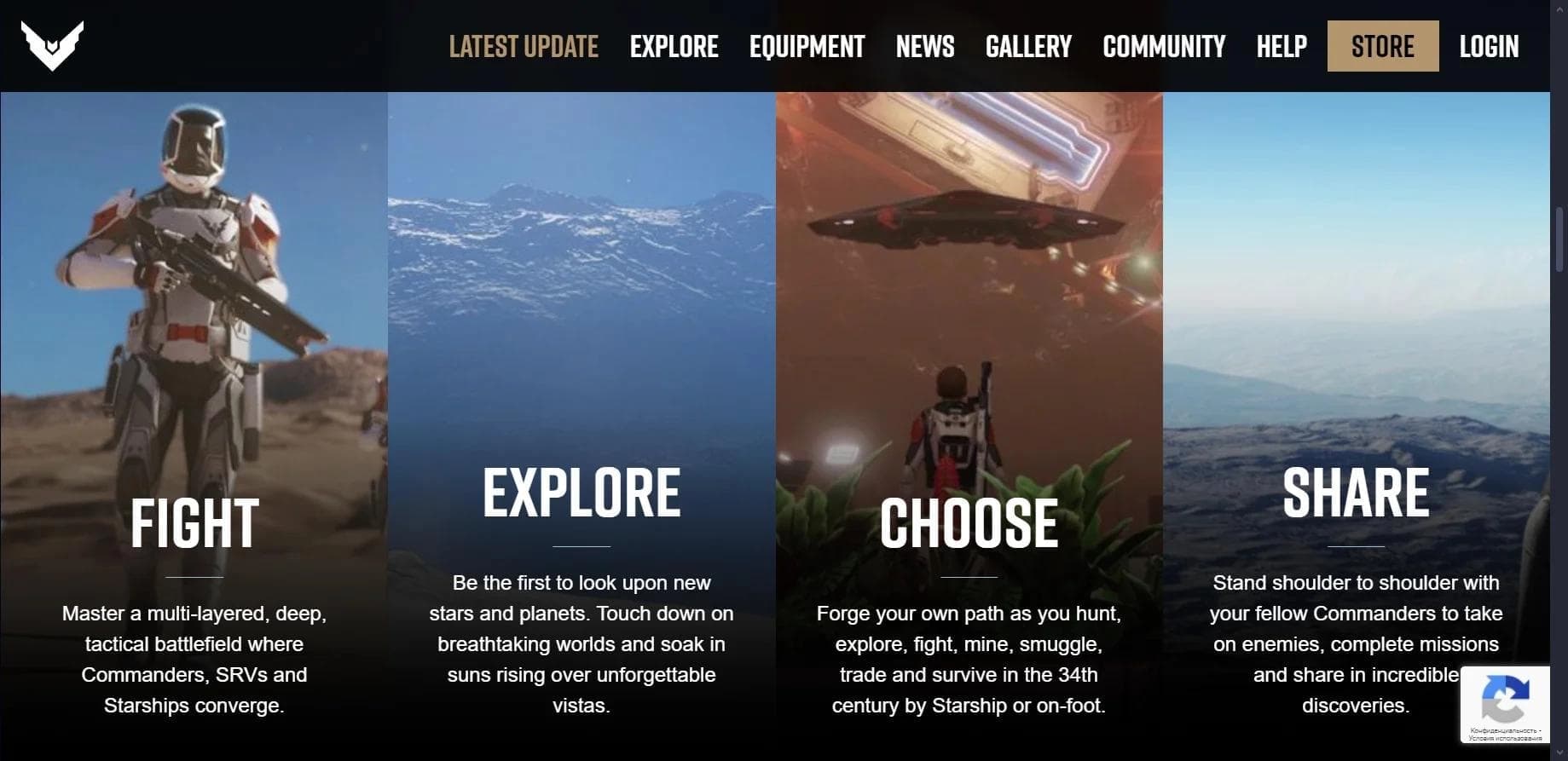

Multiplayer open-world space simulator using AI for NPC control and event generation.
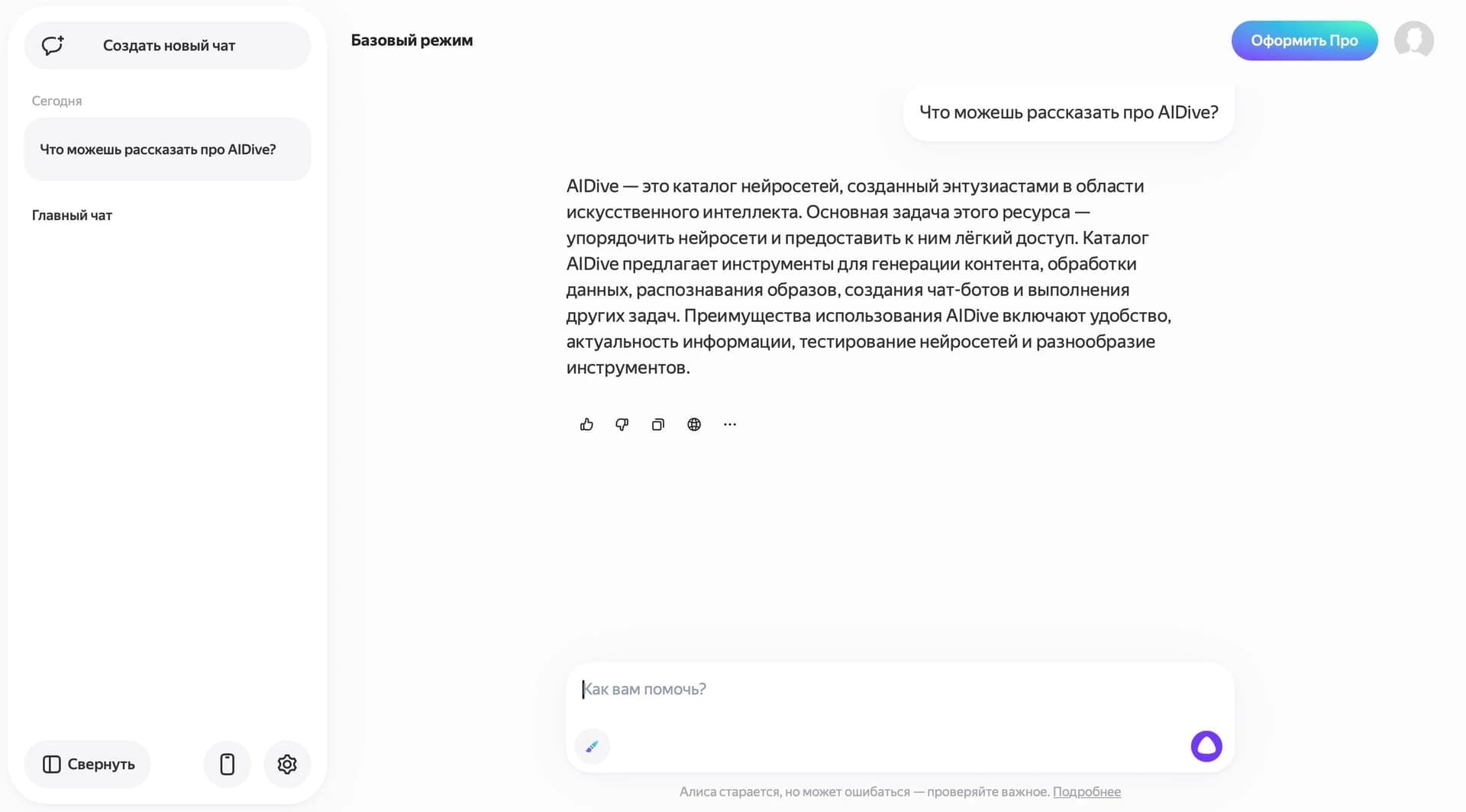

Yandex's multimodal voice assistant powered by the YandexGPT neural network that answers questions, generates texts and images, analyzes files, and controls the smart home.