

DeepSeek AI Assistant for iPhone
Official mobile app of the Chinese neural network DeepSeek with a free AI chat for reasoning, coding, and answering questions.
Overview
DeepSeek AI Assistant for iPhone
Description of the DeepSeek AI Assistant neural network for iPhone
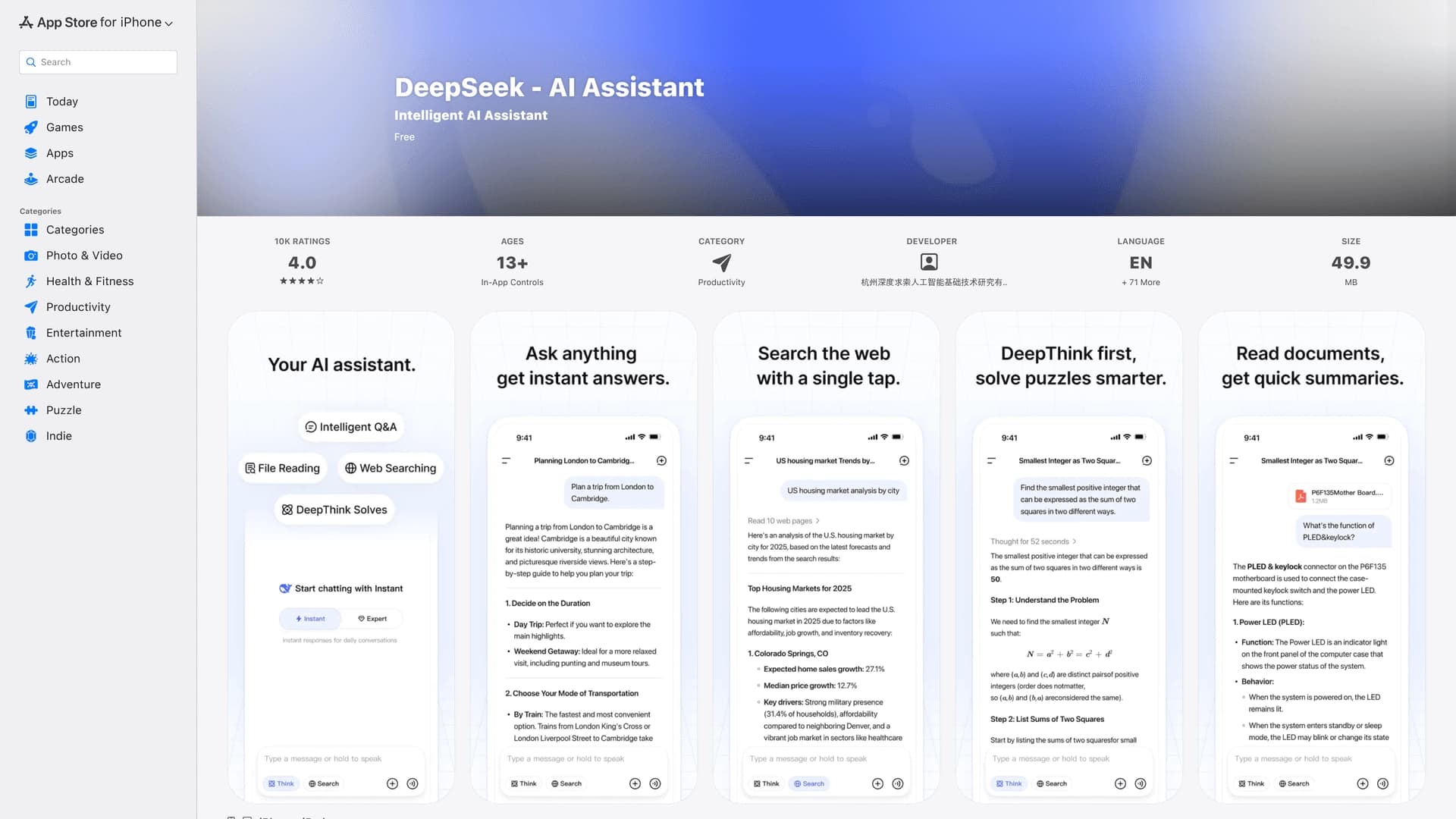
DeepSeek AI Assistant for iPhone is the official mobile app of the Chinese language model DeepSeek, providing free access to an AI chat. The platform focuses on logical reasoning, writing and analyzing code, and generating structured responses to user requests. The app is adapted for iPhone screens, requires no complicated registration process, and is suitable for academic, technical, and everyday tasks.
Key focus of DeepSeek AI Assistant
DeepSeek emphasizes depth of reasoning and step-by-step explanations of solutions. Unlike many general-purpose AI chats, this model delivers strong results in tasks that require logical inference, solving formulas, and writing code.
Who the app is designed for
The app is designed for users who need a quick, free AI assistant on a mobile device — students, developers, technical specialists, and anyone who regularly needs an explanation or a text draft without access to a desktop.
DeepSeek AI Assistant for iPhone features
| Feature | Value |
|---|---|
| Type | AI chat |
| Platforms | iPhone (iOS) |
| Categories | Code assistants, Copywriting, Search and analysis |
| Free plan available | Yes (free to start) |
| Developer | Chinese neural network DeepSeek |
| Publication date on site | May 1, 2026 |
| Website | apps.apple.com |
Who is the DeepSeek AI Assistant neural network for iPhone suitable for?
Students and learners
The app helps break down complex topics and provides step-by-step explanations in math, physics, programming, and other subjects. It is a convenient tool for preparing for classes and doing homework right from your phone.
Developers and technical specialists
DeepSeek AI Assistant handles code writing, refactoring, bug hunting, and algorithm explanations well. Developers can use it as a mobile assistant for quick technical consultations.
Users who need a fast AI chat without registration
The app does not require filling out long forms or identity verification. You just download it from the App Store and start chatting — this makes it accessible to a wide range of users who value a quick sign-in experience.
How to use the DeepSeek AI Assistant neural network for iPhone?
Installing from the App Store
The app is available for download in the official App Store. Once installed on your iPhone, you can get started right away — the registration process is as simple as possible.
Getting started and the chat interface
After launching the app, the user lands in the chat interface. To send a request, simply enter text in the input field. The DeepSeek model processes the request and returns an answer with step-by-step explanations, code, or text solutions depending on the task.
Formulating requests
The app supports both short questions and more detailed tasks. For best results, it is recommended to clearly state the task, especially when code writing or logical reasoning is required. The model handles queries in Russian and English well.
Key features of DeepSeek AI Assistant for iPhone
Support for code work and logical reasoning
DeepSeek specializes in tasks that require sequential logical inference. The model can analyze conditions, build reasoning chains, and provide well-founded solutions. Popular programming languages are supported for code writing, and answers come with comments and explanations.
Step-by-step answers with explanations
Unlike many AI chats that produce a final result without explanation, DeepSeek structures its answers into logical steps. This is especially useful for solving math problems, breaking down algorithms, or analyzing technical issues.
Working with text, formulas, and drafts
The app supports creating text drafts, working with formulas, and handling structured data. The user can ask for an article summary, an outline, text editing, or an equation to be solved — the model adapts its answer to the format of the request.
Advantages of DeepSeek AI Assistant for iPhone
Free AI chat without complicated registration
One of the app's main strengths is that access to the DeepSeek model is completely free. Users do not need to enter bank card details or go through lengthy verification — just install the app and start the conversation.
Well adapted for the iPhone mobile screen
The app interface is optimized for touch controls and smaller screens. Controls are conveniently placed, text reads without zooming, and answers are formatted for mobile display — code and formulas are not cut off or misaligned.
Strong reasoning and code work
DeepSeek delivers high-quality answers in tasks that require logic and programming. The model can break down conditions, generate working code, and provide detailed explanations, setting it apart from many free general-purpose AI chats.
Drawbacks of DeepSeek AI Assistant for iPhone
Speed depends on load and region
The availability and speed of the app may vary depending on the current load on DeepSeek servers and the user's geographic region. During peak hours, delays in generating responses are possible.
Limitations when searching for fresh information
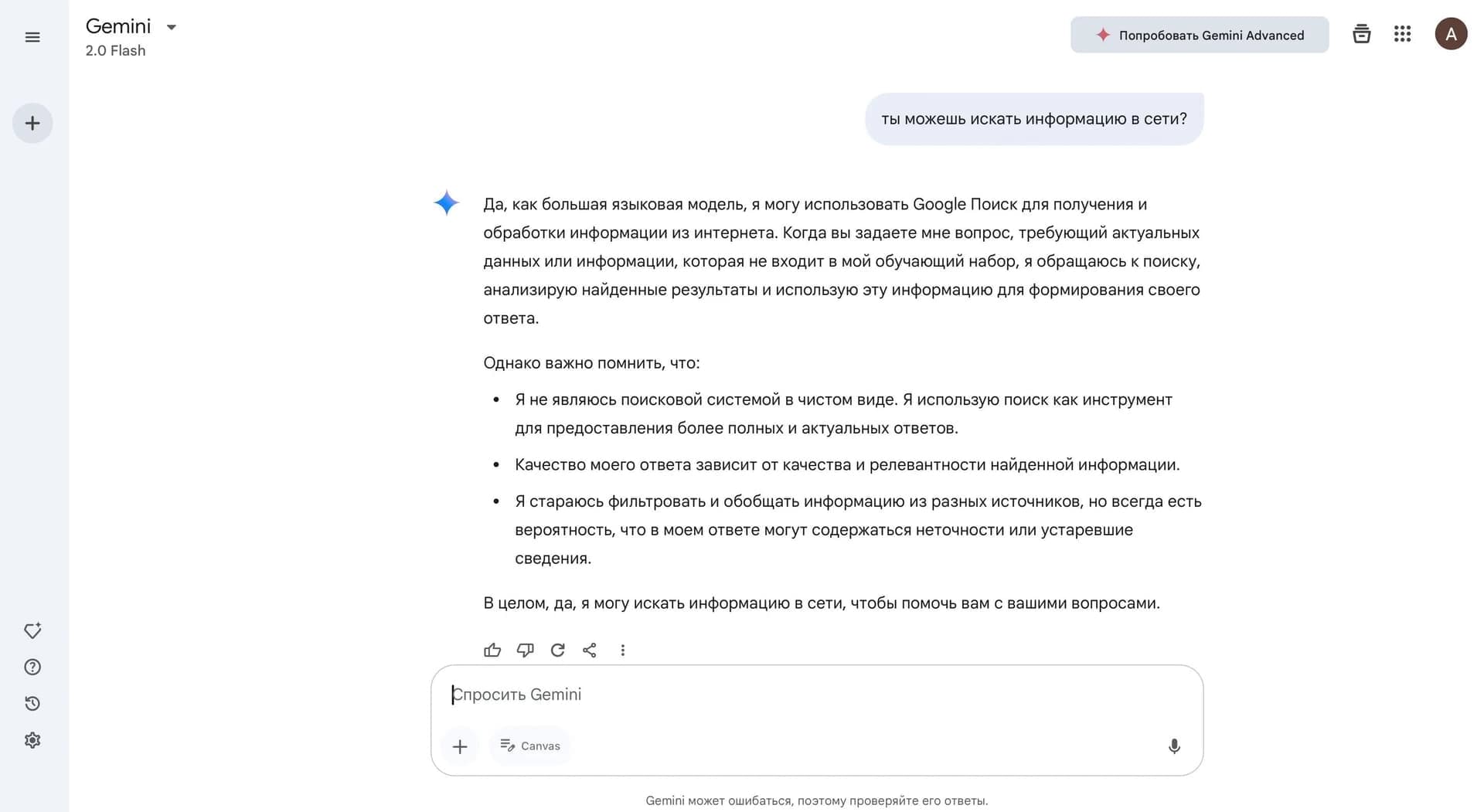
DeepSeek is not designed for retrieving up-to-date data from the internet. For tasks that require checking against the latest news, updates, or fresh sources, the developers recommend using specialized AI search engines such as Perplexity.
What tasks does DeepSeek AI Assistant for iPhone solve?
Explaining tasks and step-by-step logic
The model is suitable for breaking down academic and technical tasks that require sequential explanations. The user can ask a question in math, physics, logic, or programming and receive a detailed answer with intermediate steps.
Writing drafts and programming help
DeepSeek helps create text drafts — from short notes to structured documents. In programming tasks, the model can generate code, identify bugs, suggest optimizations, and explain how algorithms work using concrete examples.
Solving formulas and technical tips
The app handles solving equations, formula calculations, and answers to highly specialized technical questions. This makes it a useful tool for quick reference without having to open a computer or textbook.
DeepSeek AI Assistant for iPhone pricing
The app offers a free start for all users. A detailed description of pricing plans is not provided on the app's App Store page — the basic version is available at no cost. Additional plans or limits may be introduced by the developer in the future, but at the time of publication the model is distributed under the free model.
Terms of use for DeepSeek AI Assistant for iPhone
Using the app requires an iOS device and installation from the App Store. Registration is simple and does not require full mandatory verification by email or phone number. There may be restrictions on response speed and feature availability depending on the user's region of residence and the current load on DeepSeek servers.
Availability of DeepSeek AI Assistant for iPhone
The app is available for download on iPhone through the official App Store. Speed and connection stability may vary depending on the geographic region — in some countries, delays or periodic service unavailability may occur due to infrastructure limitations.
How DeepSeek AI Assistant for iPhone differs from alternatives
The main difference between DeepSeek AI Assistant and other AI chats is its focus on logical reasoning and programming help while remaining completely free. Many alternatives offer similar features only in paid subscriptions or impose strict limits on the number of requests. At the same time, DeepSeek is not positioned as a tool for searching fresh web sources — for that purpose, the app page directly recommends using Perplexity or other AI search engines. This makes DeepSeek a specialized solution for academic and technical tasks rather than a universal search assistant.
Conclusion
DeepSeek AI Assistant for iPhone is a free AI chat focused on logic, code, and structured answers, well suited for studying and technical tips on a mobile device. The app is adapted for iPhone, requires no complicated registration, and provides free access to the powerful DeepSeek language model. It will become a useful tool for students, developers, and anyone who needs a quick assistant for logical and technical tasks. However, for searching fresh information on the internet, it is better to use specialized solutions.
Frequently asked questions
Similar AI tools




See also
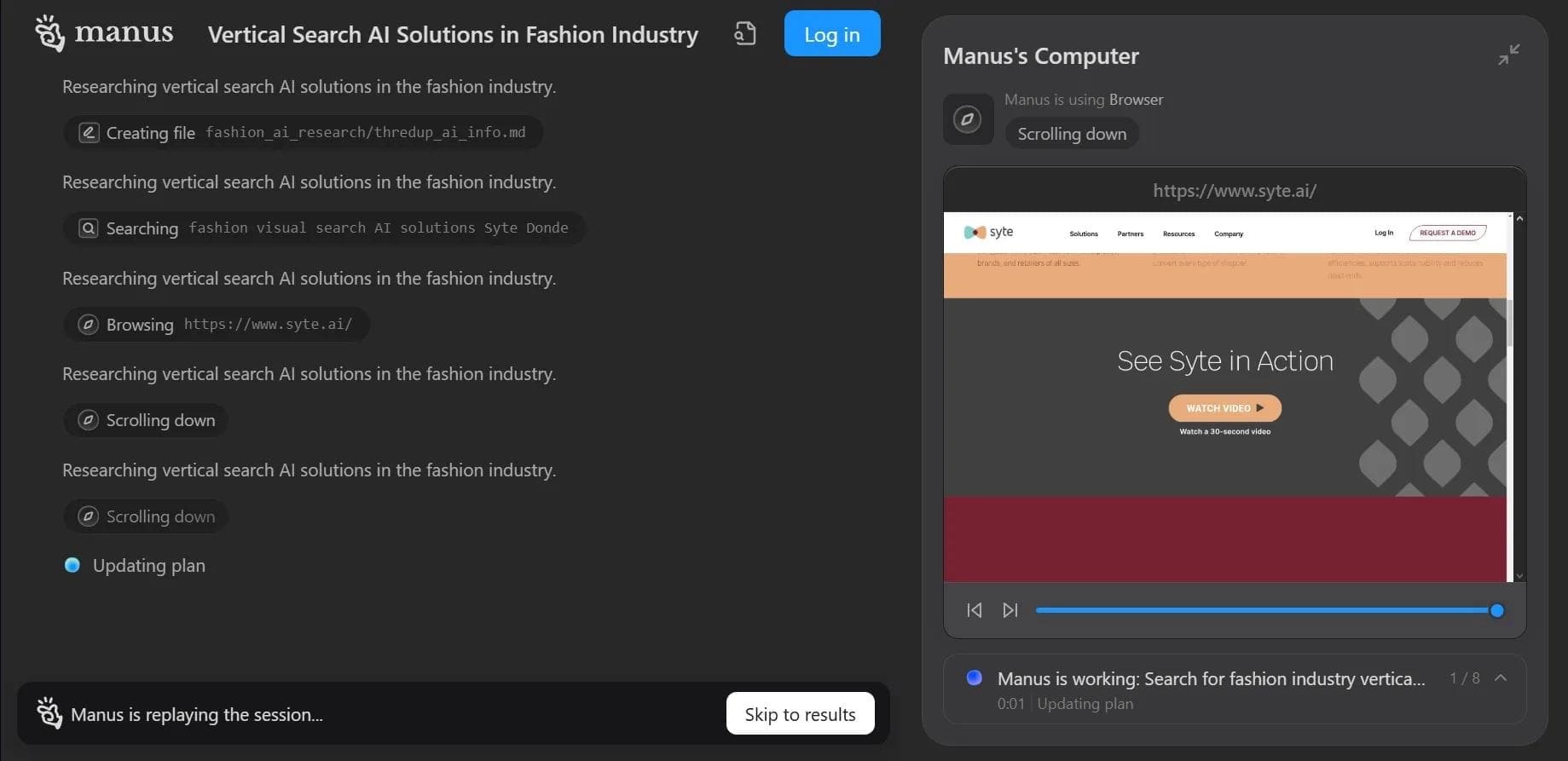

Autonomous cloud-based AI agent that independently plans and executes complex multi-step tasks based on a textual description of the goal.

Multimodal neural network from Google that processes text, images, code, and audio in a conversational format.
An open-source desktop AI agent that stores conversation history in a local knowledge base and automatically pulls relevant context into new discussions.

A set of built-in AI features in the Figma editor for automating routine designer tasks.
A service that translates legal documents from professional legal language into plain, easy-to-understand text.
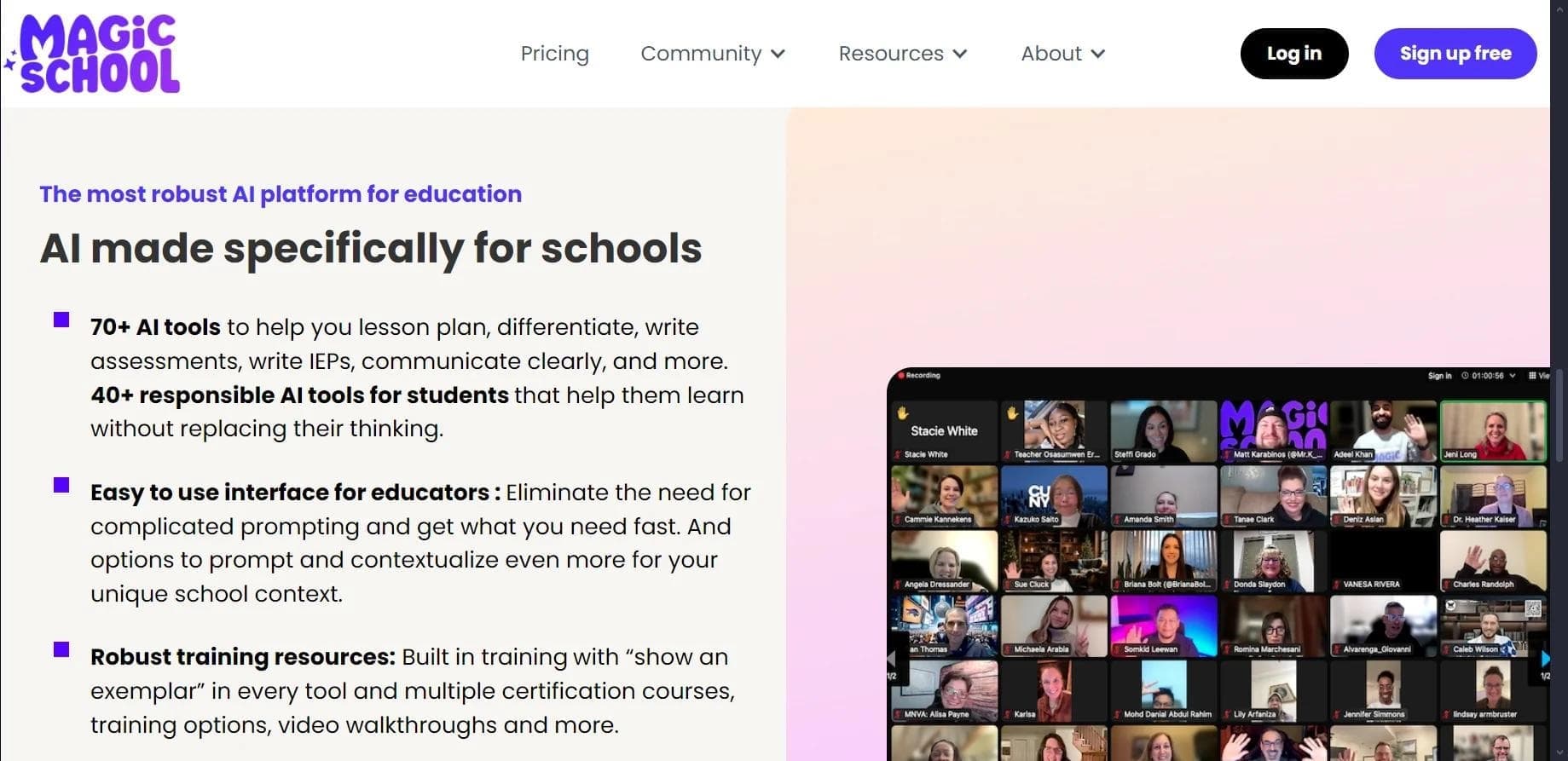

AI platform for automating educational tasks for teachers and students.

A community for daily discovery and discussion of new technology products.
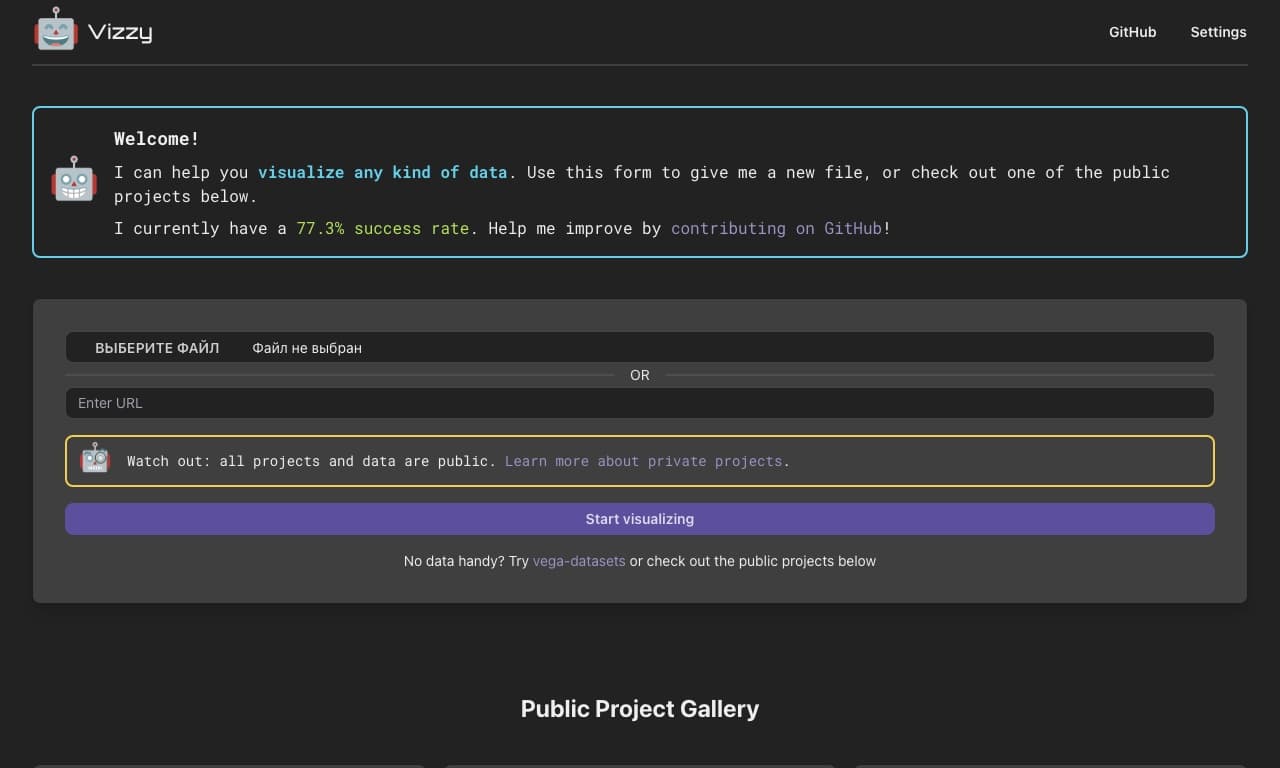
AI tool for rapid data visualization via OpenAI API, transforming heterogeneous datasets into detailed graphical representations.