

DeepL
Neural network service for translating texts and documents with high accuracy, complemented by a tool for improving style and grammar.
Overview
DeepL
What is DeepL?
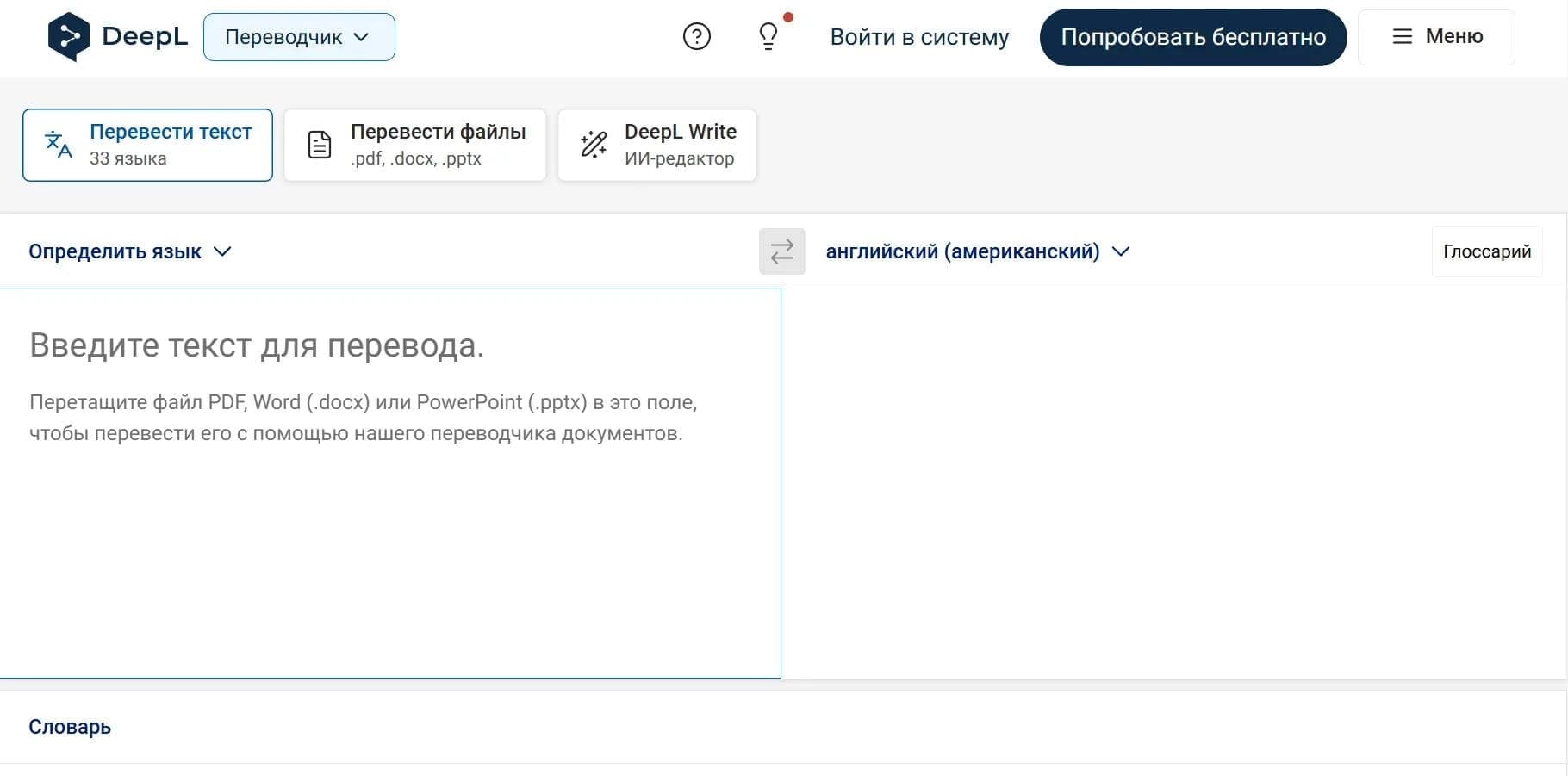
DeepL is a neural-network-based machine translation service developed by the German company DeepL GmbH in 2017. The service's main goal is to deliver the most accurate and natural-sounding translation of texts and documents. It relies on a language model trained on materials reviewed by professional linguists, which allows it to achieve high accuracy in conveying subtle nuances of meaning. In addition to translation, DeepL offers the DeepL Write tool for improving written text — it corrects style and grammar and helps find synonyms.
DeepL Key Features
| Characteristic | Value |
|---|---|
| Type | AI service for translation and text improvement |
| Developer | DeepL GmbH (Germany, Cologne) |
| Year founded | 2017 |
| Supported languages | 33 (including Russian, English, Japanese) |
| Training data volume | 14.8 trillion tokens |
| Platforms | Web, Windows, macOS, iOS, Android, browser extensions for Chrome, Edge, Firefox |
| Supported document formats | PDF, Word, PowerPoint, Excel, HTML, TXT |
| Distribution model | Freemium |
| Rating | 4.7 / 5.0 |
| Editorial score | 8.2 / 10 |
Who is DeepL for?
Business users and localization specialists
DeepL suits companies that need to translate business documentation, contracts, presentations, and marketing materials. The service helps localize content for entering new markets and supports internal communication in international teams.
Translators, writers, and copywriters
Professional translators use DeepL to speed up their work, while writers and copywriters use DeepL Write to check style and grammar. The tool is also useful for SEO text optimization and for improving written content.
Students, researchers, and travelers
Students and academics use DeepL to translate academic materials. Travelers can quickly translate texts on the go with the mobile app, and everyday users can handle routine tasks involving foreign languages.
How to use DeepL?
Translating text via the website or app
Open deepl.com or launch the app on Windows, macOS, iOS, or Android. Select the source language (or leave automatic detection) and the target language. Paste your text into the left field and click the "Translate" button. You can copy, download, or immediately edit the result.
Translating entire documents
Upload a file in PDF, Word (docx), PowerPoint (pptx), Excel, or TXT format up to 100 MB. The service will translate the entire document while preserving its original formatting. The free version includes one editable file translation per month, while paid plans offer more.
Using browser extensions
Install the DeepL extension for Chrome, Edge, or Firefox. It lets you translate entire web pages or selected text fragments right in your browser. This is convenient for reading articles in foreign languages or working with comments in web interfaces.
API integration
The DeepL API is used to automate translation on websites or in applications. It provides 500,000 characters per month free of charge. Paid API plans allow you to configure glossaries and manage large translation volumes.
Core DeepL Features
Text and document translation
DeepL supports translation into 33 languages. The service processes PDF, Word, PowerPoint, Excel, HTML, and TXT files while preserving formatting. The maximum uploaded document size is 100 MB.
DeepL Write editor
A tool for improving written texts. It corrects style and grammar, suggests synonyms, and makes text sound more natural. It works through the web interface and is available in five languages.
Custom glossaries and translation tone
Users can create their own glossaries to ensure consistent terminology across translations. You can also adjust the formal or informal tone of the translation, which is especially important for business correspondence.
Clarify feature and automatic language detection
The Clarify feature lets you refine the translation context. The service automatically detects the source language of the text, simplifying your workflow. The paid version supports processing up to 128,000 tokens of context for more accurate results.
Integrations with office tools and platforms
DeepL integrates with Microsoft Word, Google Workspace, Chrome, Edge, and Firefox browsers, as well as localization platforms. An API is also available for embedding translation into third-party applications and websites.
DeepL Advantages
High translation accuracy and quality
DeepL delivers translation accuracy that, according to the developer, is three times higher than that of competitors. The service uses proprietary neural networks and linguistic data trained by professional translators. This allows it to convey semantic nuances and achieve a natural-sounding result.
Security and data privacy
The paid DeepL Pro version provides a high level of data protection: encryption, access control, and compliance with ISO 27001 and SOC 2 Type II standards. Translated texts are not used to train models. This makes the service suitable for working with confidential documents.
Wide range of tools
DeepL offers not only translation but also a text improvement editor (DeepL Write), customizable glossaries, translation tone selection, and the Clarify feature for refining context. The service is available on all major platforms — web, desktop, mobile apps, and browser extensions.
DeepL Disadvantages
Limitations of the free version
The free plan has strict limits: 50,000 characters per month for text translation, only one editable file per month, and one saved translation pair. These volumes are often insufficient for professional use.
No offline mode
DeepL requires a stable internet connection. A full offline mode is not available, which limits the service's use in no-connectivity environments.
Limited information about drawbacks
The official website and public sources provide little data on the service's potential weaknesses. There is also no direct user community on platforms such as Discord or Telegram, which may make it harder to get feedback.
What problems does DeepL solve?
Translating work documents and business correspondence
The service helps translate contracts, reports, presentations, and emails for international teams. Document support with formatting preservation simplifies handling complex files.
Localizing content and websites
DeepL is used to translate marketing materials, instructions, and web pages when entering new markets. Glossaries ensure terminology consistency across large volumes of content.
Improving the style and grammar of written texts
DeepL Write helps writers, copywriters, and SEO specialists refine style, fix grammar errors, and find synonyms. This is useful for preparing professional texts in your own language.
Academic and educational tasks
Students and researchers translate scientific articles, books, and study materials. Automatic language detection and the Clarify feature make working with complex texts easier.
Automating translation via API
Developers and companies integrate the DeepL API into their apps and websites for mass translation. This reduces manual translation costs and speeds up content processing.
DeepL Pricing
DeepL operates on a freemium model. The free plan offers basic features with limitations. Paid subscriptions are divided into several tiers:
- Free: 50,000 characters per month, 1 editable file per month, 1 saved translation pair, 1 glossary with 5 entries.
- Individual (from $7.49 per month billed annually): 300,000 characters per month, 3 editable files, full-page translation, customizable glossaries.
- Team ($24.99 per month): 1,000,000 characters per user per month, 20 editable files, batch file upload, 10 saved translations, 5 glossaries with 100 entries, CAT tool integration, analytics, SSO.
- Business ($49.99 per month): unlimited text translation, 100 editable files, unlimited saved translations, 250 glossaries with unlimited entries, 99% uptime, includes DeepL Write Pro.
An annual subscription comes with a 16% discount. A 30-day free trial is available with no credit card required. The API provides 500,000 characters free every month.
DeepL Terms of Use
Free plan
Registration is not required for basic use. The free version allows translating text fragments of up to 3,000 characters at a time. The monthly limit is 50,000 characters. You can upload one editable file per month. The glossary is limited to 5 entries.
Paid subscriptions
Access to DeepL Pro requires a paid subscription. Users get higher character limits, the ability to upload multiple files, unlimited glossaries (on the Business plan), and additional features such as batch file upload, CAT tool integration, and analytics. Paid versions also guarantee that translated texts are not used to train models.
Security and privacy
On paid plans (especially Business), data is protected by encryption, access control, and security certifications (ISO 27001, SOC 2 Type II). For work with confidential documents, the paid version is recommended.
DeepL Availability
DeepL is available through the website deepl.com, as well as through apps for Windows, macOS, iOS, and Android. Browser extensions are available for Chrome, Edge, and Firefox. The service supports 33 languages, including Russian, English, Japanese, and others.
Top usage regions: Germany (15.72%), Japan (12.45%), France (7.41%), Spain (4.98%), Italy (4.01%). Access to the service may be restricted in some regions. A stable internet connection is required — no offline mode is available.
How does DeepL differ from alternatives?
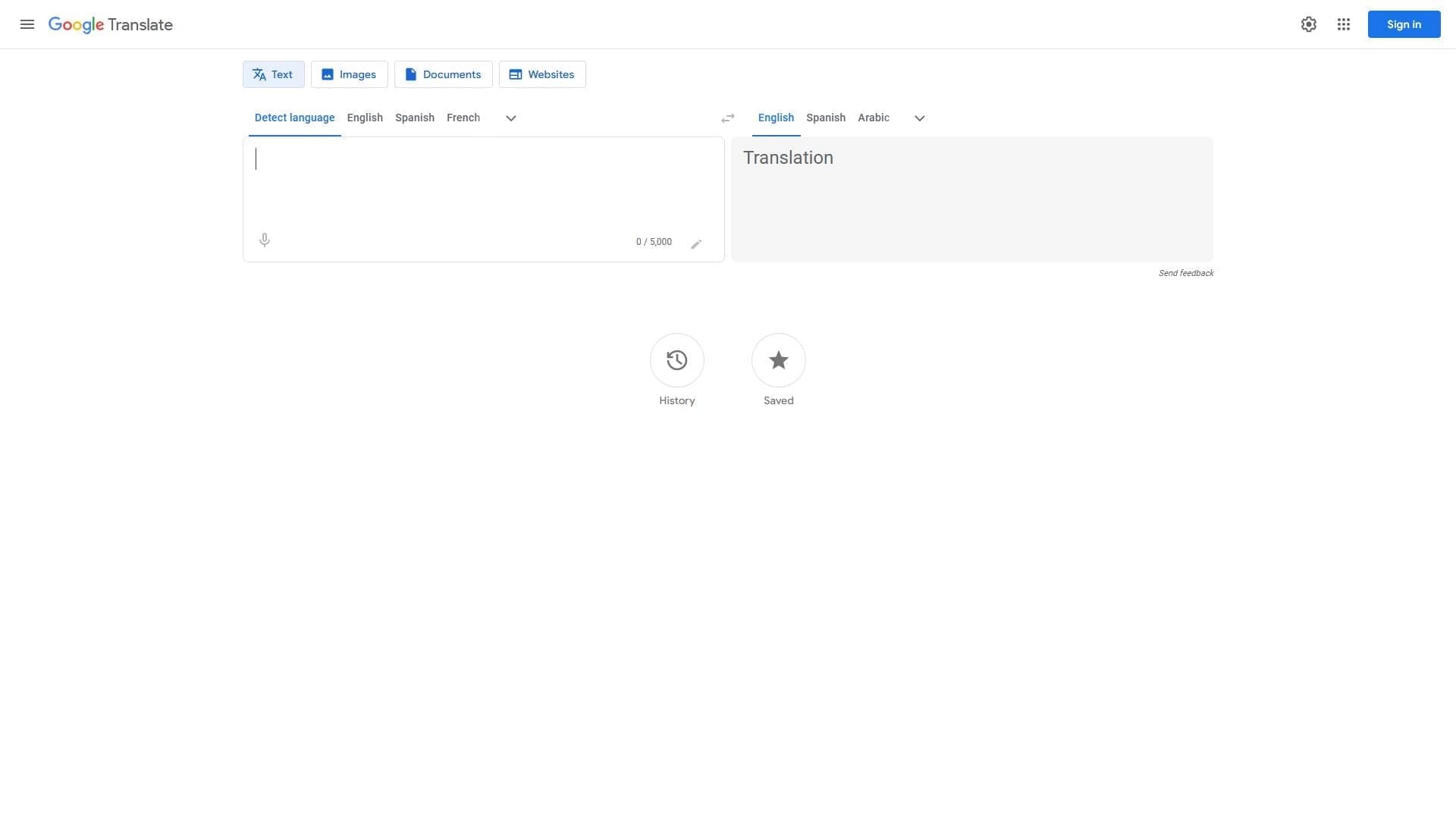
DeepL stands out from competitors (Google Translate, Microsoft Translator, Amazon Translate) primarily for its claimed translation accuracy, which the developer says is three times higher. This is achieved through proprietary neural networks trained on materials reviewed by professional linguists.
Unlike many alternatives, DeepL offers a built-in DeepL Write editor for improving style and grammar, not just translation. The service also provides advanced customization options: glossaries for terminology consistency, the Clarify feature for refining context, and the choice of formal or informal translation tone.
A significant advantage is the strict approach to data security in the paid version — compliance with ISO 27001 and SOC 2 Type II standards, with a guarantee that translated texts are not used to train models. This attracts companies working with confidential information. At the same time, DeepL has a limited free version and no offline mode, which may be a drawback for users unwilling to pay or working without internet access.
Conclusion
DeepL is a mature and reliable machine translation service that has established itself as one of the most accurate tools in its category. Thanks to a neural network trained on professional linguistic data, it delivers natural-sounding translations and a deep understanding of context. A broad range of features — from document support and glossaries to the built-in DeepL Write editor and API — makes it a versatile solution for both individual users and businesses. The combination of high accuracy, strict security measures, and flexible pricing keeps DeepL a go-to tool for translating and improving texts in dozens of languages.
Pricing
Frequently asked questions
Similar AI tools



See also
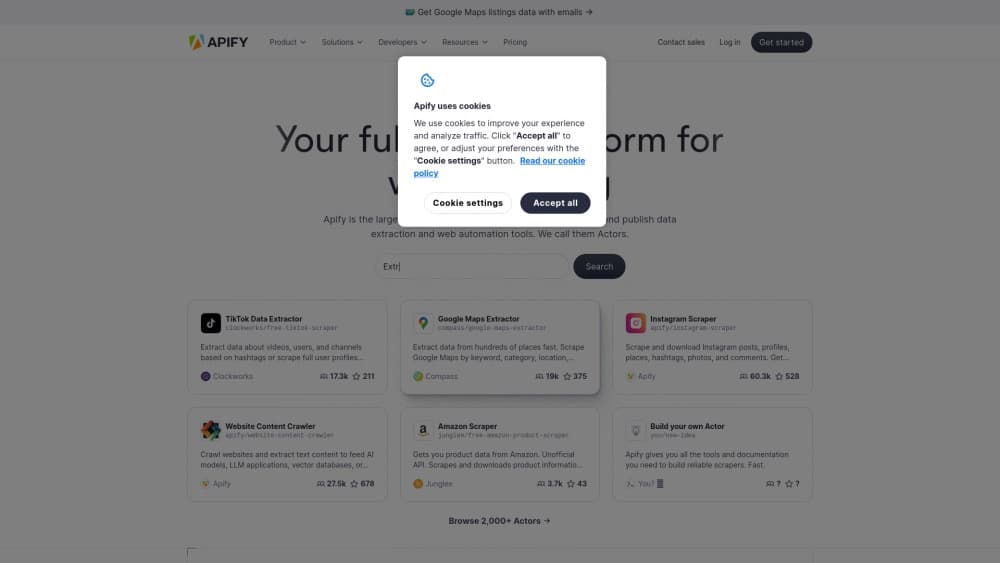
Platform for collecting data from websites and automating web scraping using ready-made or custom scripts.


AI-powered online service for generating academic texts such as essays, summaries, and motivational letters.
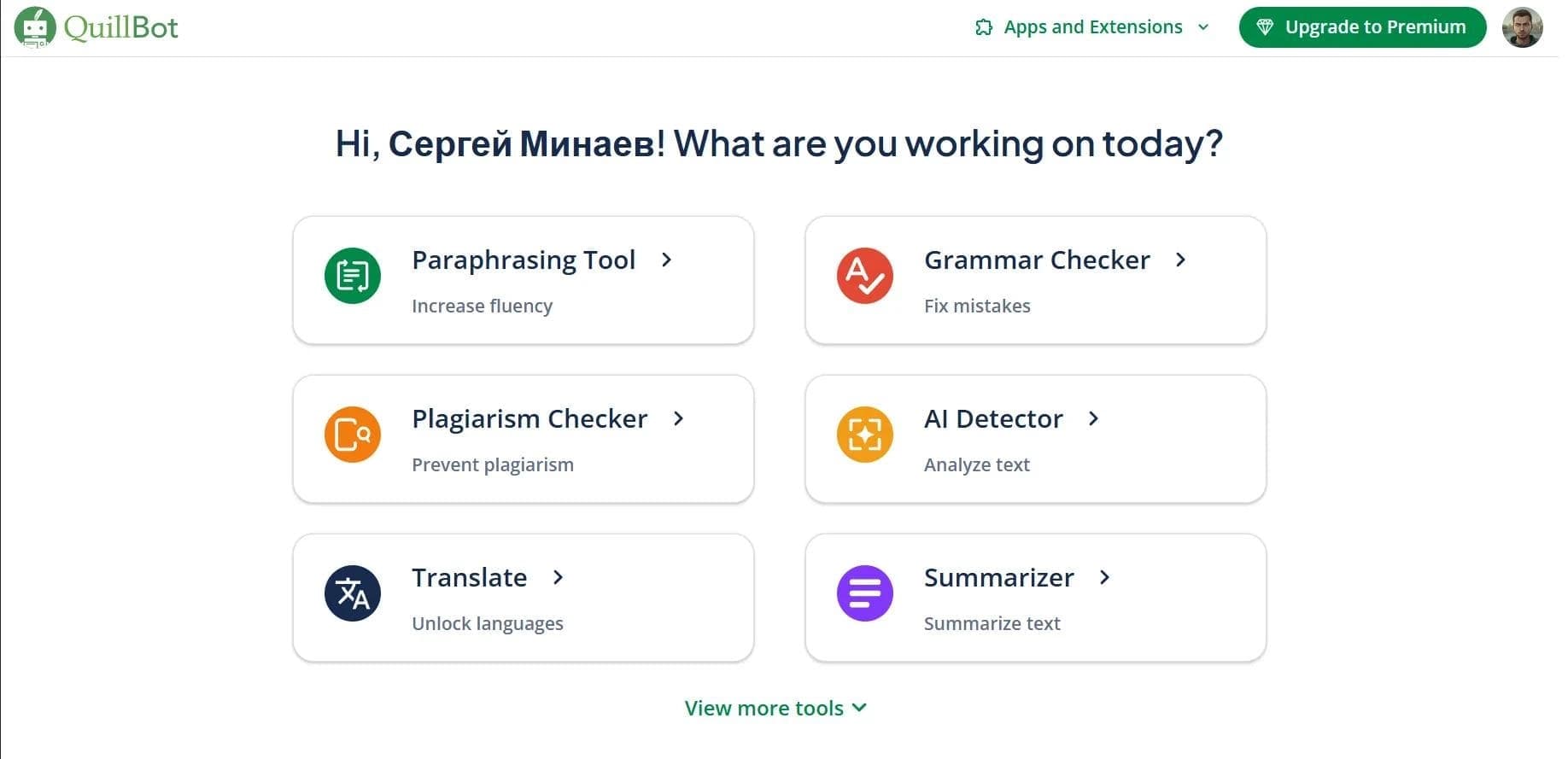

AI assistant for paraphrasing, grammar checking, and working with text in multiple languages.
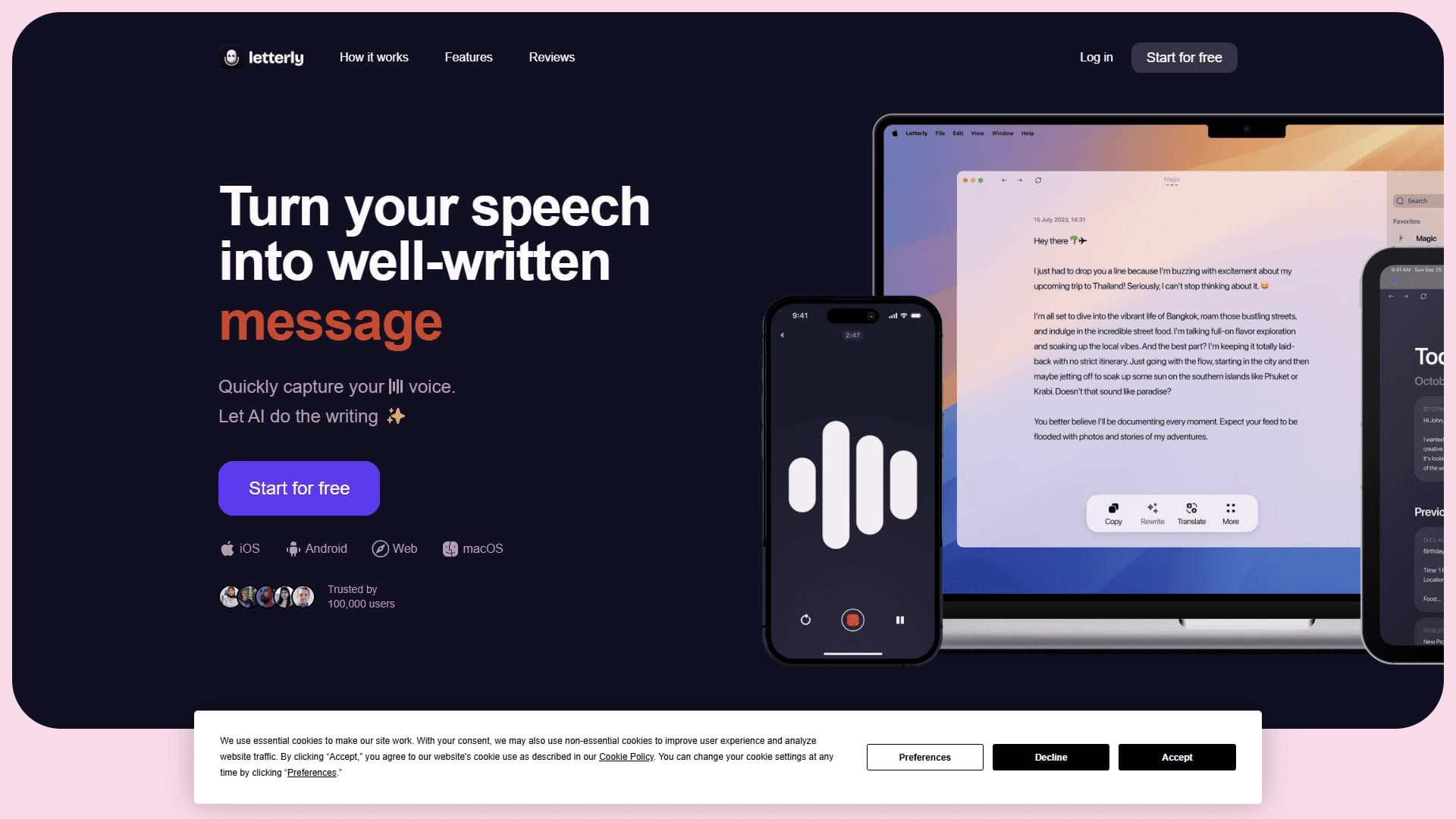

App for converting voice recordings into structured text using AI.


A service for detecting texts created by artificial intelligence, with the ability to check for plagiarism and grammar.
Free five-day intensive from Kaggle and Google on building AI agents using the vibe coding technique.

A workflow automation platform that connects thousands of apps without requiring coding.
Platform for automatic extraction and structuring of unstructured data from Amazon S3.