

Crisp
Client communication platform combining chat, email, chatbot, and CRM in a single interface.
Overview
Crisp
About Crisp
Crisp is a business messaging platform that brings teams, customer conversations, data, and knowledge together in a single interface. The service lets you collect all communications from different channels (website chat, email, messengers) into one window, simplifying the handling of inquiries. The platform includes CRM features, a knowledge base, team collaboration tools, and an AI agent that automatically answers common questions by learning from your corporate knowledge base. Crisp is aimed at startups and small businesses, helping automate support and boost sales.
Crisp characteristics
| Characteristic | Value |
|---|---|
| Type | Business messaging platform |
| Categories | AI Memory Systems, Email Management, Document Processing, Legal |
| Platforms | Web, Android, iOS, Linux, Mac, Windows, Chrome Extensions |
| Free plan availability | Yes (Freemium) |
| Pricing model | Freemium |
| Starting price | 45 USD/month |
| Free trial period | 14 days of full access without a credit card |
| Credit card | Not required for the free plan |
| Date added to catalog | May 04 2024 |
Who is Crisp suitable for?
Startups and small businesses
The platform is suitable for companies that are just starting to build customer communications and need an affordable tool for handling inquiries from multiple channels. The free plan lets you try the service with no financial commitment.
Customer support teams and sales departments
Crisp helps support teams and sales departments manage conversations in a single interface, collaborate on inquiries, and track the history of customer interactions.
E-commerce platforms and marketing teams
Online stores and marketers can use the chatbot to automate responses to common questions and email campaigns to attract and retain customers.
How to use Crisp?
Registration and integration
To get started, you need to register and create an account. After that, the chat widget can be integrated into a website or app by adding the provided code. Customizing the chat box design lets you adapt it to your brand style.
Setting up the tools
The next step is to configure email campaigns, chatbot responses, and automatic triggers that fire when visitors take certain actions on the site. For teamwork, a shared inbox is used where all employees can manage conversations.
Analytics and CRM
Using CRM features helps you track interactions and communication history with each customer. Built-in analytics allows you to monitor performance, identify bottlenecks, and improve service quality.
Key features of Crisp
Live Chat and Chatbot automation
The website chat widget lets you talk to visitors in real time. The chatbot automates responses to common questions without any coding — it learns from your corporate knowledge base.
Shared inbox and email campaigns
The shared inbox brings all incoming messages from different channels together in one place, simplifying teamwork. Email campaigns let you send newsletters and manage marketing communications.
CRM, Knowledge base, and Co-browsing
CRM features store customer interaction history and help manage contacts. The knowledge base lets you create reference materials for self-service answers. Co-browsing allows operators to see the visitor's screen and help them in real time.
Benefits of Crisp
A single platform for all channels
Crisp combines multiple communication channels (website chat, email, messengers) in one platform, eliminating the need to switch between different services.
Automation and reduced workload
The automation system with chatbots and an AI agent reduces the load on the support team by up to 50% (according to the developers). The free plan is available for small projects without a credit card.
Convenient interface and collaboration
The interface suits businesses of any size. The shared inbox, private notes, and team collaboration tools simplify handling inquiries within the team.
Drawbacks of Crisp
Limited AI features
Compared with specialized AI tools, Crisp's artificial intelligence capabilities are limited. Advanced AI features are only available on paid plans.
Paid subscriptions for advanced capabilities
Access to features such as advanced analytics, unlimited AI credits, ticketing, and white labeling requires a paid subscription.
No open source
Crisp is not an open-source solution, which can be a drawback for companies that prefer to fully control their technology stack.
What problems does Crisp solve?
Customer support and service automation
The platform helps combine customer correspondence from different channels into one interface, automate responses to common questions, and reduce the load on the support team.
Sales and lead generation
Crisp lets you track visitor behavior on the site, launch automatic triggers, and use the chatbot to qualify leads, which helps increase sales.
Marketing campaigns and customer engagement
Email campaigns and built-in CRM help run marketing mailings, maintain communication history, and increase customer engagement.
Crisp pricing
Free plan
The free plan includes a chat widget, 2 seats for employees, a shared inbox, mobile apps, SDK, contact form, e-commerce integrations, and push notifications.
Paid plans
The Mini plan costs 45 USD/month and adds a shared email inbox, 4 seats, chat triggers, and message templates. The Essentials plan at 95 USD/month includes customer data management, 10 seats, and an omnichannel AI chatbot. The Plus plan at 295 USD/month provides AI automations, 20+ seats, unlimited AI credits, ticketing, 100+ integrations, and white labeling. A 20% discount is available when purchasing 3 additional workspaces. New users get a 14-day trial period with full access and no credit card required.
Crisp terms of use
Crisp requires registration and account creation. The free plan is available without entering credit card details. To access advanced features, you need to take out a paid subscription. Users can cancel their subscription at any time.
Crisp availability
Platforms
Crisp is available as a web version and on mobile devices running Android and iOS. Desktop operating systems are supported: Linux, Mac, and Windows. A Chrome browser extension is also available.
Regional availability
The interface and regional availability are not explicitly stated on the page; however, among the countries from which site visitors come, India, the United States, France, Brazil, and China are noted.
How Crisp differs from alternatives
Crisp offers a comprehensive approach to business communications, combining chat, email, CRM, and automation in a single interface. Unlike specialized AI tools, Crisp focuses on versatility and ease of use for startups and small businesses. The service's competitors include Zendesk, LiveChat, Intercom, Freshdesk, and Drift. At the same time, Crisp stands out with lower pricing on entry-level plans and a full-featured free plan, which attracts small teams with limited budgets.
Conclusion
Crisp is a versatile business communications platform that combines chat, email, CRM, and automation. The service is well suited for startups and small businesses, offering a free plan and affordable paid plans. However, its AI capabilities are limited compared with specialized AI tools, and a paid subscription is required for advanced features.
Pricing
Frequently asked questions
See also

Corporate AI assistant that learns from a company’s internal knowledge base and provides answers with links to specific sources.

No-code AI platform for data analysis, forecasting, and report automation, built for marketing and business.

A workflow automation platform that connects thousands of apps without requiring coding.
A sales and marketing automation platform that unifies data from multiple sources for lead processing.
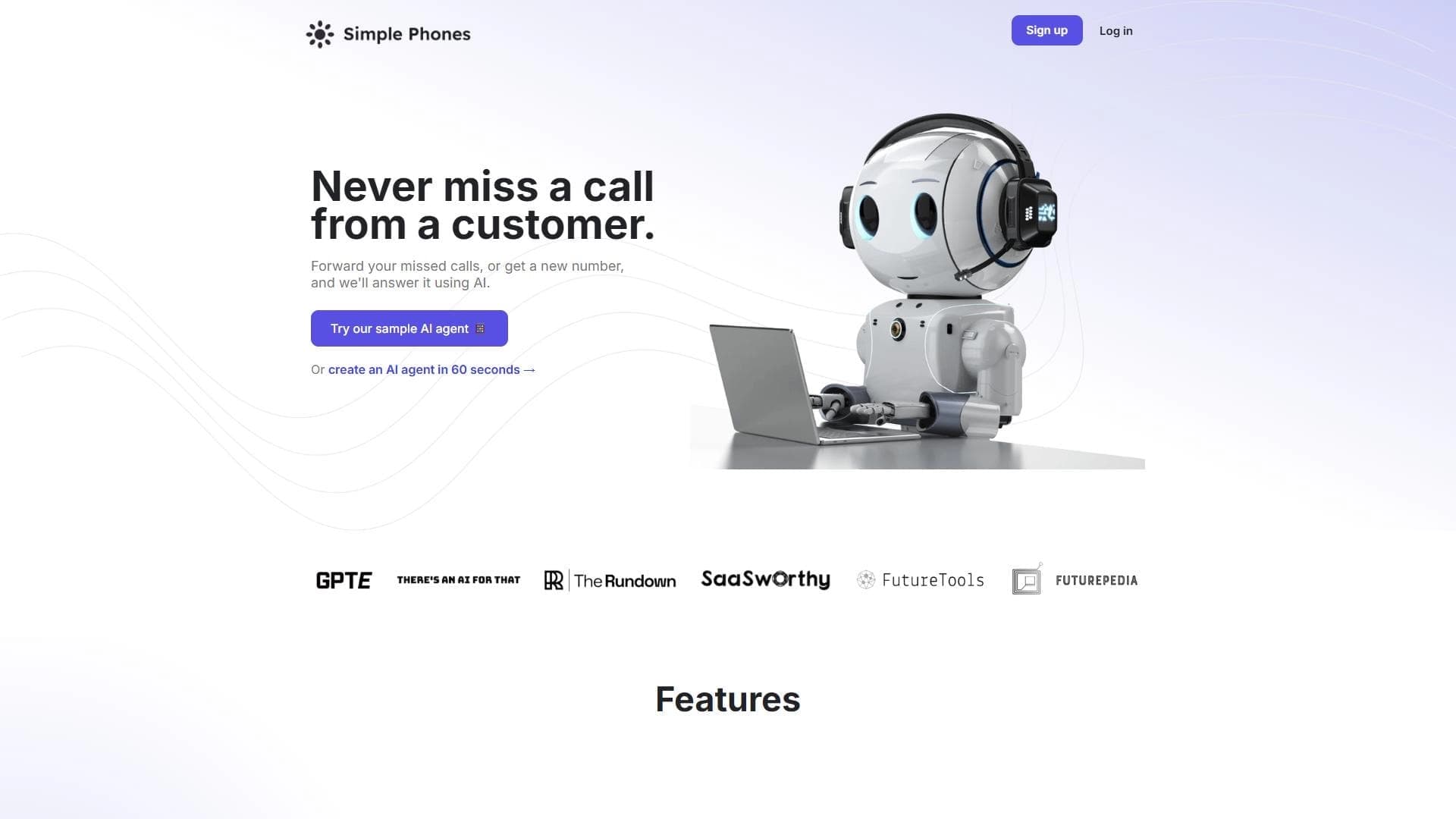
Platform for automating phone call processing with an AI agent.

Platform for automating cold email campaigns and mailbox warming with AI.
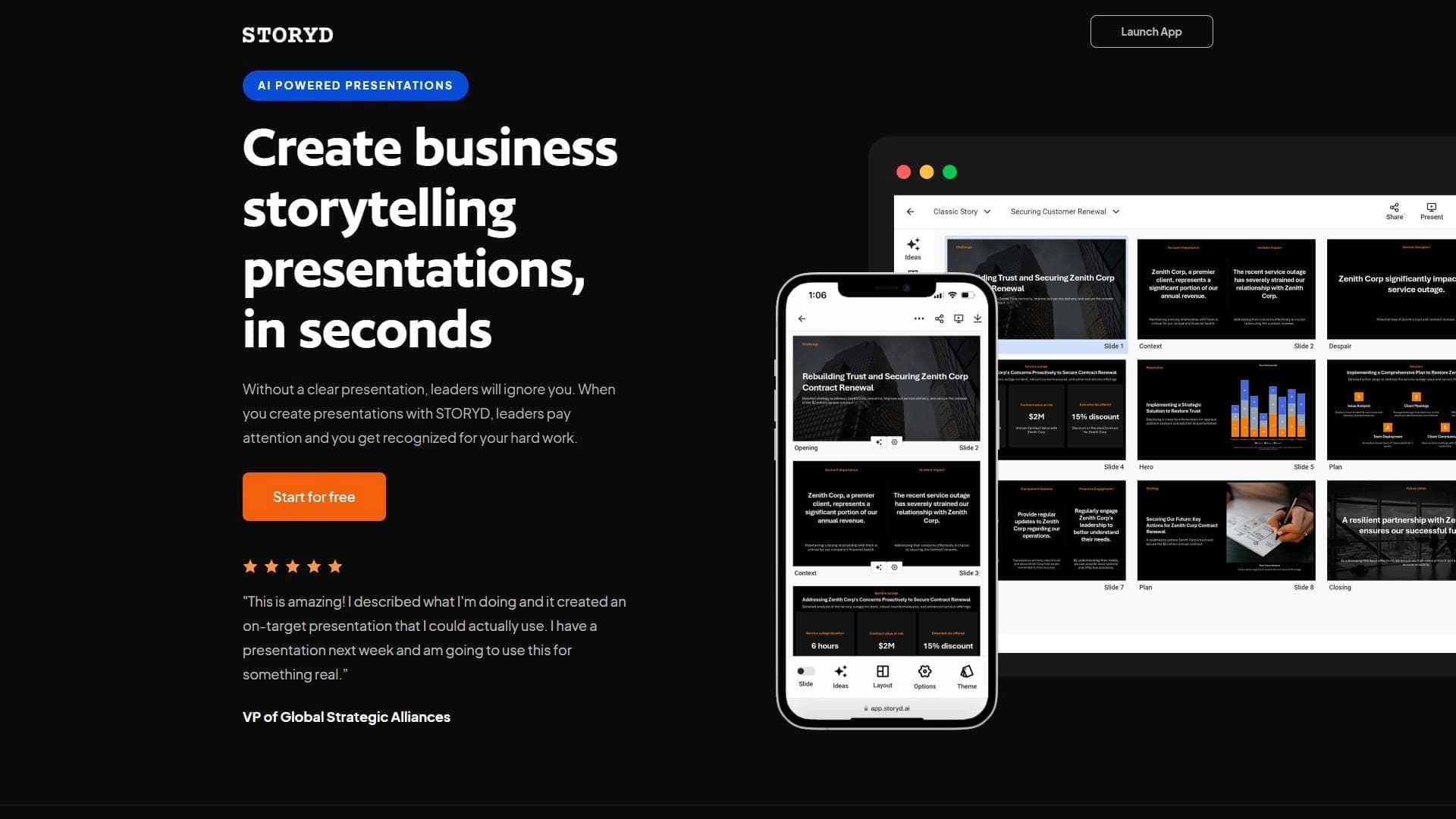

An AI-powered service that turns a brief topic description or bullet points into a structured business presentation in seconds.
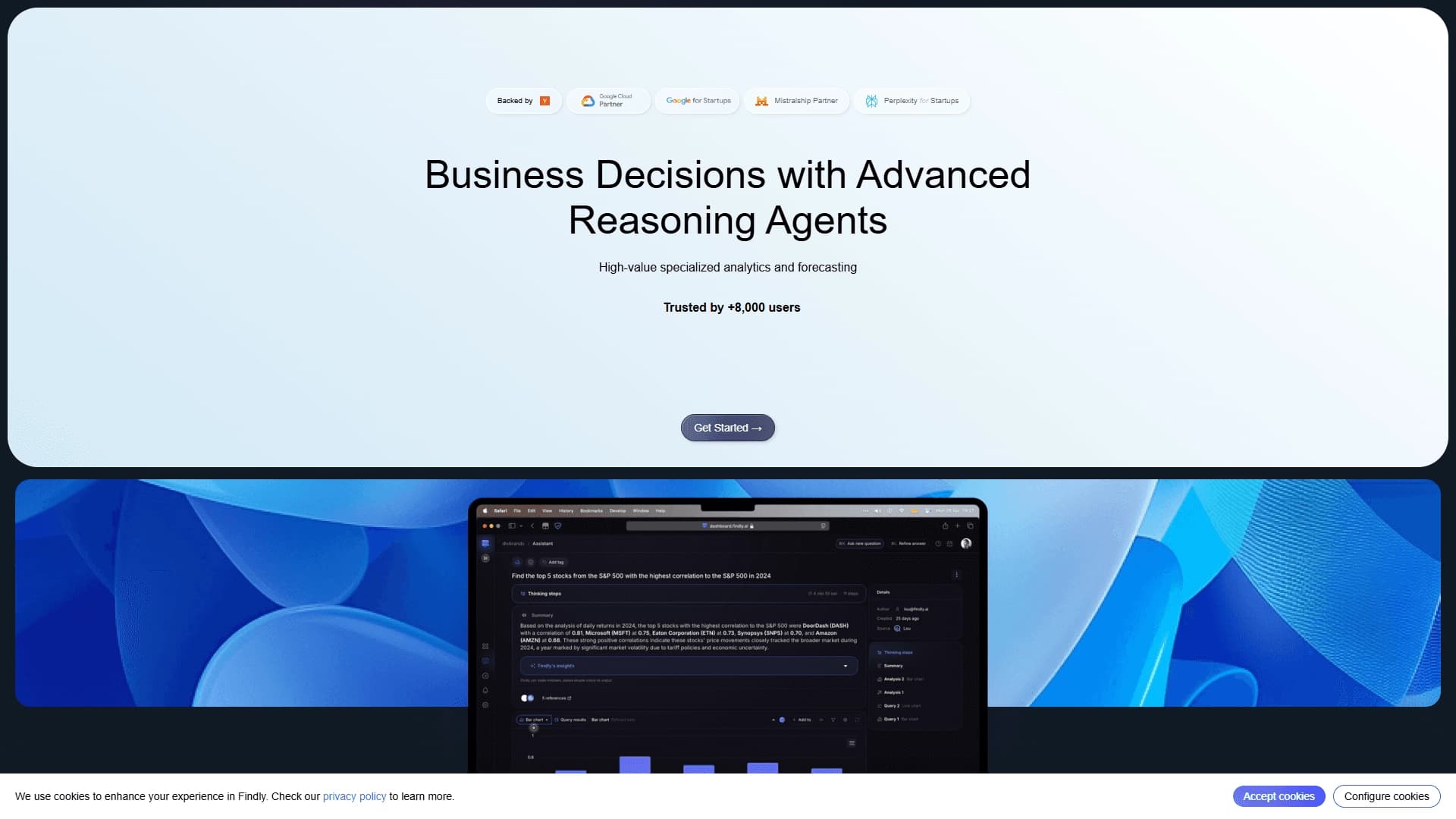
Business analytics platform that lets you ask questions of corporate data in natural language instead of writing SQL queries.