

Cline
An open-source AI development agent that integrates into IDEs and helps analyze code, edit files, and run commands.
Overview
Cline
Cline Overview
Cline is an open-source AI agent for development that runs directly in an IDE such as VS Code or JetBrains, as well as via the command line (CLI). The tool analyzes the full project context, including repository structure and dependencies, and can create and edit files, run terminal commands, and interact with a browser. Before every action, Cline asks for user confirmation, providing full control over the process. A key feature is the split into two modes: Plan (planning changes) and Act (executing them), which lets developers first assess the proposed changes and then decide whether to apply them.
Cline Features
| Feature | Value |
|---|---|
| Type | Open-source AI agent for development |
| Category | Development, code assistants |
| Platforms | VS Code, JetBrains IDE, CLI |
| Development language | TypeScript |
| License | Apache 2.0 |
| Interface languages | Russian not available |
| Free tier available | Yes (for individual users) |
| VPN required | No |
| Availability | PC, IDE, API |
| Supported AI models | OpenRouter, Anthropic, OpenAI |
| GitHub popularity | More than 45,000 stars |
Who is Cline for?
Experienced developers
Cline is primarily aimed at developers who already understand the difference between AI models, work with API keys, and want to fine-tune an agent to the needs of their project. The tool gives deep control over files, commands, models, and costs, which is especially valuable for those who are used to managing every stage of development.
Development teams
Although Cline is suitable for solo developers, it can also be used by teams. The tool supports project-specific rules (Cline Rules) that help maintain a consistent code style, architectural requirements, and constraints. A separate Enterprise version is available for corporate use.
Beginners — with caveats
For beginners, Cline may be more difficult than Cursor or GitHub Copilot. Setup requires an understanding of how AI models work, and managing context and costs requires some experience. However, if you are willing to learn, the tool is accessible.
How to use Cline?
Installation and first launch
Cline is installed as an extension for VS Code or JetBrains and is also available via CLI. For the first launch, it is recommended to choose a small task: explain part of the project, write a test, fix a simple bug, or do a local refactoring. This will help you get familiar with the interface and understand how the agent interacts with code.
Plan and Act modes
Developers should use Plan mode more often than it may seem. A good plan reduces the risk of the agent starting to change files without understanding the project architecture. In Plan mode, Cline analyzes the task and suggests a sequence of actions; in Act mode, it makes changes with confirmation for each step.
Setting up project rules
Project-specific rules (Cline Rules) help more than long prompts in every request. Rules let you set code style, architectural requirements, restrictions on certain operations, and other contextual information that the agent will take into account while working.
Key Cline features
Working with code and files
Cline can create and edit files in the project, from small edits to generating entire modules. It sees the project structure and understands dependencies and the application architecture, which allows it to provide relevant suggestions and make changes that match the overall logic of the project.
Terminal commands and browser
The agent can run commands in the terminal with real-time result tracking. It can also use a browser for tasks that require web access, such as searching documentation or testing an API. All actions are performed only after user confirmation.
MCP support and checkpoints
Cline supports the Model Context Protocol (MCP), a protocol for connecting external tools and data, which extends the agent's functionality. The Checkpoints system lets you compare file versions and roll back changes if needed.
Deep Planning for complex tasks
For large tasks, Deep Planning mode is available: Cline explores the project, analyzes the task, and prepares an implementation_plan.md file with a detailed change plan. This helps structure work on large features or migrations.
Cline advantages
Full control and transparency
Cline asks for confirmation before every action, and Plan/Act modes let you first evaluate proposed changes and then decide. The checkpoint system makes it possible to roll back changes at any time. This model provides a high level of safety for the codebase.
Open source and flexibility
The project is distributed under the Apache 2.0 license, which permits free use, modification, and distribution. The source code is available on GitHub (more than 45,000 stars), and the community actively participates in the tool's development. The ability to connect different AI models and use your own API keys provides configuration flexibility.
IDE and CLI integration
Cline works inside your usual development environment (VS Code, JetBrains) and via the command line. This ensures seamless interaction: the agent gets access to the project context and can start working right away. CLI mode can be used for automation.
Cline drawbacks
Model costs
Cline itself is free, but the costs of using AI models can grow quickly depending on context size and request frequency. Each model call is paid at the provider's rates (OpenRouter, Anthropic, OpenAI, and others), so budget control is required.
Setup complexity
Cline is more complicated to configure than simple chat assistants like GitHub Copilot. To use it, you need to understand API keys, choose a suitable model, and set up context. Beginners may need time to master the tool.
Quality depends on the model
Cline's results depend directly on the AI model you choose. Different models produce different quality of code generation, analysis, and planning. Large tasks require careful context management; otherwise, the agent may lose focus or make incorrect changes.
Autonomous actions require review
Despite the confirmation system, Cline's autonomous actions need to be reviewed before merging. The agent can make mistakes or introduce changes that do not match the project's architectural requirements, especially when working with complex codebases.
What tasks does Cline solve?
Cline helps with a wide range of development tasks: code refactoring, bug fixing, test generation, explaining a codebase, building small features, migrations, working with the terminal and browser. The tool also speeds up routine tasks by automating them and helps you quickly adopt new technologies and frameworks.
Cline pricing
Cline itself is free for individual users. Usage costs depend on the chosen AI model, context size, and request frequency. Model usage can be paid in two ways: through Cline Provider (a single balance) or via your own API keys (BYOK). Enterprise pricing is not publicly disclosed. As of 2025, the base version of the tool remains completely free.
Cline terms of use
Cline is free for individual users. To use it, you need to install the extension in your IDE and connect to AI models (via Cline Provider or your own API keys). The project is distributed under the Apache 2.0 license, which allows free use, modification, and distribution. The Enterprise version includes BYO Infrastructure, local or VPC deployment, SSO, audit logs, and centralized management.
Cline availability
Cline is available on platforms that support VS Code and JetBrains (Windows, macOS, Linux), as well as through the CLI. No VPN is required. Russian language and Russian interface are not available.
How Cline differs from alternatives
Open-source agent inside the IDE
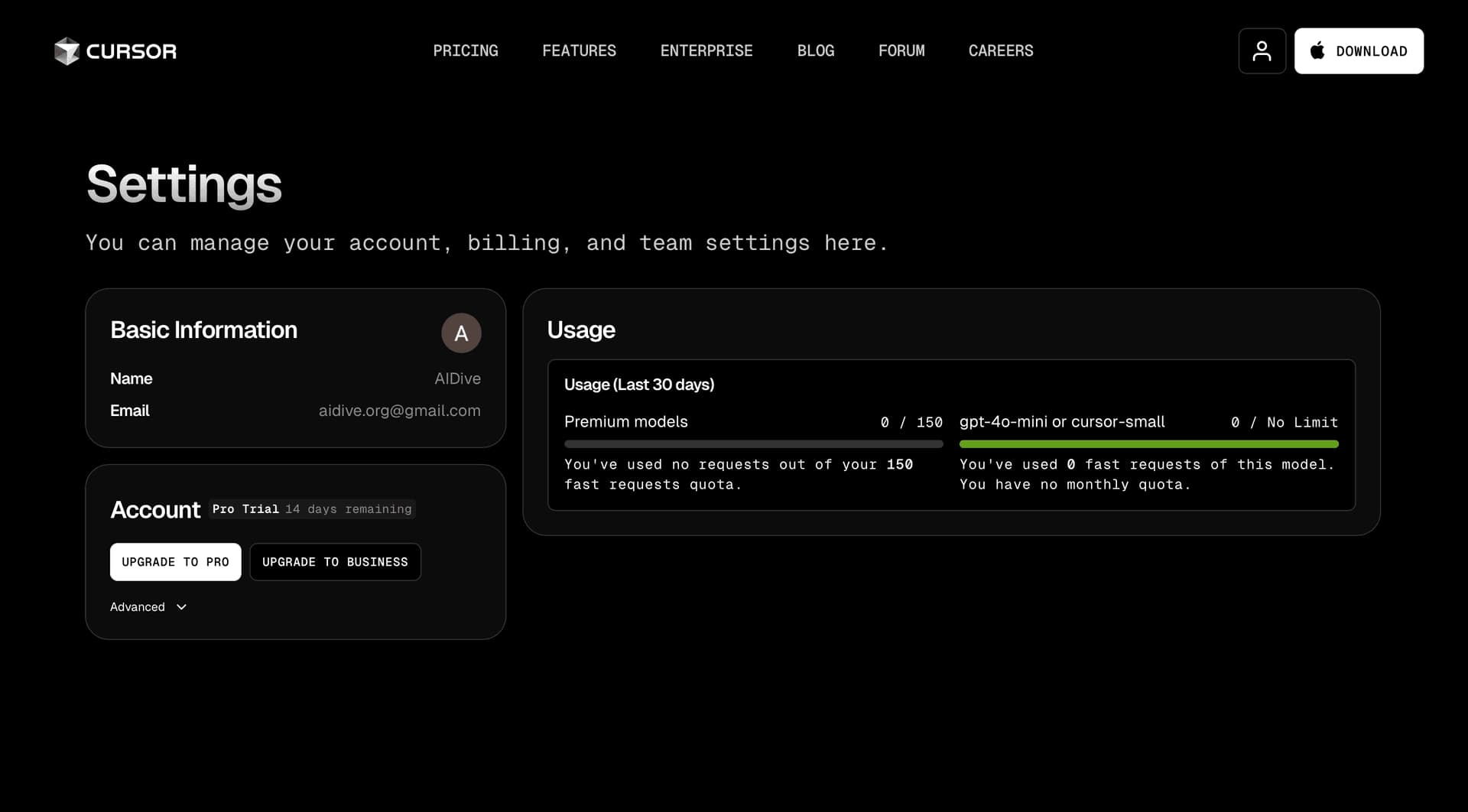
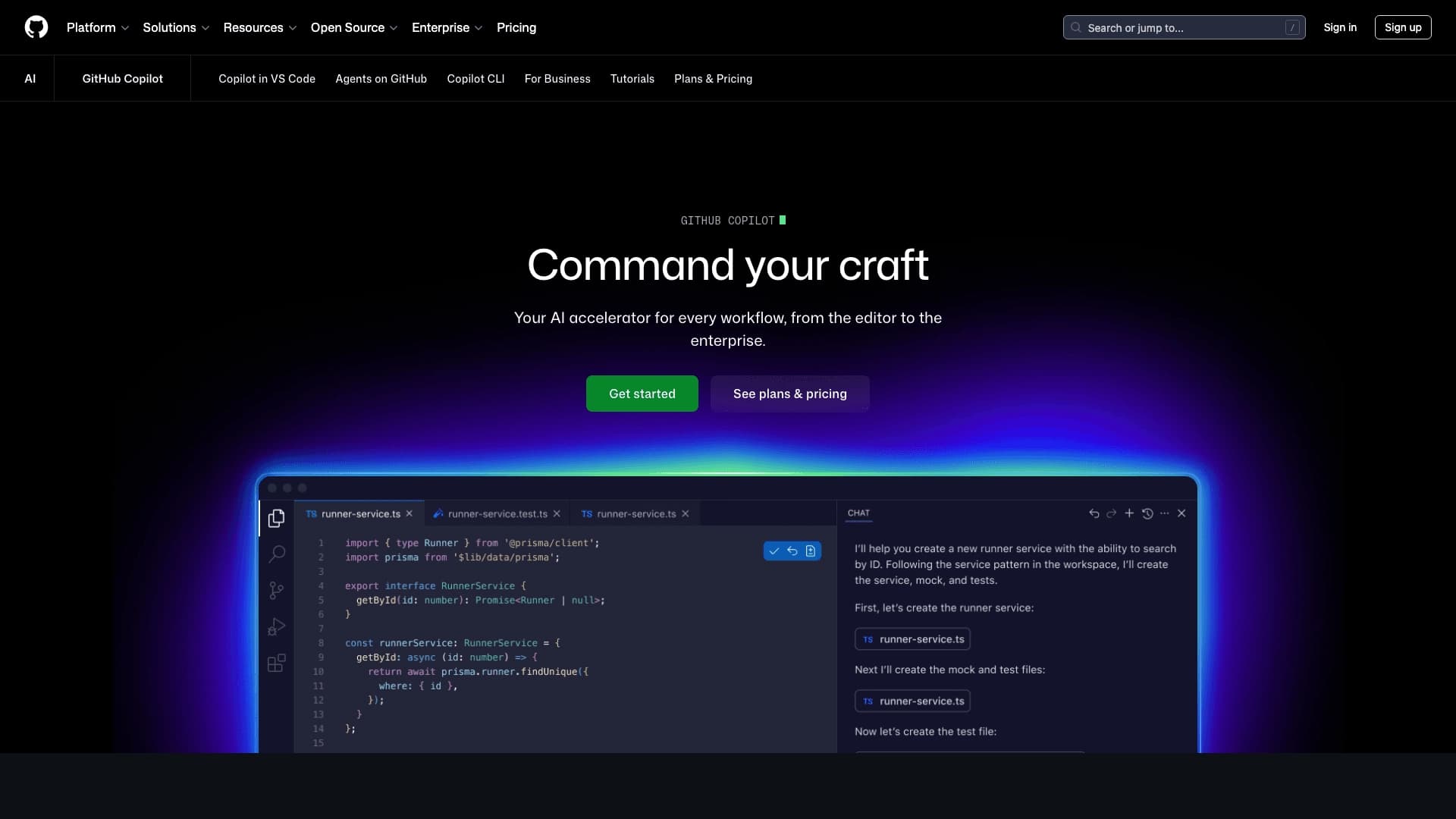
Cline is an open-source agent that works directly in the development environment, unlike fully cloud platforms. It gives more control over the process than Cursor or GitHub Copilot, but is also more difficult for beginners. Unlike GitHub Copilot, which excels at code autocompletion, Cline offers broader functionality, including Plan/Act modes and terminal support.
Ecosystem and forks
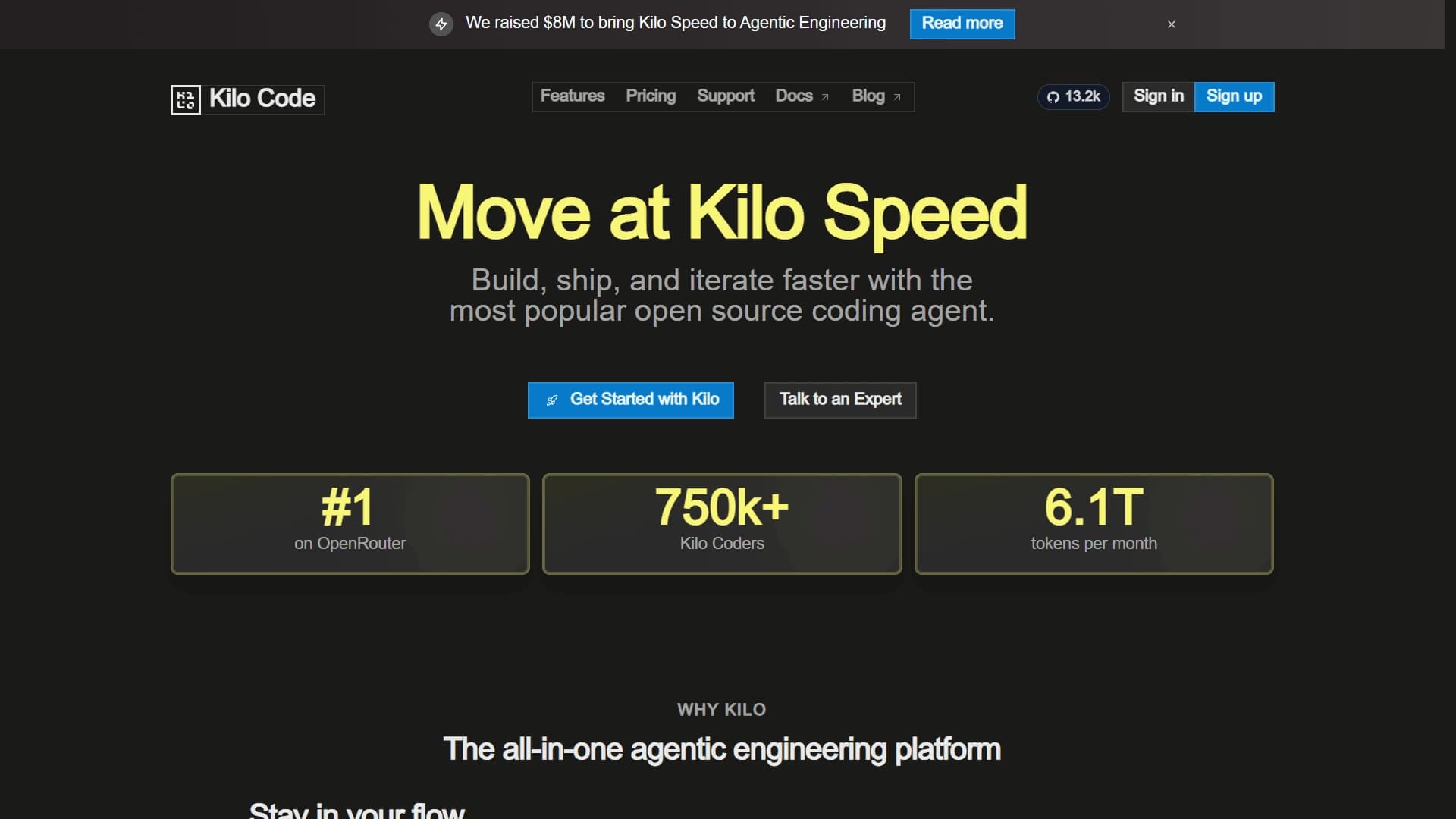
Roo Code was a fork of Cline, and Kilo Code also grew out of this ecosystem. For teams that need an agent in Slack and cloud-based task execution, Roomote is closer. Unlike JetBrains AI Assistant, which is limited to the JetBrains ecosystem, Cline is ideal for VS Code users, offering specialized capabilities.
Control and security
The main difference between Cline and similar tools is a transparent action control model: confirmation before every step, Plan/Act modes, checkpoints, and MCP support. This makes the tool safer for critical projects, but requires greater developer involvement in the process.
Conclusion
Cline is one of the leading open-source agents for development that works inside an IDE and CLI. It offers transparent action control, MCP support, Plan/Act modes, and the ability to connect various models. The tool is suitable for experienced developers who value control and flexibility, but can be difficult for beginners. The open-source codebase and free tier make it accessible to both individual developers and teams.
Frequently asked questions





See also
Multilingual AI assistant for checking grammar, spelling, and text style.

Open-source model for generating video synchronized with audio from text or image prompts.

Open-source platform for integrating data from various sources into data warehouses and analytics systems.
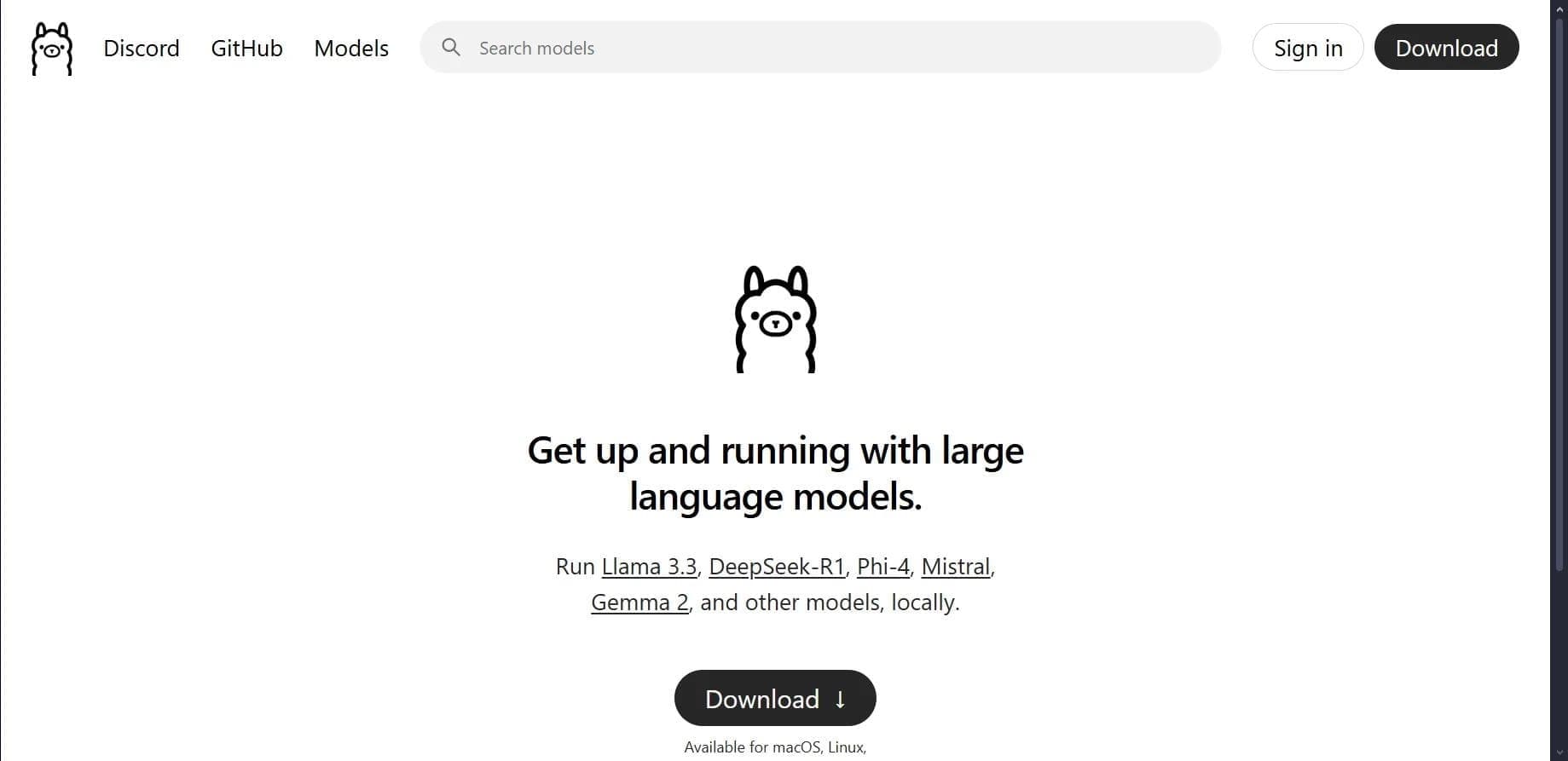

Open platform for local deployment and management of large language models (LLM) on your own computer.

Platform for creating and launching autonomous AI agents that independently complete tasks on the internet.

The largest open language model from Meta with 405 billion parameters, available for commercial use and independent fine-tuning.
Terminal AI assistant for pair programming, integrating with git repositories.

Mobile app and citizen science project for identifying plants from photos using machine learning.