
Calendly
A service for automatic meeting scheduling that syncs with your calendar and lets the other person pick a free time slot on their own.
Overview
Calendly
About Calendly
Calendly is a service for automatic meeting scheduling that solves the problem of endless back-and-forth messages when trying to agree on a time. The tool integrates with popular calendars (Google Calendar, Outlook, and others) and lets the user send a single link, through which the recipient independently picks a convenient time from available slots.
The principle is similar to booking a table at a restaurant: Calendly syncs with your calendar and shows the invited party only free windows. Once a time is selected, the meeting is automatically added to both parties' calendars. Users can set up different event types, add buffer intervals between meetings, and configure automatic reminders. Calendly falls into the categories of personal assistant, automation, productivity, business, and task management.
Calendly Features
| Feature | Value |
|---|---|
| Business model | Freemium |
| Category | Extensions, Productivity |
| Distribution model | Freemium |
| Calendar integration | Google Calendar, Outlook, and others |
| Meeting types | Individual and group |
Who is Calendly suitable for?
Client-facing professionals
Calendly is useful for consultants, coaches, psychologists, tutors, doctors, and other specialists who regularly need to coordinate meeting times with different people. The tool removes routine back-and-forth correspondence and reduces the risk of booking errors.
Teams and sales departments
For companies where several employees hold meetings with clients, Calendly helps coordinate schedules, prevent double bookings, and simplify the booking process through CRM integrations.
Entrepreneurs and managers
Business owners and managers who hold many meetings and negotiations can cut down the time spent on organizational matters and focus on the substantive part of their meetings.
How to use Calendly?
Connect a calendar
The first step is to sign up for the service and connect your primary calendar (Google Calendar, Outlook, or another). Calendly automatically syncs with it and accounts for already scheduled events, showing only free time.
Set up event types
The user creates one or more event types (for example, a "30-minute consultation" or a "15-minute call"). For each one, you can set the duration, buffer intervals between meetings, available days of the week, and time ranges.
Send the link
After setup, Calendly generates a link for each event type. The user sends this link to a client or partner — they click it, see the available slots, and pick a suitable one. The meeting is automatically added to both parties' calendars.
Key features of Calendly
Automatic meeting scheduling
The service's main function is automatic time coordination without back-and-forth messaging. Calendly shows the recipient only genuinely available slots, eliminating the need to manually check availability.
Creating different event types
Users can set up multiple meeting scenarios with individual rules: duration, buffer intervals, available days of the week, and hours. This is convenient if you handle both short calls and longer negotiations.
Smart notifications and reminders
Calendly automatically sends notifications and reminders to participants about upcoming meetings. You can also set up automatic follow-up emails after a meeting with additional information or a thank-you.
Calendar integration
The service syncs with Google Calendar and Outlook, which helps rule out double bookings. If a meeting already exists in your calendar, Calendly won't offer that time for booking.
Advantages of Calendly
The main advantage of Calendly is solving the problem of endless back-and-forth messaging when scheduling meetings. Instead of exchanging emails or messages with date options, the user sends a single link, and the recipient picks a convenient slot themselves. In addition, calendar integration prevents double bookings, and automatic reminders reduce the chance that participants will forget about a meeting.
Disadvantages of Calendly
The service may have limitations in its free version that might not cover the needs of active users. Access to advanced features such as group booking, extended analytics, or CRM integrations requires upgrading to paid plans. Calendly also depends on the reliable operation of the connected calendar services.
What problems does Calendly solve?
- Automating meeting time coordination — eliminating the need for messaging to find a common free window.
- Preventing double bookings — calendar synchronization ensures that two meetings won't be scheduled for the same time slot.
- Simplifying booking for clients — invitees pick a convenient time themselves, which improves conversion and ease of interaction.
Calendly Pricing
Calendly operates on a freemium model. The base version is free. Paid plans:
- Standard — includes unlimited event types and CRM integrations.
- Teams — adds group scheduling and advanced analytics.
- Enterprise — provides advanced security and integrations with enterprise systems such as Salesforce.
Calendly Terms of Use
Calendly is distributed under the Freemium model — the service has a free version with a basic feature set. To access extended capabilities, you need to take out a paid subscription on one of the plans.
Calendly Availability
Calendly is available as a web service via a browser on any device with an internet connection. For convenience, extensions and integrations with popular calendar and CRM systems are also available. The service works on all major platforms that support modern browsers.
How Calendly differs from alternatives
Calendly stands out for its ease of setup and its convenience for both the sender and the invited party. The way it works resembles booking a table — an intuitive approach that requires no training. Unlike many alternatives, Calendly offers flexible configuration of event types with buffer intervals and days of the week, as well as built-in automatic reminders and post-meeting emails. For enterprise clients, advanced security features and integration with Salesforce and other systems are available.
Conclusion
Calendly is a convenient tool for automating the meeting scheduling process, suitable for both individual professionals and teams. The service solves the key problem of coordinating time, eliminating lengthy back-and-forth messages and reducing the risk of planning errors. Thanks to the freemium model, users can start with the free version and upgrade to a paid plan as needed. Integration with popular calendars and CRM systems makes Calendly a universal solution for improving personal and team productivity.
Frequently asked questions
Similar AI tools
See also


Free online platform with over 150 AI tools for working with PDFs, images, videos, and text.

Financial platform with an AI assistant for managing accounting, taxes, and budgets.
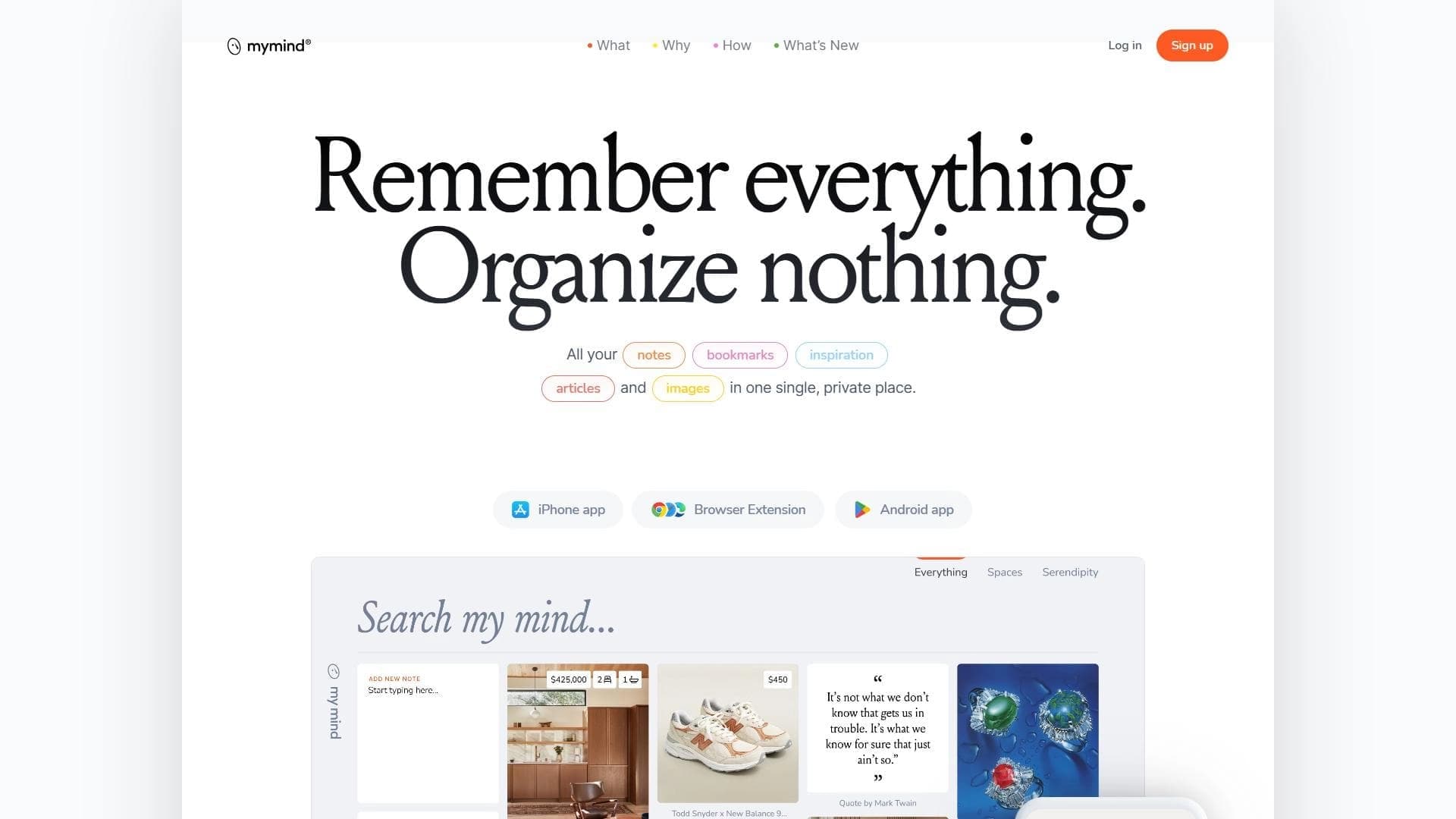

A service for storing and organizing digital information with automatic neural network-based sorting.
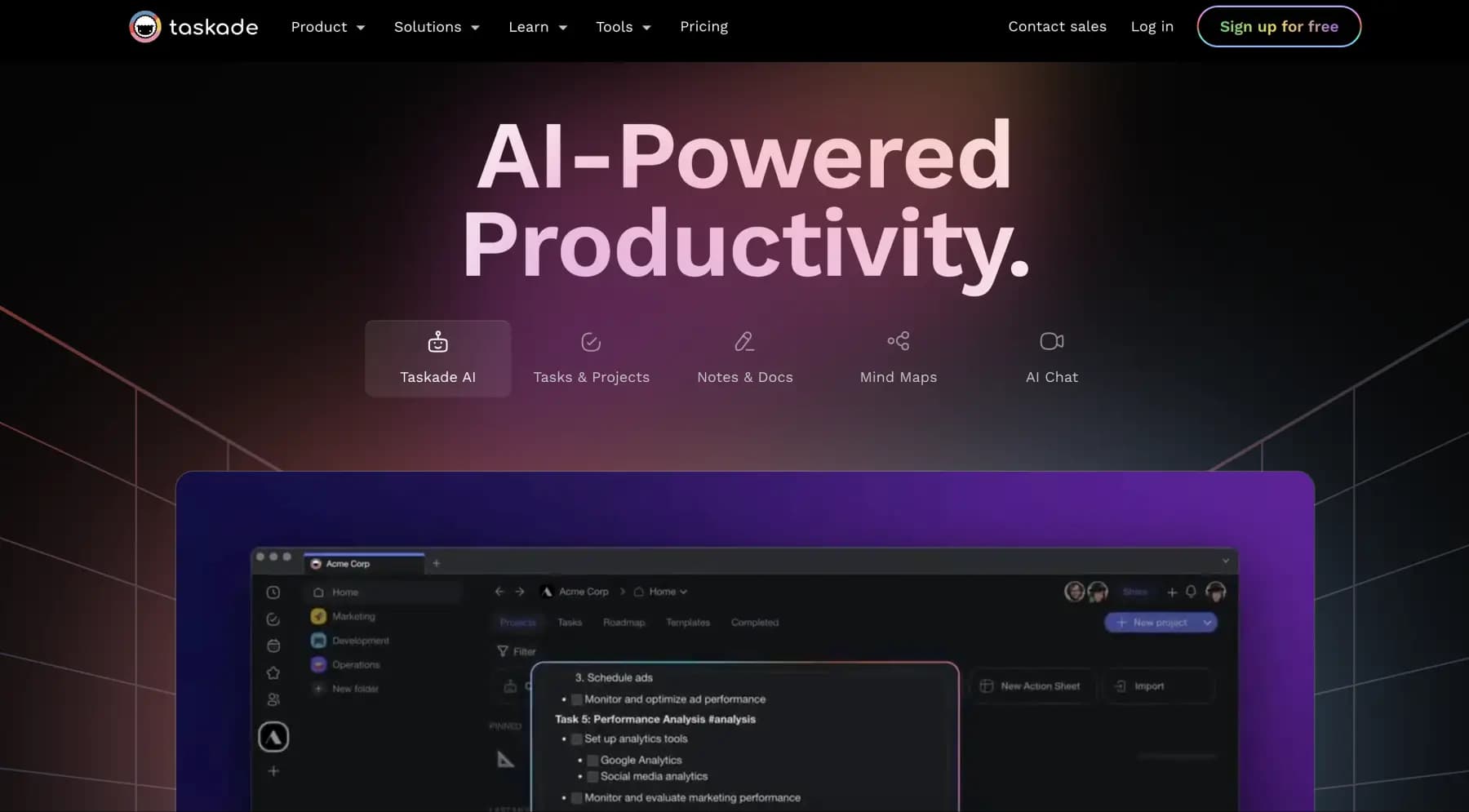
A platform for managing projects and tasks with built-in AI agents and visualization of work in various formats.


AI email assistant that helps quickly draft messages, adapting to the user's style.


A web service that automates job search using artificial intelligence.
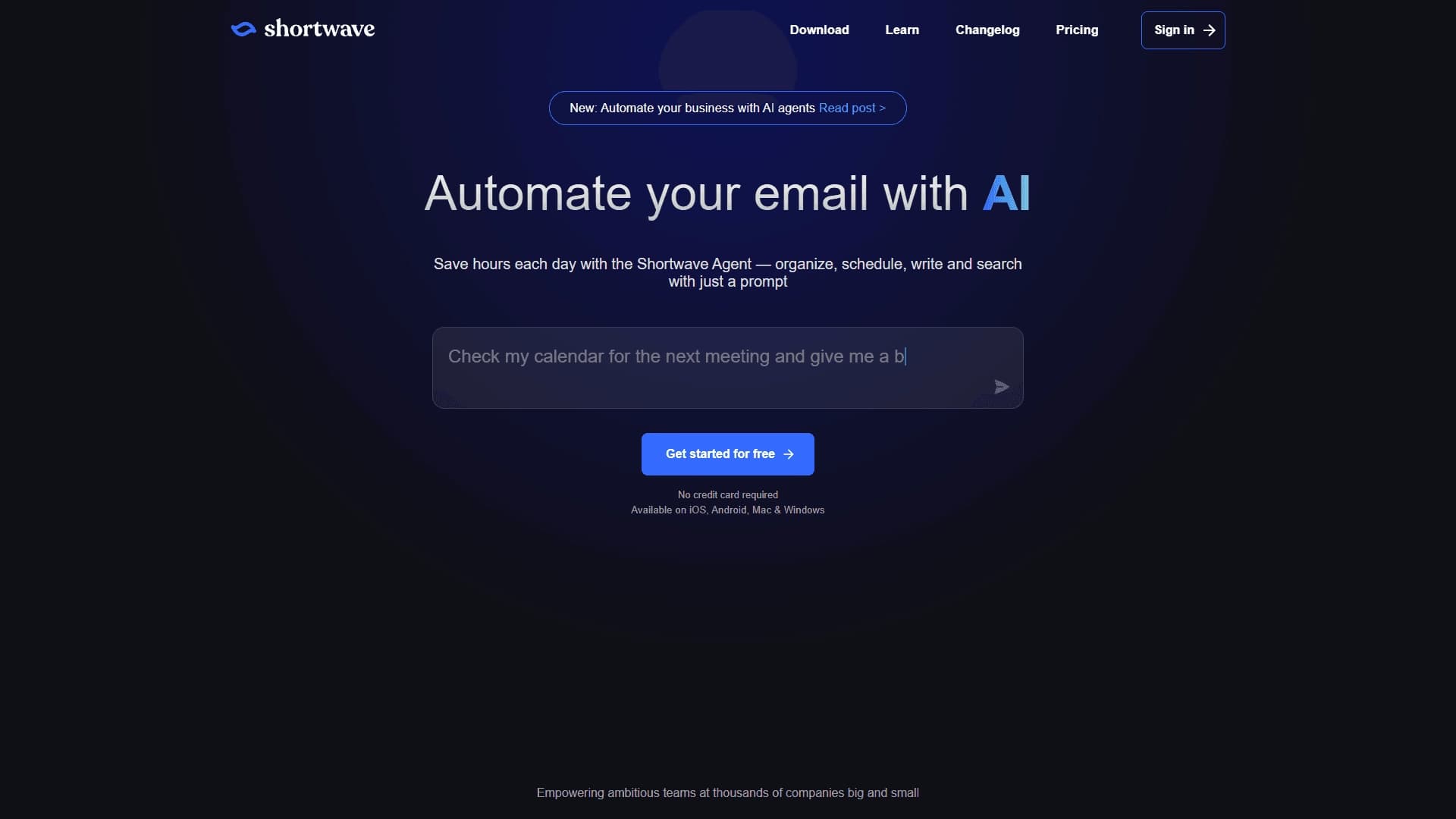

An AI assistant for working with email that automates message sorting and helps quickly compose replies.

A workflow automation platform that connects thousands of apps without requiring coding.