

AudioShake
A neural network that splits audio tracks into separate components — vocals, instruments, and effects.
Overview
AudioShake
Description of AudioShake Neural Network
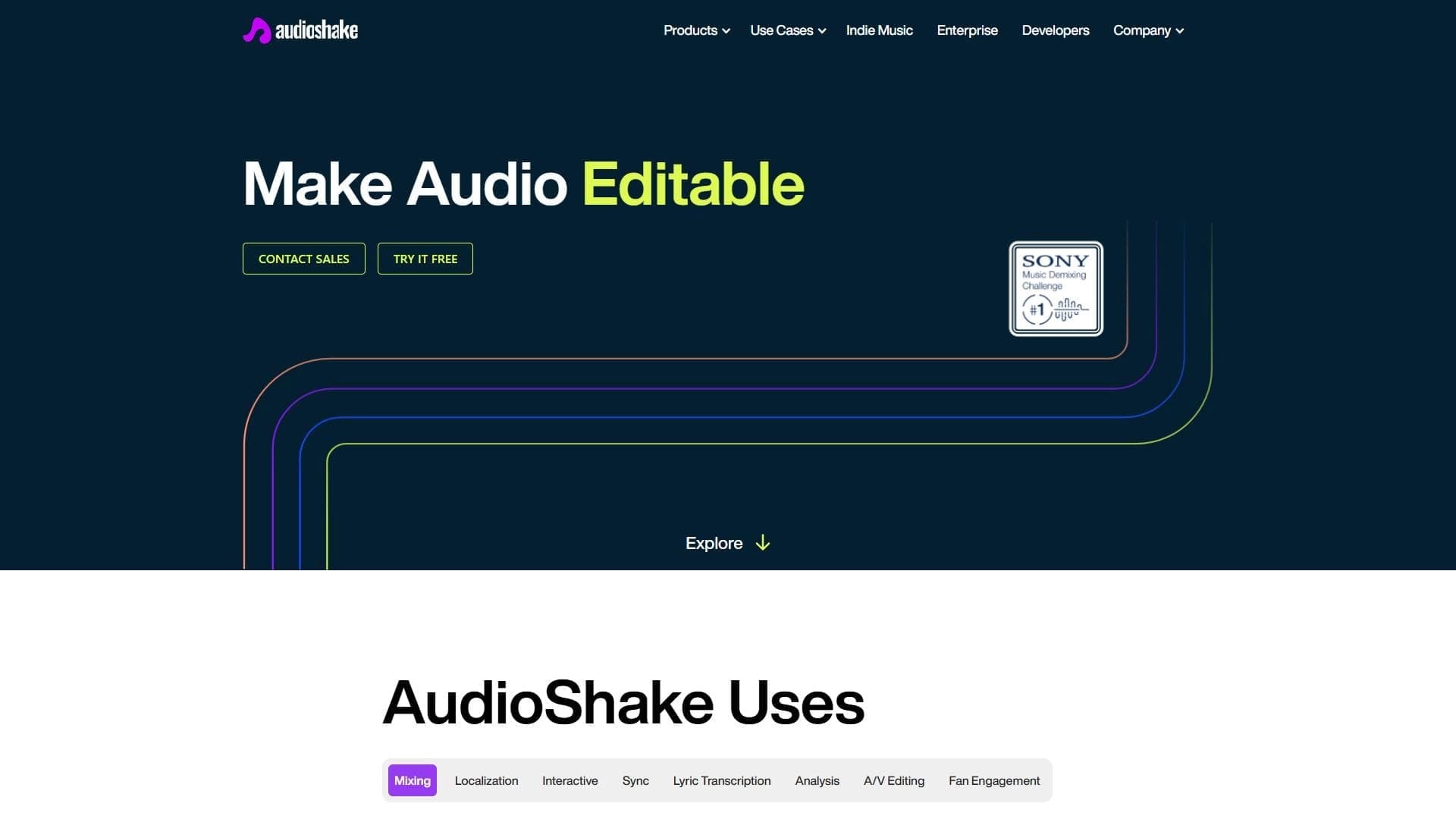
AudioShake is a neural network designed to automatically split audio tracks into separate components. After uploading a song or any audio file, the user gets isolated tracks: vocals, musical instruments, effects, and dialogue. The platform recognizes the structure of a track and lets you export each component separately for further use.
The service supports popular audio formats, and uploading and downloading the result takes only a couple of minutes. This approach makes the tool convenient for musicians, content creators, and sound engineers who need to quickly adapt audio for specific tasks — be it remix, dubbing, video editing, or mixing.
Characteristics of AudioShake
| Characteristic | Value |
|---|---|
| Type | AI audio editor |
| Categories | Tools for audio transcription, song lyrics generators, AI music generators; audio editing and audio enhancement |
| Platform | Website |
| Website | www.audioshake.ai |
| Developer | AudioShake |
| Monthly visits | 95.5K |
| Supported formats | MP3, WAV, AAC, and other popular formats (no preliminary conversion required) |
| File size limits | No file size limit, but larger files take longer to process |
| Publication date | November 7, 2025; August 15, 2025 (according to different sources) |
Who is AudioShake suitable for?
Musicians and producers
The tool will be useful for those who work with sound professionally: musicians, producers, and sound engineers. The ability to extract a separate vocal, bass, or drums from a track opens up broad possibilities for remixes, mixing, and creative experiments.
Content creators and video editors
Video editors and content makers can use the separated tracks for dubbing, voiceover, and adapting audio for their videos. Film studios will also find a practical tool for working with audio materials.
Accessibility specialists
AudioShake is suitable for those who create subtitles, translate audio clips, or adapt sound for people with hearing impairments. Automatic recognition and alignment of song lyrics simplifies the preparation of such materials.
How to use AudioShake?
Upload a file
After entering the site, the user sees an audio file upload window. Simply select the desired file — MP3, WAV, AAC, and other popular formats are supported, so no preliminary conversion is required.
Choose components for separation
Next, you need to indicate what exactly should be separated — vocals, drums, instruments, or effects. You can also adjust the basic separation parameters for your specific task.
Export the finished tracks
Processing takes a few minutes, after which an export button appears next to each separated track. The user can download tracks individually or combine them into a new mix by changing volume and applying effects — all available online.
Main features of AudioShake
Split audio into components
The main function of the service is the automatic extraction of separate tracks from a recording: vocals, instruments, effects, and dialogue. This allows you to work with each sound element individually for editing or mixing.
Work with song lyrics
The platform automatically recognizes and aligns song lyrics, synchronizing them with the music. This is convenient for creating karaoke versions, instrumental tracks, and subtitles.
Additional processing capabilities
The service offers a real-time mode for fast processing, tips for improving the source audio, and support for popular audio formats. After separation, you can change track volume, apply effects, and build a new mix.
AudioShake advantages
Accurate audio separation
The neural network can extract almost any instrument or voice from a track individually, and recent updates have noticeably improved the quality of sound separation. This provides professional preparation of music into stems.
Fast and simple operation
Uploading a file and downloading the result take a couple of minutes. The interface is intuitive: just select a file, specify what to separate, and get finished tracks.
Flexibility for creative experiments
The service allows you to break down and reassemble tracks like building blocks. In addition, the audio can be adapted for different formats, including versions for the hearing impaired, which expands the range of applications for the tool.
AudioShake disadvantages
Imperfect separation of complex tracks
Instruments or vocals may not be separated perfectly, especially on old or heavily mixed recordings. Complex tracks with overlays and effects are difficult to process, and tracks may bleed into each other.
Dependence on source quality
The result strongly depends on the quality of the uploaded file — poor audio produces poor results. Larger files also take longer to process, which should be kept in mind when planning work.
Free version limitations
The free version is limited in the number of processing operations. Upgrading to a paid plan is required for extended access to features.
What tasks does AudioShake solve?
Working with individual tracks
The service helps extract clean vocals, bass, or individual instruments from an audio track, as well as restore old recordings. Prepared stems can be used for remixes, dubbing, and voiceover.
Mixing and content preparation
The tool is suitable for mixing and mastering, creating karaoke versions and instrumental tracks. The separated tracks are convenient for video editing and preparing audio for various formats.
Accessibility and subtitles
AudioShake makes it possible to create subtitles and translate audio clips, as well as adapt audio for people with hearing impairments, making content more accessible to a wider audience.
AudioShake pricing
The service offers paid plans. The basic plan provides access to the core features. The professional plan includes expanded functionality and priority support. According to sources, there is also a free version with a limit on the number of processing operations. Current prices and details are best checked on the official website.
AudioShake terms of use
The service works online through the website. To get started, simply upload an audio file and choose the separation settings. When uploading large files, processing may take more time. There is no file size limit, and free editing is available after separation: changing volume, applying effects, and building a new mix online.
AudioShake availability
AudioShake is a web service available through the website. No additional software installation is required — everything is done in the browser. Information about interface languages and regional restrictions is not specified on the page.
How AudioShake differs from alternatives
AudioShake stands out by combining several capabilities in one service: splitting a track into components, recognizing and aligning song lyrics, and synchronizing them with text for karaoke and subtitles. Real-time mode and tips for improving source audio complement the main functionality, and recent updates have significantly improved the quality of audio separation.
In terms of tasks, the service is comparable to tools such as Moises, LALAL.AI, and PhonicMind, which also separate audio into stems. For converting audio to MIDI, MP3 to MIDI or VoiceToInstrument are suitable, and for related tasks such as voice transcription and processing, Cleanvoice, Audo Studio, or Narakeet can be used. In the area of AI music generation, AudioShake sits alongside Suno AI, Udio, Mubert, and AIVA.
Conclusion
AudioShake is a practical AI-based online service for splitting audio tracks into separate components. It is suitable for both creative experiments and professional sound engineering tasks, including creating remixes, dubbing, karaoke versions, and adapting audio for people with hearing impairments. At the same time, the service requires quality source material and may not handle all complex tracks, so the result depends both on the capabilities of the neural network and on the characteristics of the uploaded file.
Frequently asked questions
Similar AI tools



See also

AI-powered platform for generating and editing images and videos.
Cloud platform for text-to-speech conversion with realistic AI-powered voices.


Cloud platform for launching AI applications directly in the browser without installation.


An AI-powered service for handling phone calls that transcribes conversations in real time and creates concise summaries of the discussion.
AI tool for musicians that lets you split audio recordings into separate tracks, change tempo and key, and generate full arrangements from a single audio track.

Professional audio restoration and cleaning software powered by machine learning.

Neural network from Stability AI for generating music and sound effects from a text description or uploaded audio.


Platform for recording, editing, and publishing podcasts and video content with built-in AI tools.