

AI Room Planner
A free web service that uses a neural network to generate interior design options based on an uploaded photo of a room.
Overview
AI Room Planner
AI Room Planner Overview
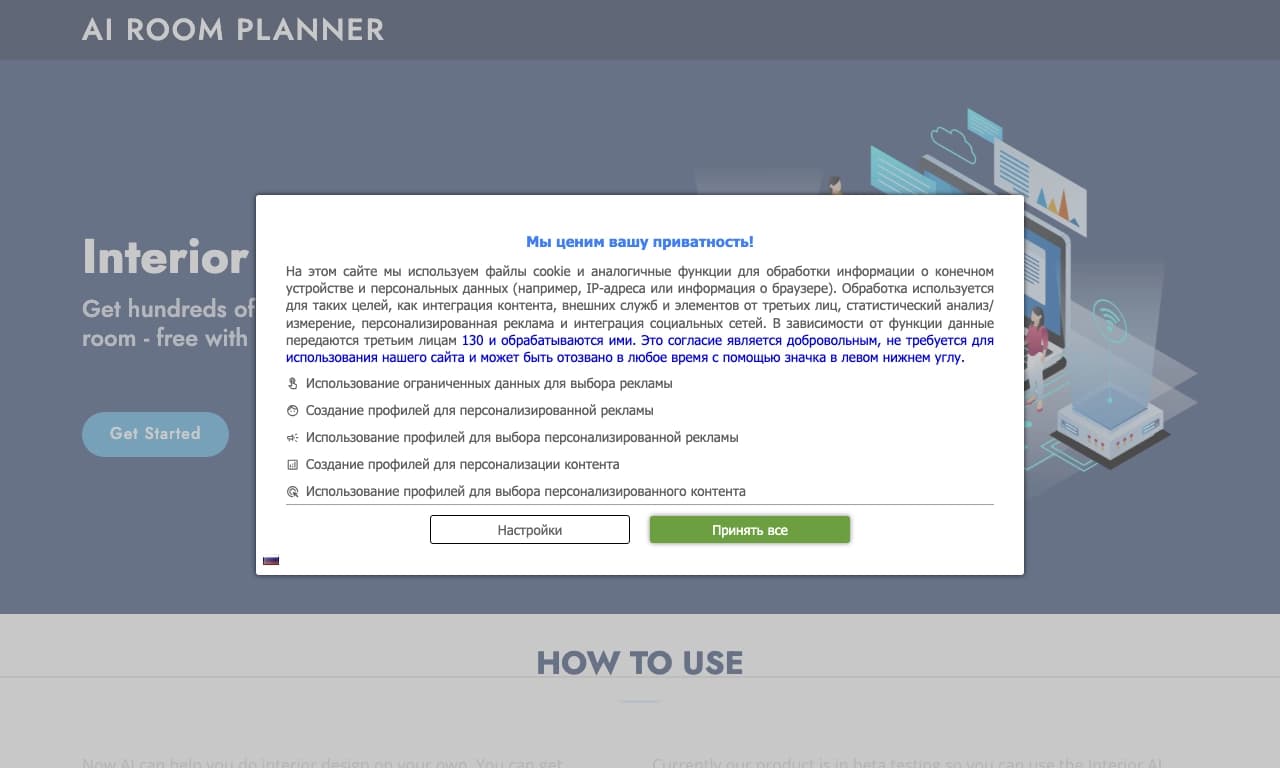
AI Room Planner is a free web service that uses AI to generate interior design options based on an uploaded photo of a room. The tool lets you quickly get multiple design variations in different styles — from Scandinavian minimalism to Japanese aesthetics.
The service works directly in the browser and does not limit the number of generations, making it a convenient tool for finding ideas and experimenting before starting a renovation. Currently, the AI is in beta testing, and fine-tuning options for generated designs are limited.
AI Room Planner Specifications
| Specification | Value |
|---|---|
| Categories | Interior design, 3D layouts, Design generation, Image-to-image, Free AI tools |
| Type | Website (web platform) |
| Pricing model | Free |
| Free plan | Yes (access to core features, unlimited number of ideas) |
| Status | Beta testing |
| Developer | AI Room Planner |
| Monthly visits | 388.9K |
| Editorial rating (NeuroFolder) | 8.2 out of 10 |
| Publication date | September 10, 2025 |
Who Is AI Room Planner For?
Beginners and people without design experience
AI Room Planner is primarily for those who do not have 3D modeling skills or a design background. The service requires no special preparation: just upload a photo of a room and get ready-made design options. This allows beginners to easily see how their space could look in the future.
Those who do not want to pay
Free access to core features and unlimited ideas make the service attractive to users who are not ready to spend money on design services or paid tools.
People looking for inspiration
Anyone seeking renovation ideas can quickly browse many design options for different rooms — kitchens, bedrooms, living rooms, and more — and find a suitable style.
Designers
The service is also useful for professional interior designers who want to quickly show clients design options or use the generator as a source of additional ideas.
How to Use AI Room Planner?
Registration via email
To get started, go to the service website and open the Interior AI Design editor. Then enter your email address and confirm it by following the link in the message.
Uploading a photo and generating designs
After confirming your email, the editor will open and you can upload a photo of your room. The AI processes the image and produces several design options in different styles within seconds.
Viewing and selecting options
You can browse the generated designs without limits, comparing styles, color combinations, furniture, and decor. This makes it easy to experiment with your space before starting the actual renovation.
Core Features of AI Room Planner
Design generation from a photo
The service accepts an uploaded photo of a room and creates several interior design options based on it. The AI processes the image quickly and outputs realistic pictures of the finished design.
Hundreds of interior ideas and styles
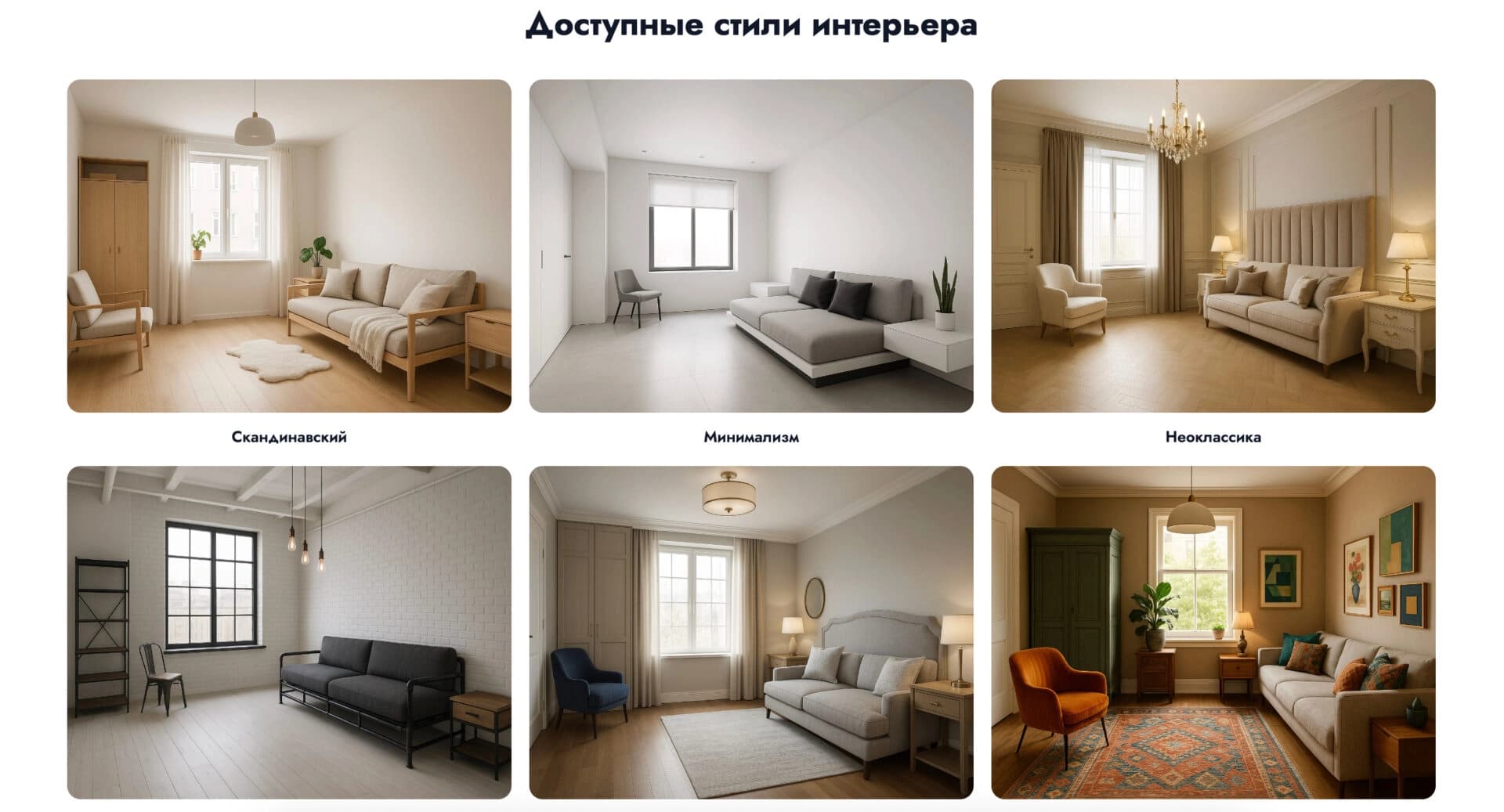
The tool offers hundreds of ideas for various interior styles — from Scandinavian minimalism to Japanese aesthetics. Users can find a design for any room (kitchen, bedroom, and others) in different styles.
Trying styles without physical changes
The service lets you try different styles without making real changes to the room. This makes it possible to evaluate color, furniture, and finish combinations in advance and form a clear visual idea of the desired result.
Advantages of AI Room Planner
Endless flow of ideas
The AI generates unique design options for every taste, and generation takes seconds. You can view and browse designs without limits, which is especially convenient when looking for inspiration.
Everything is free
During beta testing, the service is available for free: no limits, subscriptions, or paid registration. Users get access to core features and unlimited ideas.
Many styles and different rooms
A wide selection of styles makes it easy to find a design for any room — kitchen, bedroom, or living room. This approach helps you quickly compare different design directions.
Ease of use
No 3D modeling skills or design education are required to use the service. Images are processed quickly, and ready-made options are shown right away.
Disadvantages of AI Room Planner
Few settings for manual editing
The service has few tools for manually adjusting ready-made results. The design cannot be edited within the platform, so getting a perfect result on the first try is difficult. If you like an idea, you will need to refine it manually outside the service.
Template-like and odd results
Sometimes the AI produces template-like or strange designs. With an unusual room layout, you may need to scroll through many options before finding a suitable one.
Dependence on internet connection
All generation is performed on a server, so the service does not work without an internet connection.
What Tasks Does AI Room Planner Solve?
Finding inspiration for renovation
The service helps you quickly get many interior design ideas that can be used as a basis for planning a renovation and choosing a style.
Visualizing your future interior
The tool lets you see how a room will look in different styles before starting the renovation. By uploading a photo of the space, you can compare color, furniture, and finish combinations and form a clear picture of the desired result.
Experimenting with decor at no cost
Thanks to free access and unlimited generations, the service allows you to experiment with your space without investing in real changes or risking the interior.
AI Room Planner Pricing
Free plan
The service is currently in beta testing and available for free. The free plan provides access to core features and unlimited ideas.
Paid plans
In addition to free access, the service offers paid plans: the Start plan with expanded features and priority support, and the Professional plan with full access for professionals and businesses.
Terms of Use of AI Room Planner
Email registration
To use the service, you need to provide an email address and confirm it by following the link in the message. After that, you gain access to the editor and design generation.
Beta version terms
The service is in beta testing, and everything is currently available for free. After the beta ends, the terms of use may change: limits on the number of generations or a paid subscription may be introduced. Users should keep an eye on service announcements.
AI Room Planner Availability
The service is an online platform and works through a browser. A stable internet connection is required because all generation is performed on a server.
How Is AI Room Planner Different from Alternatives?
Free access without limits
Unlike many alternatives, AI Room Planner provides free access to core features with unlimited idea generation during beta testing. This sets it apart from paid competitors.
Simplicity without 3D modeling skills
The tool requires no special skills: just upload a photo of a room and get ready-made design options. This distinguishes the service from professional solutions aimed at experienced specialists.
Conclusion
AI Room Planner is a free online AI interior idea generator that lets you quickly get many design options for different rooms in dozens of styles. The service is suitable for finding inspiration and visualizing a future interior before starting a renovation, and it requires no special skills. However, limited manual adjustment options make it more of a tool for initial ideas than a full-fledged professional platform.
Frequently asked questions





See also
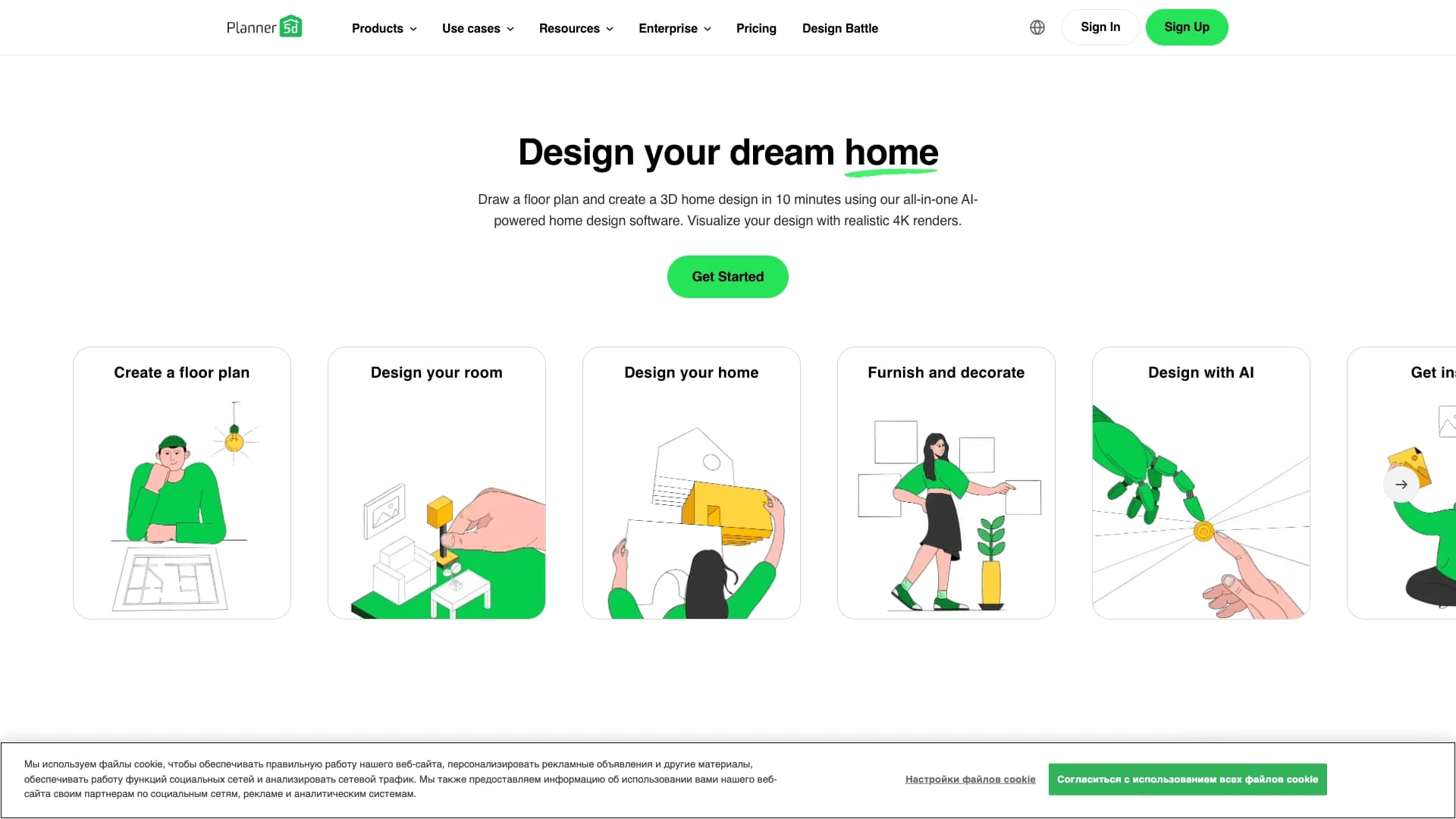

Service for creating 2D and 3D room layouts and interior visualization.
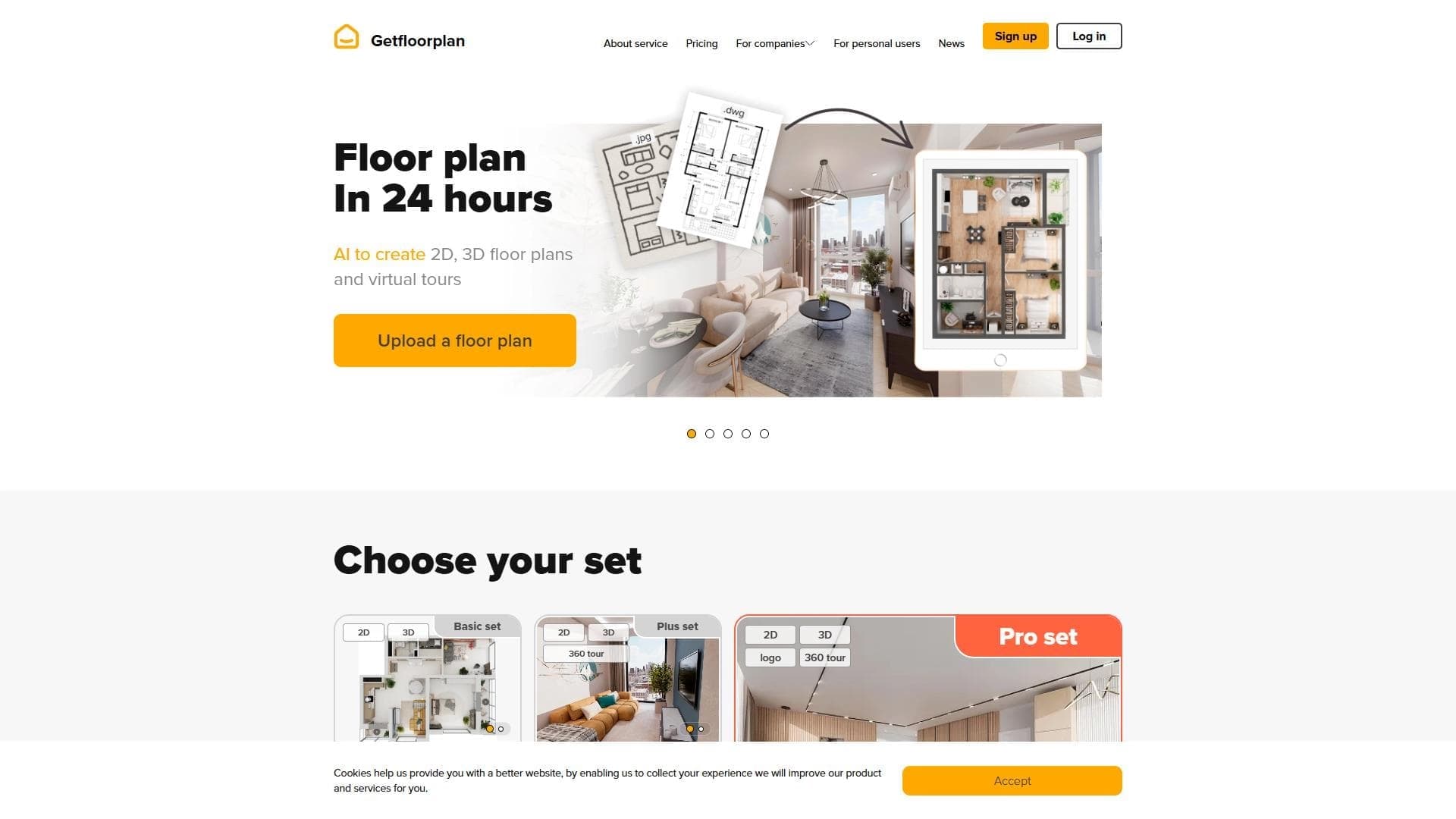

AI tool for quickly creating detailed 2D and 3D floor plans from sketches or text descriptions.
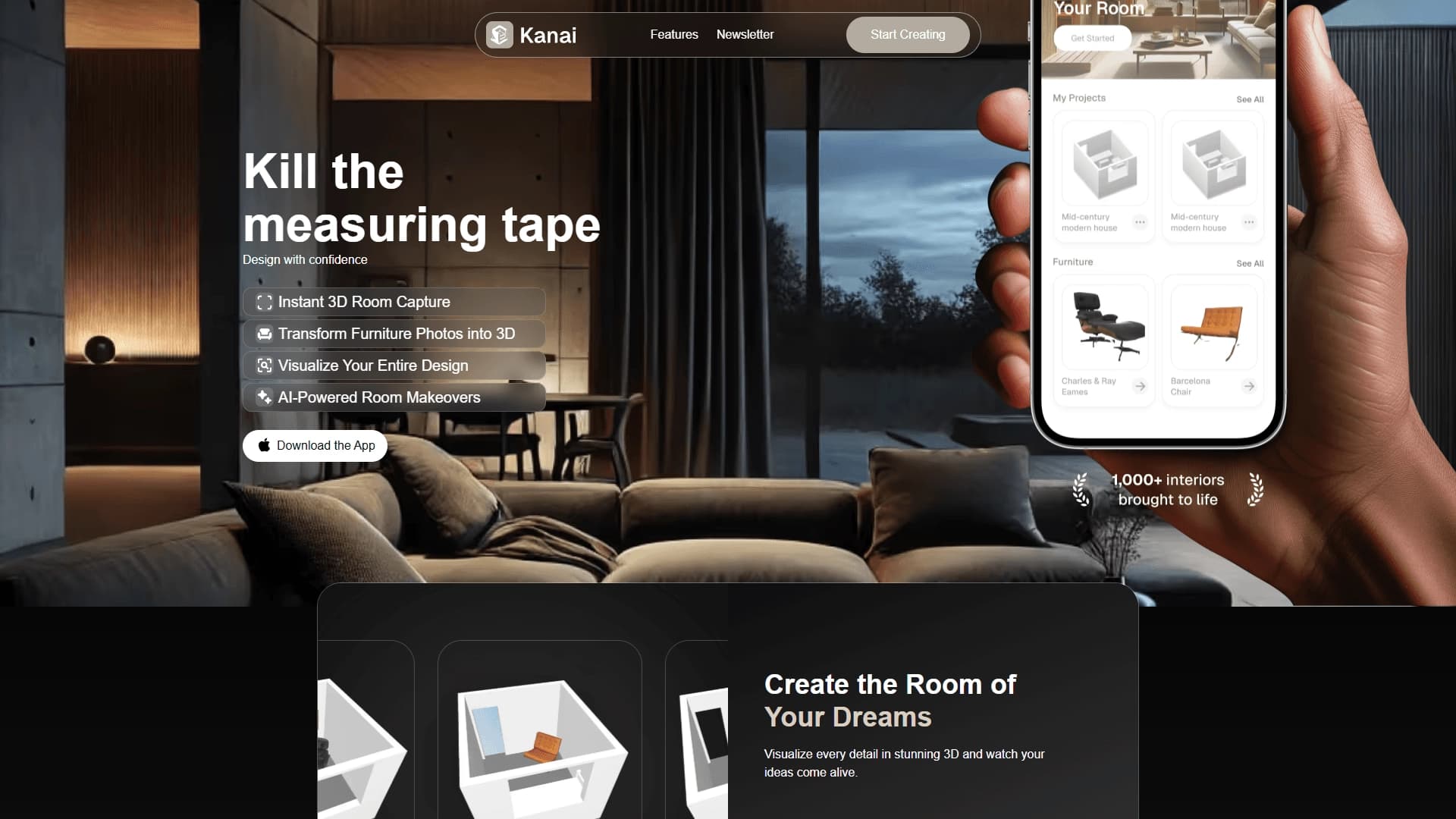
Mobile app for 3D scanning of rooms and furniture using a smartphone camera and AI-powered interior design selection.
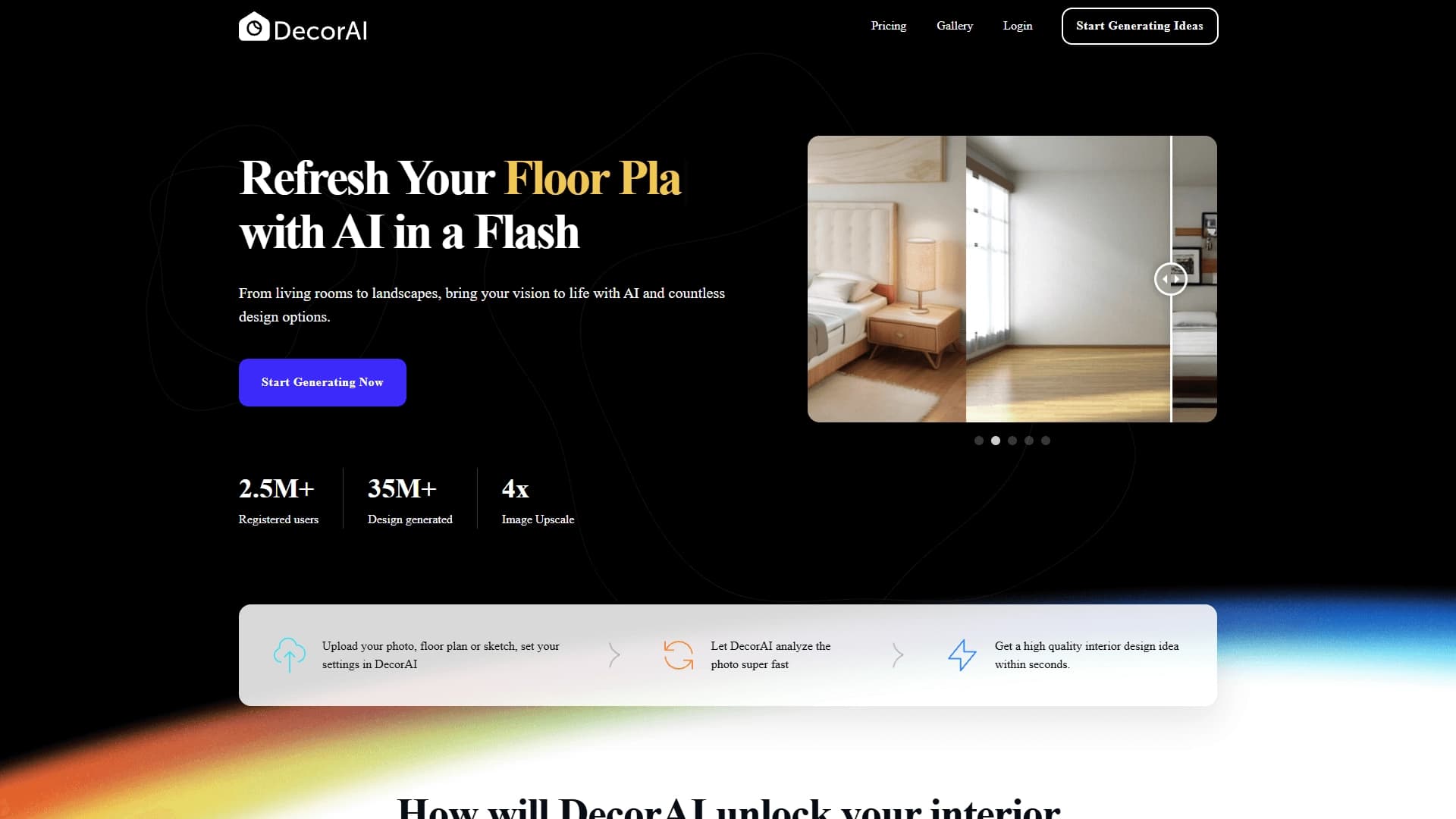

AI-based online service for generating interior ideas and planning solutions from an uploaded photo, floor plan, or sketch of a room.