
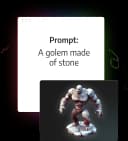
3D AI Studio
Cloud service for generating 3D models from a text description, uploaded image, or voice command.
Overview
3D AI Studio
Description of the 3D AI Studio neural network
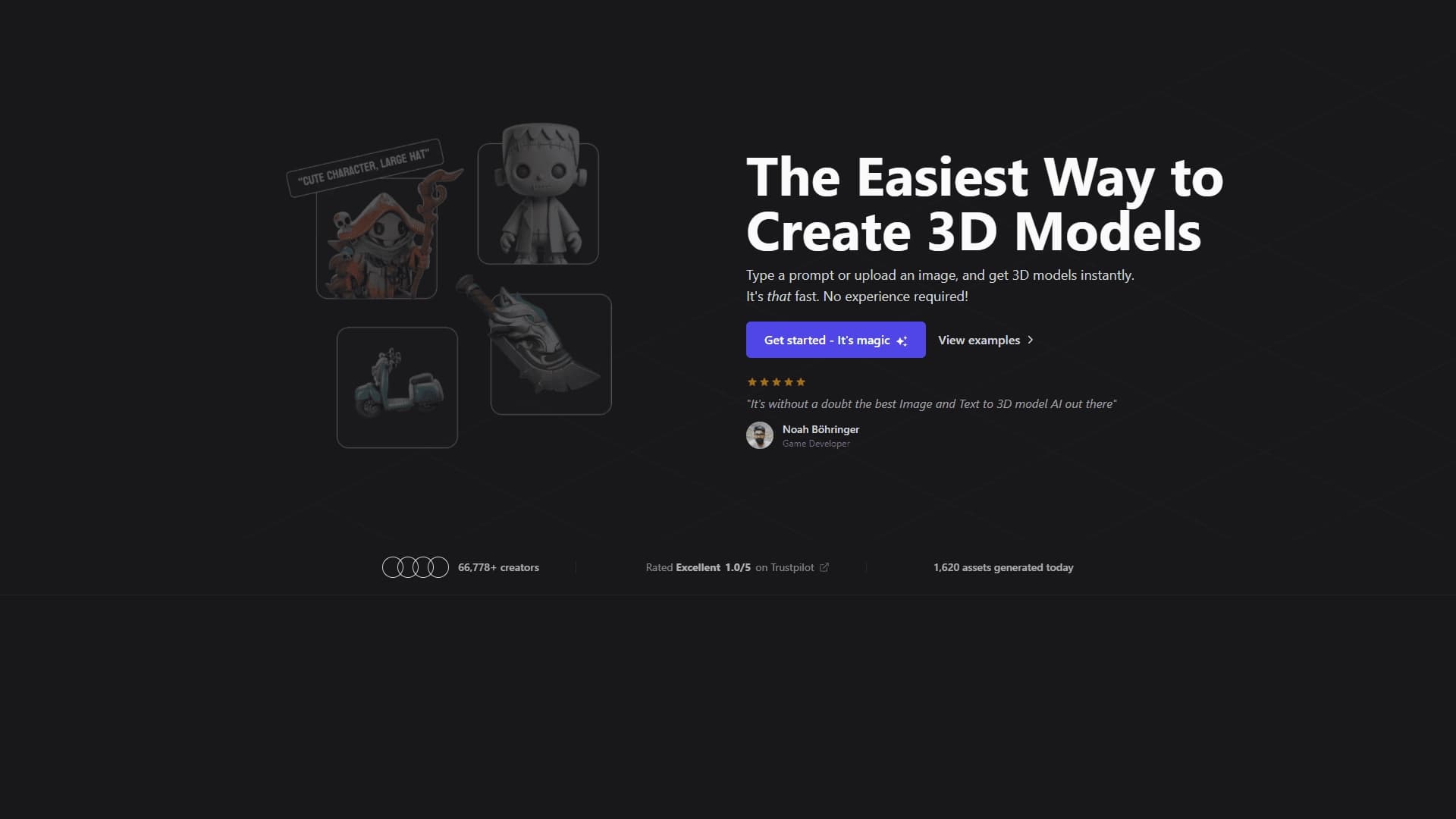
3D AI Studio is a cloud-based artificial intelligence service that lets you create 3D models from a text description, an uploaded image, or a voice command. The platform automatically generates object geometry and textures in a single interface, removing the need to manually model every element.
The service runs in the browser and uses machine learning to build detailed 3D objects. Generation typically takes 25 to 60 seconds, although in some cases a finished model can be ready in 5–15 seconds. Completed files can be exported in FBX, STL, and OBJ formats for further work in third-party 3D editors.
The tool is designed to speed up the pipeline when preparing assets for games, animation, metaverses, visualization, and 3D printing. That said, the resulting models often require refinement before professional use. The service is currently in beta and operates on a freemium model.
3D AI Studio characteristics
| Characteristic | Value |
|---|---|
| Type | 3D model generation (neural network for 3D, animation, and textures) |
| Category | 3D models and objects, Game development, Animation, Modeling |
| Input | Text, images, voice commands |
| Output | 3D models, textures, images |
| Generation speed | 25–60 seconds (5–15 seconds in some cases) |
| File formats | FBX, STL, OBJ |
| Platform | Web (browser interface) |
| Architecture | Cloud-based, machine learning |
| Business model | Freemium |
| Status | Beta |
| Guarantee | 14-day money-back guarantee |
| Official website | 3daistudio.com |
| Monthly visits | 95.7K |
Who is 3D AI Studio for?
Artists and designers
The tool is useful for artists and 3D designers who need to quickly create models and concepts without spending hours on manual modeling. The platform works for both professionals and beginners in 3D design thanks to its simple interface and learning materials.
Game designers and developers
For game developers and indie teams, the service helps speed up the pipeline by handling routine stages of creating characters, items, and environments. This is especially useful for rapid asset prototyping.
Metaverse users and marketers
The service is suitable for those working with virtual worlds and metaverses, as well as marketers who need 3D product visualizations for advertising and presentations.
How to use 3D AI Studio
Registration and choosing a plan
To get started, you need to register on the platform with Google or email and, if necessary, choose a suitable subscription plan. The service is available in the browser on any device with internet access.
Ways to enter a request
You can specify a 3D object in one of three ways: enter a text prompt, upload an image, or use a voice command. The neural network analyzes the request and automatically builds a detailed 3D model.
Refining and exporting the result
After generation, you can adjust the model's shapes and textures and use remeshing tools to optimize it. The final result can be exported in FBX, STL, or OBJ formats for further refinement in third-party 3D editors. A library of ready-made assets is also available.
Key features of 3D AI Studio
3D model generation
The service can create 3D models from text descriptions, regular images, and voice commands. This is the platform's key function, letting users get finished objects in seconds.
Texture and image generation
The interface allows creating textures and high-quality images in one place, simplifying the full asset preparation workflow. A separate Image Studio feature helps with additional visual tasks.
Refinement and export
The platform supports texture and shape adjustments, as well as remeshing to optimize models. Finished results can be exported in FBX, STL, and OBJ formats for further work in third-party editors, and the ready-made 3D asset library complements the workflow.
Advantages of 3D AI Studio
High generation speed
The service's main advantage is speed. Models are created in seconds (usually 25–60 seconds), significantly accelerating the 3D pipeline for content studios and indie teams. The neural network handles routine modeling steps.
Ease of use
The service has a simple, user-friendly interface suitable for beginners. It supports text, voice commands, and image uploads, and offers learning materials and contextual hints. Registration can be done via Google.
Flexible terms
The platform uses a freemium model with a free option to start, offers a 14-day money-back guarantee on paid plans, and covers a wide range of use cases—from games and animation to 3D printing and metaverses.
Disadvantages of 3D AI Studio
Limited free options
Only a small number of generations are available for free (about two, according to sources), so a paid subscription is needed for full testing and regular work. Professional features are available only in paid plans.
Result quality
The result strongly depends on the clarity of the original description or image. Texture quality is inferior to some alternatives, such as Meshy AI, and the resulting models often require additional work for professional use.
Service limitations
The tool is in beta testing, and information about export formats is not fully disclosed. Support is available only by email, with responses within 1–2 days. The limited variety of export formats is also noted.
What problems does 3D AI Studio solve?
Prototyping for games and visualization
The service lets you quickly create character, object, environment, and concept prototypes for games or visualizations. This speeds up the asset preparation stage without manual modeling.
Creating content for metaverses and animation
The platform is suitable for generating 3D objects for virtual worlds, metaverses, and animation, as well as preparing models for 3D printing.
Product visualization and time savings
The service is used to create 3D product visualizations for advertising and presentations, and to generate 3D assets for design and development, saving time on manual modeling.
3D AI Studio pricing
The service uses a freemium model: there is a free plan with a limited number of generations, as well as several paid subscriptions with different monthly generation limits, access to high-quality generation, and certain file formats.
According to sources, the Basic plan starts at $14 per month and includes 1,000 credits. Credit usage: text-to-3D — 25 credits, image-to-3D — 30 credits, model refinement — 30 credits, and the Image Studio feature — 1 credit.
One source lists the following plans: One-time (15 generations), Starter (35 generations/month), and Studio (150 generations/month). All paid plans include instant access, fast server, and a 14-day money-back guarantee. Details on other plans were not disclosed in available sources.
Terms of use of 3D AI Studio
To get started, registration with Google or email is required. The tool is currently in beta. Only a limited number of generations (about two) is available for free; payment is required to continue working after that.
Paid plans come with a 14-day money-back guarantee. User support is available only by email, with a response within 1–2 days. The service requires a browser and a stable internet connection.
Availability of 3D AI Studio
3D AI Studio is a cloud-based web service that runs in the browser on any device with internet access. The interface is available in Russian, which makes it easy to use.
How is 3D AI Studio different from alternatives?
Compared with Meshy AI
3D AI Studio generates models faster (25 seconds vs. 1–2 minutes for Meshy AI), but falls short of the competitor in texture quality and variety of export options. The platform is also considered less versatile than Meshy AI.
Compared with Spline AI
Spline AI is better suited to web design, while 3D AI Studio is more versatile for game development and metaverses. The choice between them depends on the specific use case.
Compared with Sloyd AI and others
3D AI Studio is easier to use than Sloyd AI, but Sloyd offers cleaner topology for solid models. Other similar services include Pixal3D, Hunyuan, Rodin, Kaedim, Genie by Luma, and Tripo AI.
Conclusion
3D AI Studio is a convenient cloud tool for quickly generating 3D models from text, images, and voice commands. The service is aimed at artists, game designers, developers, and 3D design beginners, helping speed up the 3D pipeline and reduce time spent on routine modeling. It's important to keep some limitations in mind: a small number of free generations, the possible need to refine models, and texture quality that trails some alternatives. The tool uses a freemium model, is in beta, and is best suited for prototyping, metaverse work, and rapid asset preparation.
Pricing
Frequently asked questions
Similar AI tools






See also
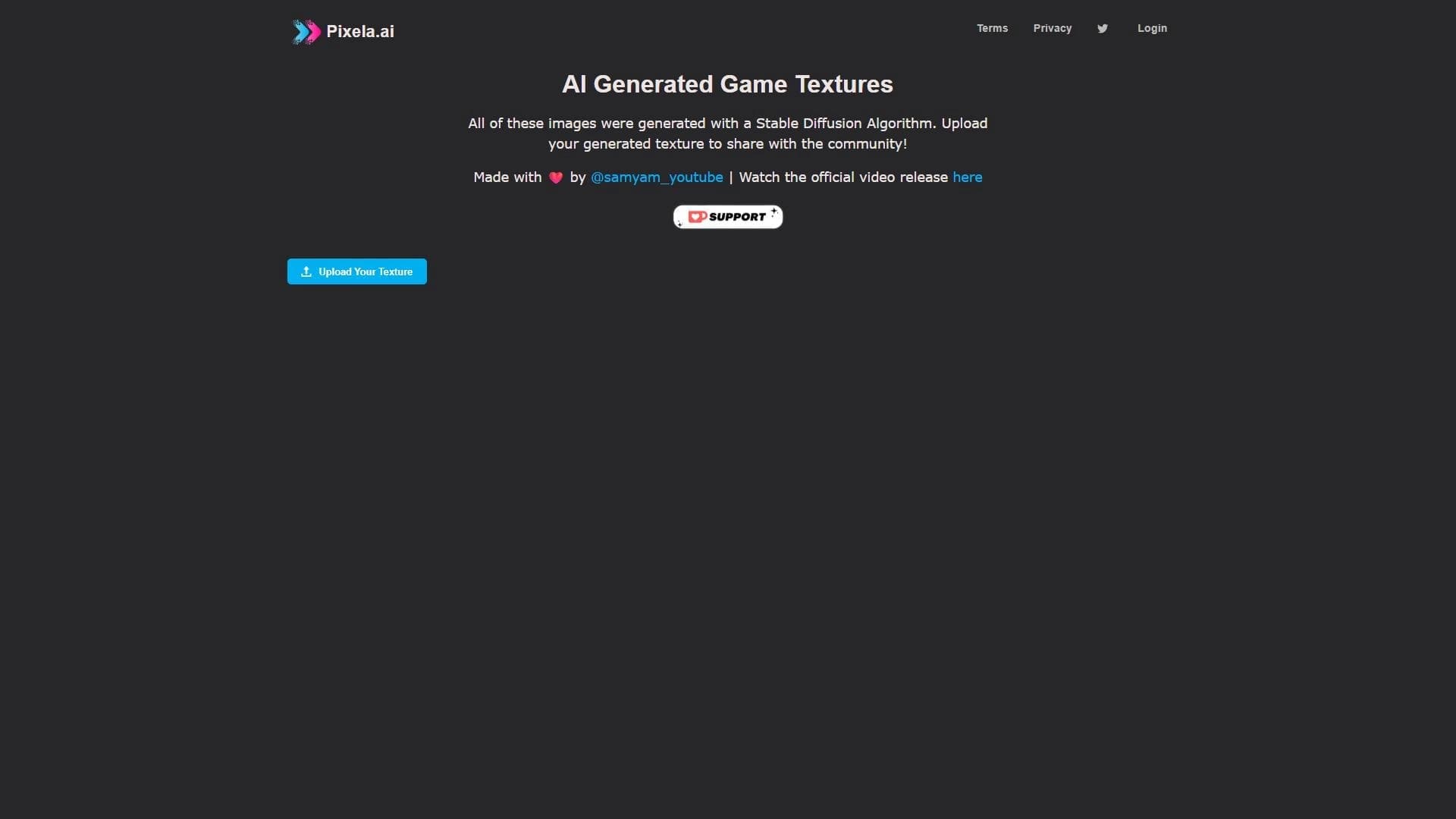

Platform for generating game textures using the Stable Diffusion algorithm.

3D model generator combining AI with a parametric engine for creating and customizing objects right in the browser.

Generative model that creates interactive video in real time, where the user can influence what happens through text commands.
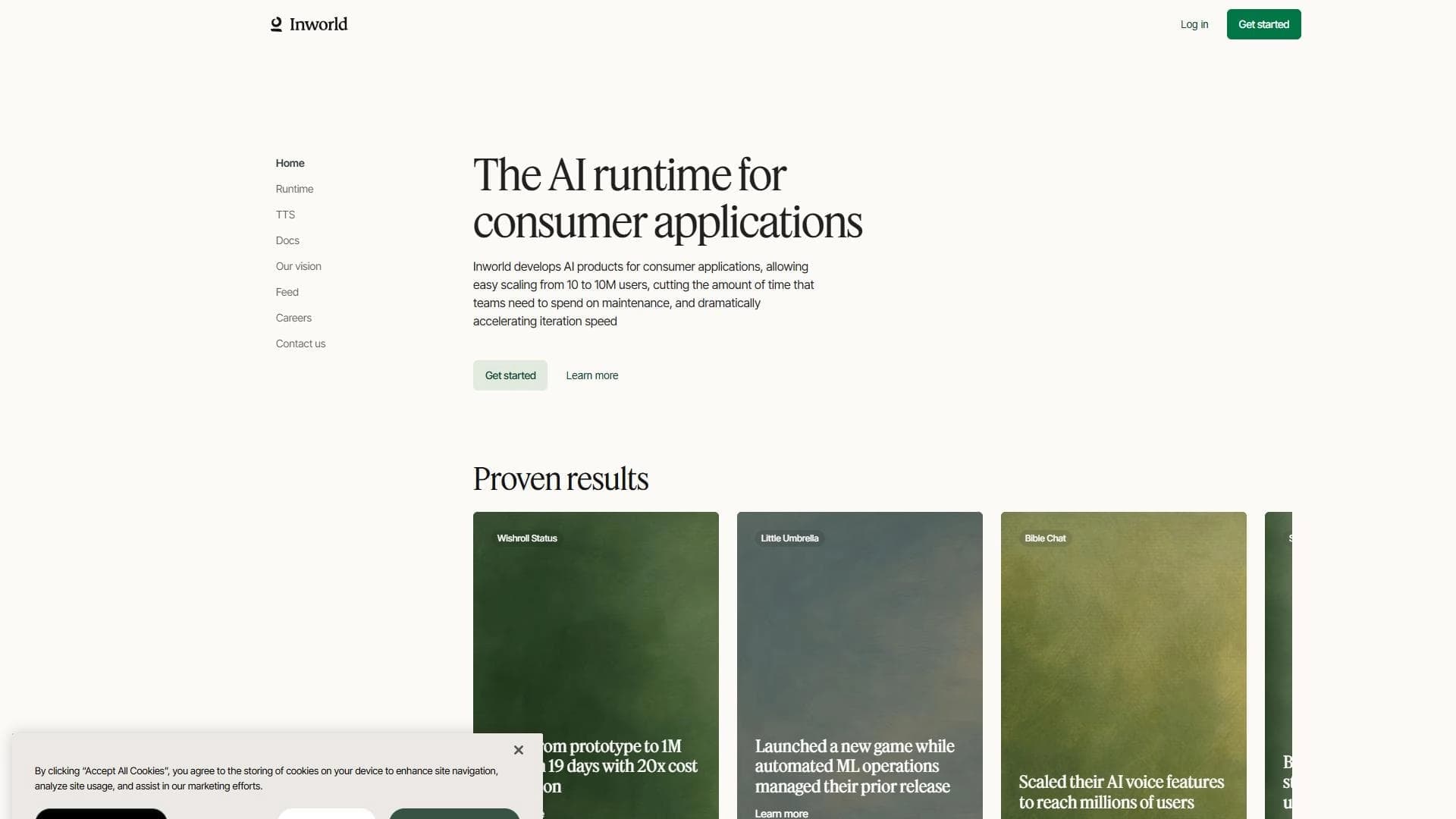

AI-based platform for creating intelligent NPCs and game worlds with speech synthesis support.
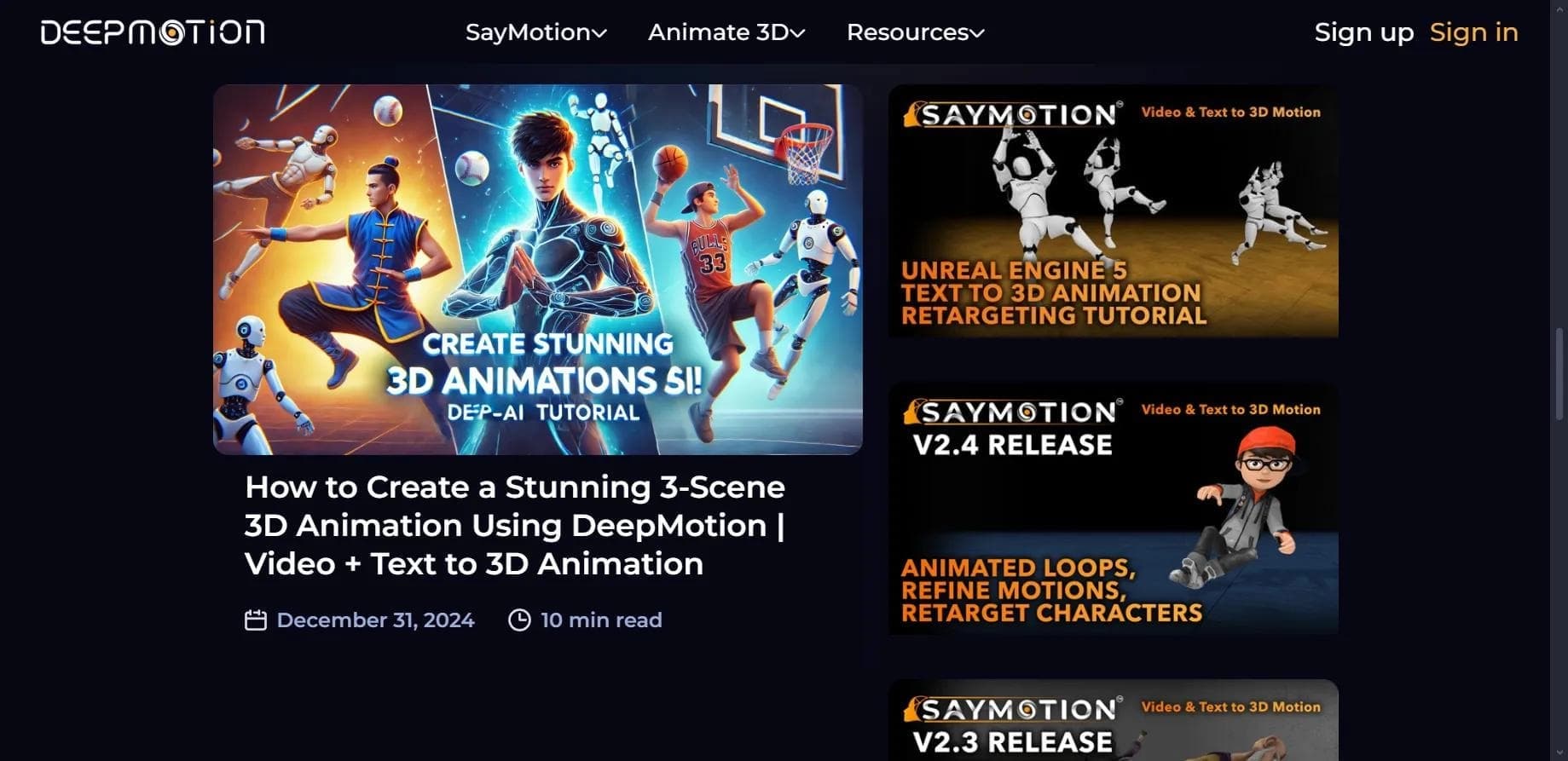

Web service for creating 3D animation based on video, text descriptions, or motion capture data without special equipment.

Browser-based platform for creating 3D objects, animations, and textures using AI from a text prompt.

Platform for creating and interacting with custom AI characters and chatbots.

Platform for creating conversational AI characters integrated into games and virtual worlds.