
Unstable Diffusion: configuring a neural network and creating adult images — a beginner's guide
We'll walk through the steps of registering for the service, correctly filling in the request and exclusion fields, choosing a genre, and setting additional generation parameters. We'll also cover where to find ready-made prompts, how to refine them for your tasks, and what to keep in mind to ensure the result complies with the law and ethical standards.
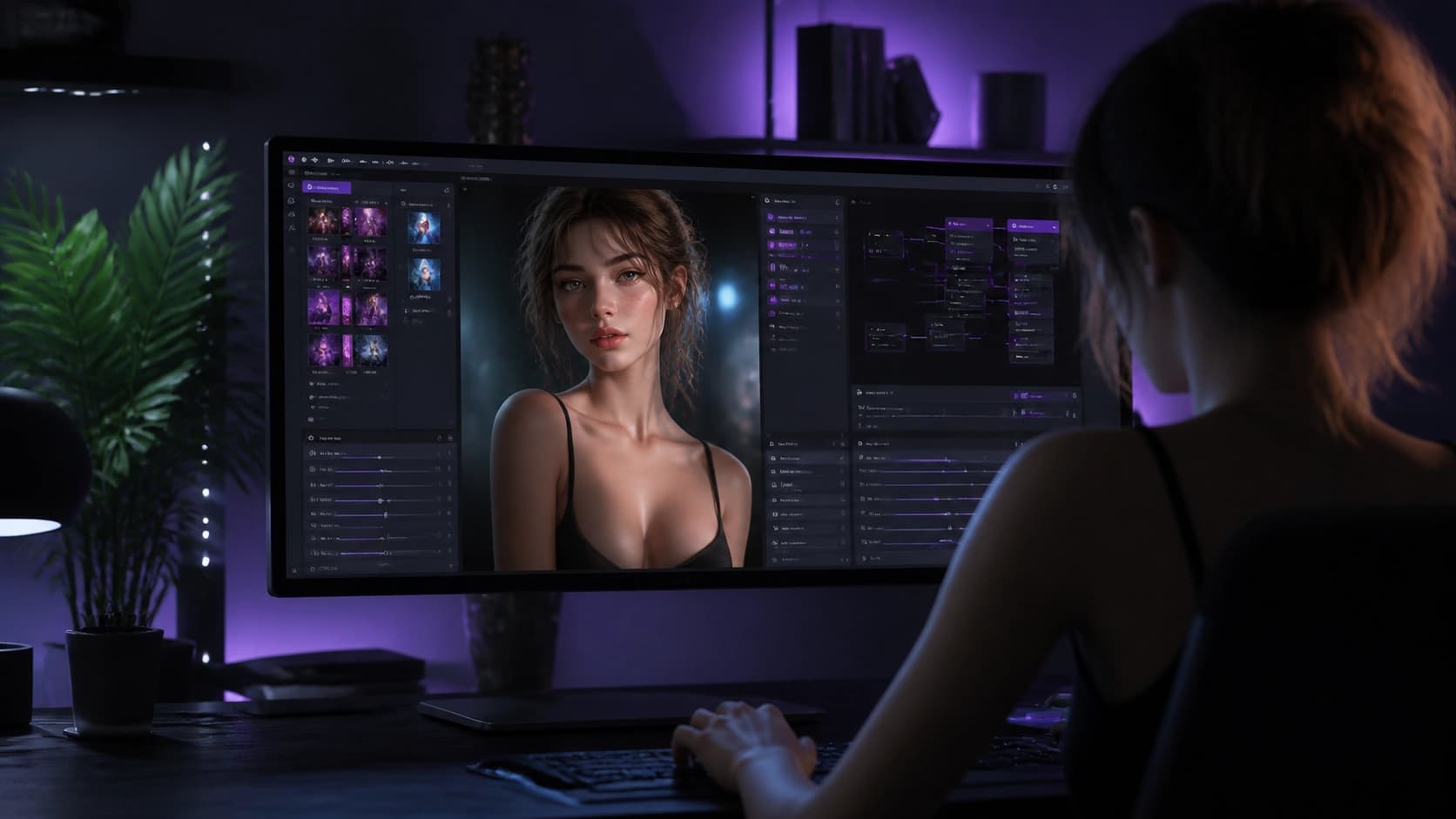
Unstable Diffusion is a neural network that doesn't shy away from adult themes and lets you generate explicit images where other models impose strict restrictions. Of course, freedom doesn't mean anything goes: results must not violate the law or basic ethical norms. For a beginner, the service may look a bit confusing, but in reality, you can figure it out in one evening.
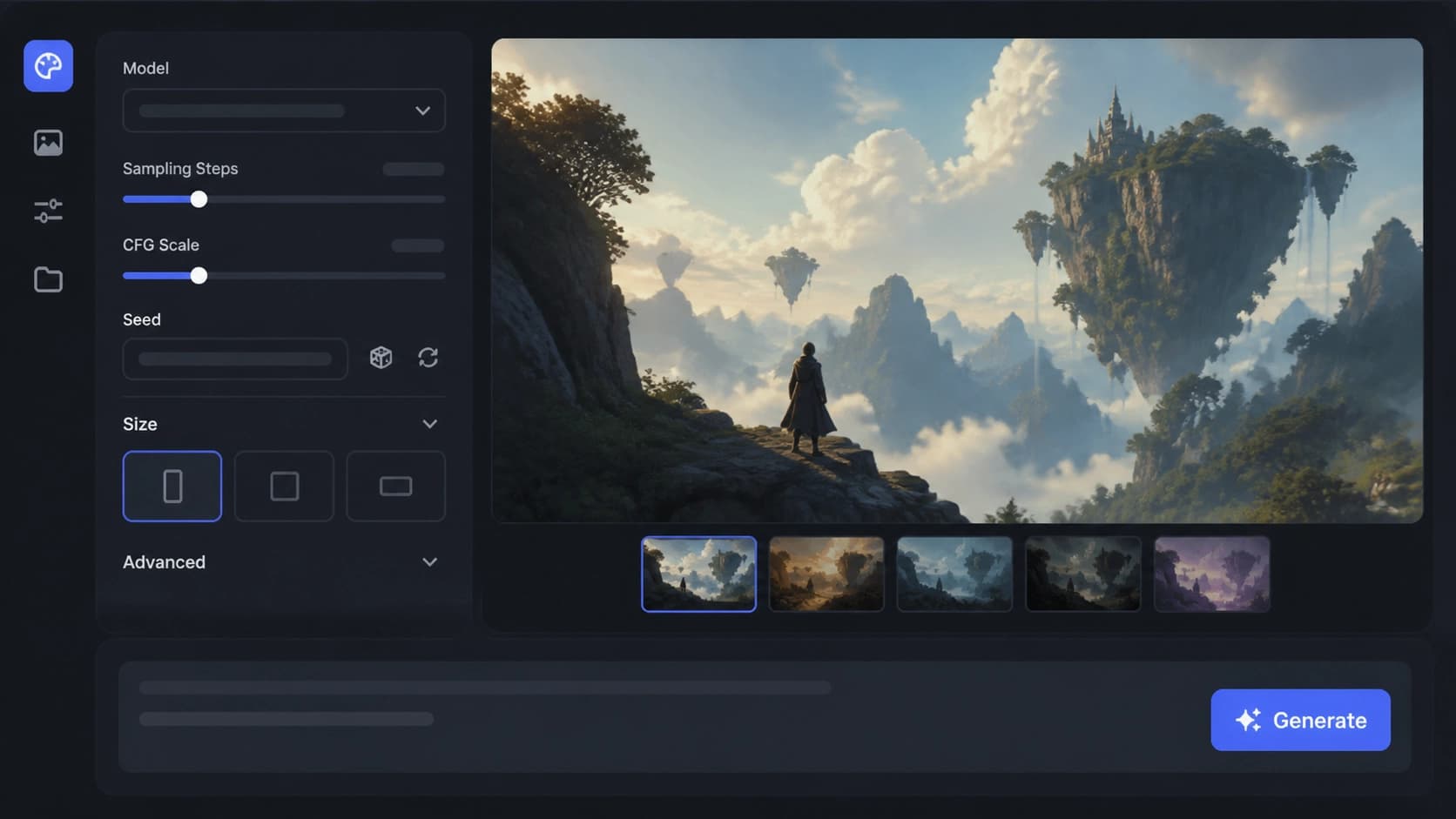
Registration and first launch
First, go to the Unstable Diffusion website and create an account. All you need is an email address and a password — no complicated verification or forms. After logging into your personal account, you'll land directly on the generation page. No additional installations or a powerful computer are required: the neural network runs in the cloud, and only a text prompt is sent from your device.
Don't try to produce a masterpiece right away. Just enter a simple phrase, hit the button, and get your first results in a few seconds. This way, you'll understand how the service works and see which settings affect the outcome.
Key settings: Prompt, Exclude, and Genre
The heart of the generator is the Prompt field. It's a required element: this is where you write a description of the image you want in English. The more precise your prompt, the closer the result will be to your expectations. If you want to remove something unwanted, use the Exclude field — list the undesirable elements there. For example, with a prompt like "girl on the beach," you can exclude words like "nsfw" or "nude" to get a more modest version.
The next important parameter is Genre. It defines the style of the image. The available options are:
- photo — a maximally realistic image, similar to a photograph;
- anime — a drawn style in Japanese aesthetics;
- digital art — an illustration with artistic processing;
- Generalist — a universal mode that should work for everything.
In practice, Generalist behaves unpredictably and often produces vague results, so beginners are better off starting with the first three types. You can also set the aspect ratio and the number of images per generation — handy when you need several variations quickly.

Fine-tuning the image
Beyond the basic parameters, Unstable Diffusion has advanced options hidden under additional settings. Experienced users adjust them for specific tasks, while beginners will find it useful to know what each one does.
- Sampler and Sampler Strength control the color palette and overall mood of the image. Experiment with them if the picture looks too dull or, on the contrary, oversaturated.
- High Frequency Detail is responsible for fine details. Increase the value, and textures, hair, and clothing folds become more defined.
- Saturation adjusts color intensity: from muted tones to bright, almost neon shades.
After each generation, two buttons appear below the result. The left one restarts generation with the same parameters — handy if you want another variation without changing settings. The right one loads the current image's parameters back into the fields. This saves you when you want to fine-tune a successful result without losing the core idea.
Where to find ideas and ready-made prompts
The most common problem for beginners is not knowing how to phrase a prompt. That's normal: the skill comes with practice. Start with simple phrases like "cute girl lying on beach" and gradually add details. To speed things up, use ready-made prompts from prompts.ai — it has thousands of tested prompts for various neural networks.
You can also look for inspiration on forums and social media. On the official Unstable Diffusion server, some images have a magnifying glass emoji — click it, and the prompt will be sent to your direct messages. It's a great way to see how others phrase their prompts.
If you really don't want to bother, you can order ready-made examples from specialists who create prompts for a fee. But to begin with, it's enough to study others' work and try to replicate their style.
What can this neural network actually do? Practically anything that isn't prohibited by law: erotic and explicit scenes, nude people, fantastical monsters and dragons, animals, landscapes, and portraits. The only limit is your own imagination and ethical boundaries. Use the tool responsibly, and it will become a reliable assistant in your creative experiments.
Frequently asked questions
Related materials
All materials
GoldiMask Method for Fine-Tuning Diffusion Language Models: Context Selection and Target Weighting
This paper presents GoldiMask, a supervised fine-tuning approach for discrete diffusion language models that selects visible tokens via approximate maximization of a submodular function and assigns weights to remaining targets based on their training utility. Experiments across several models and datasets demonstrate improved average accuracy, gains on reasoning and coding tasks, and fewer parallel decoding iterations on GSM8K and MATH-500 at comparable quality.
30 October 2026
Transformers adds support for running quantized GGUF models on Apple Silicon
The article describes integrating the GGUF format from llama.cpp into Transformers: local inference on Mac, loading models via the library API, and running an OpenAI-compatible server. Using Qwen3.5-4B as an example, it shows how the choice of quantization level affects weight size and memory requirements.
18 October 2026
Running an AI-native company in 2027: An operating framework for first-time executives
The article examines which elements of an operating model a leader needs when AI has been built into the business from the outset. Readers will get a measured view of the priorities: redesigning processes, setting boundaries for agent autonomy, measuring value, and managing risks.
12 October 2026