
Transformers adds support for running quantized GGUF models on Apple Silicon
The article describes integrating the GGUF format from llama.cpp into Transformers: local inference on Mac, loading models via the library API, and running an OpenAI-compatible server. Using Qwen3.5-4B as an example, it shows how the choice of quantization level affects weight size and memory requirements.

What’s changed
On September 22, 2026, Hugging Face announced the launch of GGUF models in Transformers through the library’s familiar APIs. The initial focus is local inference on Apple Silicon, starting with the Qwen3.5 architecture.
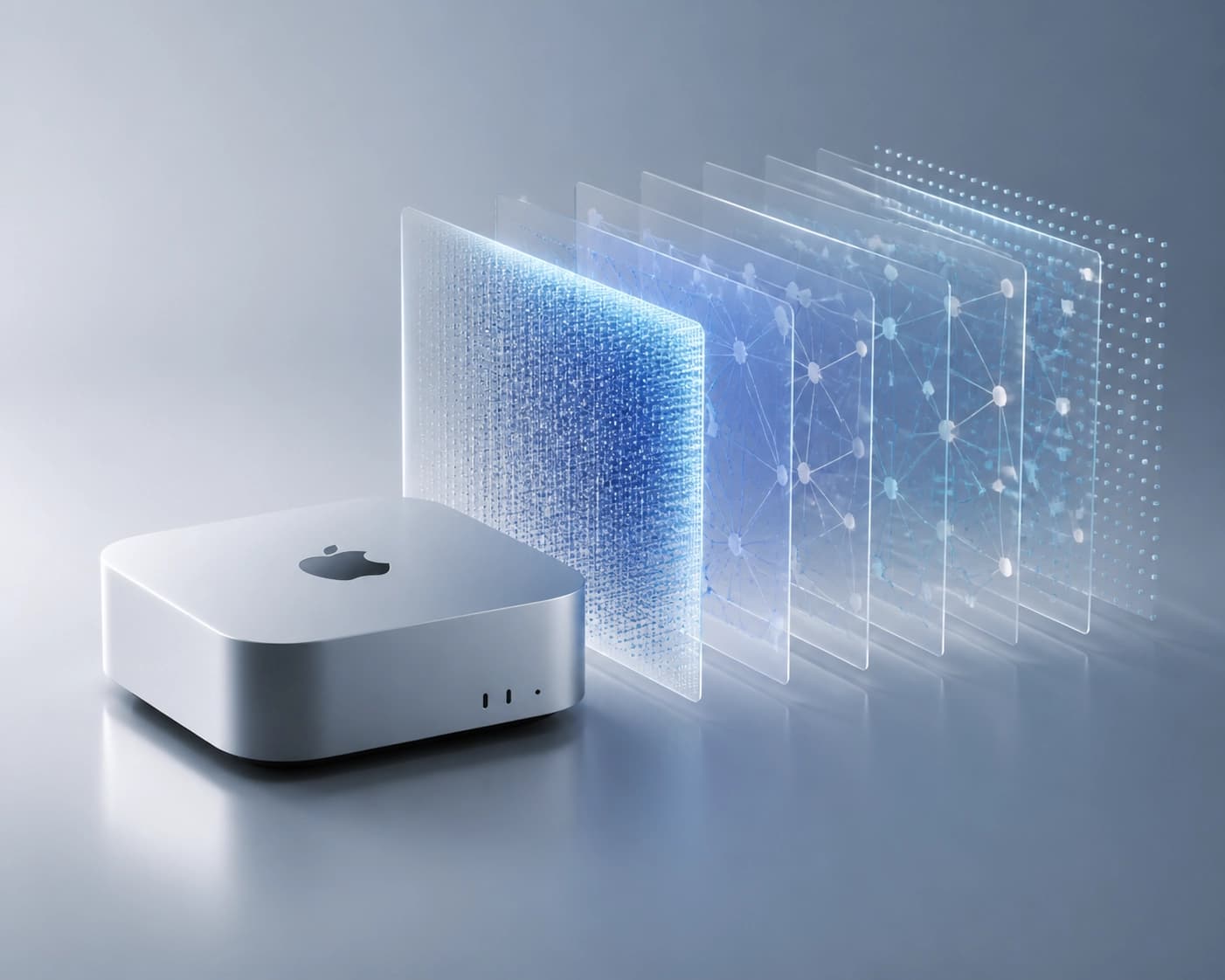
Quantized GGUF checkpoints are already available on the Hub from ggml-org, Unsloth, LM Studio Community, and bartowski. These models have been downloaded millions of times.
How quantization affects model size
GGUF was developed by the llama.cpp team. The format combines weights and metadata, including tokenizer information and an optional chat template, in a single file.
Quantization reduces memory usage at the cost of some precision. For example, Q4_K_M uses mostly 4-bit weights while preserving higher precision for sensitive tensors.
The source lists the following sizes for Unsloth’s Qwen3.5-4B:
| Variant | File size |
|---|---|
| BF16 | 8.42 GB |
| Q6_K | 3.53 GB |
| Q5_K_M | 3.14 GB |
| Q4_K_M | 2.74 GB |
The source recommends starting with Q4_K_M, and trying Q5_K_M or Q6_K if you have additional memory. The trade-off between quality and quantization depends on the model and task.
What you need to run it locally
To run it, you need a Mac with Apple Silicon and a version of PyTorch compatible with the published ggml-quantization kernel builds. The source notes that the two most recent PyTorch versions are generally supported.
You’ll also need:
- the latest version of Transformers — currently from the
mainbranch, before the next release; - a compatible version of the kernels library.
A practical check is to verify that your installed PyTorch and kernels are compatible before downloading the model. Without a compatible quantization kernel, the loader will dequantize the model, which requires more memory.
How Transformers loads GGUF
The model is loaded using from_pretrained: specify the model ID on the Hub and the filename in the gguf_file parameter. One example is Qwen3.5-4B in the unsloth/Qwen3.5-4B-GGUF repository, using the Qwen3.5-4B-Q4_K_M.gguf file.
If the weights remain packed on Metal, Transformers automatically loads compatible ggml/Metal layer kernels. For attention, it uses ggml-org/ggml-attn.
If the attention kernel is unavailable, the model switches to sdpa with a warning. You can also set this mode explicitly with attn_implementation="sdpa".
How to connect a client via API
A GGUF checkpoint can be run with the Transformers serve command. It provides an OpenAI-compatible API, and the model argument is specified in the format <model_id>:<filename>.gguf.
Example argument: unsloth/Qwen3.5-4B-GGUF:Qwen3.5-4B-Q4_K_M.gguf. You can connect Jan or Pi to the server as an OpenAI-compatible client.
Connection settings:
- Base URL:
http://localhost:8000/v1; - Model ID:
unsloth/Qwen3.5-4B-GGUF:Qwen3.5-4B-Q4_K_M.gguf.
The model runs on your Mac, while the client provides an interface for chatting.
Frequently asked questions
Related materials
All materials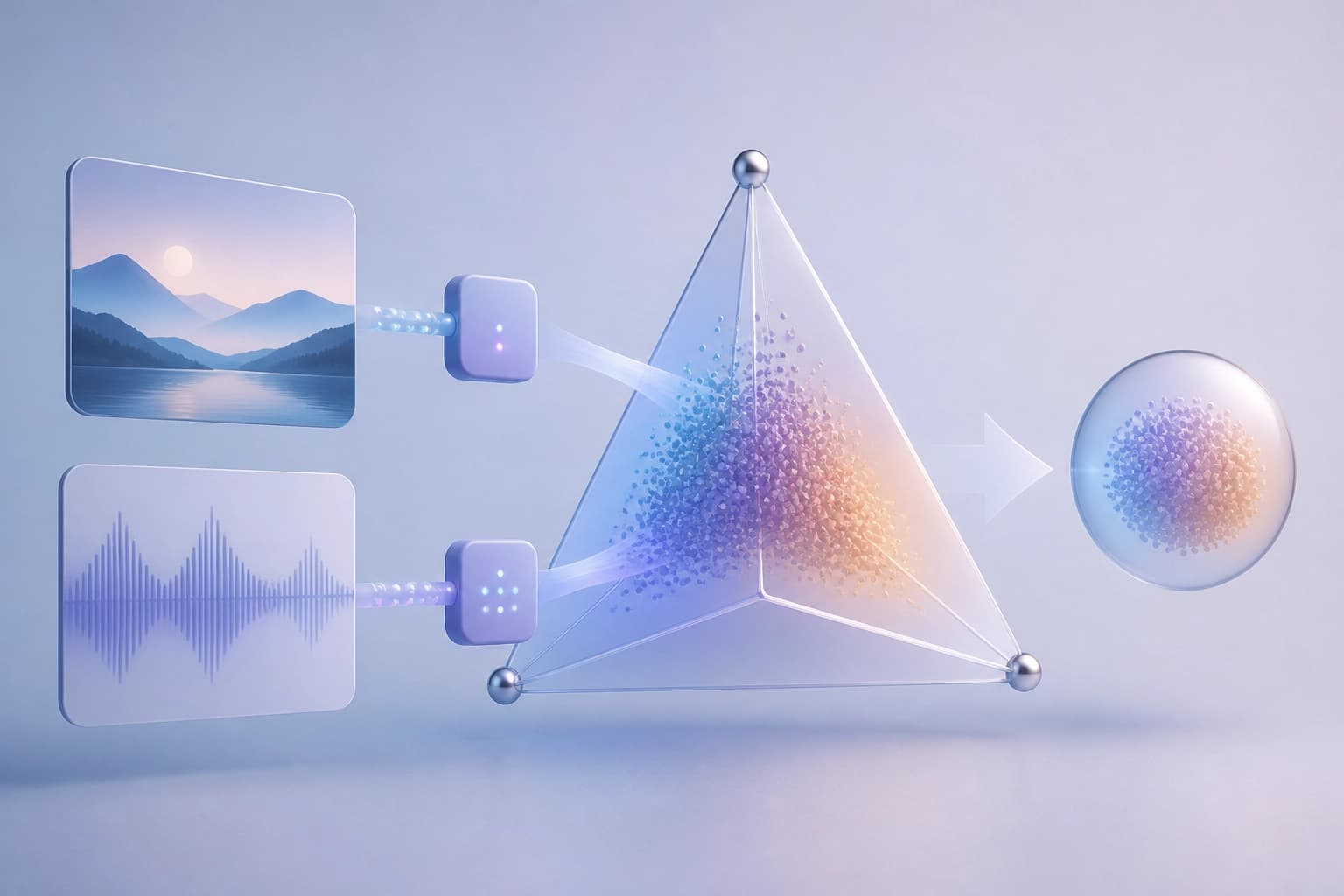
Moving to the Probability Simplex Reduces the Modality Gap in Contrastive Multimodal Models
The paper arXiv:2610.32890 proposes replacing spherical embeddings with a probabilistic simplex, adding lightweight softmax adapters and Total Variation similarity. Across five retrieval benchmarks, the cross-modal centroid ℓ2 distance decreases by 97–99% while retrieval quality is maintained or improved.
3 November 2026
How ActionRAG Reconsiders Evidence During Diffusion Across the Memory Graph of LLM Agents
A graph-memory architecture is proposed that carefully reconciles entities during indexing and reevaluates relationships at query time based on local structure. On MemoryAgentBench, the method achieved an average accuracy of 55.1, outperforming the strongest retrieval baseline by 5.4 percentage points while keeping synthesis costs low per query.
3 November 2026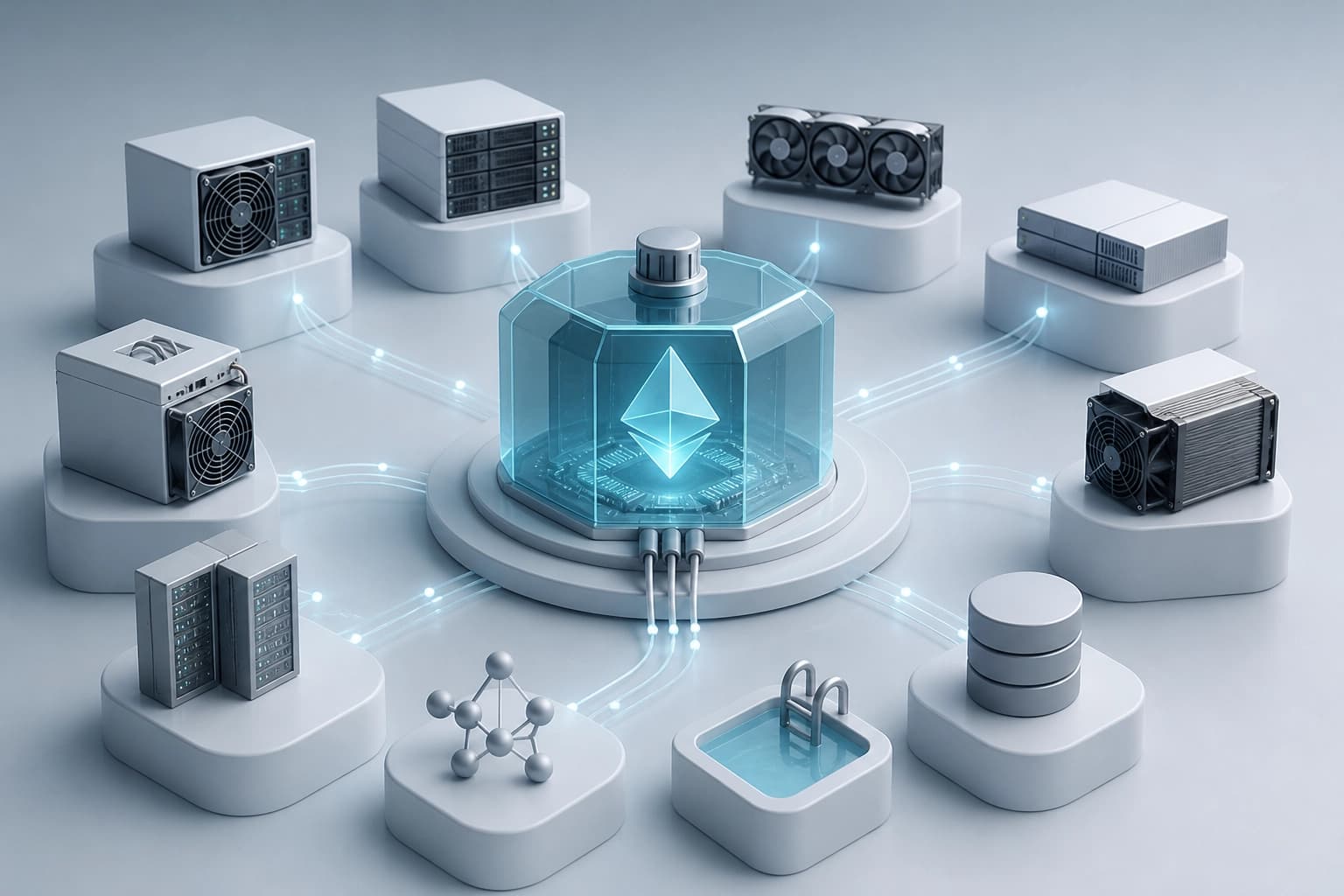
Fifteen companies backed MDK Tether for mining automation
Equipment manufacturers, mining pools, and operators have taken on the development of integrations with Tether’s open suite to standardize equipment monitoring and management; the QVAC AI agent is already built on this foundation. Independent confirmation of reduced electricity costs or increased efficiency has not yet been published.
2 November 2026