What it is and why integrate it
Suno API is a cloud service for AI-powered music generation. Its main goal is to give developers and businesses the ability to embed track creation into their products without having to record audio manually. Instead of spending a long time searching for the right composition in a library or working with complex editors, you just send a request with text parameters and receive a finished audio file.
What does this mean in practice? Imagine a mobile app where a user selects a mood and the service generates a suitable track right at that moment. Or an online video creation platform where every clip gets unique musical accompaniment. Without an API, such scenarios would require manual work or a huge collection of pre-made recordings. Suno API solves this problem automatically, and it does so quickly enough not to disrupt the user experience.
Speed is the key advantage. Although loading and processing complex compositions can take some time, for typical short excerpts the response comes in 10–20 seconds. This makes it possible to use the API in interactive scenarios where the user waits for the result almost in real time.
Capabilities and typical use cases
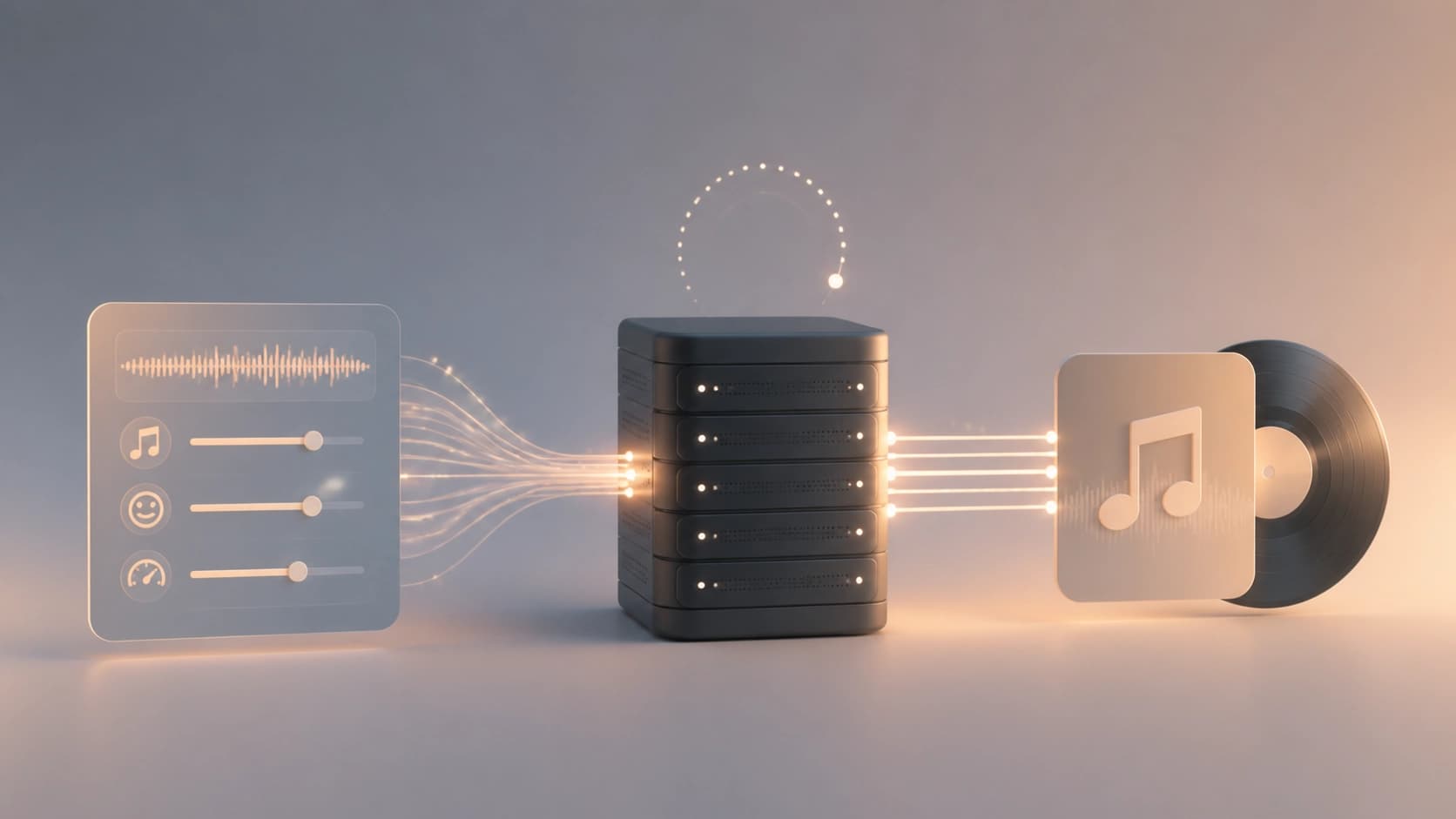
In a request to Suno API, you can pass several parameters at once that affect the result: genre, emotional tone, tempo, and instrumentation. This lets you get both soft background ambient pieces and more energetic tracks for games or fitness apps. Flexible configuration is useful not only for creating one-off tracks, but also for generating a series of compositions in a single style — for example, for an entire playlist.
The basic result is a short excerpt of about 30 seconds. If needed, the service supports extending the generated fragment and merging it with other parts into a longer track. This concatenation allows you to create full-fledged soundtracks without losing stylistic unity.
Main use cases:
- Background music for videos. Video editors and content creators get a unique track for each clip without dealing with licenses and stock libraries.
- Dynamic soundtracks for games. Music can change depending on the level, the character's state, or the game situation, enhancing immersion.
- Intros and outros for podcasts. No need to order a jingle from a composer every time — just generate one to match the mood of a new episode.
- Personalized tracks in mobile apps. For example, in meditation services, you can tailor the music to the user's current emotional state or heart rate.
- Quick sketches for composers. AI helps generate a draft version that can then be refined manually or used as a source of inspiration.
This broad coverage makes the tool a universal solution for teams that need music in their product but don't have the option of keeping a staff sound engineer.

How to get access and an API key
To use the service, you need to register on its official website. To do that, go to the main page and click the Get API Access button. From there, the process is standard:
- Create an account. Enter your email and password, or use third-party authorization.
- Choose a plan. The service offers several plans, including a free one. It suits testing and experiments, while paid plans are geared toward commercial workloads.
- Pay for the subscription if you've selected the corresponding plan.
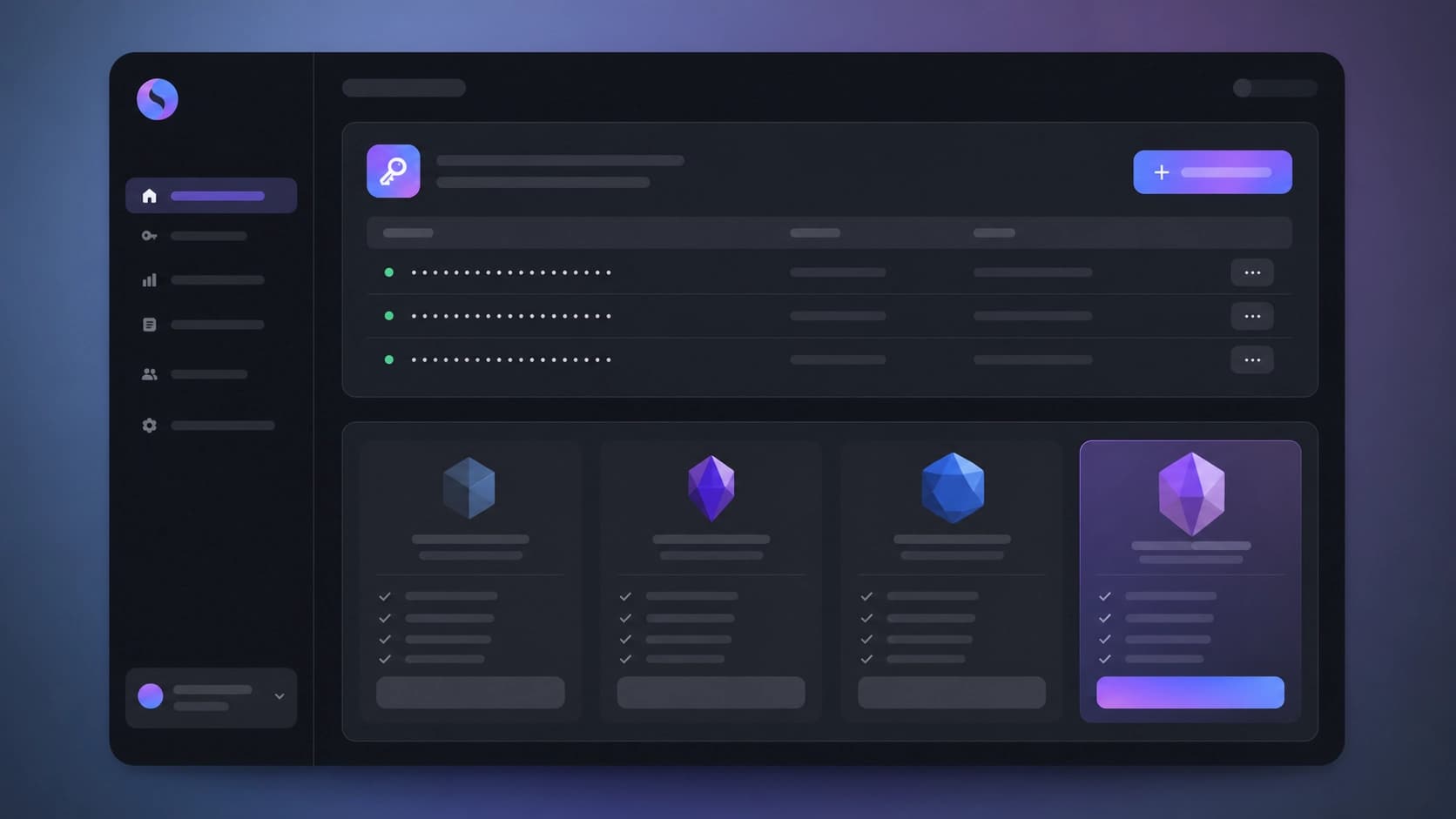
- Go to the dashboard and click the key generation button. The service will create a unique API key for your account.
From this point on, Suno API will recognize you by this key. It's important to organize secret storage properly: the best approach is to keep it in environment variables on the server side of the application, not in the client code. If the key gets into a public repository or a mobile app, an outsider could use it, leading to extra costs on your plan.
Before integrating the service into a production project, it's worth studying the documentation carefully. It lists all available methods, request parameters, and response formats. It's also useful to check the limits of your chosen plan — they determine how many requests per minute or per day your application can handle.
Integration and generation setup
Integrating into an application starts with learning the endpoints. In most cases, a single POST request to the generation method is enough, with the track parameters passed in its body. You can work directly via the REST API, or use the official SDKs — they simplify interaction and save you from manual request construction. SDKs are available for popular languages: Python, JavaScript, Java, and others.
A typical integration scenario looks like this:
- Get an API key and store it in a secret vault.
- Send a request specifying the genre, mood, tempo, and instrumentation.
- Wait for the server's response.
- Process the received data: save the audio file to the cloud or deliver it directly to the client.
When working with Suno API, it's important to think through response handling. The service can return not only the audio file itself, but also metadata: information about tempo, key, duration, and other characteristics. This data is convenient to use in the interface — for example, to show the user the track title and its mood.
To create long compositions, you need to generate several short fragments and combine them into a single file. It's better to do this sequentially: first get a base excerpt, then extend it or supplement it with other parts, and finally merge everything into a single track. This approach gives you more control over the structure of the composition and helps avoid abrupt transitions.
The bottom line
Suno API is a practical way to add music to any digital product. It takes on the hard part of the work: synthesis, production, and track assembly. All you have to do is set the parameters and process the result. Thanks to the free plan and a fairly simple registration process, you can quickly test the capabilities and understand whether the service suits your task. And if it does, integrate it into your main project and scale generation to your needs.