Getting to Know NoteGPT
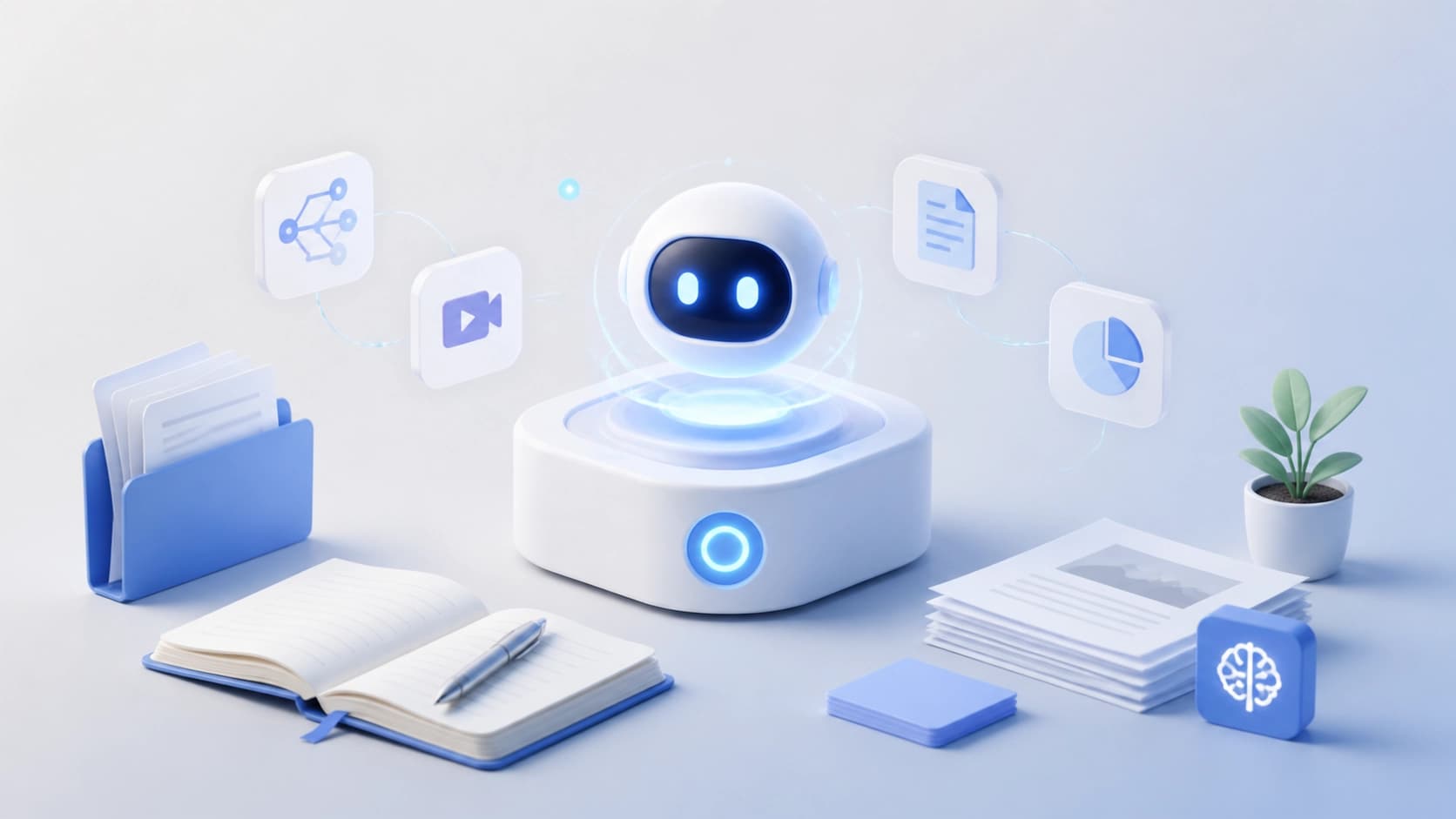
NoteGPT is an AI-powered study assistant. Its main goal is to save time: instead of manually taking notes on lectures, articles, or long videos, you can hand that work over to an algorithm. The tool can condense information from various sources, turn it into convenient formats, and help you tackle complex topics.
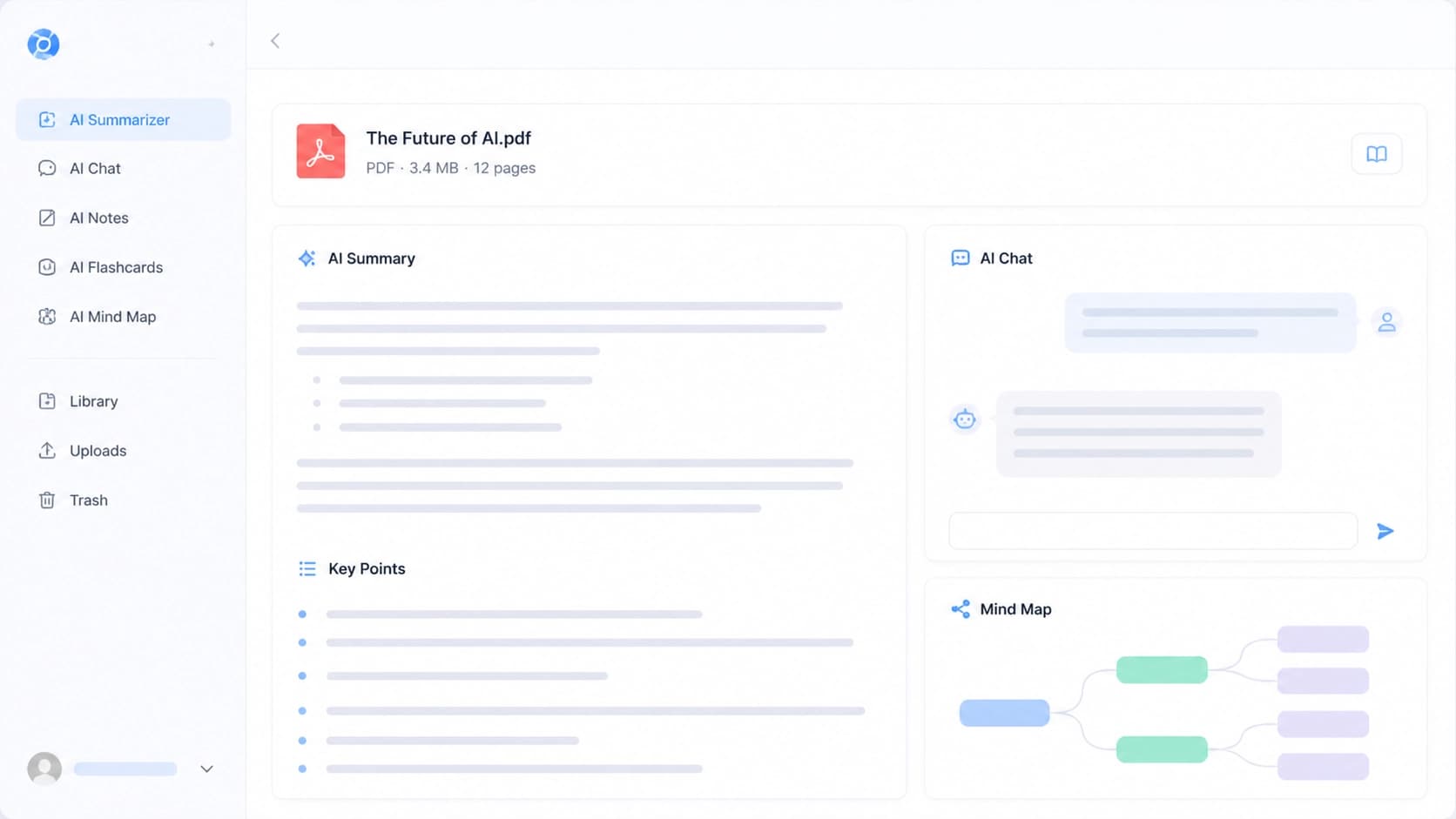
Key features include summarization of YouTube videos, PDFs, and web articles, mind map creation, AI chat, and notes that are generated automatically while you watch. Essentially, it's an all-in-one tool that covers the entire workflow with study material: from initial exposure to knowledge reinforcement.
Setup: Registration and Login
Getting started is simple. Go to the AIPURE website, find the NoteGPT card in the catalog, and sign up. You can log in with your email or Google account — the latter is faster because it skips extra steps and passwords.
After confirming your account, you'll land in your personal Workspace — a dedicated space where all your projects, uploaded materials, and processing results are stored. If you plan to use the service regularly, it's worth installing the Chrome browser extension: it activates features right on the page, so you don't have to switch between tabs.
Main Use Cases
Summarizing Videos, PDFs, and Articles
The most common scenario looks like this: you paste a YouTube link, upload a PDF document, or provide the tool with an article URL. Within seconds, NoteGPT returns a structured summary — no fluff, just the key points. This is useful when you need to quickly assess whether a piece of content is worth reading or watching in full. And if it's a video lecture, the algorithm pulls out a transcript with timestamps: you can jump to the exact segment without scrubbing through the recording blindly.
Mind Maps from Any Content
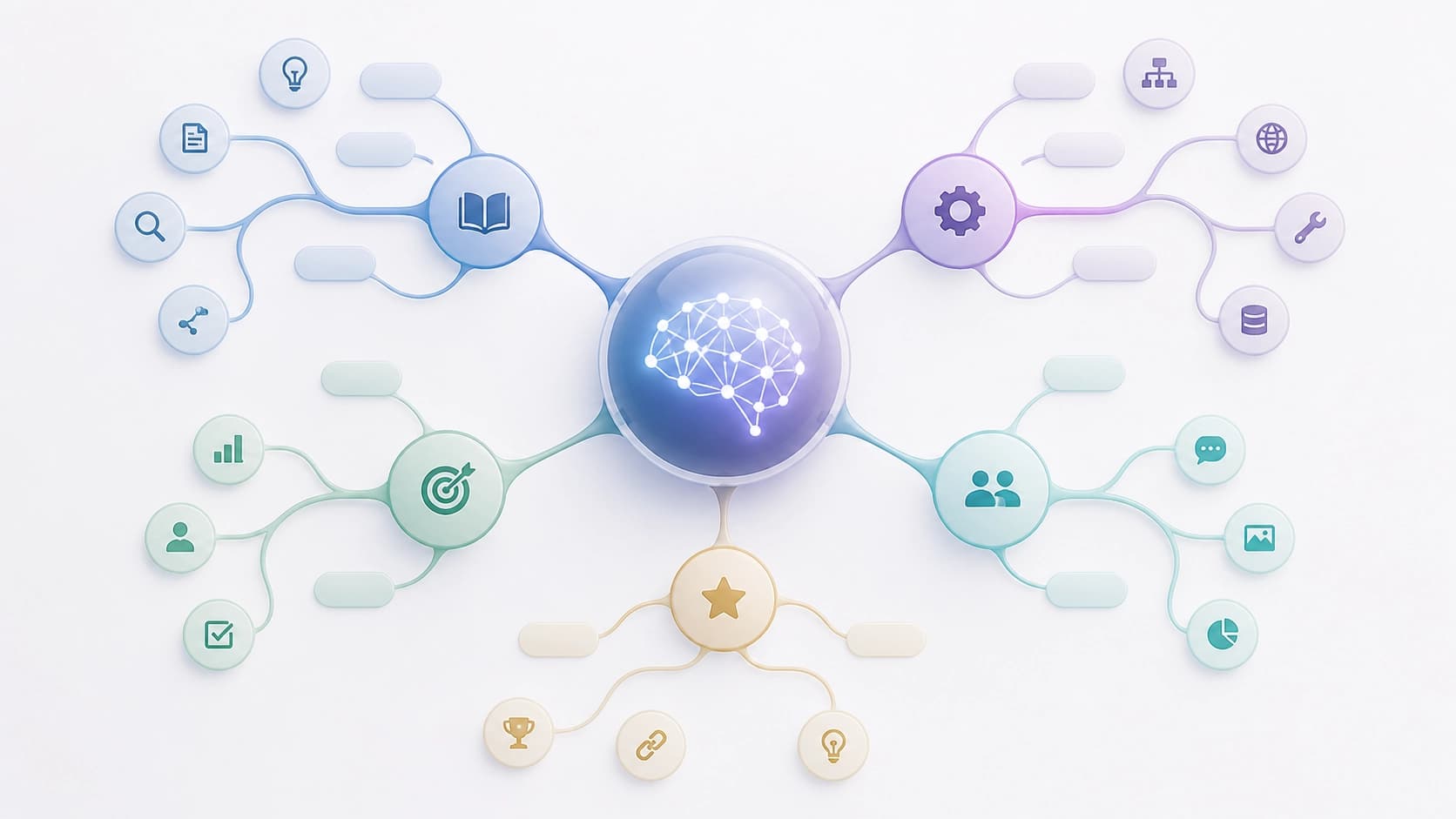
A simple summary isn't the only format. Based on the summarized material, you can build a mind map: a visual diagram where the central topic branches out into related subtopics. This kind of visualization is especially handy when preparing for exams: the structure is immediately clear, making it easier to remember the logic of the topic and its components.
Asking the AI Assistant Questions
The tool doesn't just produce ready-made texts — you can have a dialogue with it. The built-in assistant answers questions about the material you've studied, helps you work through confusing parts, and points you in the right direction for further exploration. This is more convenient than googling every little detail: the context is already loaded, and answers are tied directly to it.
Organizing Notes
For long-term work, a storage system matters. In NoteGPT, you can manage your notes: sort them with filters, search for what you need, organize them into folders, and tag them. The Auto Snap feature is particularly interesting: while you watch a video, the program automatically captures important moments, so your notes build themselves while you simply watch the lecture.
The best part about this approach is that all your study materials stay in one place: source files, condensed summaries, maps, and assistant conversations alike. Navigating the workspace is straightforward, and each new tool can be mastered in a couple of minutes of practice if you want.