
ChatGPT has become one of the most discussed tools in the field of artificial intelligence, and many people have a reasonable question: where to start if you don't want to pay for a subscription right away? The free version of the neural network provides a fairly wide range of functionality for solving everyday tasks — from writing texts to explaining complex concepts. In this guide, we will look at how to create an account, customize the interface to suit your needs, and effectively use the available features without extra costs.
Why you should start with the free version
The free plan has its advantages, which are often underestimated. First, it has a zero entry threshold: you don't need to enter payment details to understand whether the tool suits your tasks. Second, developers regularly update the base model, so even without a subscription you get access to improved algorithms, albeit with some limitations on the volume and speed of request processing.
The main limitations of free access usually relate to server load: during peak hours, response speed may decrease, and the number of requests over a certain period of time is limited by caps. However, for most scenarios — correspondence, idea generation, learning — these resources are more than enough.
Registration and initial account setup
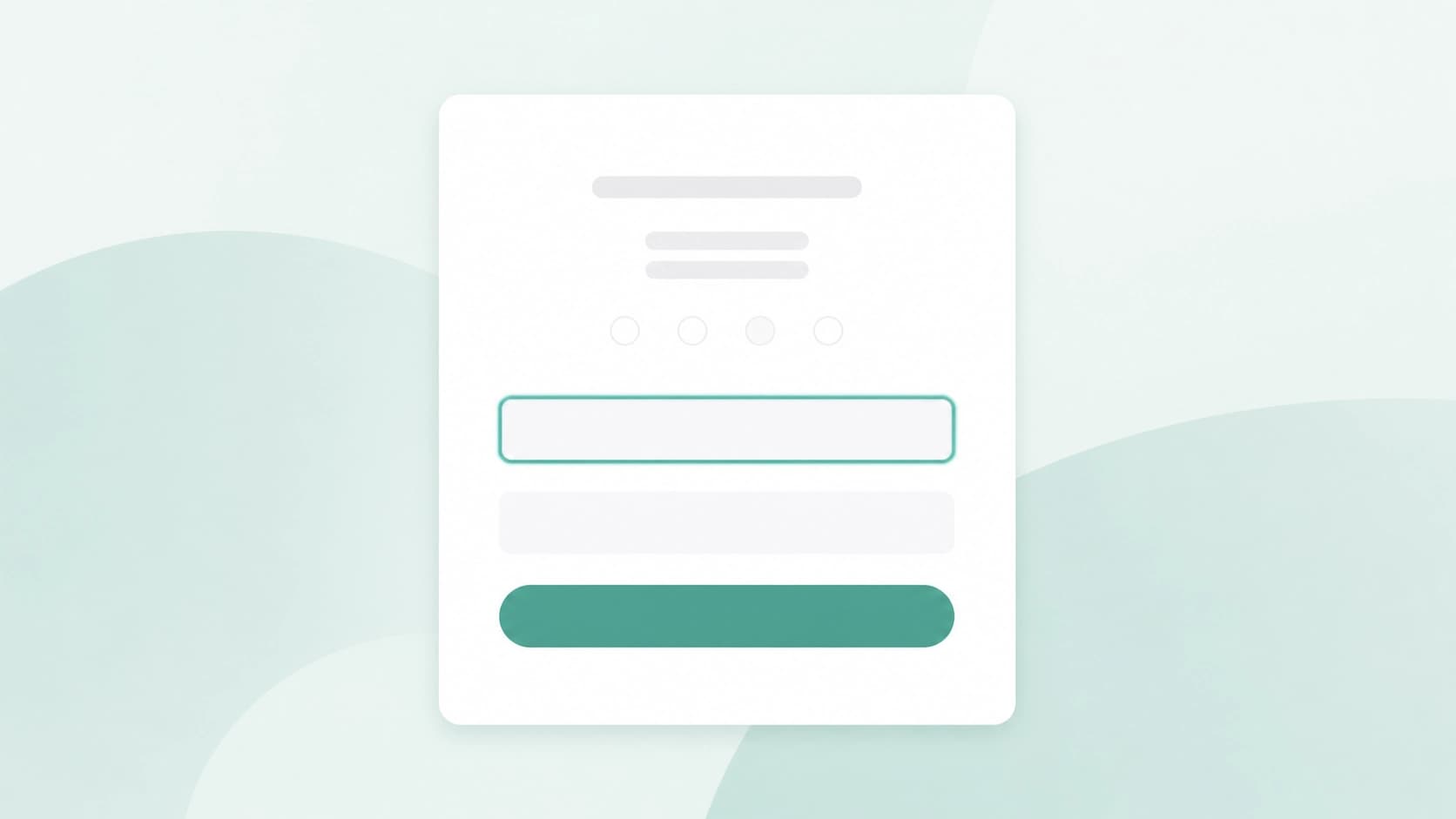
The account creation process requires no special knowledge and takes just a few minutes. It is important to approach this step carefully, since the safety of your correspondence and the ability to restore access if necessary depend on how correct the entered data is.
Step-by-step instructions for creating a profile
- Go to the official OpenAI website and find the registration button (usually located in the top right corner).
- Choose the most convenient sign-in method for you: email, Google account, or Microsoft. If you use email, prepare a strong password.
- Confirm your email address by clicking the link in the message. Sometimes the system may ask you to verify your phone number to protect against automated registrations.
- After activating your profile, you will automatically land in the main chat interface — select "Russian" in the language settings or keep English if you plan to use the service for professional purposes.
- In the "Settings" section (gear icon), it is recommended to check your privacy parameters right away and disable the use of your conversations for training if that matters to you.
 Interface: getting to know the controls
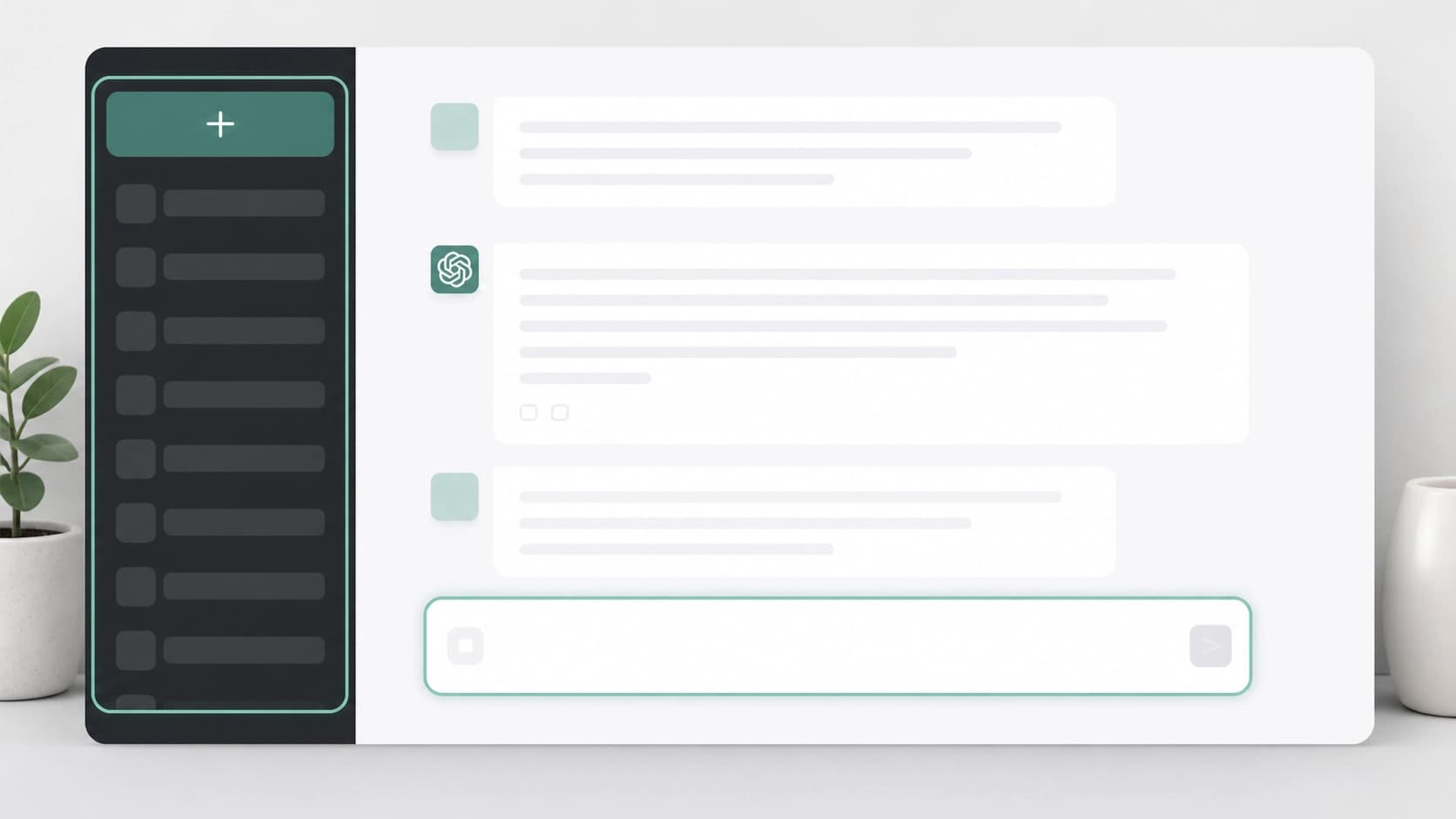
When you first find yourself in the workspace, the panel may seem cluttered, especially if you have worked with other chatbots before. In reality, all elements follow a logic of convenience: on the left is the history of your conversations, in the center is the main dialog area, and at the bottom is the message input field.
Key elements of the workspace
- Chat list: all your conversations are saved automatically. You can rename them, delete them, or pin important conversations to the top of the list.
- Input field: supports not only plain text but also Markdown formatting. This means you can insert code, tables, or a formatted list directly into your request.
- Mode indicator: the free version usually shows the selected model at the top of the screen. If you see a "+" icon, it means the system automatically selects the optimal model for your request.
- "New chat" button: allows you to start an isolated conversation. This is useful when you switch from a work task to a personal question — the neural network will not mix contexts.
Section for solving non-standard tasks: practical tips for beginners
Many users perceive ChatGPT as a simple search engine, but that is not entirely true. Despite having access to up-to-date information (in the free version with a date cutoff), the neural network is primarily a generative model. It does not search for ready-made answers on the internet but creates new ones based on its knowledge.
How to formulate requests correctly
The art of communicating with ChatGPT is often called "prompt engineering." The gist is simple: the more precise your request, the better the answer. Instead of "Tell me about blockchain technology," try to clarify: "Explain how blockchain works in simple terms, as if to an economics student, and give two real examples of its use in the banking sector."
The more context you provide, including the desired format, tone, and target audience, the more accurate the result will be. Don't be afraid to break a complex task into several sequential requests.
Working with long texts: limitations and workarounds
The free version has a limit on the number of tokens (words, characters) in a single request and response. If you need to generate a 5,000-word article and the response gets cut off in the middle, use the following trick: ask the neural network to create a detailed outline of the future material, then request each section in a separate message. When finished, ask it to combine all the parts into a single text.
Using conversation memory
ChatGPT takes into account the first few messages within a single chat. This allows you to adjust answers without re-entering all the details. For example, you can write: "Shorten the previous text to three paragraphs." However, remember: if you switch to a new chat, the model will forget the previous context.
Limitations of the free version you should know about
Despite the advanced algorithms, the base plan has significant limitations that do not depend on your internet speed or device.
Request processing speed
During peak hours (usually in the evening), response wait times can increase significantly. The system prioritizes paying subscribers, and this is important to keep in mind when planning your work. For urgent tasks, it is better to choose morning hours or use specialized interfaces provided by third-party providers.
Ability to analyze files and images
The free version allows you to upload files (e.g., PDF or Excel) for text extraction and also provides access to a basic version of image analysis. You can upload an image and ask it to describe its contents or answer a question about the image. Recognition of handwritten text or small details may be incomplete — for complex tasks, it is better to save the source in text format.
How often the knowledge base is updated
The information in the model is not updated in real time. If you ask a question about a recent event, the neural network may answer that it does not know about it. In the free version, access to internet search may be automatically limited — this feature is often available on paid plans.
Ways to make communication with the neural network more effective
Many users make the same mistake: they start a dialog with "Hi, how are you?", which uselessly wastes context. It is better to get straight to the point.
Techniques for improving results
- Copying and pasting sources: if you are writing a term paper and quoting text from a textbook, paste the fragment in quotation marks and ask it to paraphrase. This works more accurately than describing it in your own words.
- Feedback: if the answer is not satisfactory, say so directly. Phrases like "This is not what I wanted" or "Make the conclusion more critical" really do affect the subsequent result, because the model knows how to take negative feedback into account.
- Iterative approach: don't try to get the perfect answer right away. First ask for a draft, then refine the details, then demand a change of style.
 Comparison with the paid version: when you should consider switching
The free version is a great start, but as your needs grow, you may notice that you are hitting a ceiling. The difference between the plans, as a rule, lies in several aspects: priority access to servers even during peak hours, an increased message limit over a certain period, and access to newer models that handle logical tasks and code writing better.
If the neural network has become a daily work tool for you and you spend up to several hours waiting for responses, and you also regularly run into built-in subscription limits, then it's time to consider a paid plan. At the same time, for occasional questions like "how to write a letter" or "explain the term," the free version is enough.
The future of usage: how to stay up to date with updates
Developers are constantly introducing new features, and free plan users are the last to learn about them. To avoid missing important changes, it is recommended to stay ahead of the curve:
- Subscribe to the company's official blog.
- Periodically check the page describing new features.
- Participate in comments on topic-specific forums — the community quickly tests innovations and shares instructions on how to use them.
Separately, regional restrictions are worth mentioning. In some countries, the service may have interruptions or be completely unavailable without using a VPN service. Before starting work, check the availability status in your region.
Typical beginner mistakes and how to avoid them
Even experienced users sometimes make simple blunders that reduce work efficiency. Take a look at this list to save time:
- Disregard for context: users often forget to specify the gender and age of a character when asking the neural network to play a role. Be specific: "You are a salesperson in an electronics store, talking to a 50-year-old woman." This greatly changes the style of the answer.
- Request too long: copying an entire article into a question causes the model to "forget" the instruction. Break the task into blocks.
- Lack of fact-checking: the neural network can confidently produce unreliable information. This especially applies to exact dates, quotes, and statistics. Critically verify important data in reliable sources.
 Conclusion
The free version of ChatGPT is a full-fledged tool that, with the right approach, can replace paid services for most tasks. Start with simple requests, gradually make your phrasing more complex, and watch how the model responds. After a few days of practice, you will feel confident and will be able to use the neural network for a wide range of tasks: from preparing work emails to creating conditions for a bot in Python.
The main thing to remember is that this is a tool, not a replacement for human intelligence. Use it as a note-taking app, as a consultant, and as an editor, but always verify key information. Then the neural network will become your reliable assistant without any financial investment.