Introducing Kling AI - Global
Kling AI - Global is a generative neural network for creating videos, developed by Chinese company Kuaishou Technology. For a long time, the service was available only to users in China, but now the global version is open to everyone. The tool lets you turn text descriptions or static images into full-fledged videos.
The maximum video length is 2 minutes, and resolution can reach 1080p. This sets the service apart from many competitors that limit videos to a few seconds. Two fundamentally different scenarios are supported: generating video entirely from text (text-to-video) or using a photo as a base and supplementing it with a text description (image-plus-text-to-video).
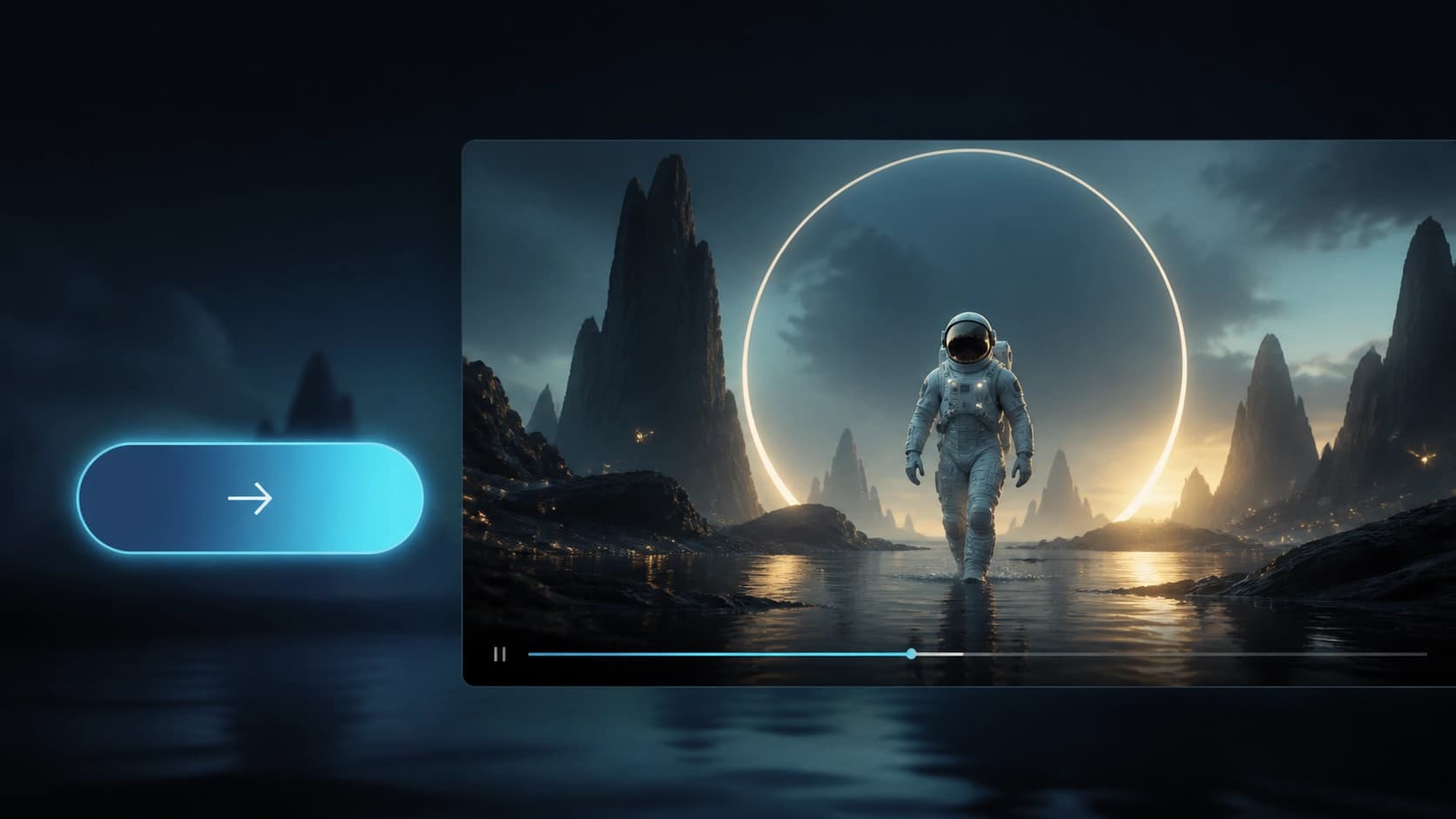
For those just trying out neural networks, there is a free tier: 66 credits are added to your account every day, which can be used to create up to 6 videos. If you spend your credits, you'll have to wait until the next day—they don't roll over. That's enough for getting acquainted and even for a small amount of regular work.
How to register and get access
You don't need foreign cards or a VPN to use Kling AI - Global. It all starts on the official website: click Sign In in the top-right corner, then select Sign Up For Free. A form will open where you need to enter your email and create a password.
After submitting the form, check your inbox—you'll receive an email with a six-digit code. Enter it in the special field on the site to confirm your registration. That's all there is to account creation: you're taken to your personal dashboard and can start working right away.
Next, you need to open the AI Video section—that's where the generation tools are. The interface looks modern and isn't overloaded with unnecessary elements, so you can figure it out in a couple of minutes.

Creating your first video: from prompt to result
Once your account is activated, all of Kling AI - Global's features appear before you. In the AI Video section, three modes are available: fully text-based, image-based, and animation of a text description. The choice depends on your source materials.
Text-to-video: video from a description
This mode is suitable if you only have an idea. Enter a detailed prompt: the more thoroughly you describe the scene, characters, movements, and atmosphere, the better the result will be. The neural network will handle composition, lighting, and editing transitions itself.
Image-to-video: animating an image
If you have a ready-made photo or picture, use this mode. Upload the file and, if needed, add a text description—for example, how an object should move or how the angle should change. This is convenient for bringing characters, products, or landscapes to life.
Adjusting settings before generation
Before starting, specify:
- video length (up to 2 minutes);
- resolution (up to 1080p);
- aspect ratio—vertical format is convenient for TikTok, horizontal for YouTube.
When everything is ready, click Generate. Processing usually takes a few minutes, depending on length and complexity. Once done, the video appears in the interface—you can watch it right away, regenerate it if necessary, or download it in one click.
Fine-tuning and useful features
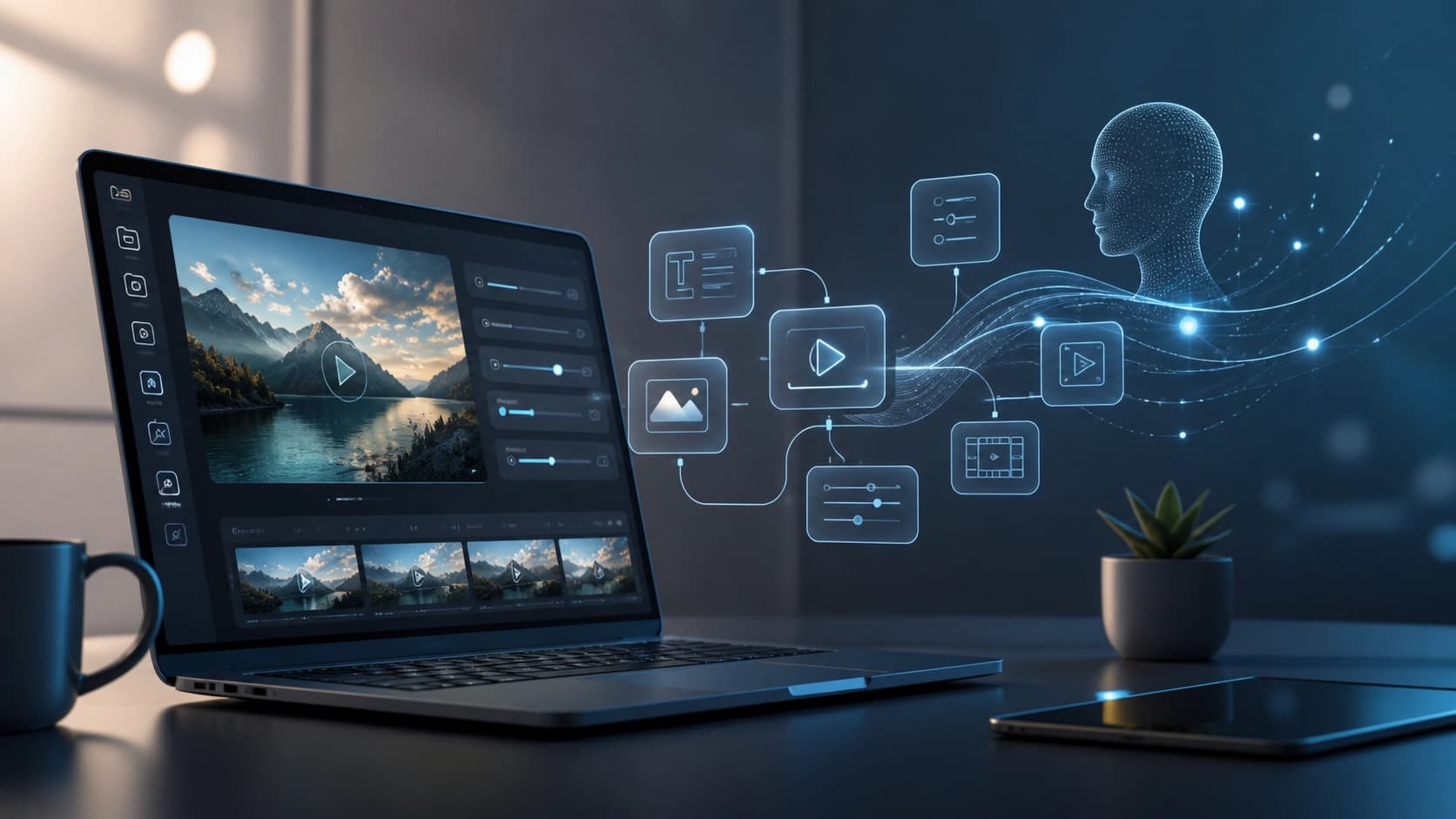
Kling AI - Global has settings that not every generator offers. One of the most interesting is camera control: you can set movement, zooms, pans, and other techniques that make the video look professionally shot. This is especially valuable when creating ads or short films.
In addition, the service supports multilingual prompts. You can write prompts in Russian, and the neural network processes them correctly. That said, English usually gives more stable results, since the model is better trained on it.
Separately, credits deserve a mention. On the free plan, you're limited to six videos a day, so for larger projects it's convenient to plan generation in advance. If you create a bad video, the credits are already spent—you can only try again with a new batch of credits the next day.
Where to use the finished videos
The range of uses for Kling AI - Global is almost limitless. Here are a few areas where video generation is especially useful:
- Social media. Short vertical videos are ideal for TikTok, Instagram Reels, and YouTube Shorts: they grab attention and easily rack up views. With the service, you can create entire series for different formats and respond to trends quickly.
- Digital advertising. Fast production of video ads is especially important for small companies that can't afford full-scale filming. A generated video can easily be adapted to the right medium—from a banner to a social media post.
- Education and training. Educational materials where motion and visualization matter become more engaging. For example, you can animate graphs, diagrams, or biological processes to explain a complex topic visually.
- Prototyping for films and animation. Instead of drawing storyboards by hand, you can generate a rough animation of a scene. This speeds up alignment with your team or investors and saves time during pre-production.
Summary
Kling AI - Global is a powerful tool for creating videos that combines ease of use, advanced settings, and a generous free tier. Even one day with 66 credits is enough to understand the service's capabilities and generate several videos right away. If you need to get quality video quickly without filming or editing—this service is definitely worth trying.