
How to get started with DALL-E 3: a step-by-step guide from setup to finished images
Neural network OpenAI creates images from text descriptions. We break down how to get access, craft a detailed prompt, and download the result, as well as where free options are available.
What is DALL-E 3 and where does it work
DALL-E 3 is the latest version of OpenAI's generative image model. It turns plain text descriptions into ready-made pictures, and it does so noticeably more accurately than its predecessors. The key difference is built-in integration with a chat interface: you can not just send a prompt, but also discuss it with the neural network, clarify details, and guide the generation process step by step. As a result, the model transforms from a simple generator into a full-fledged illustrator with a conversational mode.
Access to the model is available through paid plans. For individual users, the most obvious option is a ChatGPT Plus subscription at $20 per month. It allows you to create up to 50 images every three hours, making it suitable both for regular experimentation and commercial tasks. Businesses can sign up for the Enterprise corporate plan, where terms are discussed individually. If you don't want to pay yet, there's a lighter path — free third-party websites that work with the model. They usually have a daily generation limit, but that's enough for a first try.
Getting connected and starting to generate
Choose your access method
First, decide where you'll work. If you need the full feature set and seamless chat integration, subscribe on the official OpenAI website. After payment, access to DALL-E 3 will open in your account — the model will already be integrated into the chat interface. For a quick test without registration, a site like dalle3.org works well. Such platforms usually don't require a bank card, but the number of attempts per day is limited — still, you can figure out whether this style of interaction suits you.
Log in to your account and send your first request
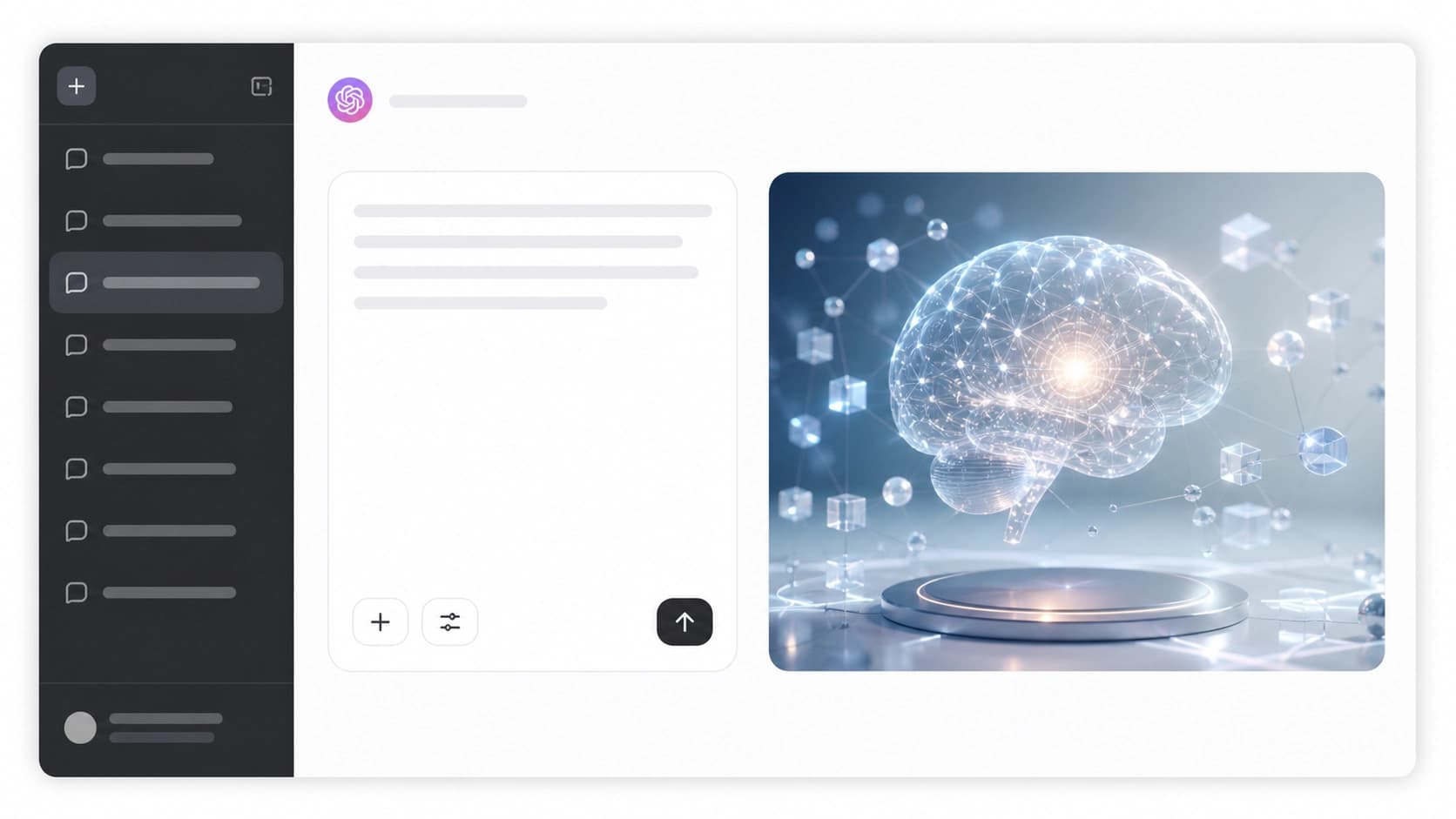
Subscribers just need to go to the ChatGPT website and start a new conversation. There you'll see a regular input field — that's where you type your prompt. The interface also lets you ask the model to help with wording: write "come up with a detailed description of a scene with an astronaut in a blooming forest" — and the neural network will suggest an expanded version of the request, which you can then send straight to generation. The first image will appear within a few seconds, after which you can either save it or keep refining the details.
How to craft prompts and refine the result
Details matter most
DALL-E 3 understands rich descriptions well, but without specifics the result often turns out blurry. Specify colors, sizes, materials, lighting, object placement, and even mood. Instead of "draw a cat," it's better to write "a gray striped cat lying on a windowsill, evening light, city outside the window, digital painting style." The model turns such details into precise visual elements. If you're unsure how to structure a prompt, you can ask ChatGPT for help — it will rephrase a short request into a detailed scenario, and there will be fewer redo rounds.

Refining and downloading
By default, DALL-E 3 produces two image variants for each request. If one of them already works — great, you can move straight to downloading. But more often you'll want to change something: color, background, character pose, or composition. Instead of starting from scratch, just write in the conversation what to fix, and the model will redraw the image with your edits in mind. You can keep this dialogue going until you get the result you want. Once the image is ready, click the download icon — the file will be saved to your device in high quality.
Where to use generated images
The range of applications for such pictures is practically limitless. In marketing, they're used for social media, ad banners, and event announcements. Designers use them as a basis for concepts, presentations, and mockups. Generations are also used to create prints on clothing, mugs, greeting cards, and other personalized products.
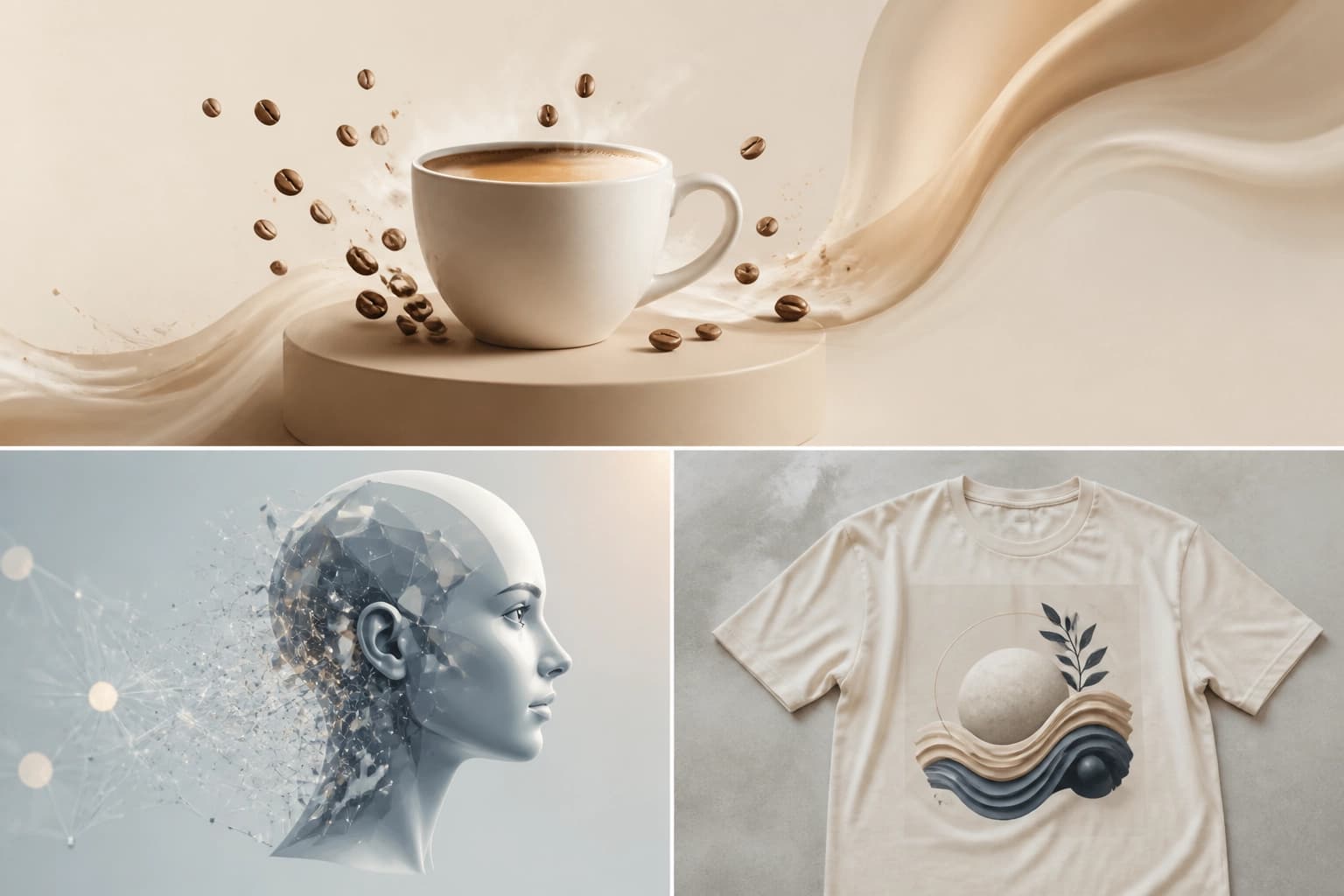
In education, such images help create visual materials for lessons and courses, and in media and entertainment — to illustrate articles, videos, covers, and game concept art. The main thing is to always check whether the result matches the task, and don't hesitate to refine it in the conversation, because it's precisely the ability to interactively fine-tune that makes working with this model so convenient.
Frequently asked questions
Related materials
All materials
GoldiMask Method for Fine-Tuning Diffusion Language Models: Context Selection and Target Weighting
This paper presents GoldiMask, a supervised fine-tuning approach for discrete diffusion language models that selects visible tokens via approximate maximization of a submodular function and assigns weights to remaining targets based on their training utility. Experiments across several models and datasets demonstrate improved average accuracy, gains on reasoning and coding tasks, and fewer parallel decoding iterations on GSM8K and MATH-500 at comparable quality.
30 October 2026
MSEB by Google Research: Audio encoder implementations under a benchmark contract and evaluation across four task classes
A practical walkthrough of the mseb==0.1.0 package: its architecture, built around the types, encoder, and evaluators layers; two demo encoders using a synthetic corpus; and direct calls to metrics for classification, clustering, search, and segmentation. The guide shows how to align a custom model with the abstract MultiModalEncoder, interpret the SoundEmbedding format, and assemble TaskMetadata for later submission to the benchmark.
10 October 2026
Zero-Basis LoRA for Fine-Tuning LLMs After RL Without Losing Reasoning Skills
The authors propose a parameter-efficient method for adapting reinforcement-trained models, in which LoRA updates are projected into an approximate null space of reasoning activations. This approach preserves reasoning accuracy at its pre-fine-tuning level while matching standard LoRA in adaptation quality.
5 October 2026