
HailuoAI Video Generator: a step-by-step walkthrough from first login to finished clip
A service from Chinese company Minimax turns a text description into a short clip of about six seconds — we break down how to sign up, where to find the style settings, and what to rely on when writing a prompt so the result matches your vision.
What kind of service is this
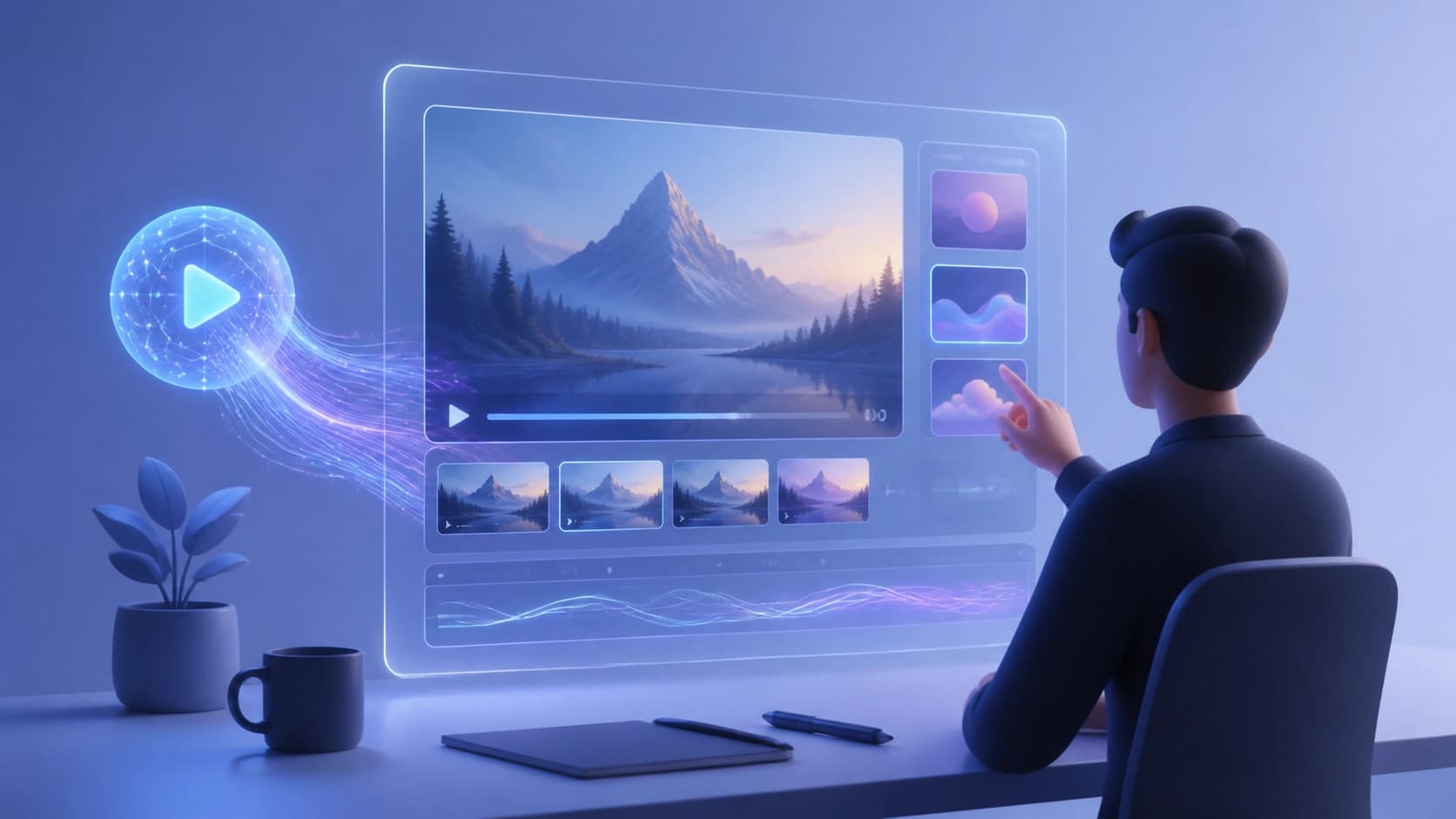
HailuoAI Video Generator is a short-clip generator released by the studio Minimax in the fall of 2024. The same product has a second name — Conch Video: it sometimes appears under that name in directories, but it's the same tool, not two different ones.
How it works is extremely simple. You describe a scene in words, and the service turns the description into a video up to six seconds long. The resolution is 720p, and the image is stylized to look cinematic: depth of frame, camera movement, work with light. The prompt is accepted as text, with a limit of around two thousand characters. That's enough to spell out the setting, the character, the type of shot, and the mood.
Two modes are supported: text-to-video, where everything is built from scratch from text, and image-to-video, where the starting point is a ready-made image that needs to be "brought to life."
Price is a separate question. In some reviews the service is described as completely free and working even without registration, while in other listings it appears as Freemium. Most likely it's a matter of rapid changes: access to generation is open, but under high demand you'll end up in a queue, and advanced features may require an account. It's worth checking the current terms right on the site.
Who needs this and why
The tool is positioned for those who need quick visual content without a film crew and an editor:
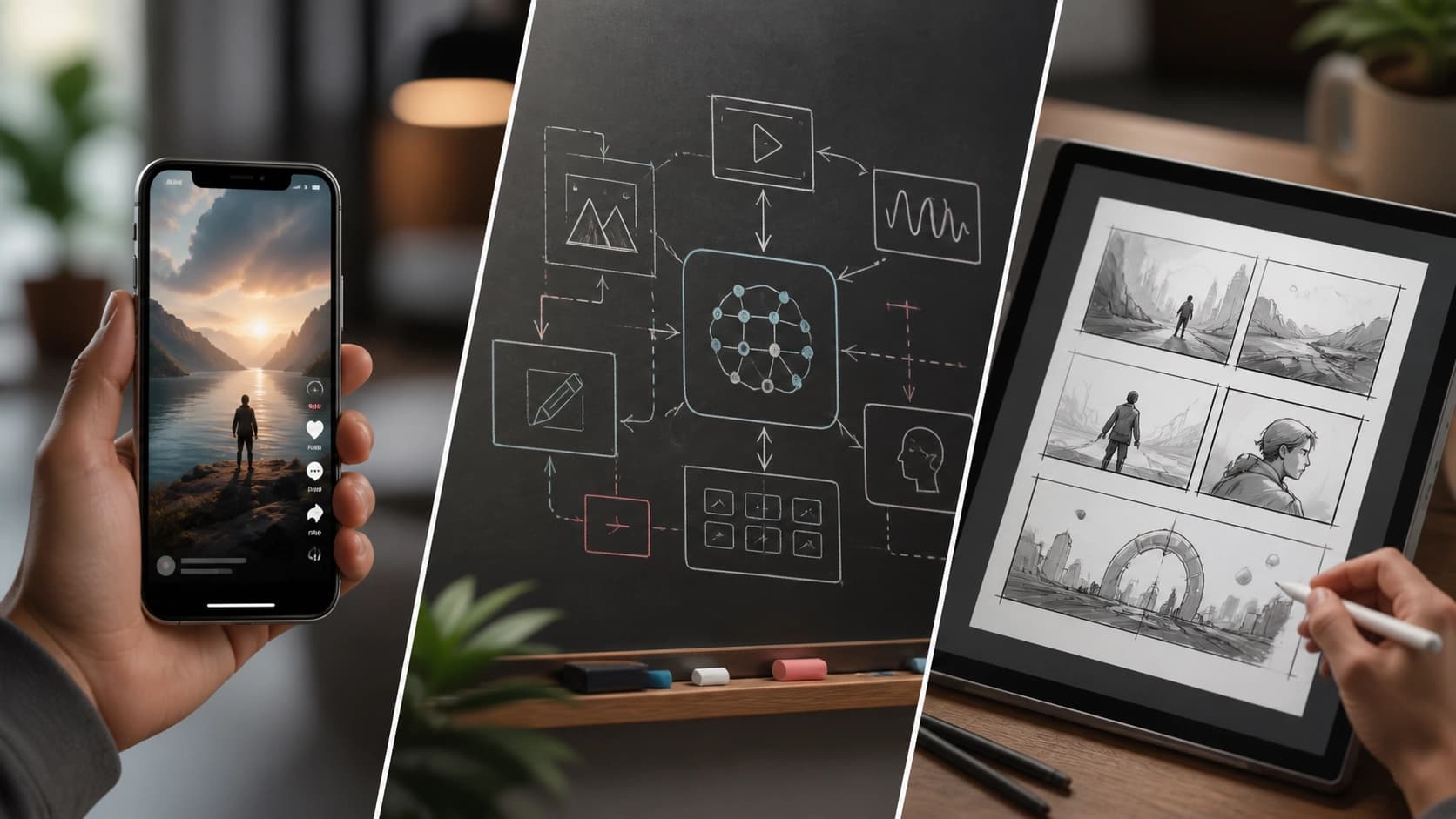
- Marketing and advertising. A product or service description turns into a clip for social media ads, an insert in an email newsletter, or a video for a landing page.
- Education. Complex topics are broken down through short instructions, animated or playful inserts — for online courses, tutorials, and learning platforms.
- Social media. Vertical promo clips and story drafts for Instagram, TikTok, and YouTube.
- Creative experiments. Artists and filmmakers write out detailed scenes to get a draft, a storyboard, or simply a push toward an idea and to quickly test a concept.
- Media and journalism. A visual summary or explanation of an article's key points — for a news site and social media.
The general logic is the same: where an hour of editing used to be needed, now a paragraph of text and a couple of minutes of waiting will do.
How to get access
The path to the generator is short:
- Open the official platform at hailuoai.com/video — this is the site from Minimax itself. You need a stable internet connection: without it, even verification won't go through.
- Register by entering your mobile phone number (for new users, that's the way to do it), or log in if you already have an account. An account is useful because it saves your work and settings.
- Enter the confirmation code that will arrive in a text message to the number you provided.
- Read and accept the terms of use — without this step the generator won't open.
After that you can go straight to prompts.
Step-by-step walkthrough: from idea to clip
Step 1. Open the platform
Go to hailuoai.com/video in your browser. Make sure your connection is stable: the interface loads via scripts, and on a weak network the buttons may not respond.
Step 2. Log in to your account
Log in via phone number, as described above. For a new user, this is also registration.
Step 3. Describe the scene
The key stage. In the prompt field you enter a text description of the future video — and here the rule "the more detail, the more accurate the result" applies. Instead of "a girl on the street," it's better to write who's in the frame, what's around, the time of day, how the camera moves, and what happens in the story.
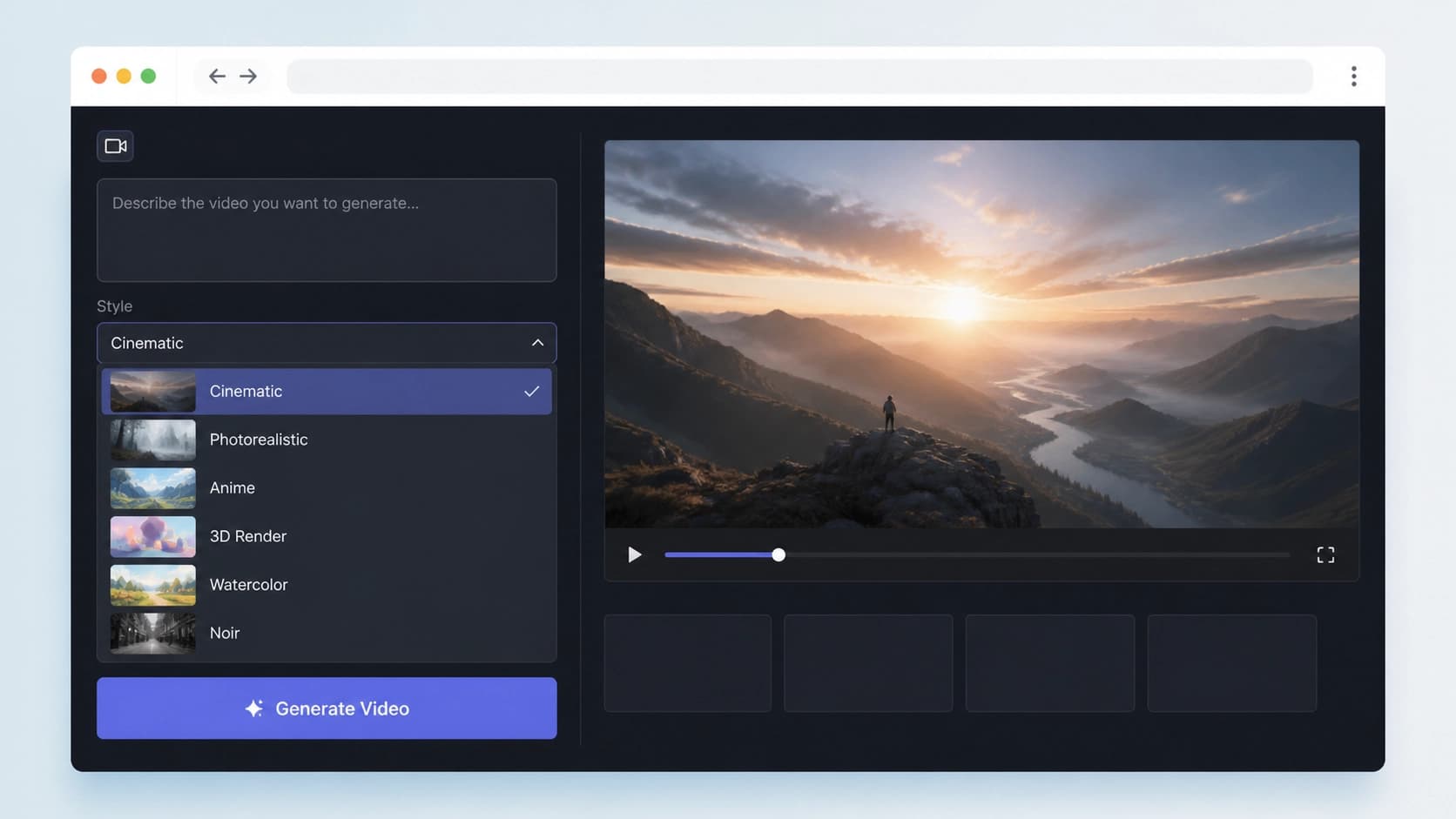
Step 4. Choose a style (optional)
This step is optional but useful. Among the available options you'll find anime, CGI, and video-game-style graphics. The style sets the visual language of the entire clip, so it's better to choose it before generation, not after.
Step 5. Click "Generate"
The button starts processing. Then all that's left is to wait: when users flood in, the request joins a queue, and the waiting time depends on server load. No one guarantees exact timelines here — during quiet hours the clip comes together noticeably faster.

How to write a prompt that hits the mark
A few techniques that noticeably improve your chances of a successful clip:
- Break the description into layers. First the scene and the hero, then the surroundings, then light and weather, and finally camera movement. That way the model doesn't get confused about priorities.
- Spell out the action. Six seconds is literally a single episode. It's better when it has a beginning and an end: "the camera slowly moves closer, a leaf breaks off a branch and falls onto the water."
- Keep the limit in mind. Around two thousand characters isn't that little, but it's not endless either: extra repetitions and contradictions only get in the way.
- Change one parameter at a time. If the result isn't right, rewrite just one thing — that way it's clearer what actually worked.
- Use image-to-video as a safety net. When composition matters, it's easier to upload the image you want and set the motion with text than to describe the shot from scratch.
Limitations and a sober view
It's worth accepting a few things in advance. The duration is fixed — up to six seconds; you can't fit a full story into one clip, so you'll need to stitch together several fragments. The resolution is 720p — enough for previews and social media, but it may be too little for a big screen. Under heavy load, requests wait in a queue, and access terms and limits at services like this change quickly.
And most importantly: the generator is an idea accelerator, not a replacement for production. It handles drafts, prototypes, and routine work like a dozen cover variants excellently, but the final assembly and the meaning are still added by a human.
In short
HailuoAI Video Generator is a fast way to get a cinematic six-second clip from text or an image, without a film crew or complex software. The workflow fits into five steps: open the site, log in with your phone number, describe the scene in detail, optionally choose a style, and click "Generate." After that comes the queue, the render, and a finished file that you can crop for vertical, insert into an ad, or use as a sketch for a bigger project.
Frequently asked questions
Related materials
All materials
GoldiMask Method for Fine-Tuning Diffusion Language Models: Context Selection and Target Weighting
This paper presents GoldiMask, a supervised fine-tuning approach for discrete diffusion language models that selects visible tokens via approximate maximization of a submodular function and assigns weights to remaining targets based on their training utility. Experiments across several models and datasets demonstrate improved average accuracy, gains on reasoning and coding tasks, and fewer parallel decoding iterations on GSM8K and MATH-500 at comparable quality.
30 October 2026
Transformers adds support for running quantized GGUF models on Apple Silicon
The article describes integrating the GGUF format from llama.cpp into Transformers: local inference on Mac, loading models via the library API, and running an OpenAI-compatible server. Using Qwen3.5-4B as an example, it shows how the choice of quantization level affects weight size and memory requirements.
18 October 2026
Running an AI-native company in 2027: An operating framework for first-time executives
The article examines which elements of an operating model a leader needs when AI has been built into the business from the outset. Readers will get a measured view of the priorities: redesigning processes, setting boundaries for agent autonomy, measuring value, and managing risks.
12 October 2026