
Hailuo AI: How to Sign Up and Master Video Generation, Music, and Image Recognition
We break down a practical walkthrough of MiniMax's service: creating an account, getting to know the dashboard, and working with three key tools — video generation, a music editor, and image analysis. Plus — where this combination really saves time: social media, advertising, education, and content for lessons.

What Hailuo AI is and who it's for
Hailuo AI is a set of AI tools from the Chinese company MiniMax, gathered into a single web service. The project's creators position it as an assistant for work and study and claim it can speed up routine tasks by as much as tenfold. You don't have to verify that number in practice — what matters more is this: under one roof, it brings together several different use cases, from video creation to image recognition.
The service runs on a freemium model: basic access is free, and paid tiers expand the limits. In catalogs, the tool is most often listed under the categories "text to video," "AI video editing," and "productivity tools."
The main features worth knowing about before signing up:
- video generation from a text description — the flagship function and the main reason to come here;
- music creation with style and mood settings;
- image recognition — identifying objects, text, and scenes in an uploaded picture;
- help with writing texts;
- programming assistance.
Typical use cases the service was clearly built for: short clips for social media like Instagram, TikTok, and YouTube, promotional materials for ad campaigns and product launches, illustrations for educational sessions, creative style experiments by artists and filmmakers, as well as training videos for new employees and customer support.
Who it's for, and who it isn't
If you need to quickly get a rough video sequence from a text idea, the tool will save you hours of editing. But if you expect precise control over every frame, like in professional editors, be prepared to do part of the work manually after generation: services like this are still more draft generators than a final editing environment.

Signing up and logging in: what to know about the Chinese interface
The first thing to prepare for is that the interface is partly in Chinese. That's not a problem if you know which buttons to look for.
The steps are simple:
- Open the project's official website in your browser — hailuoai.com.
- In the top right corner of the main page, find the "登录" button — that's the login (pinyin dēnglù).
- If you don't have an account, create one: registration is available via email or phone number.
- Log in by entering your chosen email or phone along with your password.
- Look around the main sections, which are labeled with Chinese characters: "创作音乐" — music creation, "创作视频" — video creation, "帮我识图" — image recognition.
How not to get lost in the characters
A tip from experience: open the service in a browser with page auto-translation — most modern browsers can translate Chinese into your language on the fly. The translation will be machine-generated and clunky in places, but it will make navigation noticeably easier. The second option is to write down the three key phrases above and use them as your guide, without trying to read everything.
Also keep in mind that some services of this type are sensitive to region and require a stable connection — if the page takes a long time to load, that's usually the reason, not your account.
First steps: exploring the dashboard
After logging in, you land on the main panel. This is an overview page listing the available tools and links to them. Don't skip this step: with services that have multiple generators, the section interfaces differ, and the habit of "just hitting the button right away" leads to people later being unable to find where their result was saved.
The workflow is roughly the same everywhere: you pick a tool, fill out a parameters form, start the generation, wait for the result, and download it. The only difference is the set of fields.
Hailuo AI
Generating video from text
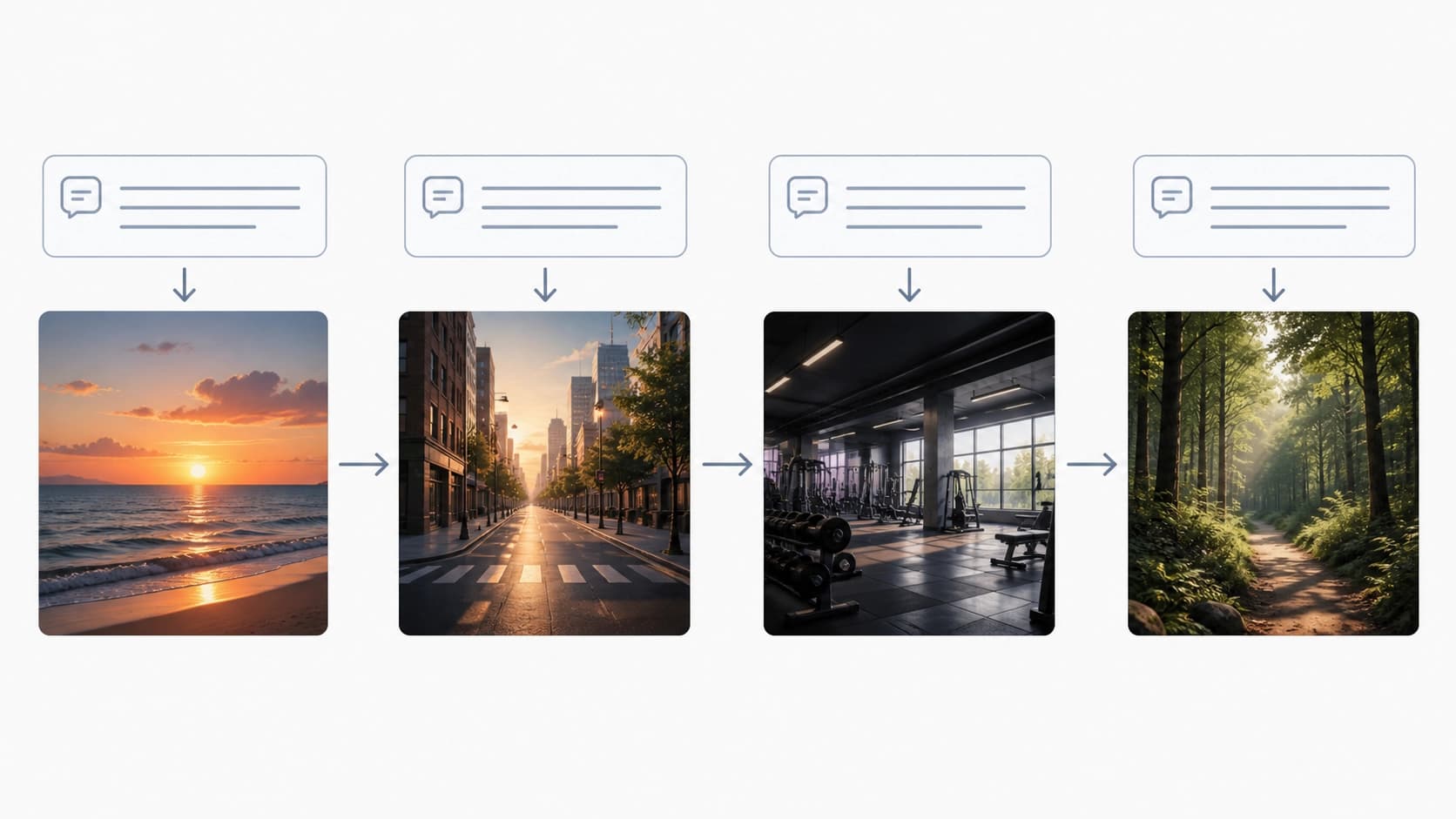
The most in-demand section. Here you select "创作视频" and provide the material the clip should be based on: it can be text, an image, or other media. The output is promo clips, educational snippets, and social media drafts.
How to improve your chances of a decent result:
- Describe the scene, not the idea. Instead of "a video about sports," give specifics: what's in the frame, where the action takes place, what time of day it is, what the weather is like.
- Specify movement. Models do noticeably better when the description includes action: the camera moves closer, the object turns, a wave rolls in.
- Set the style separately. Words like "cinematic," "anime," "documentary footage" work as a switch for the visual language.
- Start with short fragments. A short clip is easier to regenerate than a long one, and it lets you quickly understand how the service responds to your phrasing.
Keep in mind that when people are in the frame, generators of this class often produce artifacts on hands, faces, and small details. If the clip is going to be published, budget time for selecting the good takes.
Music from a description
The "创作音乐" section works differently from the video generator: what matters here is not so much the plot as the mood and genre. You set the desired style, emotional tone, and additional parameters, and then the service assembles a track.
What actually affects the result:
- genre and instrumentation — "lo-fi with piano," "epic orchestra," "synthwave";
- mood — calm, anxious, festive;
- tempo and purpose — background for a podcast requires a very different dynamic than an intro for a clip.
A practical trick: if you need the track as background for a video, generate it once you already know the length and mood of the clip. That way you won't have to cut the music live and lose the final phrase.
Image recognition: "帮我识图"
The third basic tool is uploading a picture to "帮我识图". The service analyzes the image and identifies what's in it: objects, text, the overall scene.
Where this applies in practice:
- content moderation — quickly checking large streams of uploaded images;
- data analysis — extracting meaning from screenshots, photos, and scans;
- everyday tasks — figuring out what's shown in a photo, recognizing text on a sign or packaging.
Accuracy depends on the quality of the shot: blurry, dark, and heavily detailed images are recognized less well. If the result looks strange, try cropping the picture down to the main object and repeating.
Text and code: bonus sections
Besides media generation, the service helps with texts and offers intelligent support in programming. This is more of a nice bonus than a reason to sign up: competition among text assistants is huge, and Hailuo is unlikely to displace the tool you're already used to. But keeping everything in one window is convenient: you generated a clip, and right there you asked for a caption and a description for the post.
Practical tips for beginners
- Save the prompts that work. A good phrasing is an asset you can reuse and tweak slightly for new tasks.
- Iterate instead of starting over. Change one detail at a time in the description — that way you'll understand what exactly affects the image.
- Check usage rights. The terms for free and paid access to generated content differ, and for commercial projects it's worth clarifying this in advance.
- Keep track of limits. The free mode is almost always limited by the number or length of generations, so it's better to run draft experiments with short requests.
Bottom line
Hailuo AI is an attempt to gather into one service what is usually scattered across three or four different sites: video from text, music, image recognition, and work with text and code. Its strong points are video generation and a low barrier to entry: signing up via email or phone takes a couple of minutes, and the basic sections can be found by three Chinese characters. The weak spots are the Chinese interface and the predictable limitations of the free tier. Start with one short clip: it will teach you more about the service than half a day of reading reviews.
Frequently asked questions
Related materials
All materials
GoldiMask Method for Fine-Tuning Diffusion Language Models: Context Selection and Target Weighting
This paper presents GoldiMask, a supervised fine-tuning approach for discrete diffusion language models that selects visible tokens via approximate maximization of a submodular function and assigns weights to remaining targets based on their training utility. Experiments across several models and datasets demonstrate improved average accuracy, gains on reasoning and coding tasks, and fewer parallel decoding iterations on GSM8K and MATH-500 at comparable quality.
30 October 2026
Transformers adds support for running quantized GGUF models on Apple Silicon
The article describes integrating the GGUF format from llama.cpp into Transformers: local inference on Mac, loading models via the library API, and running an OpenAI-compatible server. Using Qwen3.5-4B as an example, it shows how the choice of quantization level affects weight size and memory requirements.
18 October 2026
Running an AI-native company in 2027: An operating framework for first-time executives
The article examines which elements of an operating model a leader needs when AI has been built into the business from the outset. Readers will get a measured view of the priorities: redesigning processes, setting boundaries for agent autonomy, measuring value, and managing risks.
12 October 2026