
GPTinf: how to turn AI text into natural-sounding content and bypass detectors
How to create a GPTinf account, configure text processing, and use the service to bypass popular detectors like GPTZero.

Modern neural networks write coherent and grammatically correct texts, but they give themselves away with a characteristic "flatness": even sentences, predictable vocabulary, monotonous rhythm. Special detectors analyze such signs and identify the machine origin of the material. To pass such checks, the text has to be refined manually or with the help of humanization services. We'll review one of them in this article.
What is GPTinf and how it works
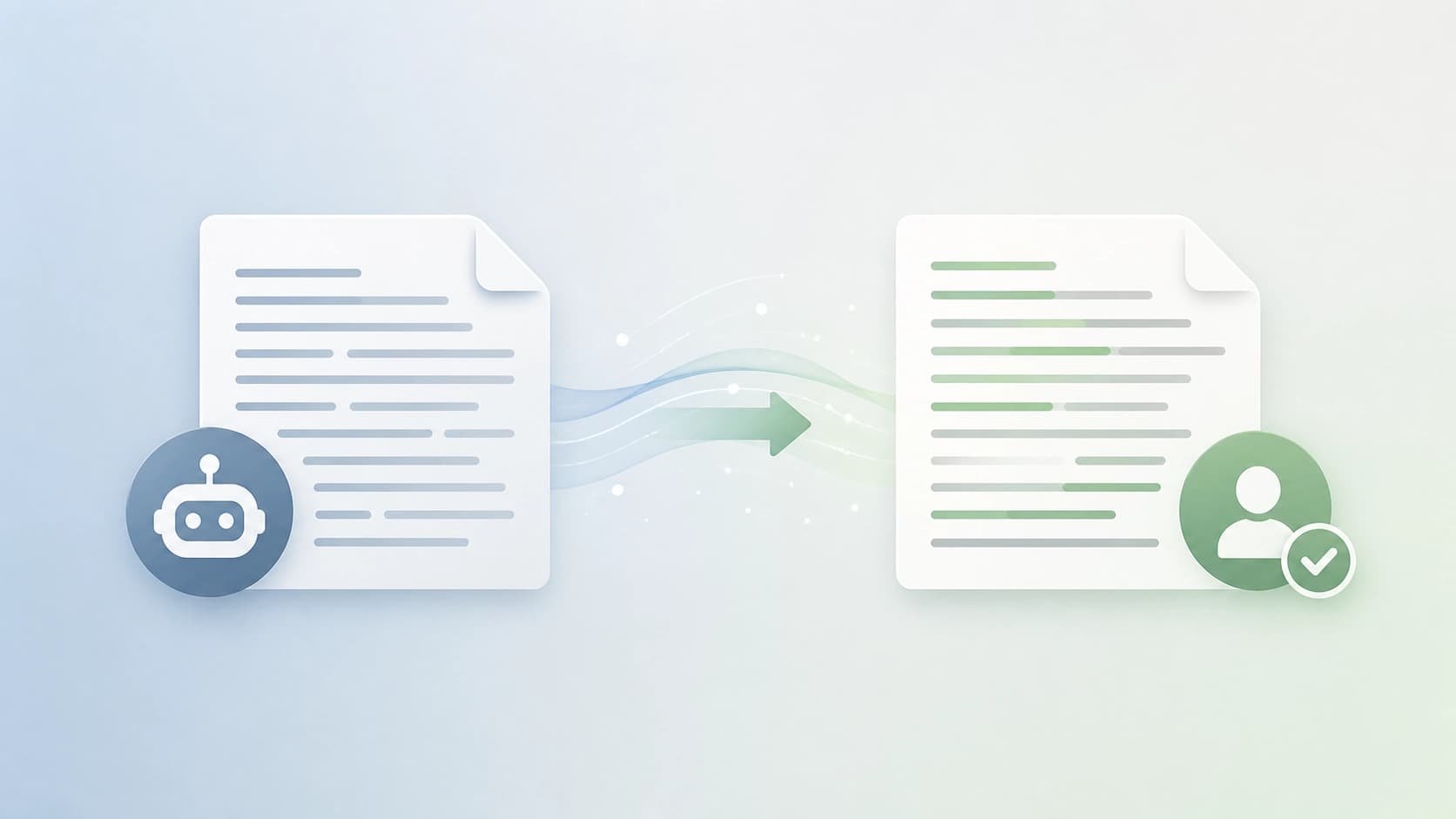
GPTinf is a web-based paraphrasing tool that takes ready-made machine text and modifies it to look human-written. According to the developers, after processing, the probability of the content being detected as AI-generated drops to 1% — meaning it bypasses most detectors in 99% of cases. Among such detectors is the popular service GPTZero, which is often used by universities and editorial offices.
The mechanics are simple: the algorithm restructures sentences, selects synonyms, changes paragraph structure, and varies phrase length. The result is text that statistically resembles human writing. Users don't need to understand technical details — just paste the source text, press a button, and get the finished result.
How to get started with GPTinf
Registration in GPTinf takes a couple of minutes. Go to the official website and click the "Start Free Trial" button. The system will ask for your email and password, then require additional details and agreement to the terms of use. After that, a confirmation email arrives: click the link, and your account will be activated.
Then you can immediately log into your dashboard. The paraphrasing tool is on the main dashboard, so you won't have to search for it long. The free trial period lets you test all features without payment, and if the service suits you — switch to a paid plan.
Step-by-step text transformation process
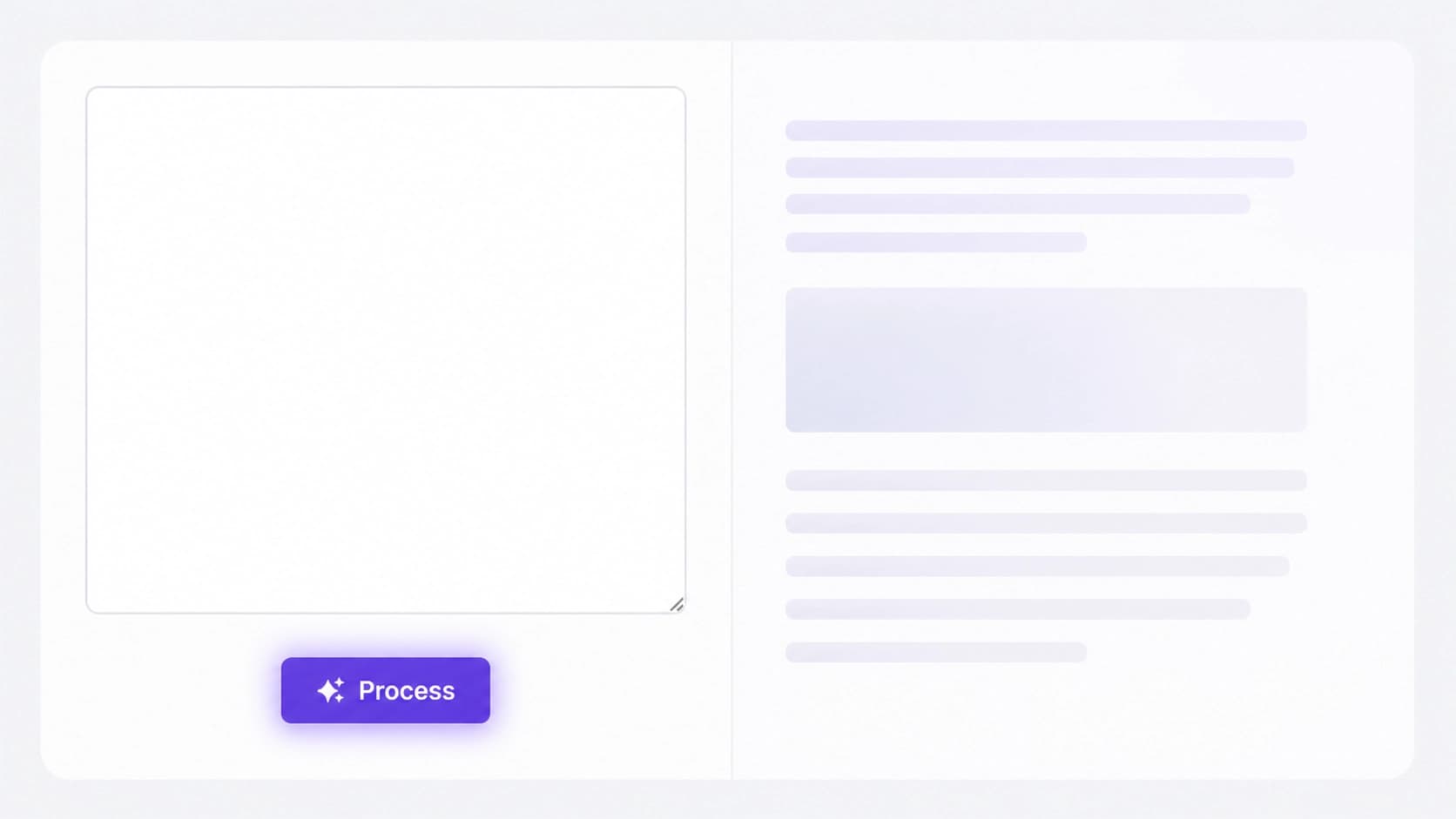
Say you have a draft generated by a neural network. You open the dashboard and paste it into a dedicated field. Then you select the "Latest" and "Humanize" modes and click the "Process" button. Within seconds, the reworked version appears on the right — you can copy it or save it as a file.
If you want to verify the quality, run the resulting text through any AI detector. If the result looks natural and preserves the original meaning — you can use it in your work.
Where to use GPTinf
The tool is useful in a variety of fields:
- Blogs and content — so publications don't feel machine-generated.
- Academic work — for adapting drafts of essays and research articles.
- Marketing and advertising — when you need ad copy to sound lively.
- Technical documentation — improving the readability of instructions.
- Email marketing — processed newsletters are less likely to land in spam and are better received by recipients.
- Social media — posts and captions become more organic.
Pricing and plans
The service has a flexible payment system. Monthly and annual subscriptions are available — the volume of processed words depends on the chosen plan. The trial period lets you evaluate the service without any investment. If you work with large volumes, it makes sense to pick a suitable plan right away so you don't hit limits at the worst possible moment.
Tips for effective use
To get good-quality results, it's worth understanding how detectors evaluate text. Key concepts are perplexity (how unexpected the word choice is for the model) and burstiness (how much sentence length varies). AI texts have low scores on these metrics, so humanization is aimed precisely at increasing them.
A few practical recommendations:
- Start with the free plan and try different modes.
- Feed descriptive, detailed texts as input — paraphrasing will be more accurate.
- Always check that the meaning has been preserved after processing.
- Combine GPTinf with other tools if a particularly high level of "humanness" is required.
Conclusion
So, GPTinf is a convenient way to turn dry machine text into natural material. Some may argue about the ethics of bypassing detectors, but in practice such services are often used for final polishing of drafts that a person created with the help of a neural network. The tool is easy to learn, offers reasonable pricing, and suits a wide range of tasks — from student papers to advertising campaigns.
Frequently asked questions
Related materials
All materials
Hybrid Image Annotation: Automation Accelerates Computer Vision Model Training
The article describes how pre-labeling with algorithms reduces manual work and improves the cleanliness of training datasets, as well as why selective human verification remains essential. It covers the method’s limitations in challenging shooting conditions and with rare object types.
5 November 2026
GoldiMask Method for Fine-Tuning Diffusion Language Models: Context Selection and Target Weighting
This paper presents GoldiMask, a supervised fine-tuning approach for discrete diffusion language models that selects visible tokens via approximate maximization of a submodular function and assigns weights to remaining targets based on their training utility. Experiments across several models and datasets demonstrate improved average accuracy, gains on reasoning and coding tasks, and fewer parallel decoding iterations on GSM8K and MATH-500 at comparable quality.
30 October 2026
Transformers adds support for running quantized GGUF models on Apple Silicon
The article describes integrating the GGUF format from llama.cpp into Transformers: local inference on Mac, loading models via the library API, and running an OpenAI-compatible server. Using Qwen3.5-4B as an example, it shows how the choice of quantization level affects weight size and memory requirements.
18 October 2026