What is FlowGPT
If you're just starting to explore generative neural networks, sooner or later you'll face the challenge of choosing the right prompts — instructions that control model behavior. This is where FlowGPT comes in — a platform that combines search, sharing, and creation of AI prompts and chatbots. Essentially, it's a large library of ready-made scenarios for ChatGPT and other language models, as well as a builder for your own applications based on them.
One of the service's key features is a visual interface resembling a node graph. It lets you manage multiple conversations simultaneously without losing the big picture of your project. Instead of switching between a dozen tabs, you see the connections between requests and responses, can quickly redirect context, and control the workflow.
The platform can do more than just chat. You can upload documents (PDF, DOCX) and web links so the model can analyze the content and answer questions about the material. This is handy for processing contracts, abstracts, or long articles. Additionally, FlowGPT helps generate blog content, marketing copy, and develop plots, characters, and dialogues for games or books.
How to get started with FlowGPT
Before creating your own bots, you need to register. Go to flowgpt.com and click the "Sign Up" button. Then enter your details, agree to the terms, and confirm your email — you'll receive a message with a link to activate your account. After that, you can log in and use all the features.
If the site won't open, don't panic. First, check your internet connection and clear your browser cache. Sometimes the issue is related to a VPN or proxy — try disabling them. When access is blocked at the network level, you'll see a message from Cloudflare with a Ray ID. In that case, contact support and include this code — it will help find the cause of the block faster.

After logging into FlowGPT, explore the interface. Usually, a beginner just needs to look at the main page, where popular prompts are collected, and the creation panel. Profile settings let you specify your interests so the algorithms show more relevant options.
Finding prompts and inspiration
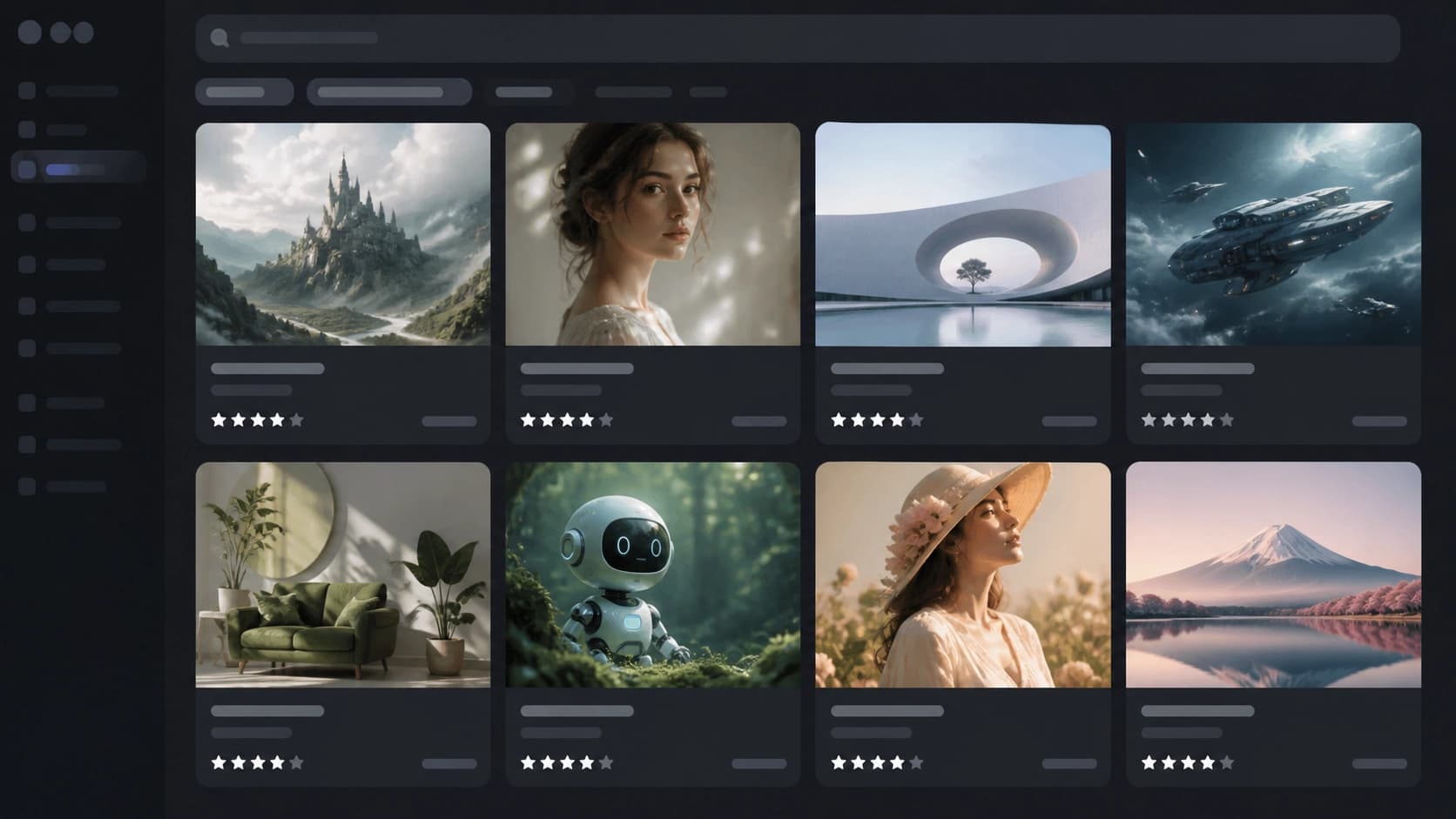
The FlowGPT library has thousands of ready-made prompts for various tasks, from writing emails to programming. To avoid getting lost in this variety, use search and category filters. Pay attention to ratings and reviews — this way you'll quickly find time-tested combinations.
If the result isn't satisfactory, don't be afraid to experiment. Specific and detailed task descriptions yield much better answers than generic phrases. You can use iterative refinements: first get a draft version, then specify what exactly to change, which details to add, or what style to use. Try different formats, provide examples of the expected answer — and the model will understand you faster.
The FlowGPT community actively shares discoveries, so it's worth subscribing to updates from popular authors. By following their publications, you'll stay up to date on new techniques and trends in the world of prompt engineering.
Creating your own bot and prompt
Once you're comfortable, it's time to try your hand at creating your own solution. In FlowGPT, creating a bot starts by clicking the "Create" button on the toolbar. An editor will open where you need to enter a prompt description, choose a model (if available), and configure generation parameters: temperature, response length, system instructions, etc.
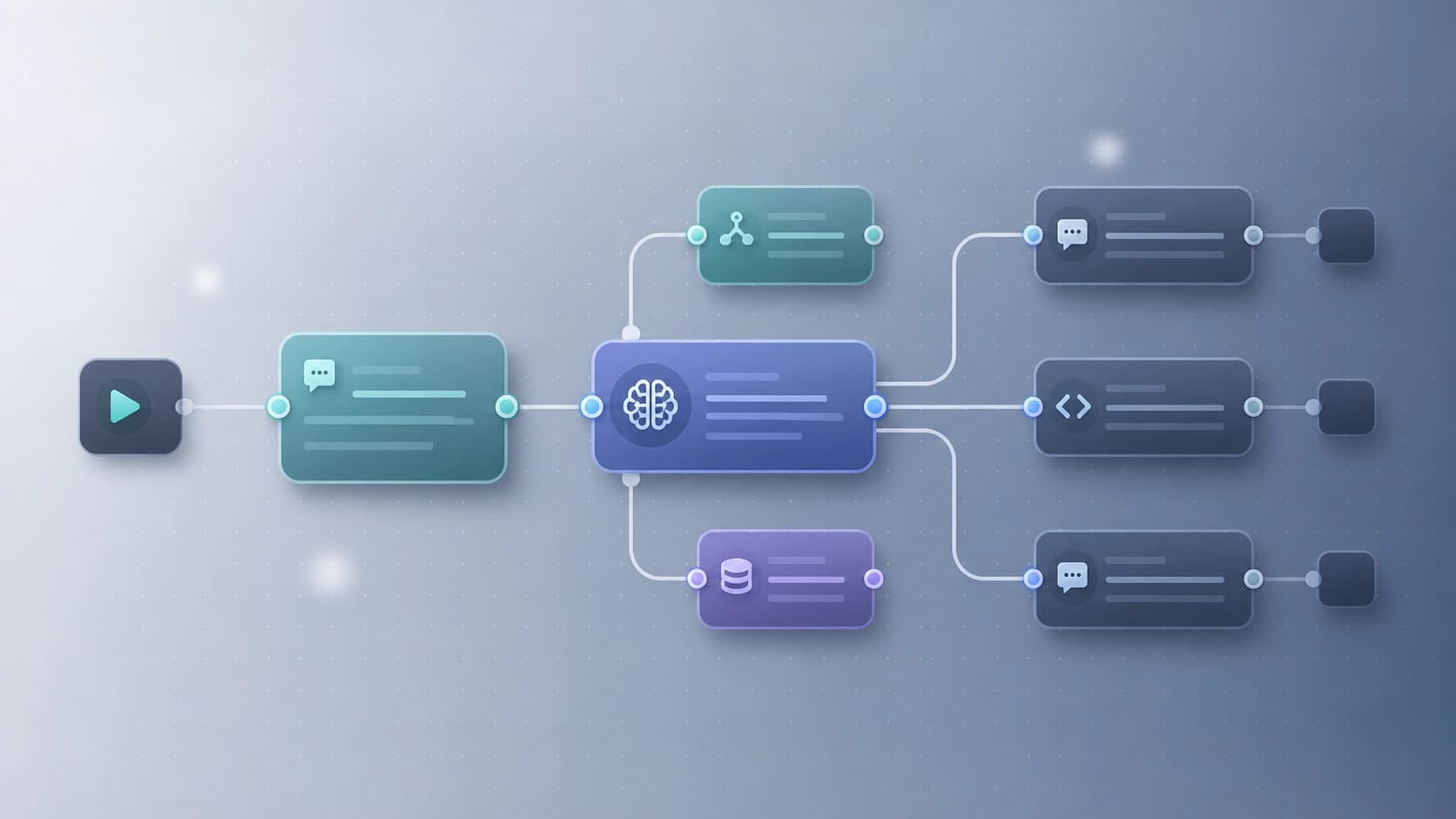
You can build your bot not just as text, but also as a chain of steps using visual nodes. You can set an initial request, then add conditions and branches so the bot reacts differently depending on user input. This is like creating a small application without programming.
Once the prompt is ready, generate a test response and see how it looks. If needed, go back to the settings and adjust them. When everything is satisfactory — save your work and share it with the community. You can either keep the bot public or use it privately for your own projects.
Tips for beginners and a few words about pricing
At the start of your journey, it's important to understand how payment works. FlowGPT operates on a "Pay as you grow" model — you only pay for the resources you actually consume. For testing, there's a free period with a limit of 20,000 AI words. That's enough to try the main features and decide whether you need a paid subscription.
Platform traffic is growing: over the past month, the service was visited by about 2.9 million people, which is 4.3% more than the previous period. This speaks to FlowGPT's popularity and shows that an active community continues to attract newcomers.
And a few more practical tips:
- Make your requests as specific as possible. Instead of "write text," specify the topic, audience, tone, and length.
- Don't hesitate to ask the model clarifying questions to gradually get closer to the desired result.
- Study other people's prompts — it's the best way to learn. Copy successful solutions and adapt them to your tasks.
- Keep an eye on platform updates and community advice to be the first to use new features.
FlowGPT can be a great assistant for content creators, marketers, and anyone who actively works with text. Thanks to the library of ready-made solutions and the bot builder, you'll save hours on setting up neural networks and can focus on the creative part.