
AI inside Xcode: overview of CopilotForXcode extension capabilities
The author's intitni extension connects several AI services to the development environment: autocomplete from GitHub and Codeium, a ChatGPT-based chat, and code generation from plain descriptions. In this article, we break down how to run the extension, what scenarios it covers, and how it benefits developers working on iOS and macOS.
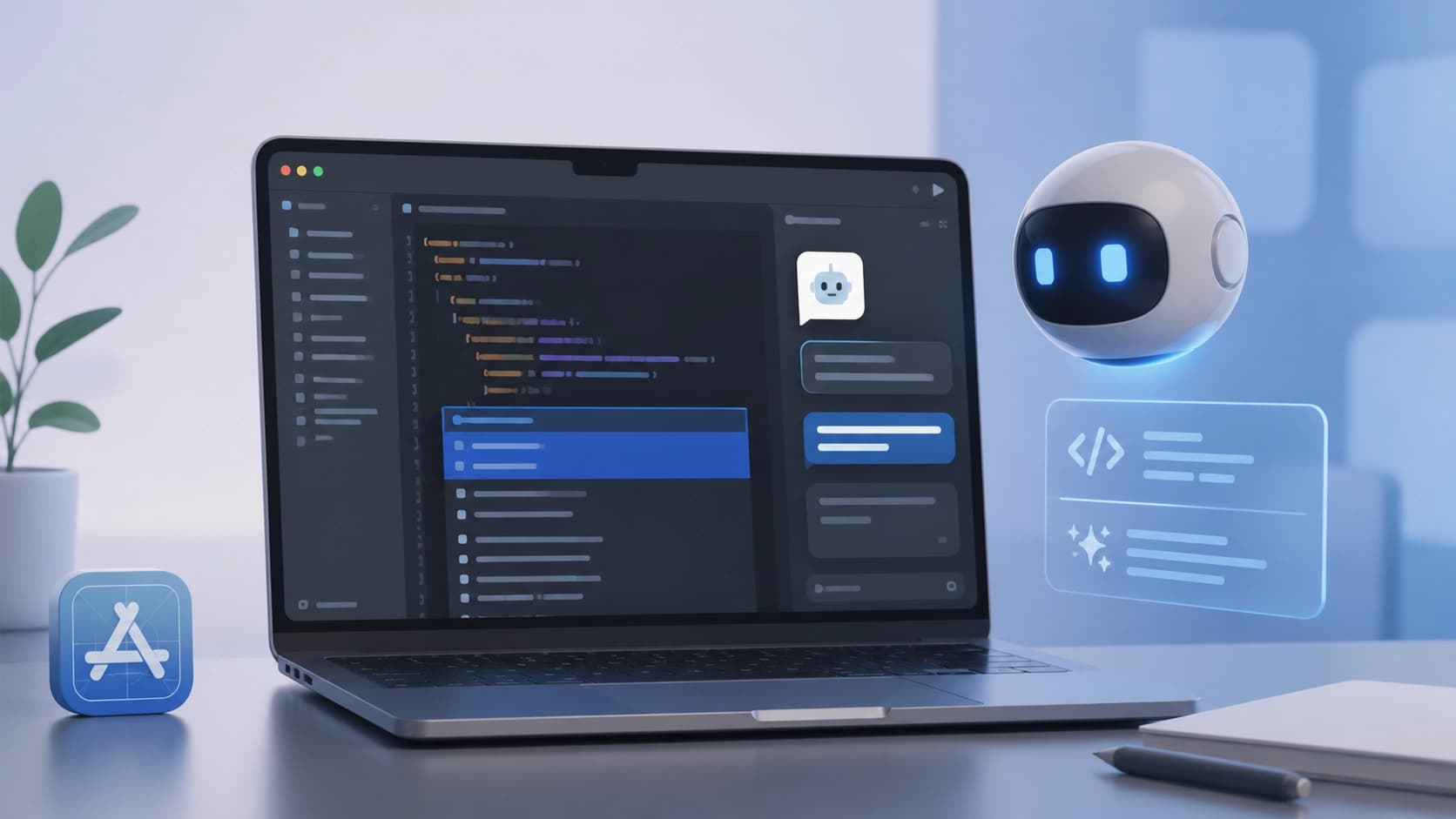
Context: why Xcode needs an AI assistant
Developing for iOS and macOS is impossible without Xcode: it's the environment where code is written, compiled, and debugged. However, built-in autocomplete features in recent years have lagged significantly behind specialized AI services. Many programmers use third-party code suggesters, but integrating them into Apple's "native" toolset isn't always straightforward. That's why intermediary solutions have emerged that connect the IDE with large language models and cloud services.

One such solution is the CopilotForXcode extension, created by independent developer intitni. It works as an Xcode Source Editor module and serves as a bridge between the development environment and popular AI platforms: GitHub Copilot, Codeium, and ChatGPT. For developers, this means most AI features are available right in the familiar interface, without constantly switching between the browser and the IDE.
Key features of the extension
What functions does CopilotForXcode add? First and foremost, it provides contextual code suggestions generated from two sources at once — GitHub Copilot and Codeium. By analyzing the current file and cursor position, the extension suggests line continuations, entire functions, or even typical constructs. This speeds up typing and reduces the amount of routine work.
The built-in chat with ChatGPT lets you discuss code snippets without leaving Xcode. You can ask about an unfamiliar library, request help finding a bug, or ask for an explanation of someone else's code — and get an answer in a separate panel. Messages and code from the editor are passed directly to the model, so there's no need to manually copy file contents.
The prompt-to-code mode deserves special mention: just describe in plain language what the program should do, and the extension will try to turn that description into executable code. This is useful for rapid prototyping and when you need to generate a ready-made piece of logic "from scratch."
Advanced users will appreciate support for local LLMs: you can connect your own model and avoid depending on cloud services. Additionally, the extension can execute custom commands, including terminal operations and web searches, while staying within the context of the current project. Such commands make it easy to automate repetitive steps — for example, running tests or generating documentation.
Setup: where to start
To start using CopilotForXcode, you first need to install the wrapper application and then enable the extension in Xcode settings. After that, you must grant access to the required files and services — depending on the chosen provider. For GitHub Copilot, you need to sign in to your account; for Codeium, the process is similar. If you plan to work with ChatGPT, you'll need an API key from OpenAI.
An important step is configuring hotkeys. Many features, such as suggestions or chat, are triggered via shortcuts, so it's worth choosing convenient combinations in advance. The extension may also request permission to execute terminal commands and network requests. This is justified: some operations, such as web searches or running scripts, require access beyond the editor. After setup, the extension works almost transparently: suggestions appear when needed, and chat opens on demand.
Why this is useful in practice
The main arguments for installing such an extension are speed and quality of working with code. Developers get distracted less often by searching for documentation and examples because suggestions and answers arrive right in the editor. This boosts overall productivity, and code becomes cleaner: fewer typos and typical mistakes, with better adherence to project style.

The effect for beginners is equally important. When there's an AI consultant nearby that explains unclear constructs or independently writes the skeleton of a future function, learning moves faster. Experienced developers, in turn, can create their own commands for typical tasks — this opens the door to deep customization of the workflow.
Of course, AI tools shouldn't be seen as a replacement for expertise: generated code needs to be read and reviewed. But as an auxiliary tool that saves time on routine tasks, the extension proves to be a quite convenient choice for those who work in Xcode daily.
Frequently asked questions
Related materials
All materials
Transformers adds support for running quantized GGUF models on Apple Silicon
The article describes integrating the GGUF format from llama.cpp into Transformers: local inference on Mac, loading models via the library API, and running an OpenAI-compatible server. Using Qwen3.5-4B as an example, it shows how the choice of quantization level affects weight size and memory requirements.
18 October 2026
The Vocci Ring Offers a New Way to Record Meetings—with Caveats About Price and Privacy
Testing the device shows that it handles transcribing long conversations, but is less convenient for short notes; the app also has its drawbacks. The article explores privacy concerns and why a ring might suit some people better than other wearable recording devices.
13 October 2026
Running an AI-native company in 2027: An operating framework for first-time executives
The article examines which elements of an operating model a leader needs when AI has been built into the business from the outset. Readers will get a measured view of the priorities: redesigning processes, setting boundaries for agent autonomy, measuring value, and managing risks.
12 October 2026