
TestLabs
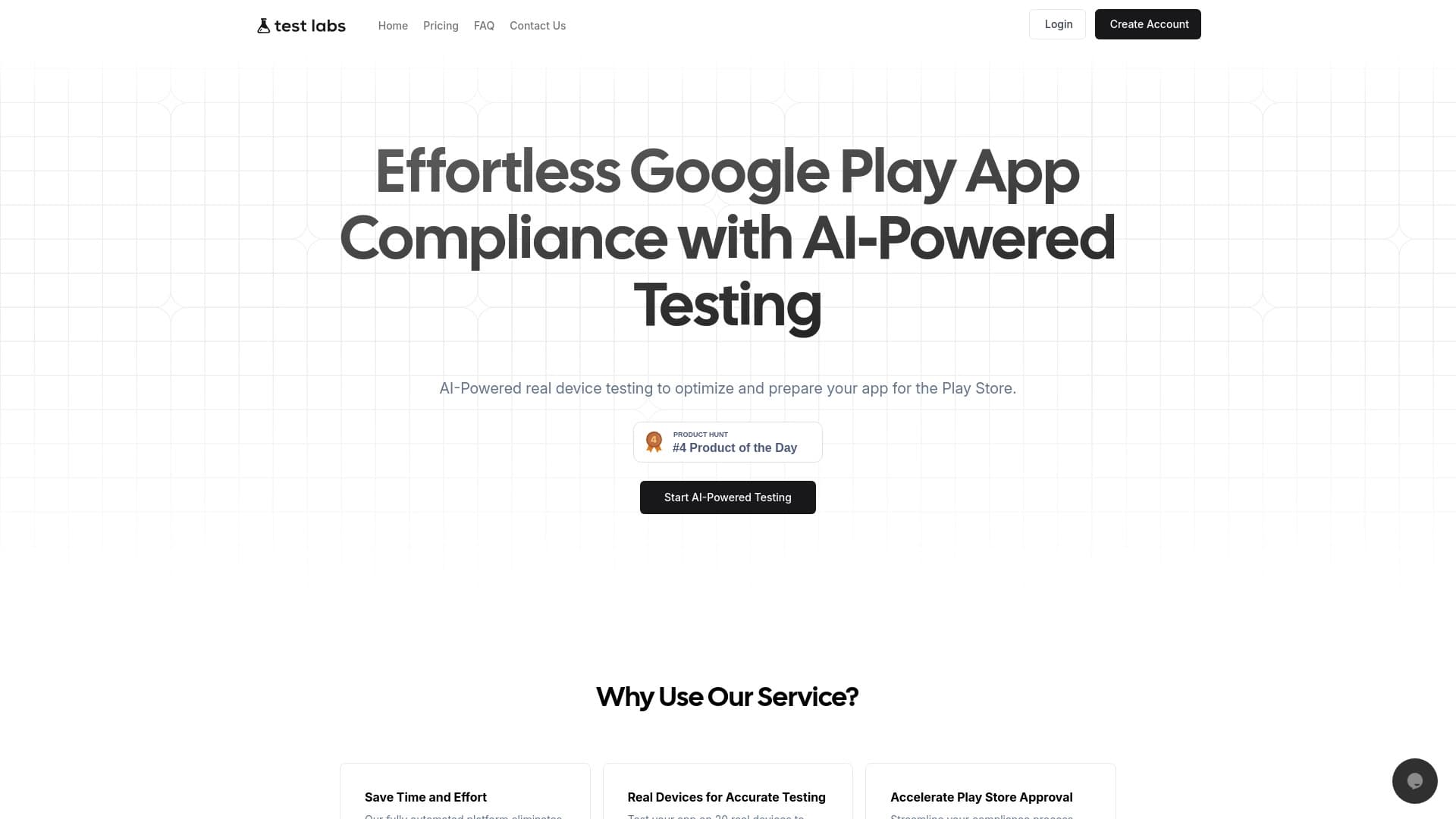
Platform for Automated testing of mobile devices applications on real preparation publication Google Play.
Overview
Description of the neural network TestLabs
TestLabs is a cloud platform for automated testing mobile applications . Service-oriented Android who prepare their products for publications in the Google Play Store. The key feature of the platform is the use of real farms. devices available remotely over the Internet. This allows you to run tests not on emulators eh on physical smartphone what Provides more reliable results.
The main task of TestLabs is to check appendix differentiate device models and versions operational Android . Through integration artificially intelligent The platform automates the process of finding bugs problems with performance and interface errors . In addition, the service assesses the readiness of the application for moderation of Google Play Helping developers eliminate reasons for rejection in advance.
The role of AI in testing
Artificial Intelligence is used by TestLabs analysis test run . It doesn't just record the app's downfall. It also helps to classify errors. identify patterns of failures and suggest priority areas for correction . This approach reduces the time to manually check logs and allows teams to focus. on real problem eh not Data collection.
Characteristics of TestLabs
| Characterization | Meaning |
|---|---|
| Type of instrument | Platform Automated testing of mobile devices applications |
| Primary appointment | Preparation of Android applications toward publications in Google Play |
| Test Wednesday | Cloudy farm device |
| Testing platform | Android (various OS models and versions) |
| Role artificial intelligence | Analysis of test results Identifying performance and compatibility issues |
| Verification of claims | Compliance with the guidelines and rules of Google Play Store |
| Propagation model | Undefined (no information available) into open-ended source |
For whom is the TestLabs neural network suitable?
Indie developers and small studios
For the small ones. team u which There is no way to acquire dozens of physical tester TestLabs provides access to a wide range of gadgets on request . This is especially true for startups. by which quick release stable version without major investment in test infrastructure.
Medium and large mobile teams
Product companies supportive large application portfolios They also benefit from using TestLabs. The platform allows to standardize the quality verification process Speed up release cycles and reduce the load on internal QA departments. Ability to run parallel tests on many devices makes the service useful for team high frequency of updates.
QA Engineers and Testers
Quality Assurance Professionals Get a Tool to Create and Run Automated scenarios without the need to adjust own equipment . Focus shifts routinely Switching between devices to analyze results and test-improvement scripts.
How to use the TestLabs neural network?
Download the application and set up tests
The process begins. from downloading the application APK file personal testlab . After that, the developer selects a list of devices and versions of Android on which Testing is required . The system allows you to create a queue of several configuration so check out into differential combinations hardware and software.
Launching and monitoring the test campaign
After setting the parameters starts automatic run. The user can monitor the progress of the tests through the web interface. The platform collects screenshots , video recordings and logs in real-time . Upon completion of the course, the detailed report wherein artificial light-up fault problems with performance and non-compliance with Google Play requirements.
Basic function of TestLabs
- Automated test Start a set of checks without human participation.
- Cross-device testing Simultaneous verification of the application On many models of devices with different versions of Android.
- Identification of compatibility issues Detection of conflicts iron-clad screen resolution , the amount of memory.
- Performance check Measurement of launch speed , interface responsiveness consumption resources.
- Analysis user interface Finding errors in displaying elements superimposition , incorrect scaling.
- Forecasting results moderation verification of the application compliance with the rules and requirements of the Google Play Store.
- Detailed. reporting - formation of the final Documents for the Developer Team on prioritization found defects.
Benefits of TestLabs
Saving resources and time
Use of the cloud Devices eliminate the need to purchase and maintain own fleet of smartphones for testing . Launch of parallel Testing on multiple devices reduces duration of the inspection cycle c several days severally hours.
Reality of results
Physically device in emulator Reproducing the features of the real “iron” ? : camera operation, GPS module sensors battery . This increases the reliability of the tests and reduces the risk of errors in final Users after publication.
Focus on requirements of Google Play
The platform takes into account Specific requirements of the app store analysis . This helps developers get through moderation. first attempt and avoid rejection due to technical problems.
Disadvantages of TestLabs
Unfortunately. in accessible primary not given explicit disadvantages or limitations of the service . There is no data on cost possible restraint number of tests deadline fulfillment runways cloudwork infrastructure . Further information from the vendor or User reviews.
What problems does TestLabs solve?
- Preparation release: service helps to finalize the build of the application before sending moderate Google Play.
- Ensuring compatibility: The platform checks performance applications on a wide range of Android devices Reducing the number of negative post-release reviews.
- Quality improvementAutomatic search for functionality and interface errors helps improve stability and usability applications.
- Optimizing team resources: routine transmission test Cloud platform runs free up QA engineers time for more complex ones tasks.
- Verification of compliance with Google requirements: the service identifies in advance potential reasons for refusal to publish the application into store.
TestLabs prices
Price and tariff information There are no TestLabs plans into open-ended springs which were used for the preparation of this article. Data. subscription availability There was no free tariff or payment system for one-time use. For receipt Up-to-date pricing information is recommended apply directly to the official website of the service or contact with his representatives.
Terms of use of TestLabs
Detailed terms of use platform Materials are not disclosed. Unknown requirements minimally Android version limitations APK file size or number of devices in one test campaign . There is also no information about the privacy policy. storage loaded data and conditions of termination of access to the service . Users should be informed on Official TestLabs documents before starting work.
Availability of TestLabs
Service Provider Remote access to your resources through the cloud platform what It can be used from anywhere in the world with a stable Internet connection. . However, official data geographical affordability Interface localization and language support in primary sources absent. For accurate information about the countries of presence of the service, you must contact toward The official website of TestLabs.
What distinguishes TestLabs from analogues
The main difference between TestLabs and classical Testing tools – combining Real-world cloud farm capabilities devices with artificial intelligence technologies to analyze results . Traditional platforms only provide the infrastructure to run tests. leaving interpretation data at the discretion of the development team.
Moreover, the service declares specialization. prepare publication Google Play Store . In contrast to universal QA solutions, TestLabs includes verification of compliance with specific requirements of the application store . It allows it. Seeing the service not just as a means of finding bugs eh how a full-fledged assistant in the release process, which reduces the risk of rejection of the application by moderators.
Conclusion
TestLabs is a form of specialized platform for Automated testing of Android applications on real estate devices and artificial intelligence . The service is focused on preparing the product for publication Google Play Store and allows you to identify compatibility issues performance compliance with store requirements . To accurately assess the commercial attractiveness of a product, potential users need to obtain additional information about prices and technical requirements. Restrictions Directly from Platform Developers well open-ended The sources of this data are missing.
Frequently asked questions
See also
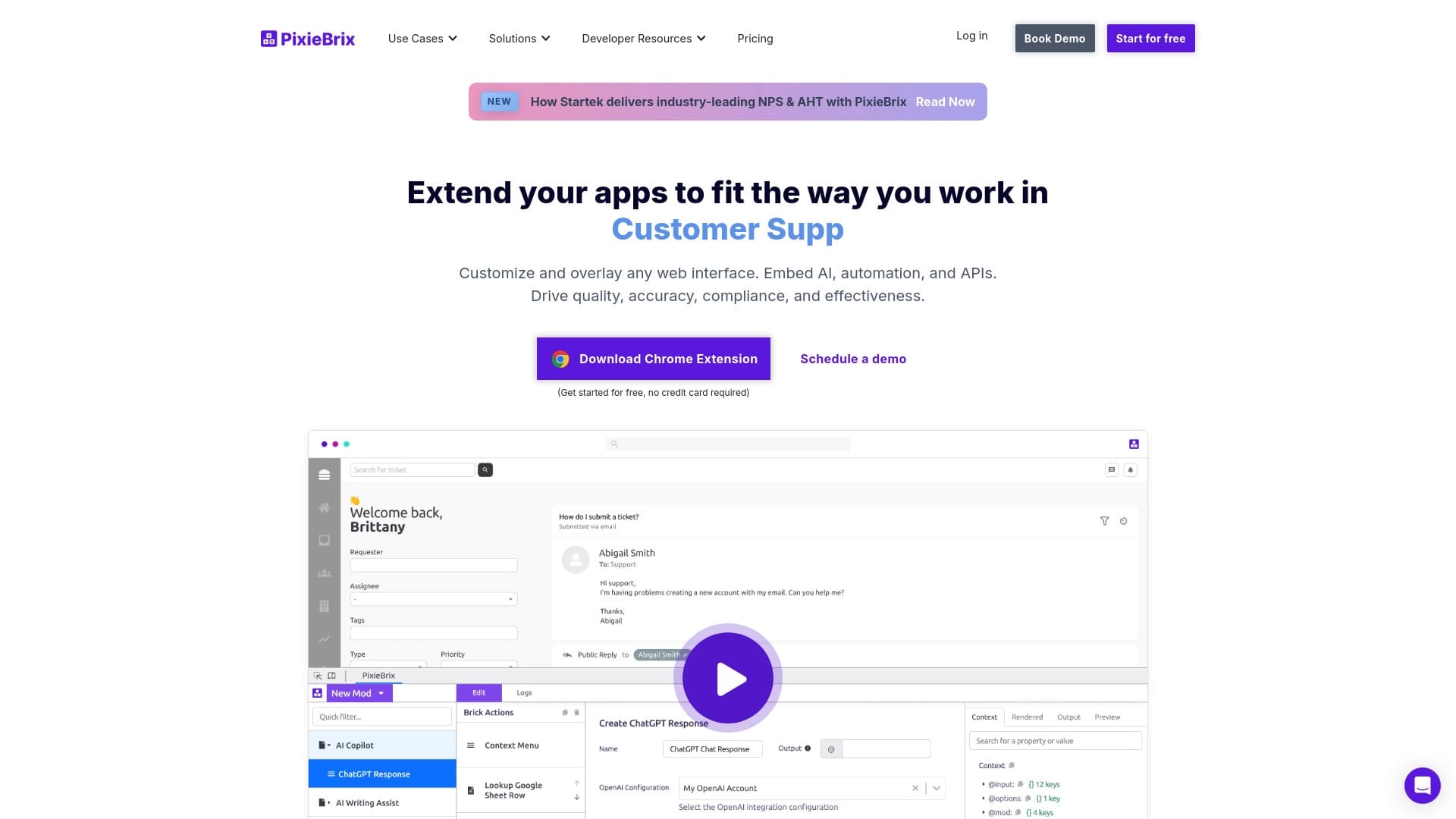

Browser extension for automating routine actions on any websites with the help of AI.


BannsAi is an AI-powered service for quickly creating ad banners based on a text description or reference.
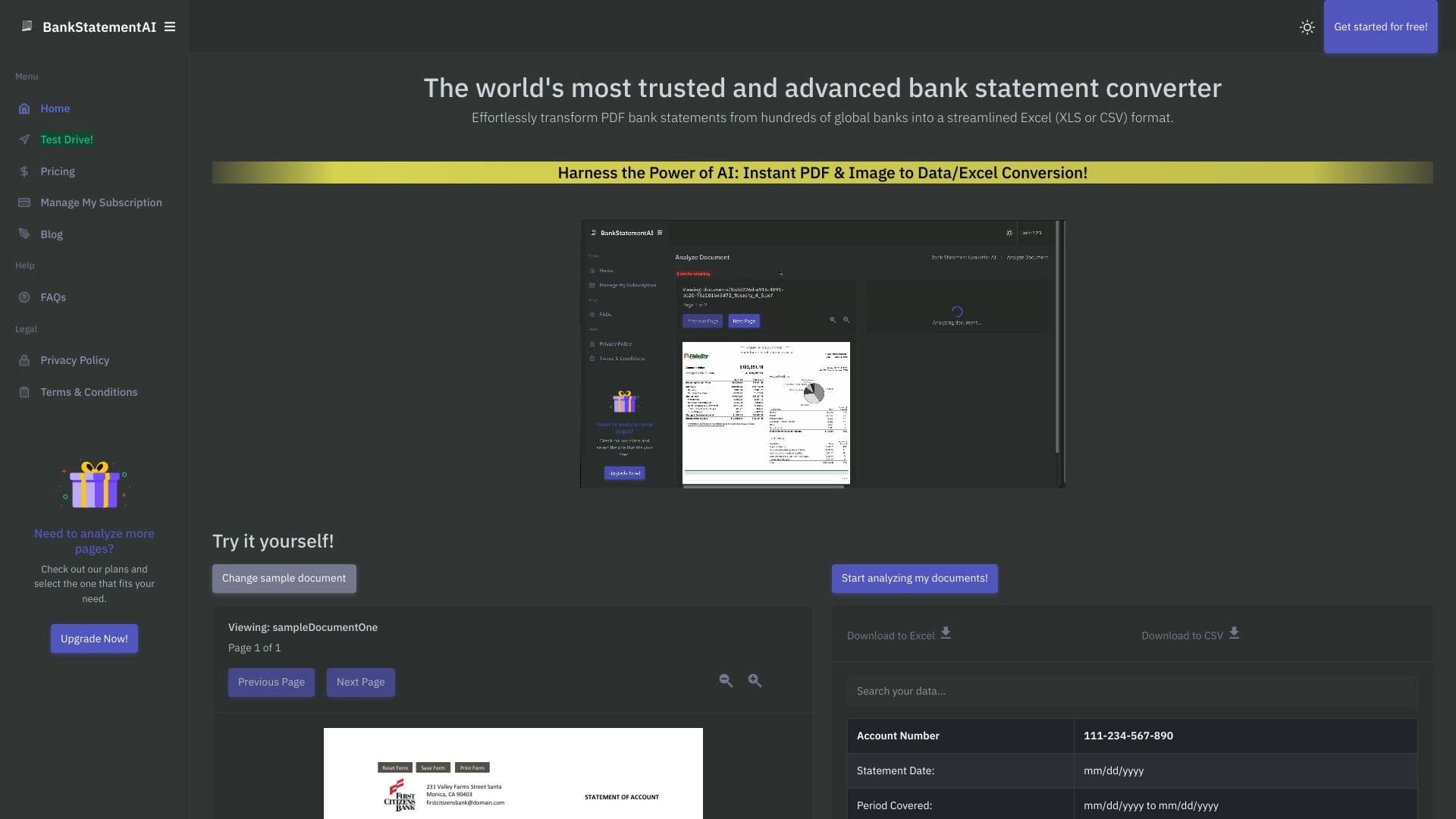
AI-powered online service that automatically converts bank statements from PDF into structured CSV files.


AI platform for fast website creation and small business process management.
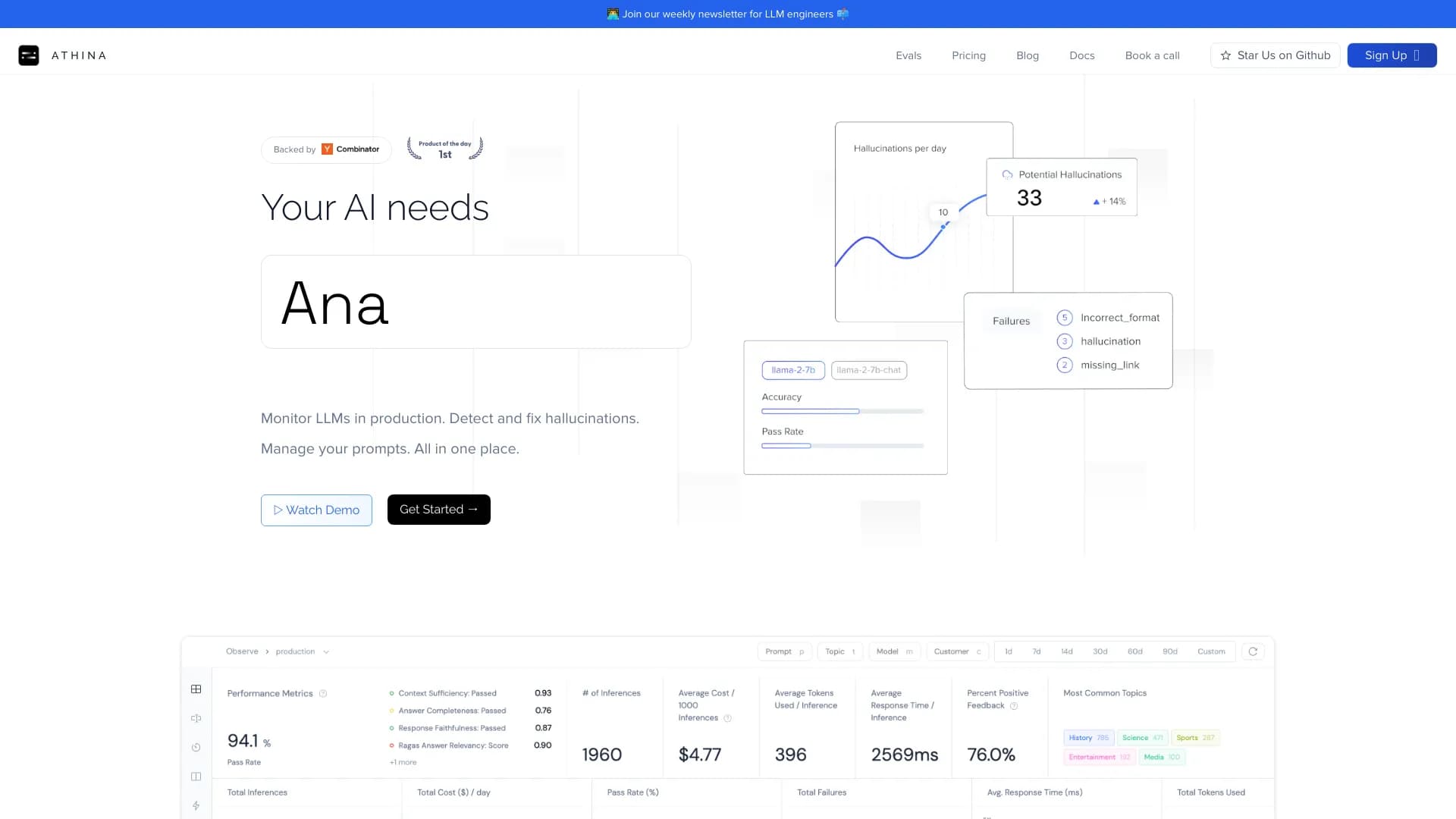

Platform for developing, monitoring, and evaluating AI applications based on large language models.

AI agent for assisting with programming and optimizing the development workflow.

AI-powered online platform for quickly creating text content, including blogs, articles, and social media posts.

Web service for automating the processing of standard documents with minimal human involvement.