

PixieBrix
Browser extension for automating routine actions on any websites with the help of AI.
Overview
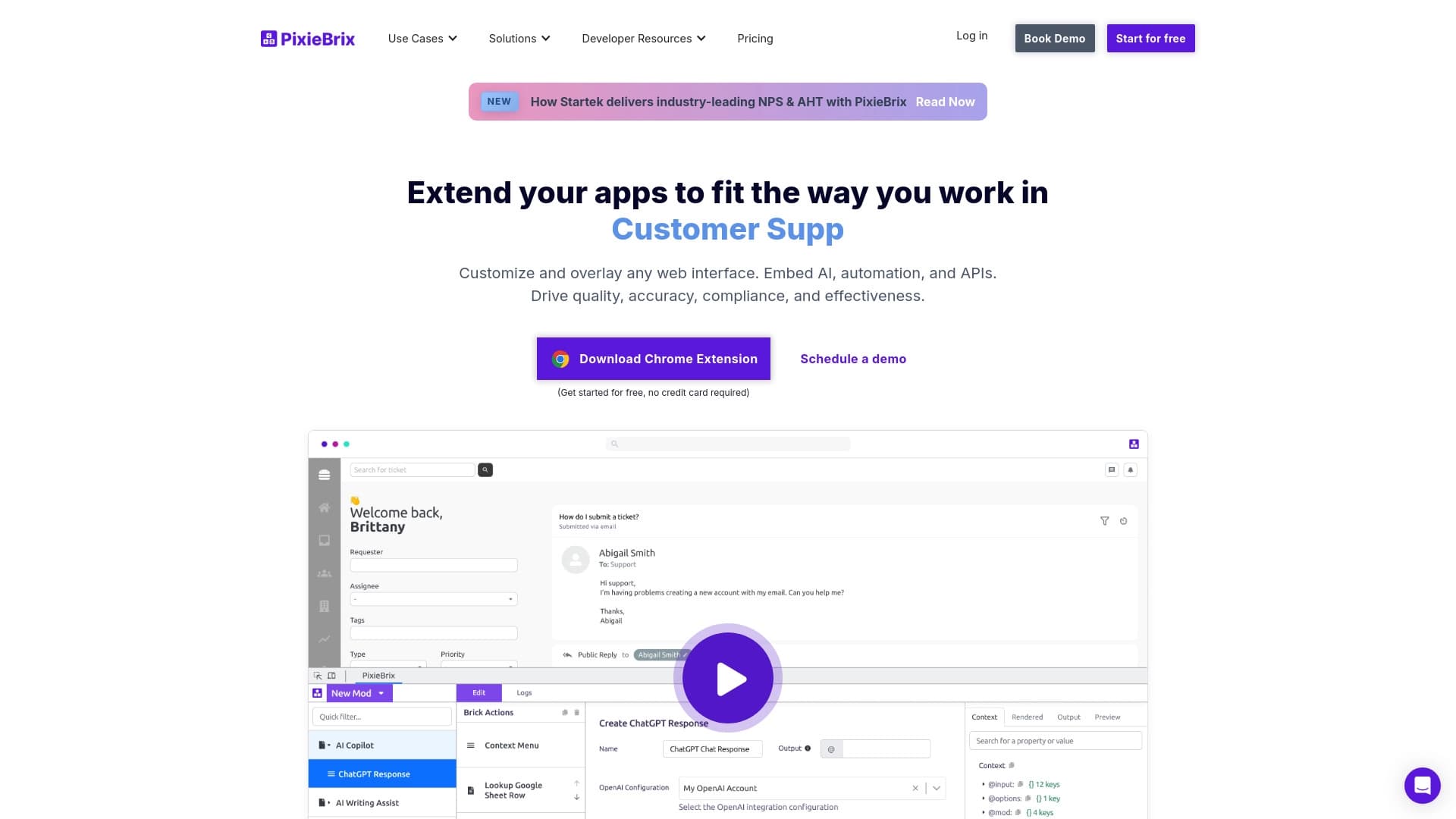
PixieBrix is a browser extension that lets you automate routine actions on any website using artificial intelligence. The core idea of the tool is to give users the ability to create their own automation scenarios and modify the interface of web pages without needing to write code.
PixieBrix works directly in the browser and is fully customizable. Users can personalize virtually any web application to suit their tasks: add buttons, hide unnecessary elements, populate data into forms, and execute sequences of actions with a single click. The platform is built on a scenario builder and a large set of ready-made modules available in the marketplace.
The tool includes an AI assistant that helps create automations, as well as a sidebar for quick access to functions and contextual information. This solution is aimed at reducing the time spent on repetitive tasks in the browser and optimizing workflows.
PixieBrix Features
| Feature | Value |
|---|---|
| Category | Productivity |
| Type | Browser extension |
| Distribution model | Freemium |
| AI assistant included | Yes |
| No-code scenario creation | Yes |
| Marketplace of ready-made modules | Yes |
| Sidebar | Yes |
| Price | Not specified |
Who is PixieBrix for?
Professionals working with large volumes of data in the browser
PixieBrix will be useful for those who perform repetitive operations in web interfaces daily: filling out forms, copying data between services, updating records in CRM systems, or keeping track in online spreadsheets. Automating these actions can free up a significant amount of time.
Users without programming skills
The tool is designed for people who do not know programming languages but want to modify web pages and create their own workflows for them. PixieBrix allows you to build automations from ready-made blocks and use AI hints at every step.
Teams looking to standardize workflows
If a department or company needs to unify routine browser operations, PixieBrix makes it possible to create and distribute shared automation scenarios among employees, reducing the risk of errors and speeding up work.
How to use PixieBrix?
Installation and first launch
To get started, you need to install the PixieBrix browser extension. After installation, a sidebar and a quick access panel appear in the browser, through which you can access all the tool's features.
Creating your own scenario
You can create an automation from scratch using the builder, or ask the AI assistant for help. The tool will show you how to set up a sequence of actions: clicks, text input, data extraction, and other operations. Scenarios are saved and run on specific sites with the click of a button.
Using the marketplace
To speed things up, you can install ready-made modules from the PixieBrix marketplace. They are already configured for specific sites and tasks, so they require minimal customization to suit personal preferences.
Key features of PixieBrix
AI-based automation creation
The platform provides an AI assistant that helps users build an automation scenario by analyzing the page and suggesting appropriate steps. This greatly simplifies the setup process for beginners.
Modifying web page interfaces
PixieBrix allows you to change the appearance and structure of any site: add custom buttons, data blocks, rearrange interface elements to suit your own tasks — all without touching the site's source code.
Sidebar and quick access panel
The built-in sidebar provides quick access to the extension's features and contextual information about the current page. The quick access panel lets you launch the automations you need with a single click.
PixieBrix advantages
- Works on any website: the extension is not tied to specific web services and can be used everywhere.
- No programming required: virtually all scenario creation is done through a visual interface and AI hints.
- Fully customizable: users can personalize web applications to fit their individual workflows.
- Marketplace available: ready-made modules save time on setting up common tasks.
- Increased productivity: automating repetitive operations directly cuts the time spent on them.
PixieBrix disadvantages
Since pricing information is not listed on the official page, the potential difficulty in assessing the product's financial accessibility is one point that requires clarification from the developers. Also, as with any extension, there may be a slight impact on browser performance, though no precise data on this is available in public sources.
What tasks does PixieBrix solve?
Optimizing repetitive browser actions
PixieBrix eliminates manual effort when performing operations that need to be repeated over and over: entering data, navigating sites, clicking buttons, and filling out fields. Automation works on any site without needing to contact the site's developers.
Personalizing web applications
Instead of adapting to a site's interface, users can change it to suit themselves: place the buttons they need on the quick access panel, hide distracting elements, and combine multiple actions into a single click.
Speeding up information processing
Through the sidebar, users get contextual information about the current page, which speeds up decision-making and reduces switching between tabs and services.
PixieBrix pricing
Official sources and catalogs used to prepare this article do not list pricing information for PixieBrix. It is known that the distribution model is freemium, meaning there is a free tier and paid features, but specific figures and the composition of pricing plans are not disclosed. For up-to-date information, we recommend checking the product's official website.
PixieBrix terms of use
The tool is distributed under a freemium model, which implies a basic free version with limited functionality and paid subscriptions with expanded capabilities. Since the full list of terms, including technical limitations of the free plan and browser requirements, is not disclosed in the source data, details need to be clarified in the developer's official materials.
PixieBrix availability
PixieBrix is implemented as a browser extension, meaning it is available to users of modern browsers. The tool does not require installing additional software on a server or computer. The exact list of supported browser engines and operating systems is not specified in the public sources used to prepare this article.
How PixieBrix differs from alternatives
Unlike many AI tools that work only within a single application or chat interface, PixieBrix works directly with the interfaces of any website. This achieves the main difference: users are not limited to a single service and can automate operations across all their everyday browser tools — from CRM to internal company systems.
The key advantage over alternatives lies in the approach to creating automations. Instead of writing code, users get a visual builder and an AI assistant that helps configure the scenario. The marketplace of ready-made modules, combined with the ability to fully personalize the interface, makes PixieBrix a more flexible tool compared to narrowly specialized solutions.
Conclusion
PixieBrix is a functional browser extension in the "Productivity" category that lets you automate routine actions and modify web page interfaces without programming skills. The tool includes an AI assistant, a sidebar, and a marketplace of ready-made modules, making automation accessible to a wide range of users. The product is distributed under a freemium model, but exact pricing and plan details are not published in public sources. For users looking to reduce time spent on repetitive browser tasks, PixieBrix can be a useful solution, but it is recommended to clarify the terms of use on the developer's official website before adoption.
Frequently asked questions
See also


Desktop AI assistant for macOS, Windows, and Linux that launches via hotkey above all windows and combines multiple language models in one interface.

AllChat is a universal platform that combines several popular language models in a single interface for communication, image generation, file analysis, and code execution.


Service for creating multilingual videos with virtual or real characters from text.


Project management platform with task assignment, time tracking, and employee workload monitoring features.


Video editor with neural network support for video editing on Windows and Mac.


A multifunctional AI assistant for chat, text and image generation, translation, and programming help.

AI agent for automating routine browser actions, such as filling out forms and collecting data.
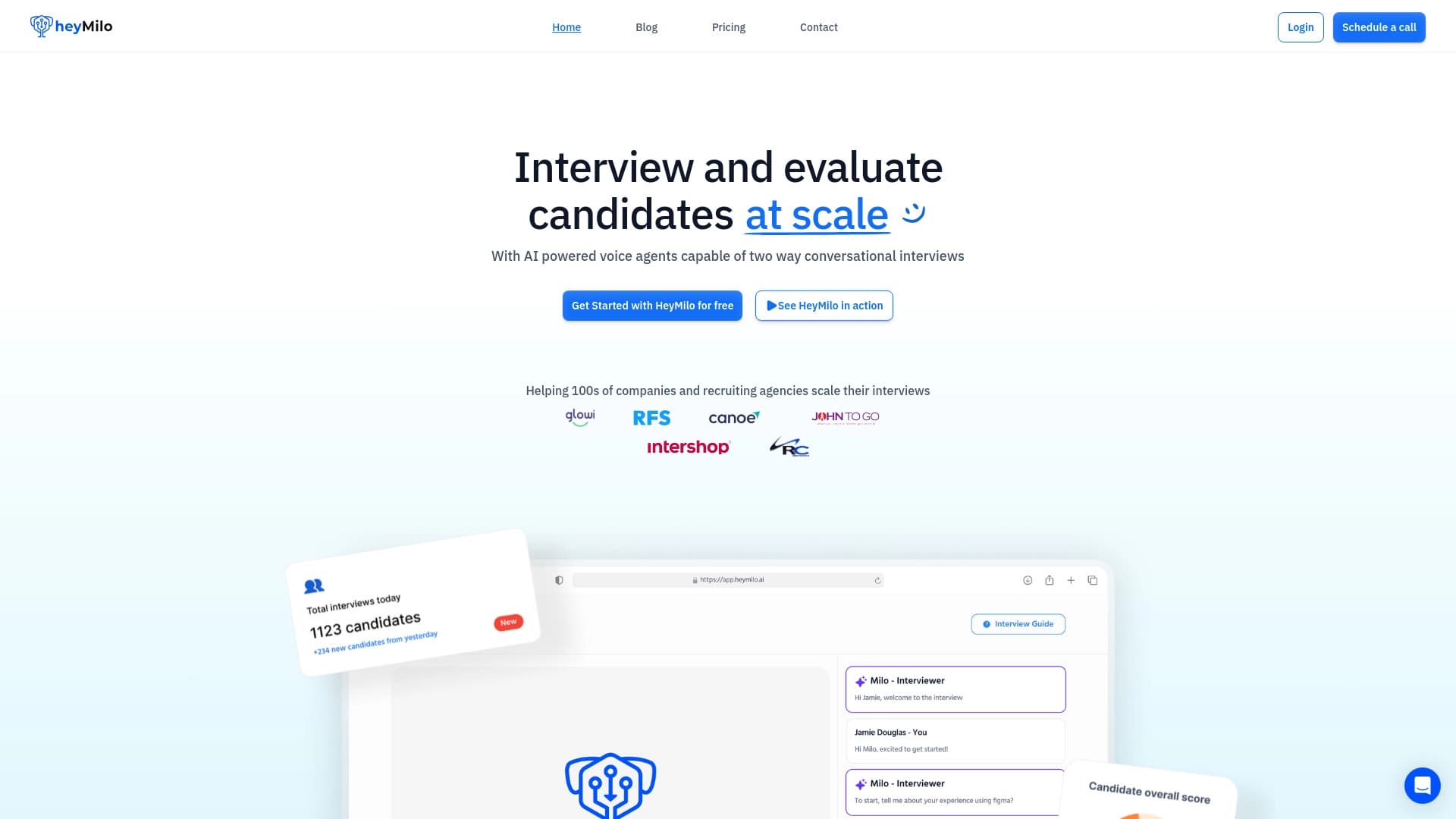

AI platform for automating voice interviews in hiring.