

ScriptMe
AI tool for fast transcription of audio and video into text and creating subtitles.
Overview
ScriptMe
Description of the ScriptMe neural network
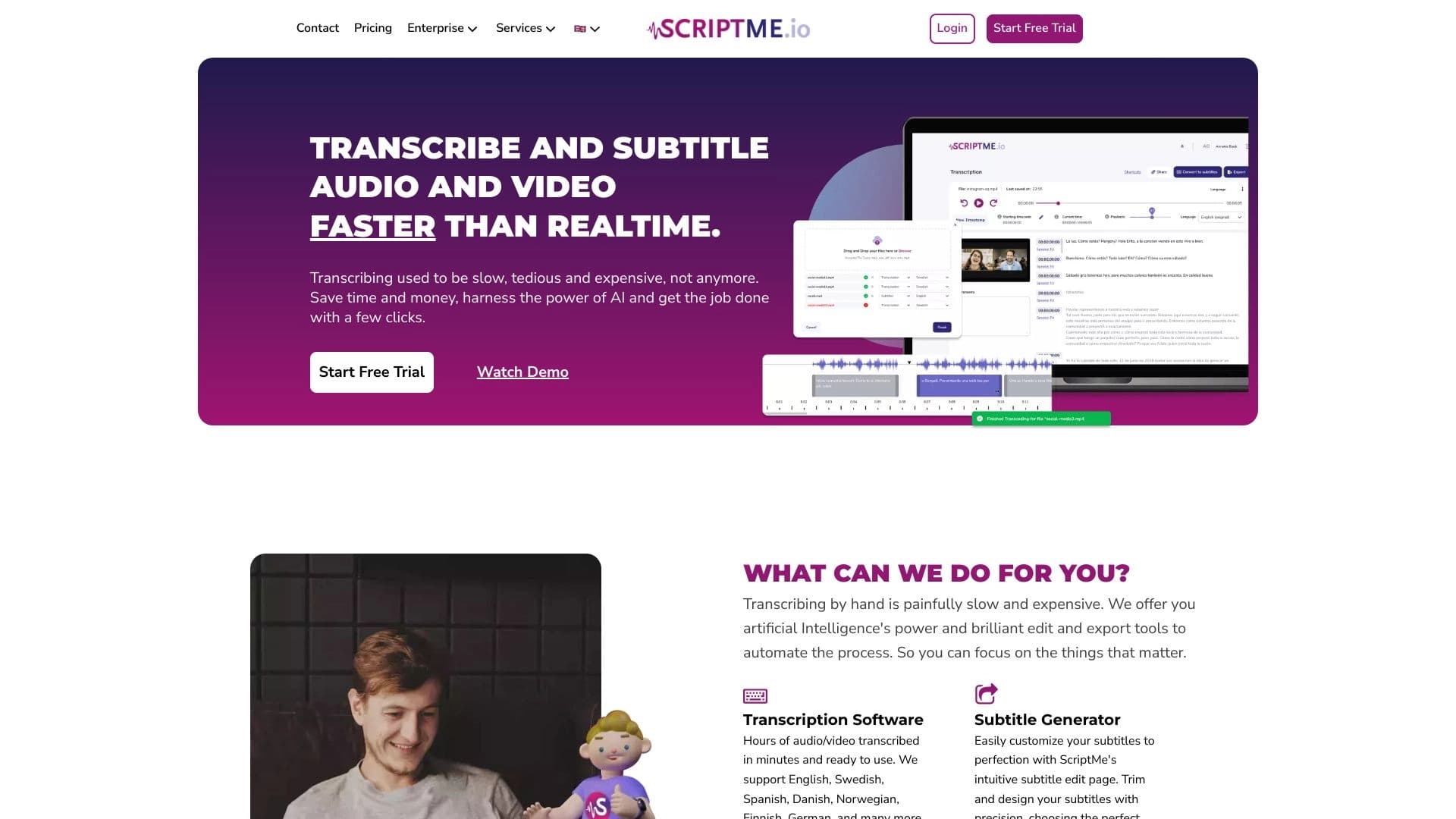
ScriptMe is an AI tool designed to automatically transcribe audio and video files into text, as well as to create subtitles. The platform is based on speech recognition and machine learning technologies, allowing it to process media content faster than in real time. In addition to transcription, the tool offers a built-in editor for correcting the transcribed text, a content translation feature supporting 30 languages, and subtitle export to professional formats.
How the technology works
ScriptMe uses neural network models to recognize spoken language and convert it into written text. The algorithms are trained on large volumes of audio data in different languages, ensuring transcription accuracy. Processing is fully automatic: the user uploads a file, and the system returns a finished transcript with timestamps.
What the tool is for
The main purpose of ScriptMe is to save time when converting audio and video into text. Instead of typing manually or hiring stenographers, users get a ready transcript in minutes. The tool is in demand in content production, education, media, filmmaking, and other fields that require working with subtitles and text versions of audio materials.
ScriptMe features
| Characteristic | Value |
|---|---|
| Tool type | AI-based transcription and subtitling tool |
| Interface languages | Russian |
| Language support | More than 31 languages for transcription, translation into 30 languages |
| API | Yes |
| Mobile app | Yes |
| Browser extension | Yes |
| Registration | Not required |
| Free plan | Yes |
| Paid plan | Yes |
| Trial version | Yes |
| Popularity | Yes |
Who is the ScriptMe neural network for?
Content creators
Bloggers, YouTubers, videographers, and podcasters can use ScriptMe to quickly transcribe their materials and add subtitles. This improves content accessibility for viewers with hearing impairments and allows videos to be published on international platforms with translated subtitles.
Organizations with a global audience
Companies operating in the international market often need to translate and subtitle videos into multiple languages. ScriptMe helps solve this task in a single interface: transcription in the source language, translation, and subtitle generation in the required format.
Anyone who needs high-quality transcription
Journalists, students, researchers, lawyers, and other professionals who regularly need to convert recordings of meetings, interviews, lectures, or conferences into text can use ScriptMe as a replacement for manual transcription.
How to use the ScriptMe neural network?
Uploading a file
The user uploads an audio or video file to the ScriptMe interface. Registration is not required to get started. The system supports many common media file formats.
Selecting a language and starting transcription
Before starting, you can specify the recognition language. The tool supports more than 31 languages. After pressing the start button, automatic transcription begins and runs faster than real time — meaning a 30-minute file is processed in less than 30 minutes.
Editing and export
Once transcription is complete, the text opens in the built-in editor, where you can fix inaccuracies, edit timestamps, and adjust formatting. The finished result can be exported to SRT or EBU STL formats for use in video editors, players, and video hosting platforms.
Key features of ScriptMe
Transcription of audio and video into text
ScriptMe's main function is speech recognition and conversion into text. The tool handles both clean audio recordings and video files. Processing speed is faster than real time, allowing quick results even for long files.
Subtitle creation
Subtitles are generated from the transcribed text with timestamps. Two common export formats are supported: SRT (SubRip) and EBU STL (the European Broadcasting Union standard). These formats are compatible with most video editors and platforms.
Content translation
ScriptMe not only transcribes but also translates the resulting text into 30 languages. This is useful for creating multilingual subtitles for an international audience. Translation is performed automatically after transcription is complete.
Additional features
In addition to its core functions, the tool offers voice extraction from audio, object search in content, and the ability to write code and posts based on the transcribed material. The tool's API allows integrating its functionality into third-party applications.
Advantages of ScriptMe
Wide language coverage
More than 31 languages are supported for transcription and subtitling, and translation is available into 30 languages. This makes the tool a versatile solution for working with multilingual content.
High processing speed
Transcription runs faster than real time. The user saves time that manual transcription would have taken several times longer.
Convenient editor
The ScriptMe interface is designed to make editing transcripts quick and convenient. The text is synchronized with timestamps, simplifying navigation through long files.
Export to common formats
The ability to export subtitles in SRT and EBU STL — standard formats used in professional video production environments and on platforms such as YouTube and Vimeo.
Disadvantages of ScriptMe
Detailed information about the tool's drawbacks is not available in public sources. As with many AI transcription solutions, recognition accuracy may decrease with poor audio quality, background noise, strong accents, or overlapping voices. The automatic translation feature is likely to be inferior in quality to professional human translation. For detailed information about limitations, it is recommended to test the tool in the trial version.
What tasks does ScriptMe solve?
Converting audio to text
The tool automatically converts voice recordings, lectures, interviews, podcasts, and other audio materials into text format. This eliminates the need to type text manually.
Converting video to text
Video files are processed similarly to audio: the speech track is recognized and converted into text with time alignment. This makes it possible to create text versions of videos and transcripts.
Creating subtitles for media
Subtitles in SRT and EBU STL formats are generated from the recognized speech with timestamps. The finished file can be used immediately when editing video or uploaded to a video hosting platform.
Translating transcribed content
After transcription, the text can be translated into one of the 30 available languages. This solves the task of localizing video and audio content for foreign audiences.
ScriptMe pricing
ScriptMe is distributed under a freemium model. This means there is a free version with a basic set of features, as well as paid plans with expanded capabilities. A trial version is available for getting acquainted with the tool. Specific figures and plan pricing are not provided in the source data; for current pricing information, it is recommended to visit the service's official website.
Terms of use for ScriptMe
Registration is not required to start using the tool. This allows users to try transcription without creating an account. The full terms of use, including rules for processing uploaded files, privacy, and restrictions, are set out on the service's website. It is recommended to review them before getting started, especially when using paid plans or the API.
ScriptMe availability
Platforms and devices
ScriptMe is available in a web version through the browser. In addition, a mobile app has been released, allowing transcription directly from a smartphone. A dedicated browser extension is also available for convenient use in the browser.
API and integrations
The tool provides an API, making it possible to integrate transcription and subtitling functions into your own applications, web services, or workflows. This is especially useful for developers and companies that need automation.
Language availability
The ScriptMe interface is fully translated into Russian. At the same time, the tool supports more than 31 languages for speech recognition and 30 languages for translation, making it accessible to users around the world.
How ScriptMe differs from alternatives
Wide language support in a single tool
Unlike many competitors that specialize in either transcription or translation, ScriptMe combines both functions. The user can transcribe audio in one language and immediately translate the result into another without using third-party services.
Processing speed
The stated speed of faster than real time sets ScriptMe apart from tools that process files in real time or slower. This is critical when working with large volumes of content.
Easy onboarding
The absence of mandatory registration and the availability of a free plan with a trial version lower the barrier to entry. Users can evaluate recognition quality without any prior commitment, which competitors do not always offer.
Russian-language interface
Full localization of the interface into Russian makes the tool especially convenient for Russian-speaking users, who cannot always find comparable interface quality in foreign services.
Conclusion
ScriptMe is an effective AI-powered tool for transcribing audio and video into text and creating subtitles. It supports more than 31 languages, works faster than real time, and comes with a convenient editor and a translation feature supporting 30 languages. The tool is suitable for content creators, international organizations, and anyone who regularly needs to transcribe media materials. The freemium model with a free plan, trial version, and no mandatory registration allows the service to be tested without financial risk. ScriptMe is available as a web version, a mobile app, a browser extension, and through an API, making it a flexible solution for both individual users and professional tasks.
Frequently asked questions


See also


An online service that recognizes text on manga and manhwa pages, translates it into different languages, and embeds it back into the image without damaging the original artwork.


Service for live AI conversations, including text generation, voice, and speech recognition.

Web service for generating images from text prompts and converting photos and videos into artistic artworks.

AI assistant that analyzes uploaded study documents, identifies questions, and provides detailed explanations.
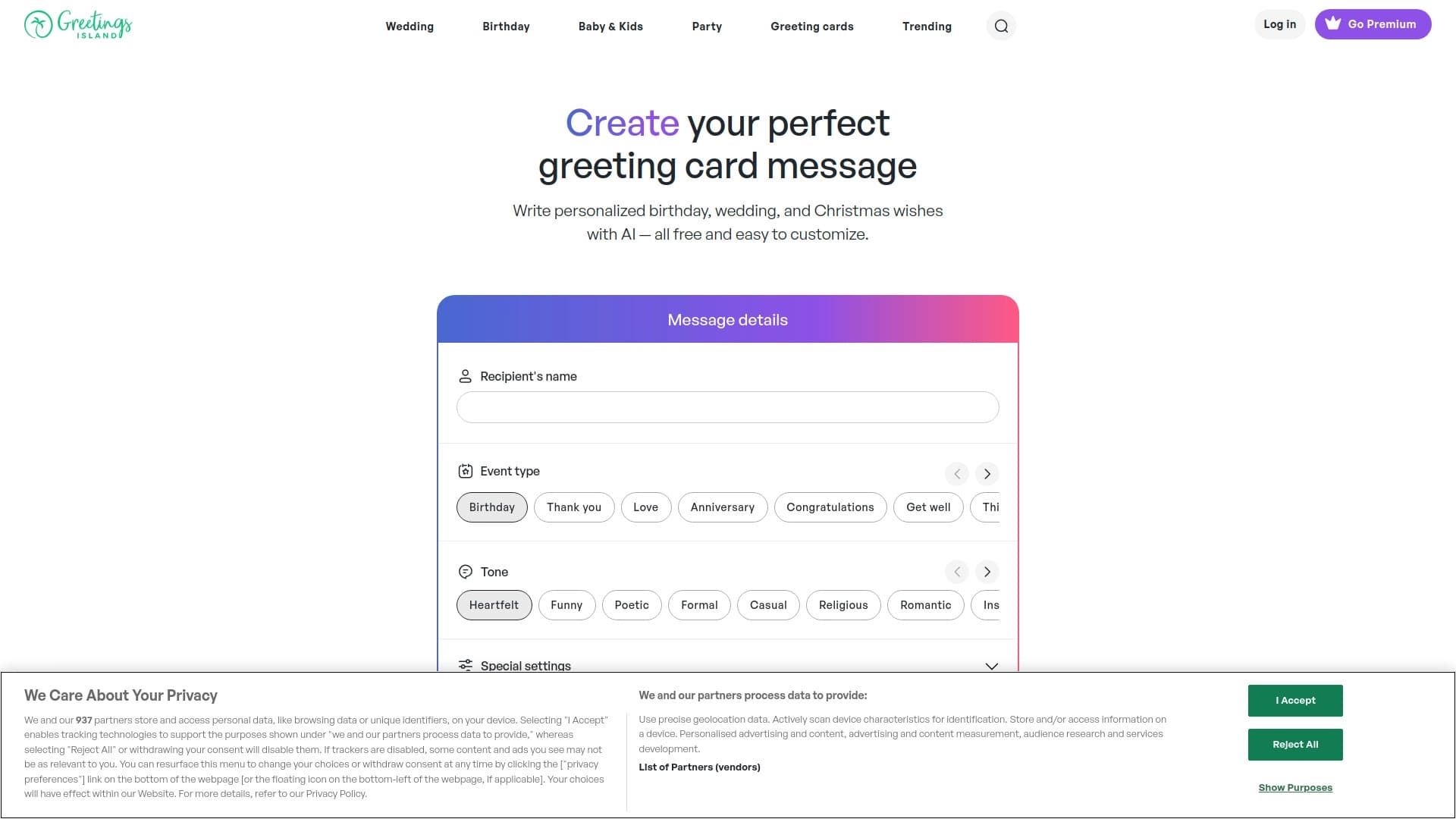

Generator of personalized invitation texts and designs for various events.
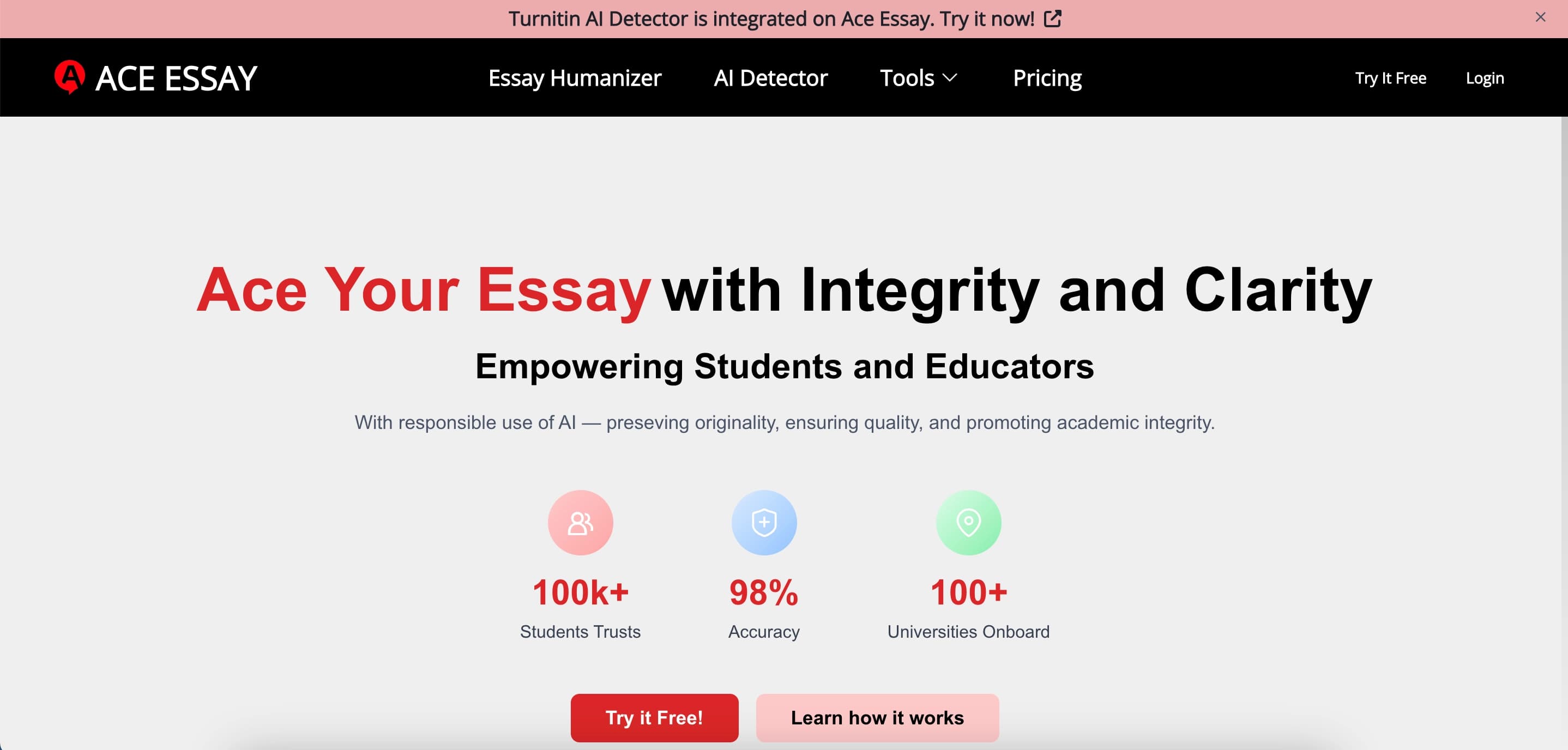

Online service for rewriting texts to make them look human-written and bypass AI detectors.

Web platform for AI-powered image and cinematic video generation, featuring studio-grade editing tools.


AI assistant for creating short summaries of videos, PDF documents, and web pages.