

Postman
Platform for building, testing, and automating API workflows.
Overview
Postman
Postman AI Description
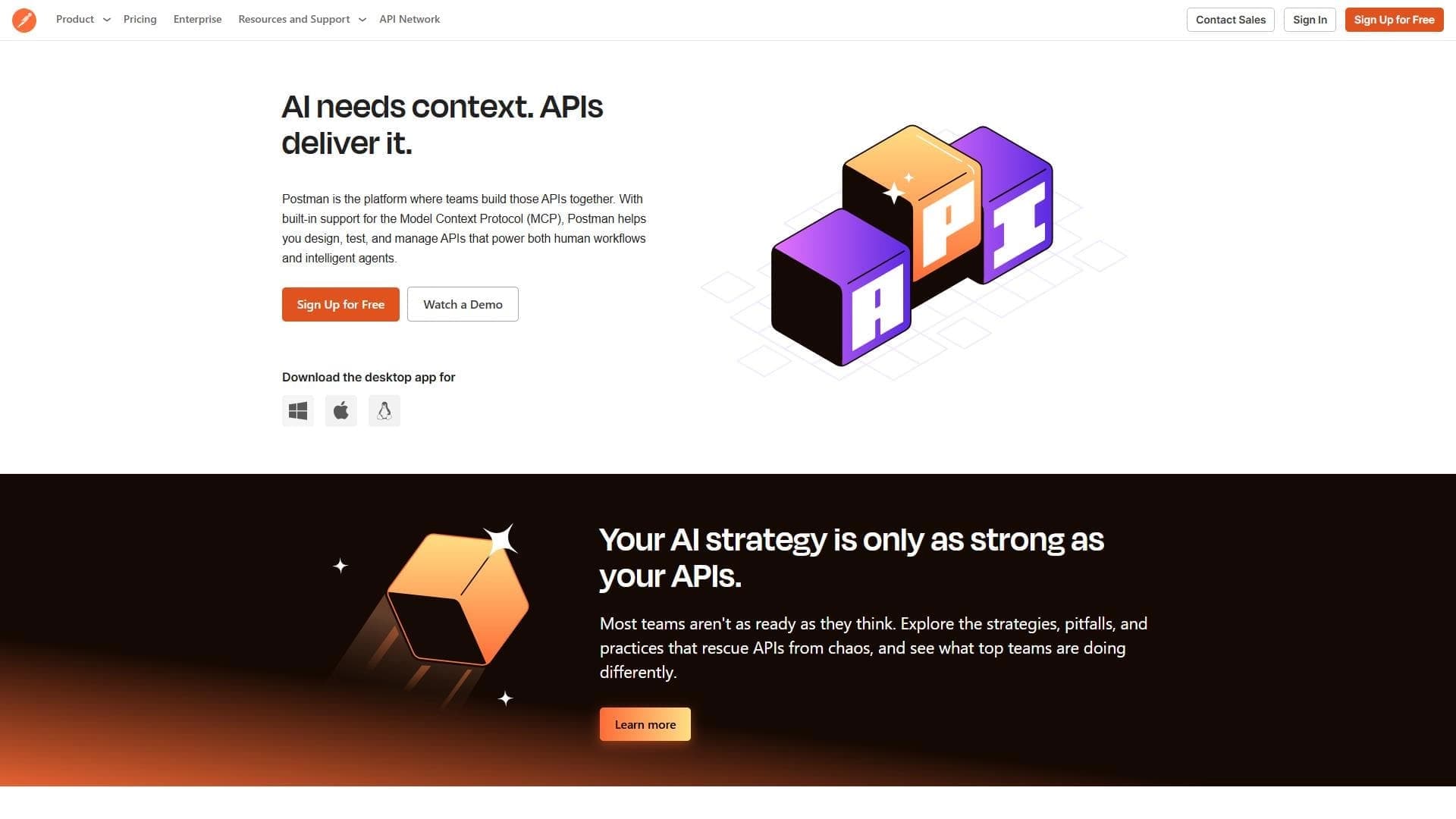
Postman is a platform for creating, testing, and automating work with APIs. The tool lets developers and testers send HTTP requests, manage environment variables, group requests into collections, and automate checks with built-in scripts. Postman also supports integration with CI/CD systems and documentation generation, making it a universal solution for working with APIs at all stages of development.
Postman Characteristics
| Characteristic | Value |
|---|---|
| Categories | API and integrations, testing and test cases, documentation and comments |
| Website | www.postman.com |
| Publication date | August 3, 2025 |
| Distribution model | Freemium |
Who is Postman AI for?
Developers
Postman is primarily aimed at developers who need to quickly send requests to APIs, debug integrations, and verify that the backend works correctly. The tool helps reduce time spent on manual testing and simplifies working with various endpoints.
Testers
For testers, Postman provides the ability to create automated check scenarios using built-in scripts. This makes it possible to verify that an API meets requirements without writing a separate test infrastructure.
Teams of any size
The platform suits both small startups and large enterprise teams. Shared workspaces, collections, and the ability to publish documentation simplify communication within a team and standardize API workflows.
How to use Postman AI?
Creating a workspace
Start by creating a workspace or importing an existing collection of requests. Workspaces let you organize projects and manage access for different team members.
Configuring environments
Set up environment variables for different development stages (local environment, staging, production). This lets you switch between environments without manually changing parameters in each request.
Testing and automation
Build HTTP requests in the built-in editor and check them in real time. For automation, use built-in scripts that run before or after a request is sent. Completed collections can be published as documentation or shared with your team.
Postman Core Features
Creating and testing HTTP requests
Postman supports all major HTTP methods (GET, POST, PUT, DELETE, and others) and lets you add headers, parameters, and request bodies in a convenient interface. Request results are displayed with formatting and syntax highlighting.
Test automation with scripts
The built-in script engine based on JavaScript lets you write checks for API responses: validate status codes, headers, response body structure, and content. Scripts can be run individually or as full sets.
Managing variables and environments
Variables let you parameterize requests (for example, base URL, authorization tokens, IDs). Environments group sets of variables, making it easier to switch between different development environments.
Integration with CI/CD and version control systems
Postman supports running collections through Newman (a CLI tool), which makes it possible to embed API tests into CI/CD pipelines. Collections can also be imported and exported for use with version control systems.
Postman Advantages
Convenient interface
The intuitive request editor with autocomplete, syntax highlighting, and response visualization speeds up API development and debugging. No deep command-line knowledge is required.
Flexible automation
Built-in scripts and Newman support allow you to set up API test automation of almost any complexity — from simple status-code checks to multi-step scenarios with request chains.
Collaboration and documentation
Postman simplifies teamwork: collections can be published, synchronized, and commented on. Documentation is generated automatically from collections and is available for viewing and integration.
Postman Disadvantages
Performance with large amounts of data
Postman may slow down when actively working with many tabs or large responses. Developers recommend closing unused tabs to optimize performance.
Complexity of complicated scenarios
Although Postman supports automation, implementing truly complex multi-step scenarios with branching logic can require considerable effort in writing scripts and configuring request chains.
Limitations of the free plan
As a freemium tool, Postman has limitations on the free plan — for example, on the number of requests per month and the range of team features, which can be critical for large projects.
What Tasks Does Postman Solve?
Creating and testing API interactions
Postman lets you quickly check whether an endpoint works correctly, what data the server returns, and how it responds to different input parameters. This is a basic but key use case.
Grouping requests and configuring environments
The tool helps organize requests into logical collections by project or module, as well as configure environment variables so you can test the same API across different environments without duplicating data.
Test automation
Using built-in scripts, Postman automates API response checks: validating response codes, data formats, required fields, and business logic. This reduces the burden of manual testing during regression checks.
Postman Pricing
Postman is distributed under a freemium model. Basic functions are available for free; however, the exact prices of paid plans and the list of features available at each level are not specified in the provided data. For current pricing information, please refer to the official website www.postman.com.
Postman Terms of Use
The platform's terms of use include standard provisions on account registration, creating workspaces, and restrictions on the free plan. Detailed terms (license agreement, privacy policy, commercial use rules) are published on Postman's official website.
Postman Availability
Postman is available as a web application and as a desktop client for major operating systems. The tool has a website at www.postman.com; the latest updates were published on August 3, 2025. Official tutorials are available for learning the functionality, and you can keep up with new features through the platform's updates channel.
How Postman Differs from Similar Tools
A broad set of built-in tools
Unlike many narrowly focused solutions, Postman combines a request editor, a test-writing environment, a documentation generator, and collaboration tools in one platform. Users do not need to install several separate utilities.
Script-based automation with JavaScript
Built-in JavaScript support for writing tests and pre-request scripts offers more customization options than tools with fixed check templates. This lets you tailor automation to specific business requirements.
Collections as the basis for documentation
Postman lets you turn request collections into interactive documentation that can be shared with a team or published for external users. Similar solutions often require separate setup and are not directly tied to test requests.
Conclusion
Postman is a multi-functional platform for working with APIs that covers the key needs of developers and testers: from creating and debugging HTTP requests to test automation and documentation generation. The freemium model, collection support, script-based automation, and CI/CD integration make Postman a sought-after tool for teams of any size. When working with large volumes of data, it is worth considering possible performance limits, and for mastering complex scenarios, it is recommended to study the official tutorials and follow platform updates.
Frequently asked questions
Similar AI tools
See also
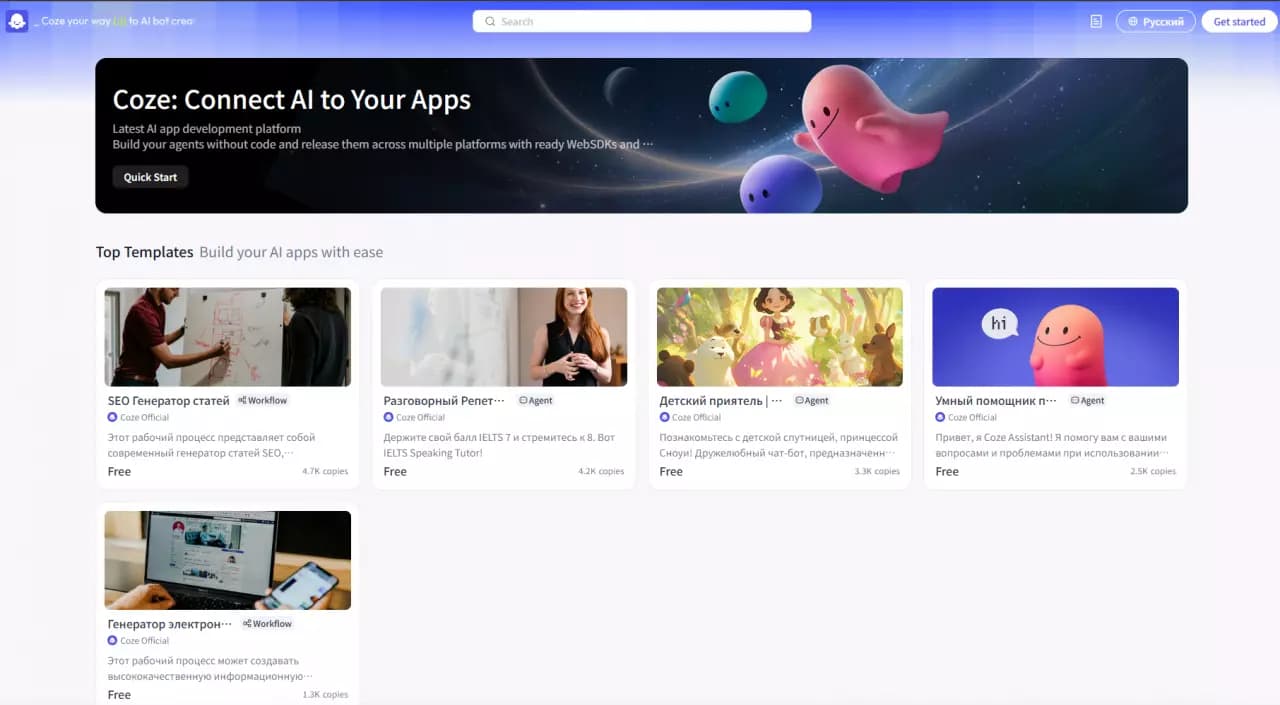

Platform for building AI chatbots with a visual builder that requires no coding skills.

Open-source platform for integrating data from various sources into data warehouses and analytics systems.
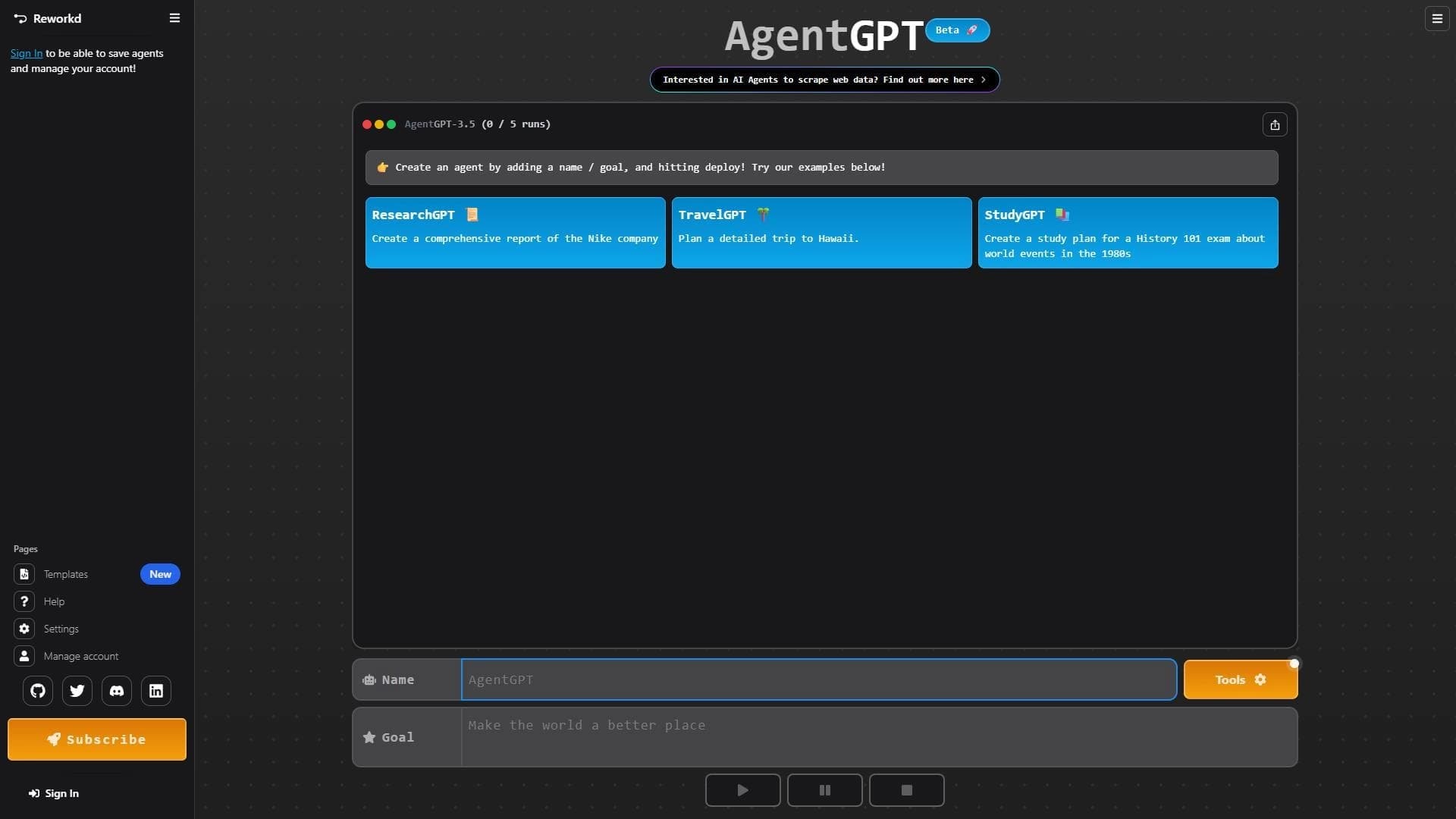

Platform for creating and launching autonomous AI agents that independently complete tasks on the internet.

Web interface for testing and prototyping based on Google's artificial intelligence models.
Enterprise language model platform focused on privacy and on-premise deployment.
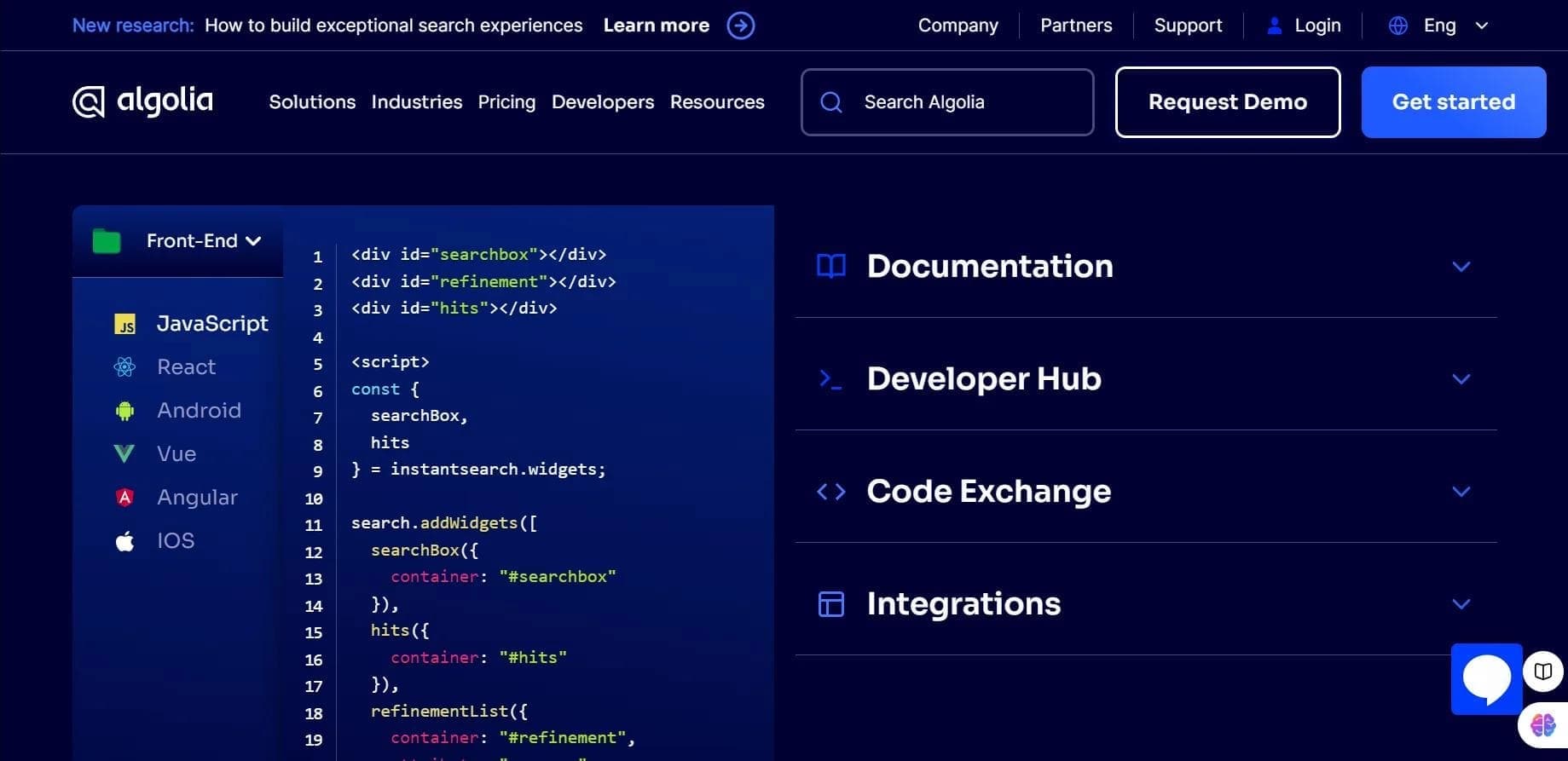

Algolia is a cloud search platform that helps add fast, relevant search with autocomplete and personalization to websites and apps.

Platform for creating, training, and deploying computer vision models.

A workflow automation platform that connects thousands of apps without requiring coding.