
Motion AI
AI-powered task and calendar planner for automatic schedule management.
Overview
Motion AI
Description of the Motion AI neural network
Motion AI is an intelligent task and calendar planner that handles the routine work of organizing your working time. Instead of manually setting priorities, rescheduling meetings, and looking for windows for deep work, the user delegates these processes to the algorithm.
The AI analyzes workload, task deadlines, and the importance of each item, and then automatically builds the optimal schedule. If something goes off plan — a meeting is moved, a task takes longer — Motion AI instantly rearranges the rest of the day. The platform syncs tasks with your calendar and adapts to changes in real time.
The solution suits both individual use and team work, helping to reduce time spent on planning and increase overall productivity.
Motion AI characteristics
| Characteristic | Value |
|---|---|
| Type | Task and calendar management |
| Category | Business, Chatbot |
| Transformation | Text-to-Text |
| Tasks | Content analysis, business task automation |
| Platforms | Web interface, mobile applications (iPhone, Android), desktop versions |
| Integrations | Gmail, Zoom, Slack |
| Free plan availability | 7-day trial period |
| API availability | Yes |
Who is Motion AI suitable for?
Teams looking to optimize their schedule
Motion AI is especially useful for teams with lots of meetings, calls, and approvals. The tool helps teams sync participants' schedules, automatically find common time slots, and minimize scheduling conflicts. This reduces planning chaos and lets teams focus on meaningful work rather than coordination.
Users who want to simplify planning
If you are tired of manually maintaining a to-do list, rescheduling tasks, and tracking deadlines, Motion AI will take over these functions. The system is suitable for those who want to focus on priority tasks and not spend time on organizational details. This is especially relevant for freelancers, managers, and professionals with busy schedules.
How to use the Motion AI neural network?
Getting started and setup
To use the service, you need to register, after which a 7-day trial period begins. At the start, Motion AI suggests connecting your calendar and integrations (Gmail, Zoom, Slack) so the algorithm can access existing meetings and tasks. Then the system learns your planning habits and begins to automatically build a schedule.
Daily use
In daily-use mode, the user only needs to add tasks and set deadlines — the algorithm does the rest. Motion AI sets priorities, fits tasks into free time slots, and reschedules them when necessary. You can access the service from any device: web interface, iPhone, Android, or desktop applications.
Main features of Motion AI
Automatic task prioritization
The algorithm analyzes each task by deadlines and importance, then arranges the to-do list in the optimal order. The user does not need to decide what to do first — the AI handles it.
Calendar management and task synchronization
Motion AI links tasks to your calendar and automatically allocates time to complete them. The system ensures that tasks do not conflict with meetings and are distributed evenly to prevent overload.
Project planning and progress tracking
The platform allows you to break projects into individual tasks, assign them to team members, and track progress. This makes the tool useful not only for personal planning, but also for managing small team projects.
Meeting assistant and dynamic adaptation
Motion AI minimizes the number of meetings and sets aside blocks for focused work. If the schedule changes, the AI instantly rearranges the remaining tasks and notifies the user of the new plan.
Advantages of Motion AI
Time savings
According to the service, scheduling automation can save up to 30 days a year. This is time that previously went into manually coordinating meetings and rescheduling tasks.
Protection from overload
The system monitors workload and prevents tasks and meetings from overlapping. If the day becomes too full, Motion AI automatically moves less important items to another time.
Better focus
By setting aside separate blocks for deep work, the user can focus on important tasks without constant switching. The tool takes care of organizational routine.
Flexibility for collaboration
Motion AI supports teamwork: assigns tasks, synchronizes team calendars, and tracks project completion. More than 50,000 users from large companies already use the platform in their work.
Disadvantages of Motion AI
Motion AI is a functional tool, but it has a number of limitations worth considering when choosing. First, the service does not offer a fully free plan — only a 7-day trial period is available, after which a paid subscription is required. Second, to work effectively, the system needs access to your calendar and integrations, which may raise concerns about data privacy. In addition, the interface and website are in English, which may be a barrier for Russian-speaking users.
What tasks does Motion AI solve?
Automating planning and optimizing schedules
The main purpose of Motion AI is to eliminate manual planning. The AI builds a schedule by itself, taking into account all meetings, deadlines, and priorities, and then adjusts it when changes occur.
Task and project management
The platform lets you maintain task lists, break projects into stages, assign people, and track progress. This covers the basic needs of team management without requiring separate services.
Synchronizing tasks with your calendar
Motion AI bridges the gap between the to-do list and the calendar: every task automatically gets a time slot, and any schedule changes are immediately reflected in your plans for the day, week, or month.
Motion AI pricing
The service operates on a freemium model and offers paid plans. After the 7-day free trial, the user can choose one of two subscription options:
- Pro AI plan: $29/month with annual billing or $49/month with monthly billing. Suitable for individual users.
- Business AI plan: $69/month per user with an annual subscription or $39/month with monthly billing. Designed for team use.
Subscription can be canceled in one click with no hidden conditions.
Terms of use of Motion AI
To get started, you need to register on the platform. After creating an account, a trial period opens during which you can fully evaluate the service's functionality. At the end of the trial period, you must choose one of the paid plans to continue using the service. API access is provided to extend functionality and integrate with external systems.
Motion AI availability
The service is available on various platforms: via a web interface, mobile apps for iPhone and Android, and desktop versions. Key integrations include Gmail, Zoom, and Slack, allowing Motion AI to fit into your existing workflow. The website and interface are in English — no translator to other languages is provided on the page.
How Motion AI differs from alternatives
Automation instead of manual management
Unlike Asana or Trello, where users plan tasks and track deadlines themselves, Motion AI fully automates the process. The AI builds the schedule and sets priorities on its own, while in classic task managers this remains up to the user.
Deep calendar integration
ClickUp offers project management, but it does not provide the kind of deep calendar integration that Motion AI does. Here, tasks automatically fit into the schedule and account for meetings, which many competitors lack.
Dynamic schedule adaptation
Monday does not automatically adjust schedules when changes occur. Motion AI, by contrast, instantly rebuilds the day's plan when meetings are moved or new tasks are added — that is the main difference and key advantage of the platform.
Conclusion
Motion AI is an effective tool for task and time management that uses artificial intelligence to automate planning. The service is suitable for both individual users and teams looking to optimize schedules and increase productivity. Thanks to dynamic schedule adaptation, automatic task prioritization, and deep integrations with Gmail, Zoom, and Slack, Motion AI stands out among classic task managers. When choosing, it is worth keeping in mind the lack of a free plan and the English-only interface; however, for those willing to invest in saving time, the platform can become an indispensable assistant in daily work.
Pricing
Frequently asked questions
See also
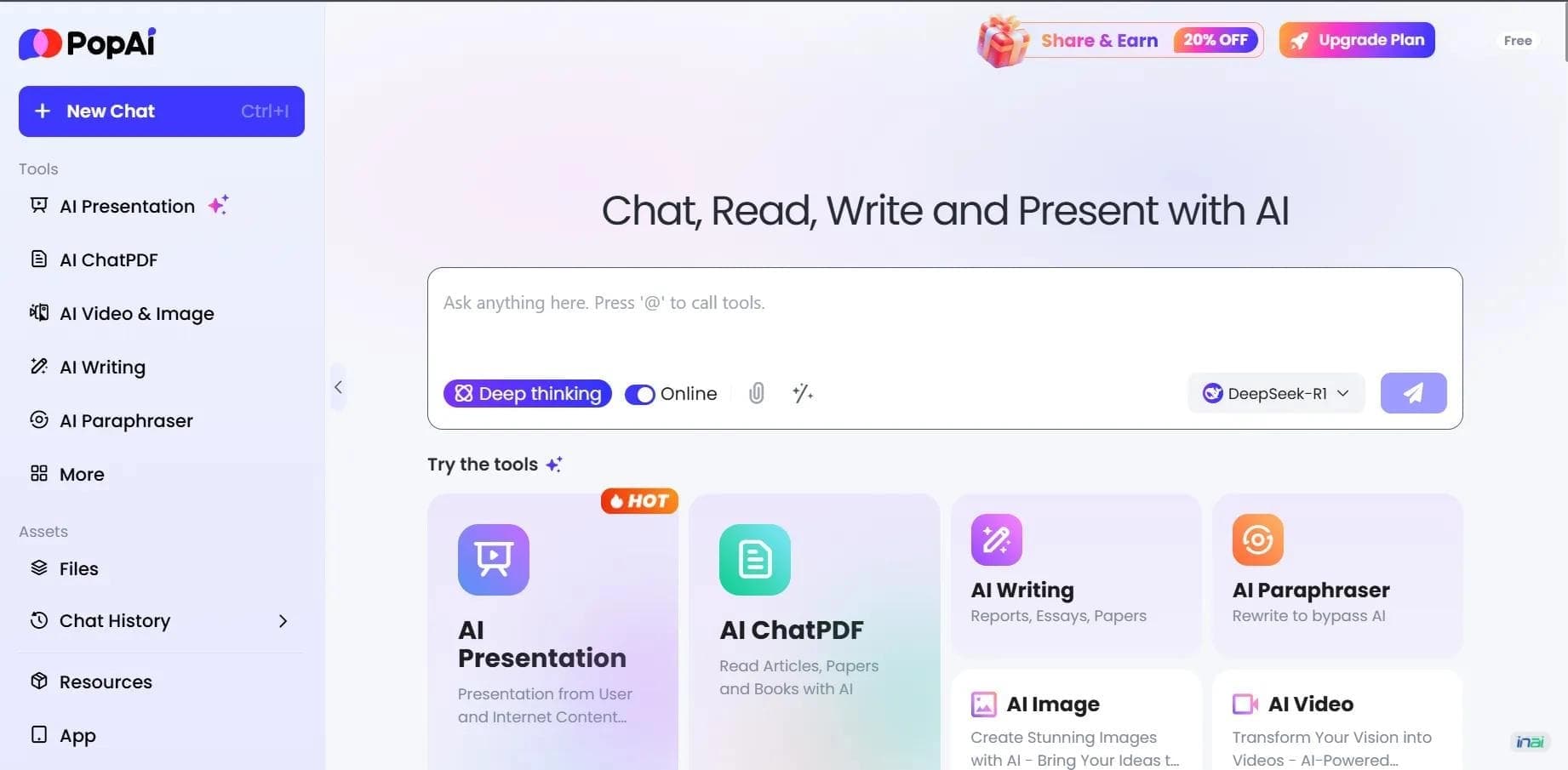

AI platform for working with documents, creating presentations, and generating images.
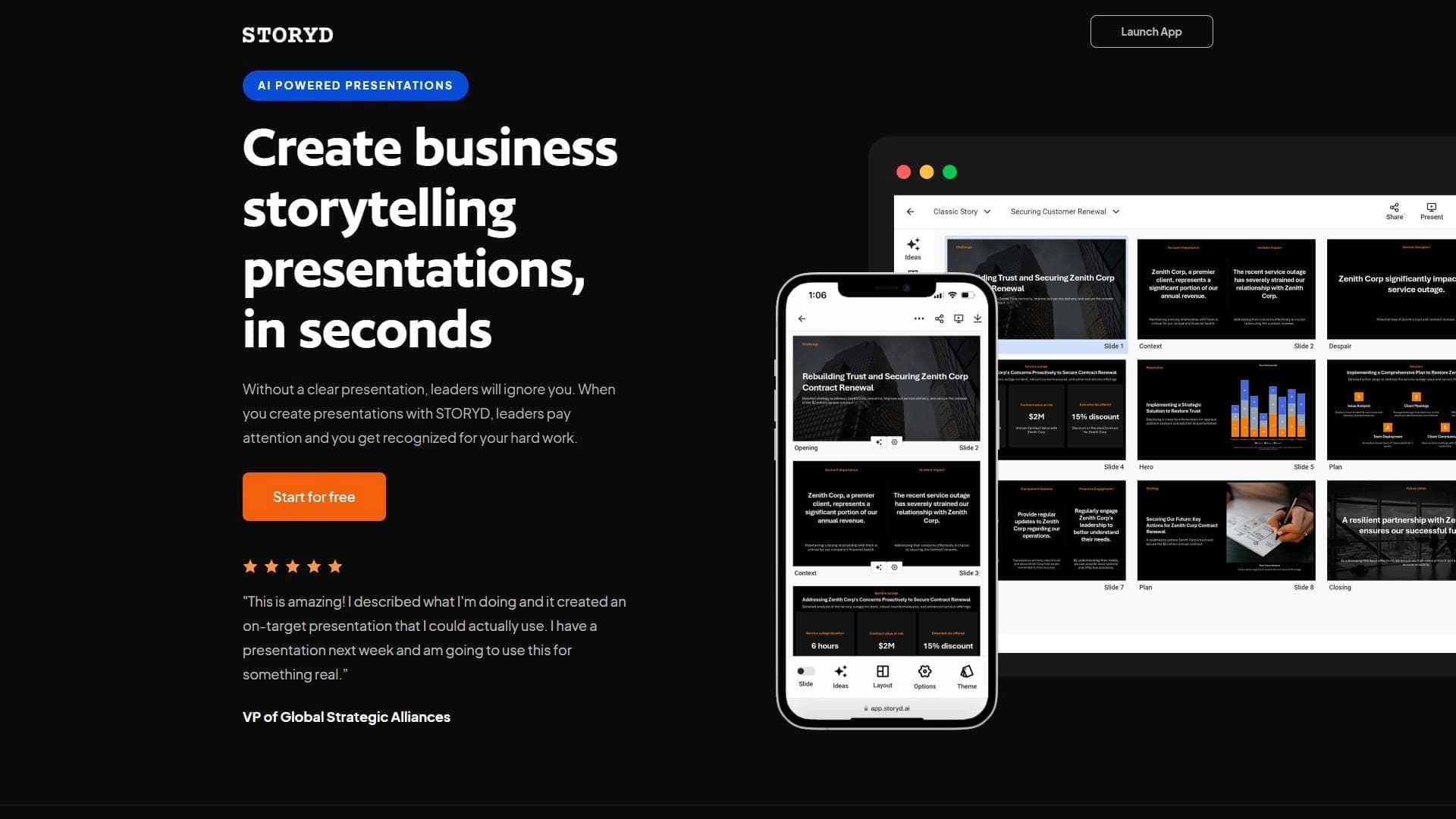

An AI-powered service that turns a brief topic description or bullet points into a structured business presentation in seconds.


A service for storing and organizing digital information with automatic neural network-based sorting.
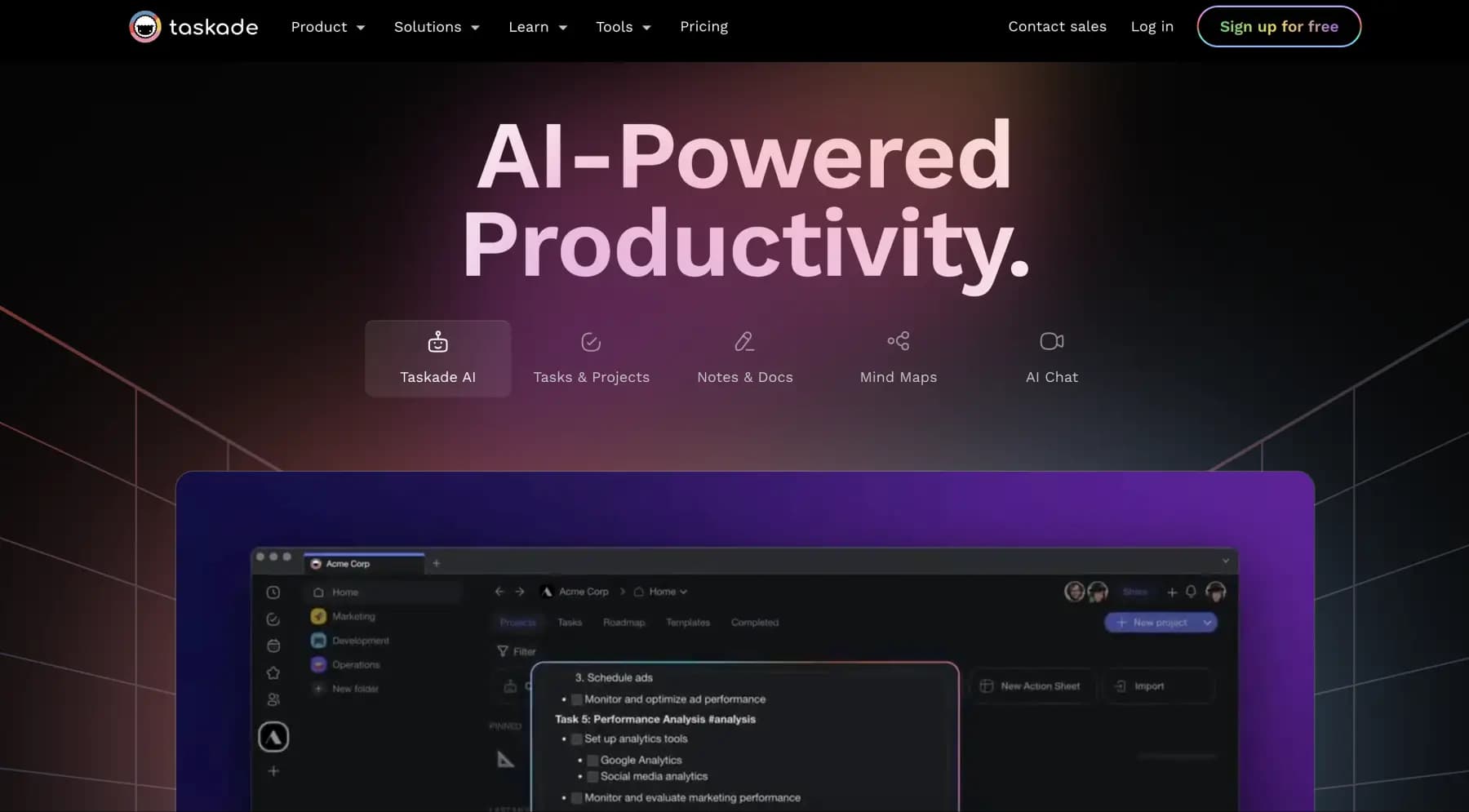
A platform for managing projects and tasks with built-in AI agents and visualization of work in various formats.


AI email assistant that helps quickly draft messages, adapting to the user's style.


A web service that automates job search using artificial intelligence.
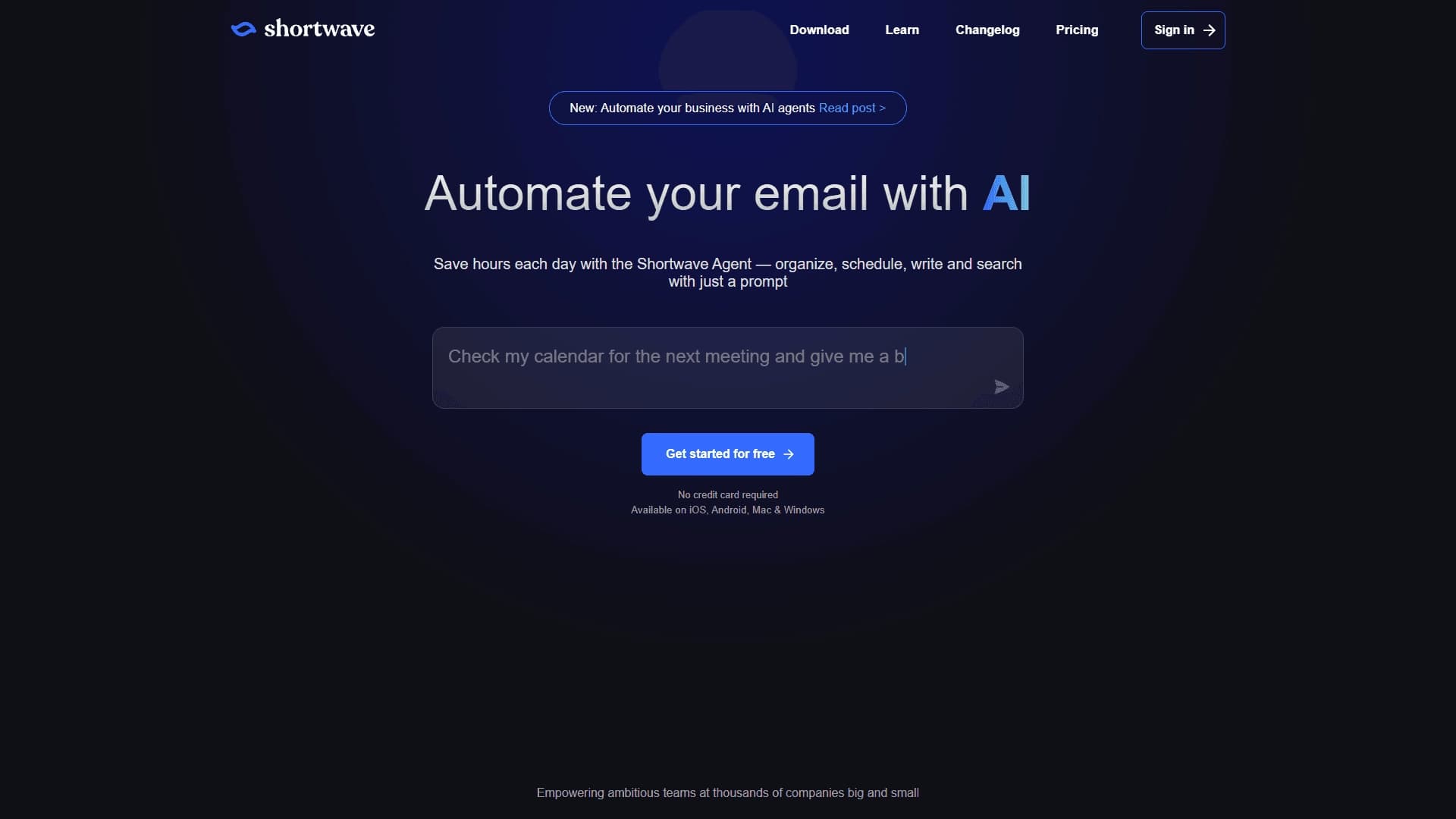

An AI assistant for working with email that automates message sorting and helps quickly compose replies.


Free online platform with over 150 AI tools for working with PDFs, images, videos, and text.